
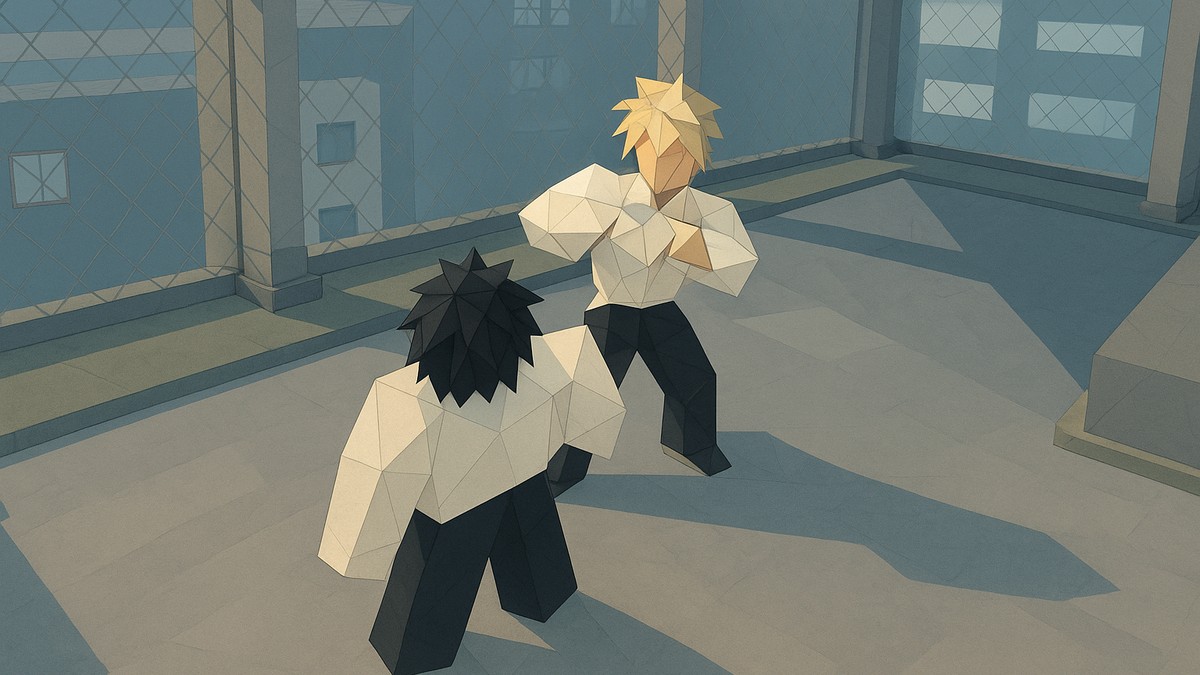
To parry in Gakuran Roblox, enter Fighting Stance, face the attacker, and tap F right before their strike lands to trigger a Perfect Block that avoids damage and briefly stuns them for a counter.
Parrying is the single most important defensive skill in Gakuran, and it comes down to one well-timed press of F. Instead of eating a hit or soaking it with a weak hold-block, a clean parry cancels the damage entirely and hands you a free opening. If you aren’t parrying, you’re losing fights you should be winning.
What a parry does in Gakuran
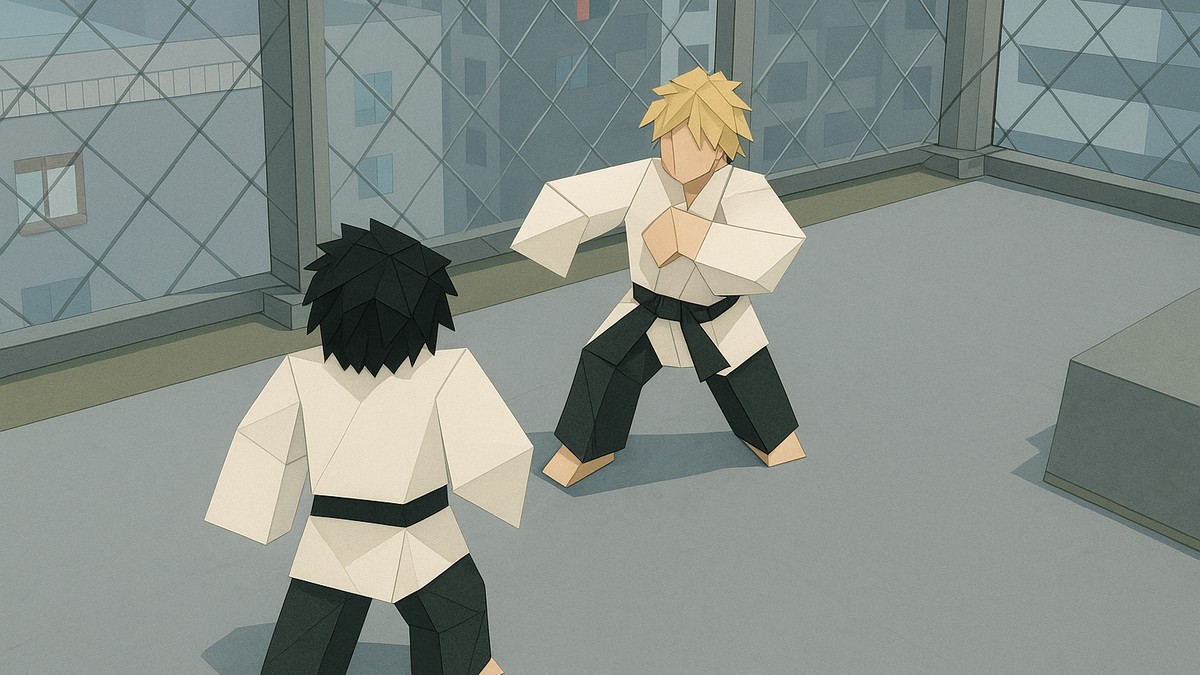
A parry is a timed block you land right as an attack is about to connect. When you press F inside that window while facing the attacker, your block upgrades from a normal block into a Perfect Block — the two terms describe the same result, so don’t let the wording confuse you.
KEY!The payoff is why it matters so much. A successful parry means no damage taken, no block chip, and no posture loss, and it stuns the attacker for about 1 second. That stun is the whole point: it freezes them long enough for you to step in and punish.
Controls you need before parrying
| Control | Use |
|---|---|
| T | Enter Fighting Stance before any combat |
| F | Block, and parry when timed just before the hit |
| M1 (Left click) | Light attack string and your go-to punish after a parry |
| M2 (Right click) | Heavy attack and guard-break pressure; it can’t be stopped by a normal block |
| Q | Dash for spacing and dodging so you can read the swing |
You only need a handful of combat inputs to make parrying work. Everything starts in Fighting Stance — press T before you engage, because attacks and blocks only behave correctly once you’re in stance. From there, F is your block and your parry, and the rest are the tools you use to bait attacks and cash in on the stun.
How to parry with F in Gakuran Roblox
A parry is all about the moment you press F, so face your opponent, watch the swing, and tap block a hair before it lands.
STEP 1/4
Face the attacker
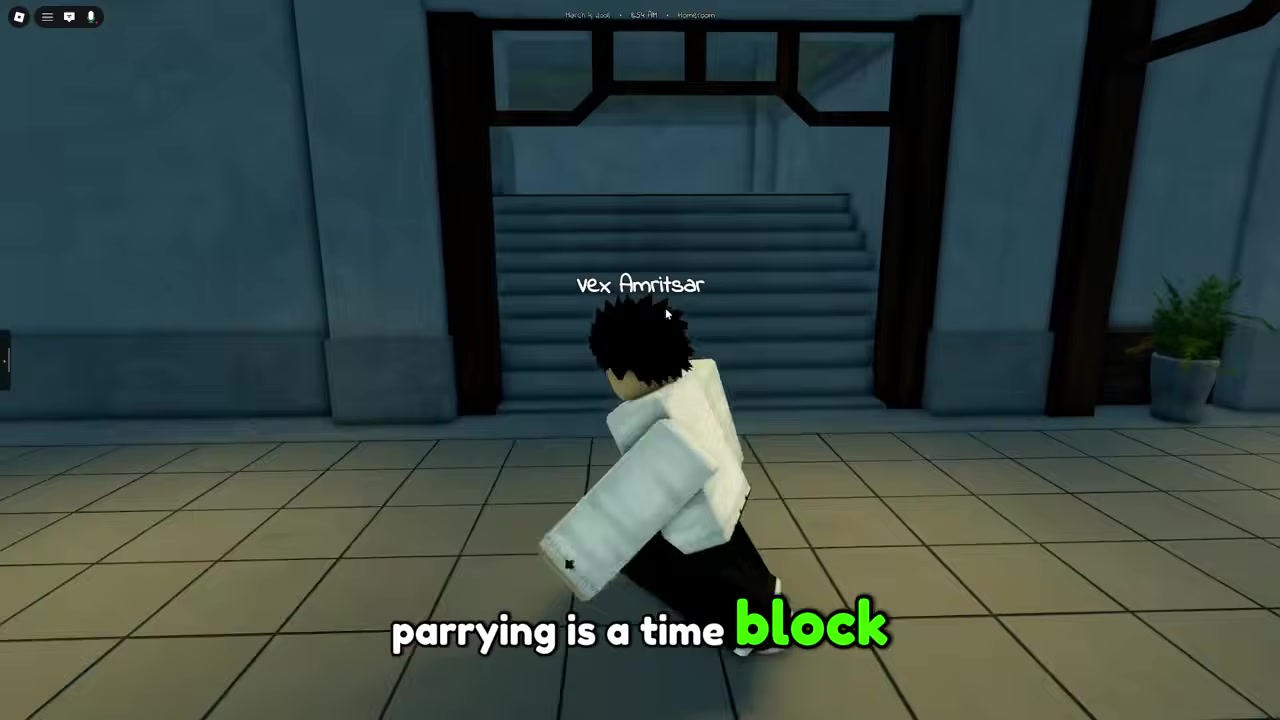
Keep your camera locked on them — turning away makes the block register as normal or fail outright.
STEP 2/4
Wait for the strike to commit
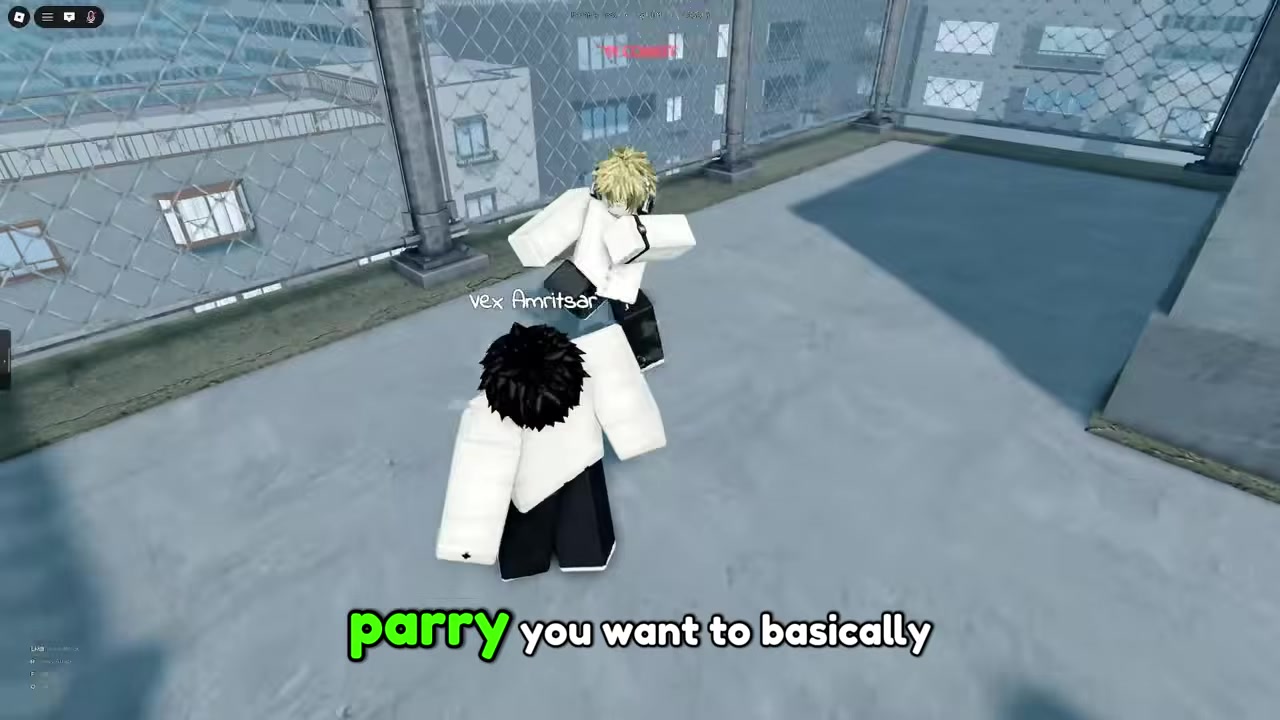
Don’t block early; let the opponent’s attack, usually an M1, actually start toward you.
STEP 3/4
Tap F just before the hit lands
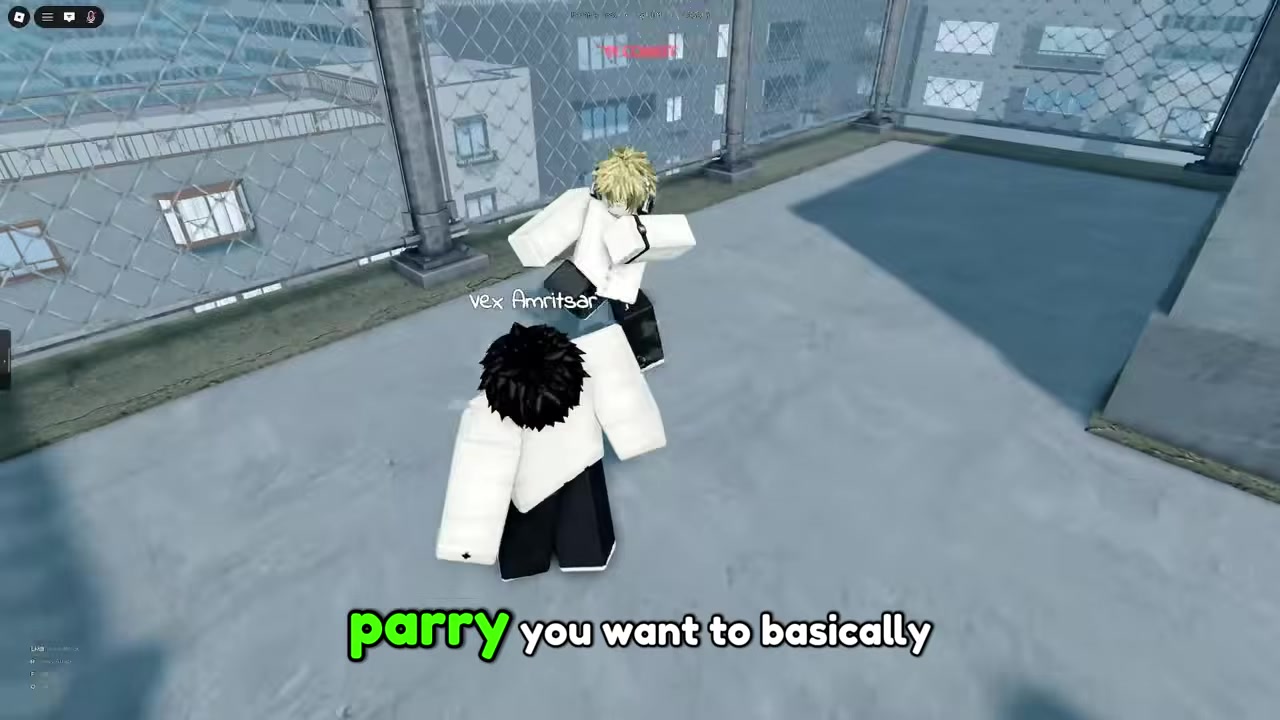
Press F a beat before contact, not as a reaction after you’re hit, to trigger the Perfect Block.
STEP 4/4
Counter during the stun
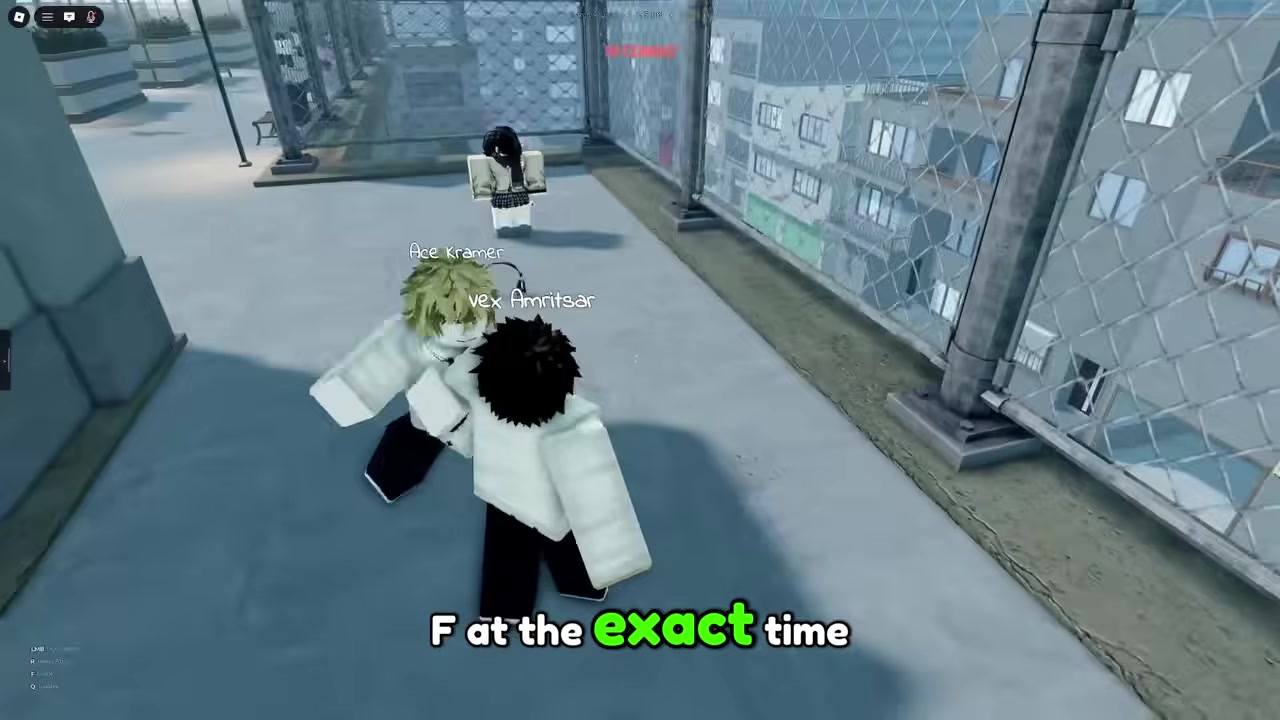
The parry freezes them for about a second — immediately answer with an M1 string or skill chain.
Video help
Timing and spacing that make parries land
| Mistake | Fix |
|---|---|
| Blocking too early | Wait until the swing is about to connect before tapping F |
| Reacting after the hit lands | Read the wind-up, not the impact |
| Not facing the attacker | Keep your camera on them so the block reads as a parry |
| Standing too close | Back off with Q so you can see the animation |
| Holding F to turtle | Tap F once per incoming strike |
| Panic-clicking M1 | Break your rhythm so it isn’t a predictable string |
Almost every failed parry comes down to timing or positioning, not bad luck. Blocking too early just puts up a normal block, and reacting after the hit is already too late — you have to read the wind-up and press F right as the swing is about to connect. Spacing matters just as much: stand a little back so you can actually see the animation start, and dash with Q if you’re jammed too close to read it. The exact size of the parry window isn’t a fixed number you can memorize, so treat this as timing you drill until it’s muscle memory. Taller builds get a slightly easier read because their own attacks are slower.
The other big trap is turning defense into a habit. Holding F and turtling turns every block into the weak version and makes parry timing impossible, and panic-clicking M1 in a predictable string just feeds a better player the exact rhythm they need to punish you.
Back off with Q to give yourself room to read the swing, then tap F once right before it lands — reading the wind-up beats reacting to the hit every time.
Punishing after a successful parry
The stun is your reward, so use it. The instant a parry lands and the attacker freezes, open up with an M1 combo or a skill chain — hesitate and the second of stun is gone. This is where fights swing, because you’re now hitting a defenseless opponent for free.
Once the basic punish feels natural, start layering in mix-ups so opponents can’t just parry you back. Delaying your M1 timing throws off anyone trying to read a clean string, and a 1-2-M2 variant — two M1 hits, a slight pause, then M2 — punishes players who expect another light attack to parry. These are the next combat skills worth practicing after the parry itself.
Normal block versus a Perfect Block
| Defense | Result |
|---|---|
| Normal block (holding F) | Soaks the hit but drains posture; a guard break leaves you open ~2 seconds |
| Early or mistimed block | Reads as a normal block or fails — you take chip and posture damage |
| Perfect Block (timed F) | No damage, no chip, no posture loss, and a ~1-second attacker stun |
It’s easy to think you’re parrying when you’re really just holding block, and the difference is huge. A normal block absorbs the hit but drains your posture, and if that bar empties you take a guard break and stand there defenseless for about two seconds. A Perfect Block spends no posture at all — that’s the entire reason to time it instead of holding it.
Frequently Asked Questions
What button do you press to parry in Gakuran Roblox?
You parry with F, the same key you use to block. The difference is timing — tap it right before the attack connects instead of holding it.
Is a Perfect Block the same as a parry?
Yes. Parry and Perfect Block refer to the same result: a timed block that negates the hit and stuns the attacker. Different players just use different names for it.
Why am I blocking instead of parrying?
You’re most likely pressing F too early, holding it down, or not facing the attacker. A parry only triggers when you tap block a beat before the hit lands while your camera is on the opponent — otherwise it registers as a plain block.
Does parrying drain posture?
No. A Perfect Block costs no posture and takes no chip damage. Only normal blocking drains posture, which is what eventually leads to a guard break.
How long is the enemy stunned after a parry?
About 1 second. It’s short, so start your M1 punish the moment the parry lands rather than waiting.
More questions⤵
Can you parry heavy attacks or M2?
Heavy M2 attacks can’t be stopped by a normal block — they force you to parry, dodge with Q, or eat a guard break. Which attack types are cleanly parryable isn’t consistently the same across every strike, so lean on Q spacing when you’re unsure and save the parry read for attacks you can time.


Leave a Reply