
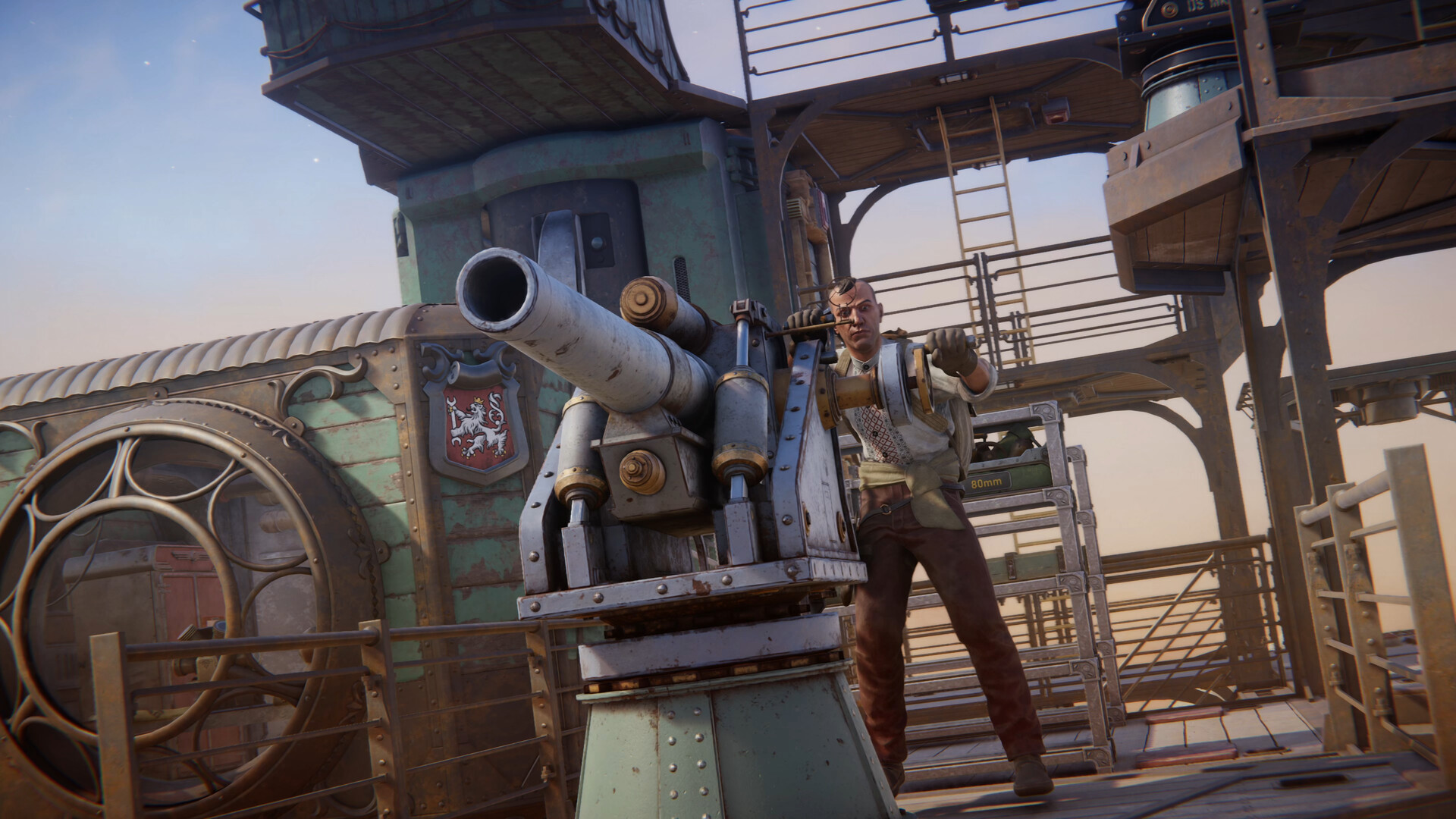
To operate your Trampler, climb aboard and hold F on the reactor switch to power it on, then take the control panel and drive with W to move forward, A/D to turn, and Q/E to strafe.
The Trampler is your mobile walking base in SAND: Raiders of Sophie — a customizable mechanized fortress that carries your crew, loot, and cannons across the dunes. But before you can drive anywhere, you have to bring the reactor online. Once the power is flowing, the rest of the controls fall into place quickly.
What operating the Trampler means
Operating the Trampler comes down to two things: powering the reactor and steering from the control panel. The reactor is the hard requirement — nothing on the chassis moves, fires, or lights up until you hold the switch and bring it online. Once the reactor hums to life, you walk to the control panel, take command, and use a small set of movement keys to pilot your base across the desert.
Power up and drive the Trampler in SAND: Raiders of Sophie
STEP 1/6
Climb aboard and find the reactor
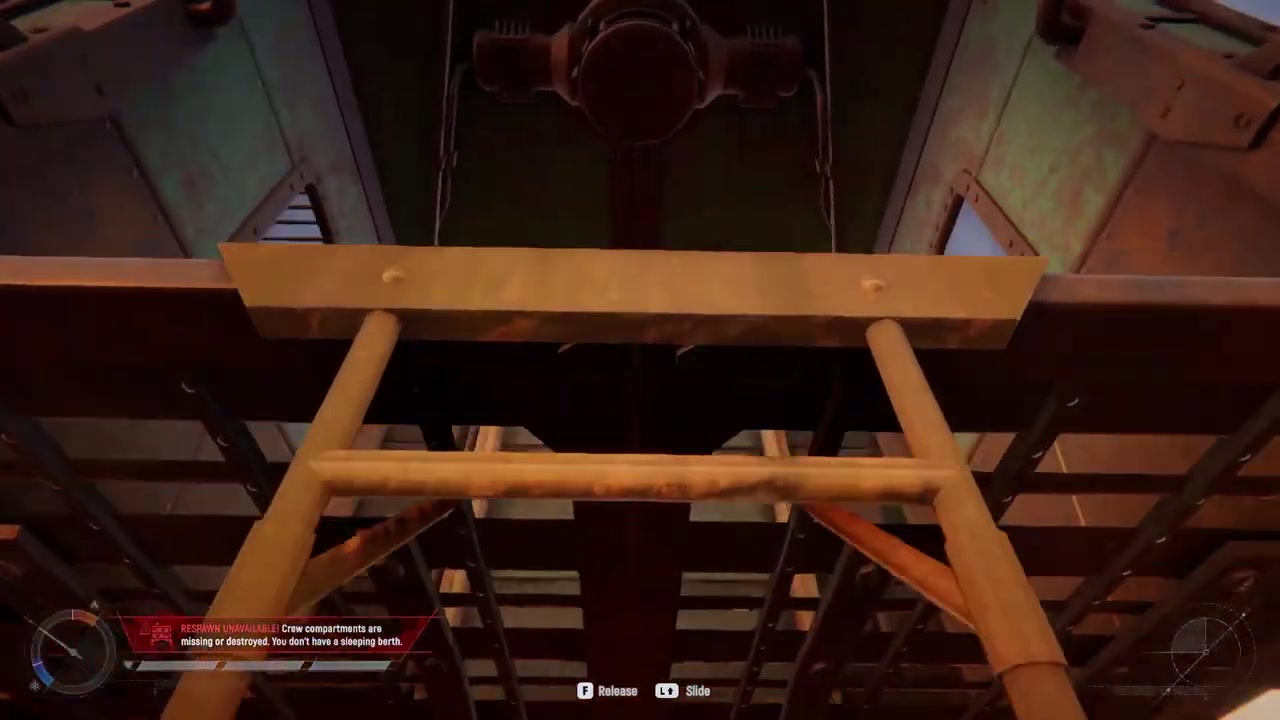
Board your Trampler and locate the reactor, because you can’t drive anything until it’s powered on.
STEP 2/6
Hold F to activate the reactor
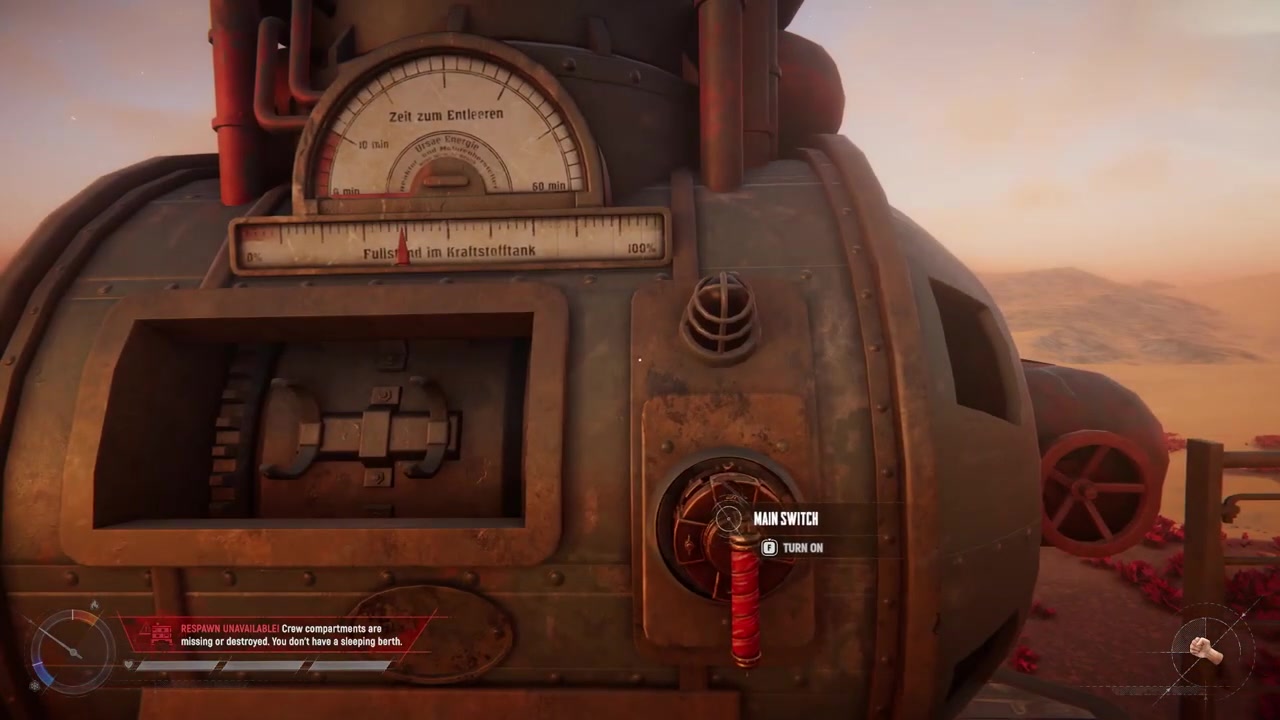
Press and hold the F key on the reactor switch to bring your Trampler’s systems online.
STEP 3/6
Take the control panel
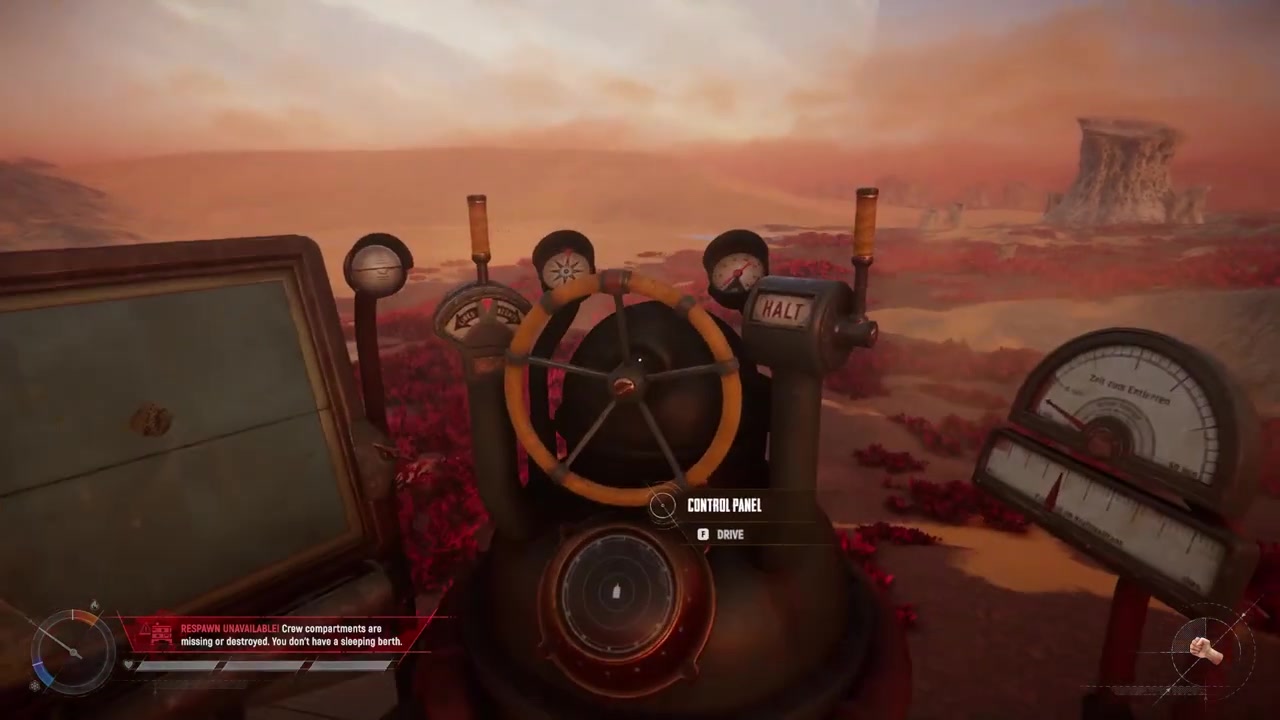
Head to the control panel and interact with it to take command of the Trampler.
STEP 4/6
Press W to move forward
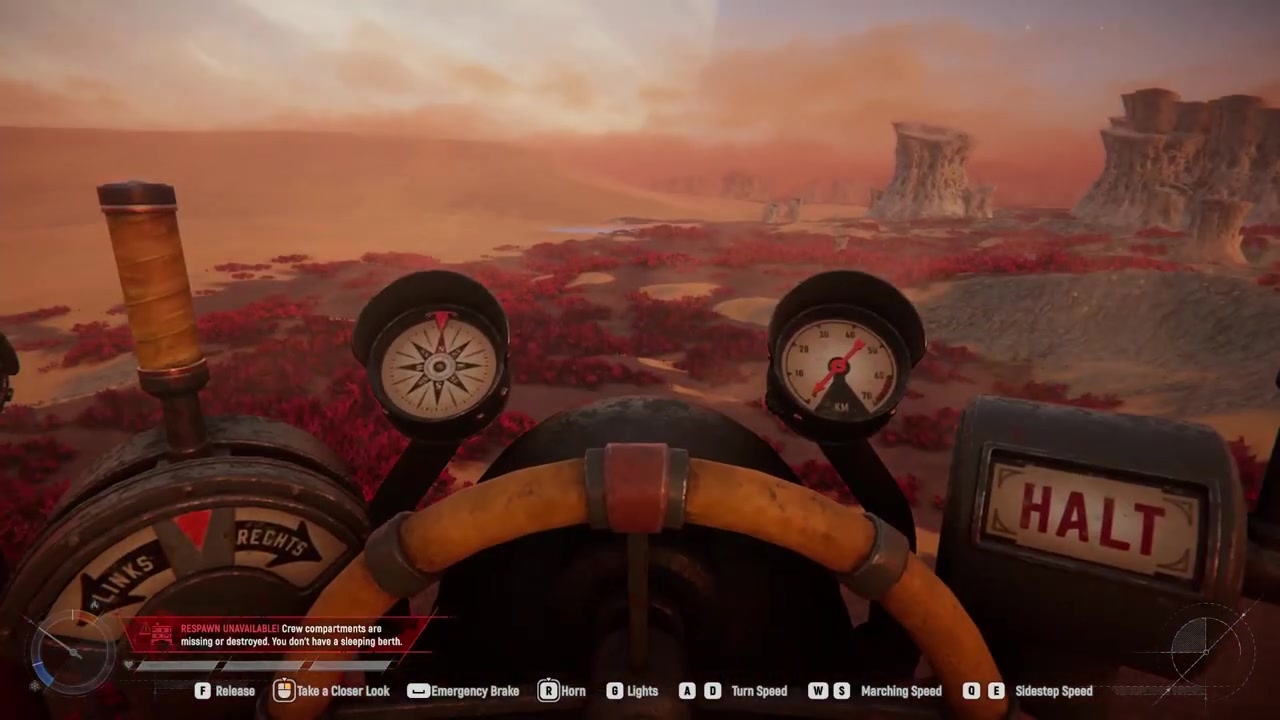
Tap W once to start moving forward, then press it again to increase your speed.
STEP 5/6
Use A and D to turn
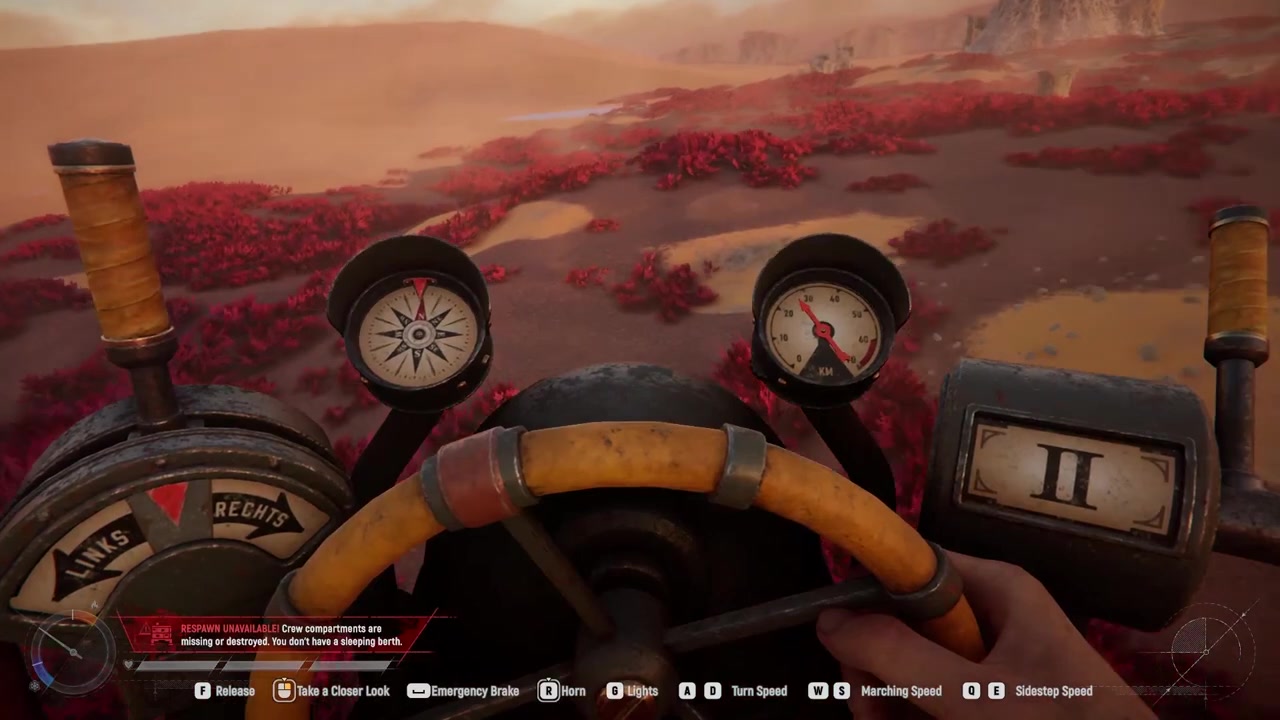
Steer left or right with A and D, and press either key a second time for a sharper turn.
STEP 6/6
Storage with Q and E
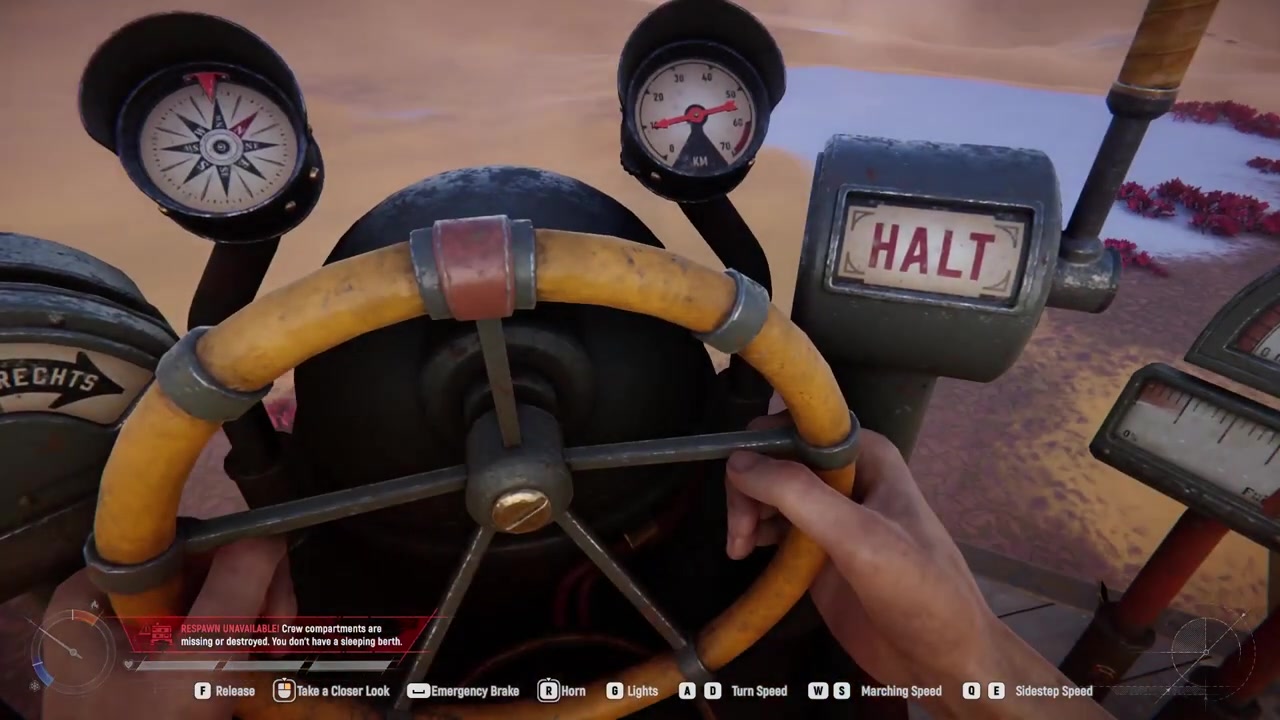
Mode sideways using Q and E to strafe like a crab for precise battlefield maneuvers.
Video help
Every Trampler control on one panel
| Key | What it does |
|---|---|
| F | Hold to activate the reactor and power on the Trampler. |
| W | Mode forward; press again to accelerate. |
| A / D | Turn left or right; press again for a sharper turn. |
| Q / E | Storage left or right. |
| R | Hold to sound the horn and communicate with nearby players. |
| G | Toggle headlights and interior lighting. |
| Built-in map | Mount to the left of the control panel for navigation. |
These keybinds are taken from a PC demonstration. Exact keybinds are not yet documented in official public sources and may differ by platform or after rebinding, so check your settings if a key doesn’t respond as expected.
Leaving the helm for combat, loot, and repairs
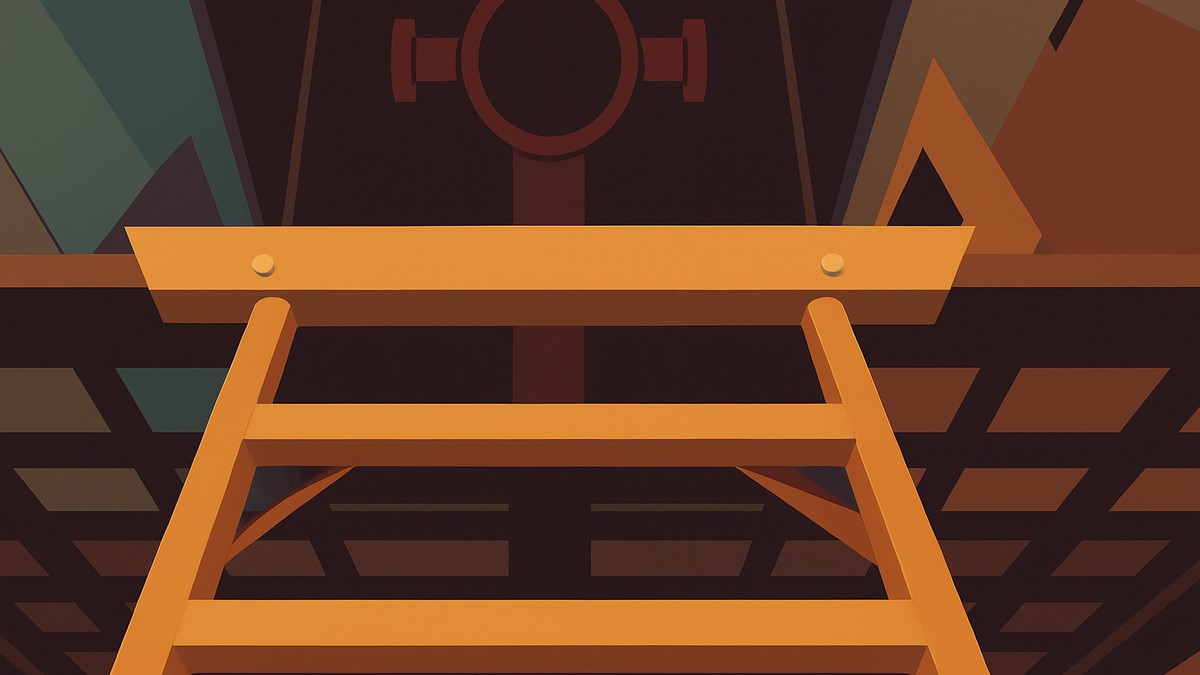
You don’t have to stay glued to the control panel. Once the Trampler is moving, you can step away to man the cannons, sort loot, or perform repairs — just return to the helm whenever you need to adjust course. This is what makes the Trampler feel like a real crewed vehicle rather than a simple mount.
When combat breaks out, head to a weapon station and interact with it to fire using your standard shooting controls. Always match the correct shell type to each gun: if the wrong ammo is loaded, the cannon simply won’t fire. In Trampler-vs-Trampler fights, focus fire on enemy legs first to immobilize them, then shift to cannons to disarm.
Pre-expedition setup: building a drivable Trampler
| Mode | Loot tier | PvP risk / use case |
|---|---|---|
| Voyage Mode | Lower-tier loot | Safer build testing and low-risk exploration. |
| Storm Dive | Higher-tier loot | Higher PvP risk for players chasing better rewards. |
All deployment values and compartment details are still evolving — SAND: Raiders of Sophie enters Early Access on Jun 22, 2026, so expect specifics to shift.
Always activate the reactor before touching the helm. Nothing moves until the reactor is online, so make powering it on your first action every time you board.
Mistakes players make with the Trampler
The most common blunders happen right after boarding. Players forget to activate the reactor or forget to load turret ammo, leaving them stranded or defenseless in the desert. Another trap is assuming a smaller Trampler is faster — community testing during the playtest suggests that size has little to no effect on movement speed, so shrinking your build won’t buy you a speed advantage.
When the Trampler gets disabled, the instinct is to panic and abandon it. Instead, repair legs and pressure pipes behind cover and get back in the fight. And don’t ignore cargo boxes: without them, hauling ammo and loot is painfully inefficient since your character alone carries almost nothing.
Frequently Asked Questions
What key turns the reactor on, and why won’t my Trampler move?
Hold F on the reactor switch to power it on. Your Trampler won’t move until the reactor is running — if the helm does nothing, you almost certainly skipped this step.
Can I leave the controls while the Trampler is moving?
Yes. Once the Trampler is in motion you can step away from the control panel to man cannons, sort loot, or make repairs. Return to the helm whenever you need to steer or adjust course.
What happens if I fall off or step away from the helm for too long?
The Trampler powers down on its own after a while if you leave the controls unattended. In dangerous areas, regain the helm quickly so you aren’t left sitting still.
Do smaller Tramplers move faster than big ones?
Community testing during the playtest suggests that Trampler size has little to no effect on movement speed. A smaller build isn’t currently a meaningful speed advantage, though this may change during Early Access.
How do I sound the horn and toggle the lights?
Hold R to sound the horn, which is handy for signaling nearby players. Press G to toggle both the headlights and interior lighting.



Leave a Reply