
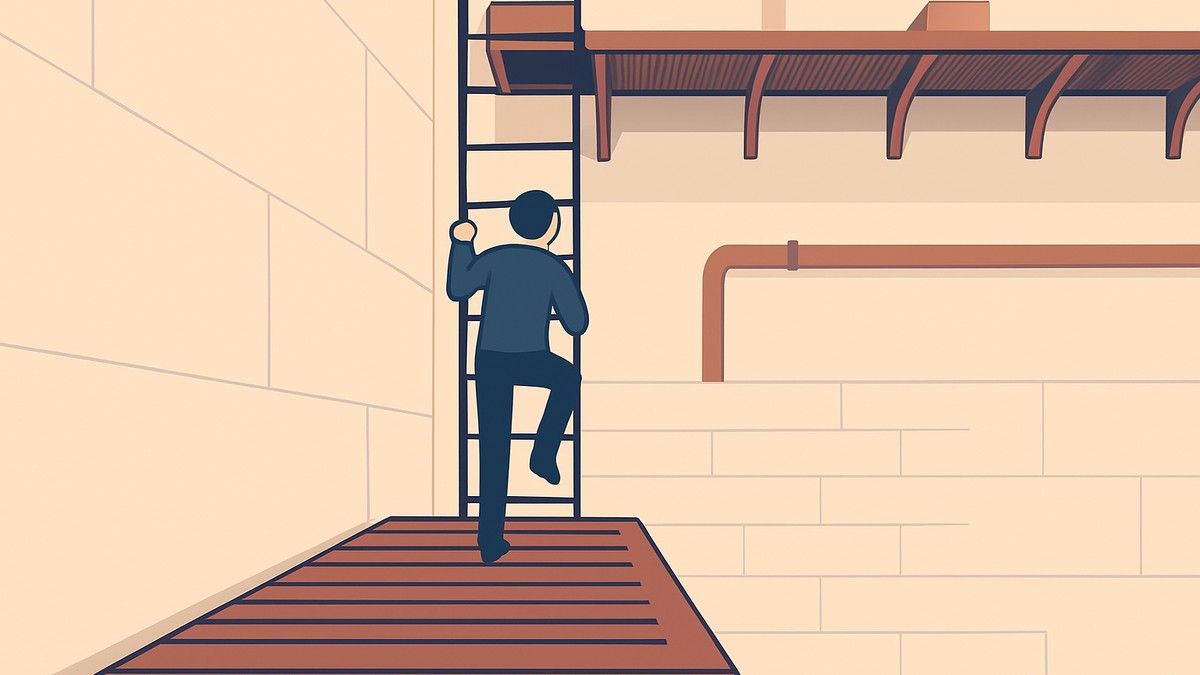
To complete contracts in SAND: Raiders of Sophie, enter a Fort, loot it, pack unwanted items into one crate, place the loaded crate on the contract platform, wait about a minute, then collect the payout when the platform returns.
Contracts are one of the fastest ways to turn a pile of loot into currency in SAND: Raiders of Sophie, and they work nothing like a traditional quest. There are no NPCs to talk to and no objective chain to grind — you simply raid a Fort, load a crate, and send it up for a payout. This guide walks the whole loop in order and covers what to pack, how to protect the reward, and what to do once the platform returns.
What Fort contracts are in SAND
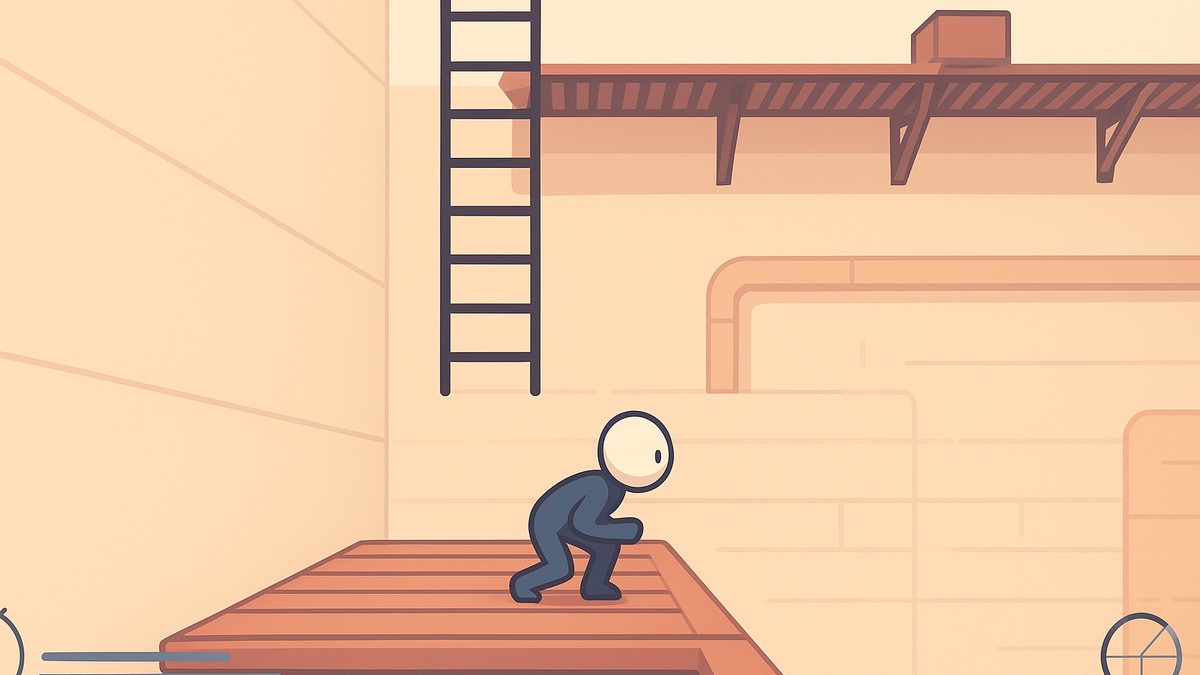
A contract is a Fort-only turn-in system rather than a mission you accept. You clear the Fort, gather loot, drop it into a single crate on the contract platform, and the game pays you back for it. That’s the entire mechanic — no combat objectives, no delivery targets, no marker to chase across the map.
KEY!The appeal is the rate. Sending unwanted loot through a contract generally pays out more than hauling the same items to a shop and selling them, which makes it the better home for surplus gear you were only going to offload anyway. The payout usually comes back as crowns, though some Fort turn-ins are described paying out in Silver instead — either way it lands as spendable currency, and even low-grade loot can be worth well over a thousand.
How to complete a contract in SAND: Raiders of Sophie
The full loop runs from breaking into a Fort to picking up your reward, so follow these in order and you’ll have a contract done in a couple of minutes.
STEP 1/10
Travel to any Fort
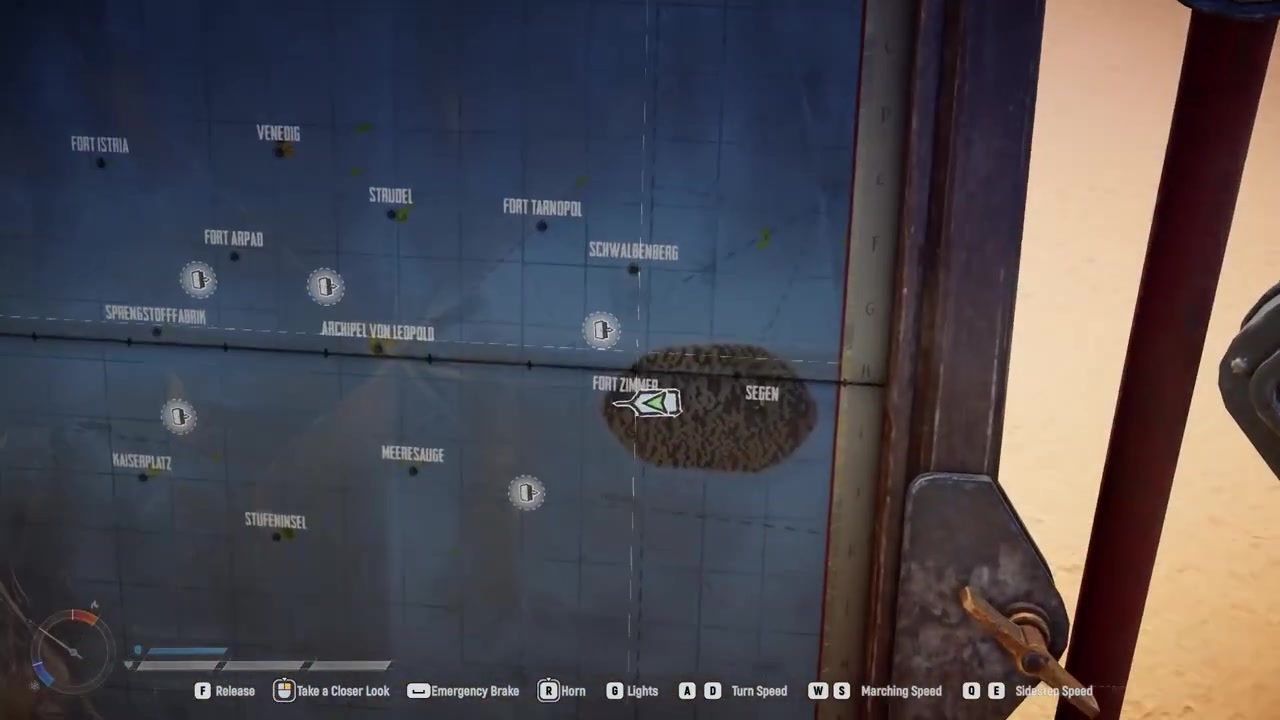
Open the map and drive your trampler to any location whose name starts with Fort — contracts only appear here, not at ordinary points of interest.
STEP 2/10
Blast open the locked gate
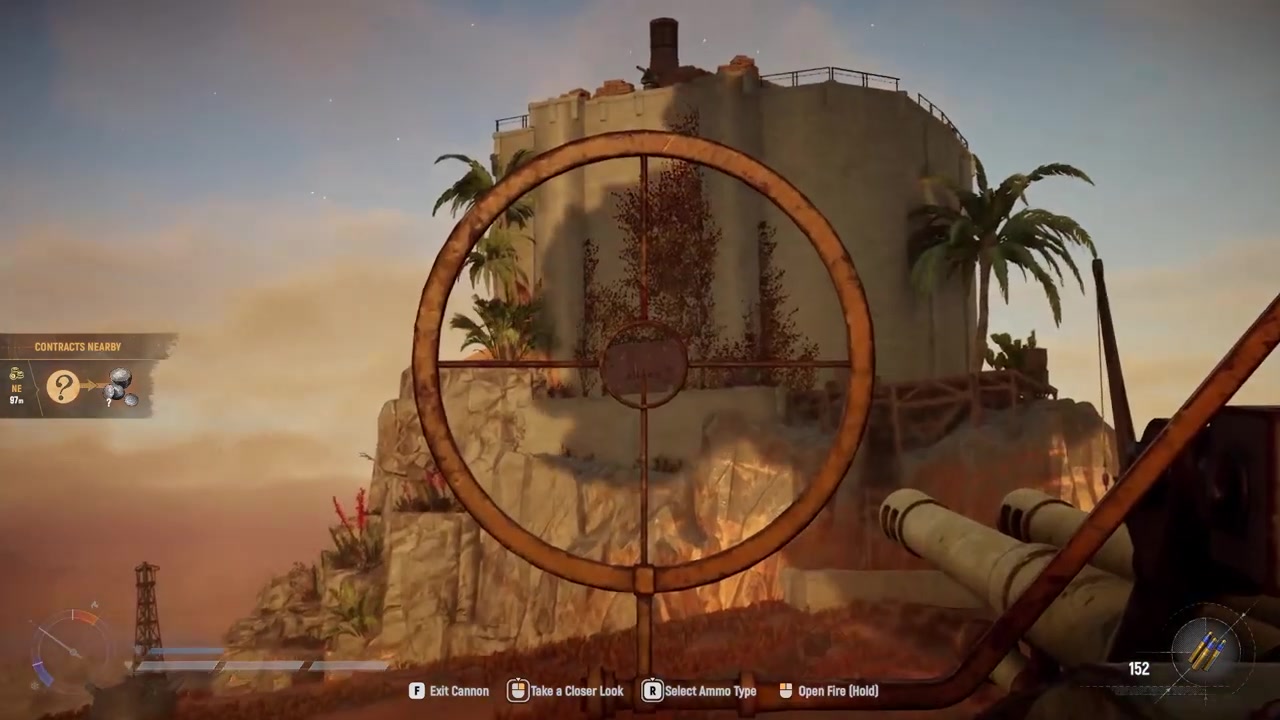
The main gate is locked, so man one of your trampler’s cannons and fire on it to break your way inside.
STEP 3/10
Clear out the defenders
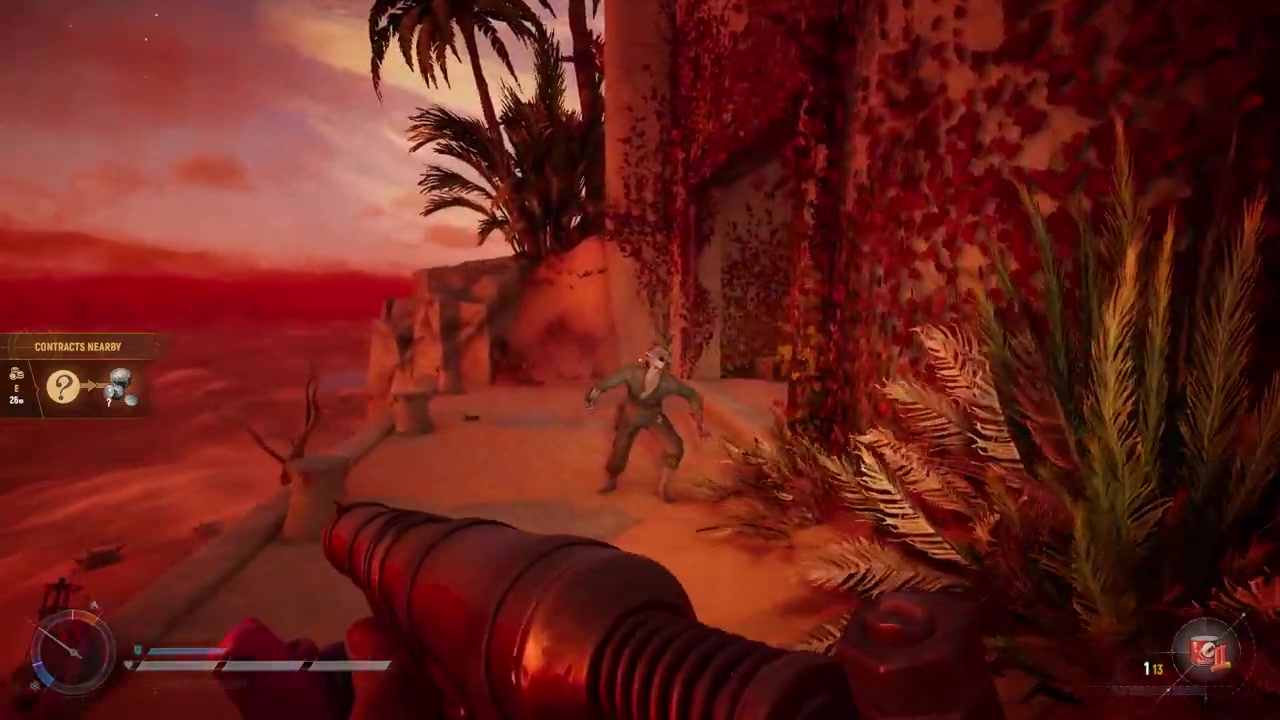
Deal with the enemies guarding the interior before you start hunting for the platform.
STEP 4/10
Follow the contract nearby indicator
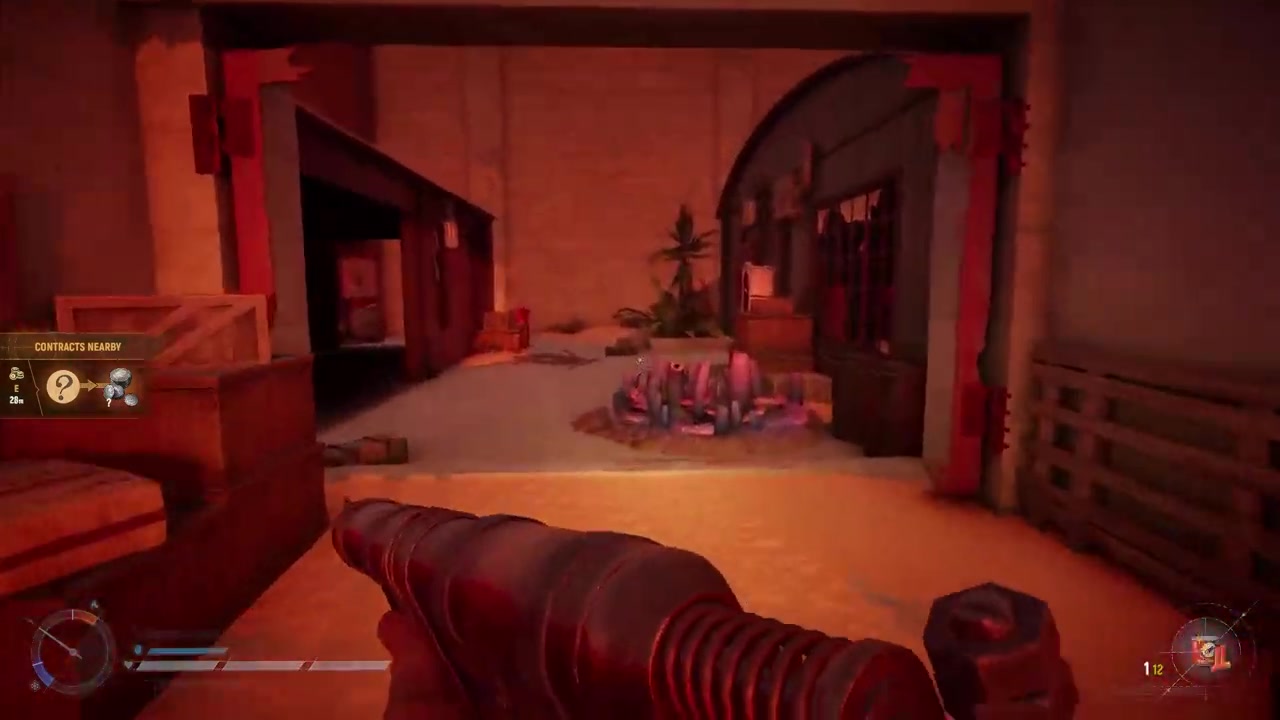
A contract nearby readout on the left of your screen shows your distance to the platform, so use it to steer toward the objective.
STEP 5/10
Loot everything you can
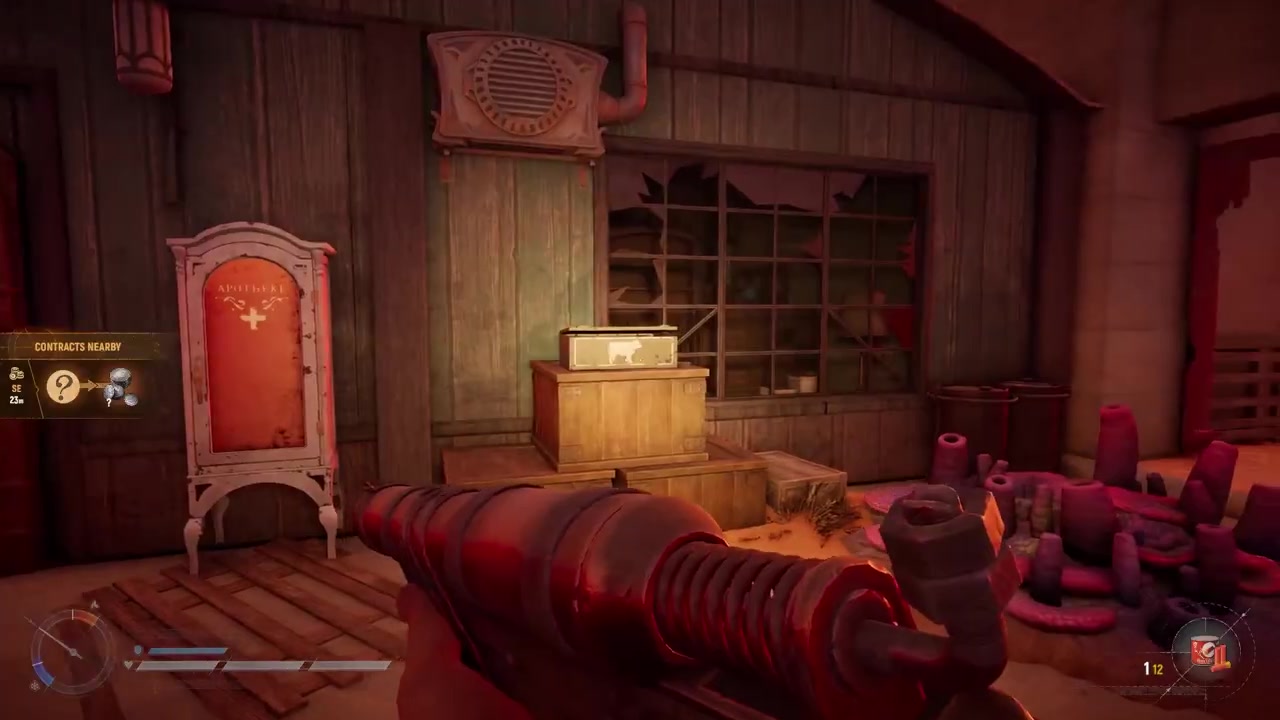
Forts are packed with high-quality loot and you’ll need items in hand to fill the crate, so grab what you find on the way up.
STEP 6/10
Find the contract platform
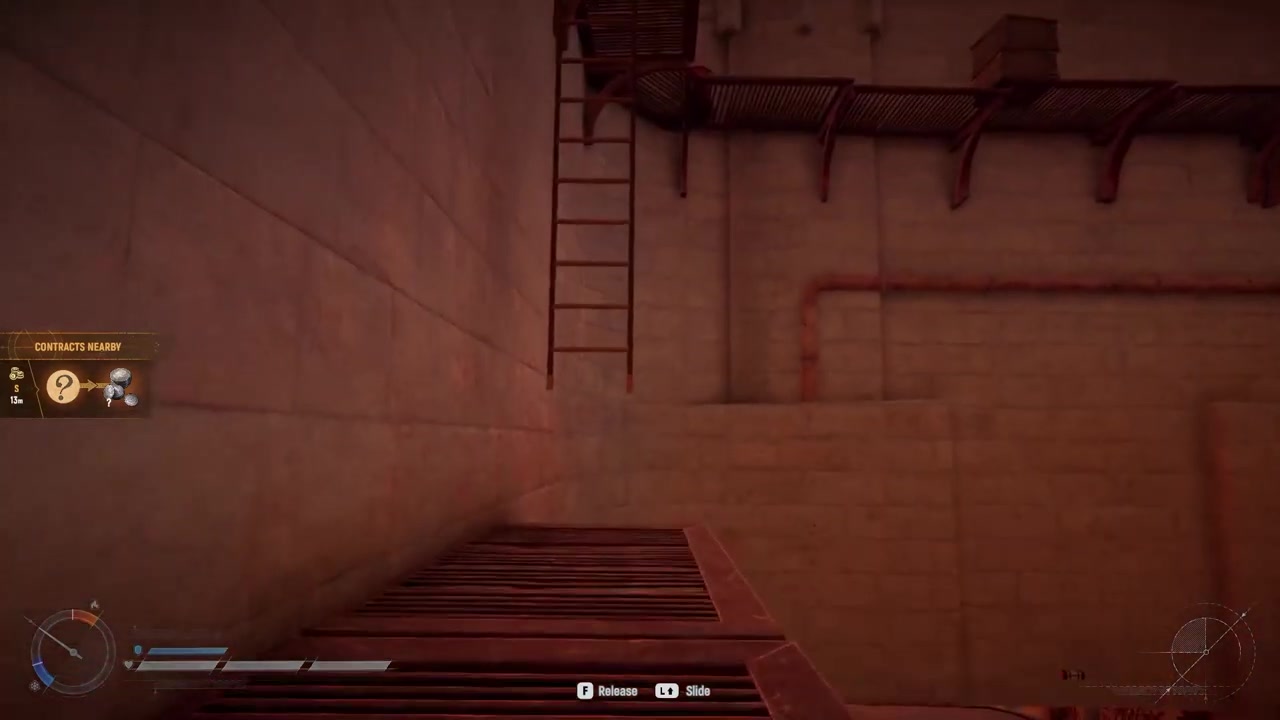
It sits near the top of the Fort, usually right beside a smoke grenade, and it’s built to accept a single crate.
STEP 7/10
Fill a crate with loot
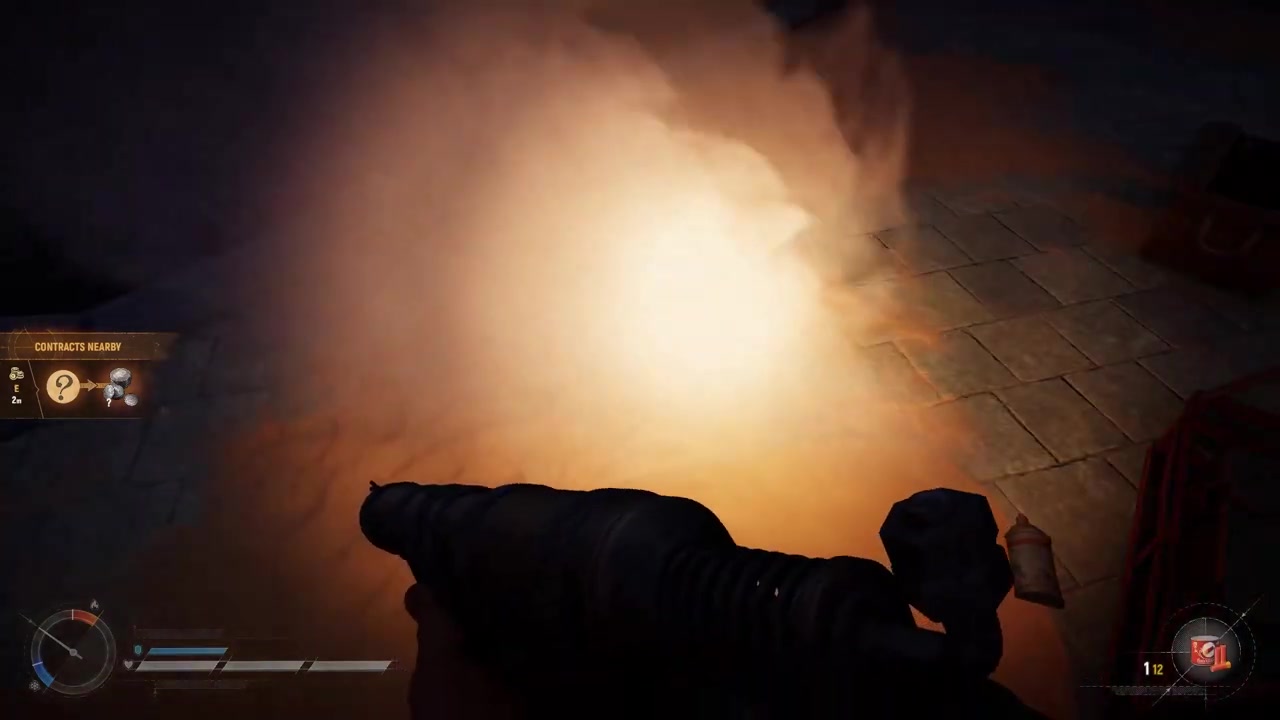
Pack one crate with the items you’ve gathered — an empty crate does nothing when it’s placed on the platform.
STEP 8/10
Place the loaded crate on the platform
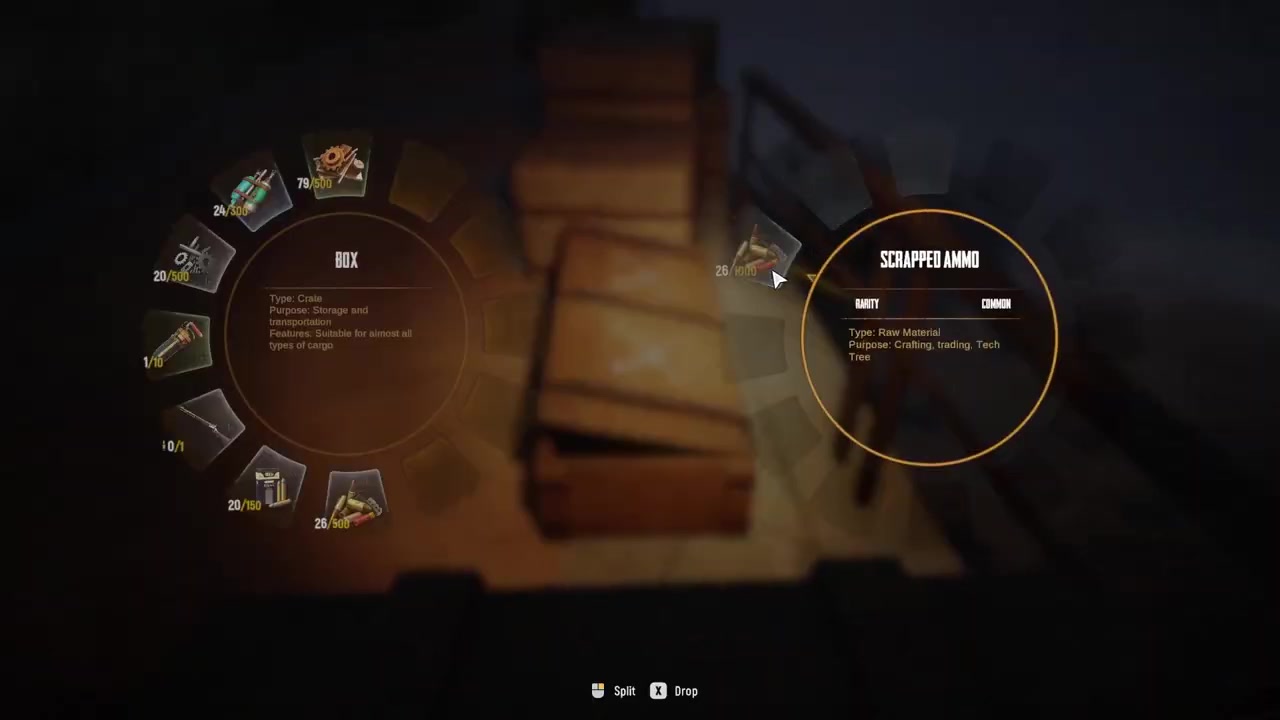
Set the loaded crate down and the total value of its contents appears on the left of your screen.
STEP 9/10
Wait for the balloon to extract it
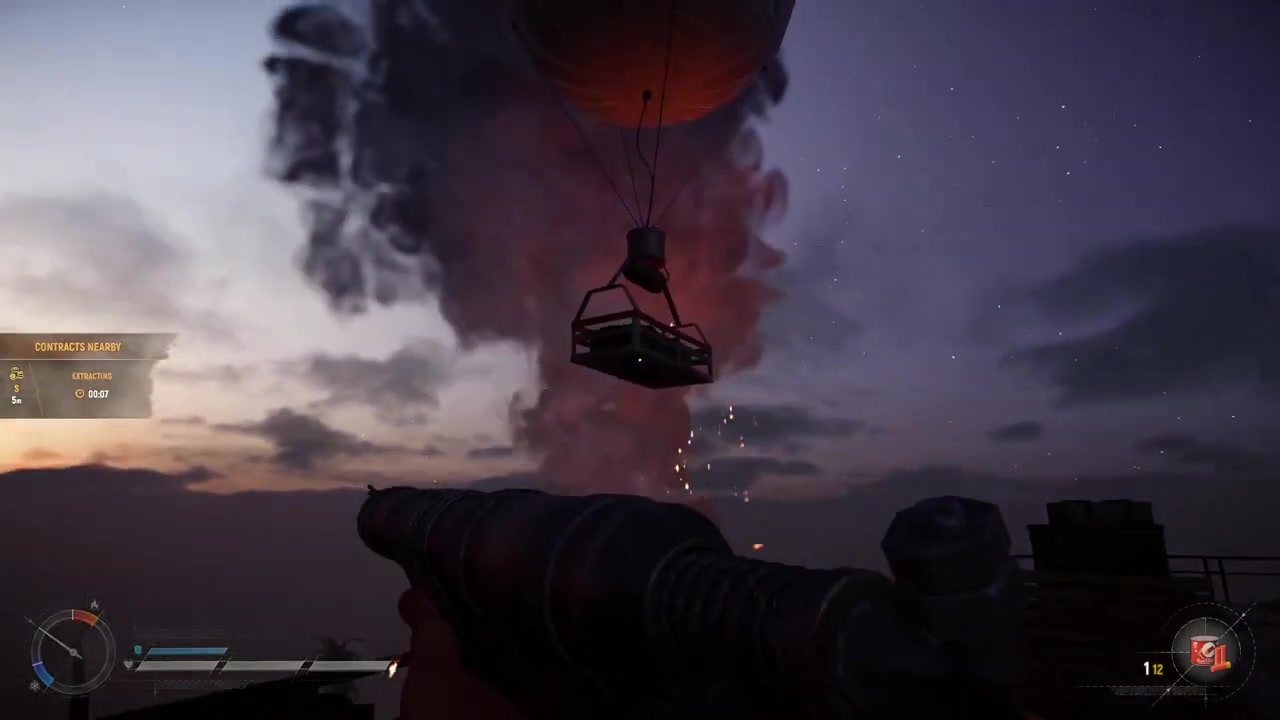
After a moment a balloon lifts the crate into the air and carries it off; the turn-in takes about a minute to process.
STEP 10/10
Collect your payout
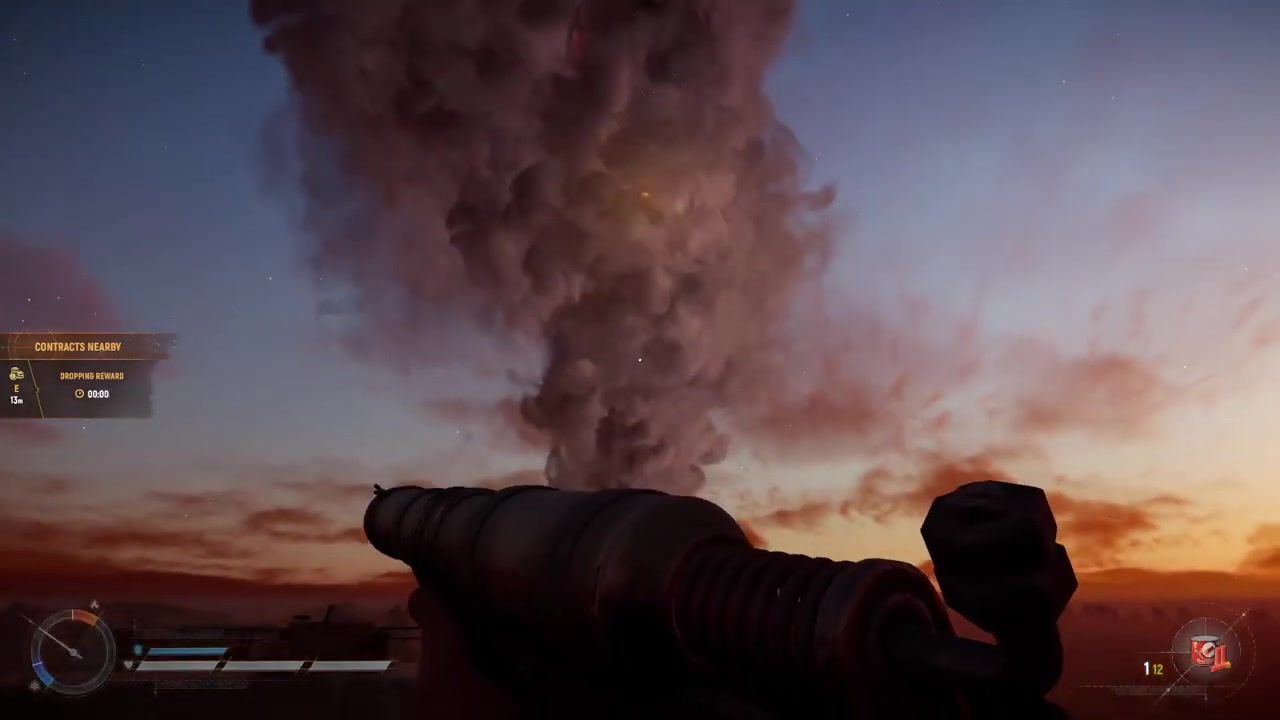
The platform returns roughly a minute later carrying your reward for you to pick up.
Run contracts in Voyage mode whenever you can — there’s no time limit there, so you can loot at your own pace, load the crate, and wait out the full minute without a countdown or rival raiders forcing the issue.
Video help
Which loot to load into the crate
The crate is where the whole decision lives, because whatever you send is gone for good — the items are consumed the moment the contract completes. Treat it as a place for the loot you were never going to keep: surplus gear, duplicates, lower-priority pickups, and the low-tier crates you don’t need for crafting or upgrades.
Keep anything you actually plan to use out of it. Rare gear, key weapons, and items you’re still relying on should stay in your inventory, not in the contract crate. And remember the platform only reacts to a loaded crate — an empty one sitting on it does nothing at all, so there’s no way to trigger a payout without first packing it with loot.
Protecting the payout while you wait

The catch with contracts is that they play out during an expedition, and that one-minute wait is the vulnerable window. Forts are some of the busiest spots on the map precisely because they hold the best loot and the contracts themselves, so you should assume other raiders may already be heading your way. Both the crate on the platform and the payout it brings back can be taken if someone reaches you first.
Stay alert for the whole timer rather than wandering off, and hold a defensible position near the platform so you can react if company shows up. If you’d rather skip the pressure entirely, run your contracts in Voyage mode — with no time limit hanging over the run, you can complete the loop calmly and worry only about the loot itself.
What happens after the contract pays
Once you’ve collected the reward, the platform drops onto a cooldown before it can run another contract. That doesn’t strand you, though — you can keep looting the rest of the Fort in the meantime, circle back later for a second contract, or head out and extract if the run has become valuable enough to lock in.
If you do decide to leave with your haul, extraction is its own short process handled at a radio tower rather than at the contract platform, so treat it as the next step once your bags are heavy.
Frequently Asked Questions
Do contracts only happen at Forts?
Yes. Contracts spawn exclusively at locations whose names begin with Fort, not at ordinary points of interest, so if you’re looking for a contract platform anywhere else you won’t find one.
Why does nothing happen when I place an empty crate on the platform?
The platform only responds to a crate that has loot inside it. An empty crate won’t start anything — you need to fill one with items first, and only then will placing it trigger the contract and show the total value on screen.
How long does a contract take to finish?
About a minute. Once the loaded crate is on the platform, a balloon lifts it away, and roughly a minute later the platform returns carrying your payout.
Should I do contracts in Voyage mode or during a timed expedition?
Both work, but Voyage mode is the calmer choice because there’s no time limit, letting you loot and wait out the contract without a countdown. During a timed expedition the same contract carries far more pressure.
Can other players steal my loot or reward during a contract?
They can. Forts draw a lot of traffic, and the crate and payout are both exposed during the one-minute wait, so other raiders who arrive can try to grab your loot or the reward. Staying near the platform and holding your ground is the safest play.
More questions⤵
Are radio beacon box payouts the same thing as Fort contracts?
They appear to be separate. The radio beacon box is a timed item you extract before its clock runs out for a crown payout, which is different from the Fort platform turn-in — the two systems share contract-style language, but they aren’t clearly confirmed to be the same thing.



Leave a Reply