
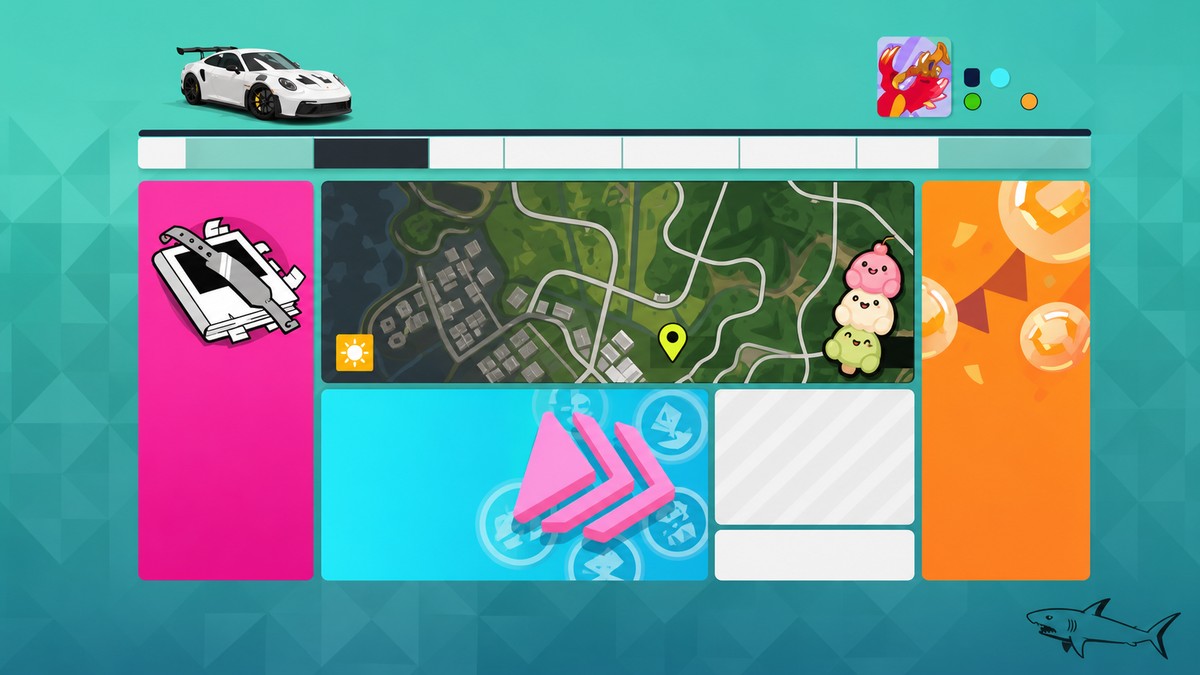
To beat a Rivals Ghost for the Summer Daily Challenge, turn Rivals Ghosts on, enter Online > Rivals > Horizon Rivals, pick a short event and a comfortable car, then finish a clean run faster than the ghost.
The Summer Daily Challenge only needs one successful Rivals win: beat the assigned ghost time once and let the results update. The cleanest route is to use Horizon Rivals, choose a short circuit, and avoid anything that flags the lap.
What the Summer Daily Challenge asks for
| Item | Detail |
|---|---|
| Challenge name | Rivals / Beat a Rival’s Ghost |
| Objective | Beat one ghost time |
| Mode | Horizon Rivals |
| Reward | Usually 5,000 Credits and 1 Playlist Point for this Summer daily |
| Season context | Summer Festival Playlist |
The daily objective is Beat a Rival’s Ghost. In Rivals, that means your lap or race time has to be faster than the ghost’s posted time, then the game has to register the result back through the Festival Playlist.
Best setup before the Rivals run
| Choice | Use |
|---|---|
| Setting | HUD & Gameplay > Rival Ghosts > On |
| Menu path | Online > Rivals > Horizon Rivals |
| Route | A short circuit, with Edamame Circuit as a good pick when available |
| Car and class | Anything comfortable that fits the event and daily wording |
| Finish check | Open Daily Challenges afterward and look for completion |
Before starting, make sure Rival Ghosts is enabled in HUD & Gameplay. Pick a short route if one is available, such as Edamame Circuit, because a shorter clean run gives you fewer corners to mess up.
For this daily, use any class and car the event allows unless your Daily Challenges screen names a vehicle requirement. Some variants of this objective have asked for a specific car type, such as an 1980s car or a Japanese car, so check the exact wording before you launch.
Pick the slowest ghost the leaderboard lets you choose, then focus on a clean lap instead of driving a risky hot lap.
How to beat a Rivals ghost for the Daily Challenge in Forza Horizon 6
This route takes you through the clean Horizon Rivals setup and into the result screen that should trigger the daily objective.
STEP 1/9
Turn Rival Ghosts on
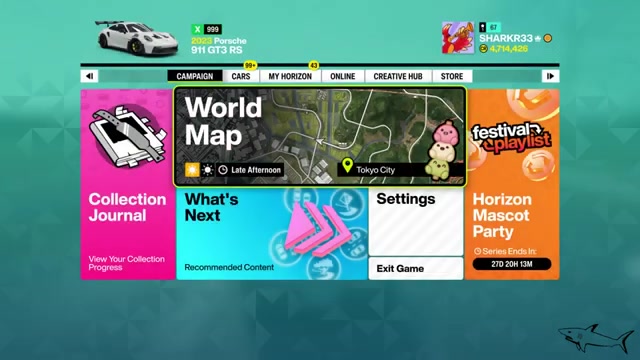
Open settings, go to HUD & Gameplay, and set Rival Ghosts to On.
STEP 2/9
Check the daily objective
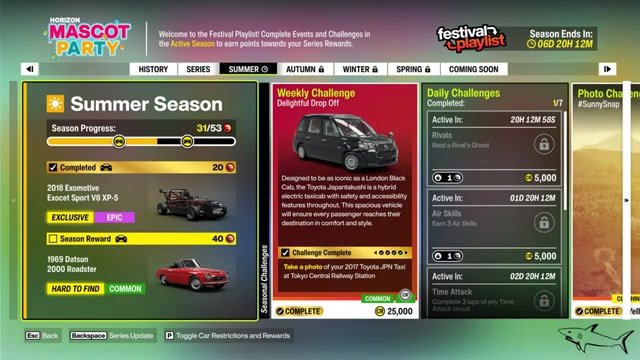
Open Daily Challenges and make sure the active objective says Beat a Rival’s Ghost.
STEP 3/9
Open Horizon Rivals
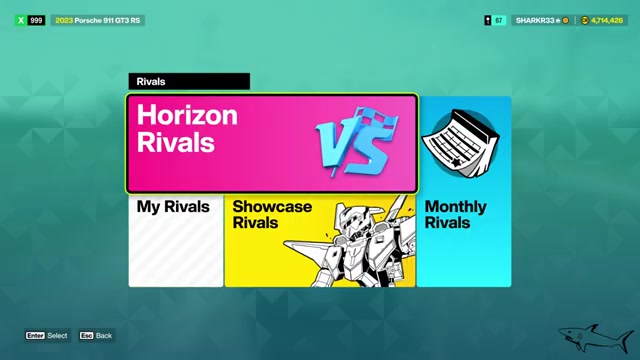
Go to Online, choose Rivals, then select Horizon Rivals instead of My Rivals.
STEP 4/9
Choose Road Racing
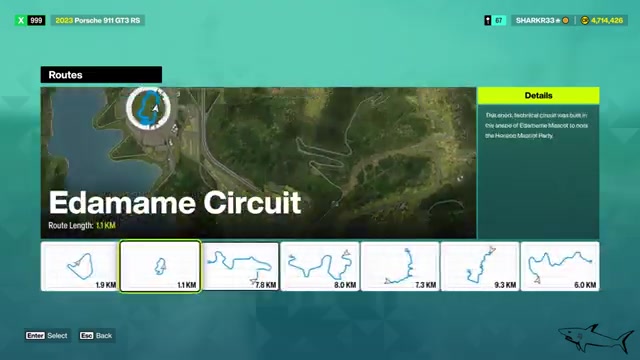
Pick Road Racing as the event type to get into a normal Rivals race list.
STEP 5/9
Select a short event
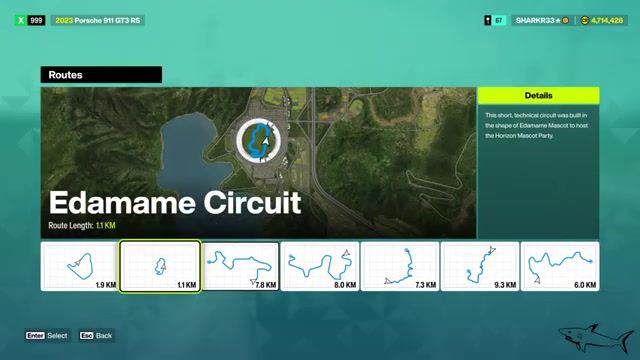
Choose a short route such as Edamame Circuit when it is available.
STEP 6/9
Pick a car and class
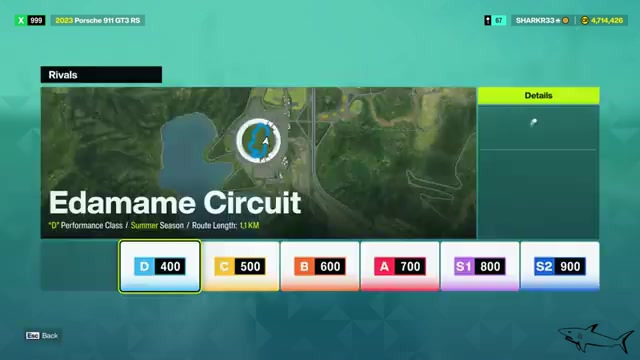
Select any suitable class and car that fits the event and the Daily Challenge wording.
STEP 7/9
Lower difficulty if needed
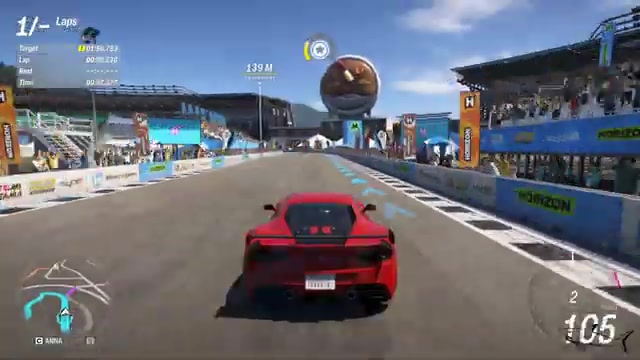
If your first attempts are too hard, try lowering Drivatar Difficulty; this may make the target easier in this challenge flow.
STEP 8/9
Drive a clean run
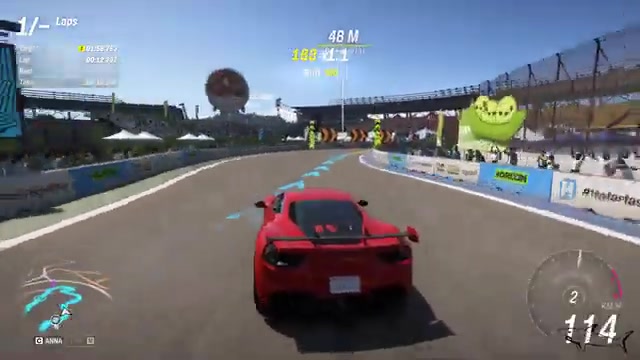
Stay off walls, avoid penalties, and finish faster than the ghost.
STEP 9/9
Let the result update

Wait for the post-race screen, collect the reward, then check Daily Challenges for the completion tick.
Video help
Ways to make the Rivals ghost easier
If the first try fails, change the setup before blaming the challenge. A shorter circuit is usually better than a long route because you can restart quickly and keep the run clean without spending several minutes recovering from one bad corner.
Key Use a class and car you can control consistently. A slower but stable car is often better for this daily than a faster car that keeps sliding wide, clipping walls, or cutting the track.
If the leaderboard lets you pick a ghost, scroll toward the slowest posted time and race that ghost. If your first lap starts badly, keep driving another lap instead of quitting immediately; a rolling second lap can be easier than a standing-start lap because you carry speed into the first corner.
Why the daily may not complete
The most common problem is a dirty lap. Wall hits, collisions, cutting corners, going off track, or using a rewind can flag the run, and a flagged run may not count even when your time is faster than the ghost.
Mode matters too. A normal race, Time Attack entry, or the wrong Rivals submenu can leave the playlist objective untouched, so use Horizon Rivals or start from a race marker and choose Rivals there. After the run, do not quit out before the results screen finishes updating.
If the ghost is too quick, back out and choose an easier event, a more manageable class, or a slower leaderboard ghost. Also re-read the Daily Challenge text: if this variant asks for a specific vehicle type, the run will not count unless your car matches it.
Related Forza Horizon 6 guides
Frequently Asked Questions
Does the Summer daily require a specific car class or vehicle type?
The current Beat a Rival’s Ghost wording does not add a class restriction beyond the Rivals event you choose. If your Daily Challenges screen includes extra wording like any 1980s car or any Japanese car, follow that wording.
Can a dirty lap count if I still beat the ghost time?
No. Treat the daily as requiring a clean lap; a faster dirty lap can fail to register because the run is flagged.
Do I have to start Rivals from the Online menu?
No. The Online path is the most direct method, but you can also start at a race marker on the road, choose Rivals, and beat the ghost there as long as the event and vehicle match the challenge.


Leave a Reply