

Co-op in The Adventures of Elliot: The Millennium Tales is local 2-player only — Player 1 keeps playing as Elliot while Player 2 controls his fairy companion Faie, but you have to progress through the story and clear the first shrine before the option appears.
If you booted up The Adventures of Elliot: The Millennium Tales hoping to drop straight into co-op with a friend, the missing option isn’t a bug — it’s by design. This is a couch co-op game where two players share one screen and one device, and the second slot only opens up once you’ve played far enough into the story to bring Faie into the party. Here’s exactly what co-op is, when it unlocks, and how to switch it on.
Co-op in Elliot at a glance
| Detail | Co-op in Elliot |
|---|---|
| Max players | 2 |
| Mode | Local / couch only |
| Player 1 | Elliot |
| Player 2 | Faie (fairy companion) |
| Online | Not confirmed |
The short version: co-op here is two players on the same device, with Player 1 as the hero Elliot and Player 2 taking over his fairy companion. There’s no confirmed online multiplayer at launch, so plan on playing side by side rather than connecting over the internet. One stray claim of 4-player co-op floats around online, but it conflicts with how the game actually demonstrates co-op, so treat anything beyond two players as unverified for now.
Reaching the co-op unlock in the story

The reason the co-op option isn’t there when you start is that Faie isn’t in your party yet. You first have to play through the prologue and progress the main story until you unlock your fairy companion. That alone doesn’t flip co-op on, though — after she joins you, you still need to clear the first magic shrine, the one that grants Faie her first magic ability. Once you complete it and step back outside, the game itself tells you that co-op is now available.
As for how long that takes, it depends on how you play. Rushing the main story and skipping the side quests and side dungeons gets you there in roughly an hour and a half, while taking your time and exploring pushes it closer to 3.5 to 4 hours — these are one player’s anecdotal estimates, not an official figure, so treat them as a ballpark. Either way, co-op is not something you can switch on in the opening minutes.
If the co-op option is missing, keep playing the main story and clear the first magic shrine — the option literally does not exist until that shrine is done.
How to turn on co-op and add player two in The Adventures of Elliot
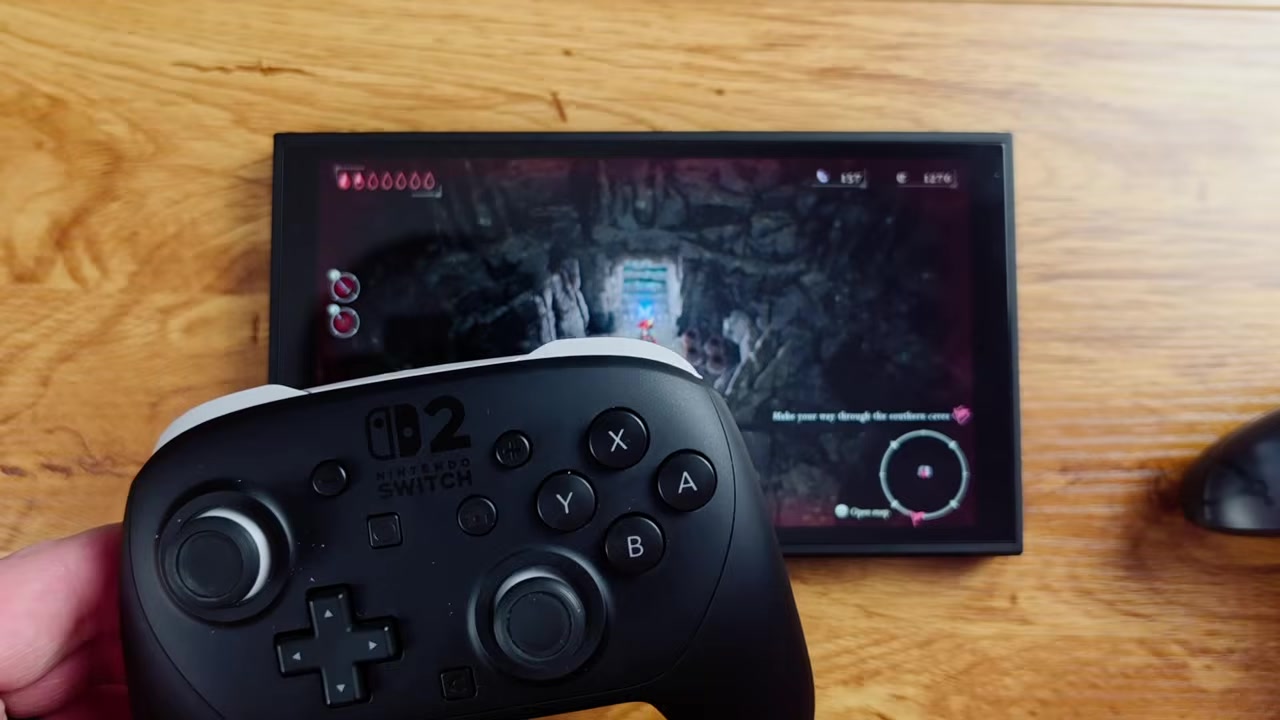
Open the menu
Press the + or Options button to bring up the menu.
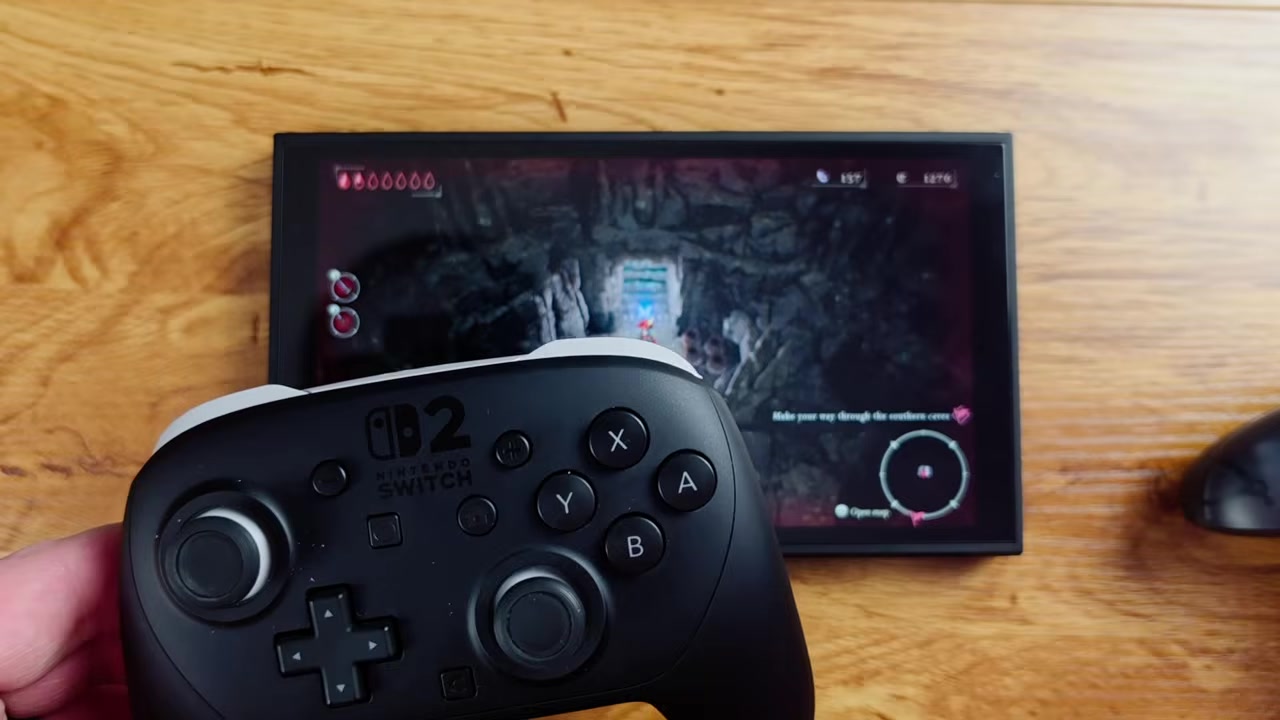
Select Faie
Scroll over to the fairy Faie option and select it.
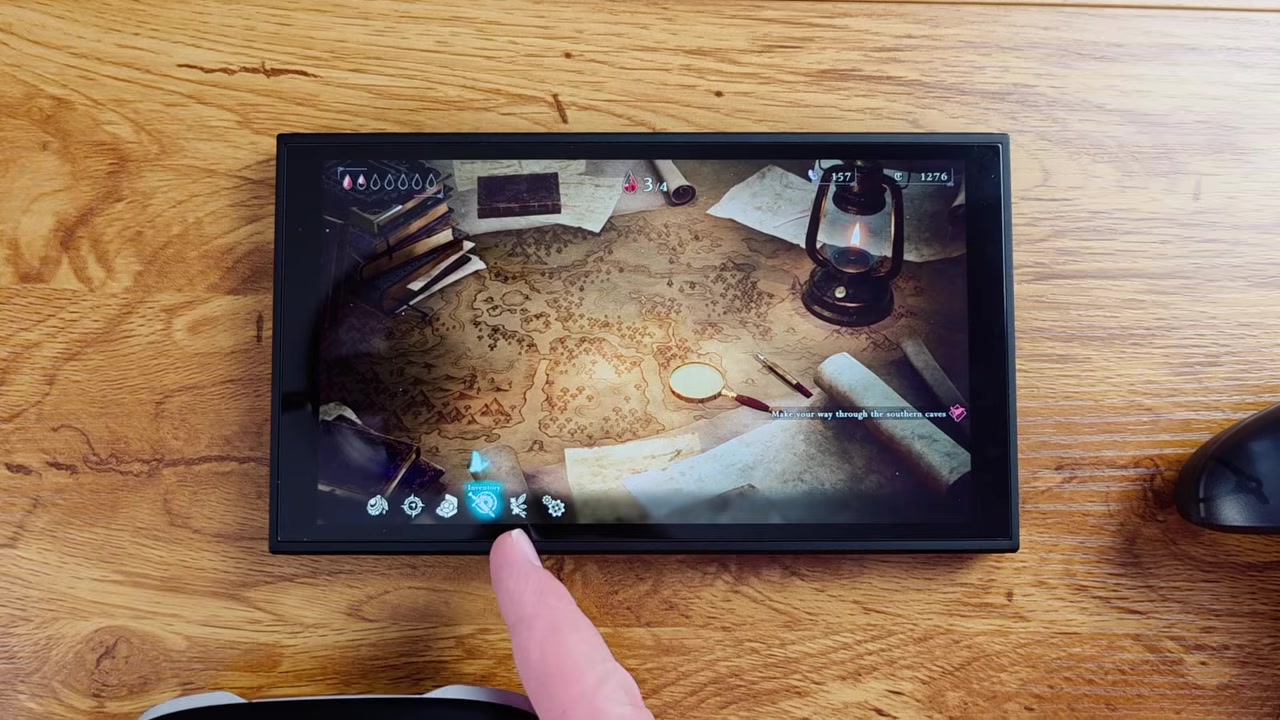
Press L for co-op
Look at the bottom-left corner — it reads "L for co-op," so press L to start it.
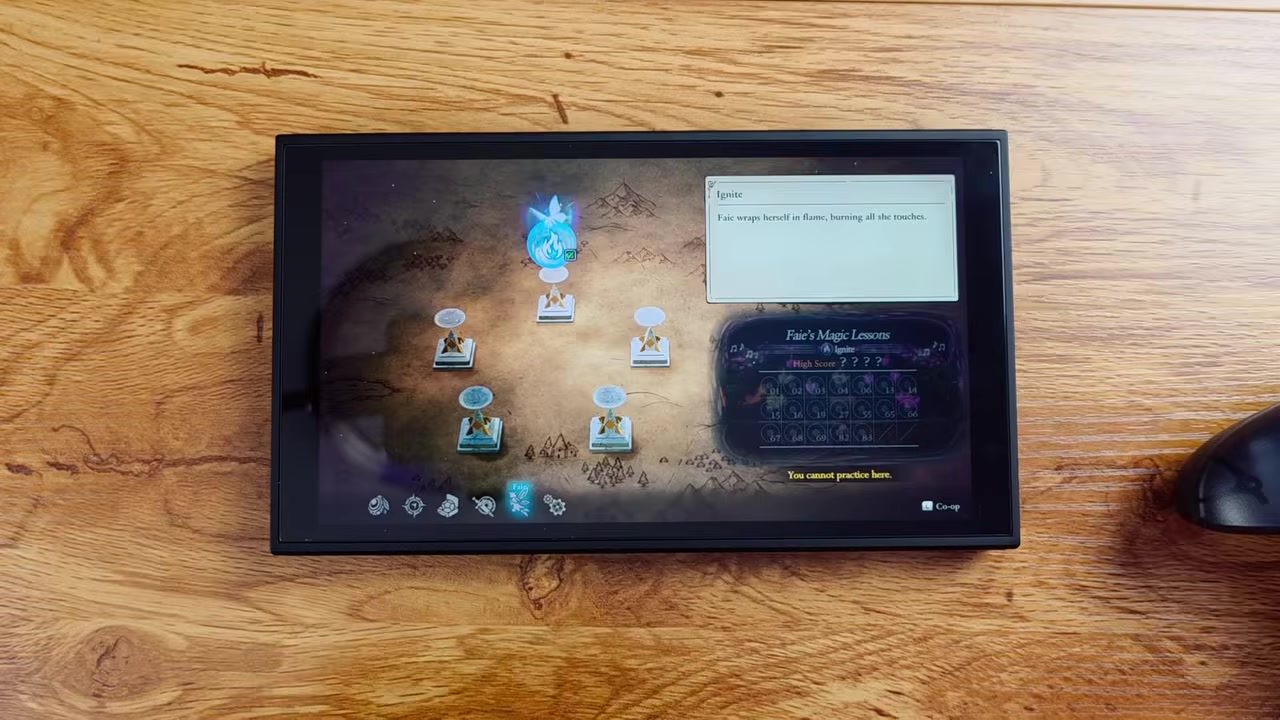
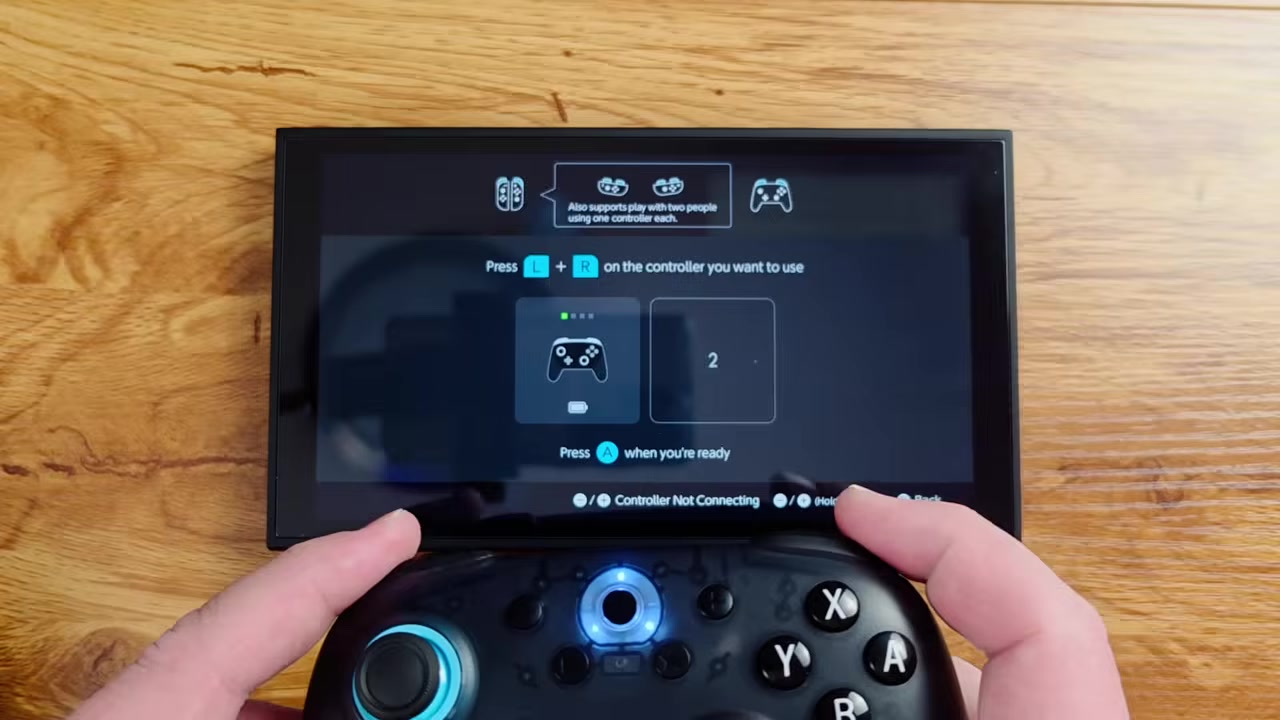
Connect the second controller
The game prompts you to connect a second controller, so pair it now for Player 2.
Read the on-screen controls
The game pops up its own directions for how to play, after which Player 2 can move and act as Faie.
Video help
What Faie can do as player two
Player 2 doesn’t get a second sword-swinging hero — they get Faie, and her toolkit is built around support. She can move on her own, hide, attack, and use her own power, so the second player is genuinely in the fight rather than spectating. She’s also effectively invincible and can teleport, which means whoever’s on Faie can play aggressively and reposition freely without worrying about going down.
Beyond combat, Faie is handy for cleanup and traversal. She can collect items, Tul, and Magicite Shards along with other drops, which speeds up resource gathering while Elliot handles the heavy lifting. The honest caveat is that the role is fairly limited — Faie is a support character, not a second full adventurer with her own build and progression, so don’t expect Player 2 to level up independently the way Elliot does.
Common co-op mistakes to avoid

The other two traps are expectations. There’s no confirmed online play, so this is couch co-op only; and Player 2 controls Faie, not a second hero, so don’t go in expecting two equal swordsmen. If you’ve seen co-op instructions involving lobby codes or join menus, those belong to a different game entirely — they don’t apply here.
Related The Adventures of Elliot guides
Frequently Asked Questions
Does The Adventures of Elliot: The Millennium Tales have online co-op?
Not as far as anyone’s confirmed. The game’s co-op is local, same-device couch co-op, and there’s no confirmed online multiplayer at launch. Treat online as unconfirmed rather than impossible.
How long does it take to unlock co-op and Faie?
Roughly 1.5 hours if you rush the main story and skip side content, or about 3.5 to 4 hours if you take your time exploring. Those are anecdotal estimates, so your mileage will vary based on how you play.
Can Player 2 play as their own character instead of Faie?
No. Player 2 always controls Faie, Elliot’s fairy companion. She’s a support character — she fights, collects drops, and can teleport — but she isn’t a second hero with a separate build or progression.
Why isn’t the co-op option showing up for me?
Because it’s story-gated. You need to progress until Faie joins your party and then clear the first magic shrine. Until that shrine is done, the co-op option simply doesn’t appear — which is the most common point of confusion.
Is co-op 2-player only, or can more people join?
Everything in the actual game points to 2 players. One online snippet claims up to four players, but it conflicts with the in-game co-op demonstration and lacks detail, so treat 4-player co-op as unverified for now.



Leave a Reply