
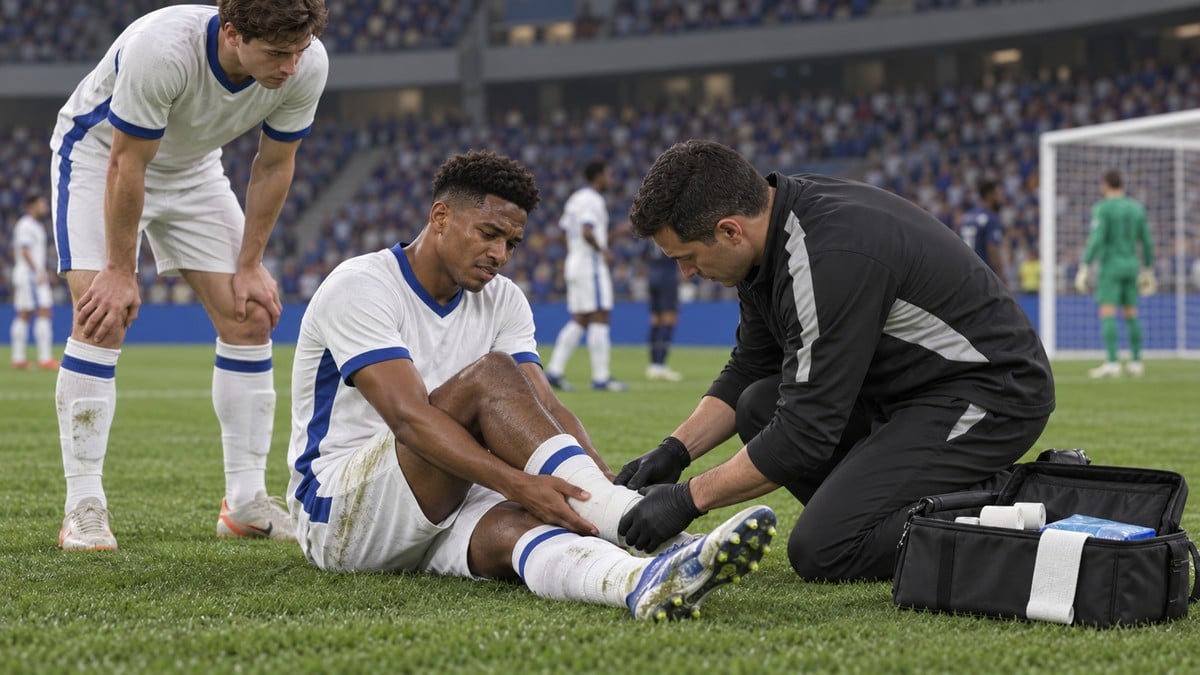
To heal an injured player in FC 27 Ultimate Team, open their squad Actions, select Apply Recommended Consumable, and apply a Player Healing item.
In Ultimate Team, a flashing bandage near the top of a squad card marks an injured player. Removing that injury with the item-based method shown here requires a Player Healing consumable; the injury also heals naturally after the player spends the full recovery period in the reserves.
If you don’t have one, you can buy one from the Transfer Market. This guide covers finding the injured card, applying the item, and checking that the injury has cleared.
How to heal injured players in EA Sports FC 27
Find the injured card in your squad, then apply a Player Healing consumable through its Actions menu.
STEP 1/10
10%
Open Ultimate Team
Start from the Ultimate Team home screen.
STEP 2/10
20%
Go to Club
Use L1 or R1 to switch to the Club tab.
STEP 3/10
30%
Enter Club
Select Enter Club on the Club tab.
STEP 4/10
40%
Open your squad
Choose Enter Squad, the first option inside Club.
STEP 5/10
50%
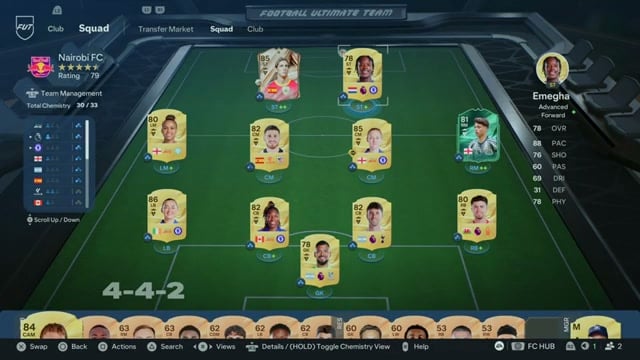
Find the injured player
Highlight the squad card with the flashing bandage near its top.
STEP 6/10
60%
Open player Actions
Press Square on PlayStation or X on Xbox to open the circular Actions wheel.
STEP 7/10
70%
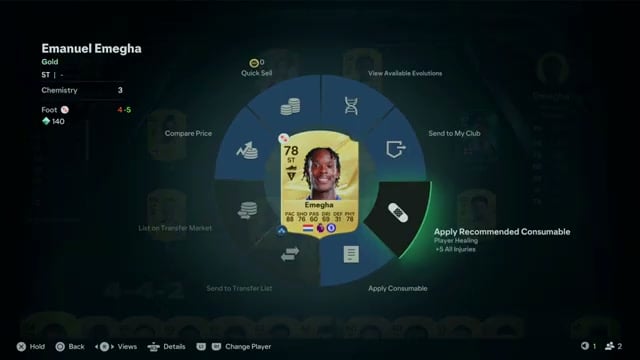
Select the healing action
Choose the bandage icon labeled Apply Recommended Consumable. It displays Player Healing; +5 All Injuries is the item label shown here. This action lets you apply the item without searching your club inventory manually.
STEP 8/10
80%
Get an item if needed
If you have no Player Healing consumable, buy one from the Transfer Market before applying it.
STEP 9/10
90%
Apply the consumable
With a Player Healing item available, apply it to the selected player. The item is consumed when applied and returns the player to full fitness.
STEP 10/10
100%
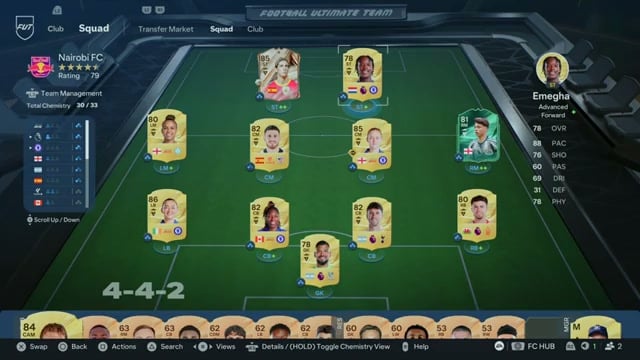
Check the result
Return to the squad card and make sure its flashing injury indicator has disappeared.
Once the bandage is gone, the selected player’s injury has cleared.
Related EA Sports FC 27 guides





Leave a Reply