
Category
Tips
-
How to Hide Frequently Used Folders From File Explorer Quick Access on Windows
What to know File Explorer shows your frequently visited folders in the Quick Access section of the sidebar. But that can be disabled. Open…
-

Bluesky Invalid Handle Fix: All You Need To Know
What to know The “Invalid Handle” message on Bluesky is a server-side error. The error is occurring because Bluesky’s servers are overwhelmed by the…
-
How to Speed Up Taskbar Autohide on Windows
What to know The auto-hide taskbar feature can be quite slow in hiding or showing the taskbar. But that can be sped up. Go…
-
How to Talk to ChatGPT on Windows
What to know ChatGPT’s Windows app lets you converse with the AI with your voice. Launch the app and click on the waveform icon…
-
How to Search the Web With ChatGPT app on Windows
What to know ChatGPT Search is available only for Plus and Team users, and users who’d signed up for the SearchGPT prototype. To search…
-
This Windhawk Mod Deserves All Your Attention!
What to know Windhawk’s “Taskbar auto-hide when maximized” mod lets you hide the taskbar only when a window is maximized or intersects the taskbar.…
-

How to Get More Than 3 Sticky Chats in Whatsapp Using Drafts
WhatsApp typically limits users to pinning three chats to the top of their chat list. However, with the new Drafts feature, you can essentially…
-

Top 10 Windhawk Mods to Customize Windows 11
What to know Windhawk is one of the most popular Windows customization apps, with dozens of mods to improve upon the native Windows UI.…
-
How to Take a Photo With ChatGPT on Windows
What to know The ChatGPT desktop app lets you capture photos using your PC’s webcam and add them the prompt box. To take photo…
-

How to Add Home Screen Widgets and Icons From Arc Search for Android
Adding home screen widgets and icons from Arc Search for Android is a great way to access the browser or specific search functionalities directly…
-
How to Set a Custom App Icon for Arc Search for Android
Personalizing your device is one of the joys of owning an Android smartphone. With the Arc Search app, you now have the option to…
-
Step-By-Step Guide to Use Voice Search on Arc Search for Android
Voice search is a convenient feature that allows users to perform searches using spoken commands, bypassing the need for typing. If you’re using Arc…
-
How to Take a Screenshot With ChatGPT on Windows
What to know The ChatGPT app on Windows uses the Snipping Tool to grab screenshots. To take a screenshot, click on the paperclip icon,…
-
How to Change Hotkey for Launching ChatGPT on Windows
What to know The default hotkey for launching ChatGPT on Windows is Alt+Space. Change this hotkey from the ChatGPT app > profile icon >…
-

Top 8 Chrome Extensions to Improve Goodreads
What to know Goodreads has been in need of an overhaul for quite some time. But there are several chrome extensions that can help…
-

How to Add and Edit Events in Fantastical on Windows 11
What to know Fantastical lets you add events to a calendar simply by typing out the event details in a sentence. Click on the + icon…
-
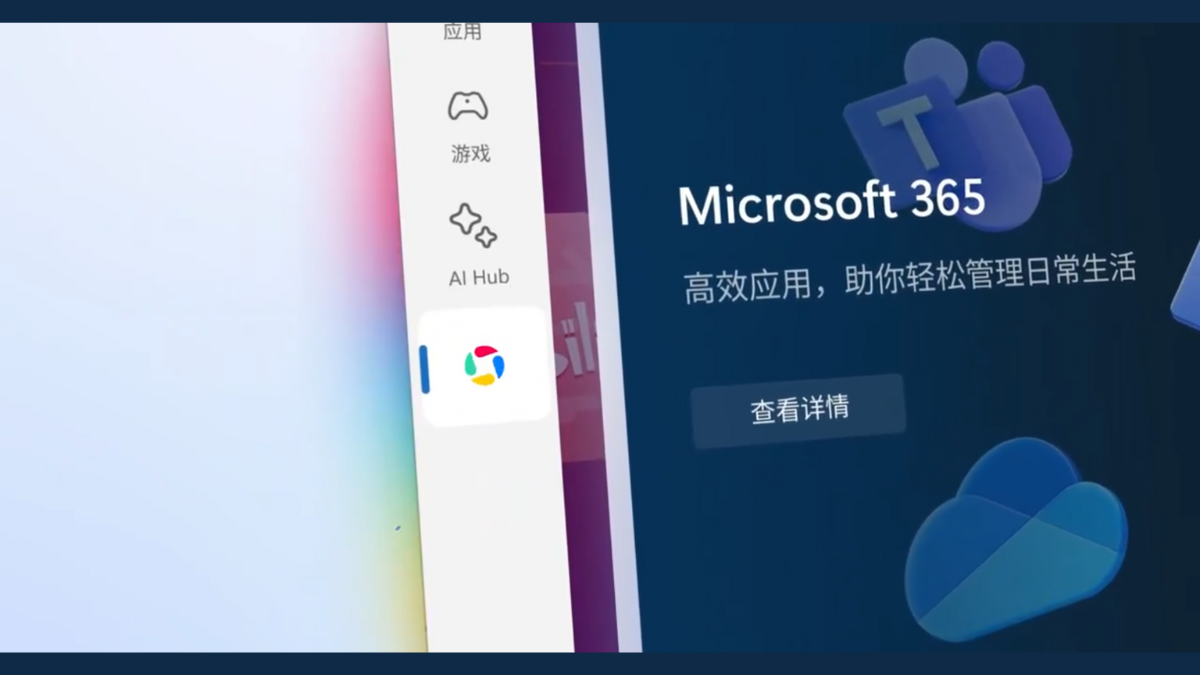
How to Play Tencent’s Android Games on Windows 11 Outside of China
What to know Microsoft and Tencent’s partnership has brought Android games to the Microsoft Store. The collaboration brings Tencent games to Chinese Windows Insiders…
-
Step-By-Step Guide to Get Picture-In-Picture Controls in Google Chrome Desktop
What to know Google Chrome is slowly updating its PiP window controls with slightly better navigation and a progress bar. Although the much-needed progress…
-

Step-By-Step Guide to Turn Off Chrome’s ‘Link Copied’, ‘Image Copied’ Toast Messages on Windows
What to know Google Chrome shows a pop-up toast message every time you copy a link, copy an image, copy to highlight, or add…
-

How to Add and Edit Tasks in Fantastical on Windows 11
What to know Fantastical lets you create tasks manually as well as by using simple sentences. Click on the + icon in the top…