
Category
Tips
-
How to Automatically Activate a Calendar Set on Fantastical on Windows
What to know Fantastical lets you automatically activate calendar sets based on time and location. From Fantastical’s Settings, select Calendars & Lists, select your…
-
How to Add Interesting Calendars to Fantastical on Windows 11
What to know Interesting calendars are curated calendars that you can subscribe to on the Fantastical app. Once subscribed, these calendars appear in your…
-

How to Extract Text From Images Using Microsoft PowerToys With the Image To Text Feature
With the 0.86 update, the Microsoft PowerToys tool lets you extract text from an image. Here is how to use it. Requirements Microsoft PowerToys…
-
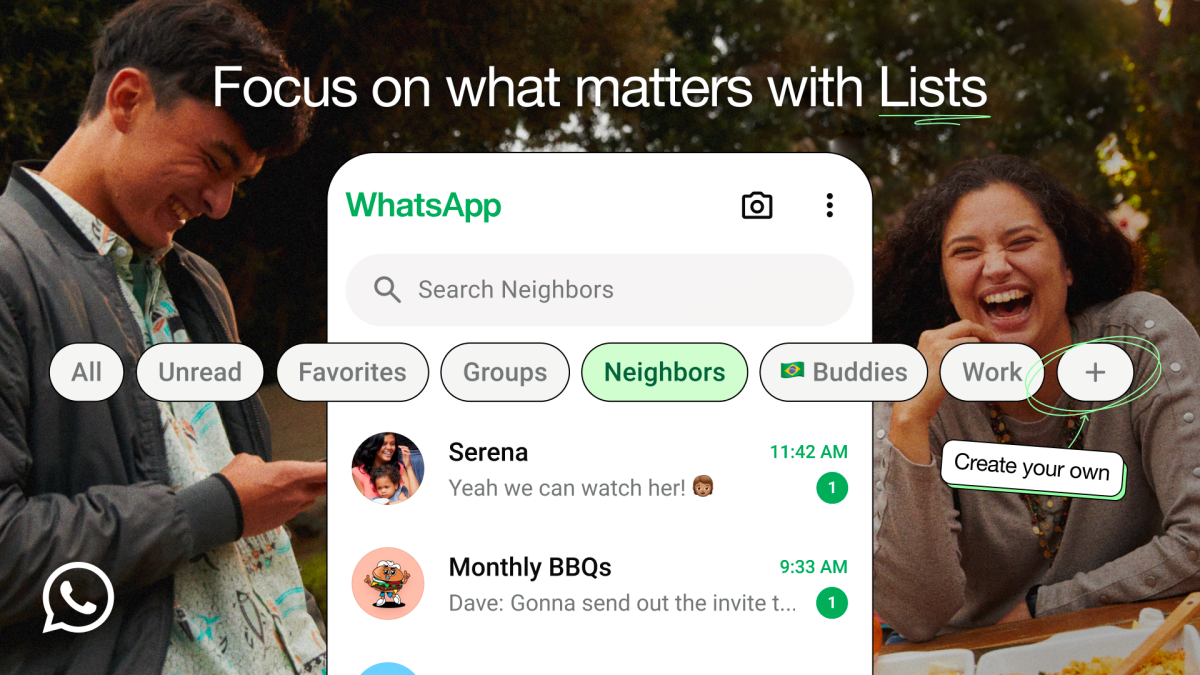
WhatsApp Gets Custom Lists. Here’s How to Create Them
What to know WhatsApp now lets you create your own custom lists and filters to help you categorize your chats better. On WhatsApp’s ‘Chat’…
-
How to Access Your Android Phone’s Storage in Windows File Explorer Wirelessly
What to know You can access your Android phone’s storage on File Explorer on Windows without a USB cable. Install Link to Windows app…
-
How to Hide System Tray Icons on Windows 11 Using Windhawk
What to know Windhawk has a new mod that lets you hide all the system tray icons. You can remove the Wi-Fi, volume, battery,…
-
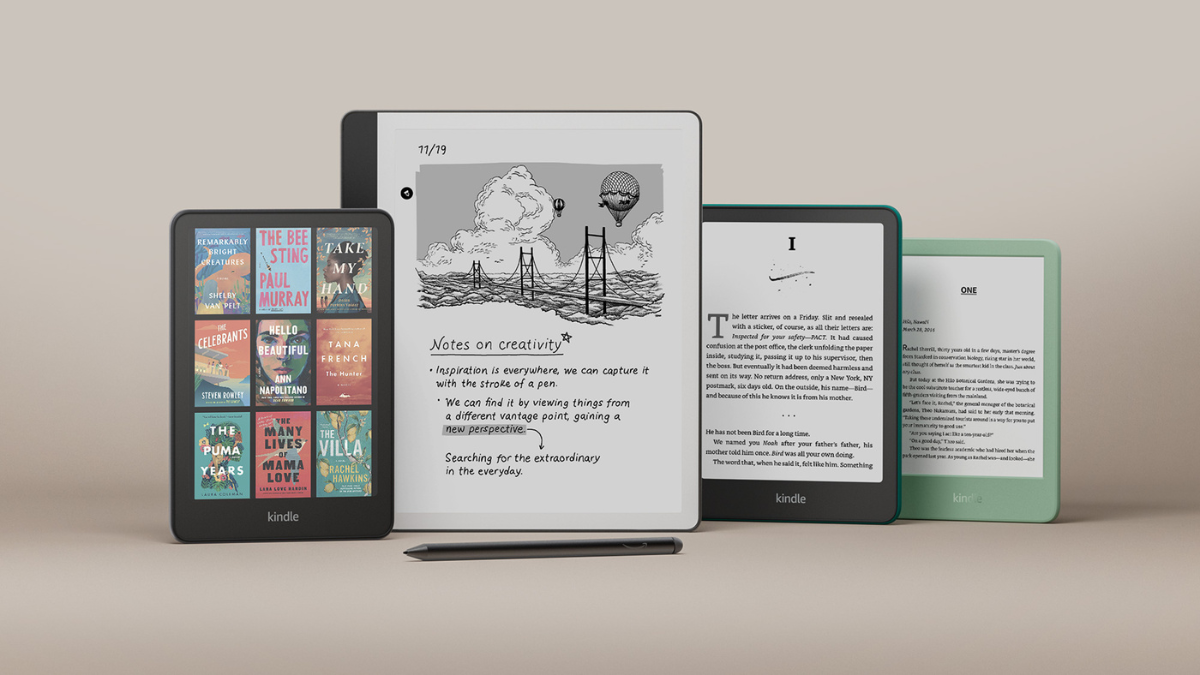
5 Reasons Why You Should Skip the Kindle 2024 Upgrade
What to know Recently launched Kindles add some splash to the lineup, but they also take away key features. Sideloading e-books on new Kindles…
-
How to Use Flyby11 to Force Install Windows 11 Update on a Windows 10 PC With Unsupported Hardware
What to know Windows 10 users can use the Flyby11 tool to bypass checks while upgrading to Windows 11, allowing PCs with unsupported hardware…
-

How to Move Chrome’s Address Bar to the Bottom on Android
What to know Chrome Canary on Android lets you move the address bar to the bottom. Enable the flag ‘Bottom toolbar’ from chrome://flags on…
-

How to Create Cover Art for Spotify Playlists
What to know Spotify’s mobile app now lets you create cover art for your playlists. Open a playlist, tap on the three-dot icon, and…
-

Visible Notifications for Your Google Chat Spaces Is Changing, Here’s How to Fix It if You Miss Messages
What to know By default, Google Chat now only notifies you of messages in the main conversations and threads you follow in Spaces. To…
-

How to Add Songs on Instagram to Your Spotify Library
What to know You can now add songs you come across Instagram directly to your Spotify library. Tap on a song you like, tap…
-

How to Get Weather on Your Windows 11 Taskbar
Want to keep an eye on the weather without constantly checking your phone? Windows 11 makes it easy to display current conditions right on…
-

How to Copy Tables Easily Using Snipping Tool
Microsoft has rolled out a significant update to the Snipping Tool for Windows Insiders in the Canary and Dev Channels, introducing the “Copy as…
-
How to Invite Collaboration on Apple Music on Windows 11
What to know Apple Music’s Windows app now lets you invite collaborations on your playlists. Click on the Collaborate icon on one of your…
-
How to Organize Google Docs With Tabs
What to know Google Docs’ ‘Tab’ feature is a new way to organize large documents that makes it easier to access the sections and…
-

How to Apply Restrictions to Movie and TV Show Content on Apple TV
What to know Restrict the movies you see on Apple TV from Settings > Restrictions > Movies Rating and TV Shows Rating. With restrictions…
-

How to Disable Viewing History and Clear Play History on Apple TV
What to know Disable your viewing history on the Apple TV app from Settings > Playback > toggle off ‘Use viewing history’. Clear play…
-

How to Import Video Files to Apple TV Library
What to know In the Apple TV app, click on the three-dot icon in the sidebar, select ‘Add files/folder to library‘, and select your…
-
![How to Make Windows 11 Look like Windows 10 [October 2024]](https://cdn.nerdschalk.com/wp-content/uploads/2024/08/windows-11-to-windows-10-featured.png)
How to Make Windows 11 Look like Windows 10 [October 2024]
What to know Windows has a few options that let you customize it to look and feel like Windows 10. From Taskbar Settings >…