
Adding home screen widgets and icons from Arc Search for Android is a great way to access the browser or specific search functionalities directly from your Android home screen. While Arc Search may not yet provide custom widgets (as the feature depends on the app’s design), you can add shortcuts, and bookmarks, or utilize Android’s general widget capabilities. Here’s a step-by-step guide:
Add a Home Screen Widget of Arc Search app
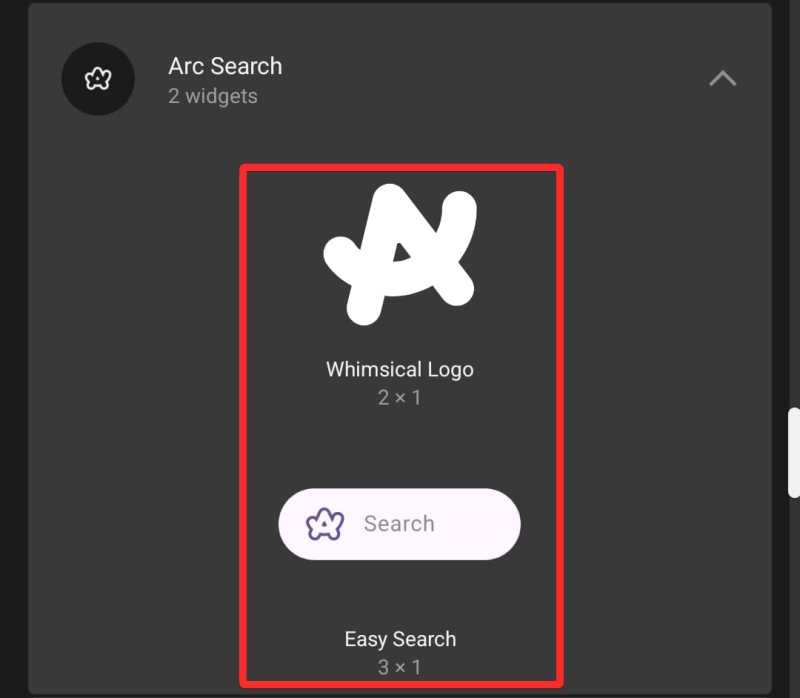
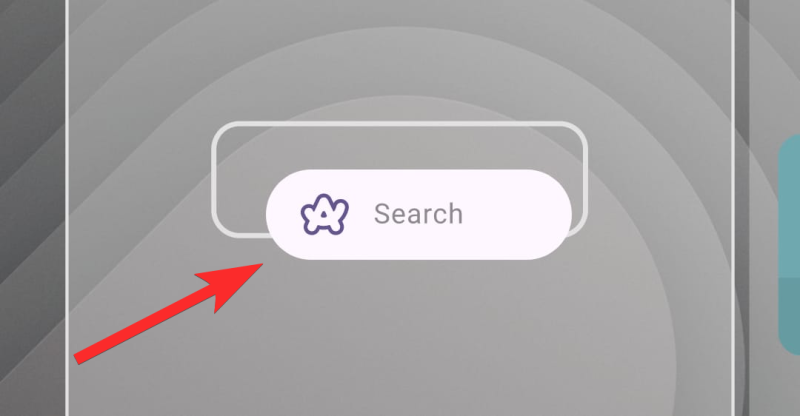
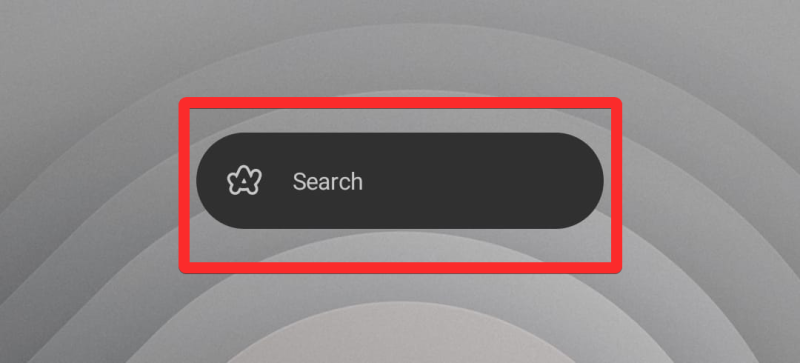
If Arc Search supports widgets, follow these steps to add one to your Android home screen:
Video Guide:
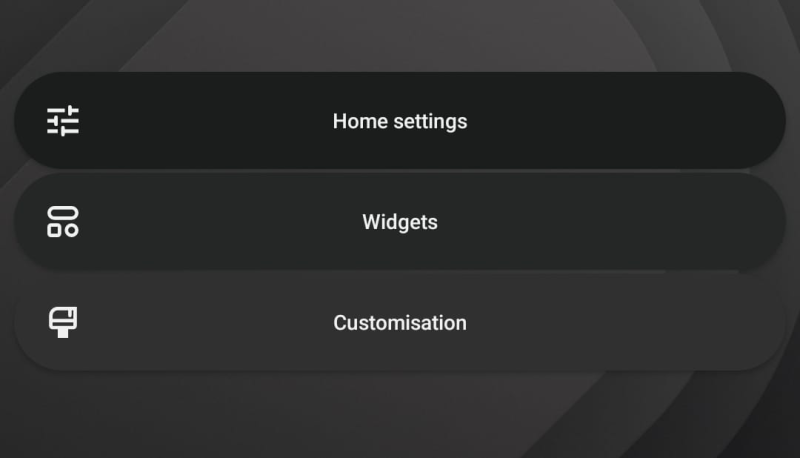
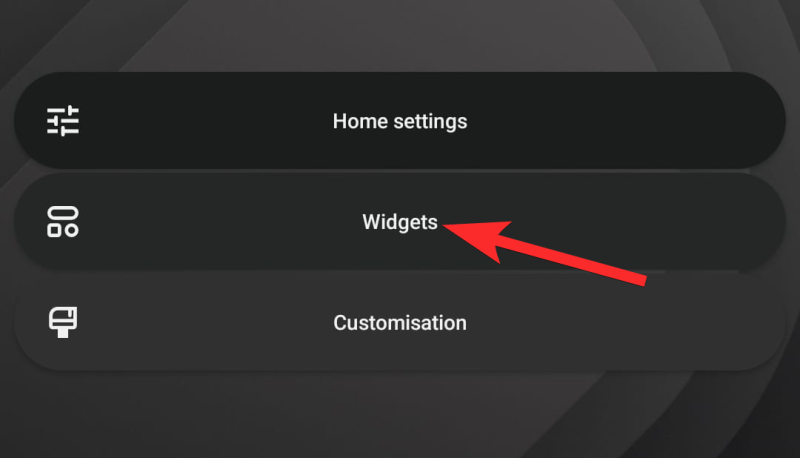
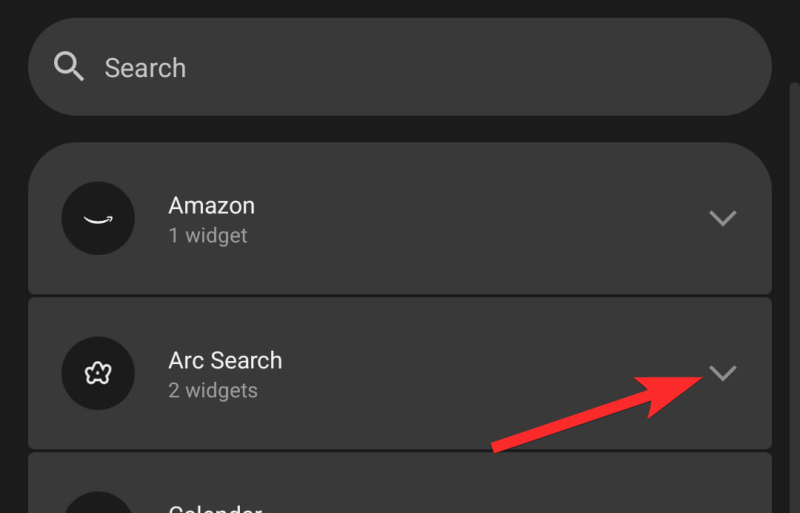
Step-by-step guide with screenshots:
Conclusion
Adding home screen widgets and icons for Arc Search on Android makes it easy to access searches and browsing features directly. While the app’s functionality might vary, the above steps provide a reliable framework for utilizing Android’s built-in customization capabilities.