
Category
Tips
-

How to Know if Someone Hides Their Story From You on Instagram
Instagram has a few privacy features that let users hide their stories from others. It works particularly well since Instagram doesn’t notify the affected…
-

How to Play Games on YouTube: Step-By-Step Guide
Alongside an experimental AI comment feature, YouTube has also introduced gaming to its Premium subscribers. Though currently in an early experimental phase, you can…
-

Using Journal App on Your iPhone? Here are 12 Must-Know Tips!
Apple’s Journal app is another step by the company to help its users manage their mental health in a better way using their iPhones.…
-

How to Start Page Number on Page 2 or 3 in Google Docs
Adding page numbers to a document is a great way to keep track of your content. They help you keep your documents organized while…
-

Google Docs 1-Inch Margins: Step-By-Step Guide
Editing your Page setup in a document is a great way to avoid corrections later. Having the page set up exactly as you want…
-

How To Edit Medical ID on iPhone
Apple provides a safety feature on your iPhone – Medical ID. The feature makes it easy for others around you to learn more about…
-

How to Do Voice-To-Text in Telegram For Free
Voice messages are a good alternative to simple text messages. But fumbling for your earphones every time you get a private voice message can…
-

How to Add a Video to Your Story on Telegram
Since its Premium tier launch, Telegram has been expanding its list of features at a breakneck pace. One of these is the ability to…
-

How to Do the Thanos Effect on Messages in Telegram
Telegram constantly updates its iOS and Android app to offer new features with quality-of-life improvements. But every now and then, the company likes to…
-

3 Ways to Type in All Lowercase on iPhone
By default, the native keyboard on the iPhone displays both uppercase and lowercase keys depending on whether or not the Shift key is active.…
-

How to Send a Full Size Image or Video as a Document in Whatsapp on iPhone
Sending photos and videos is a great way to create memories and share them with your loved ones. And while WhatsApp allows you to…
-
How to Change the Default Alert Tone on iPhone
Different alert tones are a great way to keep yourself updated with incoming notifications without having a glance at your iPhone. You get to…
-
How to Access Medical ID on an iPhone (Someone’s and Your Own)
Your iPhone can store your important medical information like blood group, age, primary language, medical conditions, allergies, reactions, and any medications you’re currently taking.…
-

How to Split Audio Tracks Using Music Speed Changer App on iPhone or Android
AI developments have opened up new possibilities and opportunities in various fields. Music is no different. Where once one had to purchase expensive software…
-

How to Set Your Kindle Collections as the Default Library Page
‘Collections‘ is a blessing to readers with a burgeoning Kindle library. But such an organizing technique is useful only if you can also quickly…
-

How to Select a Photo for a Location in Collaborative Lists in Google Maps
Collaborative lists in Google Maps have been quite the rage since Google launched them a while ago. Users around the world have been using…
-
Turn Passcode off Greyed Out on iPhone? 7 Ways to Fix
iPhones come with Face ID/Touch ID and a device passcode that you can use to bypass the first option to unlock your device. Although…
-

4 Ways to Rename or Delete a Collection on Kindle
Kindle collections are a great way to organize your Kindle library and sort books in an intelligible manner. But once your collections are created,…
-
How to Set a Kindle Collection as a Favorite (Or Remove From Favorite)
Creating book collections on Kindle helps you easily organize your library and find titles. But in a reader’s mind, not all collections are created…
-
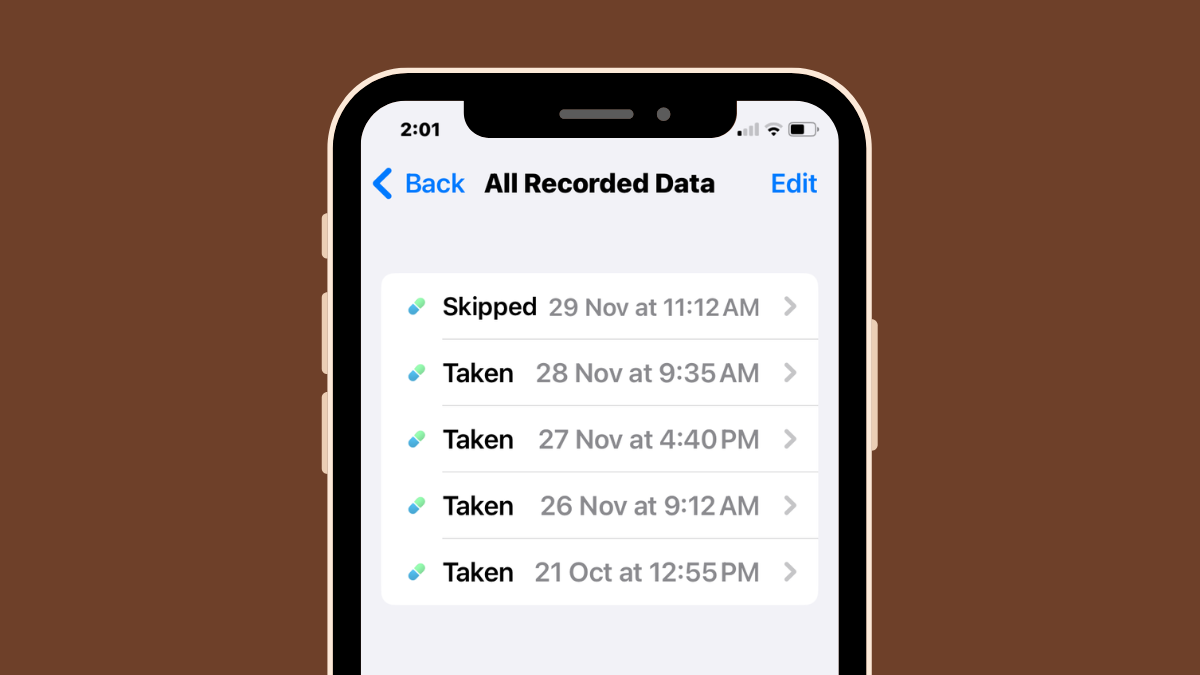
How to View Your Medication Log History Inside Health App on iPhone
Your iPhone lets you add your medications in the Health app so that you can track and manage the medications, vitamins, and supplements you…