
Category
Tips
-
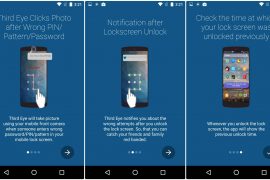
How to find who tried to access your phone when you were away
If you want to know whether your friends have been trying to unlock your device while you were away, look no further. Many times…
-
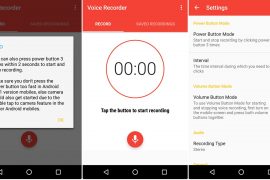
How to secretly record voice on your Android device
Have you ever wanted to record voice or any audio secretly, without opening the sound recorder app in front of others? Whether you wanted…
-

Use Android Pay on Google Pixel and Pixel XL with unlocked bootloader using a SafetyNet patch
A new patch allows Google Pixel and Pixel XL owners to use Android Pay even if their device bootloader has been unlocked. Unlocking the…
-
How to fix device charging slow notification issue
As bizarre as it might sound, but sometimes your old device might throw up a notification “device charging slow” while charging, out of the…
-
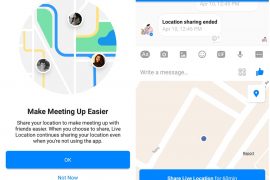
How to use Facebook Messenger’s live location sharing
Soon after Google introduced live location sharing in the Google maps, Facebook has launched the same in its Messenger app. In addition to static…
-

How to factory reset Galaxy S8 and Galaxy S8 Plus
The Galaxy S8 with its Snapdragon 835 processor and 4GB of RAM definitely gives off the impression that it will never have any performance…
-

How To Remove Learned Words From A Keyboard on Android
One of the benefits of writing on mobile devices over the desktop is the use of personalized data on mobile devices. Mobile devices over…
-
Google Play Store showing blank white screen? Here’s how to fix it
Many times after updating Android or updating any app, Google Play store stops working or shows a blank white screen. This can be irksome…
-

How to backup your Android Phone
We are not in 2005 where cell phones were just used for calling. Today, cell phones contain valuable and important data – photos, videos,…
-
How to record video of screen on Android
Over the years, we have moved from screenshots to HDMI recorder to finally, screen recording. While everybody is familiar with taking a screenshot, recording…
-
How to use same WhatsApp account on two different mobile phones
One of the major drawbacks of WhatsApp is that it doesn’t sync across multiple devices. Each WhatsApp account is linked to a phone number…
-

How to trim or shorten your videos on Android
If you take videos from your Android phone, you might have felt the need to shorten it (cut or trim it) at least once.…
-
Guide to Wandle app that automatically activates do not disturb mode at particular time and place
Wandle, the magical app, as suggested by its logo, manages your calls and notifications so that you can concentrate on the main thing that…
-

How to create text GIFS on Android
Since you landed on this page, I assume you already know how awesome GIFs are. I won’t praise their awesomeness. Or their usefulness. Or…
-
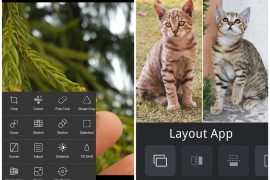
Instagram tips and tricks using 3rd party apps
If you are an Instagram newbie, stop right there, and read our beginners guide to Instagram and tips and tricks for Instagram beginners. However,…
-

How to record calls on android phone
If you are one of those unfortunate people who does not have an inbuilt call recording feature on their Android device, worry not. Whatever…
-

How to use two WhatsApp accounts on one device
The majority of the mobile phones these days support Dual SIM. If you use dual SIM in your device, you would want to enjoy…
-

How to post GIF on social media platforms
Want to start a friendly war? All you need to do is ask your friends how GIF is pronounced. Is it GIF with a…
-

How to scan documents and store them online on Android
Scanning documents have gotten easier through the years. Gone are the days where you needed expensive pieces of equipment to scan a single piece…
-

How to create and share personalized stickers and GIFs with your own face on them
If you are bored of the same old stickers and GIFS with predefined faces and text, get expressive with lively custom stickers and GIFS…