
Category
how to
-

How to Make Video Calls Using a Cartoon Avatar on Instagram and Facebook?
What to know Meta has added the ability to make video calls using your cartoon avatar on Instagram and the Facebook Messenger app. Users…
-

How to Generate Images Without Consuming Fast Hours on Midjourney
What to know Midjourney lets you generate images without spending your Fast Hours using a Relax Mode. Relax Mode can be enabled on Midjourney…
-
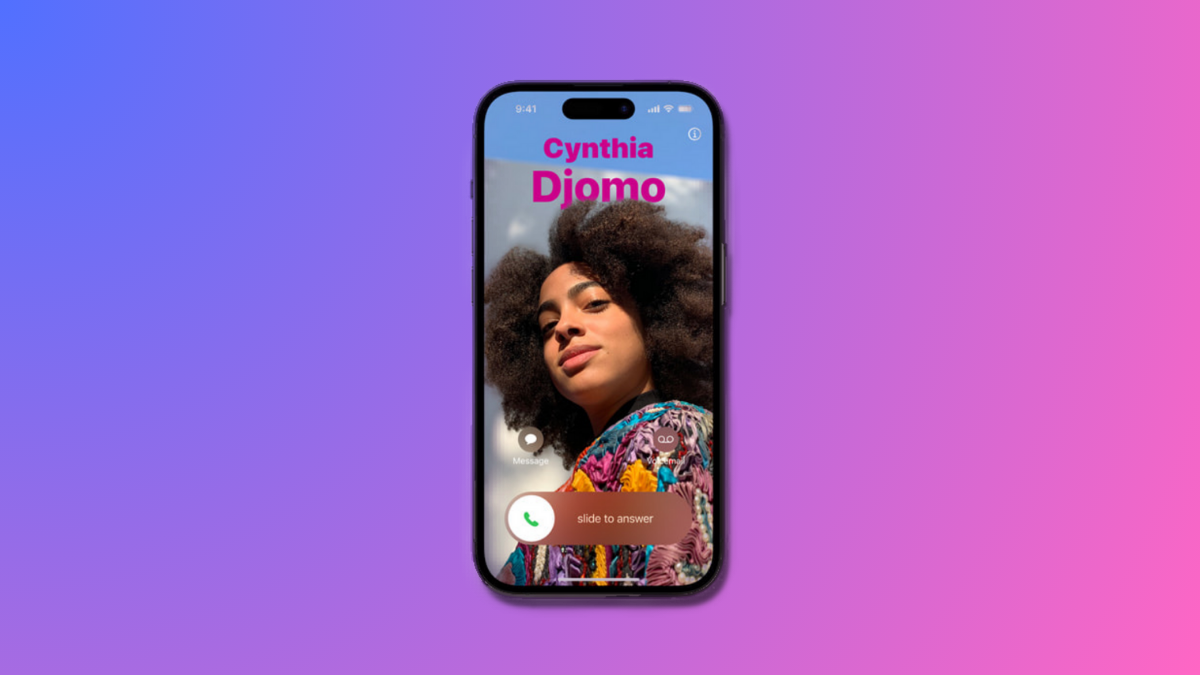
How to Create a Contact Poster for Someone on iPhone
What to know The Contacts app on iOS doesn’t just allow you to create a contact poster for yourself but you can also apply…
-
How to Answer Math Questions Using Wolfram Plugin on ChatGPT
What to know The Wolfram plugin on ChatGPT can solve math equations, word problems, plot graphs and charts, and look up data for computational…
-
How to Use the SceneXplain Plugin on ChatGPT?
What to know The SceneXplain ChatGPT plugin can analyze images and generate accurate descriptions based on the contents of the image. With nothing more…
-

How to Take Threads off of Instagram
What to know Threads is fundamentally linked to your Instagram account, so there’s no way to completely de-link it from the latter. One way…
-
![How to Unlink Threads From Instagram [Updated Nov 2023]](https://cdn.nerdschalk.com/wp-content/uploads/2023/07/unlink-threads-from-instagram-all-you-need-to-know.png)
How to Unlink Threads From Instagram [Updated Nov 2023]
What to know You can sign up on Threads only using your Instagram account and to unlink them, you’ll need to delete your Threads…
-
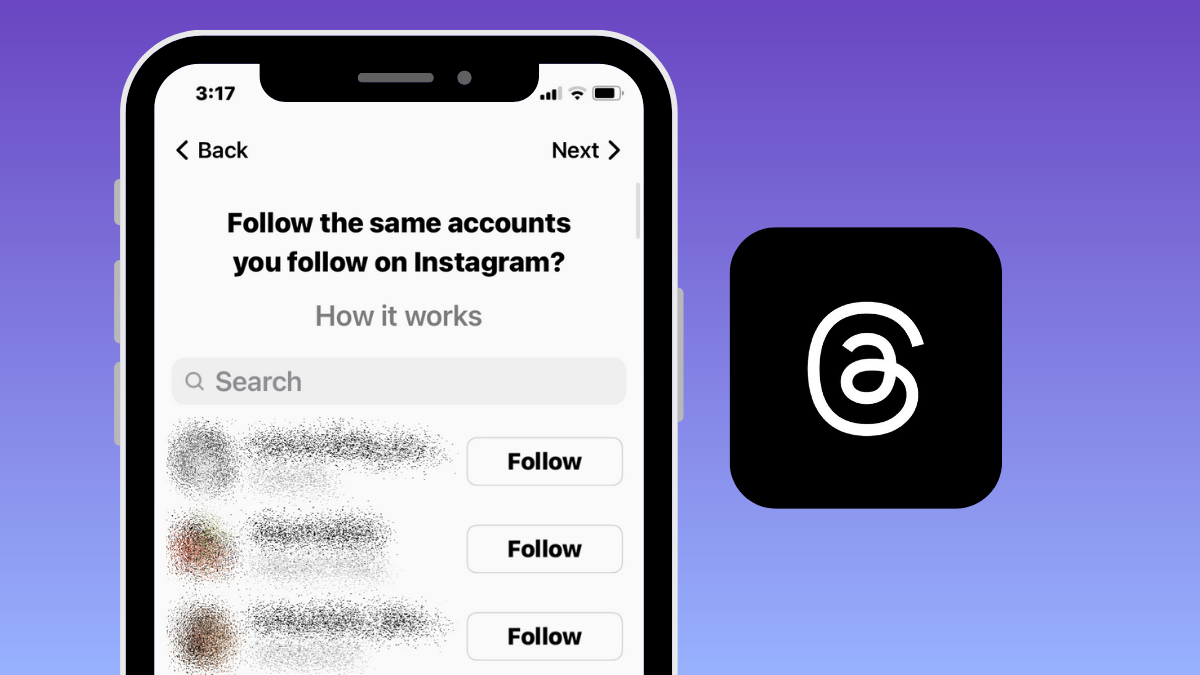
How to Find Your Instagram Friends on Threads
What to know Instagram’s Threads app lets you add people you already follow on Instagram to your following list so that they can follow…
-

How to Generate Images Faster on Midjourney Using Turbo Mode
What to know Midjourney now allows users to create images on the AI tool much faster using the new Turbo Mode. Turbo Mode lets…
-

How to Create Quirky and Experimental Artwork Using Weird Parameter on Midjourney
What to know Midjourney has a new option – Weird, which allows you to make your images more weird or edgy. It’s available as…
-

How to Extend Your Images Using Pan on Midjourney
What to know Midjourney has a Pan feature that lets you extend part of an image from a specific direction to create lengthier images. …
-

How to Switch Variation Mode on Midjourney
What to know Variation Mode is a new setting available on Midjourney 5.2 that allows you to dictate how the AI generator creates new…
-
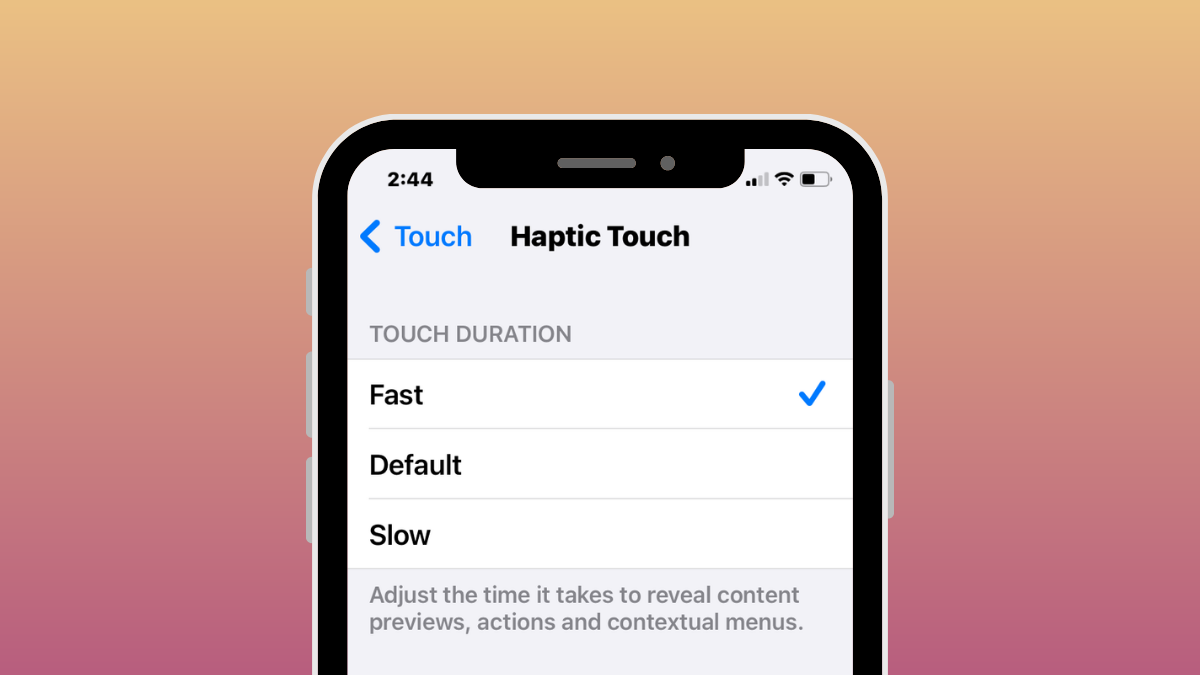
iOS 17: How to Enable “Fast” Haptic Touch on iPhone
What to know In iOS 17, Apple has made its Haptic Touch feature on the iPhone quicker with a new ‘Fast’ option. It works…
-

How to Combine Two or More Images Together Using Blend on Midjourney
What to know Midjourney has a Blend tool that allows you to combine two or more images into a merged creation. The Blend tool…
-

How to Do Outpainting in Midjourney 5.2
What to know Midjourney 5.2 offers the ability to outpaint an image using the Zoom Out tool. Zoom Out can be used on any…
-
![How to Describe an Image on Midjourney [Describe Prompt Explained]](https://cdn.nerdschalk.com/wp-content/uploads/2023/06/how-to-describe-an-existing-image-on-midjourney.png)
How to Describe an Image on Midjourney [Describe Prompt Explained]
What to know The Describe tool on Midjourney can convert an existing image to text-rich prompts. You can use this tool to recreate original…
-

How to Disable Live Activities on Apple TV App on iPhone
Live Activities are a great way to keep up with your upcoming orders, sports matches, and more. This new take on notifications was first…
-
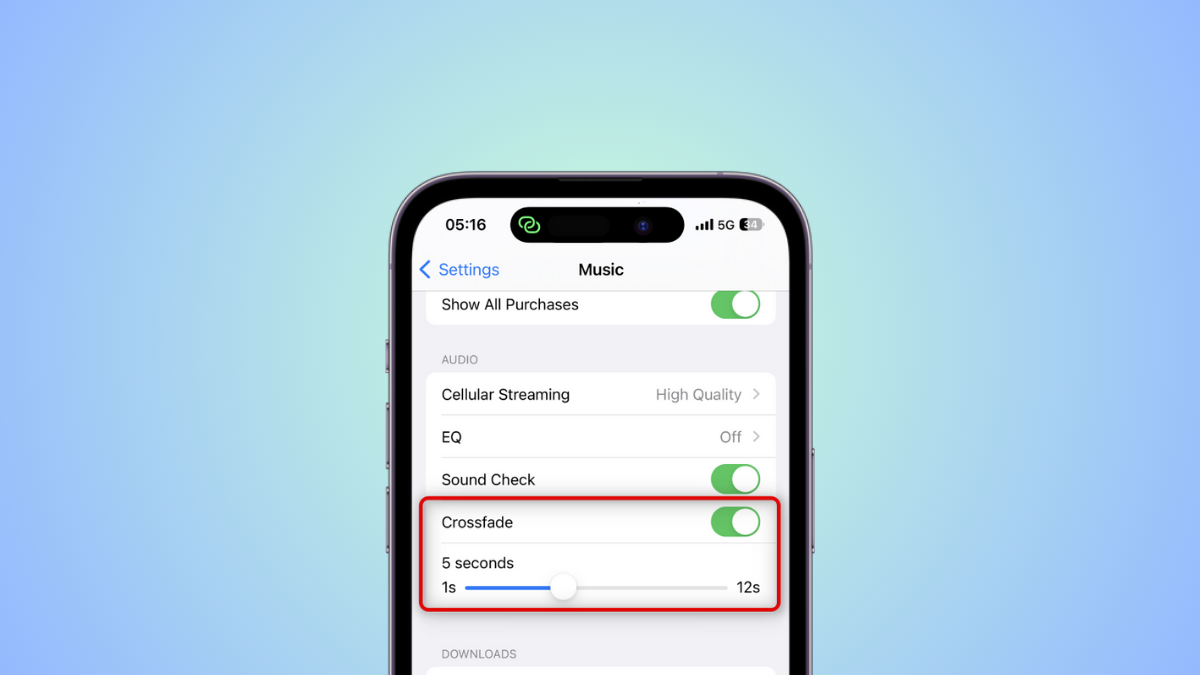
How to Enable and Customize Crossfade for Apple Music on iPhone
What to know Crossfade on Apple Music is designed to smoothen the transition when switching from one track to another so the next track…

