

What to know
- The Golden Age Batsuit is a launch bonus tied to WB Games accounts.
- Players must sign in to a WB Games account at the game’s launch to redeem the suit.
- Existing WB Games accounts do not lose eligibility; they still qualify.
- The suit is the Detective Comics #27 inspired Golden Age outfit and is available at launch.
LEGO Batman: Legacy of the Dark Knight includes an exclusive Golden Age Batsuit as a launch bonus for eligible players who use a Warner Bros. Games account. Eligible players must be signed into a WB Games account when the game launches to redeem the outfit, and those who already have an account remain eligible and can simply log in at launch to claim it. This article explains what that means, how to prepare before launch, and the simple steps to ensure you don’t miss the suit.

How to prepare your WB Games account before launch
- Make sure you know the email and password tied to your WB Games account; players with existing accounts only need to log in at launch.
- Confirm your account is active and verified ahead of time to avoid delays on launch day.
- If you don’t already have an account, create one before launch so you can log in and redeem the suit immediately.
How to redeem the Golden Age Batsuit at launch
Step 1
Boot the game on your platform of choice once it becomes available.
Step 2
Open any in-game or launcher prompt that requests WB Games sign-in, or use the game’s main menu option to link your WB Games account.
Step 3
Log into your WB Games account using your credentials; existing accounts only need to sign in to qualify.
Step 4
After signing in at launch, follow any on-screen confirmation to claim the Golden Age Batsuit; the suit should then appear in your unlocked outfits or costumes section.
Golden Age Batsuit details
| Item | Requirement | When to claim | Notes |
|---|---|---|---|
| Golden Age Batsuit | WB Games account sign-in | At game launch | Existing WB accounts remain eligible |
| Eligibility action | Log in to WB Games account | At launch or when prompted | Create account beforehand if you don’t have one |
| Appearance | Detective Comics #27 inspired | Immediately after redemption | Accessible from outfits/costumes menu |
Avoid common problems

- If you cannot remember your WB Games password, reset it well before launch to avoid waiting on email verifications.
- If the game asks to link accounts, complete the linking flow fully and watch for an in-game confirmation to ensure the suit applied.
- Ensure your platform and game are updated to the latest version at launch so account-linking and redeem flows work smoothly.
Where the Golden Age Batsuit appears in-game
Once redeemed, the Golden Age Batsuit is available among Batman’s outfits and can be selected from the costumes or suits menu; it is presented as a classic, early-era look faithful to the original Detective Comics debut.
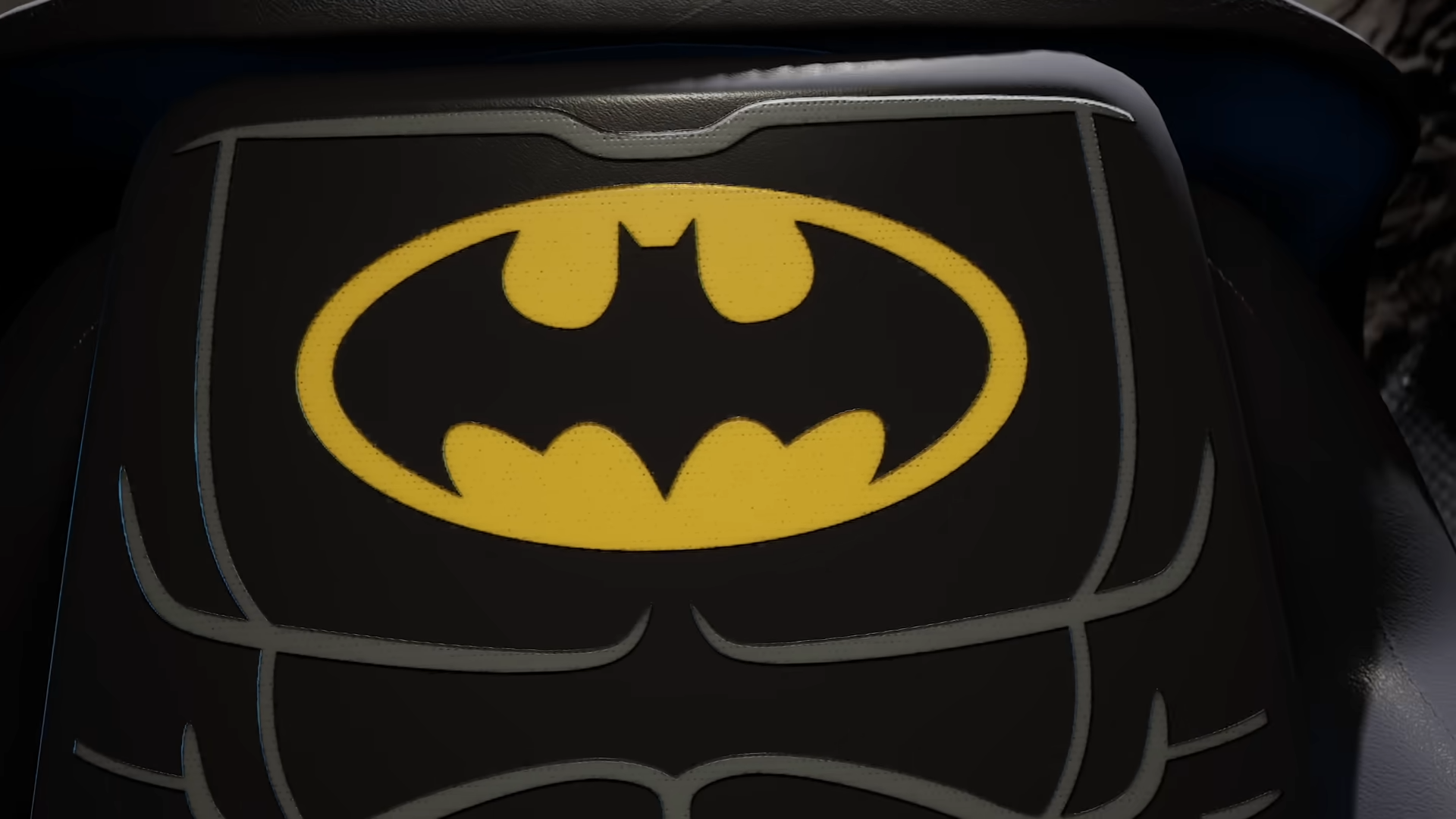
Players who already have a WB Games account do not need to create a new one to receive the Golden Age Batsuit; they simply need to log in to that existing account at launch to redeem the outfit. If you want to be certain, verify your account is active and that you can sign in on the platform you’ll use before the game releases.




Leave a Reply