

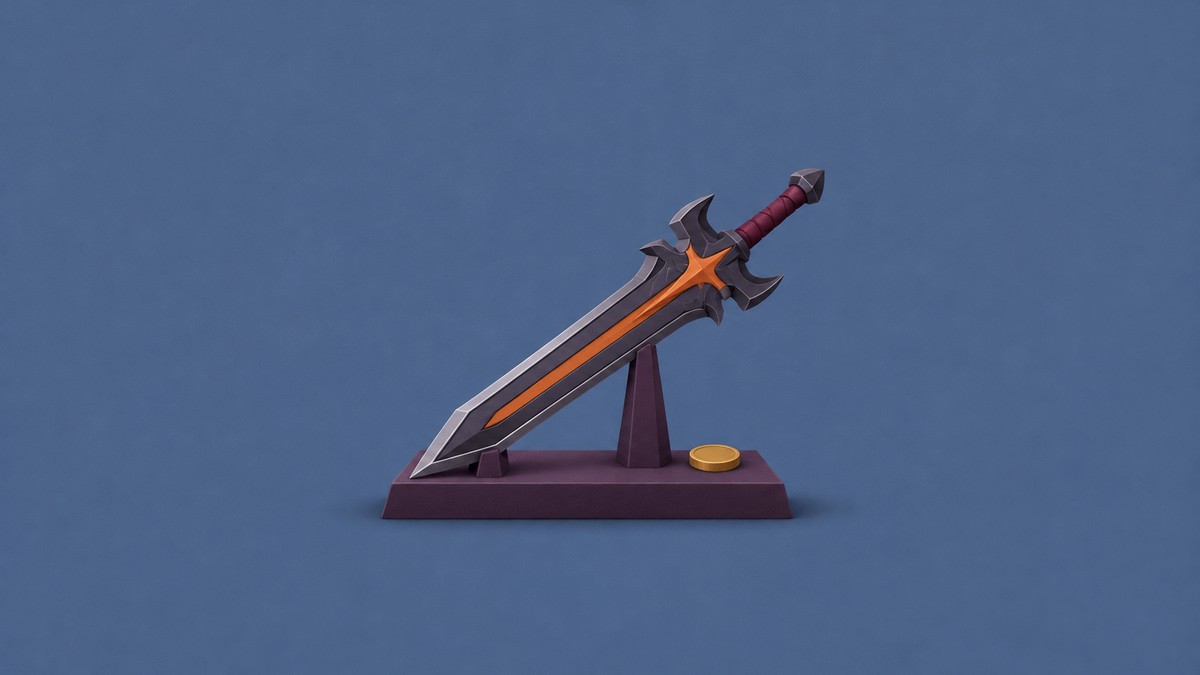
Forge Inferno at the hub’s Forge using 2 Omni, 1 Bone Ore, and 3 Mystic Crystal gathered from Dungeon Stage 12 or higher.
Inferno is a Mythic Greatsword in Loot To Forge. Getting its materials takes you into the Dungeon. This guide covers the farming stages, forge mixture, equipment controls, and weapon upgrades.
- What power is recommended for Inferno’s farming stages in Loot To Forge?
- How to get Inferno Greatsword in Loot To Forge
- Part 1 – Gather the required dungeon ores
- Part 2 – Forge and equip Inferno
- Part 3 – Enchant and enhance Inferno
- What do Inferno’s forge multipliers and preview chances show?
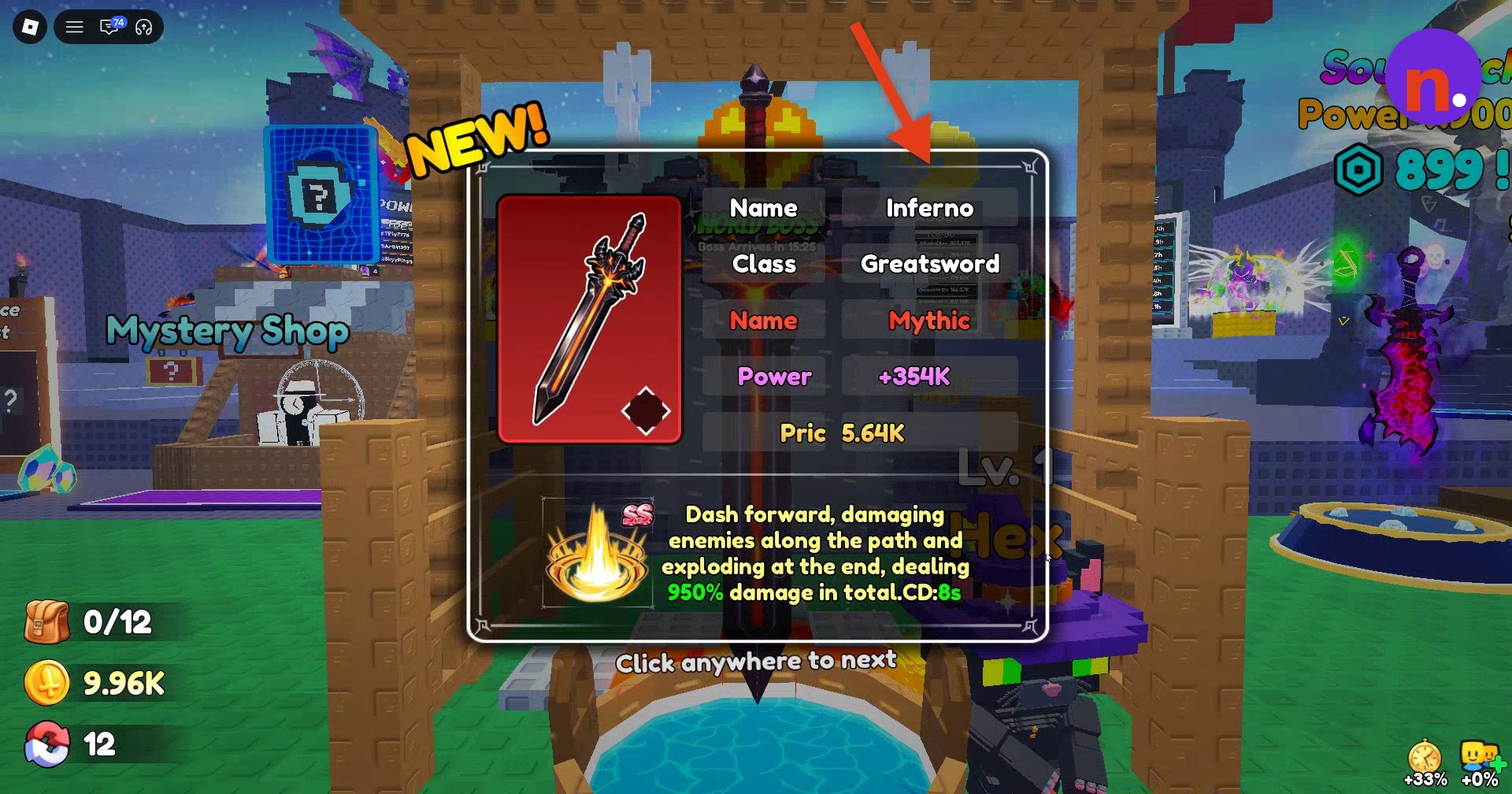
- What are Inferno Greatsword’s stats and effects?
What power is recommended for Inferno’s farming stages in Loot To Forge?
| Dungeon stage | Recommended power |
|---|---|
| Stage 12 | 800B |
| Stage 13 | 1T |
| Stage 14 | 3.5T |
| Stage 15 | 40T |
| Stage 16 | 180T |
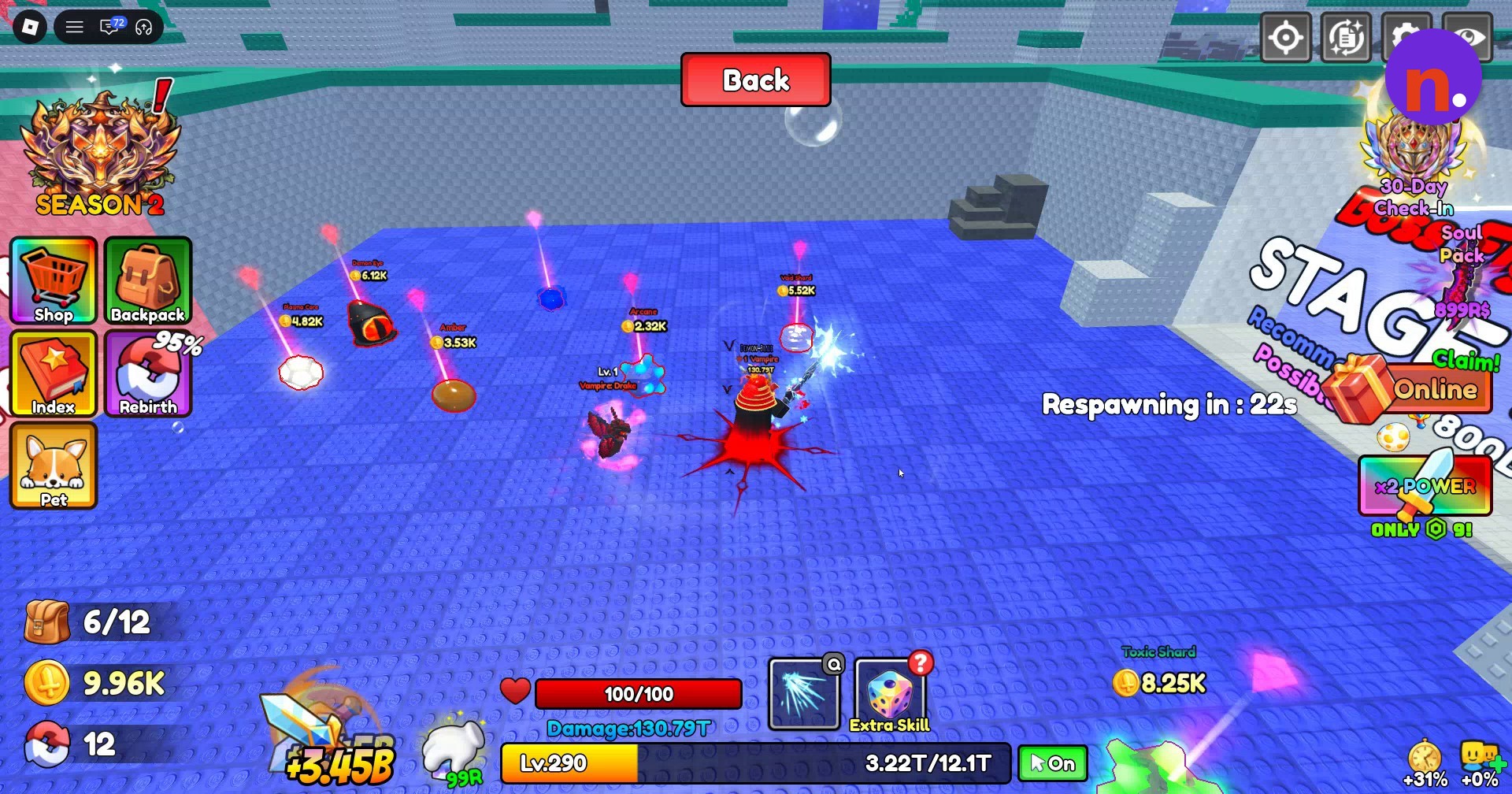
The Dungeon has recommended power values for Stages 12–16. Stage 12 has a Boss Fight gate.
How to get Inferno Greatsword in Loot To Forge
Watch for Omni as you collect Dungeon loot. It appears during progression before Stage 15 begins and among the drops on Stage 15’s floor, where the E Collect prompt lets you pick it up.

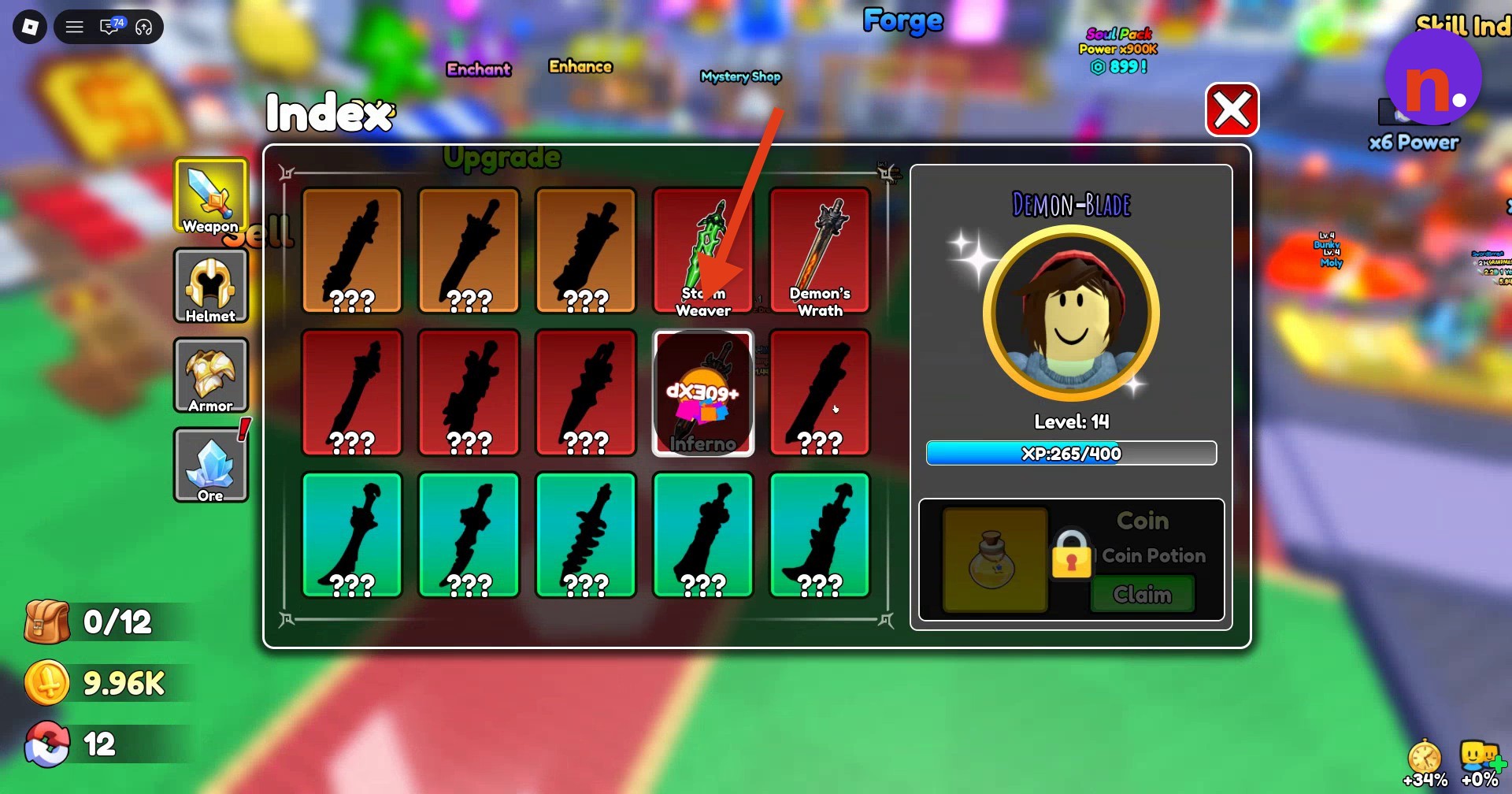
After forging Inferno, claim its Weapon Index entry for +60 EXP.
Gather the Dungeon ores, forge and equip Inferno.
Part 1 – Gather the required dungeon ores
Collect the full mixture before loading the Forge.
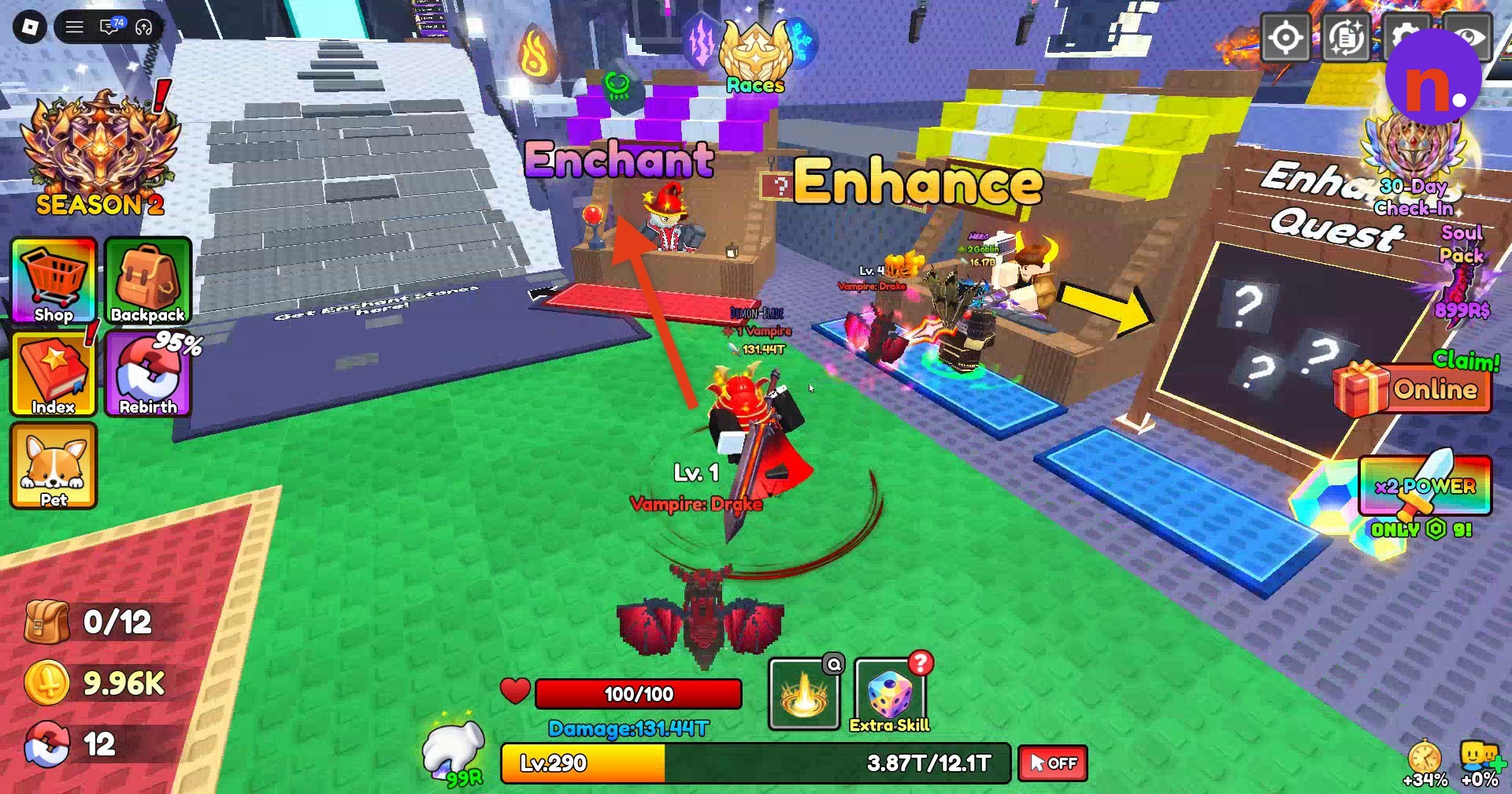
Gather Inferno’s ores
Farm Stage 12 or higher in the Dungeon for 2 Omni, 1 Bone Ore, and 3 Mystic Crystal. In Stage 12, fight Skeleton Captain, whose maximum health is 13.5T, and the Anchor Skeletons. Collect ores after clearing the stage; Bone Ore appears among the arena drops. Clear enemies and collect dropped items in Stage 13 as you progress. Stage 14 contains Grolts, while Stage 15 contains Korgul enemies.
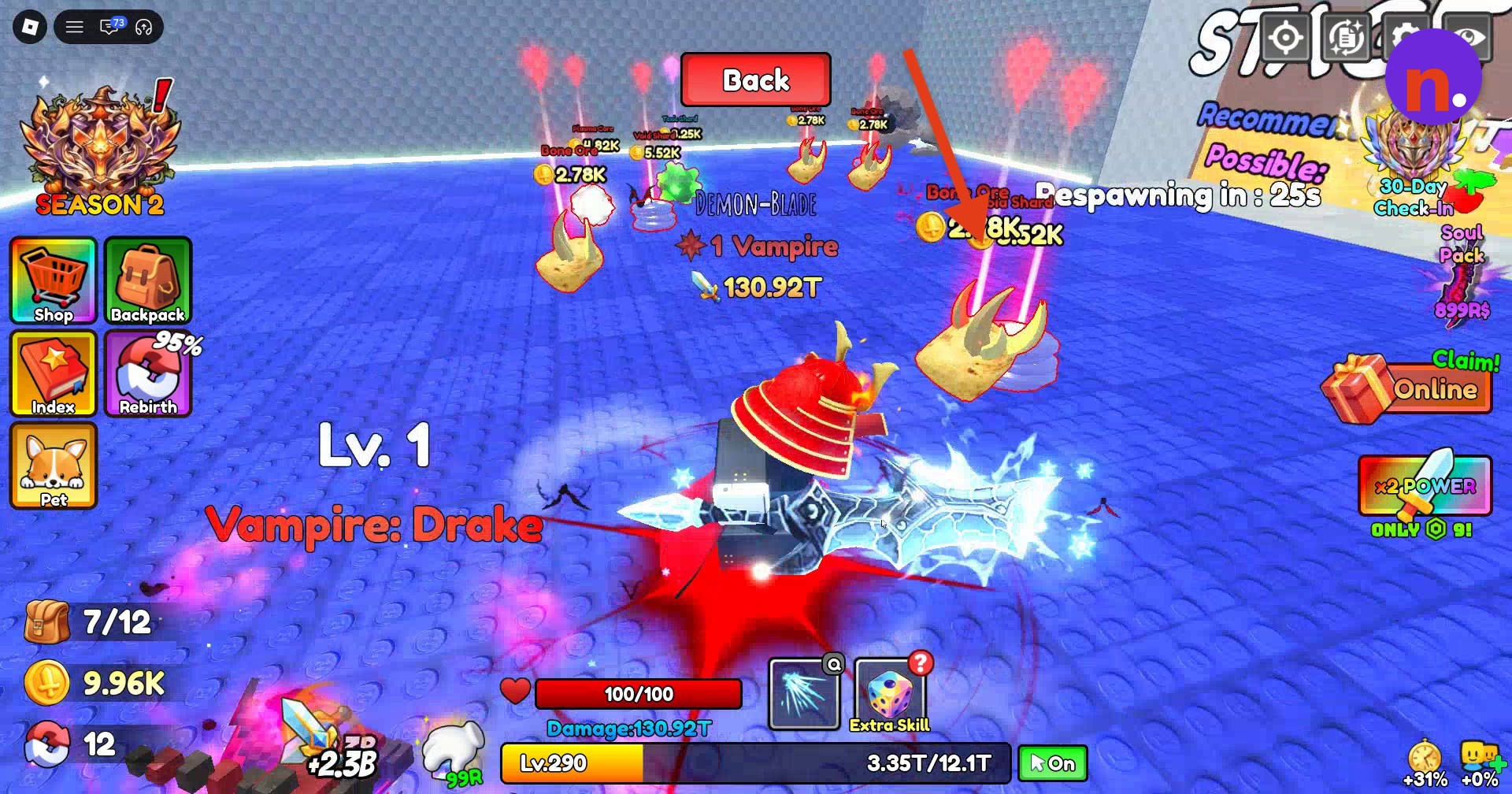
Return to the hub’s Forge
Approach the Forge in the main town area and press E at the Forge prompt to open crafting.
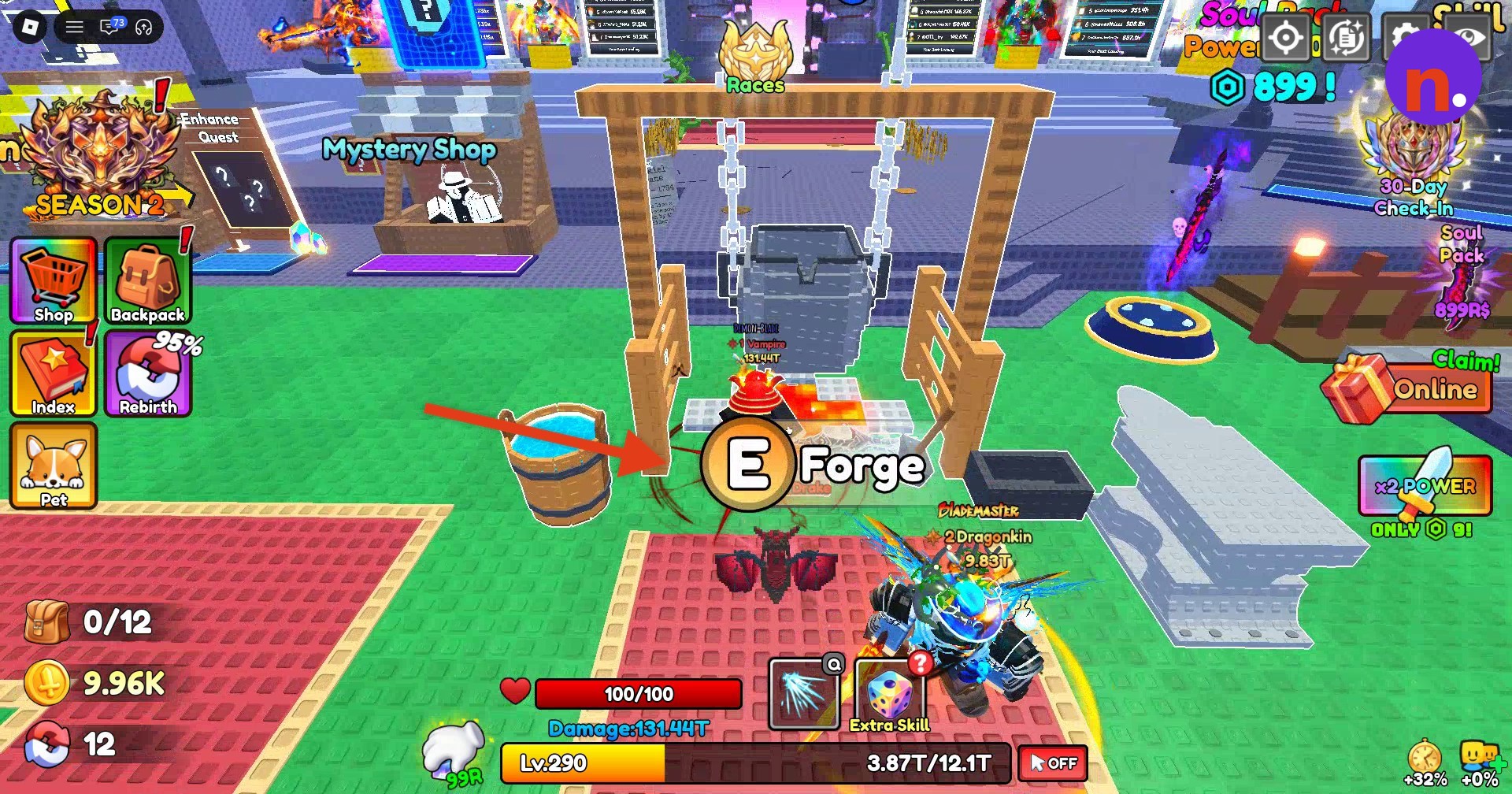
Part 2 – Forge and equip Inferno
Load the ores in order and let crafting finish.
Add 2 Omni
In the Ores panel, select Omni to load 2 into the crucible.
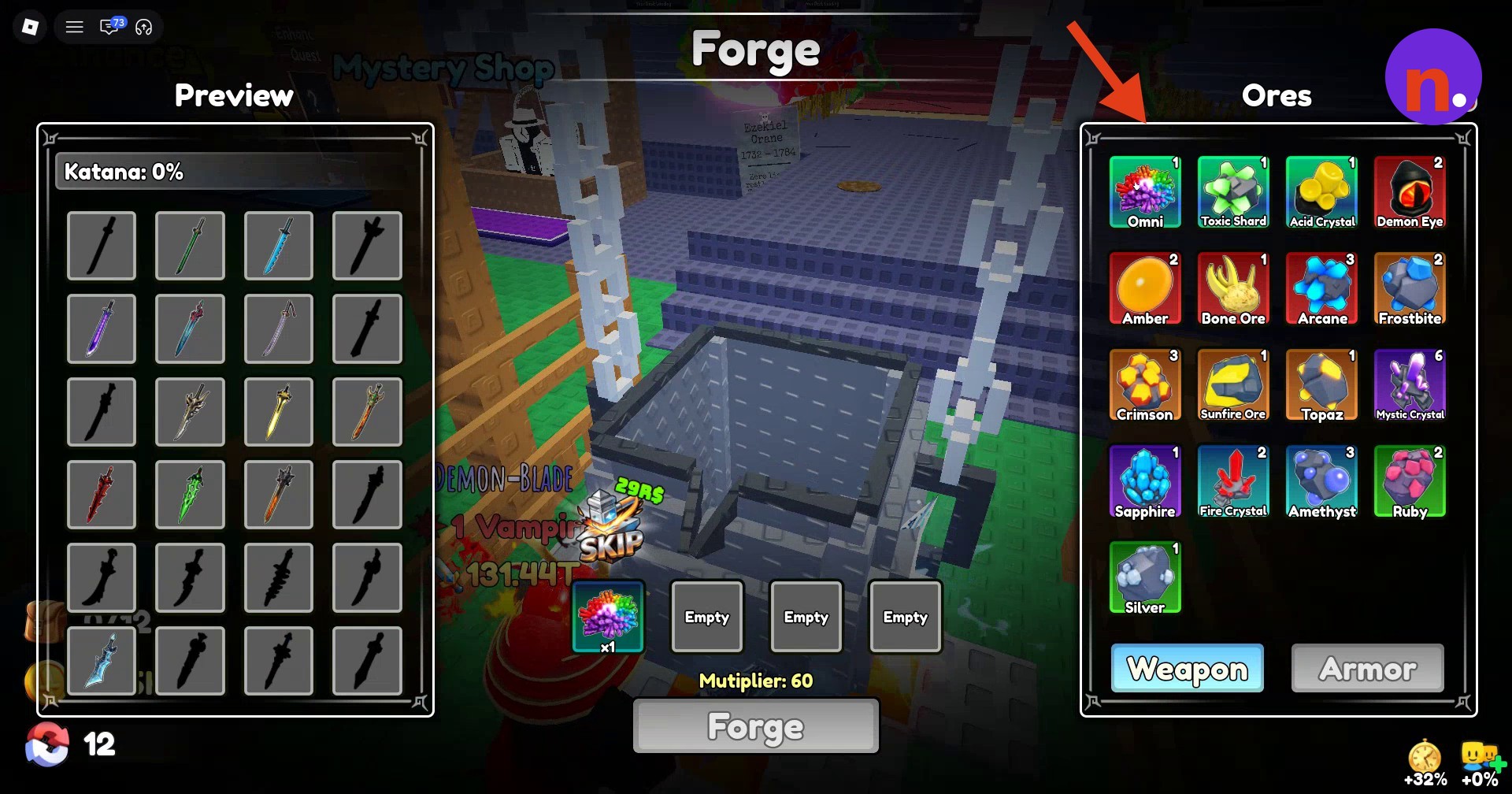
Add 1 Bone Ore
Select Bone Ore and load 1 as the next ingredient.
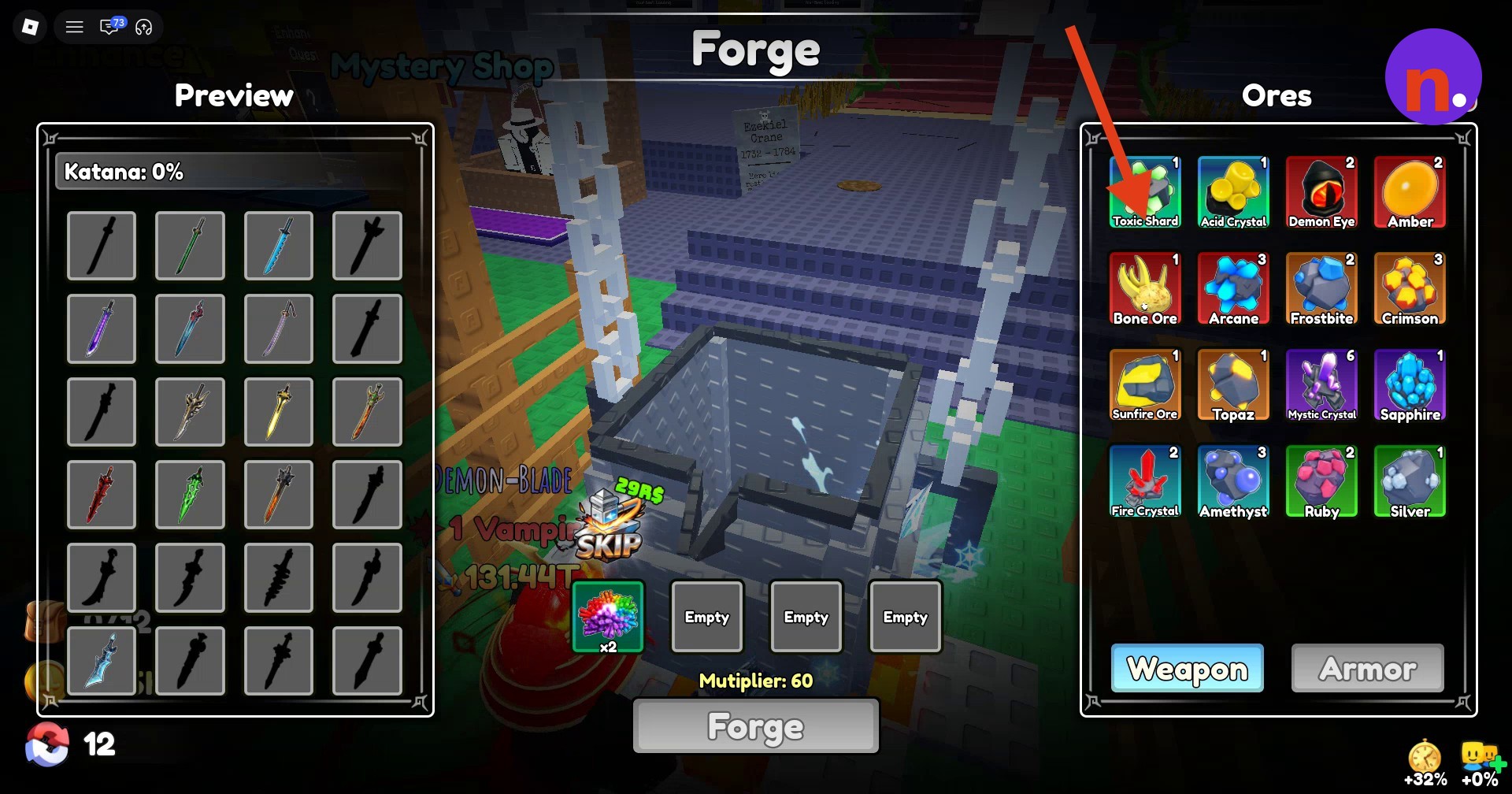
Add 3 Mystic Crystal
Select Mystic Crystal from the ore list and add 3 to complete the mixture.
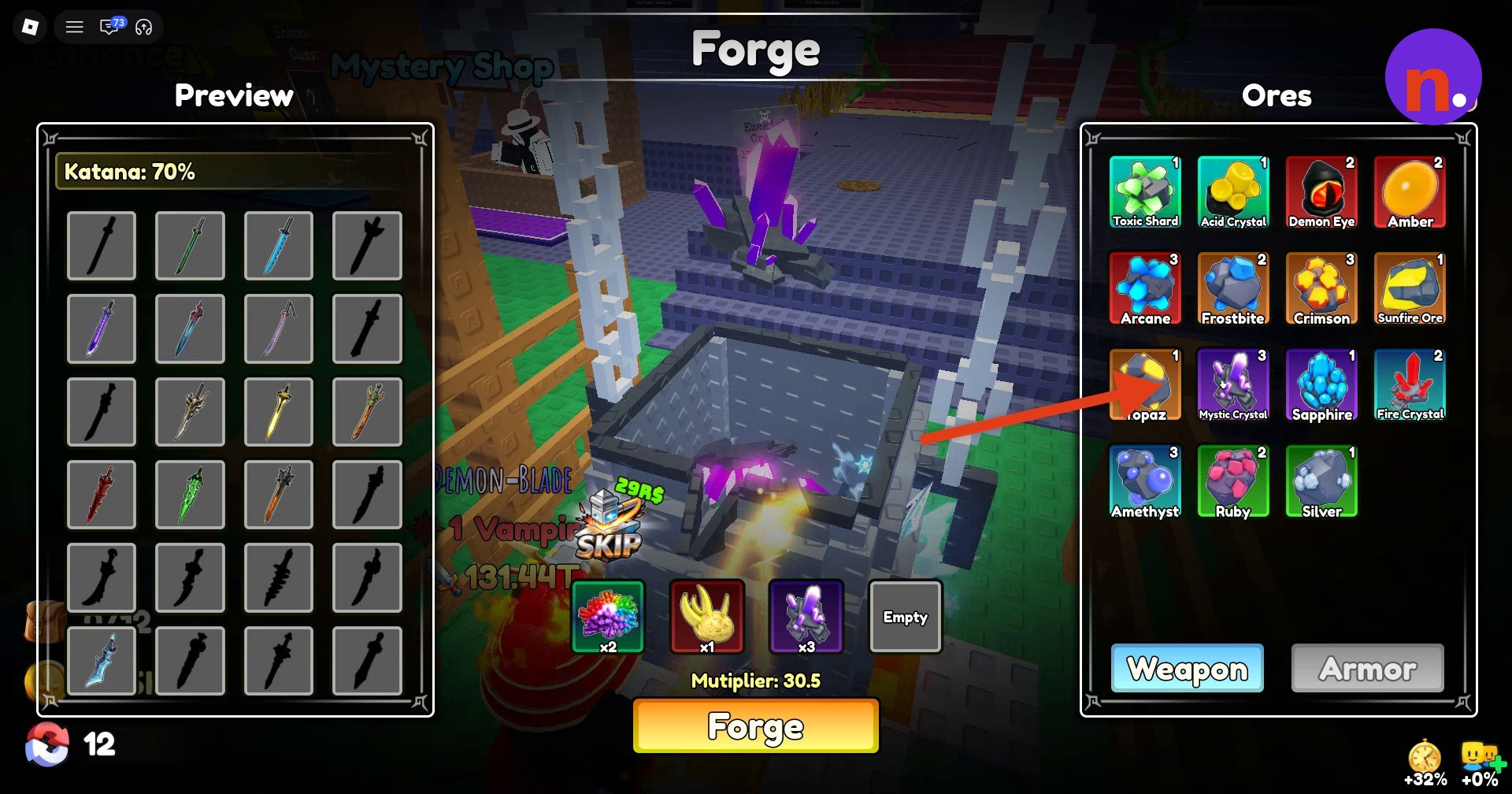
Press Forge
Click the Forge button along the bottom of the interface to begin crafting.
Wait for forging to finish
Allow the melting, mold-pouring, anvil-hammering, and water-quenching sequence to finish. The interface also offers a Skip option for 29 Robux.
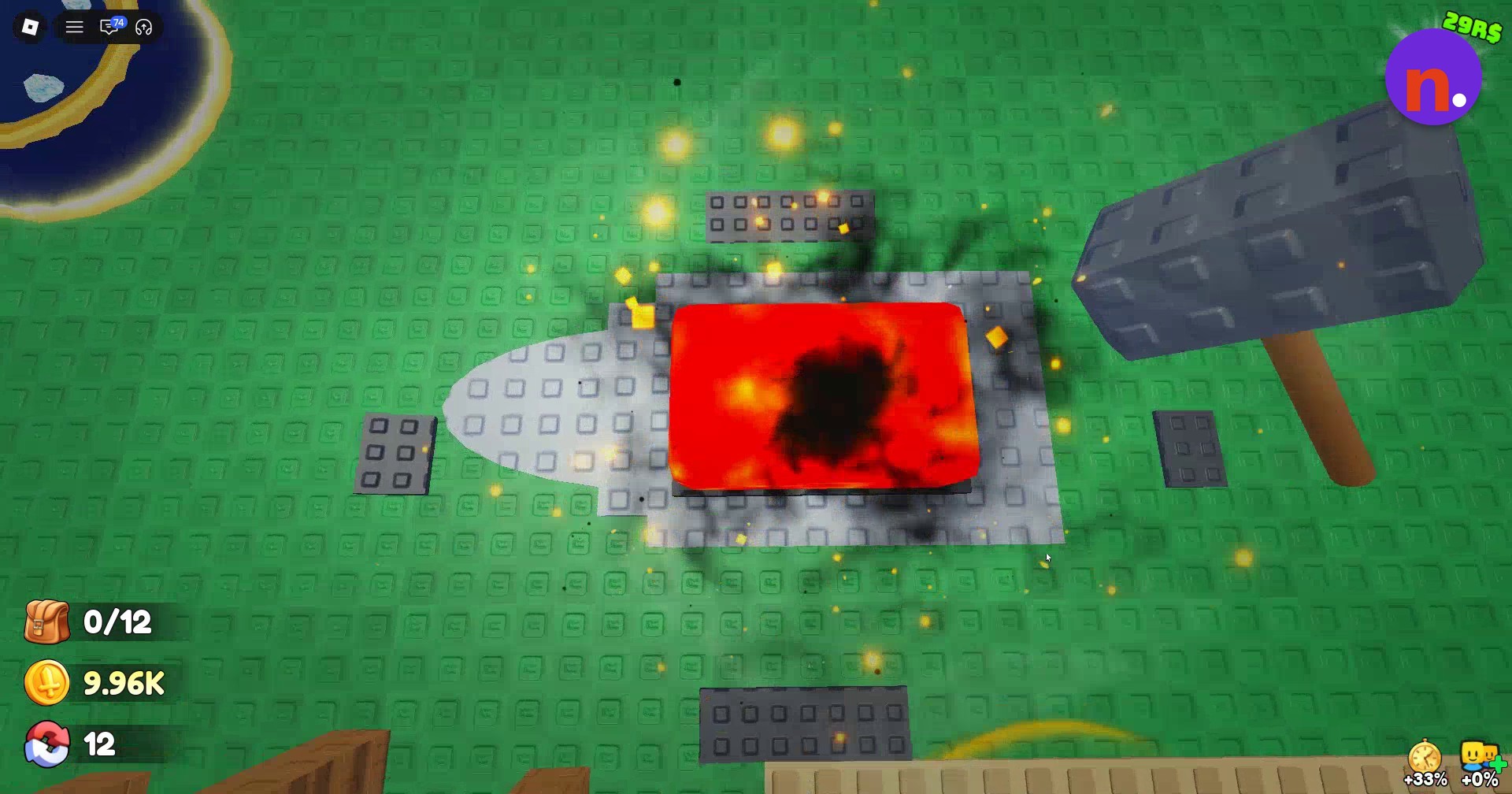
Collect Inferno
The result screen identifies the weapon as Inferno, with the Greatsword class and Mythic rarity. Click anywhere to dismiss it.
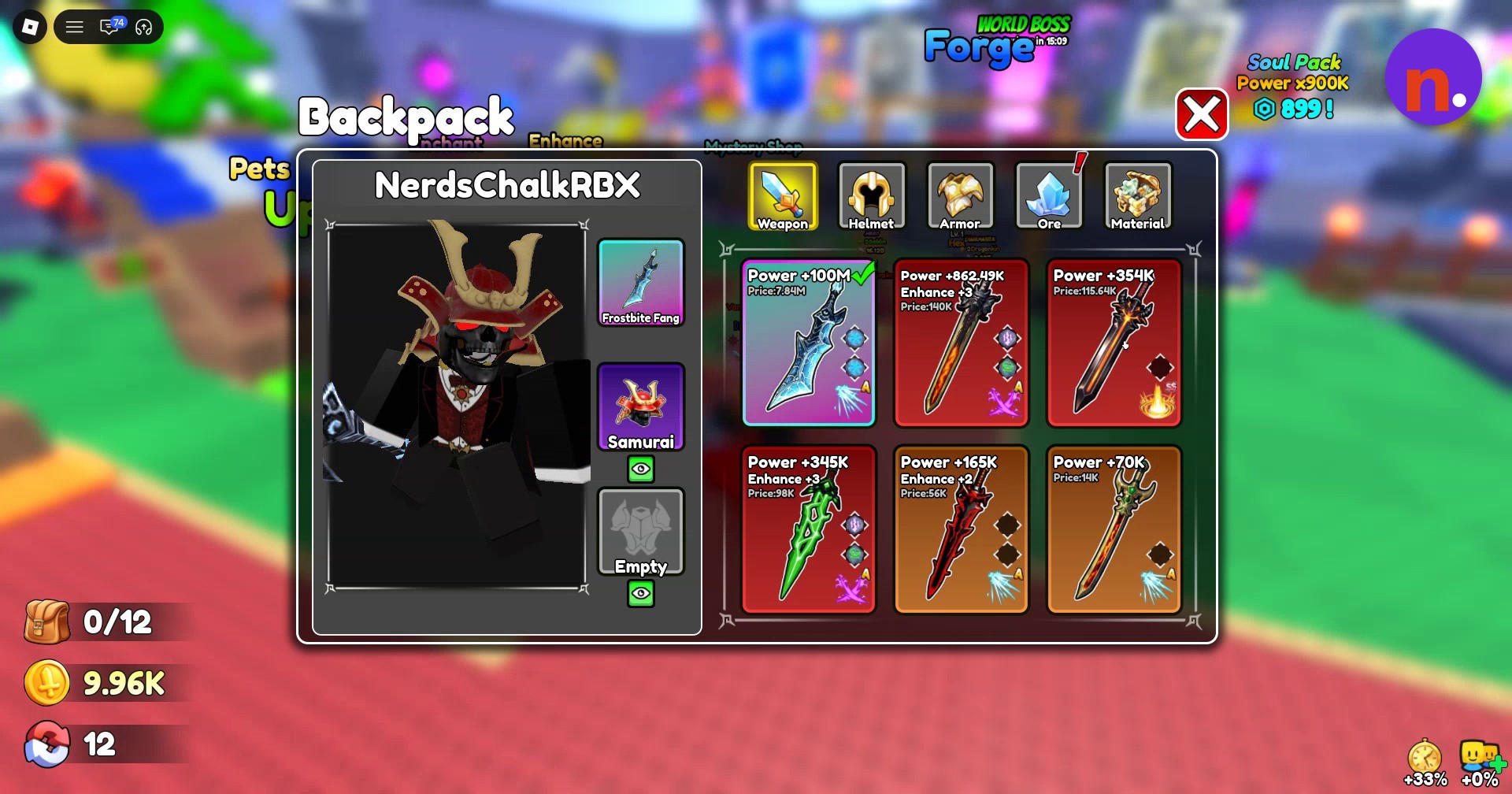
Open Backpack
Open Backpack to access the newly forged weapon.
Part 3 – Enchant and enhance Inferno
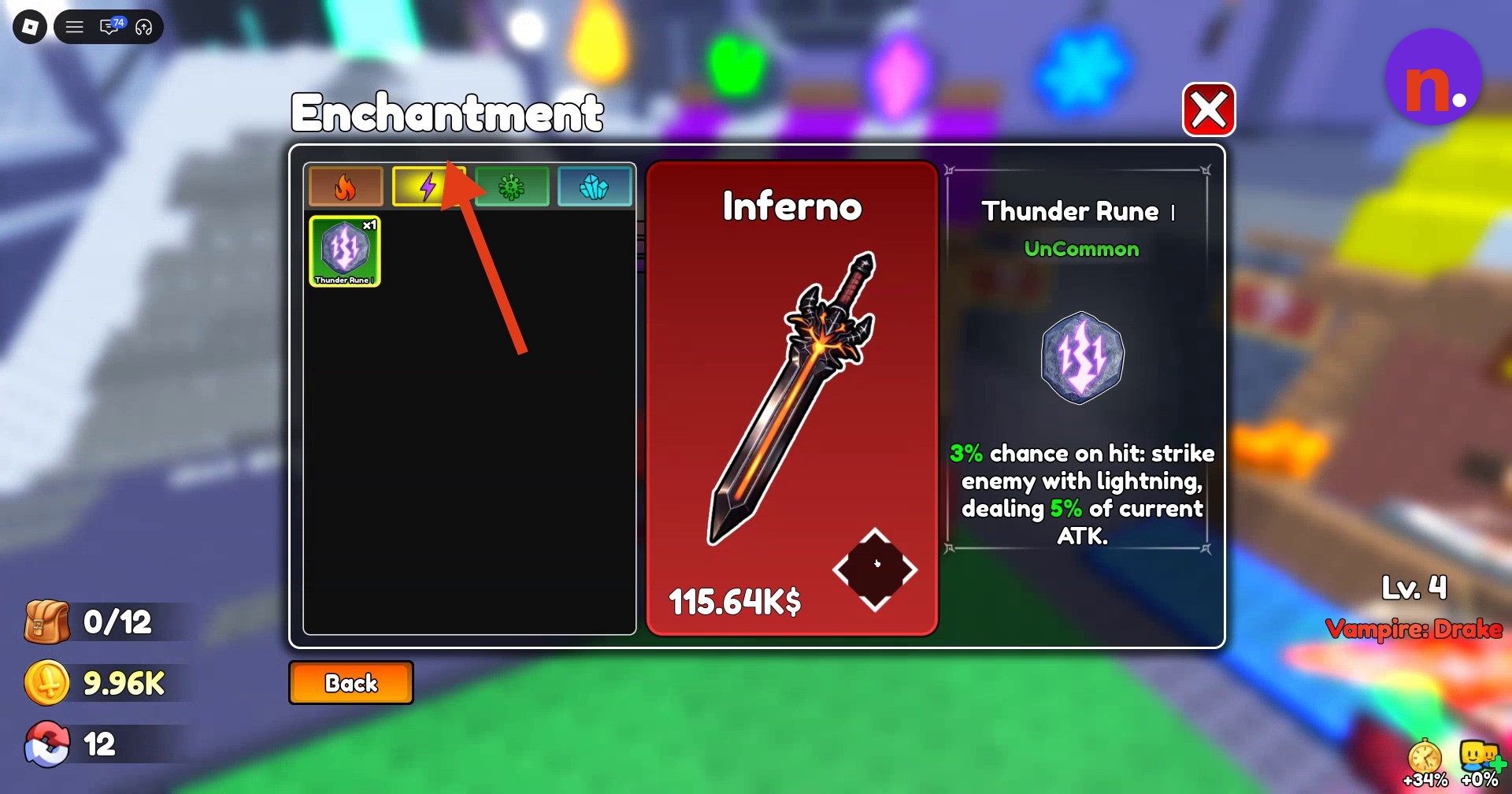
Enchant Inferno
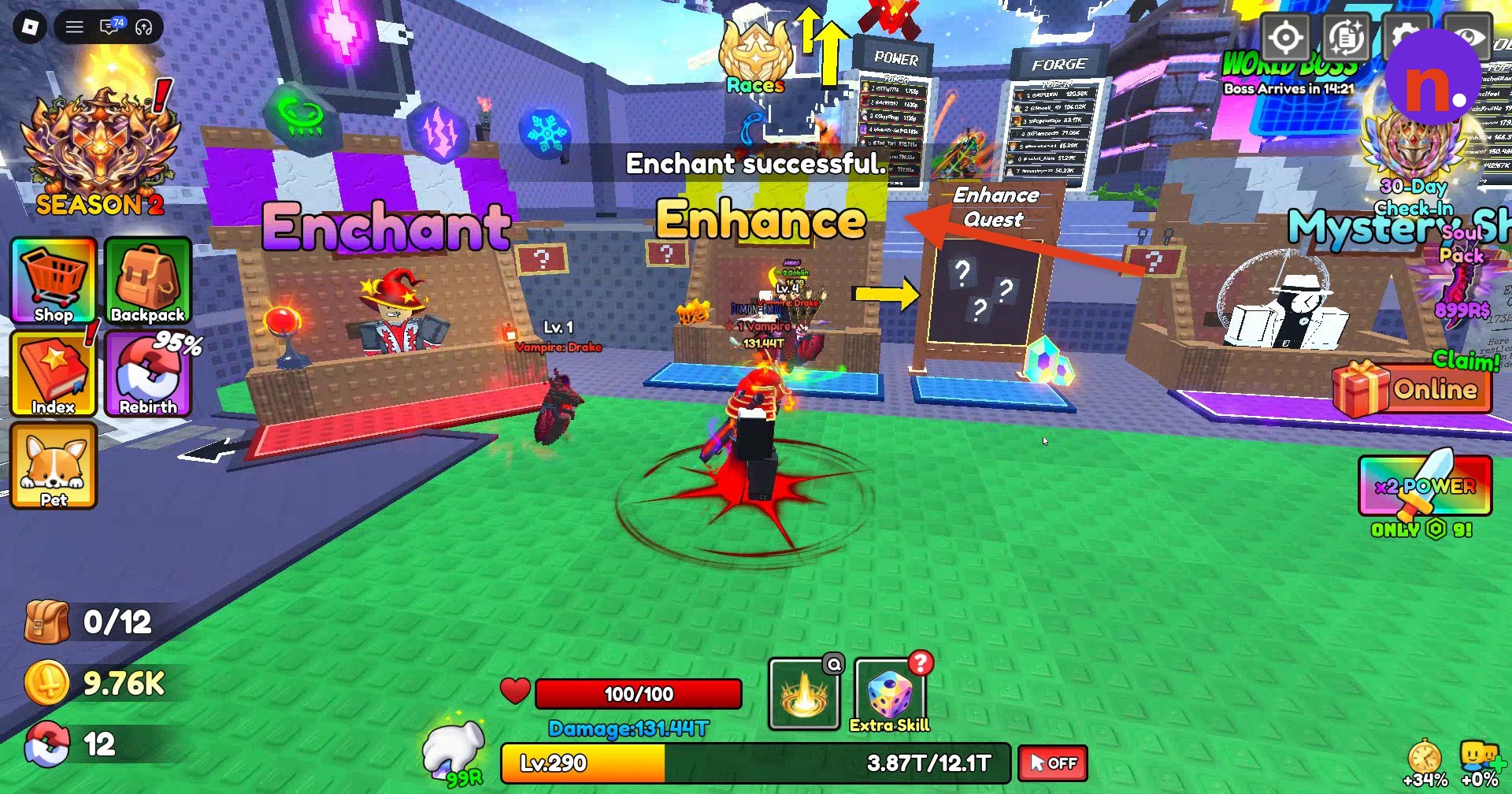
Visit Enchant, select Inferno in the Enchantment menu, and apply Thunder Rune I for 200.
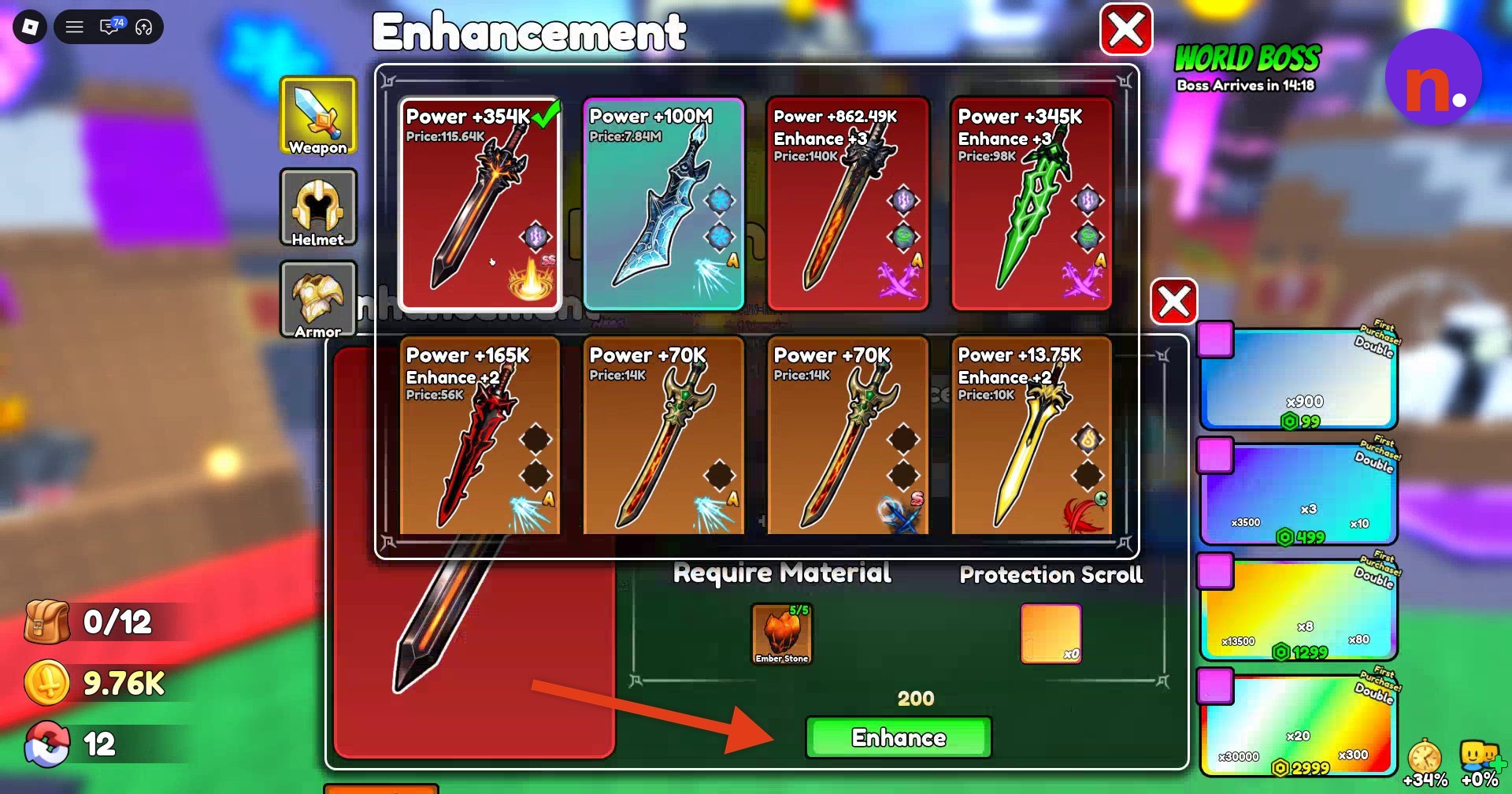
Enhance Inferno
Visit Enhance, select Inferno, and press Enhance to upgrade it from +0 to +1. The menu’s Require Material area also lists Protection Scroll.
5 Ember Stones Have 5 Ember Stones and 200 currency ready before upgrading Inferno from +0 to +1.
What do Inferno’s forge multipliers and preview chances show?
| Ore mixture | Multiplier | Katana preview |
|---|---|---|
| 2 Omni | 60 | |
| 2 Omni and 1 Bone Ore | 50 | 85% |
| 2 Omni, 1 Bone Ore, and 3 Mystic Crystal | 30.5 | 70% |
The Forge updates its mixture multiplier as ingredients change. Its weapon previews sit on the left, with the percentages shown here attached to the Katana label.
What are Inferno Greatsword’s stats and effects?
| Stat or effect | Value |
|---|---|
| Base power | +354K |
| Sell price | 115.64K |
| Skill rank | SS |
| Total skill damage | 950% |
| Skill cooldown | 8 seconds |
| Enhance +1 displayed value | +371.7K |
| Thunder Rune I rarity | UnCommon |
| Lightning trigger chance | 3% per hit |
| Lightning damage | 5% of current ATK |
Inferno’s skill sends you into a forward dash, damaging enemies along your path before ending in an explosion. Its damage total covers that full attack.
With Inferno, you can damage enemies along a dash and finish with an explosion.
Related Loot To Forge guides




Leave a Reply