

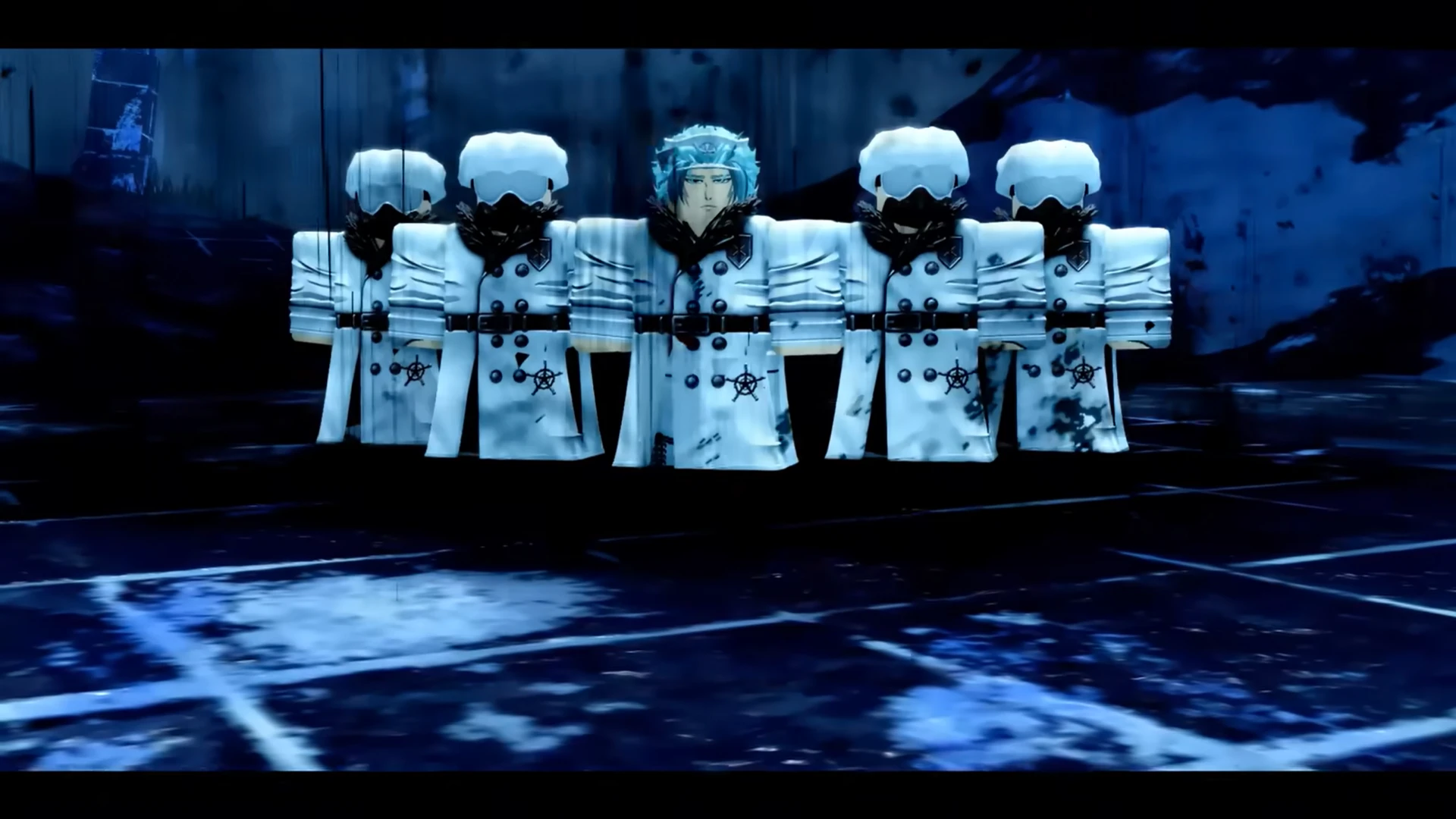
To use the Tailor NPC (Aziz) in VV: ULTIMATUM, speak to him twice to unlock his full dialogue menu, then use Accessory Tokens or Whetstones depending on whether you’re modifying, transmuting, or removing equipment customizations.
| Tailor Feature | Requirement | Item Must Be Equipped? | Cost |
|---|---|---|---|
| Equipment Coloring | Accessory Token | Yes | Accessory Token |
| Modifier Rerolling | Accessory Token + additional resources | Yes | Robux, Soul Tokens, or Modifier Stones |
| Transmutation | Source and target equipment | Target: Yes, Source: No | Depends on item |
| Remove Transmutation | Whetstone | No | Whetstone |
| Haircuts | None | N/A | Standard customization cost |
| Tailor NPC | Aziz | N/A | N/A |
Where to find Aziz the Tailor in VV Ultimatum
Aziz is the primary Tailor NPC in VV: ULTIMATUM and can usually be found in the following areas:
| Location | Notes |
|---|---|
| Arctic | Most commonly visited Tailor location |
| Outskirts | Alternative Tailor spawn area |
When you first locate Aziz, don’t immediately expect the full customization menu to appear.
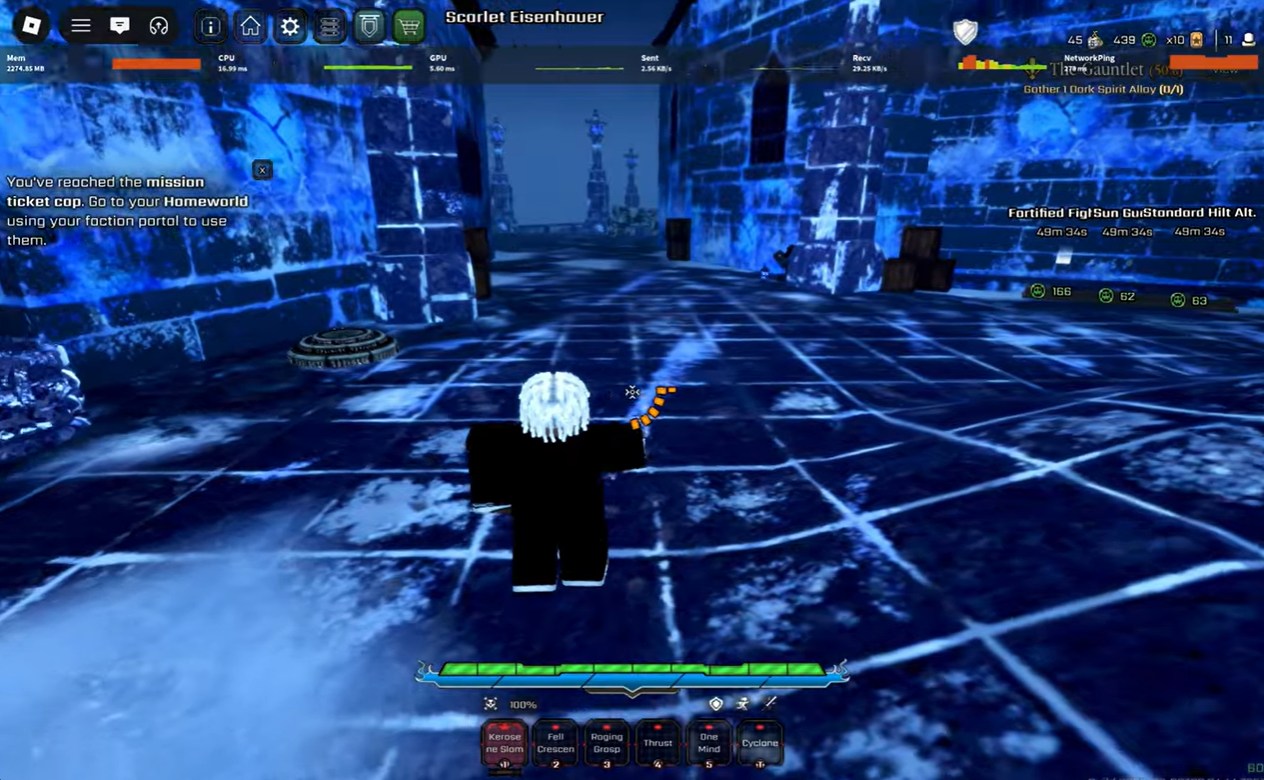
How to interact with Tailor in VV Ultimatum
Step 1: Locate a Tailor NPC
Travel to either Arctic or Outskirts and find Aziz. Make sure you have the required materials such as an Accessory Token or Whetstone before starting any customization process.
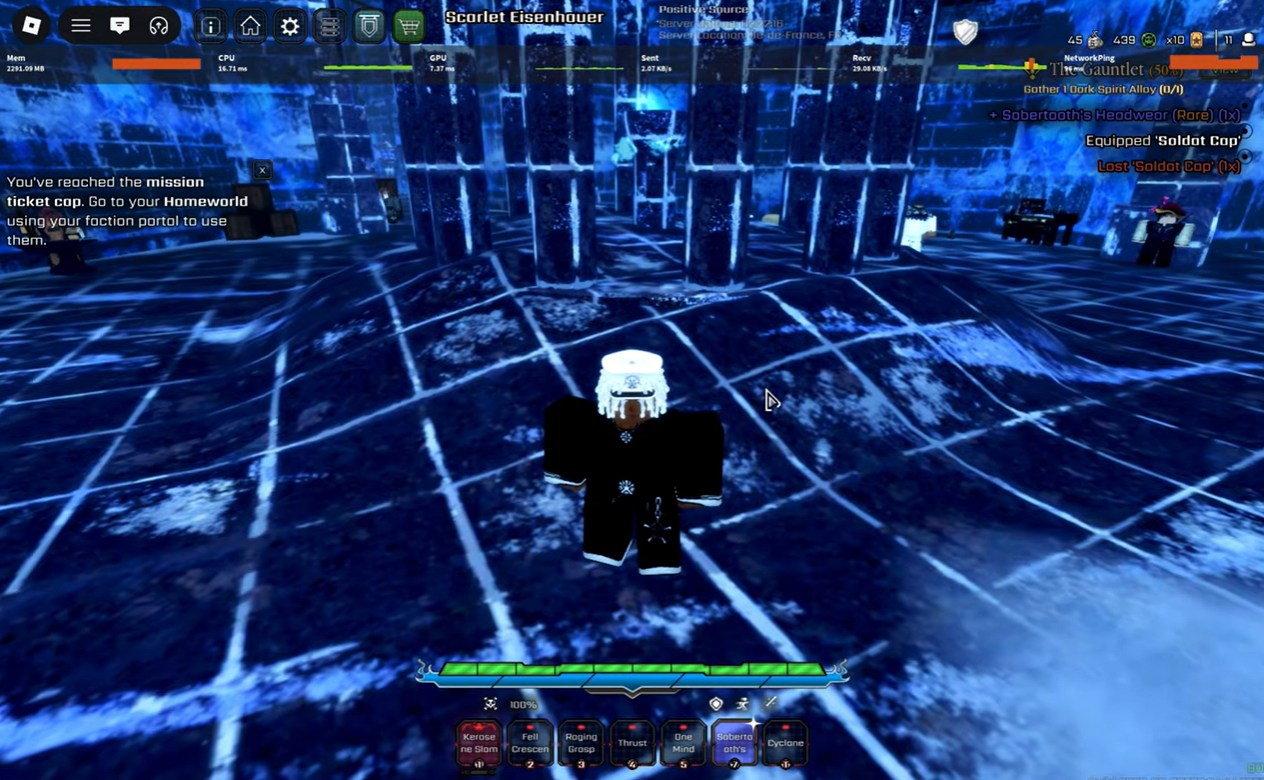
Step 2: Talk to Aziz twice
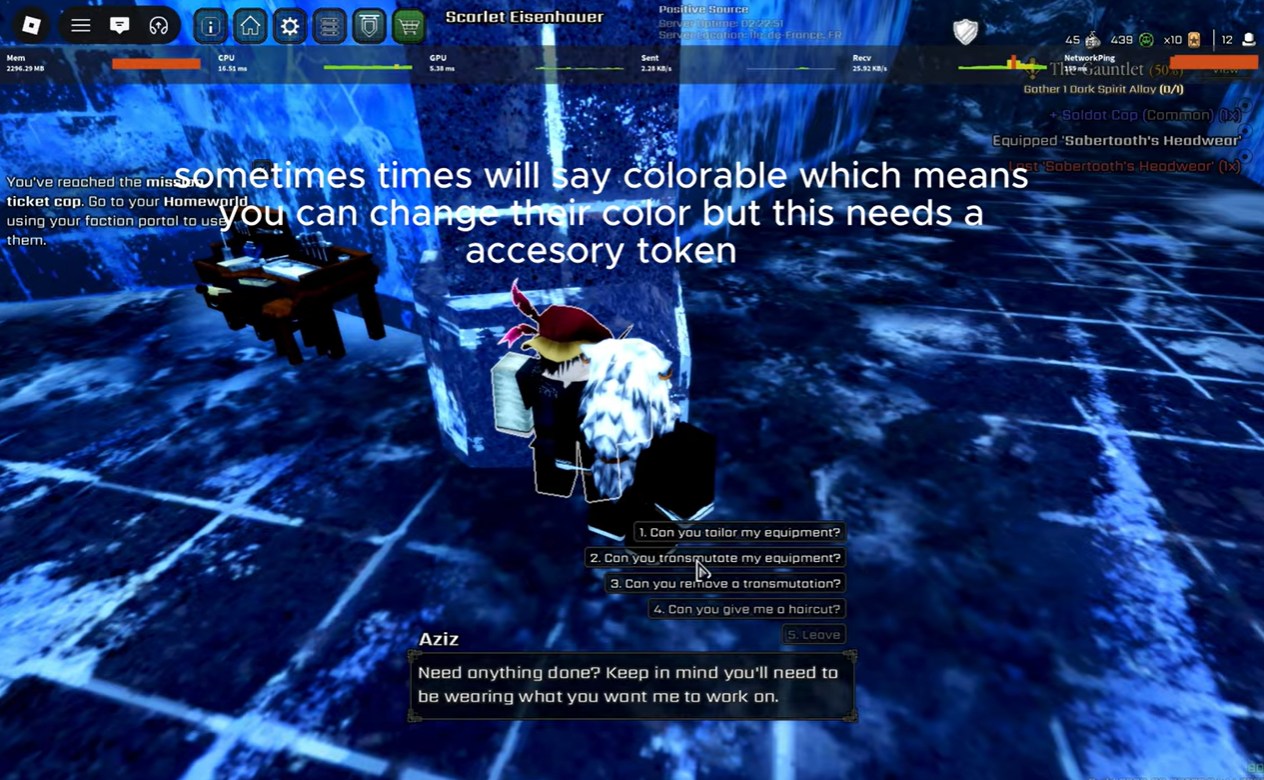
The Tailor’s full interaction menu does not always appear immediately. Speak to Aziz once, then initiate a second conversation to unlock his standard dialogue and customization options.
Step 3: Choose the desired service
After the menu appears, select one of the four available options: equipment tailoring, transmutation, transmutation removal, or haircut customization depending on your current objective.
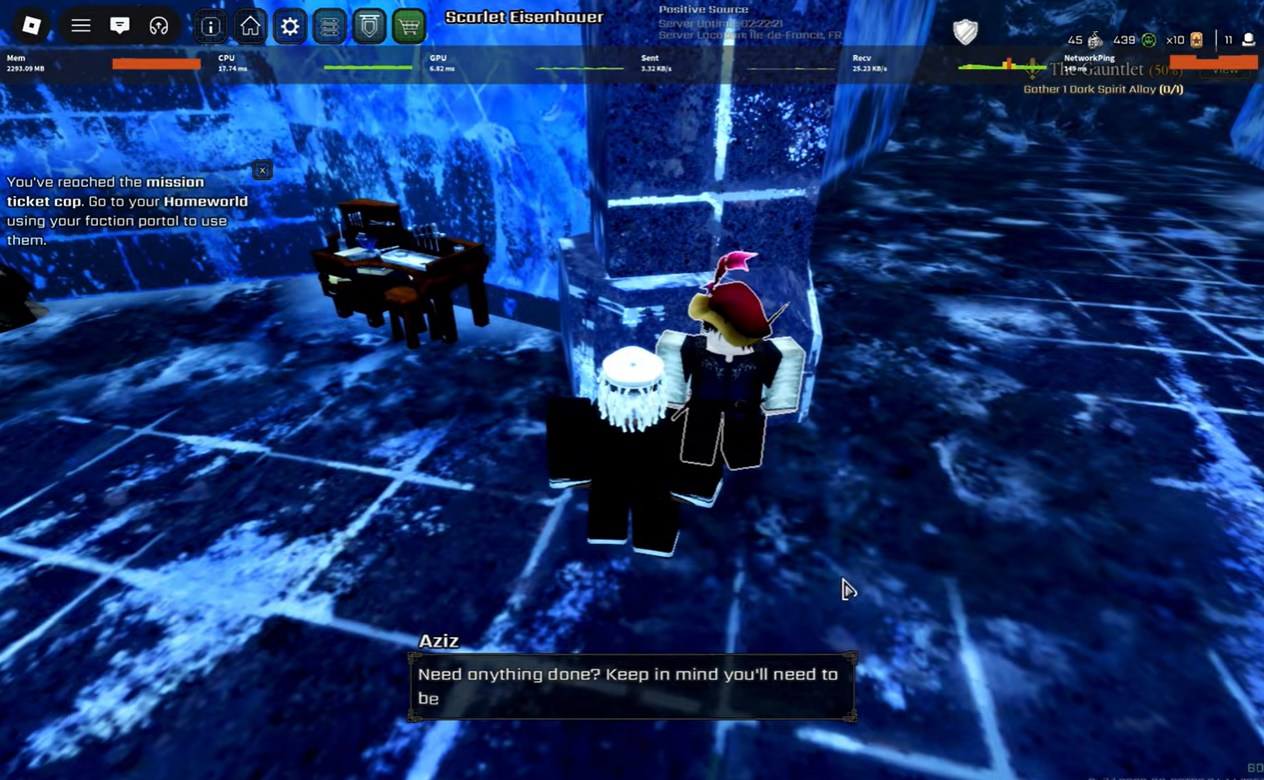
How to color equipment and reroll modifiers
The most frequently used Tailor feature is equipment customization.
Step 1: Equip the item
Before opening the tailoring menu, equip the accessory or equipment piece you want to modify. Unequipped items generally cannot be customized through this option.
Step 2: Select “Can you tailor my equipment?”
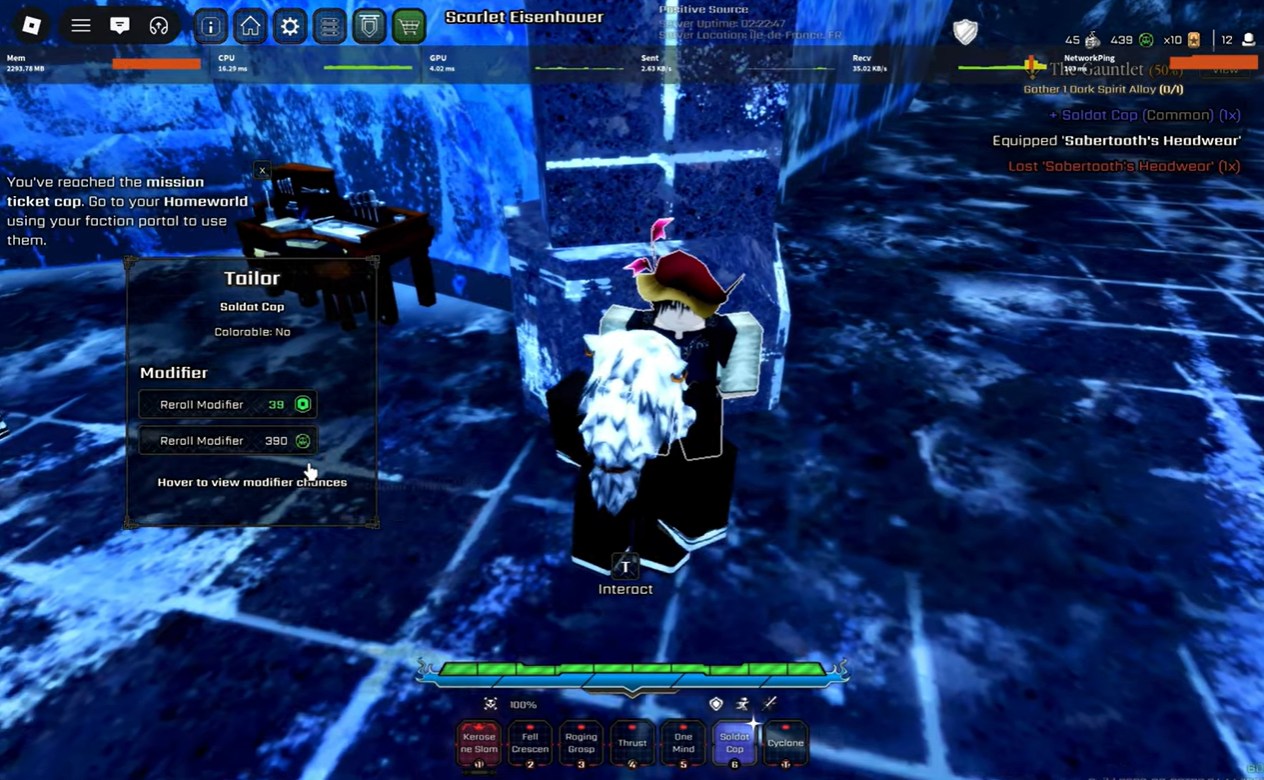
Choose the tailoring option from Aziz’s dialogue menu. The game will display available customization settings for your currently equipped item.
Step 3: Check if the item is colorable
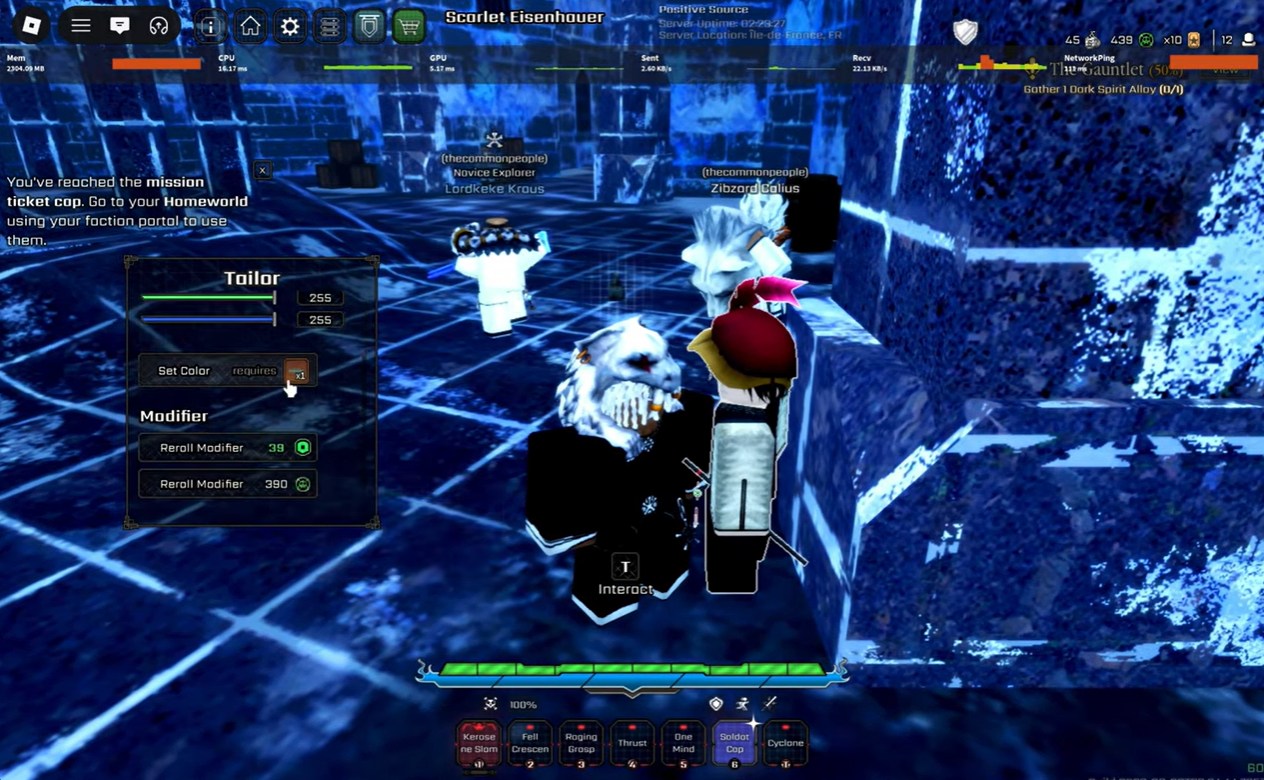
Some accessories display “Colorable: Yes.” These items support manual RGB customization, allowing you to adjust red, green, and blue color values individually.
Step 4: Spend an Accessory Token
Changing colors requires an Accessory Token. Confirm your desired color scheme before applying changes to avoid wasting resources.
Step 5: Reroll modifiers
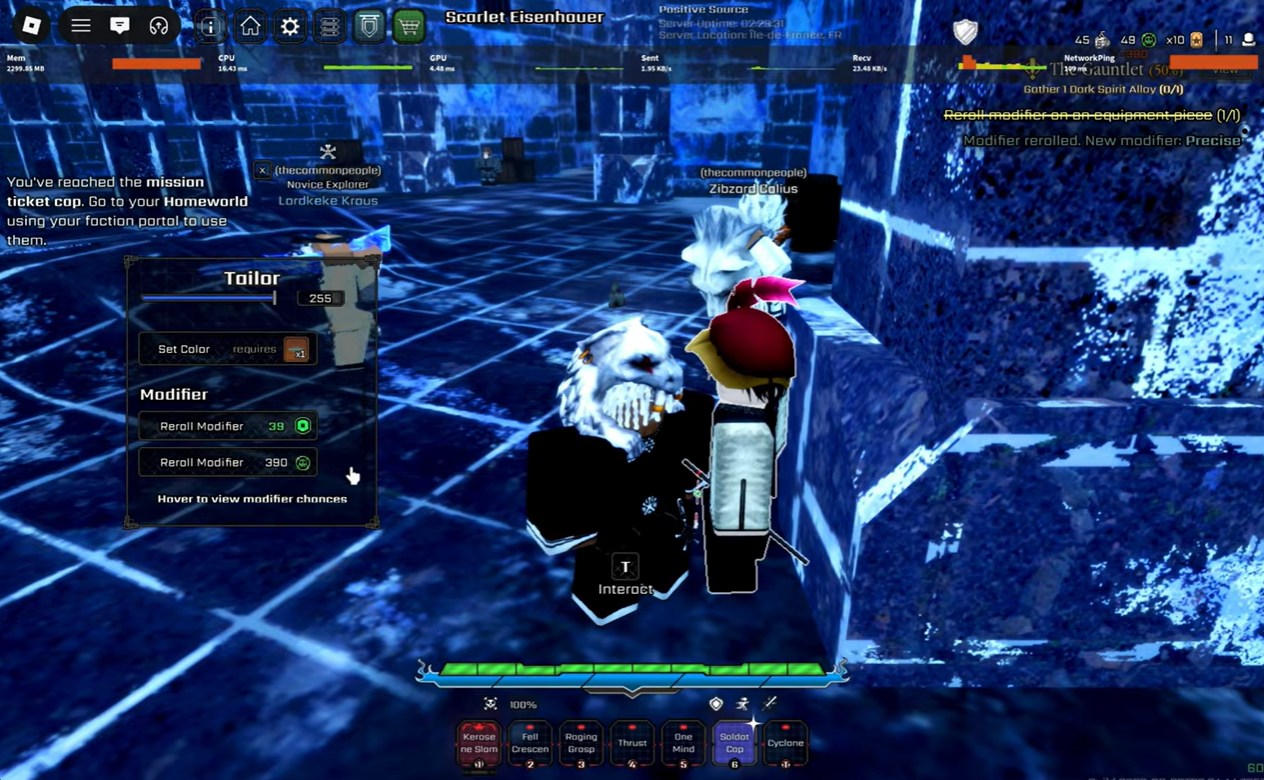
If your equipment supports modifiers, you can reroll them through the Tailor. Additional rerolls may require:
| Reroll Currency | Purpose |
|---|---|
| Robux | Premium rerolls |
| Soul Tokens | In-game reroll resource |
| Modifier Stones | Modifier customization material |
How to transmute equipment
Transmutation allows you to move appearances or stats between items.
Step 1: Equip the destination item
The equipment that will receive the transferred appearance or stats must be equipped before beginning the process.
Step 2: Unequip the source item
The item containing the appearance or stats you want to transfer must remain unequipped during the transmutation process.
Step 3: Select “Can you transmute my equipment?”
Choose the transmutation option from Aziz’s menu and carefully verify both items before confirming.
Step 4: Confirm the transfer
Once completed, the selected appearance or stat configuration will move onto the equipped item according to the game’s transmutation rules.
How to change your haircut in VV Ultimatum
Open the Tailor menu and select the haircut option. Review the available cosmetic hairstyles and select your preferred appearance. Accept the selected hairstyle to update your character’s visual appearance immediately.
Common mistakes that waste resources
- Forgetting to talk to Aziz twice and assuming the Tailor is bugged.
- Trying to customize an item that is not equipped.
- Attempting transmutation while both items are equipped.
- Trying to remove a transmutation without first unequipping the item.
- Visiting the Tailor without a Whetstone when removing transmutations.
- Spending Accessory Tokens on temporary color schemes you may later replace.
- Confusing the source item and destination item during transmutation.
Tailor resource requirements
| Action | Required Item |
|---|---|
| Color equipment | Accessory Token |
| Change RGB colors | Accessory Token |
| Reroll modifiers | Robux, Soul Tokens, or Modifier Stones |
| Remove transmutation | Whetstone |
| Haircuts | Cosmetic fee if applicable |
The Tailor system is one of the most important endgame customization features in VV: ULTIMATUM. Understanding equipment coloring, modifier rerolling, transmutation management, and cosmetic customization allows you to optimize both your build performance and character appearance while avoiding costly mistakes with rare resources like Accessory Tokens and Whetstones.



Leave a Reply