

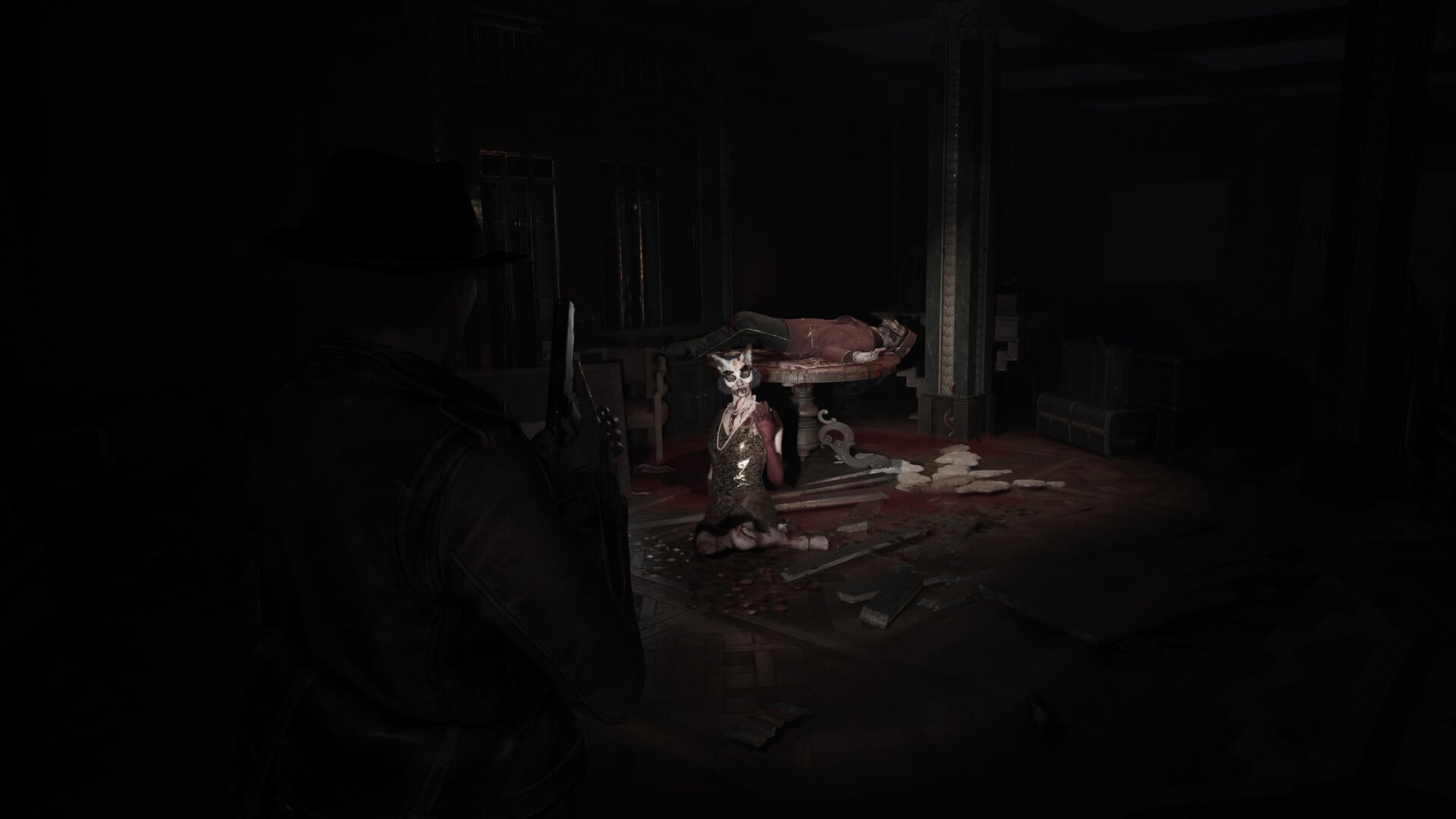
The Printing House contains one of the more straightforward but important optional puzzles in The Sinking City 2. Instead of simply unlocking a door or opening a container, the Printing Plate puzzle asks you to choose between two different sides, with each solution leading to a different reward. If you want to avoid experimenting with the numbered tiles and potentially walking away with the less useful prize, this guide gives you the exact sequences for both outcomes.
The Sinking City 2 officially released on August 18, 2026, and its survival-horror design places greater emphasis on exploration, inventory management, puzzles, backtracking, and hidden rewards. The Printing House puzzle fits naturally into that structure because solving it correctly gives you a useful resource or weapon attachment rather than simply advancing the main path.
| Quick overview | Details |
|---|---|
| Game | The Sinking City 2 |
| Puzzle | Printing Plate Puzzle |
| Location | Printing House |
| Puzzle type | Numbered tile sequence |
| Silver solution | 1 → 6 → 9 |
| Silver reward | Dream Essence |
| Gold solution | 3 → 5 → 6 → 7 |
| Gold reward | Cutter’s Sturdy Shotgun Stock |
| Can you get both? | No |
| Best approach | Decide which reward you want before validating |
How to identify the Printing Plate puzzle in Sinking City 2
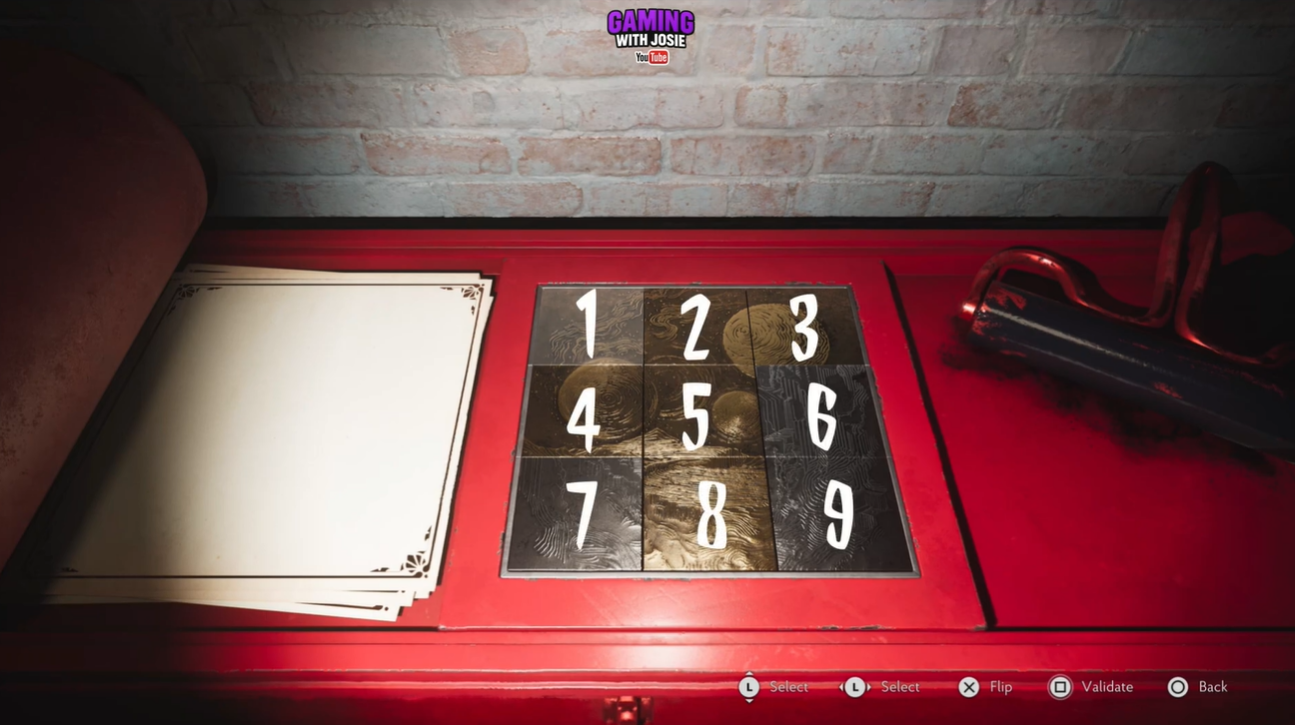
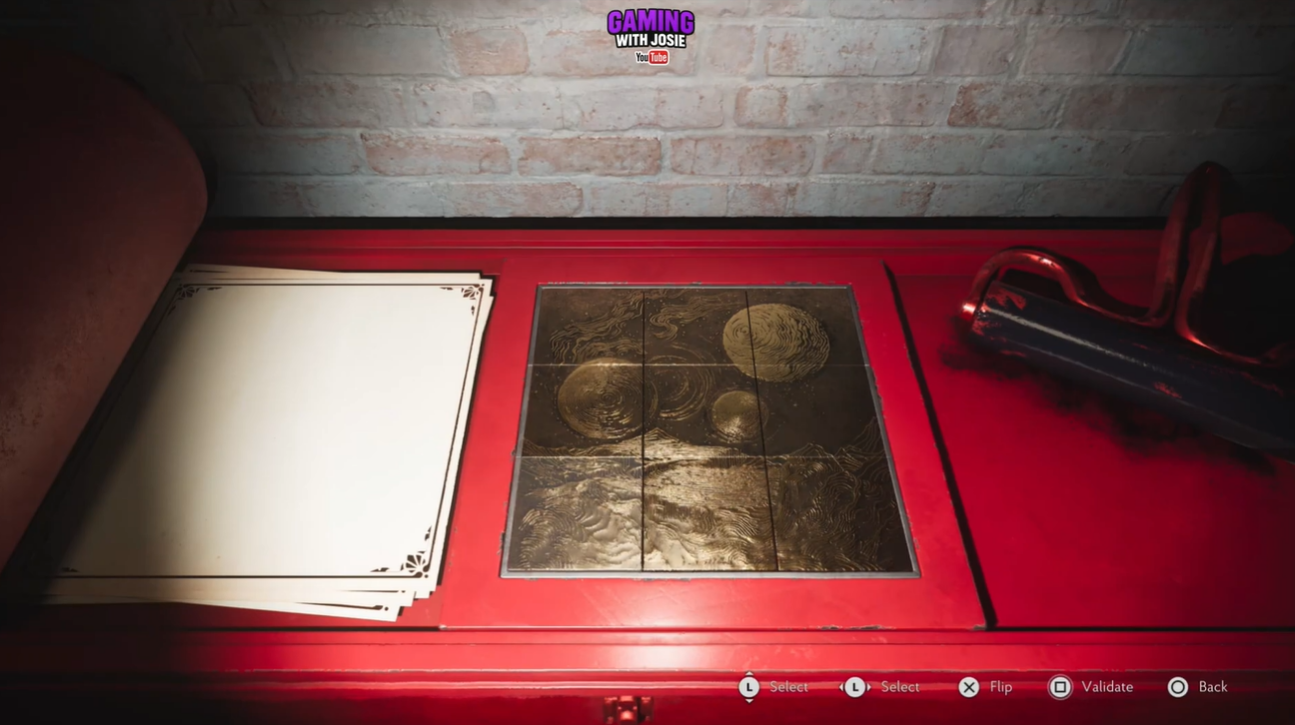
The Printing Plate puzzle is located in the Printing House, where you will find a red work surface containing a grid of nine numbered tiles. The tiles are arranged like a standard three-by-three number grid, with 1, 2 and 3 across the top, 4, 5 and 6 in the middle, and 7, 8 and 9 across the bottom. The numbered plate is the central object you need to interact with.
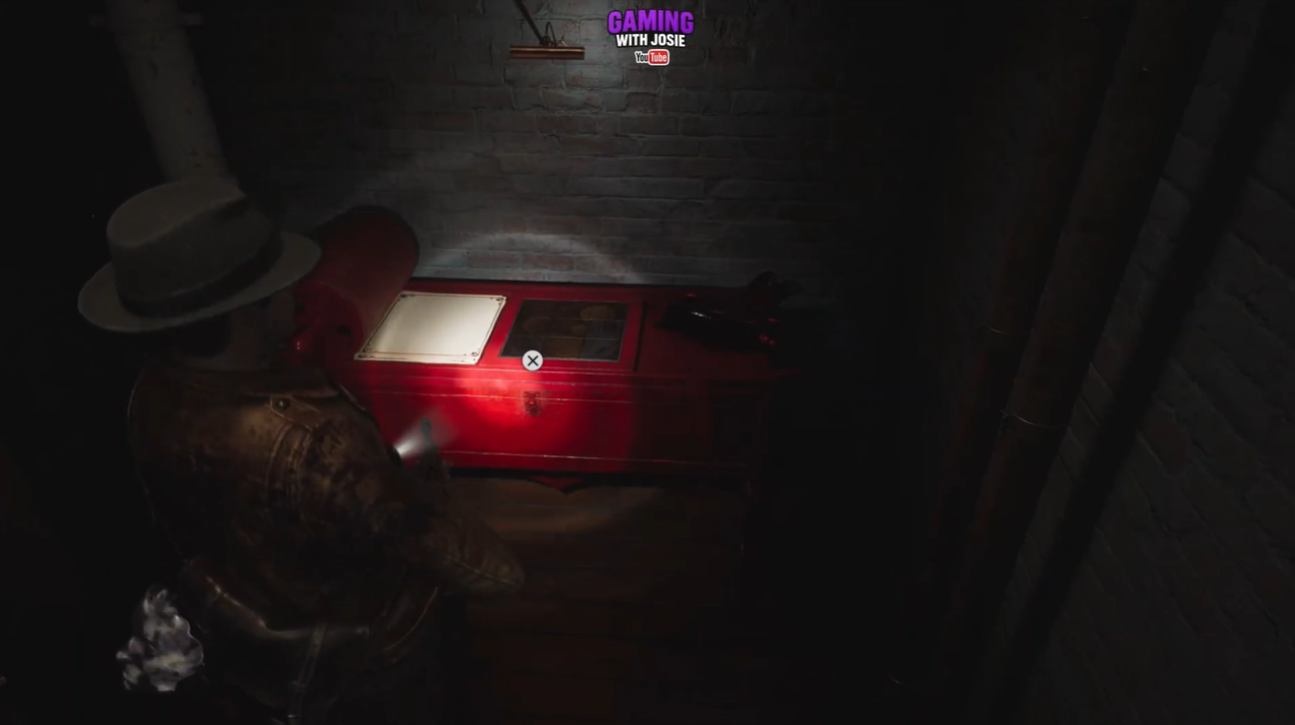
The interface allows you to select individual tiles and then validate your chosen sequence. Because the puzzle has two possible outcomes, it is worth deciding which reward you want before confirming your selection. The game does not allow you to simply complete both sides and take both prizes.
How to solve the Printing Plate puzzle for Dream Essence
The Silver Side is the option to choose if you want Dream Essence. The required sequence is short, making this the simpler of the two solutions.
Validate the sequence 1 → 6 → 9. If the sequence has been entered correctly, the Silver Side solution will be completed and the associated reward becomes available.
How to solve the Printing Plate puzzle for Cutter’s Sturdy Shotgun Stock
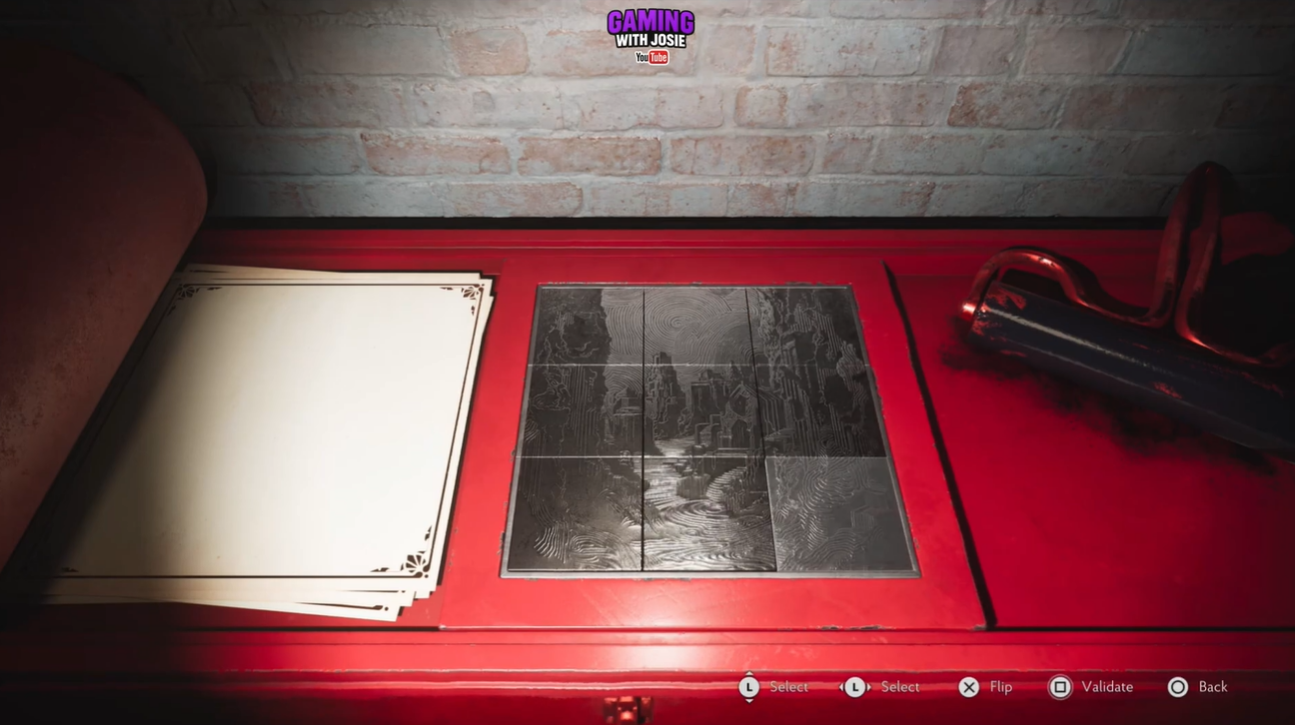
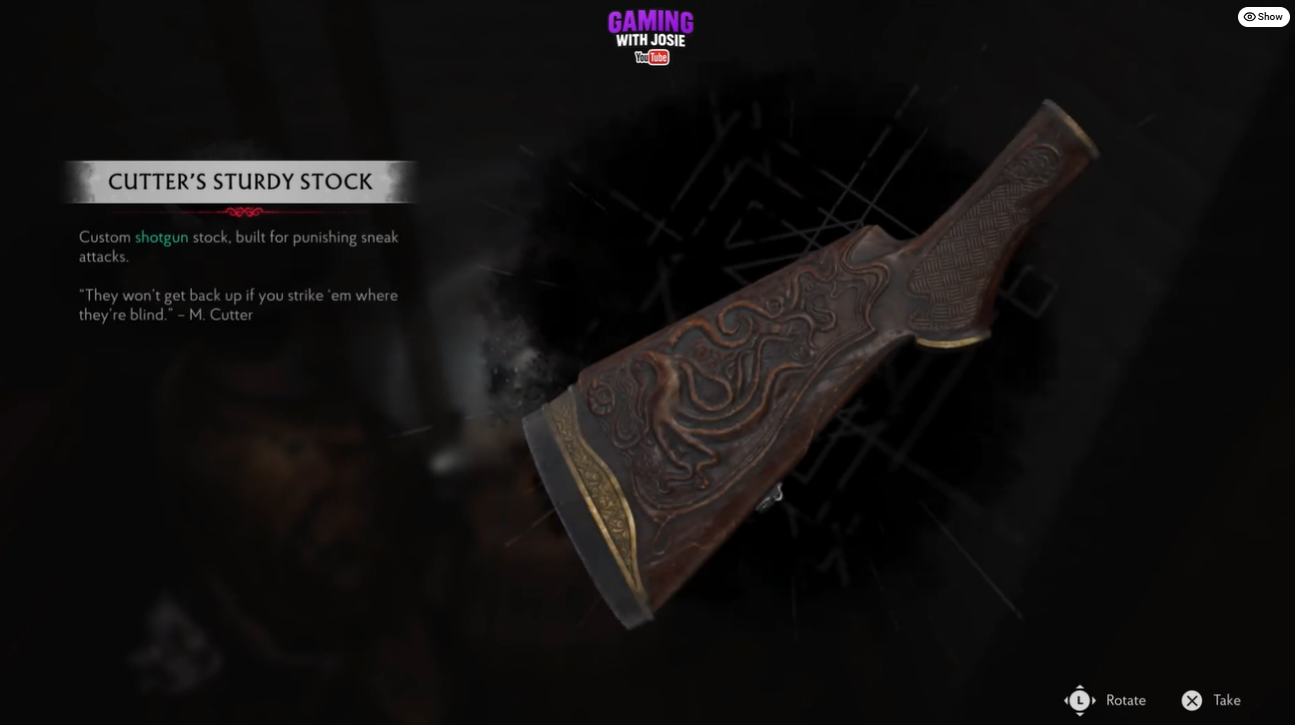
The Gold Side is the alternative solution and is the better choice if you are specifically looking for Cutter’s Sturdy Shotgun Stock. This sequence requires four tile inputs rather than three.
Interact with the same Printing Plate in the Printing House and prepare to enter the Gold Side sequence. Validate the complete sequence 3 → 5 → 6 → 7. Once the sequence is accepted, the Gold Side solution is completed.
Which Printing Plate reward should you choose?
The choice ultimately depends on what you need more at the time. Dream Essence is the Silver Side reward, while Cutter’s Sturdy Shotgun Stock is the Gold Side reward. Since the game prevents you from collecting both outcomes from this puzzle, this is one of those situations where choosing before validating matters.
| Side | Tile sequence | Reward | Best reason to choose |
| Silver | 1 → 6 → 9 | Dream Essence | Choose if you want the resource reward |
| Gold | 3 → 5 → 6 → 7 | Cutter’s Sturdy Shotgun Stock | Choose if you want the shotgun attachment |
The shotgun stock is particularly relevant if you are building around the shotgun, while Dream Essence can be the more attractive option if you are prioritizing resources or other progression-related uses. The correct choice therefore depends less on puzzle difficulty and more on your current equipment and upgrade priorities.
Video help:
The Printing Plate puzzle is a quick optional challenge, but the reward choice makes it worth approaching carefully. Use 1, 6, 9 for Dream Essence, or 3, 5, 6, 7 for Cutter’s Sturdy Shotgun Stock. Once you validate one sequence, you cannot use the same puzzle to claim the other reward, so decide based on your build and current needs before pressing the confirmation button.






Leave a Reply