
Topic
iPhone
-

iOS 27 Adds New “Add & Delete” Options In Apple Music For Better Library Management
What to know You can now delete songs from your Apple Music playlists and favorites when you delete them from your library. iOS 27…
-
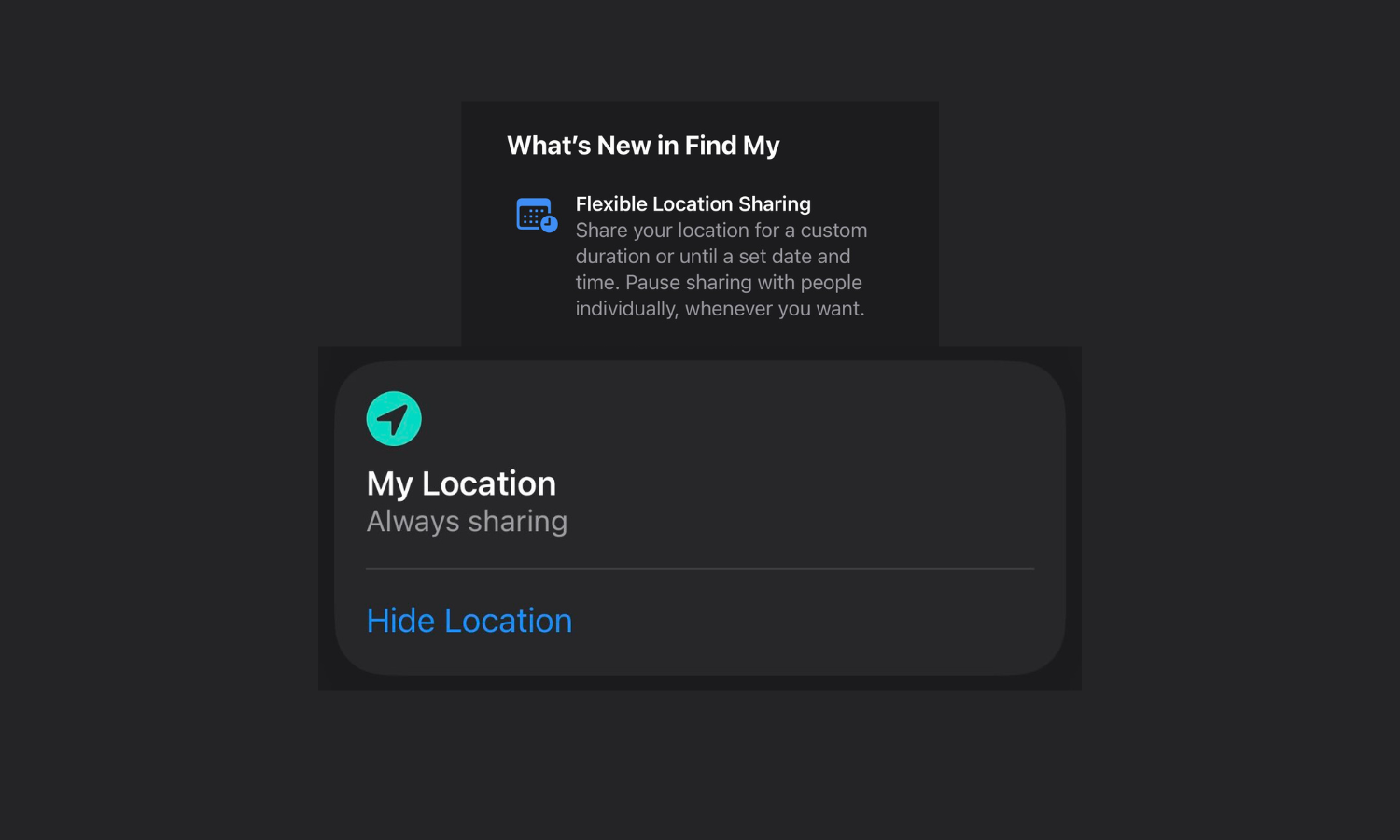
iOS 27 Lets You Hide Your Location in Find My Without Notifying the Other Person
What to know Find My lets you pause and Hide Location from others. The other person is not notified when you pause, stop, or…
-
iOS 27 Adds Individual Volume Controls for Alarms, Ringtones, and System Sounds
What to know iOS 27 now lets you control alarm, ringtones, and system sounds separately. There are now separate volume controls options for Ringtones,…
-
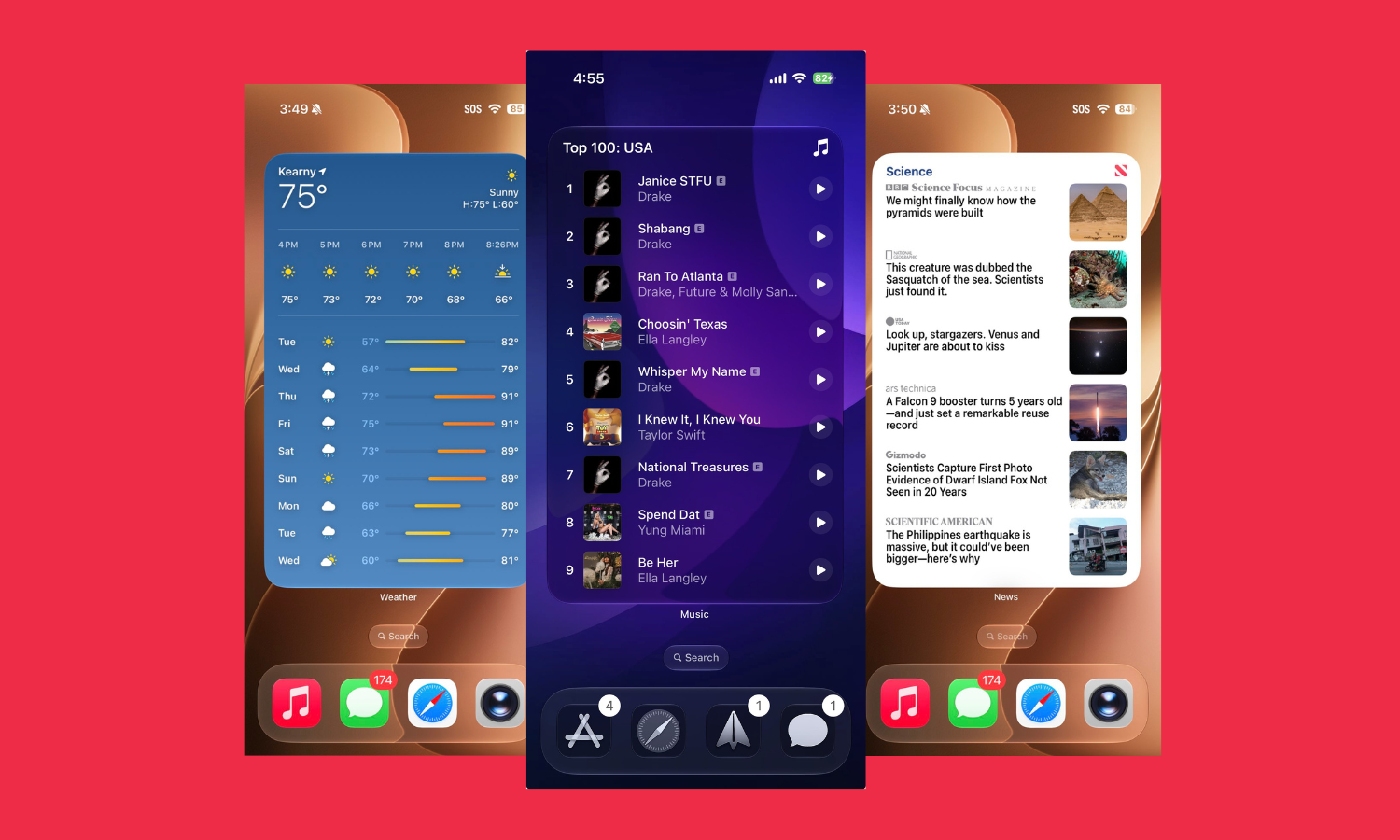
iOS 27 Adds a New 4×6 Extra Large Widgets Style That Fills the Home Screen
What to know iOS 27 adds a new large Widgets style that takes up the entire home screen. Simply go into Widgets customization and…
-
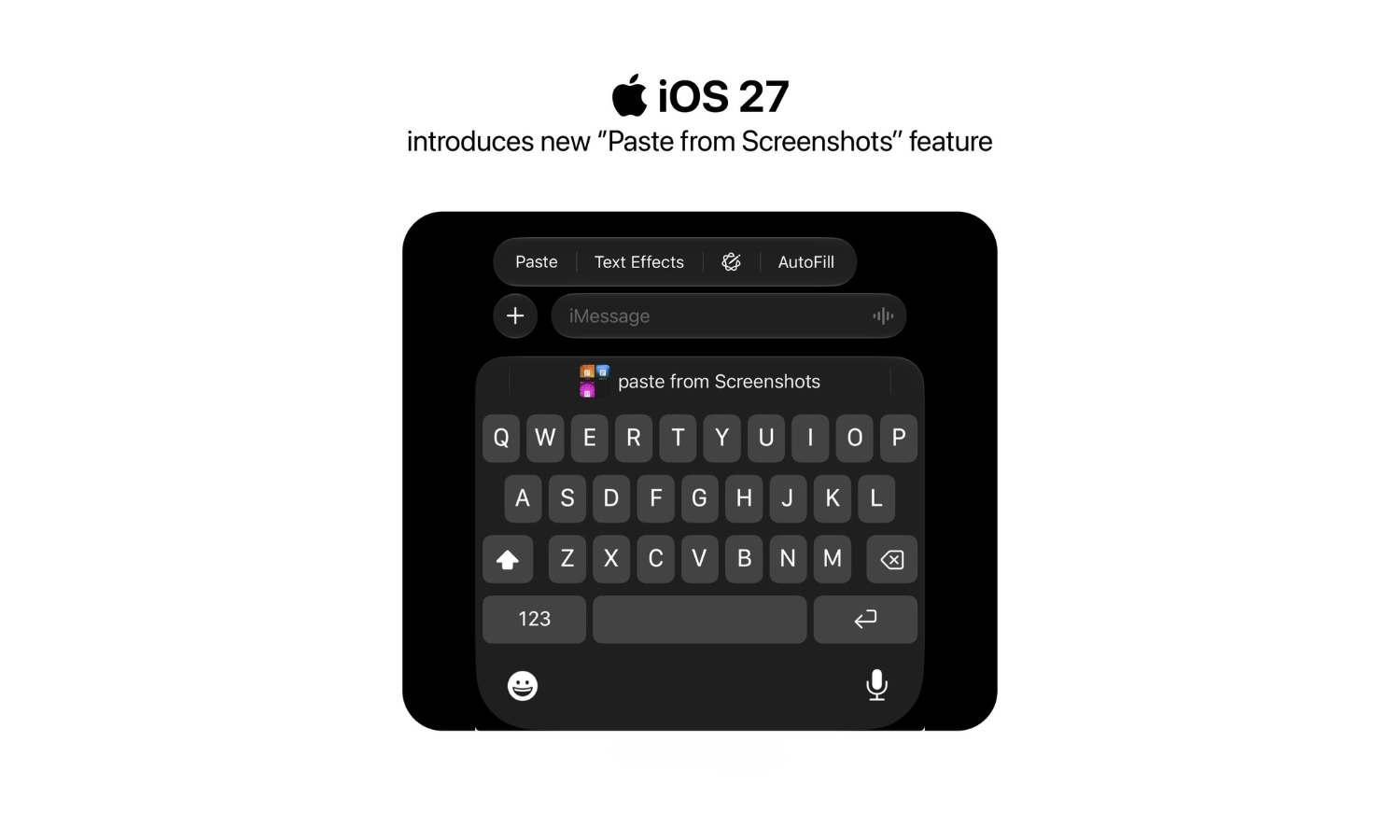
iOS 27 Finally Lets You Paste Screenshots and Copied Text Directly From Keyboard
What to know iOS 27 keyboard gets a new ‘Paste from Screenshots’ feature. It lets you paste screenshots as well copied text directly from…
-
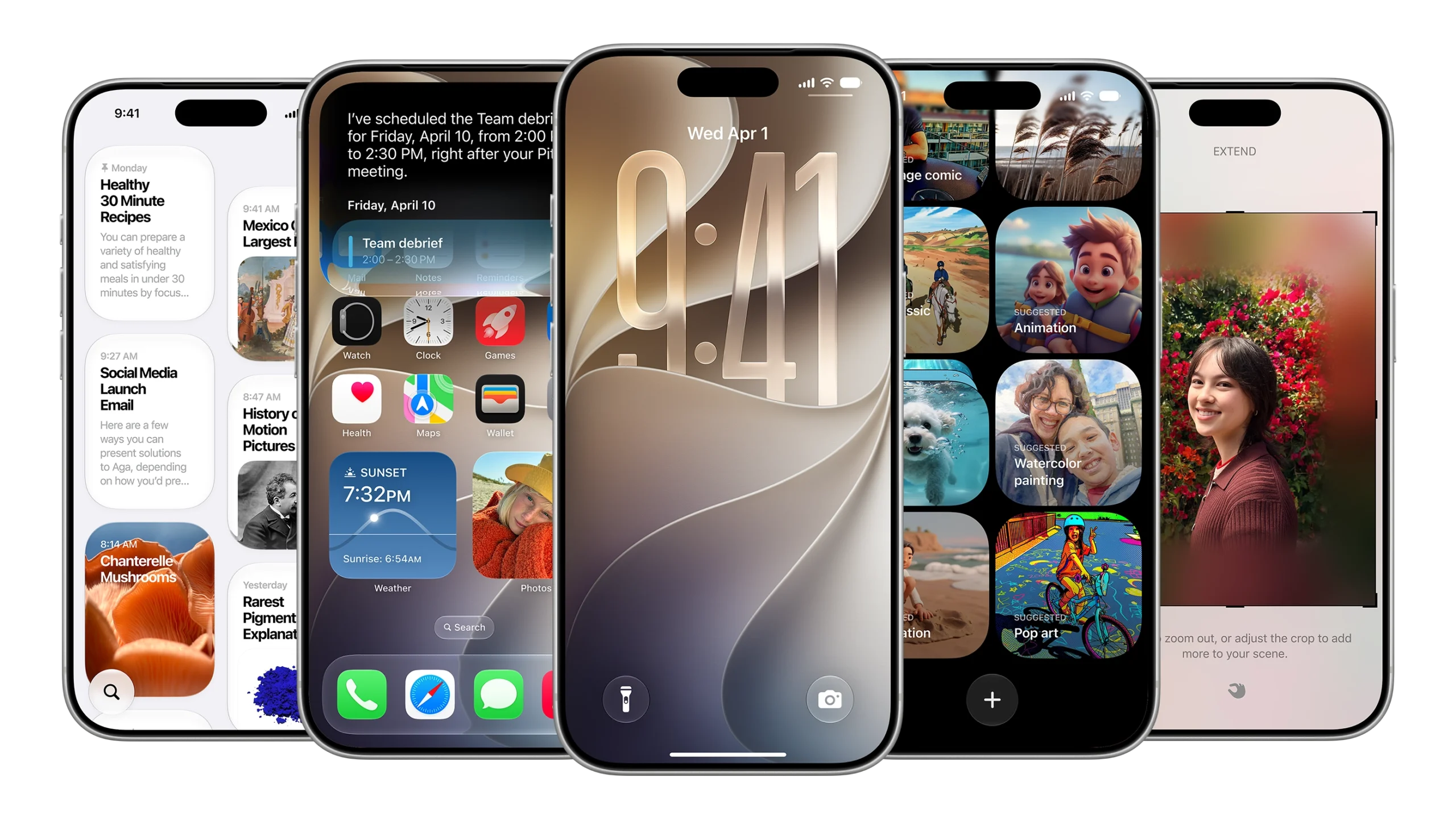
iOS 27 on Older iPhones: What Actually Improves on iPhone 11, 12, 13, and 14
What to know iOS 27 is compatible with every iPhone since iPhone 11. Older iPhones will gain improved performance across app launches, photo loading,…
-
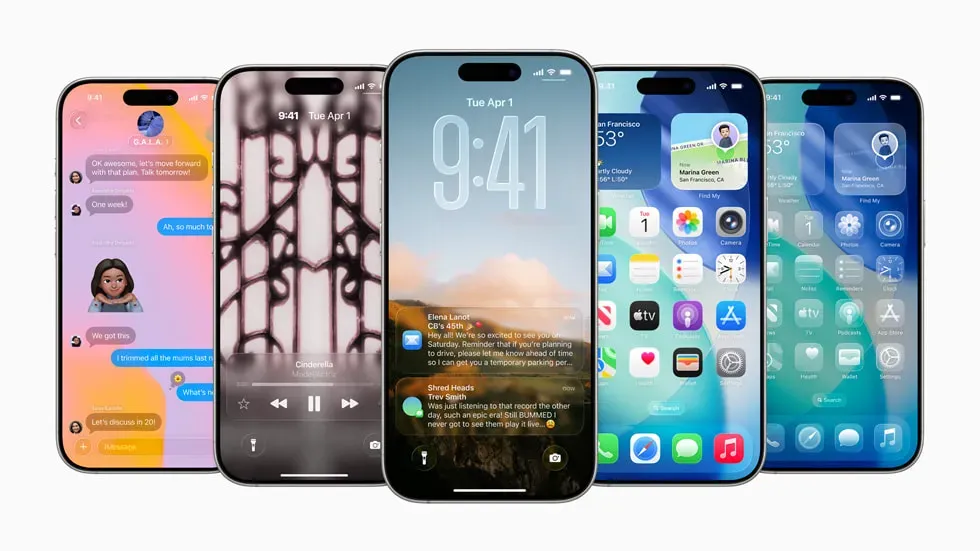
Apple’s Next Wave of Satellite Features for iPhone
Apple is preparing a major expansion of satellite connectivity for the iPhone, with several new features expected to enhance off-grid usability and reliability in…
-

The 2027 iPhone Will Hide the Front Camera Under Its Display, Leaks Suggest
The 2027 iPhone is expected to feature an invisible front-facing camera hidden under its display, marking a major design shift for Apple’s milestone 20th…
-

What Is the New Preview App in iOS 26? All You Need to Know
Browse and edit PDFs, images, and more easily with the new Preview app in iOS 26, bringing Mac features to iPhone and iPad.
-
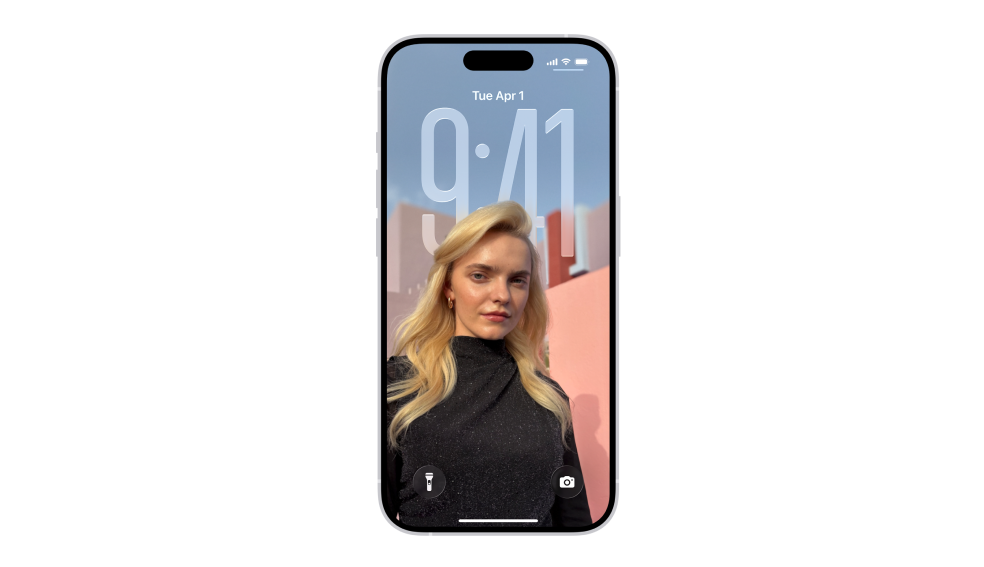
How To Change Clock Size with iOS 26
Customize your iPhone’s Lock Screen clock size effortlessly in iOS 26.
-

iOS 26: How to Turn On Live Translation on your iPhone
Unlock real-time language barriers with Live Translation on iOS 26.
-
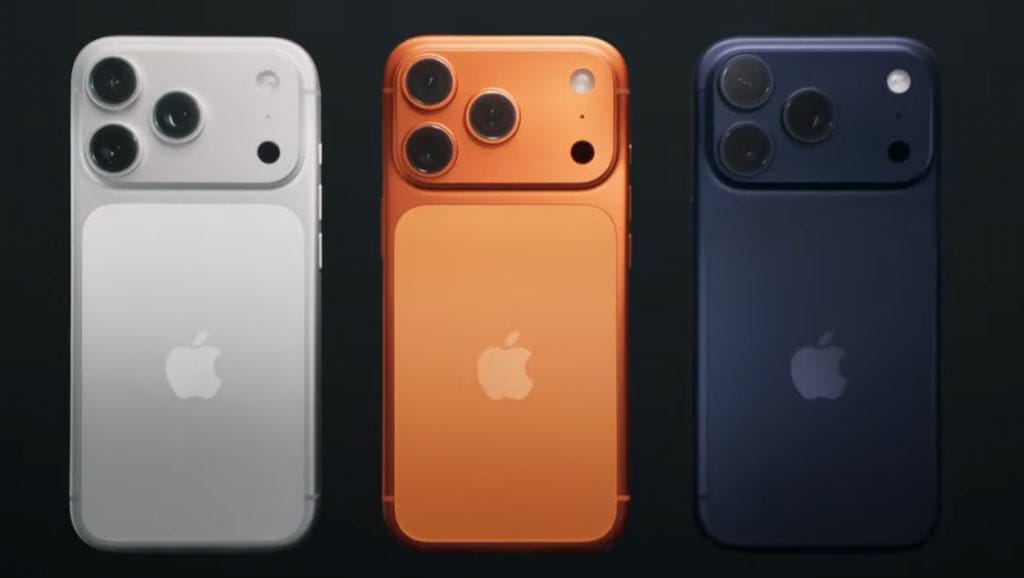
Apple Announces iPhone 17. Check Quick Comparison with iPhone 16, 15, Galaxy S25 and Pixel 10
Apple unveils the iPhone 17 lineup with enhancements in display, camera, and design, but holds off on widespread new AI features. Here’s an in-depth…
-

Firefox Adds ‘Shake to Summarize’ Using Apple Intelligence for Effortless Webpage Summaries
Firefox introduces ‘Shake to Summarize’, letting users quickly generate webpage summaries using Apple Intelligence. The feature leverages on-device AI for privacy and speed. Learn…
-

iOS 26 Beta 7: Your iPhone’s Latest Bag of Tricks
iOS 26 Beta 7 is here with a redesigned Blood Oxygen feature, smarter battery notifications, and a screenshot bug fix. Your iPhone’s getting a…
-

Apple Ships 3 Billionth iPhone, Marking Major Milestone in Mobile History
Apple has shipped its 3 billionth iPhone, a milestone that highlights the device’s massive global impact since its 2007 debut. The achievement comes just…
-

iPhone 17 Models Could Cost $50 More, Jefferies Predicts
Jefferies analysts expect the iPhone 17 lineup to see a $50 price increase. The hike may reflect rising costs and market trends. Apple has…
-

iOS 26 Lets You Disable Full-Screen Screenshot Previews for a Cleaner Experience
iOS 26 introduces an option to turn off full-screen screenshot previews, giving users more control over their workflow and reducing interruptions when capturing multiple…
-

iOS 26 introduces Recovery Assistant to help you restore your iPhone
Apple adds Recovery Assistant to iOS 26, making it easier for users to restore their iPhones without a computer. The new feature aims to…
-

Adobe introduces new computational photography camera app for iPhones
Adobe has launched a new camera app for iPhones that uses computational photography to enhance image quality and editing options for users.
-

iOS 26 Featured Photos Widget Now Adds Spatial View with Motion Tilt
The Featured Photos widget on iOS 26 now gets an immersive 3D-like spatial tilt effect, impressing and annoying users alike.