
Topic
iOS 15
-
How to Switch Tab Bar Position on Safari on iPhone
Safari on iOS lets you change the location of the Tab Bar (or address bar) to be placed at the top or the bottom.…
-
How to Find Restaurants, Cafes, and Gas Stations Near You Directly From iPhone Home Screen
Ever since the release of iOS 14 last year, Google has been revising its iPhone and iPad apps with support for Home Screen widgets.…
-
How to Change Text Size for Apps on iPhone
If an app has a bunch of text-based content that’s small in size, your go-to instinct is to pull up your reading glasses to…
-
How to Turn off Quick Note Gesture on iPad on iPadOS 15
iOS 15 and with it, iPadOS 15, both are bringing a bunch of useful new features to Spotlight, Photos, Weather, Find My, Notifications, and FaceTime.…
-
How to Add and Access Bookmarks on Safari on iPhone
Bookmarks are an easy way to access websites you like or often visit. When you save a website as a bookmark, you can access…
-

How to Reload Webpages in Safari on iPhone
Websites are designed to show new content at regular intervals, so refreshing a webpage is a good way to remove the old data and…
-

iOS 15 Spotify not working via Bluetooth? How to fix this
Although iOS 15 will make its debut to the masses later this fall, we already know the slew of features and improvements it’s going…
-

How to Use Safari With One Hand on iPhone on iOS 15
Even since Apple announced it at the latest WWDC event, iOS 15 has been on everyone’s mind as it brings with it a bunch…
-

How to Add a Recovery Contact on iPhone
Apple offers an account security option called “Recovery Contact” that lets you add a trusted contact who can help you regain access to your…
-

How to Set ‘Leave at’ and ‘Arrive by’ Times when Driving in Apple Maps on iPhone and iPad
Apple announced the next iteration of its mobile operating system, iOS 15 that brings a ton of refinements to iPhones. In addition to improvements…
-

How To Use Private Relay on iPhone
Apple offers a privacy-focused feature called “Private Relay” which allows users to connect to websites more securely. When Private Relay is enabled, your iPhone…
-

How to Use Hide My Email on iPhone
iPhones have a privacy-focused feature called Hide My Email that helps you create bogus email addresses to sign up for apps and websites so…
-
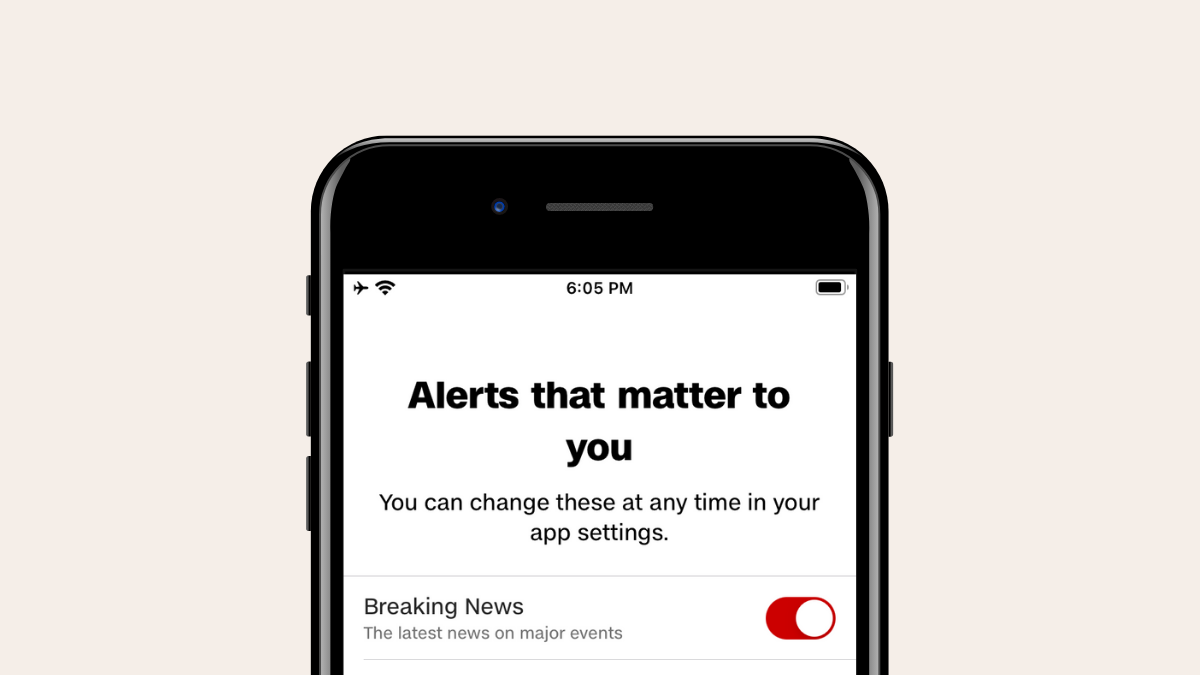
5 Tips to Get Breaking News Alerts on iPhone
Notifications on your phone can either be really important or distracting when you’re in the middle of something. We all appreciate being notified about…
-

What Do Yellow, Red, Blue, and Green Lines Mean on the iPhone Weather App or Widget?
Checking the weather has become a relatively easy process since modern smartphones have come into existence. You can now simply open an app and…
-
iOS 15: How To Remove Location Icon From Status Bar on iPhone and iPad
iOS 15 is the new version of Apple’s mobile OS that comes with many new and improved features. In case you didn’t know, the…
-
![How To Stop Left Behind Notifications on iPhone and iPad on iOS 15 [3 Ways]](https://cdn.nerdschalk.com/wp-content/uploads/2021/06/ios-turn-off-left-behind-notifications-fi-1.png)
How To Stop Left Behind Notifications on iPhone and iPad on iOS 15 [3 Ways]
Apple’s recent WWDC event seemed to have been a huge success. Everybody is raving about Airtags and iOS 15 seems to be creating a…
-

4 Ways to Fix Weather Notifications on iPhone
Modern smartphones have made checking the weather around your place much easier as you can simply open an app and access the information that…
-
Will iPhone 8 Get iOS 15? When Does Apple Support End?
Update, 21st September 2021: Apple’s iOS 15 update is now available for iPhone 8 and iPhone 8 Plus. You can use the guide below…
-
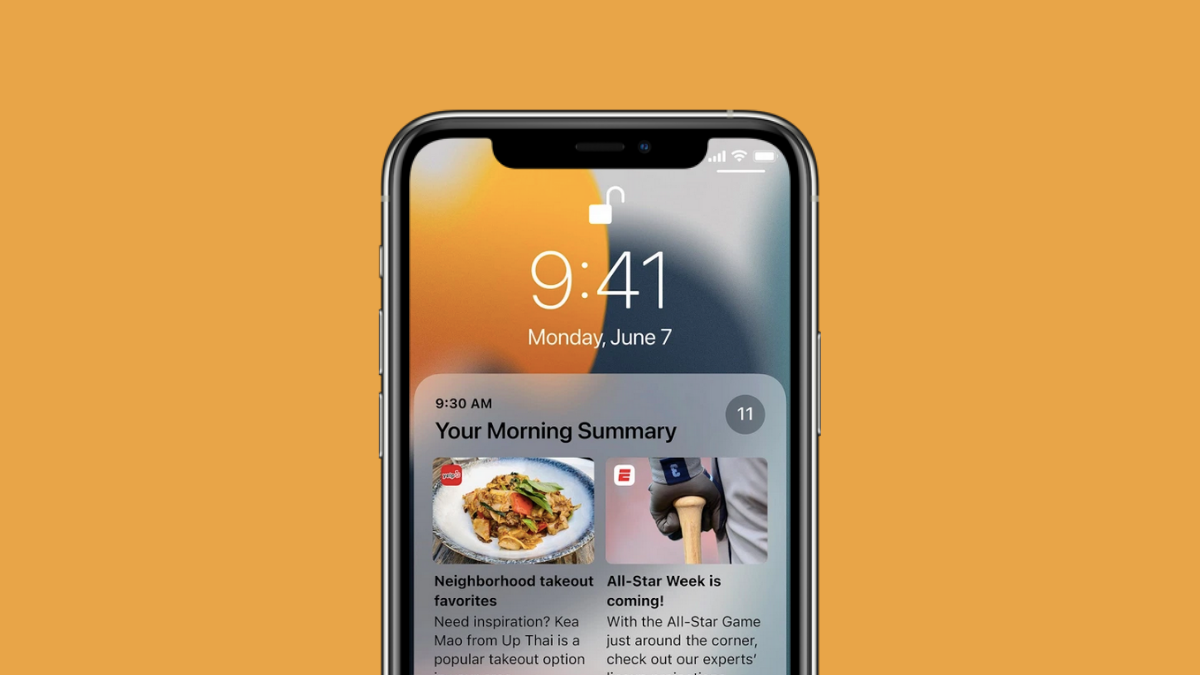
7 Ways to Fix Notification Summary Issues on iPhone
Apple offers a Notification Summary feature inside iOS that lets you receive less important notifications from certain apps at a later time. This way you…
