

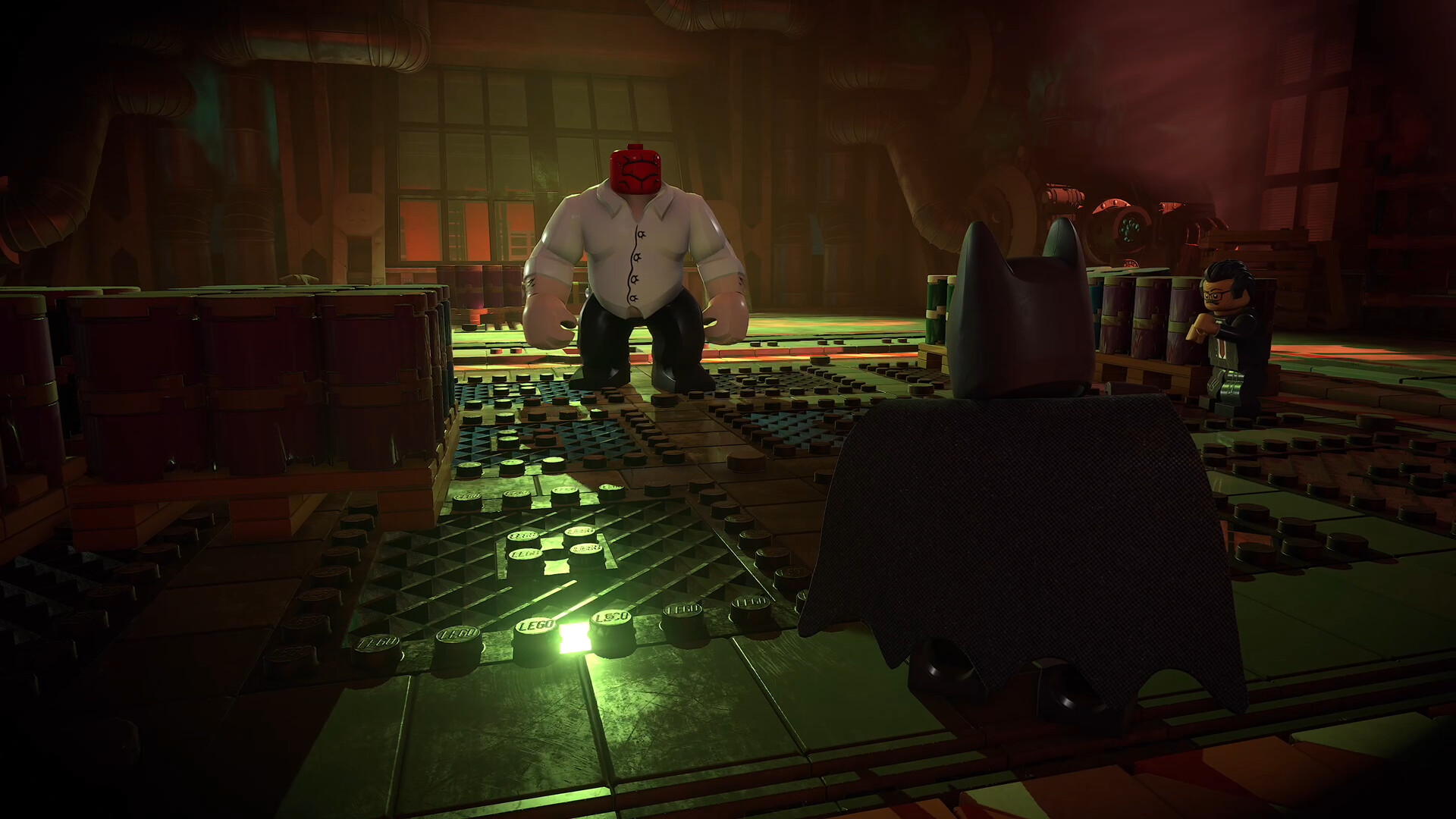
What to know
- LEGO Batman: Legacy of the Dark Knight supports local split-screen co-op multiplayer.
- The game does not include native online multiplayer support.
- A second player can join instantly by connecting another controller and pressing Start.
- Players can leave co-op anytime through the pause menu using the drop-out option.
If you are planning to play LEGO Batman: Legacy of the Dark Knight with a friend or family member, the co-op system is very straightforward. Like many classic LEGO games, the title focuses on local couch co-op gameplay rather than online multiplayer. You can jump in and out of the session at any time without restarting the game.
| Feature | Details |
|---|---|
| Multiplayer Type | Local Split-Screen Co-Op |
| Online Multiplayer | Not Supported |
| Max Players | 2 Players |
| Join Method | Connect second controller and press Start |
| Leave Method | Use Drop Out option in pause menu |
How local co-op works in LEGO Batman: Legacy of the Dark Knight
The multiplayer system uses a drop-in, drop-out co-op structure, which means the second player can join during active gameplay without needing a separate lobby or setup menu. Once the second controller is connected, the game automatically detects it.
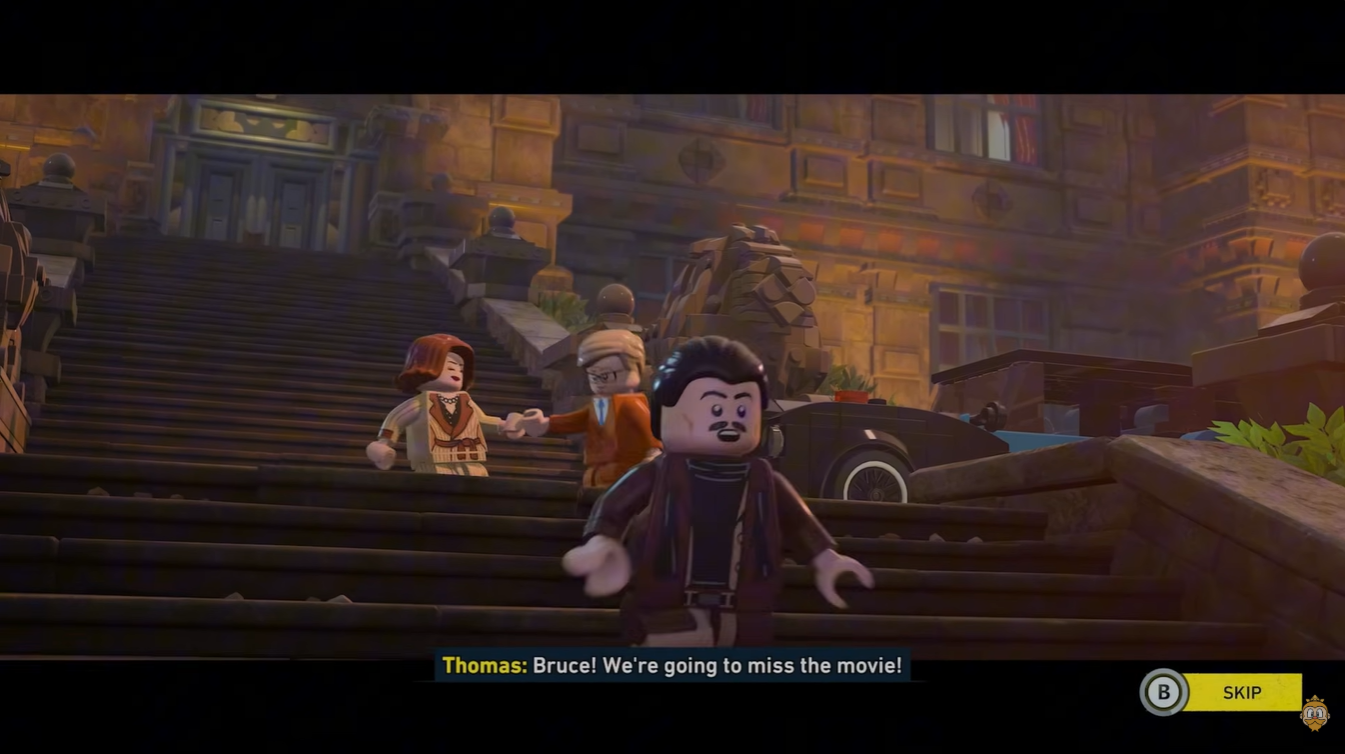
When both players move apart in the game world, the screen dynamically shifts into split-screen mode. If both characters stay close together, the camera may merge back into a shared screen view depending on the level design.
This setup makes the game easy to enjoy casually, especially if you are playing on the same console or PC with multiple controllers connected.
How to start co-op multiplayer
Launch LEGO Batman: Legacy of the Dark Knight normally and load into any level, hub area, or story mission. Connect a second controller to your system. This can usually be done through USB, Bluetooth, or your console’s standard pairing process.
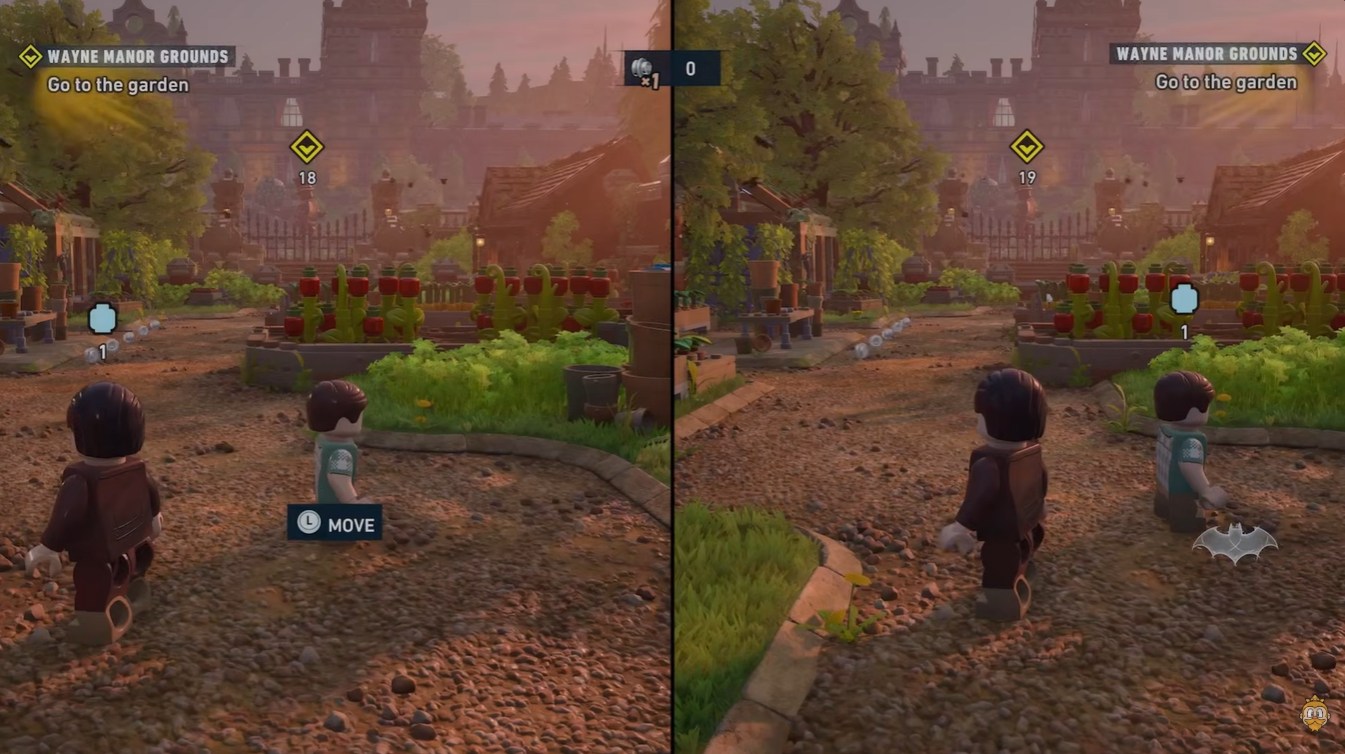
Once the second controller is active, press the Start button on that controller. The game will instantly add Player 2 to the session without interrupting gameplay.
Choose or control the available second character and begin playing together in split-screen co-op.
How to leave co-op mode
If the second player wants to stop playing, they do not need to quit the entire game session. Open the pause menu while in-game. Look for the Drop Out option in the multiplayer or player menu section.
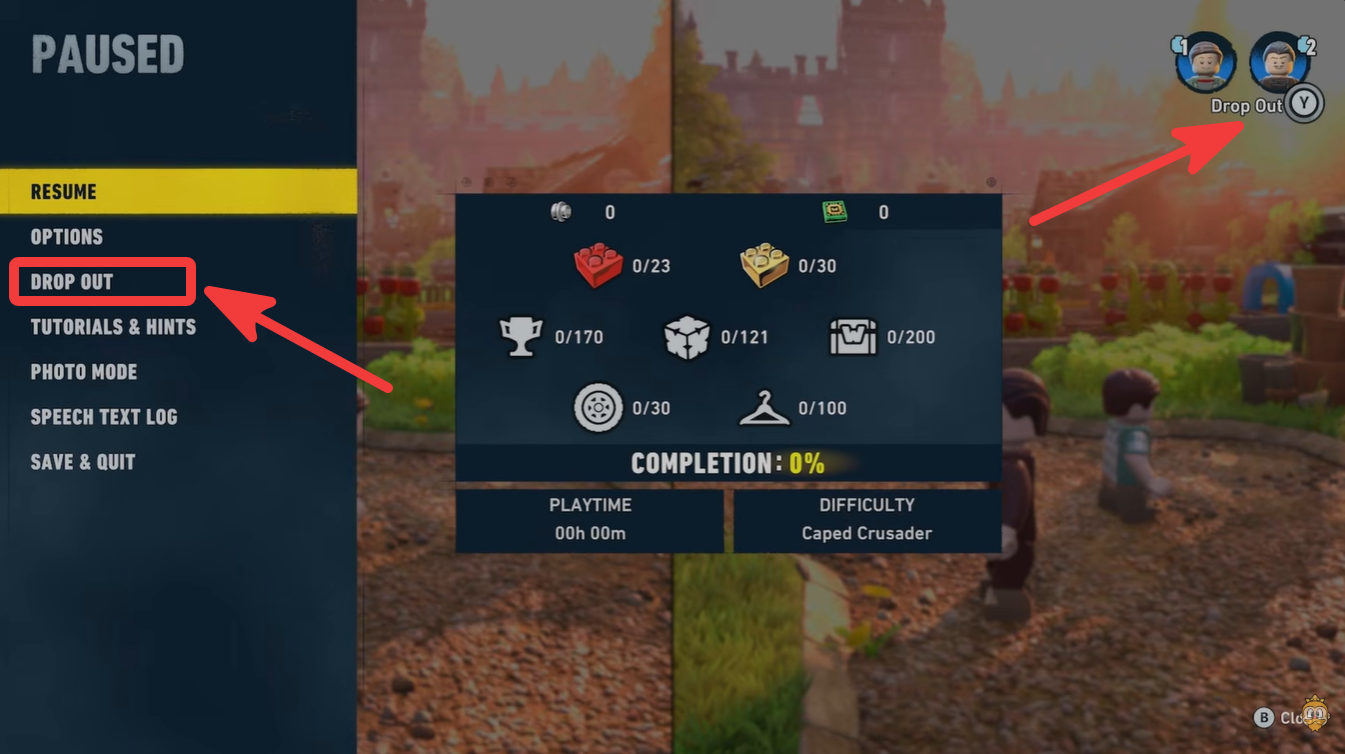
Select it to remove the second player from the session. The game will immediately return to single-player mode.
Why there is no online multiplayer
Like most older and modern LEGO titles from TT Games, the focus is placed on local cooperative gameplay instead of online matchmaking. The gameplay systems, puzzle mechanics, and split-screen camera are all designed around two people playing on the same device.
Although some PC users attempt remote-play solutions through third-party services, the game itself does not officially provide dedicated online co-op support.
Playing co-op makes puzzle solving easier
Many missions in LEGO Batman: Legacy of the Dark Knight are designed around character abilities and teamwork. One player may need to activate switches while the other solves environmental puzzles or fights enemies.
Co-op can also make collectible hunting faster since both players can explore separate areas simultaneously during free play.
| Co-Op Advantage | Benefit |
|---|---|
| Faster Puzzle Solving | Two players can activate mechanisms together |
| Easier Combat | Enemies can be handled more efficiently |
| Better Exploration | Split-screen allows separate exploration |
| More Fun for Families | Simple drop-in gameplay is beginner friendly |
Best setup for couch co-op sessions
For the smoothest experience, it helps to use:
- Two compatible controllers
- A larger display for split-screen visibility
- Stable seating distance for puzzle readability
- Headphones or speakers for clearer in-game audio cues
On PC, controller support may vary slightly depending on Steam or platform settings, but most modern controllers work without major issues.
Co-op gameplay has always been one of the strongest parts of LEGO games, and LEGO Batman: Legacy of the Dark Knight continues that tradition with easy local multiplayer access and seamless drop-in support. While there is no official online mode, the split-screen co-op system remains one of the easiest and most enjoyable ways to experience the game with another player.




Leave a Reply