

To request a Promotion Task in VV: ULTIMATUM, return to your faction hub, open your progression tool such as the Soul Pager, go to the Promotion tab, and choose Request Promotion Task.
The confusing part is that Promotion Tasks are not handed out by a random open-world NPC. For the Shinigami route, the path runs through Soul Society, the Mission Desk area, and then the Soul Pager menu where the actual request button appears.
Promotion Tasks start from your faction hub

For Shinigami players, start in Soul Society. The promotion setup is around the Mission Desk area, but the request itself is easy to miss because the important button can sit inside your own progression menu.
On this route, that tool is the Soul Pager. Open it, switch to Promotion, then use Request Promotion Task when your character is eligible.
Requirements to check before requesting a promotion
| Requirement | What to check | How certain it is |
|---|---|---|
| Faction hub access | You can return to Soul Society as Shinigami, or your own faction’s home world on another class. | Confirmed basic |
| Progression tool | Shinigami players should have the Soul Pager; other classes may use a different tool or interface. | Confirmed for Shinigami, varies by class |
| Early Shinigami route | If you do not have the Soul Pager yet, check your Fort Adam, Soul Society Outskirts, Hub, and Kou progression. | Shinigami-route context, not universal |
| Promotion eligibility | Your current rank or level bracket must be ready for another promotion request. | Threshold unconfirmed |
| Mission Tickets | Keep tickets available if the mission loop blocks new requests. | Cost not confirmed |
The button only makes sense once your character is far enough into early faction progression. For Shinigami players, that usually means having access to Soul Society and the Soul Pager; other classes should use the equivalent home-world tool if their menu differs.
If you are still trying to reach Soul Society on PC, U is reported as the faction portal input once that system is available. Treat that as travel help, not as part of the request button itself.
Request a Promotion Task as Shinigami
STEP 1/6
Go to Soul Society
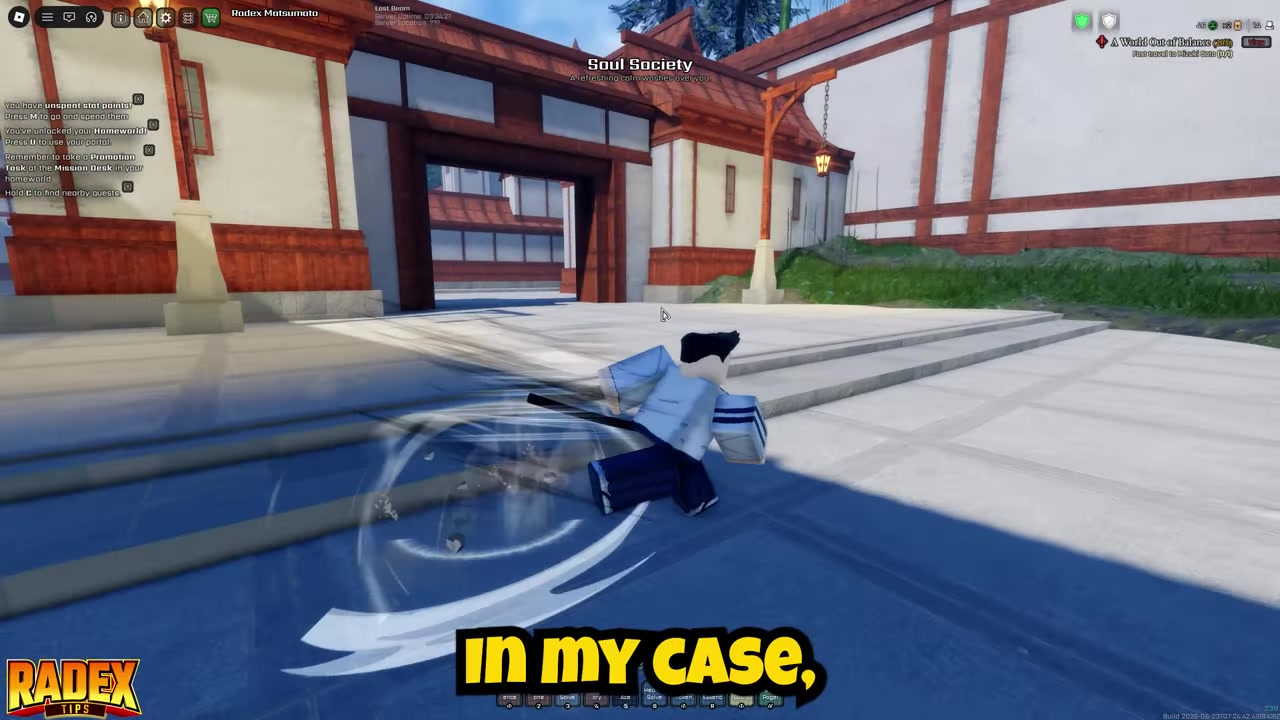
Return to the Shinigami home world, which is Soul Society; other factions should use their own hub if their tool differs.
STEP 2/6
Check the Mission Desk area
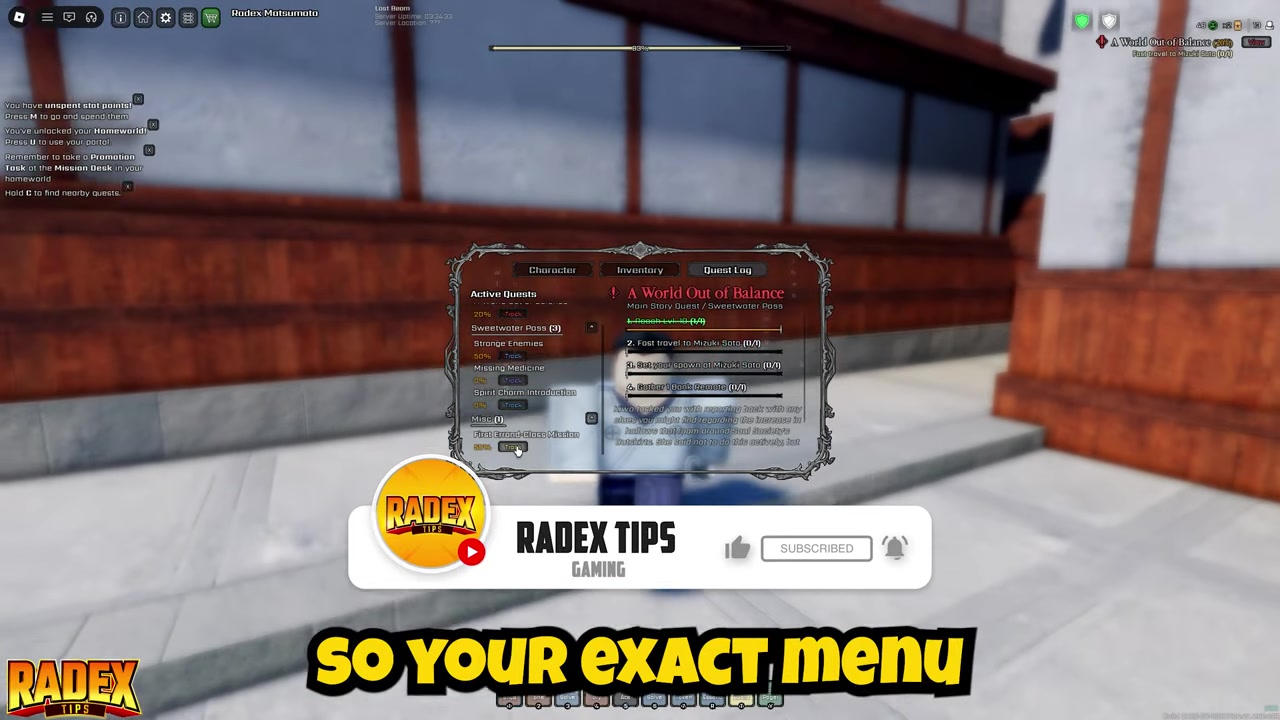
Look around the Mission Desk promotion setup instead of searching random open-world NPCs.
STEP 3/6
Follow the NPC marker if it appears
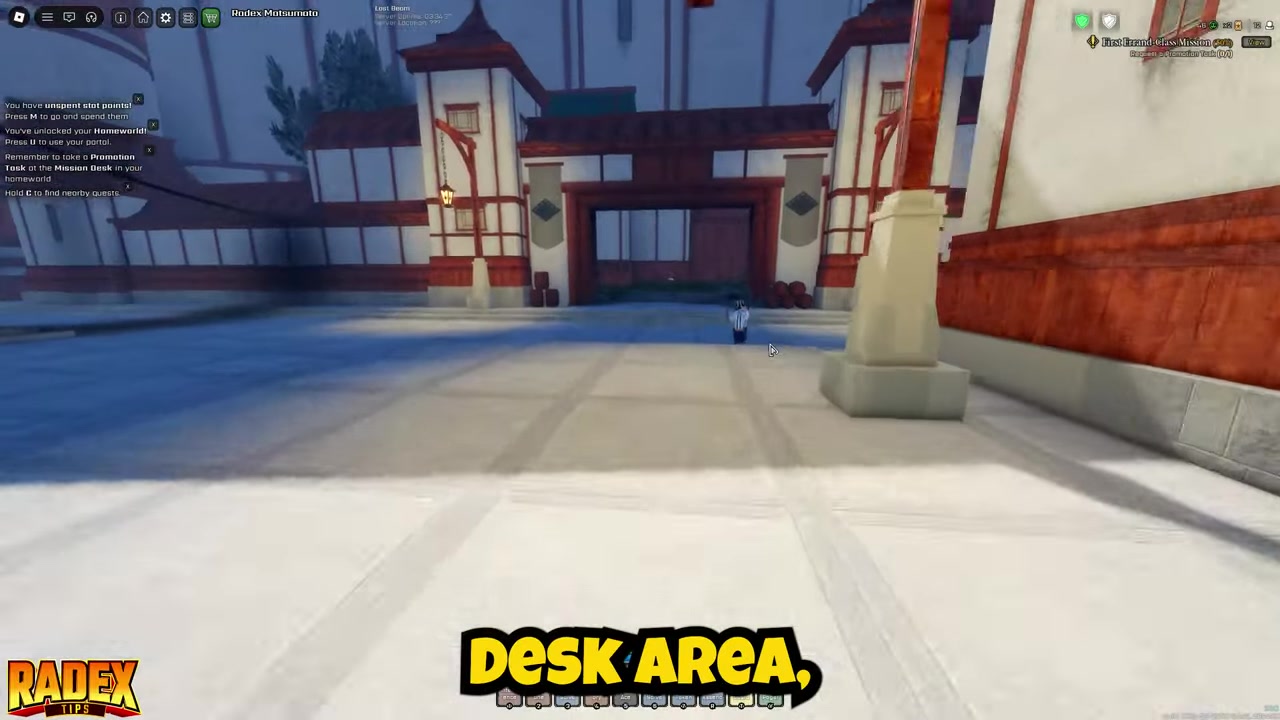
If the first part is already started, the marker may point to the promotion NPC before the menu path is obvious.
STEP 4/6
Open the Soul Pager

For Shinigami, the Soul Pager is the progression tool tied to missions and promotion requests.
STEP 5/6
Select Promotion
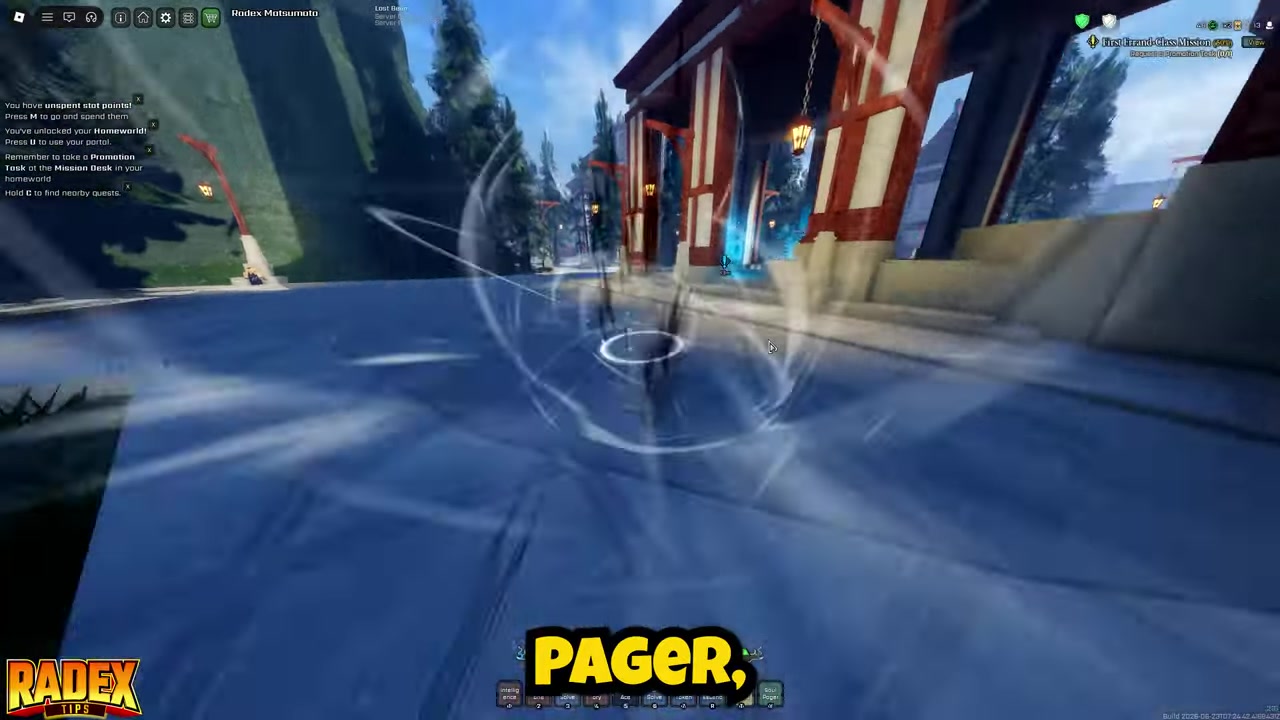
Inside the Soul Pager, switch to the Promotion tab to find rank-up options.
STEP 6/6
Request the task
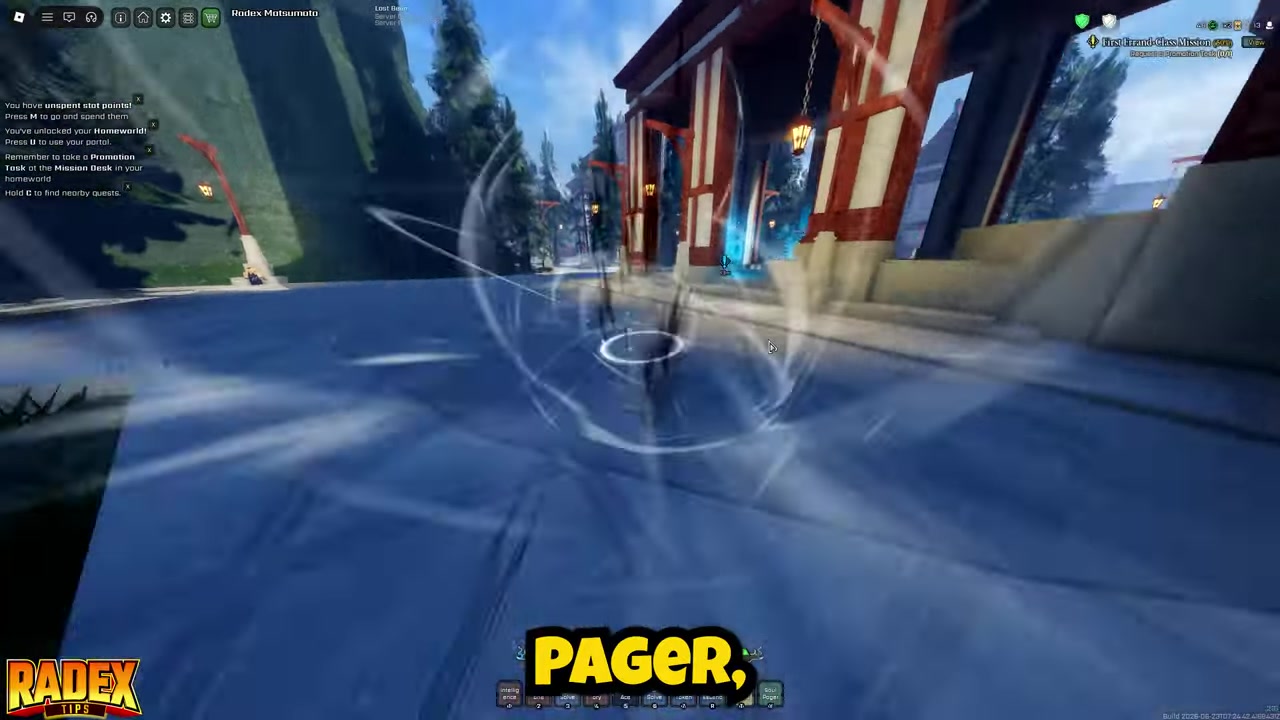
Click Request Promotion Task to receive a special task connected to raising your faction rank.
If the marker sends you to an NPC, follow it, then open the Soul Pager and check Promotion anyway; the marker can point at the quest contact while the request button stays in your menu.
Video help
What changes outside the Shinigami route
The route above is specifically for Shinigami players using Soul Society and the Soul Pager. If you are playing another class, do not assume you need Kou, the Shinigami Hub, or the same item name.
Use the same logic instead: go back to your faction’s home world, open the class-specific progression tool or mission interface, and look for a promotion or rank-up option. If the interface uses a different label, follow the one tied to faction rank rather than normal level grinding.
Fixes when Request Promotion Task is missing
| Problem | Likely reason | What to do |
|---|---|---|
| Request Promotion Task is not visible | The Soul Pager or equivalent progression tool is missing, or you are not on Promotion. | Get or open the correct progression tool, then check the promotion tab again. |
| Mission Desk does not offer it | You may be standing in the right area but not opening the right menu. | Use the Mission Desk area to orient yourself, then open the Soul Pager or equivalent mission interface. |
| The marker points to an NPC | The first part of the promotion quest may already be active. | Follow the marker, continue with the connected NPC, then return to the progression menu. |
| The option seems locked or absent | You may be under-ranked, under-leveled, or short on an unshown progression requirement. | Keep doing faction content, regular missions, Main Story Quests, and Daily Quests. |
| Console controls hide the menu | The progression menu input may not be obvious on controller. | Check control prompts or input settings for the same mission/progression tool PC players open. |
| The request will not start | You may be out of Mission Tickets if the current mission loop requires them. | Refill through Main Story Quests, Daily Quests, Hollows, Dragonflies, Bats, and chests, but treat promotion cost as unconfirmed. |
Most missing-button cases come from being in the wrong layer of the system. The world marker can point you at an NPC, while the actual request button still lives inside the progression menu.
If you are still only grinding normal quests, remember that a Promotion Task is a rank-up task, not just another level grind. The game can let you chase nearby objectives while the rank request remains hidden until your faction UI is ready.
Useful goals after your first promotion request

If you are still not sure where the Shinigami systems live, your next target is finding Kou and the Soul Society Hub. The Fort Adam and Soul Society Outskirts route is Shinigami-specific context, so use it for that path rather than as a universal rule for every faction.
Once promotions are moving, later Shinigami progression topics include Level 25 meditation, Spirit Whispers, the bell puzzle, the Level 35 gate, and the Shikai fight. These are follow-up progression goals, not extra actions for pressing Request Promotion Task.
Frequently Asked Questions
Mission Desk or Soul Pager for Promotion Tasks?
For Shinigami, treat the Mission Desk as the area to check and the Soul Pager as the menu to open. The cleanest route is Soul Pager > Promotion > Request Promotion Task; direct Mission Desk behavior may depend on progression.
Why does the marker point to an NPC?
That usually means the first part of the promotion quest is already active. Follow the marker to the connected NPC, then open your Soul Pager or equivalent progression menu again and check Promotion.
Is this only for Shinigami players?
The exact menu route is for Shinigami players in Soul Society using the Soul Pager. Other factions should use the same home-world logic, but their progression tool or mission interface may have a different name.
Specific level or rank for Promotion Tasks?
You need to be eligible for the next promotion, but the exact level, rank, stats, or mission-count threshold is not consistently documented. If the button is missing or locked, keep progressing through faction and mission content rather than trusting a fixed number.
Mission Tickets for Promotion Tasks?
That is not fully confirmed. Promotion Tasks behave like special rank-up missions, and the broader mission loop can be limited by Mission Tickets, so keep tickets available without assuming every promotion request always consumes one.




Leave a Reply