

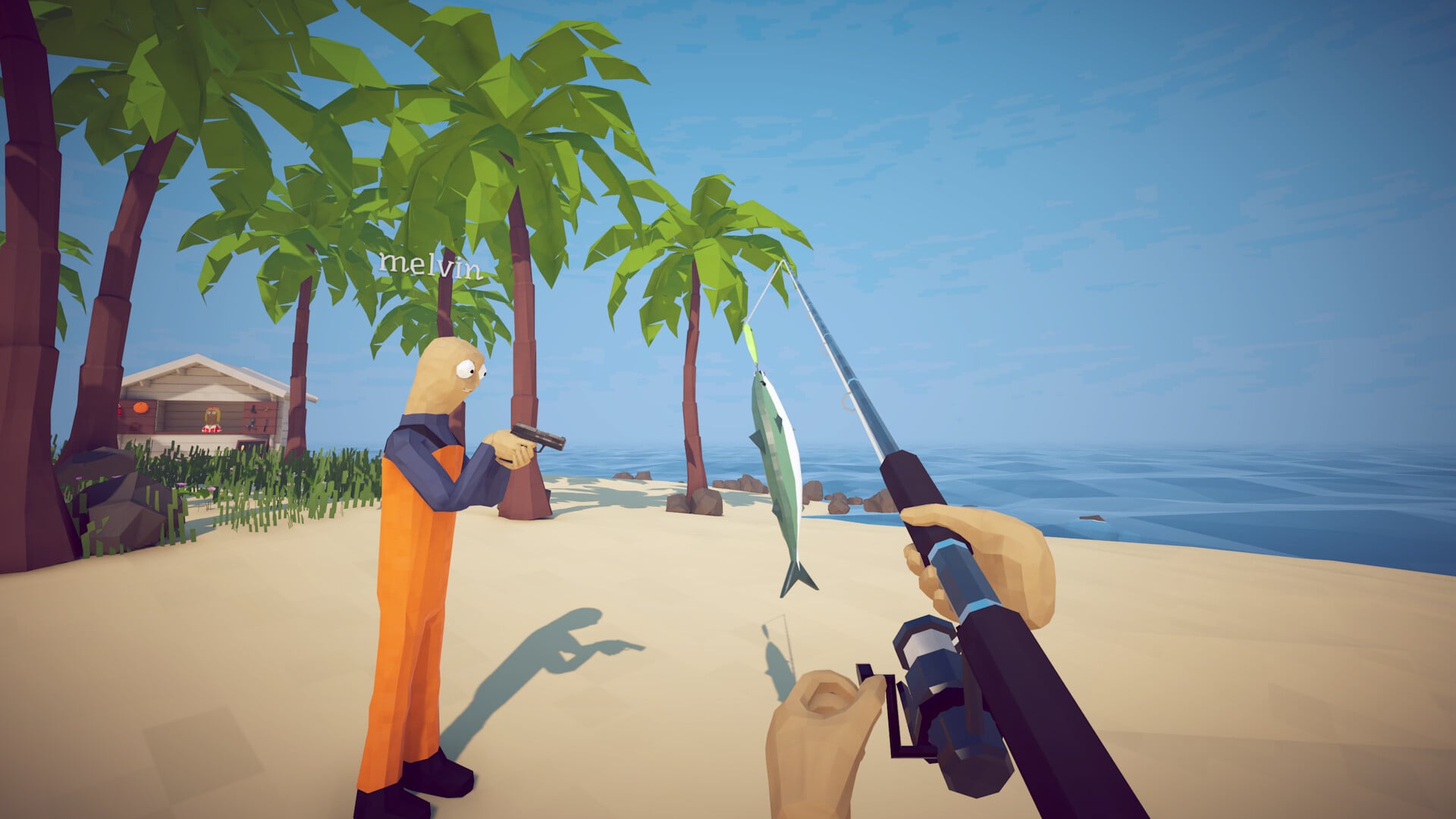
What to know
- Cooked weapons and fishing rods can lose their custom skins.
- This can happen when an item reaches the maximum cooked level.
- Place the affected item into water to restore its original appearance.
- Once the skin returns, the weapon or rod can be equipped normally.
In How to Fish, an update can cause certain weapons and fishing rods to become “cooked” and lose their custom skins. If you find that a max-cooked item can no longer be equipped properly, there is a simple way to restore it.
The fix does not require selling, upgrading, or replacing the item. You simply need to put the affected weapon or fishing rod into water.
| Feature | Details |
|---|---|
| Problem | Cooked weapons and rods can lose their skins |
| Affected items | Weapons and fishing rods |
| Cause | Items reaching the maximum cooked level |
| Fix | Submerge the affected item in water |
| Result | Original skin returns |
| Can you use it afterward? | Yes |
Why weapons and fishing rods become “cooked”
The issue occurs when certain items are cooked to their maximum level. After this happens, the item’s custom appearance may disappear, leaving you unable to equip it as expected.
This appears to be an item-state or visual issue rather than the skin being permanently removed. The important part is that you do not need to throw the item away just because its skin disappears.
How to uncook a weapon or fishing rod in How to Fish
Step 1: Find the affected item
Locate the weapon or fishing rod that has been cooked and has lost its custom skin. Make sure it is the item you want to restore before attempting the fix.

Step 2: Take the item to water
Find a nearby body of water. The water is what triggers the restoration, so you need to place the affected item where it can become submerged.
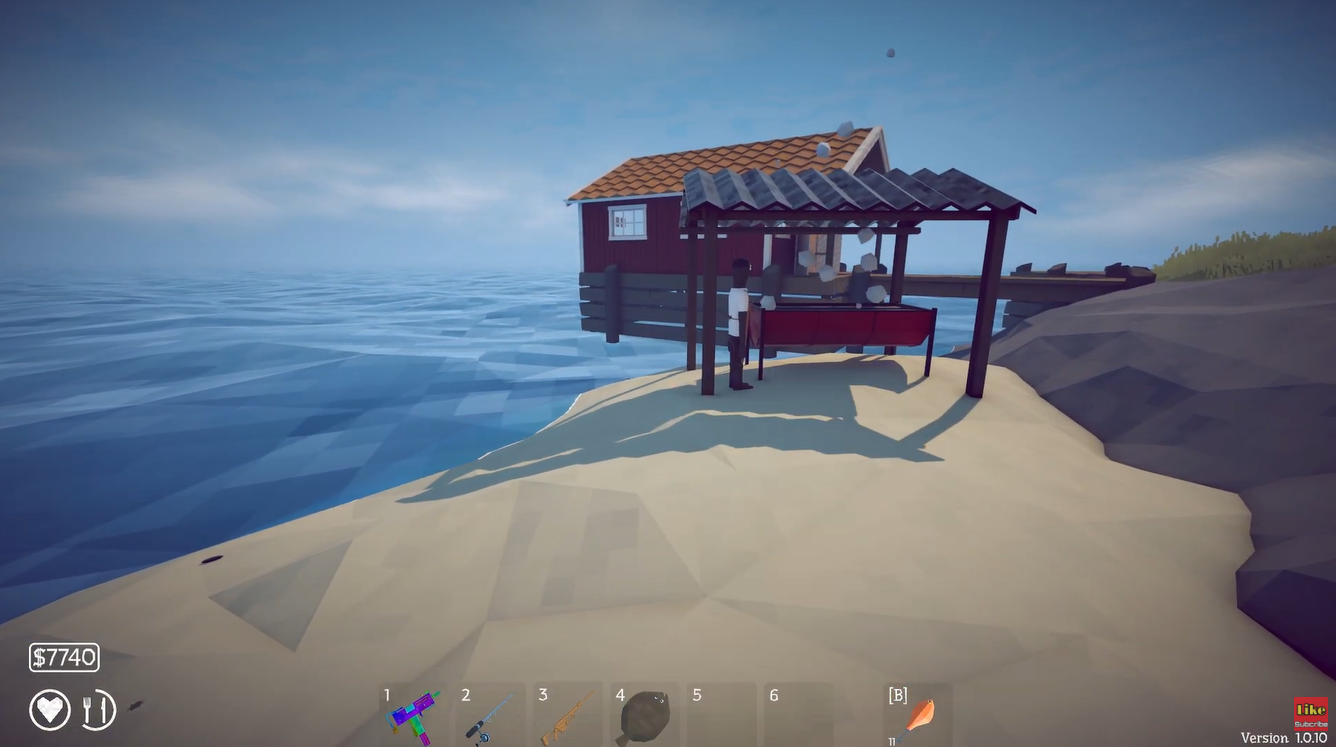
Step 3: Put the cooked item into the water
Submerge the cooked weapon or fishing rod in the water. You do not need to perform a complicated sequence or use another special item.

Step 4: Check the item’s appearance
Once the item has been placed in the water, check it again. Its original custom skin should reappear, reversing the visual problem caused by the cooked state.
After the skin returns, you can use the weapon or fishing rod normally again.

What happens after you put the item in water?
The main purpose of this trick is to restore the item’s missing appearance. If your cooked item had a custom skin that disappeared, submerging it in water causes that skin to return.
| Before the fix | After the fix |
|---|---|
| Item is cooked | Item remains usable |
| Custom skin is missing | Custom skin returns |
| Item may not equip correctly | Item can be equipped normally |
| No need to replace it | Original item is restored |
Does this work for both weapons and fishing rods?
Yes. The same water-based solution applies to cooked weapons and fishing rods affected by the skin issue.
So if you notice that a fishing rod has suddenly lost its appearance after being cooked, you can use the same method rather than assuming the rod or skin has been permanently lost.
What to do if the skin does not immediately return
If the appearance does not come back immediately, make sure the affected item is actually being placed into the water rather than simply standing near it. The item needs to be submerged for the trick to work.

It is also worth checking that you are using the exact cooked item that lost its skin, rather than another weapon or rod with a similar appearance.
Restoring cooked items in How to Fish
The “uncook” solution is particularly useful because it saves you from replacing an item simply because its custom skin has disappeared. Take the cooked weapon or fishing rod to water, submerge it, and check the item again.
For players encountering this issue after an update, this is the quickest workaround to try before spending resources on another item.






Leave a Reply