
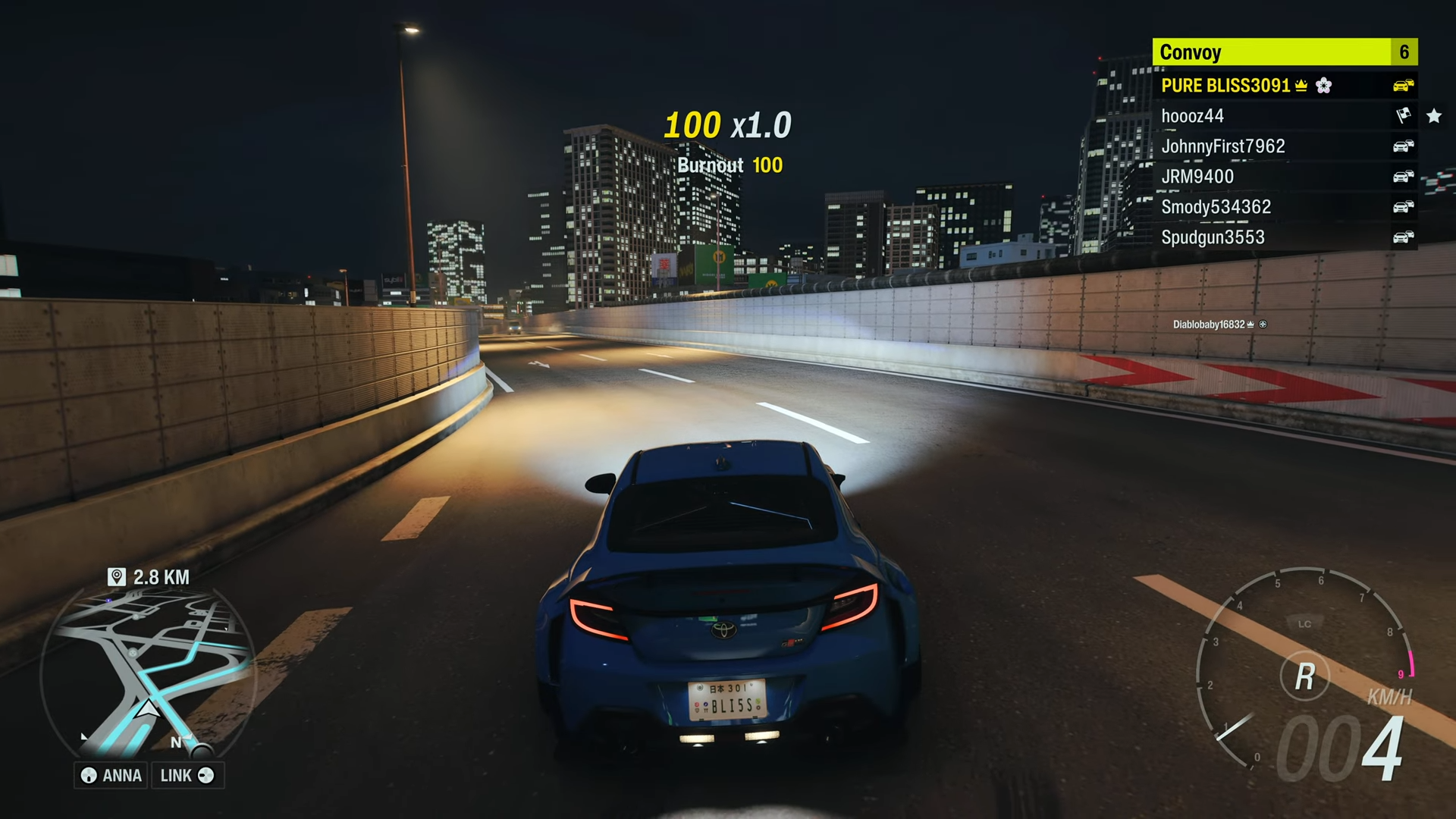
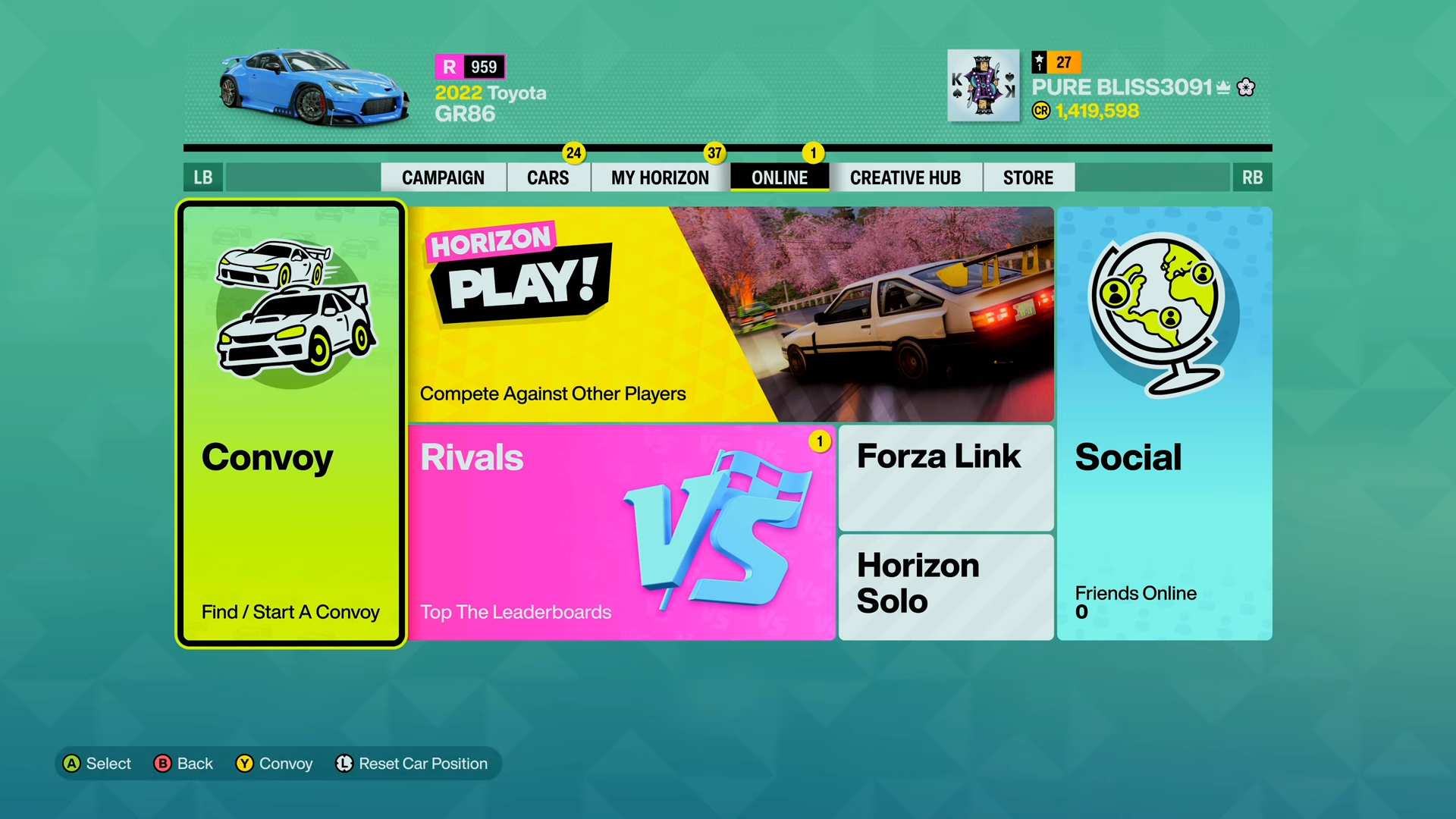
Leave a convoy in Forza Horizon 6 by opening Online > Convoy, going into Manage Convoy, and selecting Leave Convoy. Here are all the steps to get you going.
Step 1: Open the pause menu
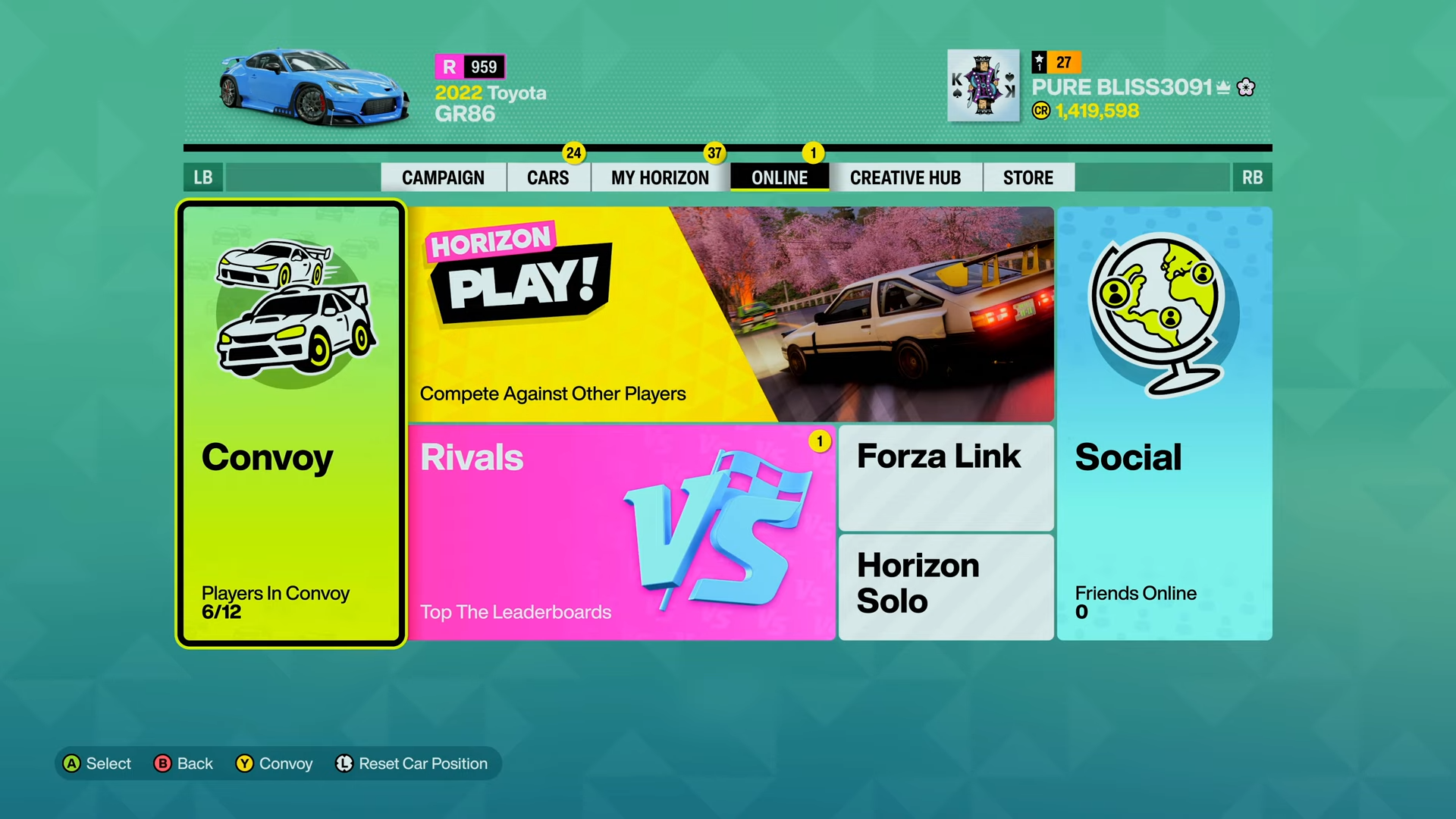
Pause the game. Select the Online options tab.
Step 2: Enter the convoy menu
Then choose Convoy. This shows the group you are currently in.
Step 3: Open management options
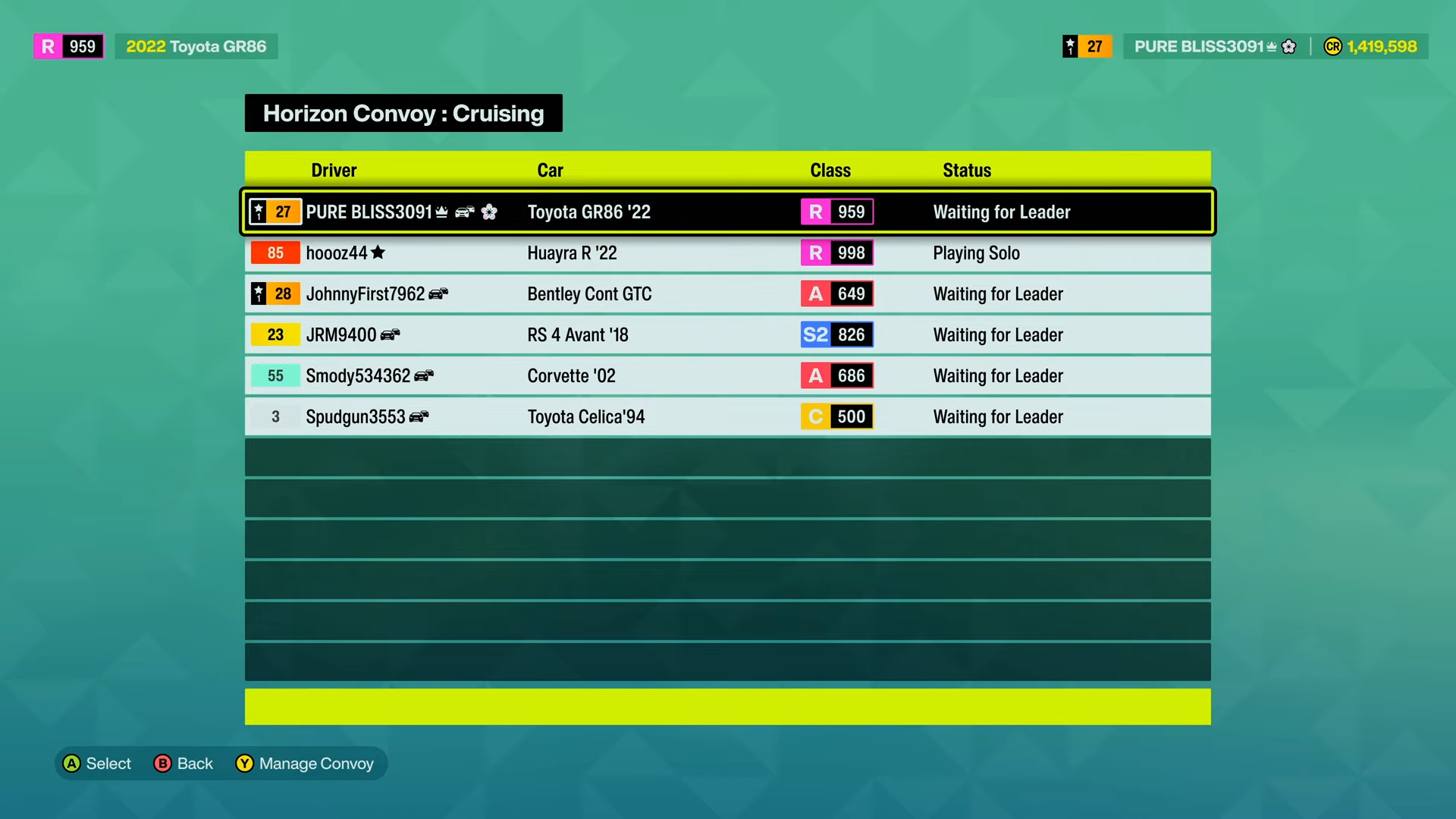
Press Y on Xbox or Triangle on PlayStation to bring up Manage Convoy. That is where the leave option lives.
Step 4: Exit the group
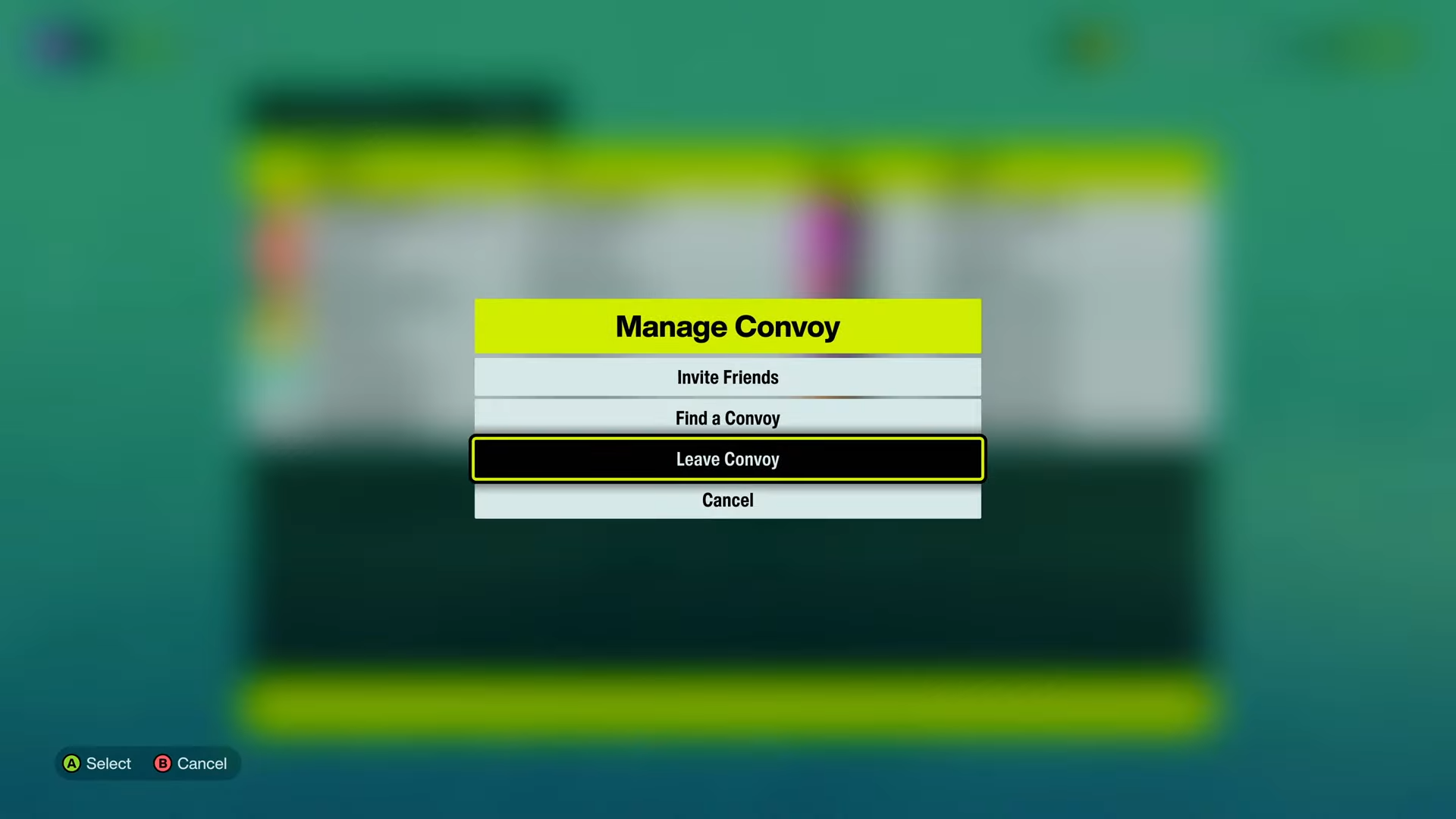
Select Leave Convoy and confirm the prompt if needed. You will return to solo play or a regular free-roam session.
Common hiccups
-
If Leave Convoy is missing, reopen Manage Convoy or switch sessions to refresh the menu.
-
If you only want to stop online play temporarily, switching to solo first can also help.
-
If the convoy still shows after leaving, back out to the main menu and re-enter the game session.
And that’s the quickest way to drop out of a convoy and get back to solo driving in Forza Horizon 6.




Leave a Reply