
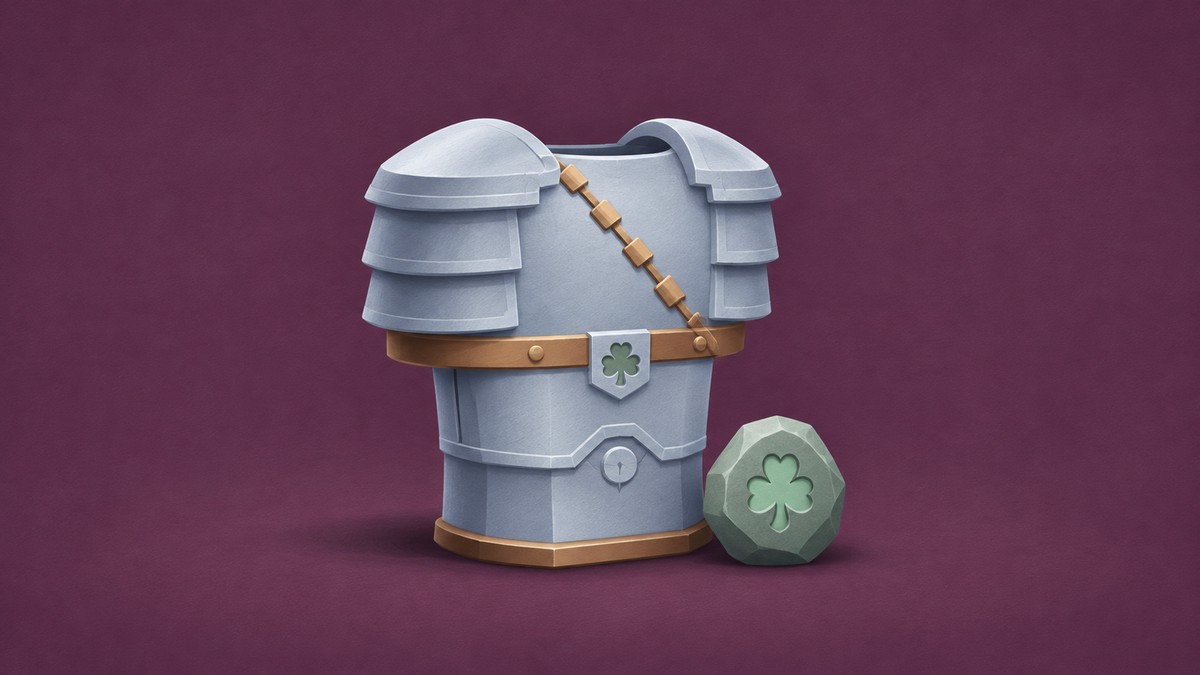
Collect runes from Shadow Tower bosses, then select one at the hub’s Enchant stall to socket it into your armor.
Armor enchanting in +1 Gun Forge lets you add a rune to gear such as Iron Mail. You’ll need a rune before you can fill its slot. This guide covers collecting Tower runes and applying one to your armor.
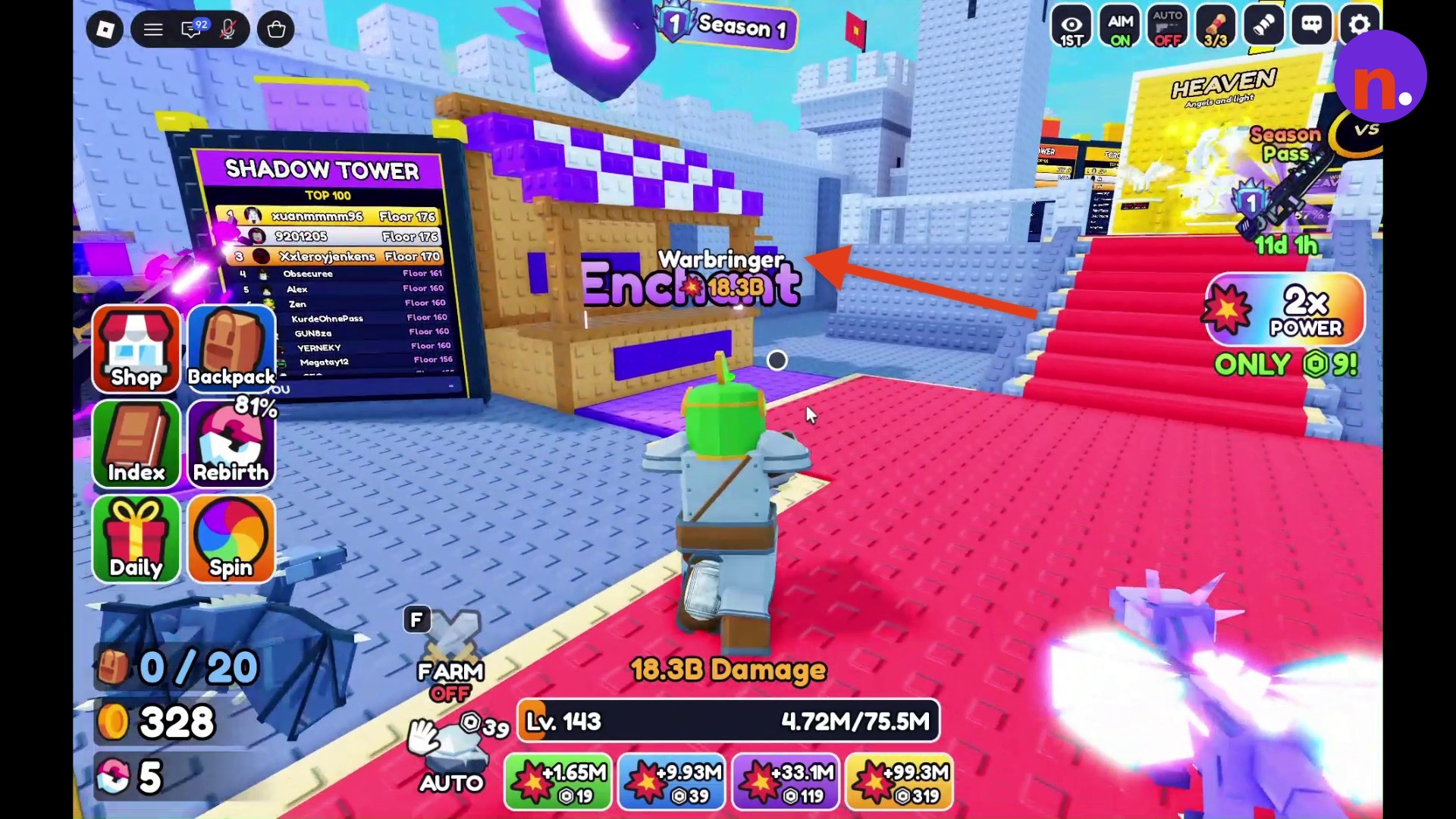
How to enchant your armor in +1 Gun Forge
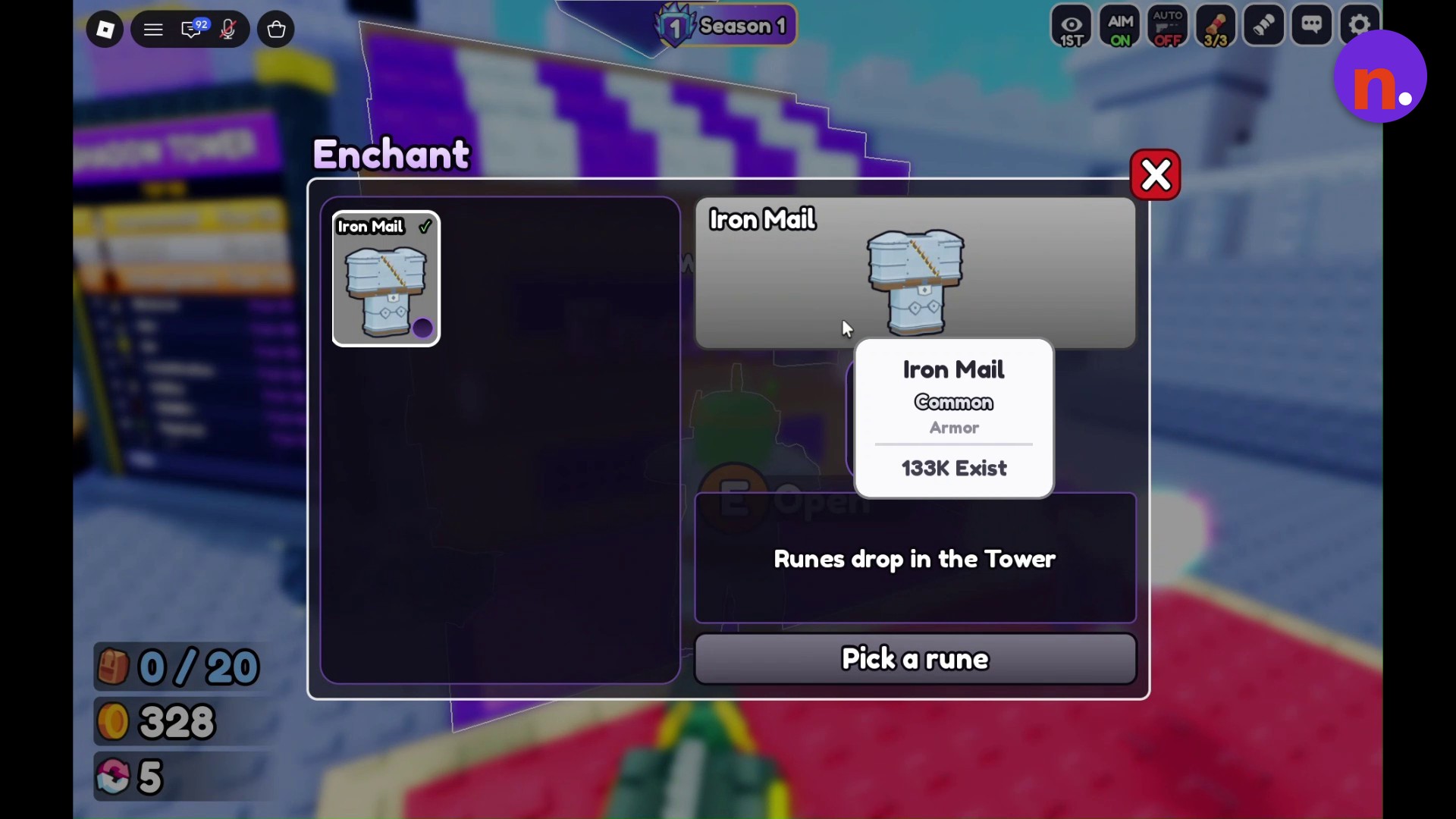
Iron Mail is Common armor, and its Enchant interface has an Empty rune slot. That’s the slot you’ll fill when you choose an available rune.
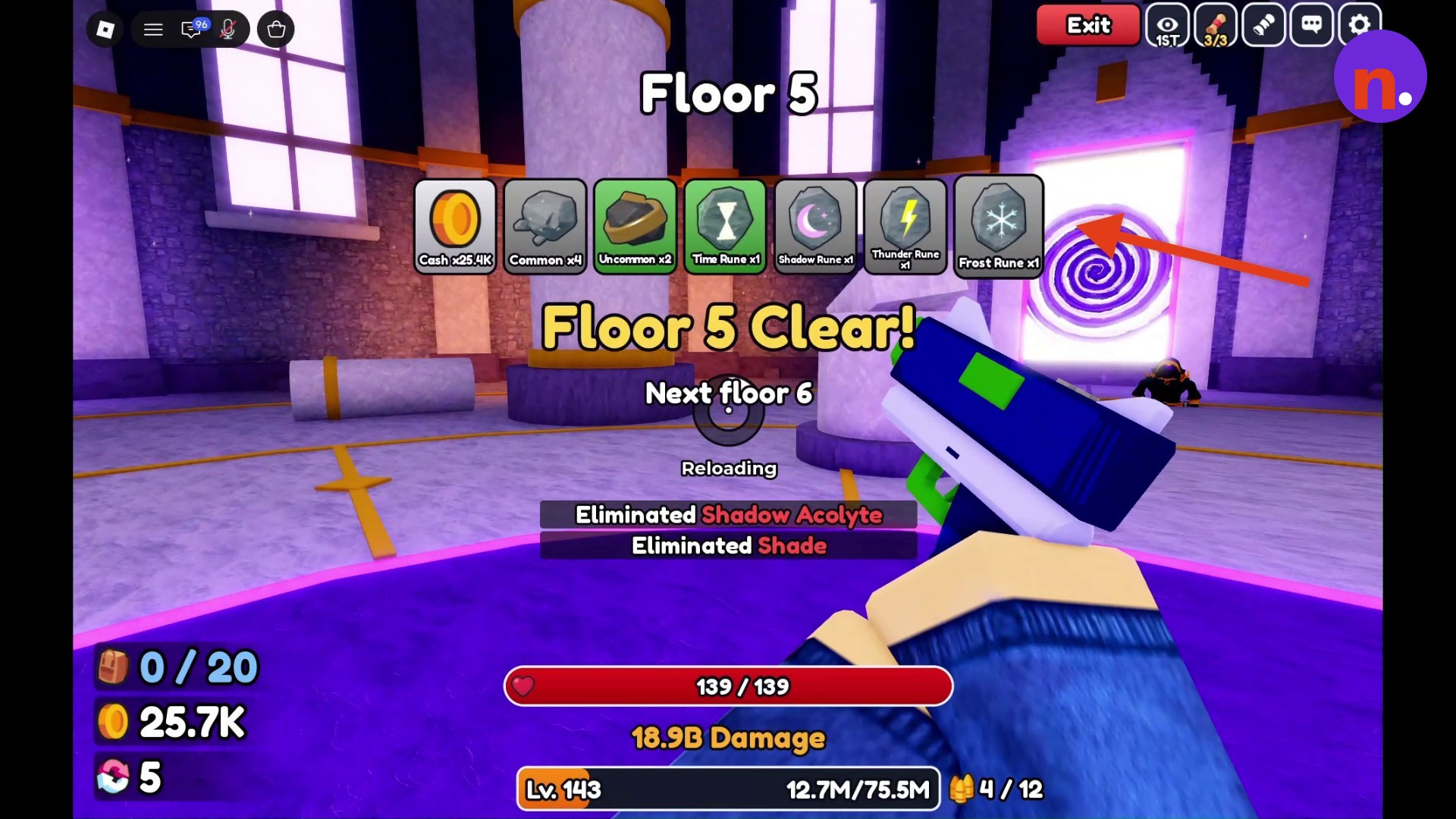
Shadow Tower bosses provide enchanting runes at five-floor intervals. Floor 5 drops include Time Rune, Shadow Rune, Thunder Rune and Frost Rune. The Floor 5 Clear! reward panel lists 25.4K cash, 4 Common ore, 2 Uncommon ore and one of each of those four runes.
The Tower also offers Shadowspire, a gun available as a rare drop from Floor 40.
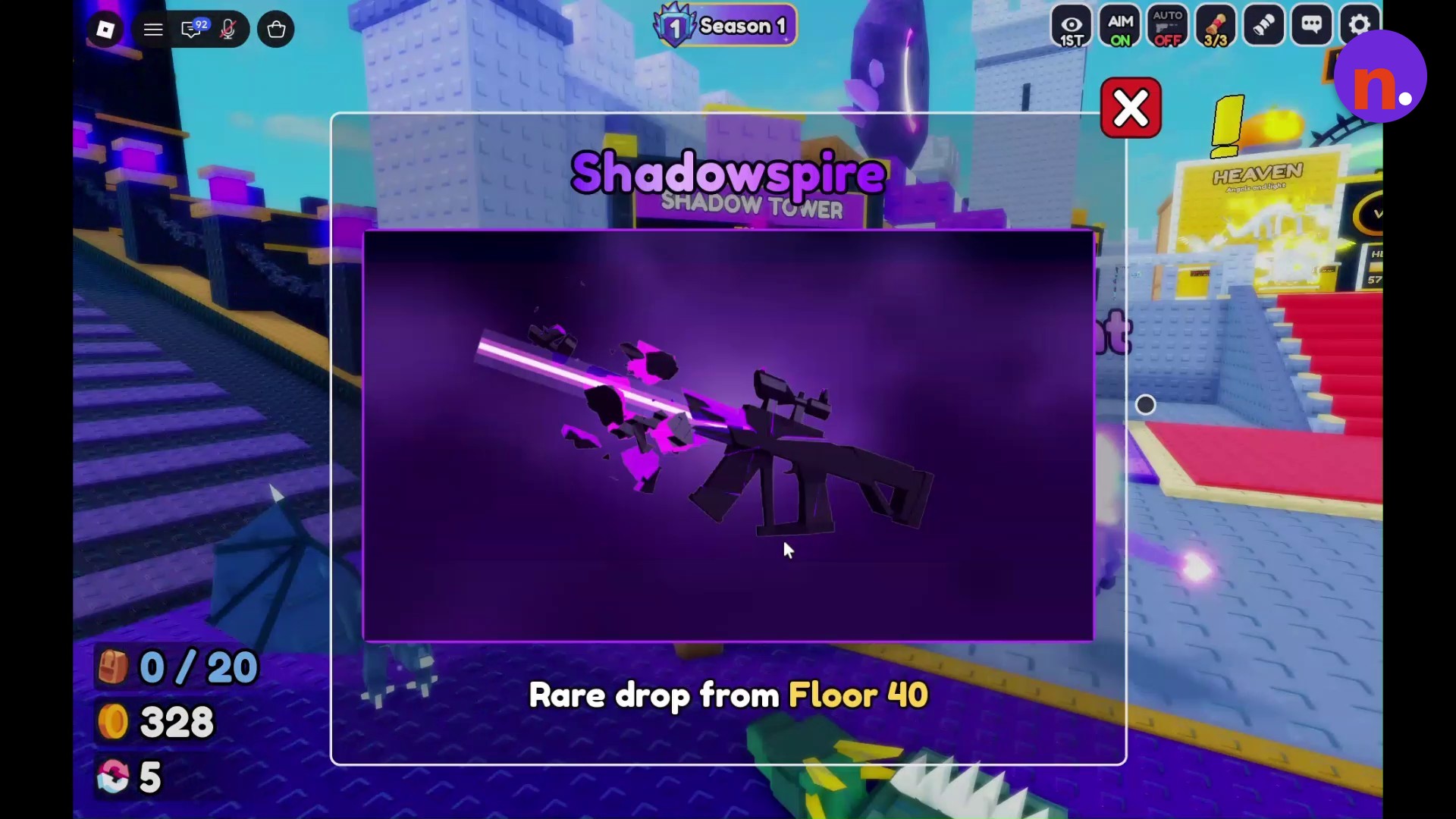
Collect your runes in Shadow Tower, then apply one at the Enchant stall.
Part 1 – Collect runes in Shadow Tower
The opening floor selection takes you through the first boss encounter.
Find the Tower entrance
Follow the hub’s purple stairs toward the Tower entrance.
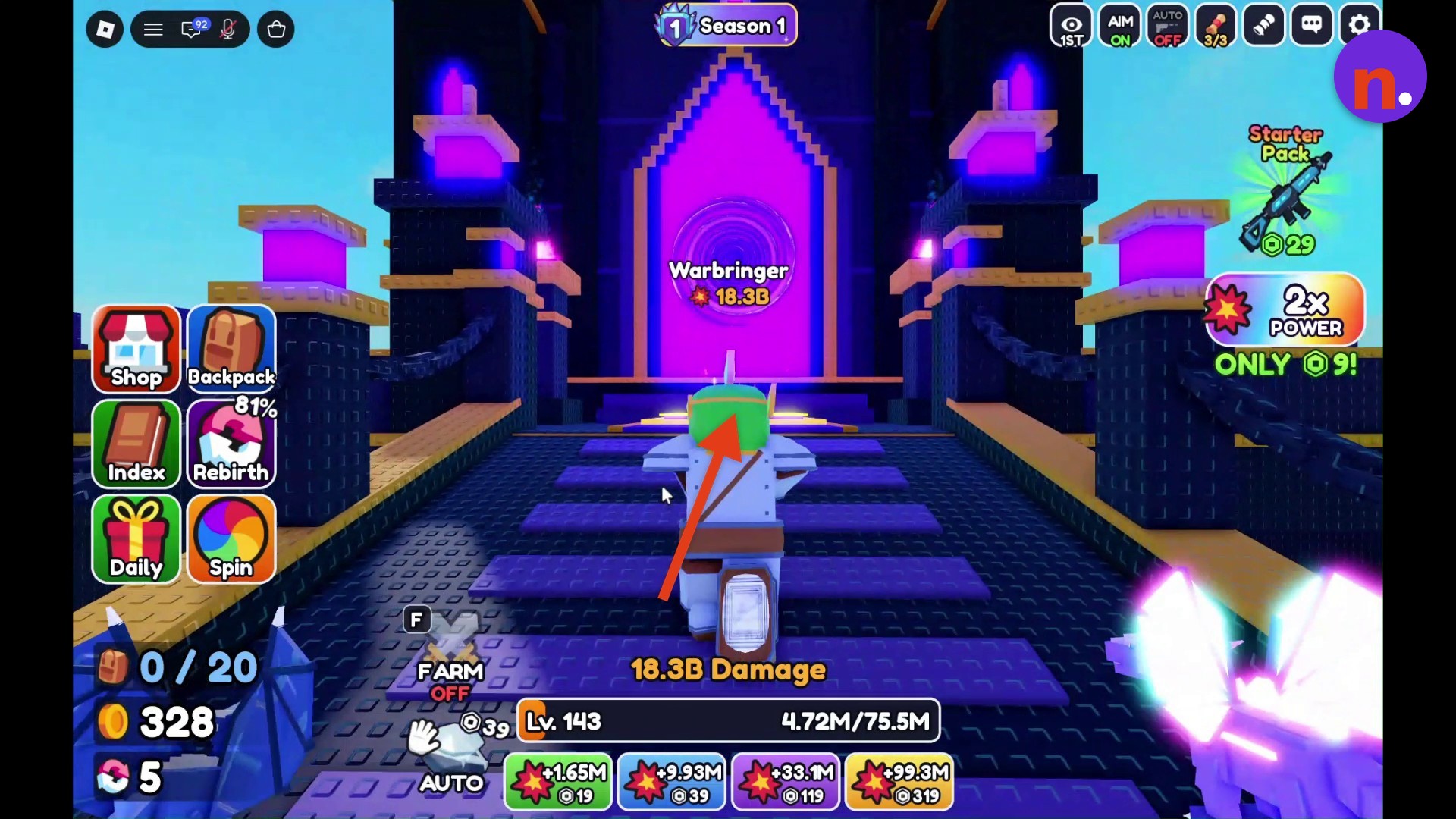
Start the opening floors
Open the entrance menu and identify it by the Shadow Tower title.
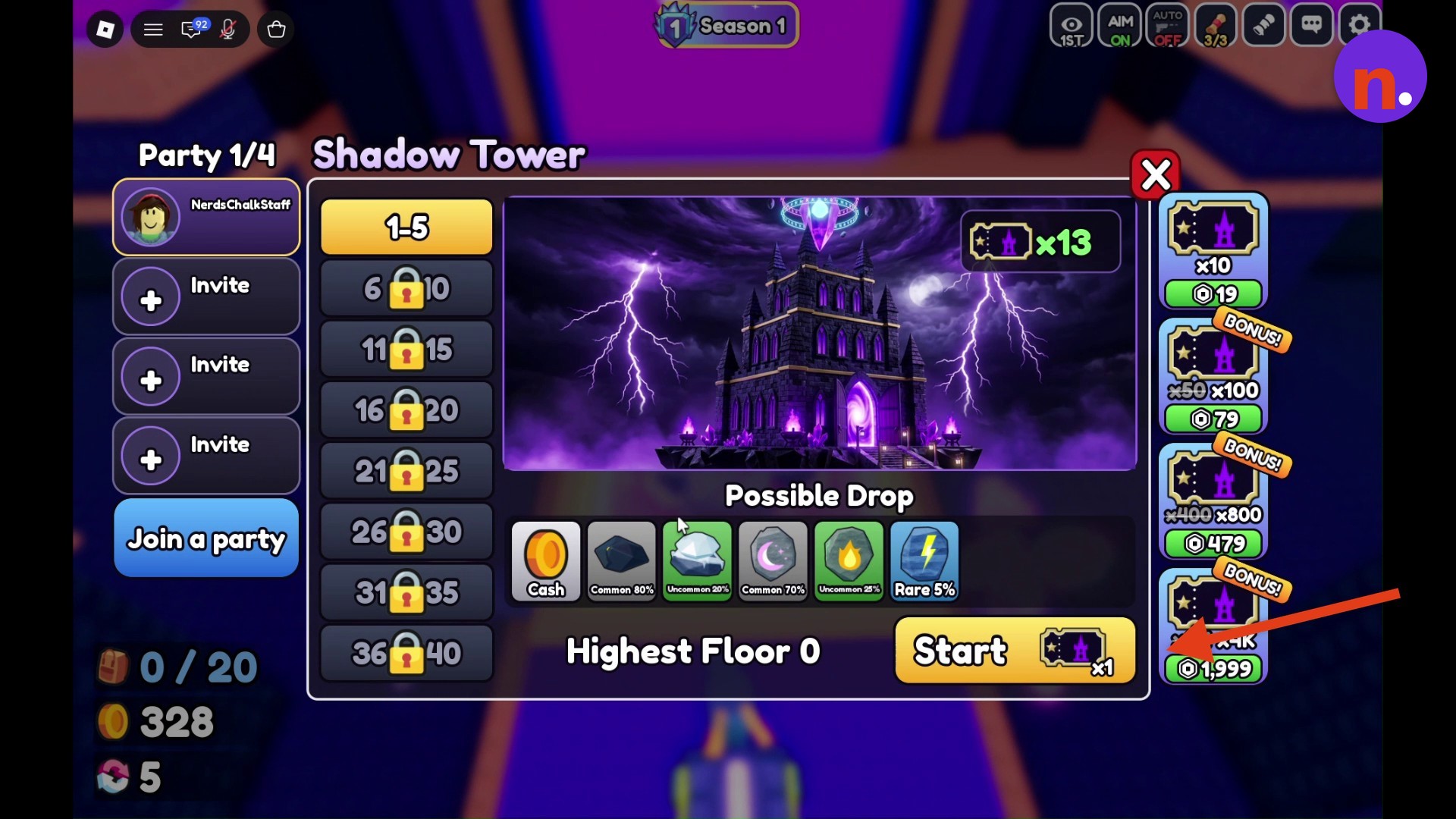
Clear Floors 1–4
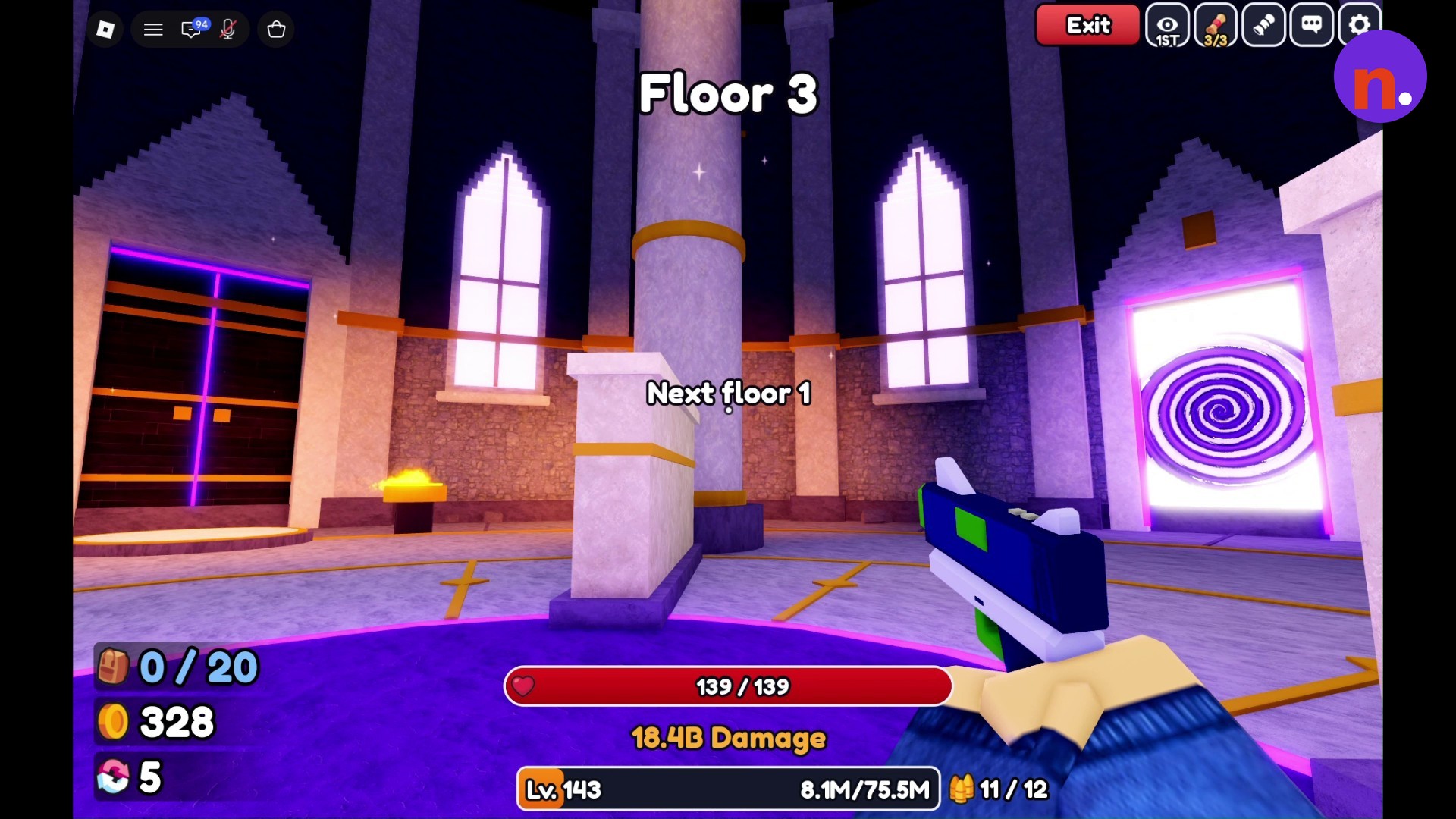
Defeat each floor’s enemy waves and use the portals to advance. After clearing Floor 2, wait for its exit portal to open. Clear the shades and darklings on Floor 3, then defeat the swarm of mobs on Floor 4.
Defeat Gatekeeper
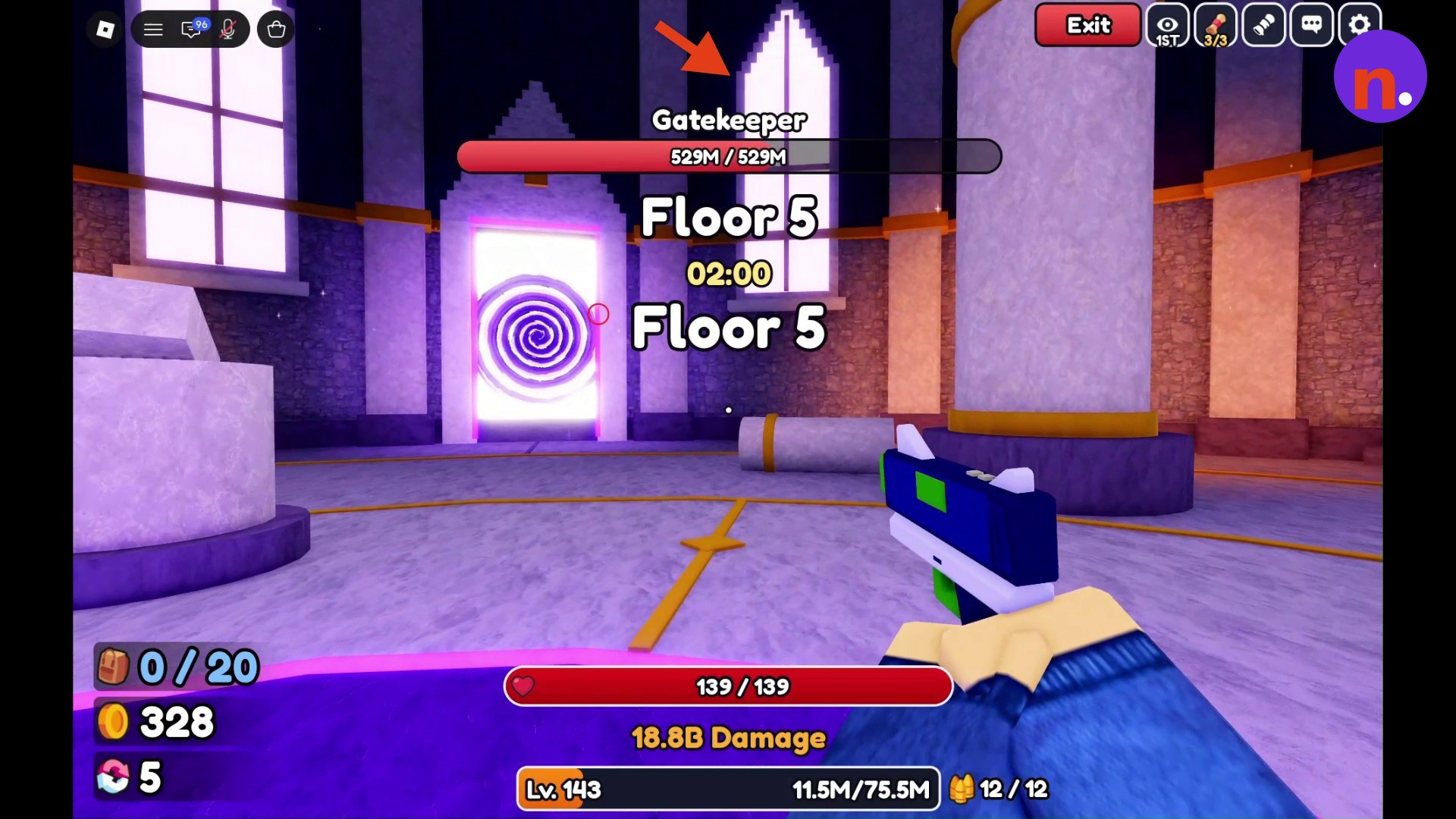
Beat Gatekeeper on Floor 5 and collect the rune drops. Its health bar displays 529M / 529M at full health.
Part 2 – Apply a rune at the Enchant stall
Your available runes appear in the armor’s Enchant interface.
Open the Enchant interface
Return to the hub and interact with the Enchant stall to open the armor enchantment menu.
Socket your chosen rune
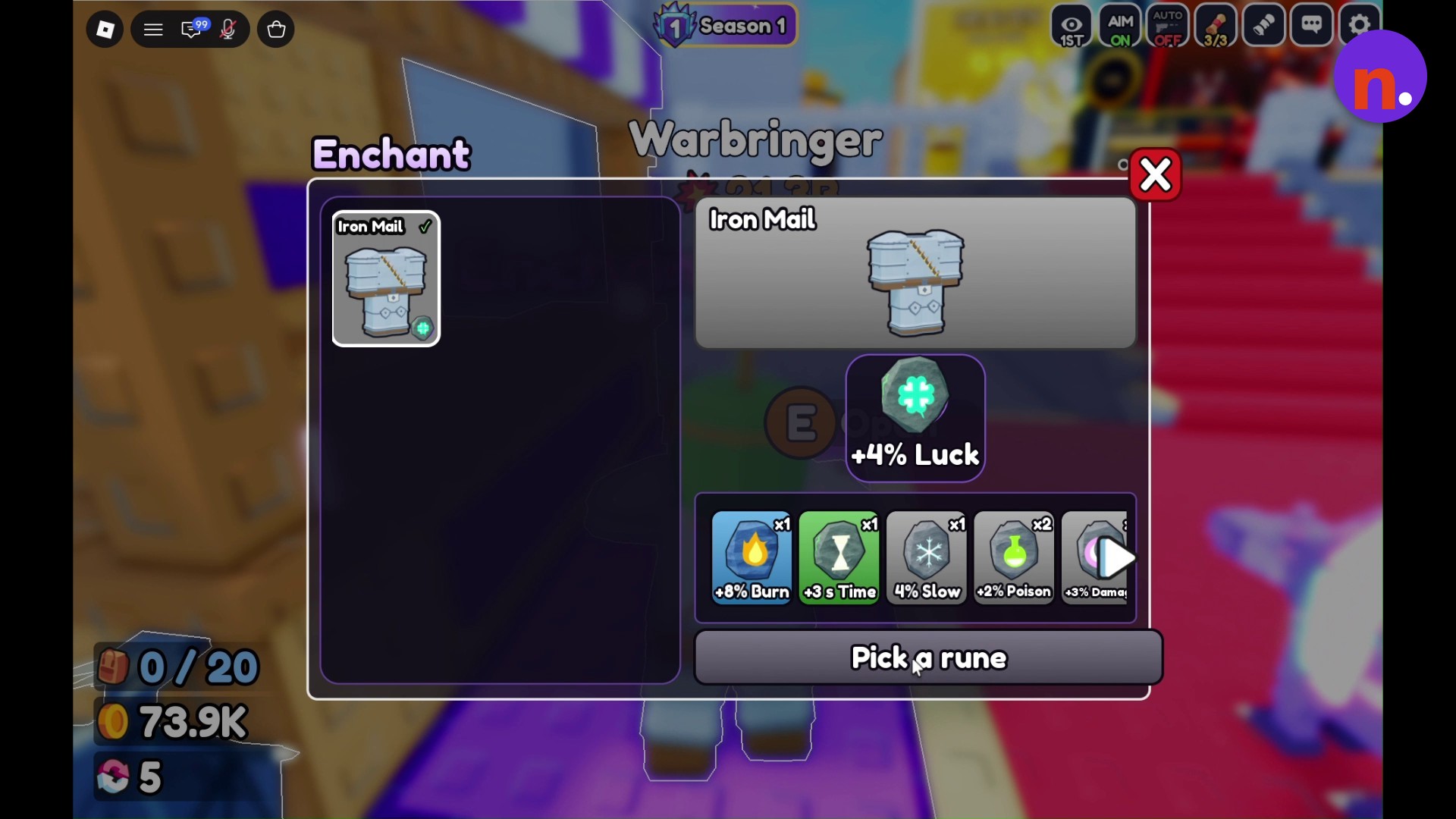
With Iron Mail displayed, use the Pick a rune prompt and click an available option, such as Luck, to socket it into the armor.
| Bonus | Displayed value |
|---|---|
| Luck | +4% |
| Burn | +8% |
| Time | +3 s |
| Slow | 4% |
| Poison | +2% |
| Truncated label | +3% Dama |
Choose by the displayed bonus when deciding which available rune to socket into your armor.
Selecting a rune sockets it into your armor.
Related Gun Forge guides


Leave a Reply