

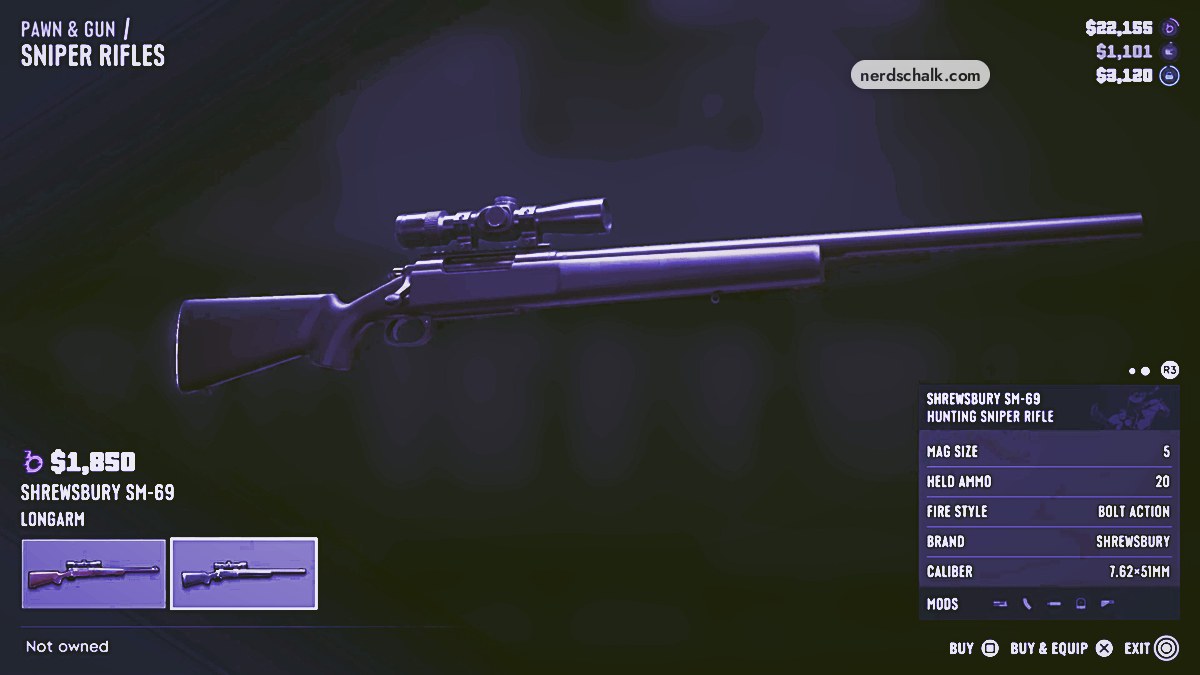
At a gun shop, select an owned weapon, open MODIFY, choose an attachment category, and buy a compatible part to equip it automatically.
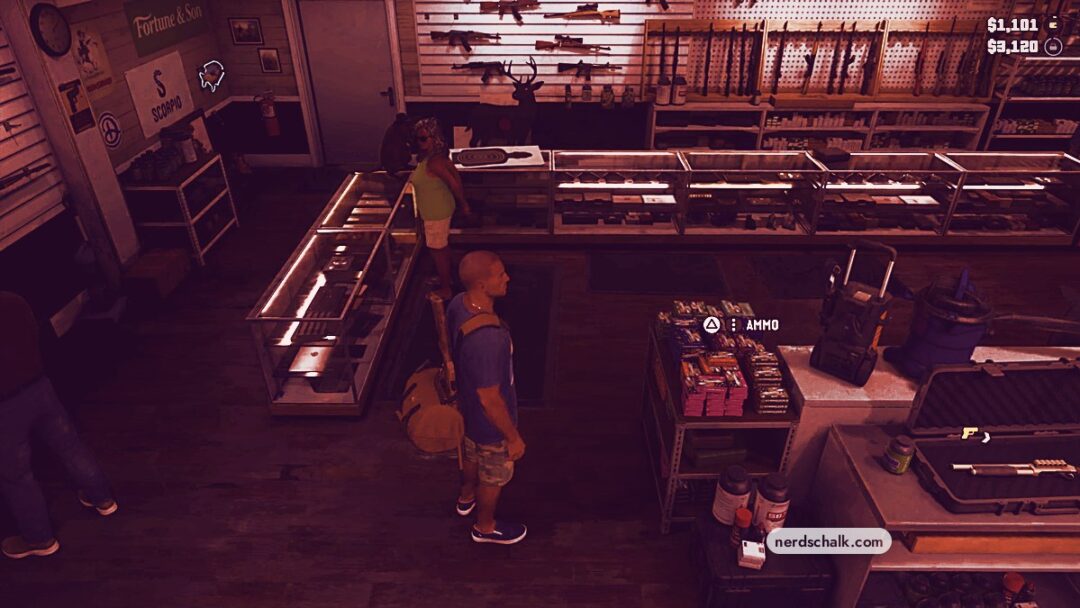
The pictures show Pawn & Gun, using the Shrewsbury SM-69 hunting sniper rifle as the example. This guide covers the modification controls, attachment prices, and displayed stat changes.
How to modify weapons in Grand Theft Auto VI
Select an owned weapon
Highlight the weapon you own in the shop list. The interface is headed PAWN & GUN /, and the SHREWSBURY SM-69 is available to purchase. An owned entry offers EQUIP and customization options. The picture here shows the unowned purchase screen instead, with BUY and BUY & EQUIP. The shop also offers EXIT.
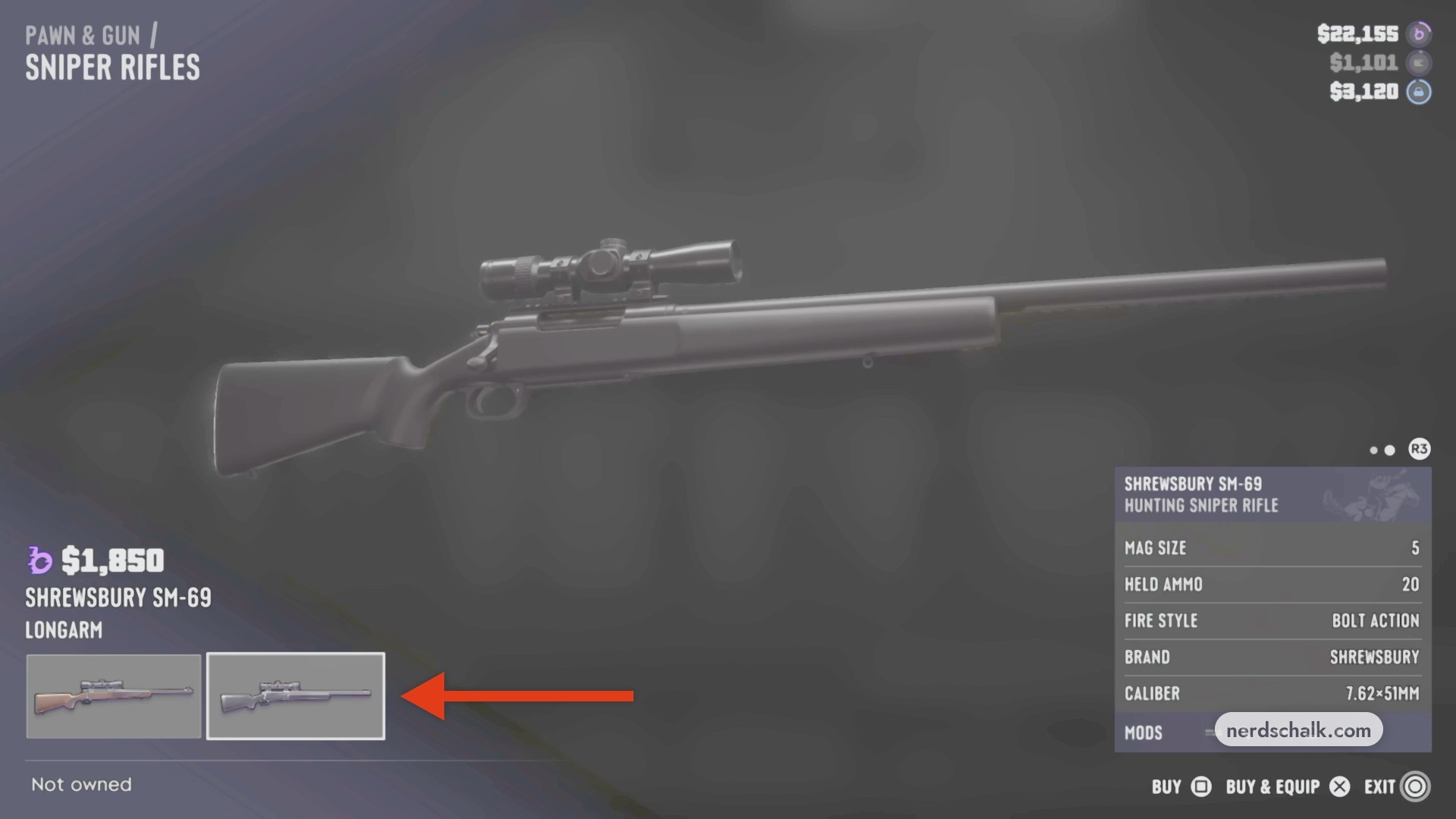
Open Modify
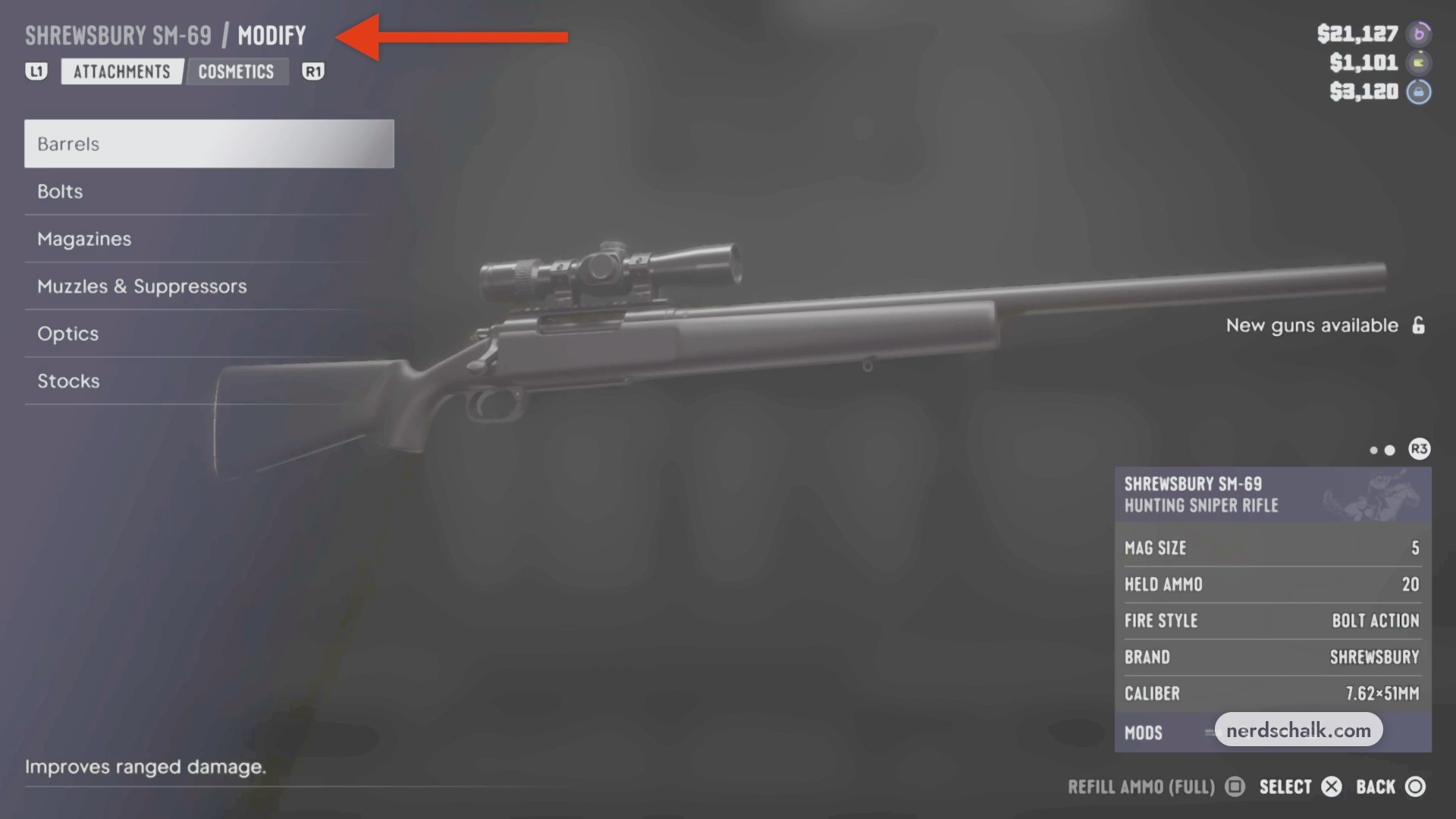
Choose MODIFY on the owned weapon’s entry. The example opens the SHREWSBURY SM-69 / MODIFY screen, with ATTACHMENTS and COSMETICS tabs flanked by L1LB and R1RB labels. REFILL AMMO (FULL) is available both here and on the owned shop entry.
Select an attachment category
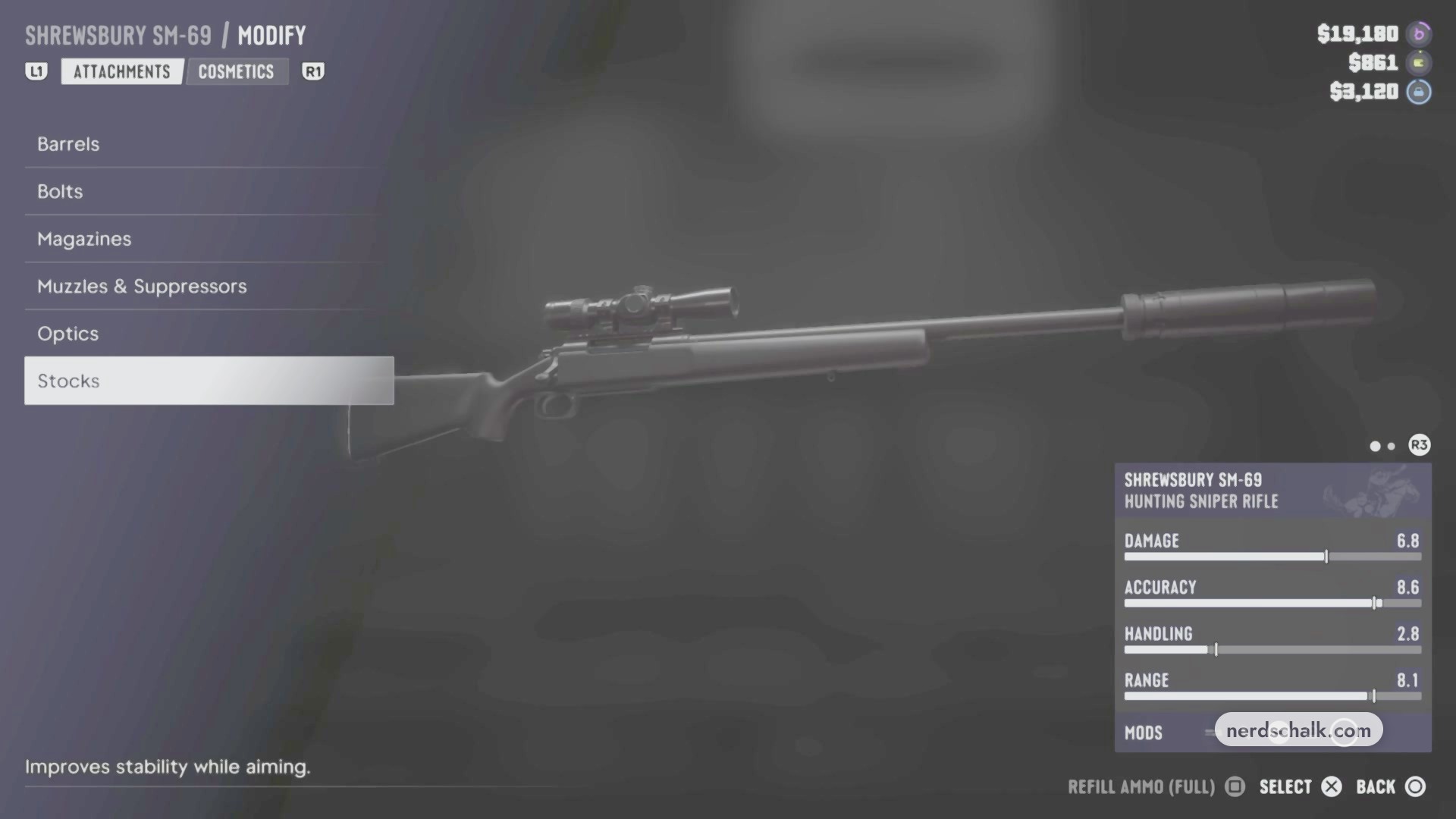
Under ATTACHMENTS, the rifle has six categories: Barrels, Bolts, Magazines, Muzzles & Suppressors, Optics, and Stocks. For the muzzle attachment example, scroll to Muzzles & Suppressors and use SELECT to open it. BACK returns to the previous menu.
Purchase and equip an attachment
Browse the compatible parts and compare their prices and stat previews. The Muzzle Brake and Suppressor are available purchases. Choose your preferred part and use BUY to purchase it; the attachment automatically equips on your weapon.
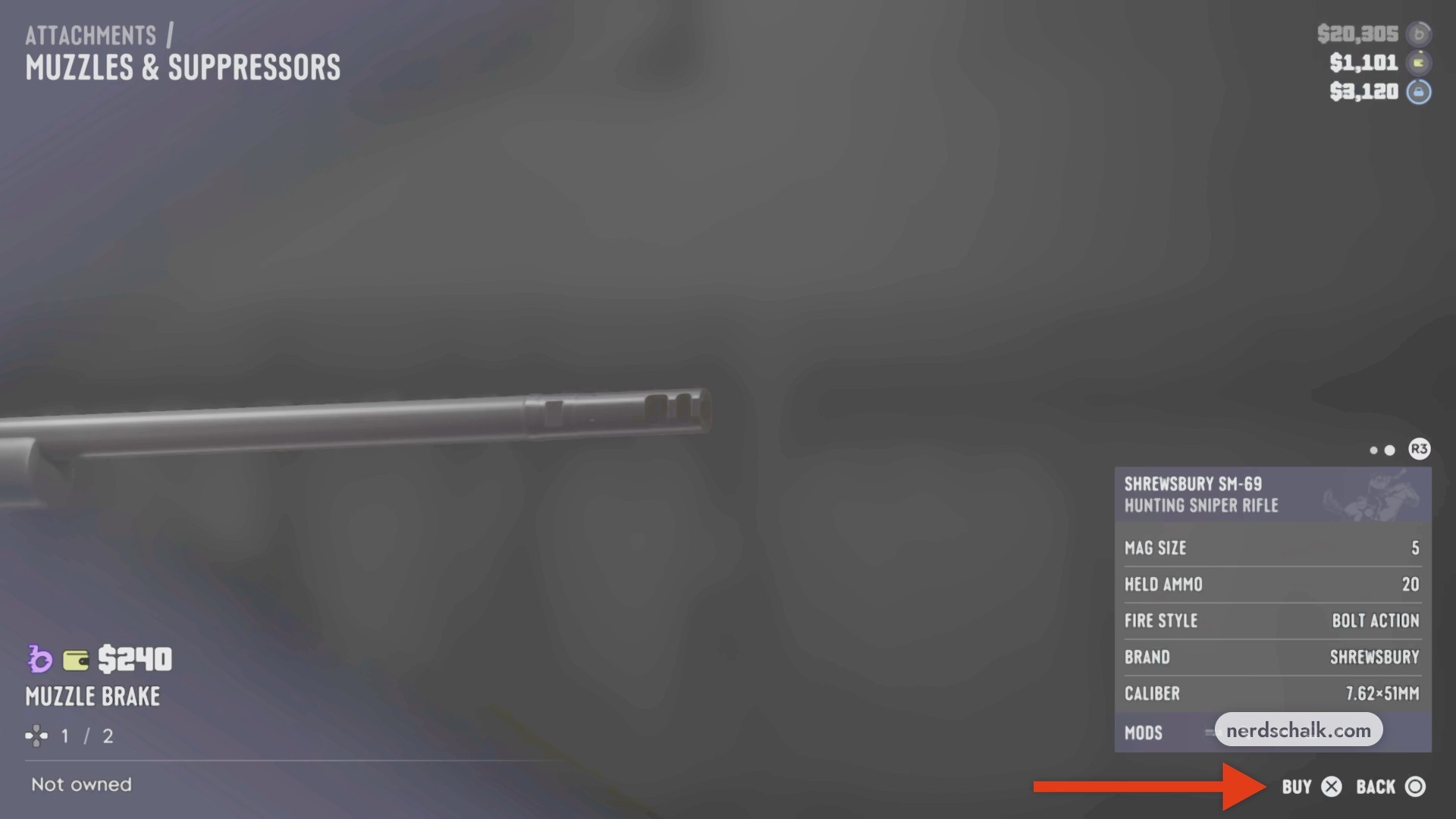
The Suppressor preview shows its price and BUY prompt for purchasing this attachment.
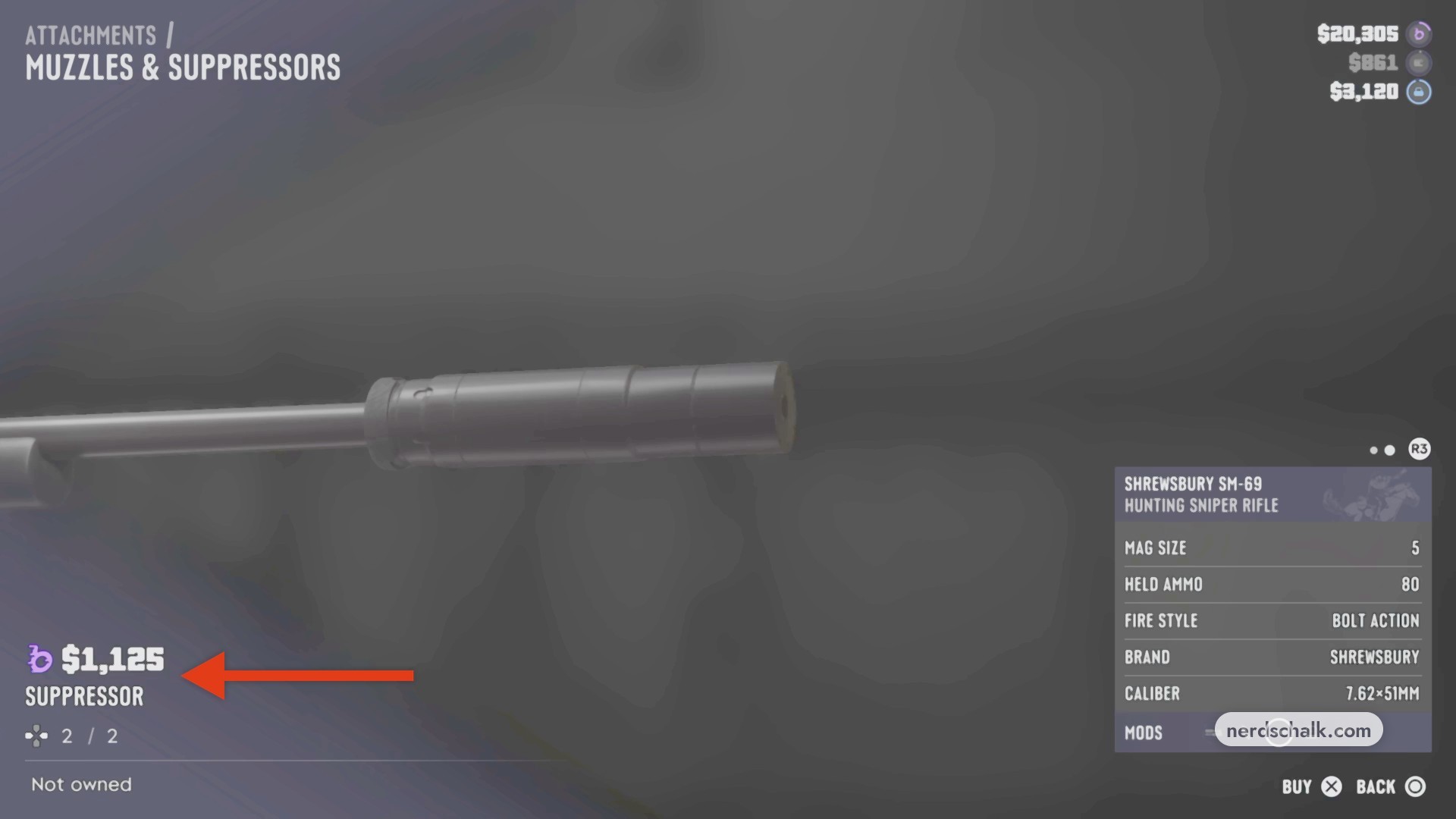
How much do the shown attachments cost?
| Attachment | Category | Price | Menu position |
|---|---|---|---|
| Muzzle Brake | Muzzles & Suppressors | $240 | 1 / 2 |
| Suppressor | Muzzles & Suppressors | $1,125 | 2 / 2 |
| 26-inch Long | Barrels | $470 | 2 / 2 |
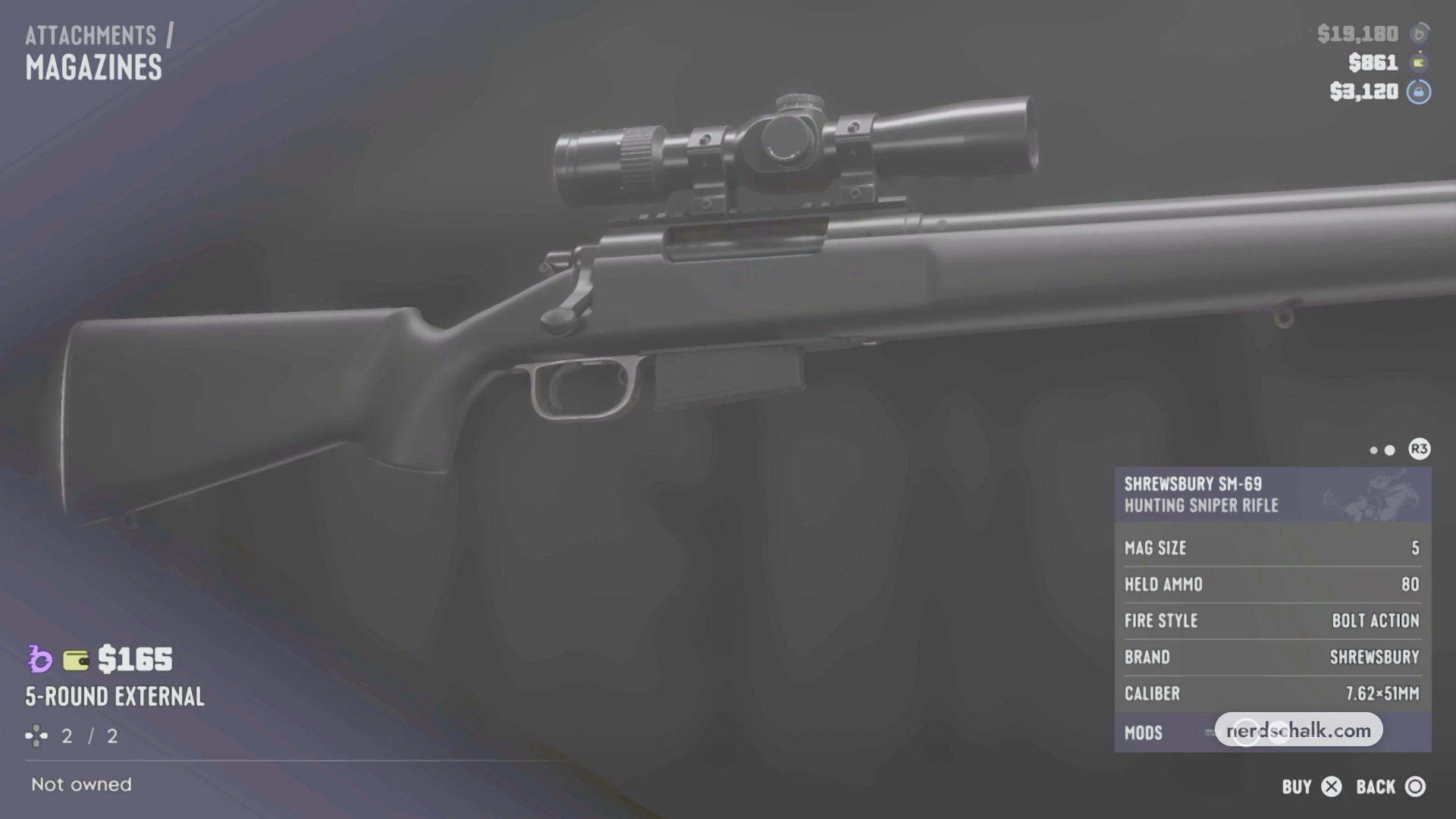
| 5-Round External | Magazines | $165 | 2 / 2 |
The barrel and magazine entries are purchase previews. The magazine preview also offers a BUY prompt.
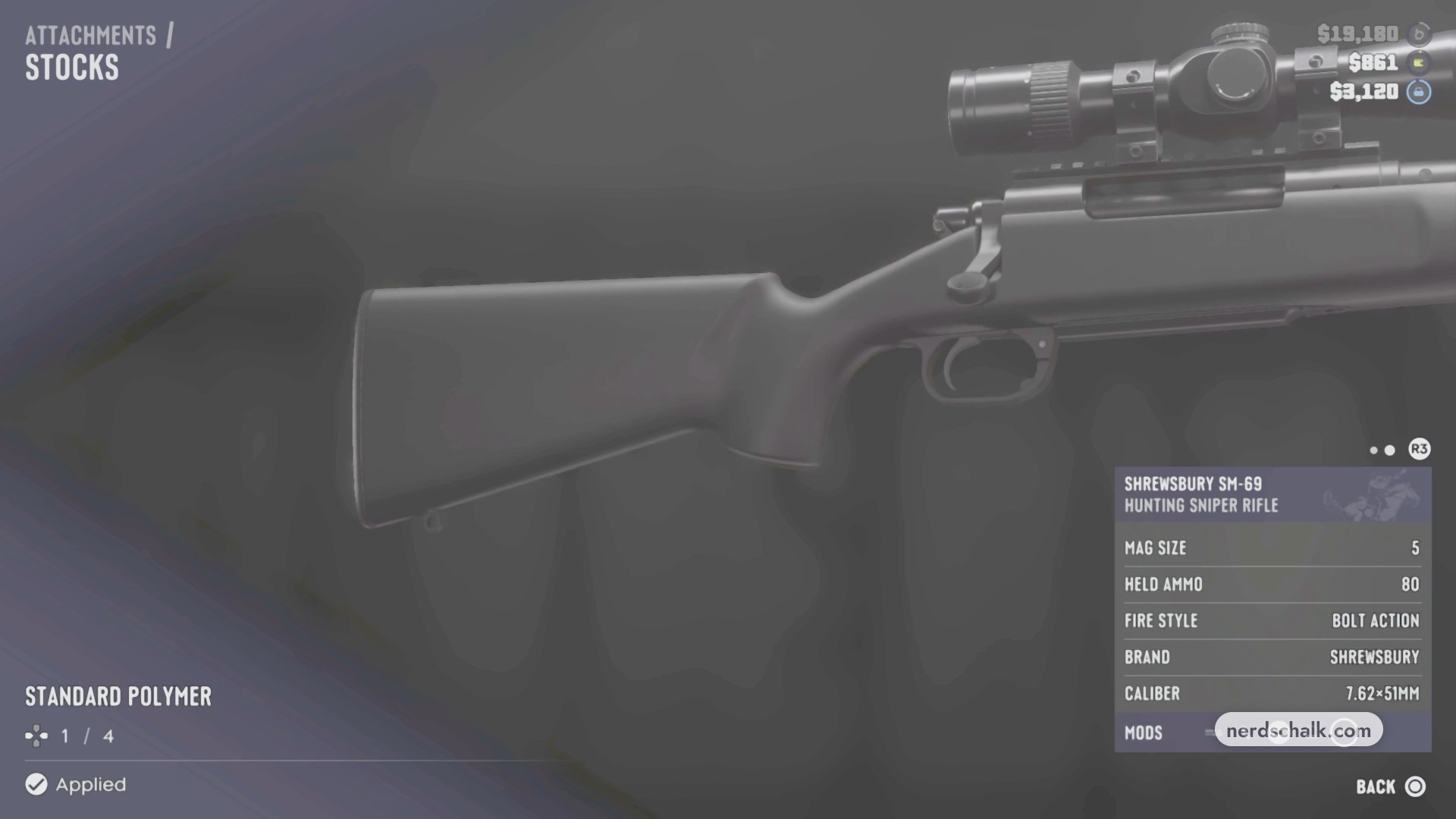
In Stocks, Standard Polymer is marked Applied at position 1 / 4.
What stats and effects do weapon modifications show?
| Stat | Stocks and Magazines menu values | 26-inch Long barrel preview |
|---|---|---|
| Damage | 6.8 | 6.8 |
| Accuracy | 8.6 | 8.6 |
| Handling | 2.8 | 2.4, down 0.4 |
| Range | 8.1 | 8.5, up 0.4 |
The example rifle is a Shrewsbury bolt-action hunting sniper rifle chambered in 7.62×51 mm, with a displayed magazine size of 5. Its purchase screen lists 20 under HELD AMMO.
The Stocks category describes its effect as improving stability while aiming.
Magazines change ammunition capacity. The modification menu also includes the description “Improves ranged damage.”
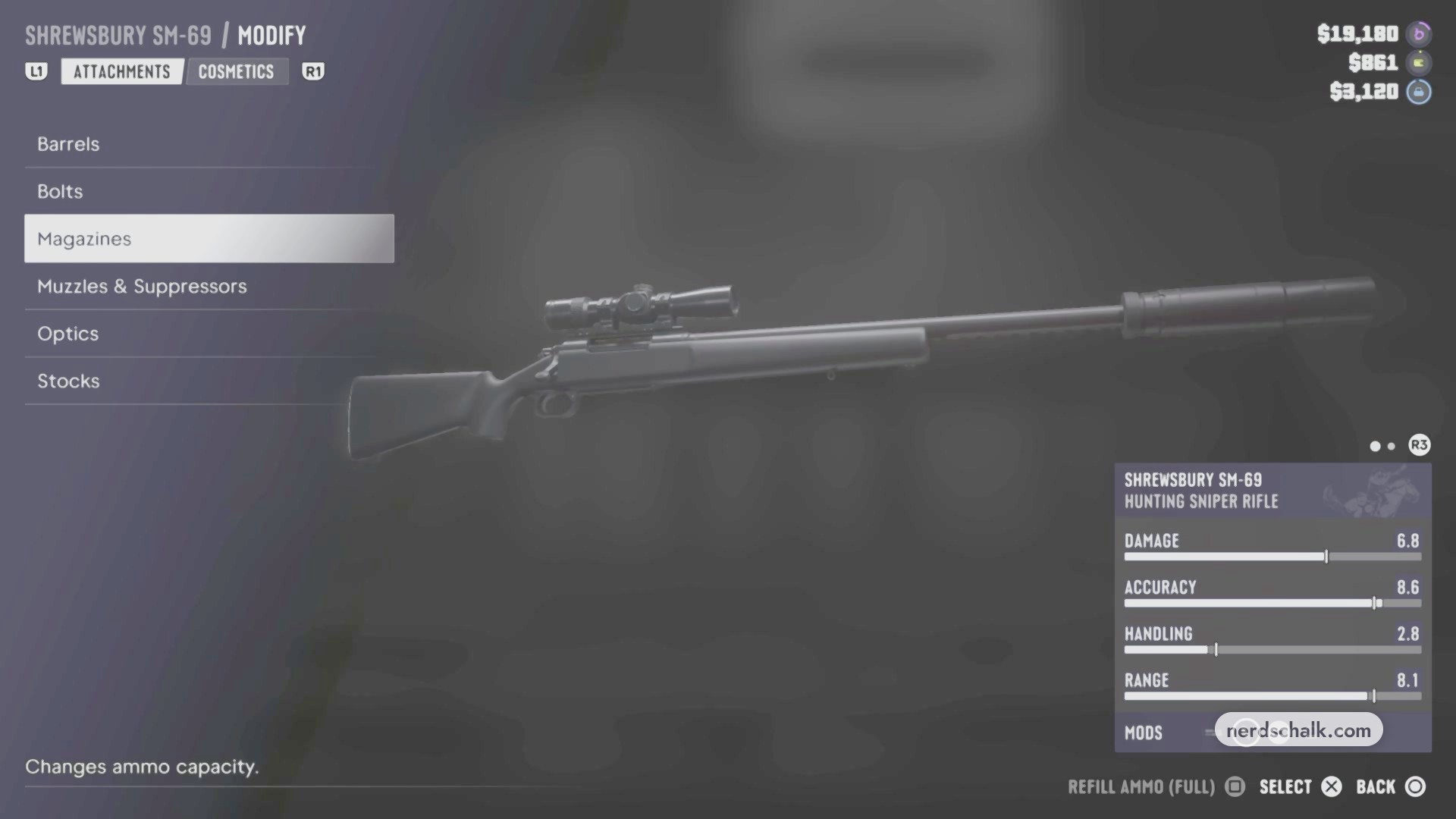
The Stocks and Magazines menu views display matching values. The 26-inch Long barrel preview shows a tradeoff between handling and range.
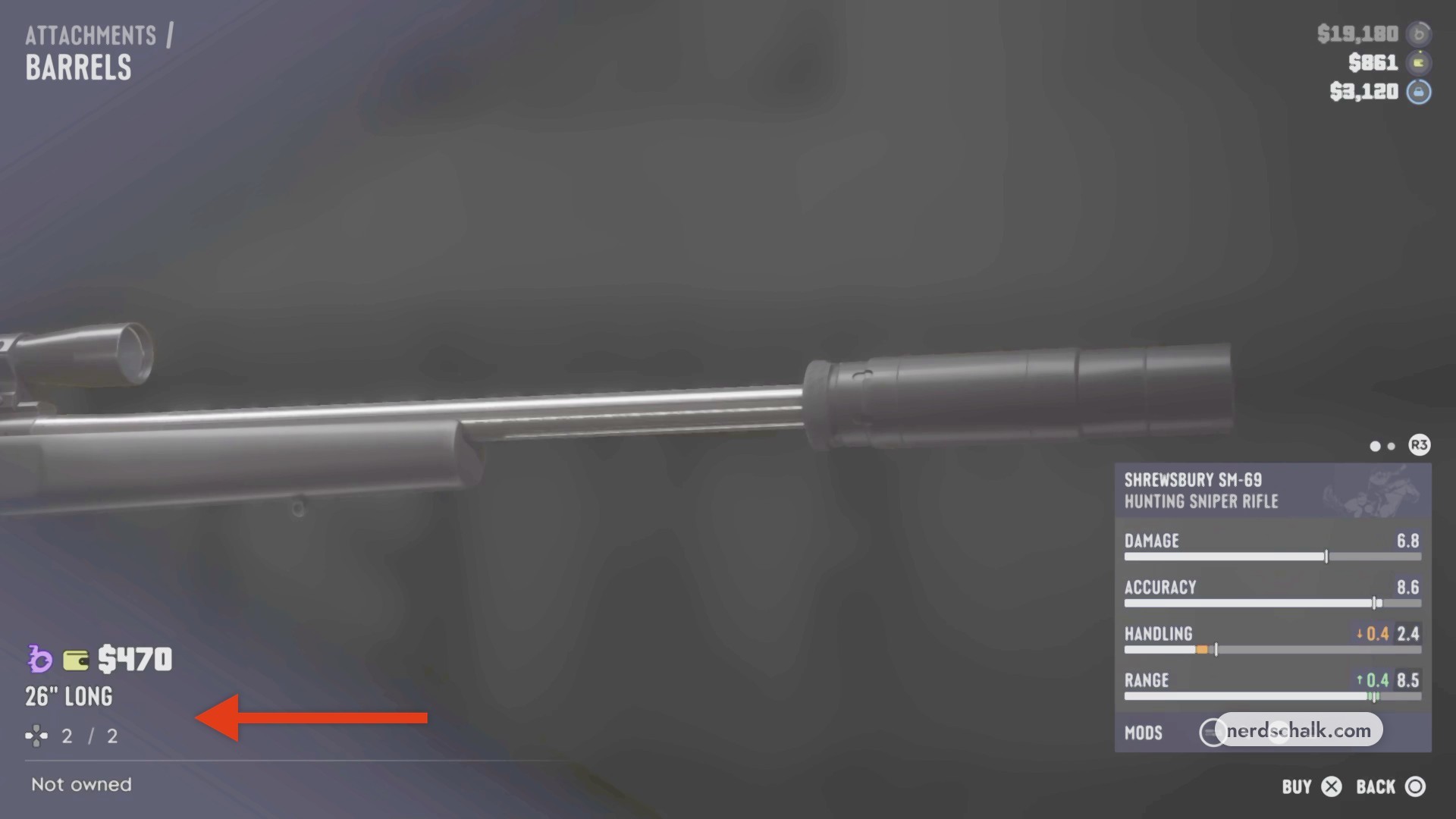
Attachment categories let you change the rifle’s displayed characteristics, with the preview showing the tradeoff before you commit to a purchase.
Related Grand Theft Auto VI guides

Leave a Reply