

To create an Organization in VV: Ultimatum, reach Level 20, travel to Fort Adams, and talk to the Organization Manager NPC, then choose the create option and set your name, icon, and description.
Organizations in VV: Ultimatum function like guilds, letting players form a dedicated group, invite friends, and play together in a structured way. Update 1 expanded this system significantly, adding base building, member management, decorations, and other group-focused features. Whether you are looking to pool resources or just want a hub for your squad, setting one up is a straightforward process once you meet the requirements.
Requirements to create an Organization
| Requirement | Detail |
|---|---|
| Level | 20 (was 35 before Update 1) |
| Location | Fort Adams (the tutorial area) |
| NPC | Organization Manager |
| Restriction | Cannot create if already in an Organization |
Creating your Organization in VV: Ultimatum
STEP 1/6
Reach Level 20
Progress your character to Level 20 to unlock the ability to create an Organization.
STEP 2/6
Teleport to Fort Adams
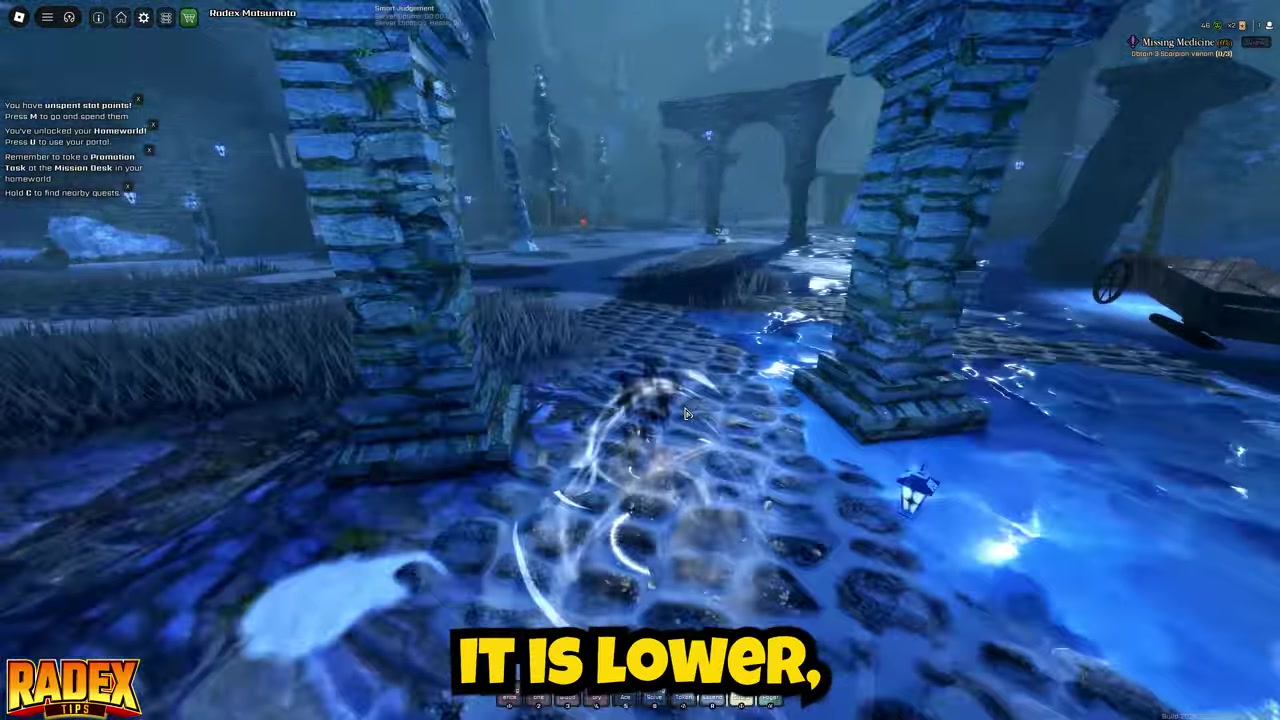
Travel to Fort Adams, which is the game’s tutorial area, to find the right NPC.
STEP 3/6
Find the Organization Manager

Locate the Organization Manager; use Sense by holding C on keyboard or D-pad Left on console to spot NPCs through walls.
STEP 4/6
Talk to the Manager

Speak to the Organization Manager to see options for making, viewing, or leaving an Organization.
STEP 5/6
Choose Create and set details
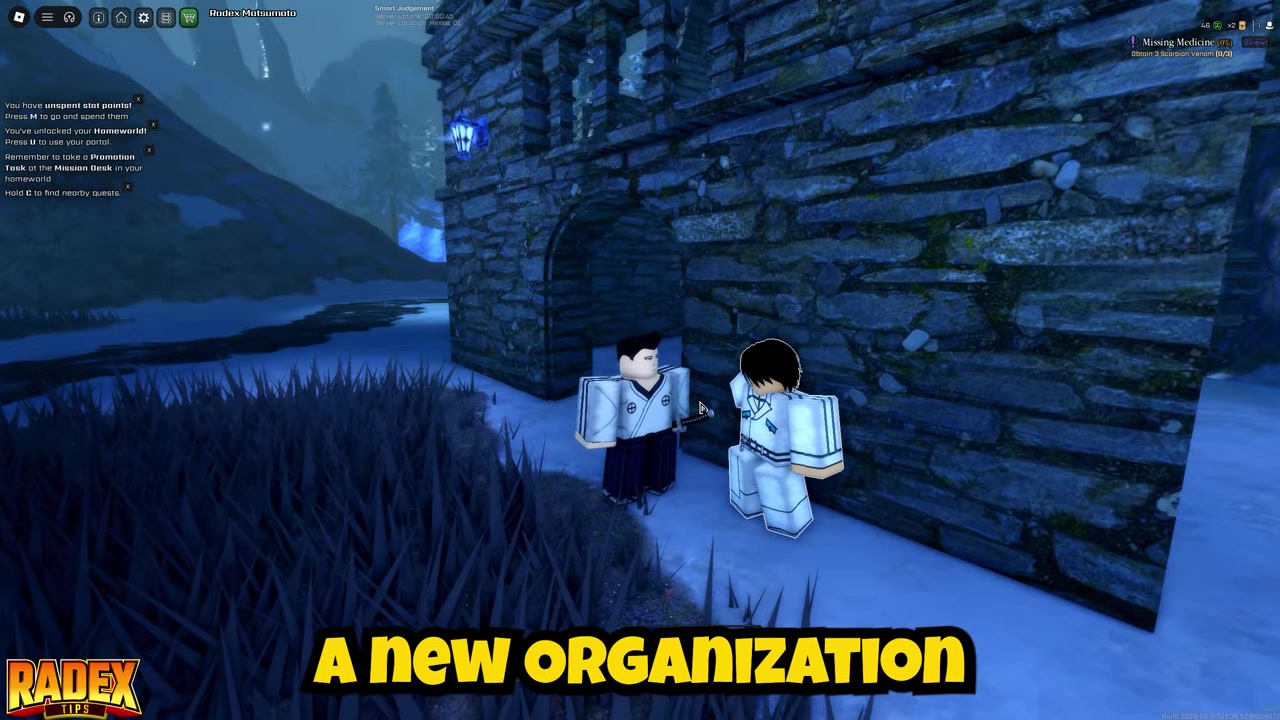
Select the create option, then set your Organization’s name, icon, and description.
STEP 6/6
Confirm to finalize
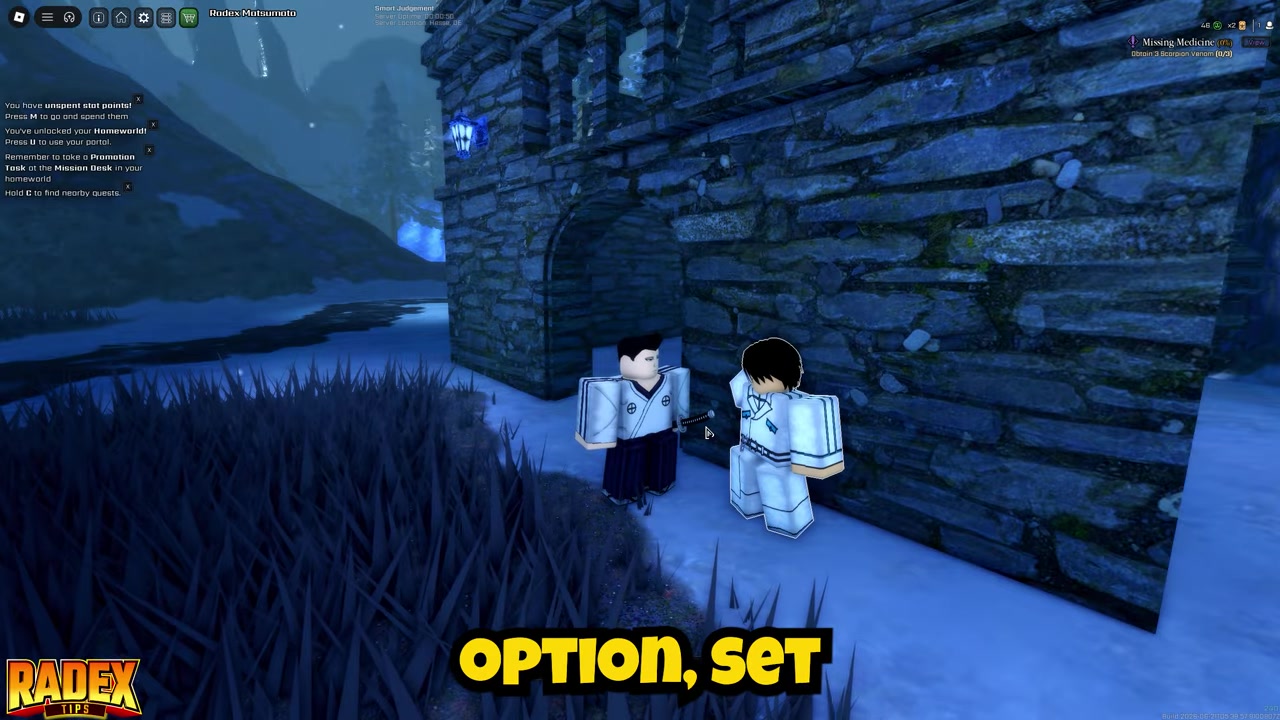
Confirm your choices to officially start your Organization and become its leader.
Video help
Inviting members and managing organization funds
Once your group is live, you can start pulling in friends through the Organization screen. Open the Character Menu by pressing Tab on keyboard or D-pad Up on console. From there, select the Organization icon sitting just above the Shop button to access your management panel.
Use Sense by holding C or D-pad Left while at Fort Adams to easily spot the Organization Manager NPC through walls.
Unlocking and using base building
| Action | Keyboard input |
|---|---|
| Select / Place | Left mouse button |
| Deselect | C |
| Rotate | R and T |
| Extra controls | Y |
Base building turns your Organization from a simple social club into a physical hub, but it requires some setup. First, you have to unlock the base building upgrade from the Upgrades screen inside the Organization menu. Once that is unlocked, a Build Mode button will appear in the bottom-left corner of your screen. However, this button is strictly leader-only — regular members cannot access it.
Note: These building controls are currently not available on console versions.
Common mistakes when setting up an Organization
Players frequently stumble on a few easy-to-miss details when trying to form their group. The most common error is attempting to create an Organization before hitting Level 20, not realizing the requirement was lowered from 35 in Update 1. Another frequent misstep is trying to start a new group while still belonging to an old one — you have to leave your current Organization first via the Manager’s dialogue.
Finding the NPC can also be a hassle if you wander Fort Adams blindly. Forgetting to use Sense to ping the Manager through walls wastes time. On the recruiting side, leaders often try to invite players who are already in another Organization, which the game blocks. Finally, if you are struggling to build a base, it usually comes down to one of three oversights: you have not unlocked the base building upgrade, you are not the Organization leader, or you are standing in a hostile area.
Frequently Asked Questions
What level do you need to create an Organization in VV: Ultimatum?
You need to reach Level 20. Prior to Update 1, the requirement was Level 35, but it was lowered so more players could access the system.
Does creating an Organization cost any in-game currency or a fee?
The exact in-game currency cost or fee to finalize Organization creation is currently unverified. No sources specify a flat creation fee at this time.
Can you create an Organization if you are already in one?
No. You cannot create a new Organization if you are currently a member of one. You must leave your existing Organization first by talking to the Organization Manager.
How do you invite members to your Organization?
Open the Character Menu with Tab or D-pad Up, click the Organization icon above the Shop button, and send an invite. Only the leader can invite, and the target player cannot already be in another Organization.
How do you build an Organization base, and is it available on console?
To build a base, unlock the base building upgrade from the Organization menu, ensure you are the leader, and stand in a non-hostile area. You can then use Build Mode to purchase and place items using Organization funds. Base building controls are currently not available on console.




Leave a Reply