

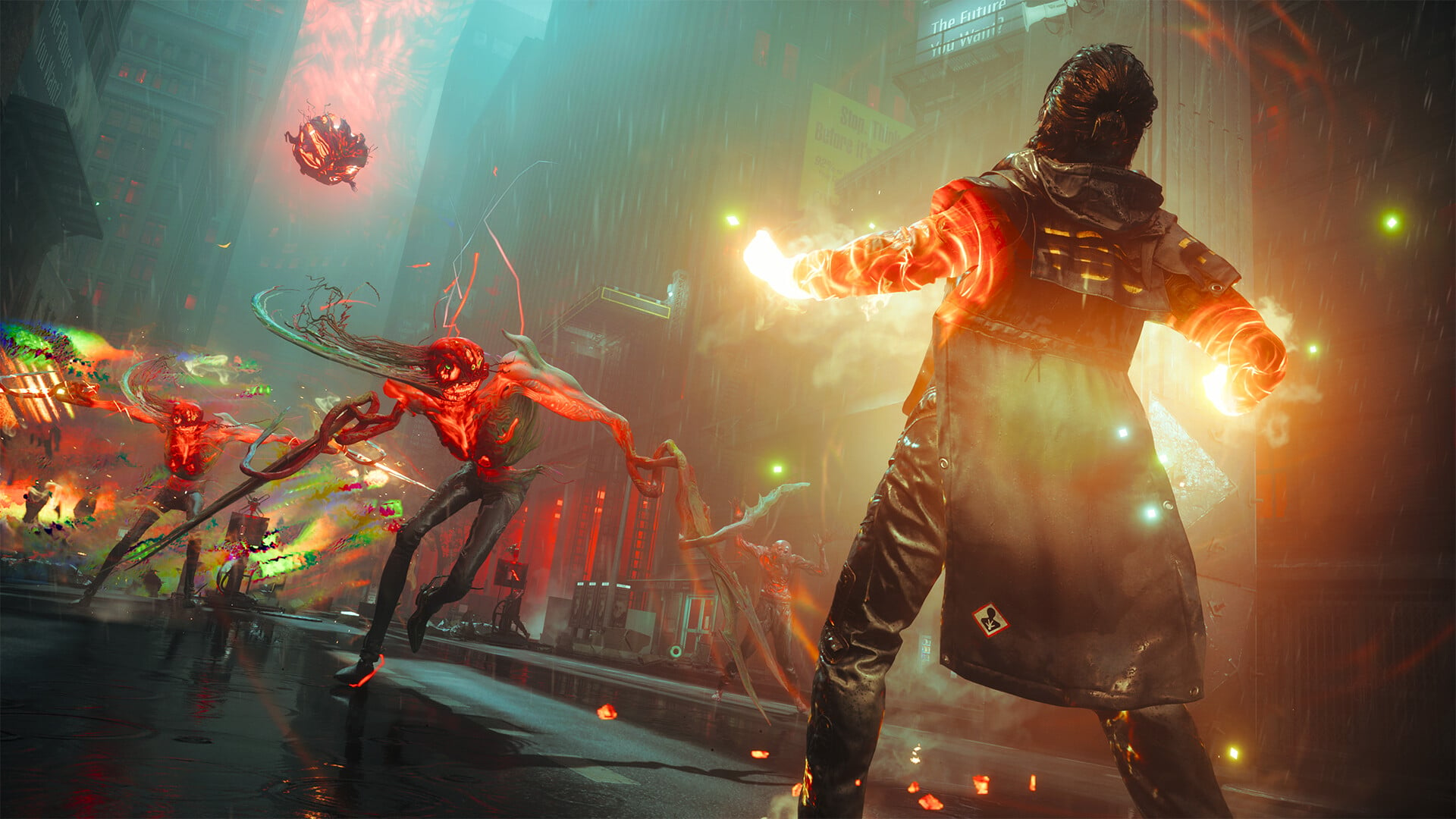
The Panopticon Service Request is one of the early side quests of Control Resonant you can pick up from Langston at the FBC Field Office in Central. What initially sounds like a straightforward maintenance job quickly turns into a strange containment puzzle involving an Altered Item: the World’s Fair Radio. The quest has three important stages—repairing the Panopticon terminal, figuring out the mislabeled containment cell, and timing the radio’s final placement correctly.
| Quest detail | Solution |
|---|---|
| Quest | Panopticon Service Request |
| Quest giver | Langston |
| Area | Central – Field Panopticon |
| Correct cell ID | D-04 |
| Radio’s initial cell | B-02 |
| Radio’s destination | E-05 |
| Required broadcast | World’s Fair |
| Main rewards | Aramid Work Clothes, Untapped Feeding Bottle |
| Related achievement | Panopticon Intern |
- How to start the Panopticon Service Request in Control Resonant
- How to repair the Panopticon security terminal
- How to give Langston the correct cell ID
- How to move the World’s Fair Radio
- How to fix the radio if it keeps resetting
- Panopticon Service Request rewards
- Panopticon Service Request solution at a glance
How to start the Panopticon Service Request in Control Resonant
You can begin the quest by speaking with Langston at the FBC Field Office in Central. He is located near the Field Panopticon, where he explains that an Altered Radio needs to be moved and contained properly. After accepting the request, enter the Panopticon and interact with the security terminal.
The terminal is not operational when you first arrive, so you cannot immediately access the radio. Your first task is to restore the equipment that powers the containment system.
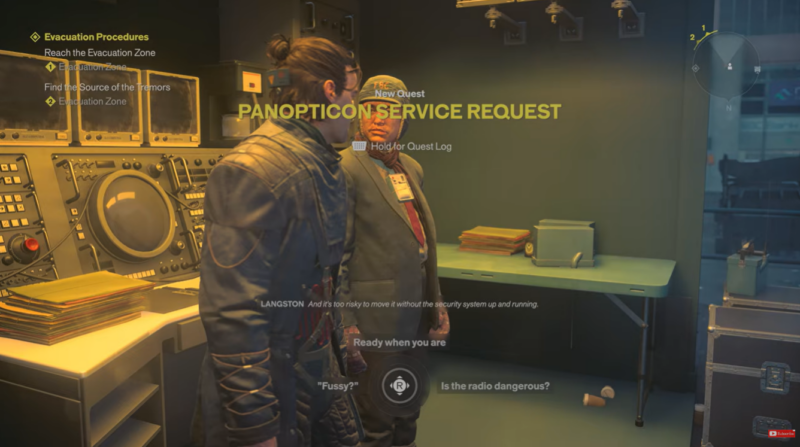
How to repair the Panopticon security terminal
Step 1
Enter the Panopticon and locate the security terminal. It is inside the small room adjoining the main containment area. Interact with it to discover that several components are missing.
You need to find two battery modules and a satellite dish.
Step 2
Find the first battery module near the terminal area. Pick it up and carry it back to the terminal, then place it into the appropriate slot.
Step 3
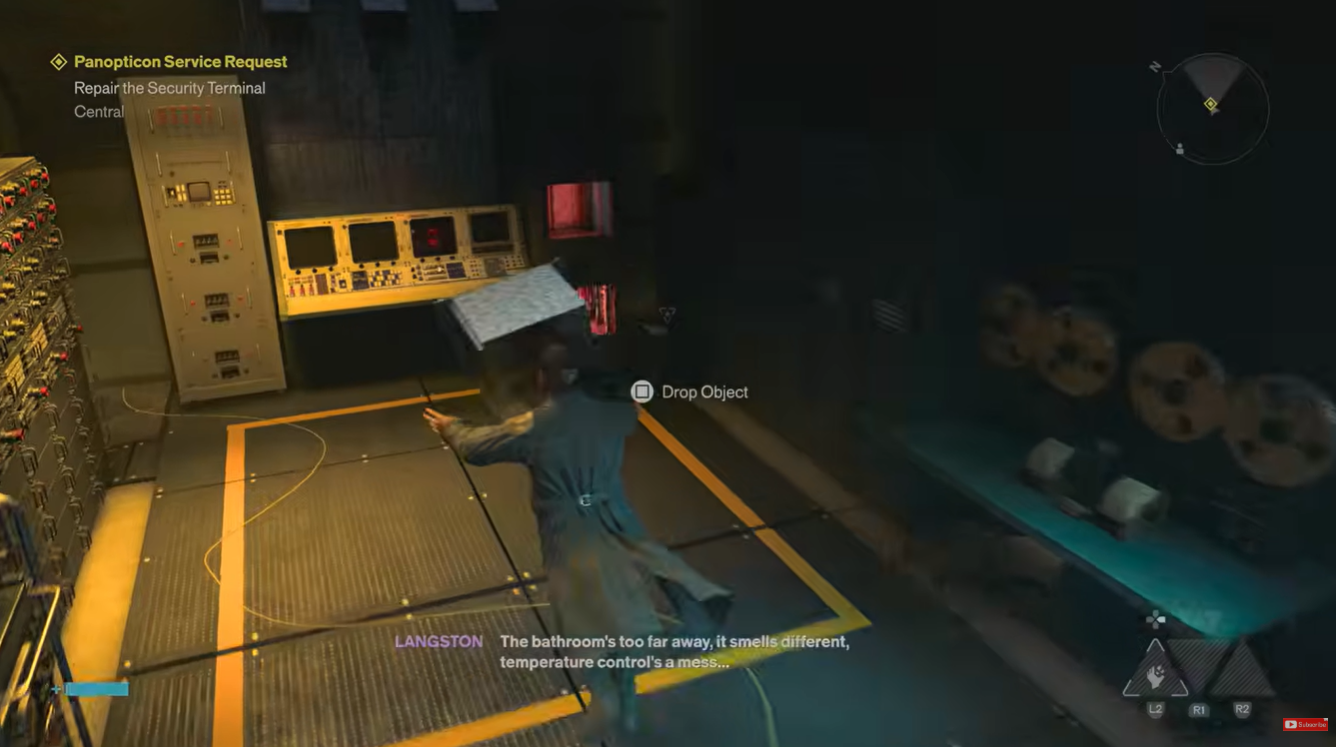
Locate the second battery module in the main Panopticon area. It is positioned elsewhere among the containment cells. Pick it up and return it to the terminal.
The two battery modules restore part of the terminal’s functionality.
Step 4
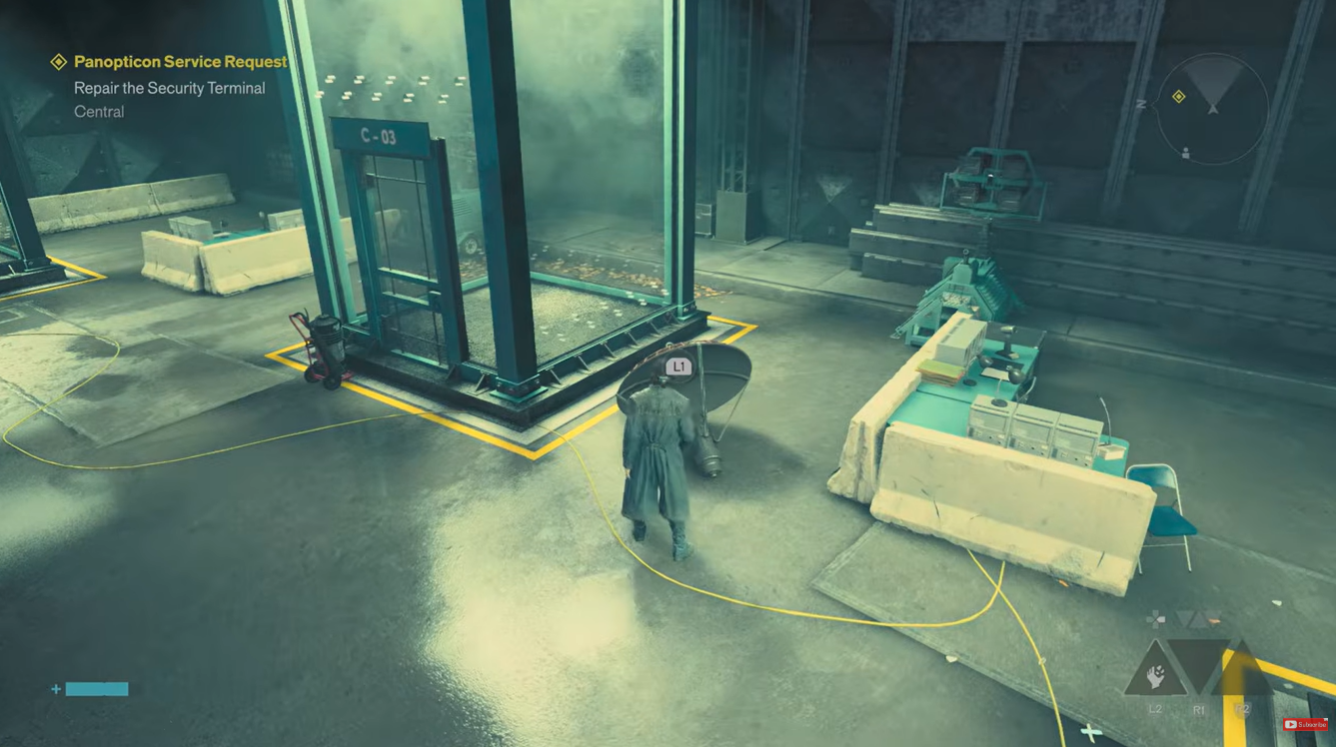
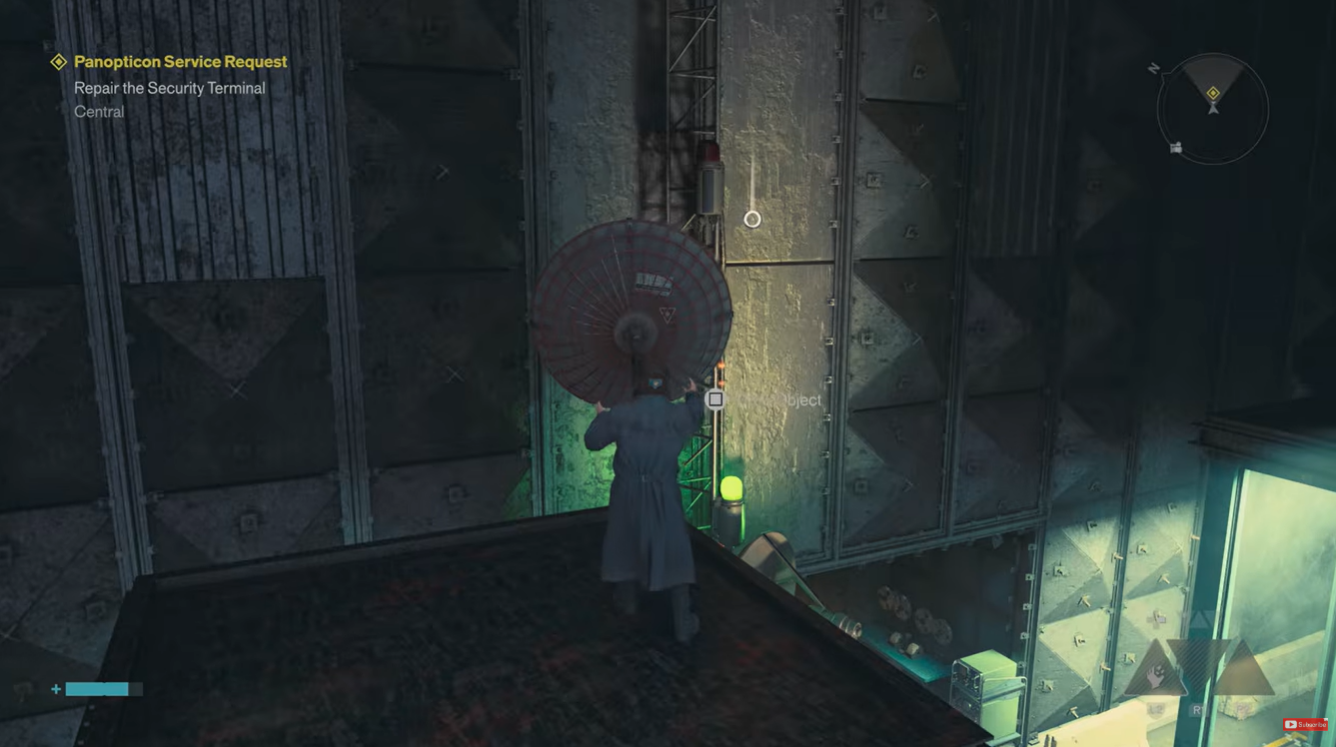
Find the loose satellite dish near cell C-03. Pick it up and look toward the upper section of the Panopticon for the mounting point.
Step 5
Reach the upper platform and install the satellite dish on the antenna structure. Once all three missing components have been restored, return to the security terminal and activate the system.
The Panopticon’s containment systems should now be operational, allowing you to proceed with Langston’s request.
How to give Langston the correct cell ID
The next part is the quest’s first real puzzle. Langston directs you toward the radio’s containment cell, but the cell identification system has been altered.
The important clue is found in a nearby note. The containment cells have effectively been relabeled because their numbering was changed from the original arrangement. The labels therefore don’t correspond to the positions Langston expects.
Step 1
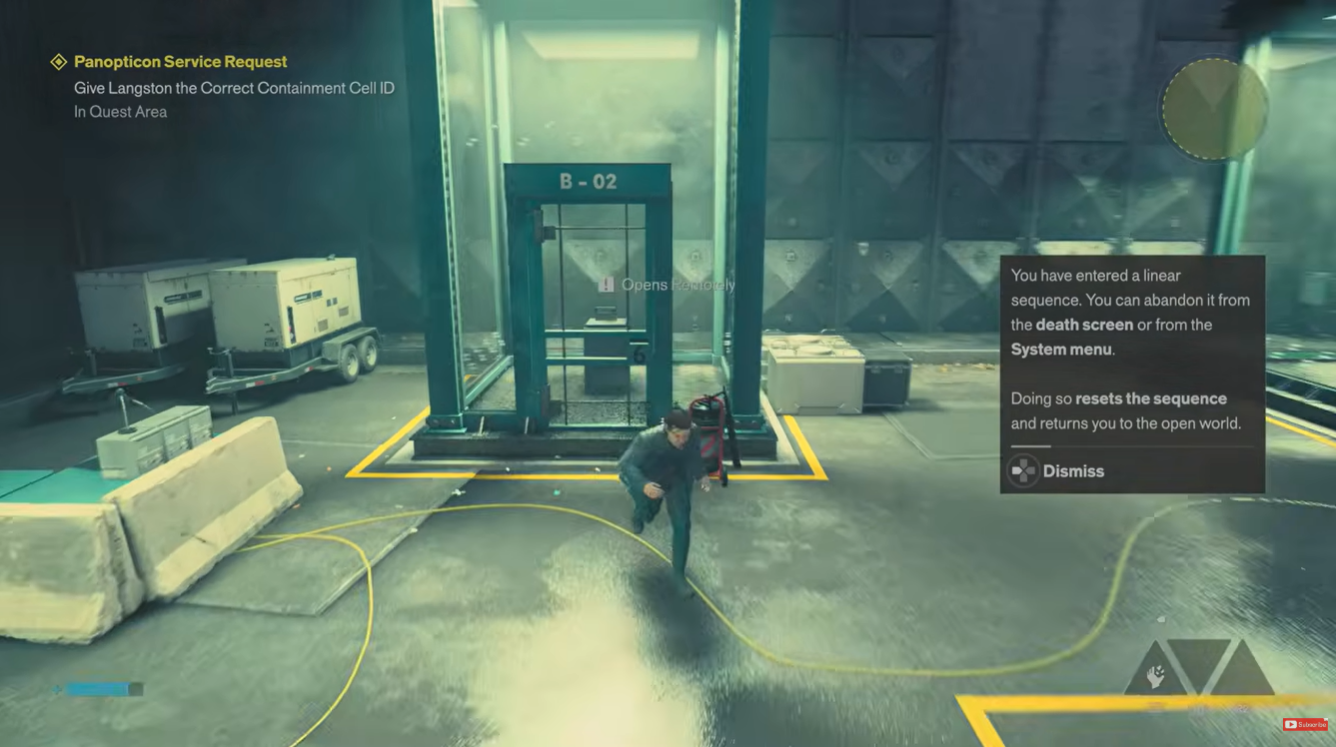
Go to the containment area and interact with the cell containing the radio, which is labeled B-02.
Step 2
Contact Langston when he attempts to open the cell. Because of the incorrect labeling, the system will not initially open the correct containment unit.
Step 3
When Langston asks for the correct Containment Cell ID, give him:
D-04
This is the correct answer to the cell-ID puzzle. The altered labeling means that D-04 corresponds to the containment location Langston actually needs to access.
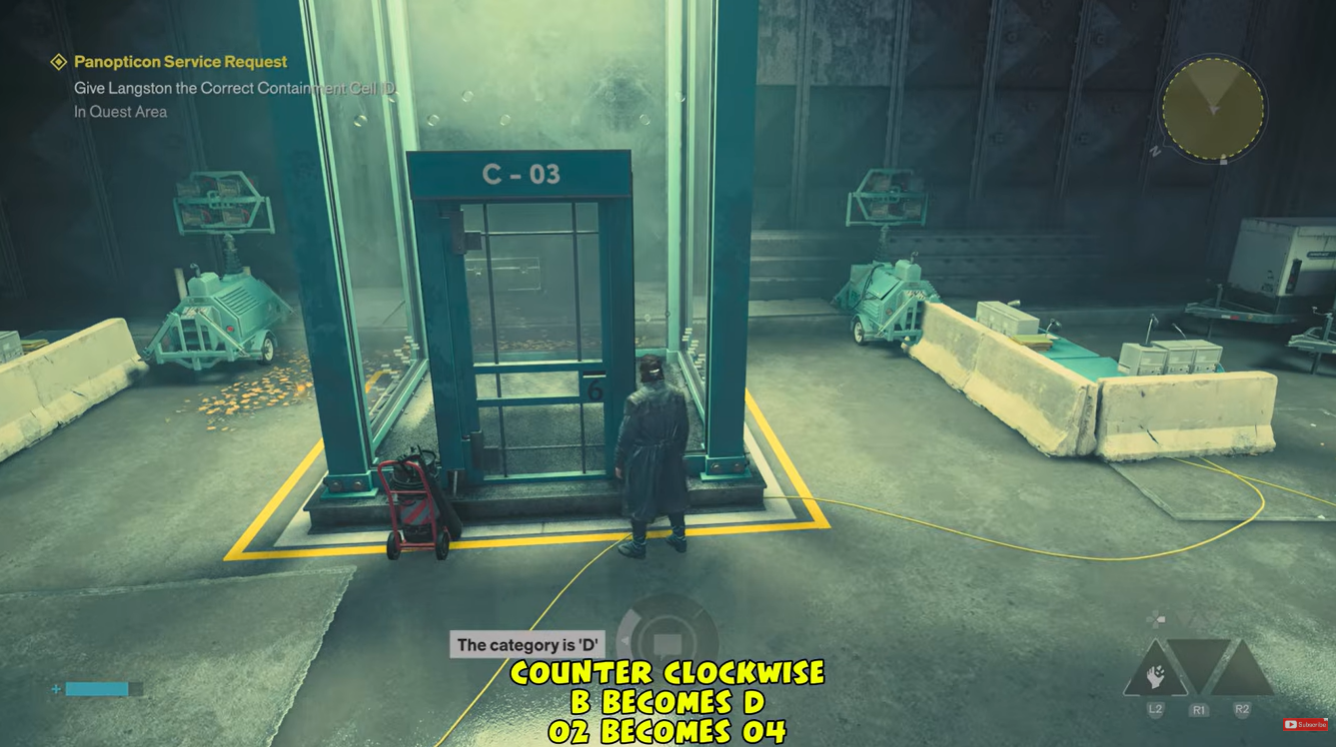
Once you provide D-04, the correct cell opens and you can retrieve the World’s Fair Radio.
How to move the World’s Fair Radio
The radio is an Altered Item, so transporting it isn’t as simple as picking it up and placing it in the next cell. It will behave unpredictably and can reset the sequence if you attempt to contain it at the wrong time.
The radio begins in B-02, while the destination containment cell is E-05.
Step 1
Enter the newly opened containment cell and pick up the World’s Fair Radio.
Once you have it, the radio begins playing different broadcasts. You may also experience strange effects as the Altered Item disrupts the containment process.
Step 2
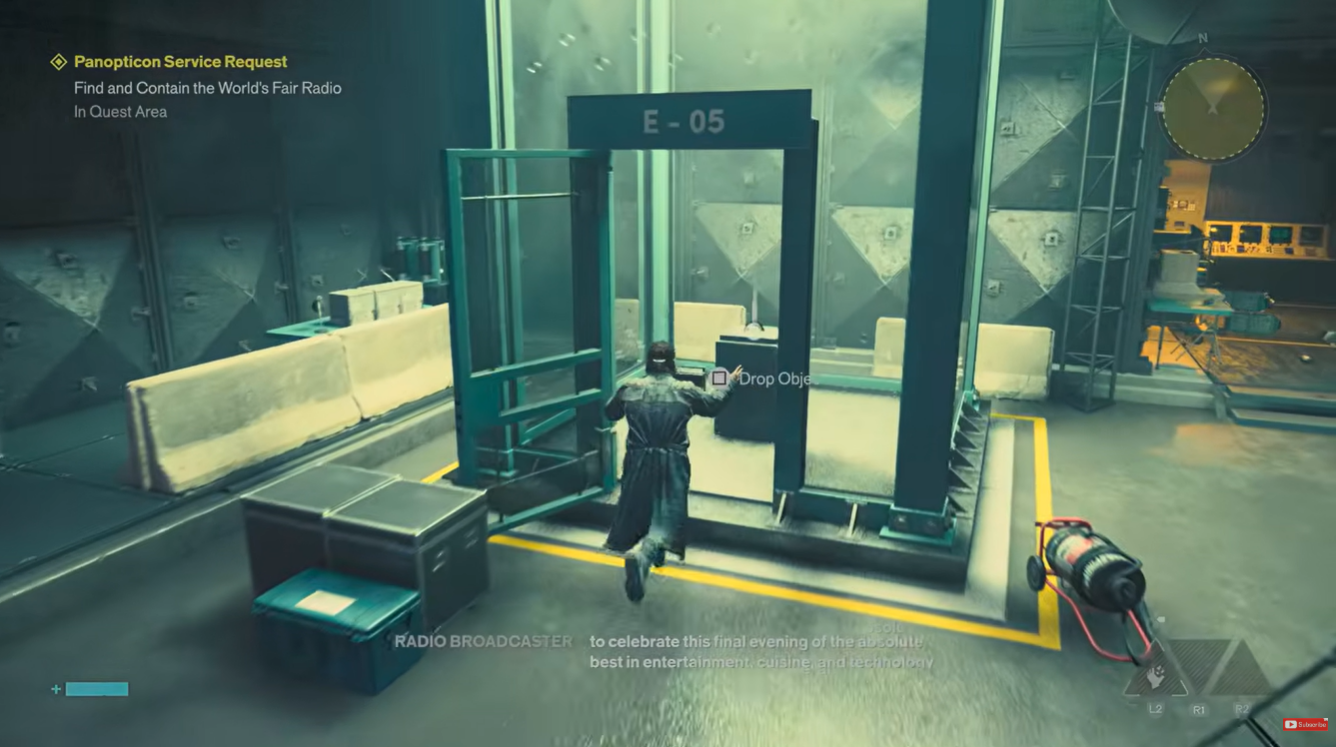
Carry the radio toward E-05, the open containment cell where it needs to be placed.
Don’t worry if the radio suddenly disappears or the sequence appears to reset. This is part of the puzzle.
Step 3
Listen carefully to the broadcast coming from the radio.
You’re waiting for the broadcast concerning the World’s Fair. The timing matters because the radio’s broadcasts cycle, and placing it into E-05 at the wrong point can cause the attempt to fail.
Step 4
When the radio is broadcasting the World’s Fair segment, quickly pick it up and place it inside cell E-05.
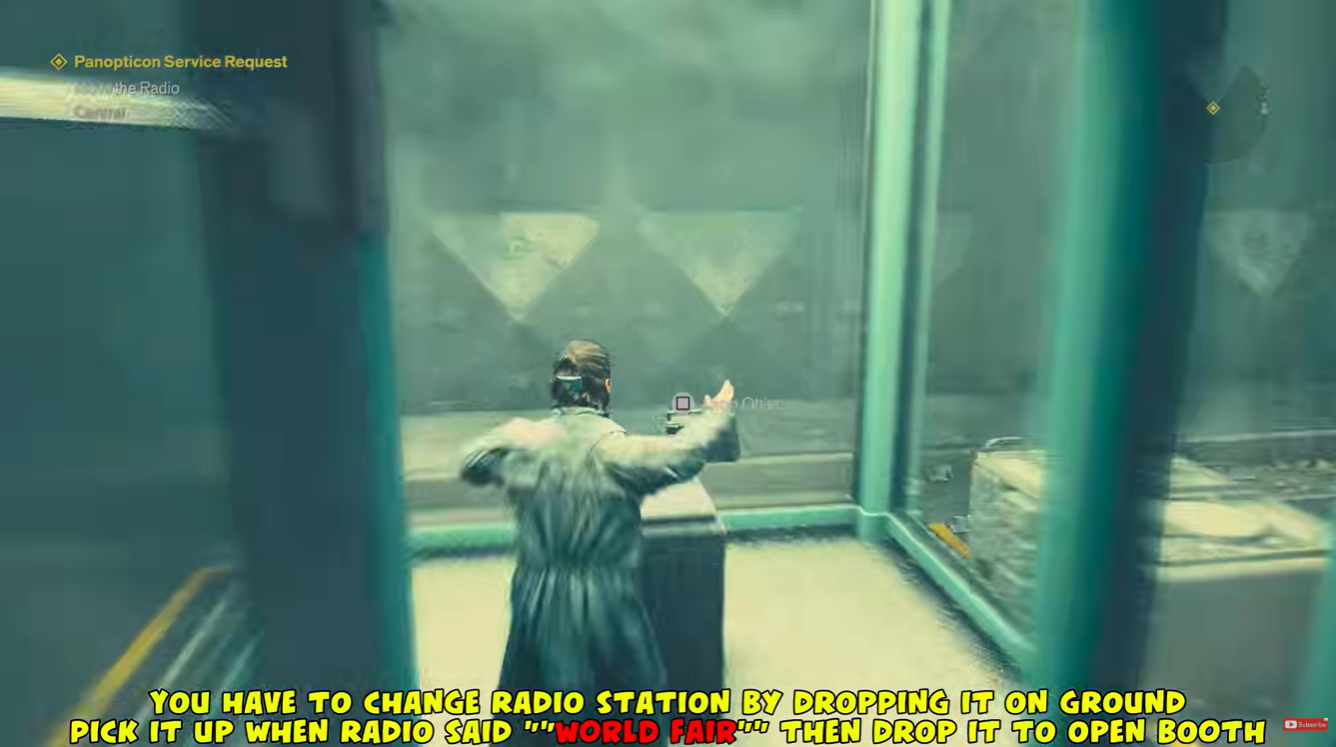
This is the crucial part of the quest. If you place the radio down during the wrong broadcast, it can disappear and reset the sequence. Wait for the correct World’s Fair broadcast and try again.
Step 5
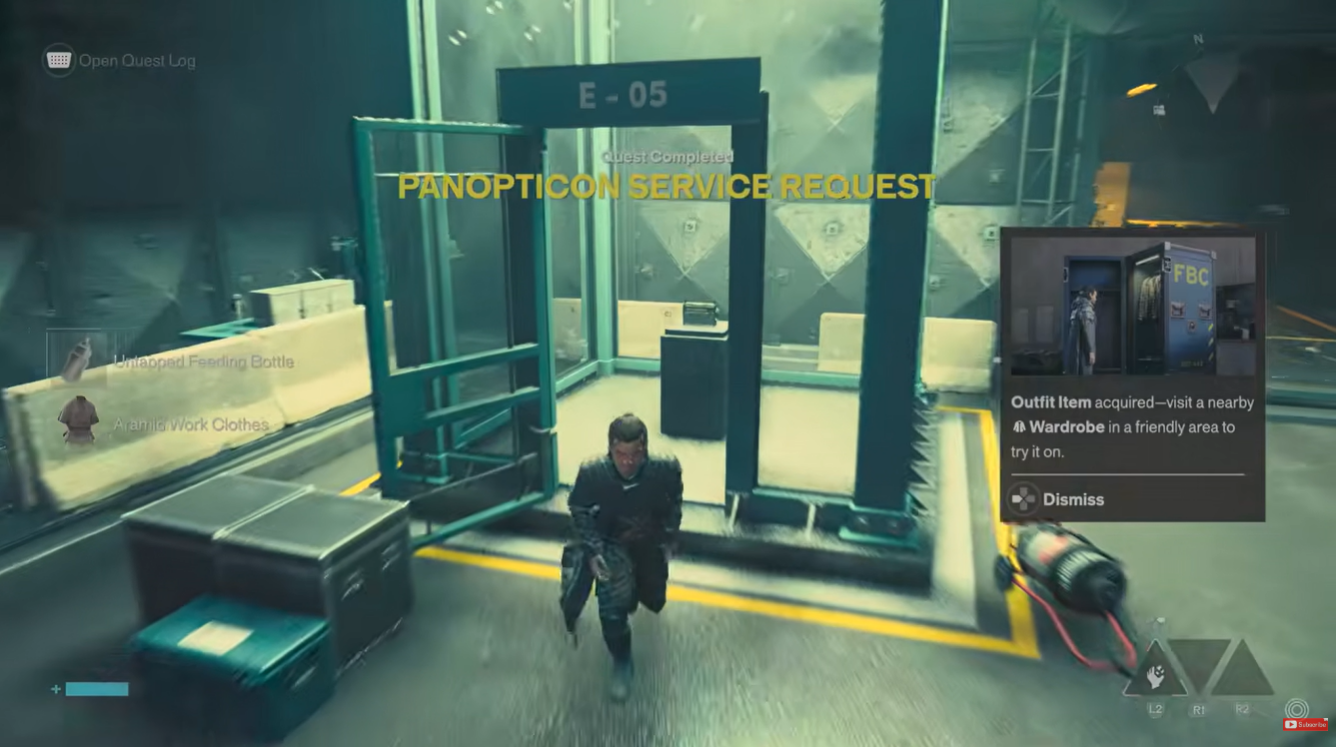
Once the radio is successfully placed in E-05 during the correct broadcast, the containment sequence completes.
You can then return to Langston to finish the Panopticon Service Request.
How to fix the radio if it keeps resetting
If the radio keeps disappearing after you place it down, you haven’t necessarily done anything wrong. The radio is designed to reset when the timing is incorrect.
The key is to pay attention to what the broadcaster is saying, rather than simply trying to place the radio as soon as you pick it up. The broadcast changes between attempts, so you may need to repeat the sequence until the World’s Fair segment is playing.
A useful approach is to wait until the radio appears in the central area, listen to its current broadcast, and only grab it when the World’s Fair discussion begins. Then move directly to E-05 and place it inside.
| Puzzle stage | Correct answer/action |
|---|---|
| Security terminal | Restore 2 batteries + satellite dish |
| Radio’s labeled cell | B-02 |
| Correct cell ID for Langston | D-04 |
| Radio destination | E-05 |
| Correct timing | During the World’s Fair broadcast |
| If radio resets | Repeat until the correct broadcast plays |
Panopticon Service Request rewards
Completing the quest gives you rewards that are useful beyond the immediate mission.
| Reward | Type | Use |
|---|---|---|
| Aramid Work Clothes | Outfit | Cosmetic outfit option |
| Untapped Feeding Bottle | Artifact | Can be awakened later in the Gap |
The quest also contributes toward the Panopticon Intern achievement/trophy, which is associated with containing Altered Items and helping Langston across the relevant side quests.
Panopticon Service Request solution at a glance
If you’re stuck and only need the answers, repair the Panopticon terminal first by installing the two missing battery modules and the satellite dish. Then interact with the radio’s cell and tell Langston the correct Containment Cell ID: D-04.
After the cell opens, take the World’s Fair Radio from B-02 and bring it to E-05. The radio will cycle through broadcasts and may reset if you try at the wrong moment. Wait until it is broadcasting the World’s Fair segment, then place it in E-05. That completes the containment portion of the quest.
Video source:






Leave a Reply