Category
Tips
-
How to Collapse Headings in the Notes App in iOS 18
What to know The Notes app on iOS 18 now lets you collapse or expand sections within Headings and Subheadings. To collapse a section,…
-
Vocal Shortcuts on iOS 18 Lets You Set and Perform Any Action
What to know The ‘Vocal Shortcuts’ feature on iOS 18 lets you perform specific actions with custom words and phrases. Access and set up…
-
Nova Launcher 8.1 Beta Lets You Organize Your Apps Into Cards and Smart Folders
What to know Nova Launcher 8.1 beta brings three new ways to organize and access apps and services on your Android device. The ‘Cards’…
-
Chrome on Android Lets You ‘Listen to this page’ Without Leaving the App
What to know You can now get Chrome on Android to read aloud a webpage to you. Open a webpage with readable content, tap…
-
How to Automatically Solve Math Problems in Notes in iOS 18
What to know The Notes app in iOS 18 automatically solves math problems in your notes, from simple arithmetic to complex math operations. From…
-
What Happens When You Lock an App on iPhone in iOS 18
What to know Locking an app on iPhone ensures that no one except you can access its content. Locked apps require Face ID authentication…
-
What Happens When You Hide an App on iPhone in iOS 18
What to know Hiding an app removes it from your Home screen. The app is added inside a ‘Hidden’ folder at the bottom of…
-
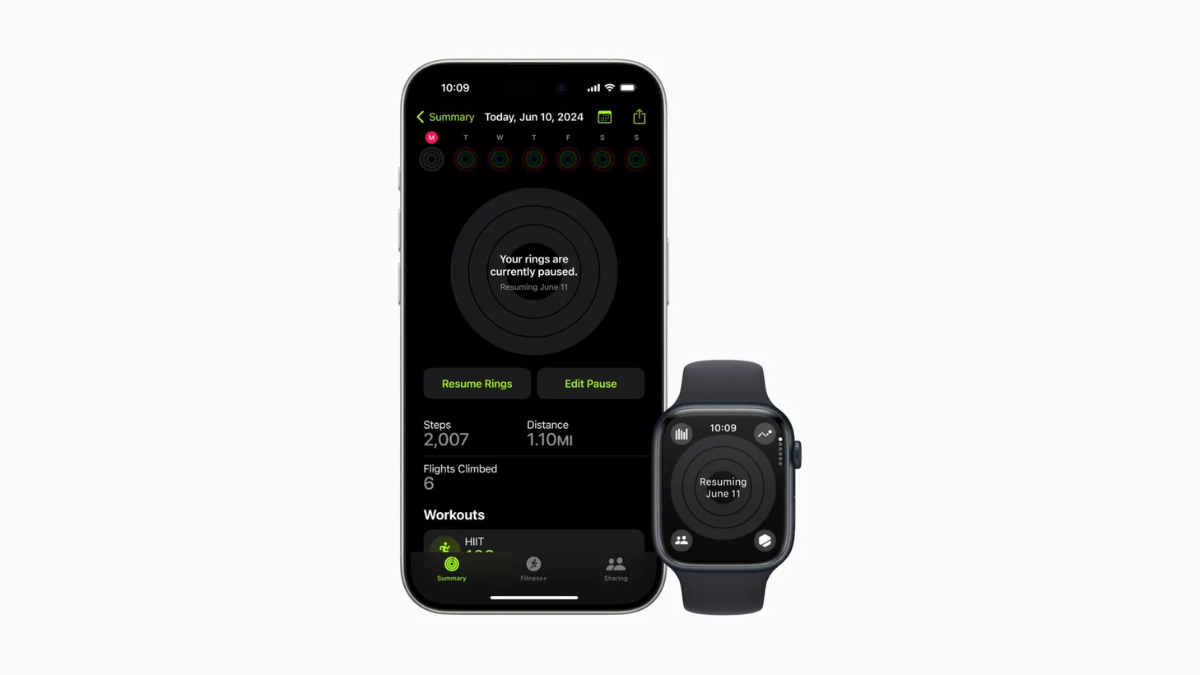
Apple Watch Lets You Pause Activity Rings, Finally
What to know You can now pause your activity rings on your Apple Watch. On your Apple Watch, open the Activity app, tap on…
-
Quickly Check Out All the New iOS 18 Home Screen Customization Features in Under 30 Seconds
iOS 18 comes with a slew of customization options for the iPhone’s Home Screen. These include rearranging apps and widgets, changing their size, and…
-

How to Change Lock Screen Toggles on Your iPhone With iOS 18
What to know iOS 18 lets you change the default flashlight and camera toggles on your iPhone’s lock screen. You can select from several…
-
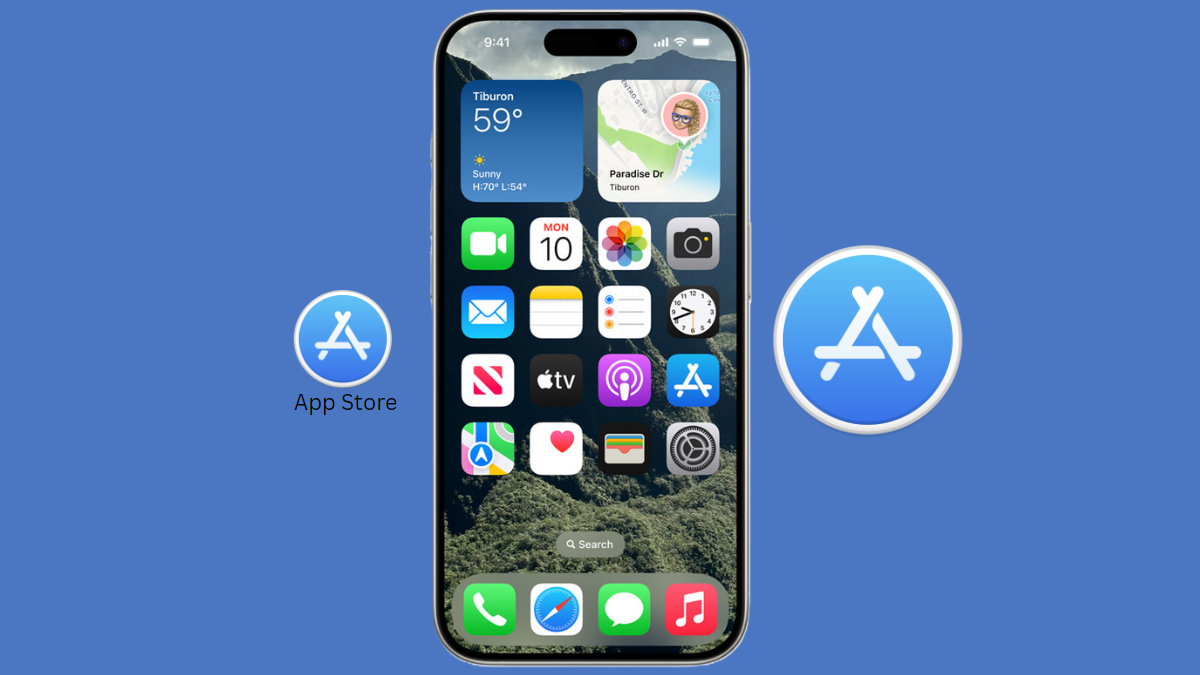
How to Make Home Screen Icons Large and Hide App Names in iOS 18
What to know On iOS 18, you can now enlarge app icons while simultaneously hiding app labels. Tap and hold on the Home Screen…
-
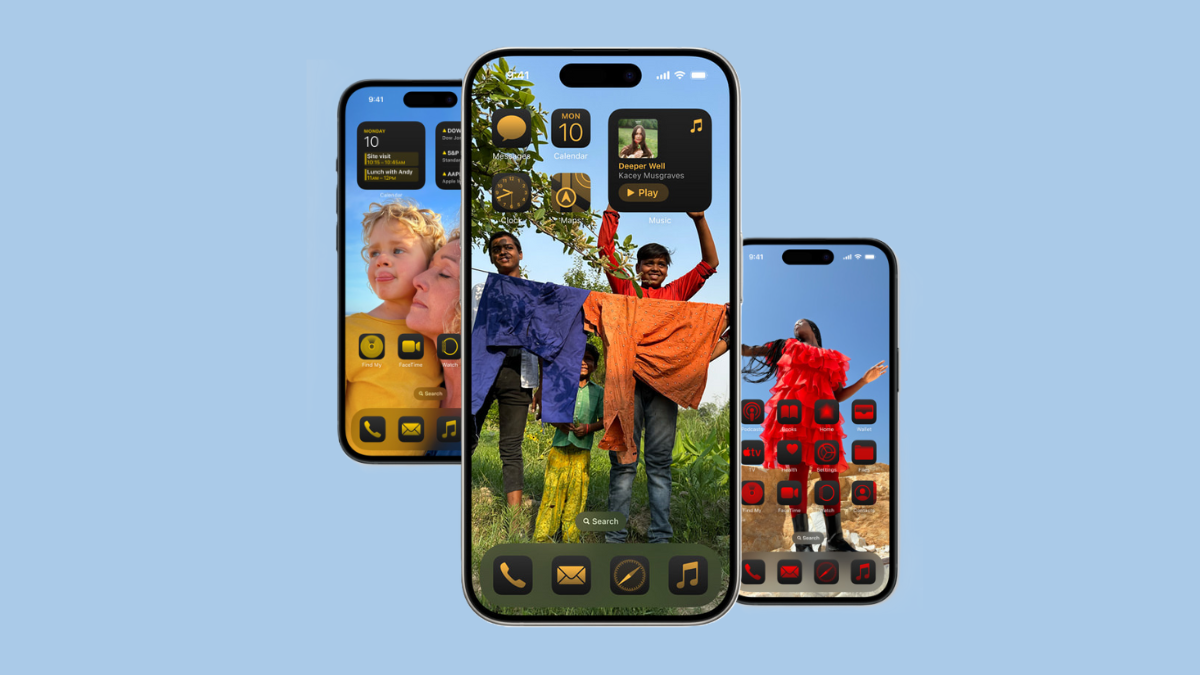
How to Rearrange Home Screen Icons and Widgets on Your iPhone With the iOS 18 Update
What to know With iOS 18, you can now customize your iPhone’s Home screen and change the position of your apps and widgets. To…
-
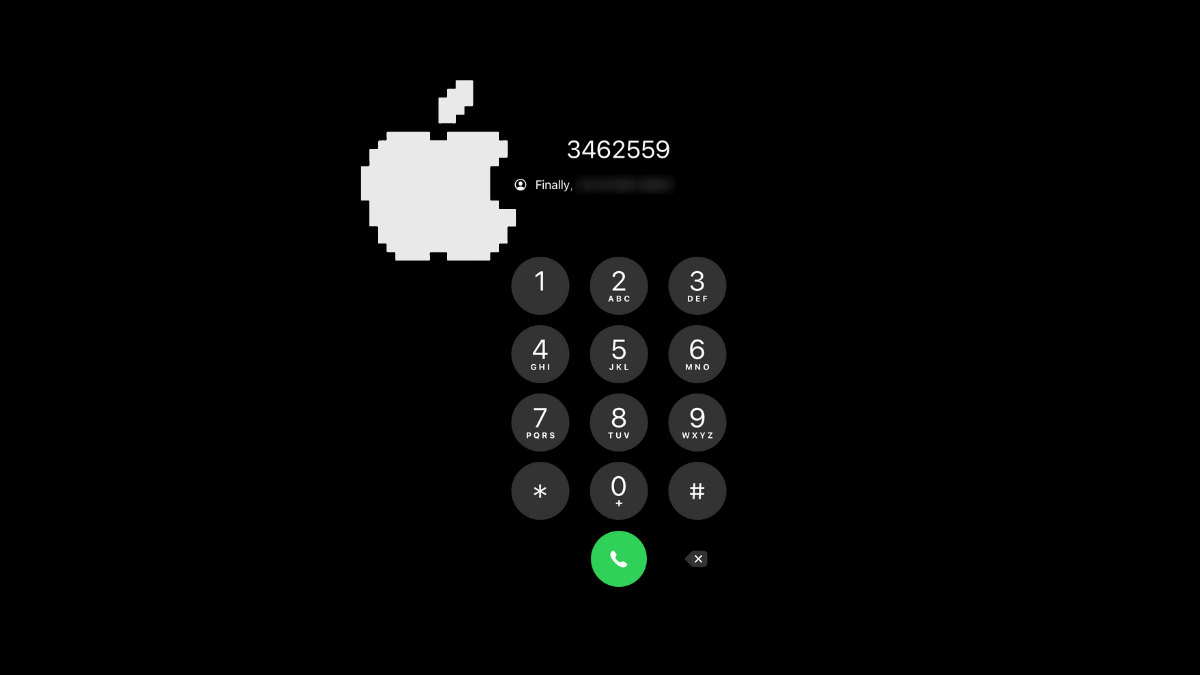
How to Use T9 Dialing on iPhone With iOS 18
What to know With iOS 18, iPhones can finally use T9 dialing. To use T9 dialing on your iPhone, open the Keypad on the…
-
![How to Unlock an App on iPhone With the iOS 18 Update [Remove App Lock]](https://cdn.nerdschalk.com/wp-content/uploads/2024/06/apple-unlock-app-ios-18-featured.png)
How to Unlock an App on iPhone With the iOS 18 Update [Remove App Lock]
What to know iOS 18 lets you easily lock and unlock apps for added security. Locked apps can be unlocked only with your Face…
-

How to Lock an App on iPhone With the iOS 18 Update
What to know iOS 18 lets you lock apps to protect your apps and the content inside them. Lock an app by long pressing…
-
How to Unhide an App on iPhone With the iOS 18 Update
What to know Hidden apps are available from the App drawer > Hidden folder as well as from Settings > Apps > Hidden apps. …
-
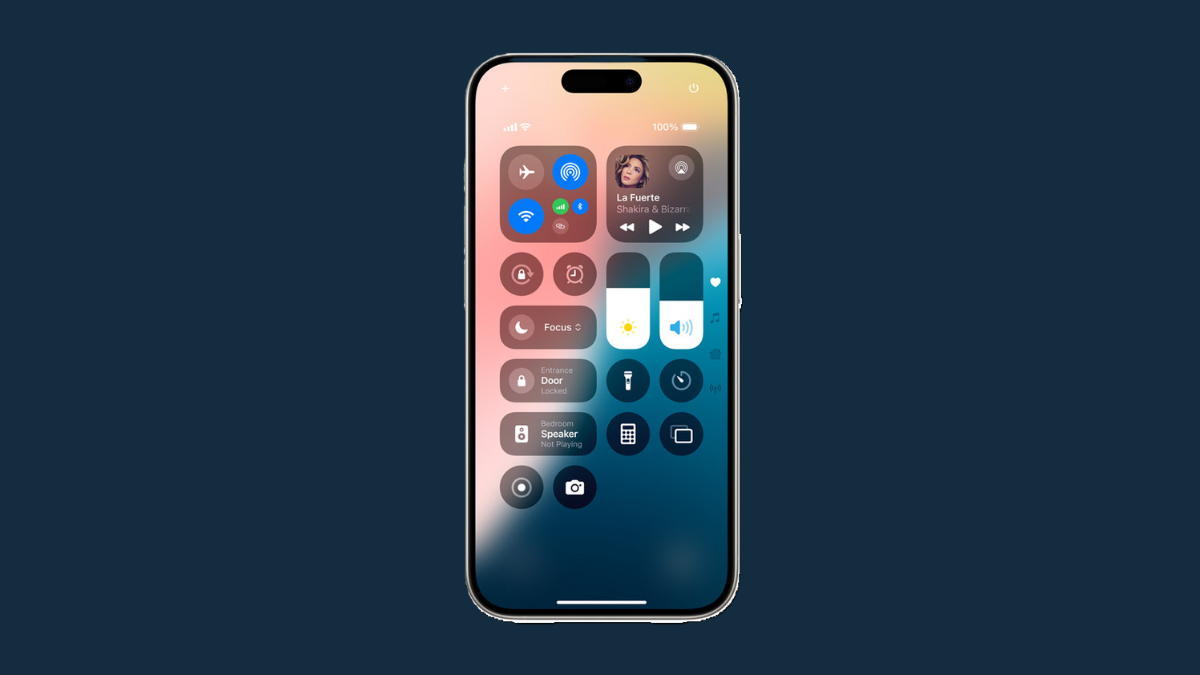
Can’t Close Control Center in iOS 18 by Swiping Up? Here’s How to Fix It
What to know Control center on iOS 18 now has multiple pages. To close the control center, swipe up from the bottom or top…