
Category
Tips
-

5 Best Android Apps That Every Musician Should Have
Every artist has a few tools that are simply indispensable to their craft. For musicians, this is often their instrument, recording devices, and a…
-
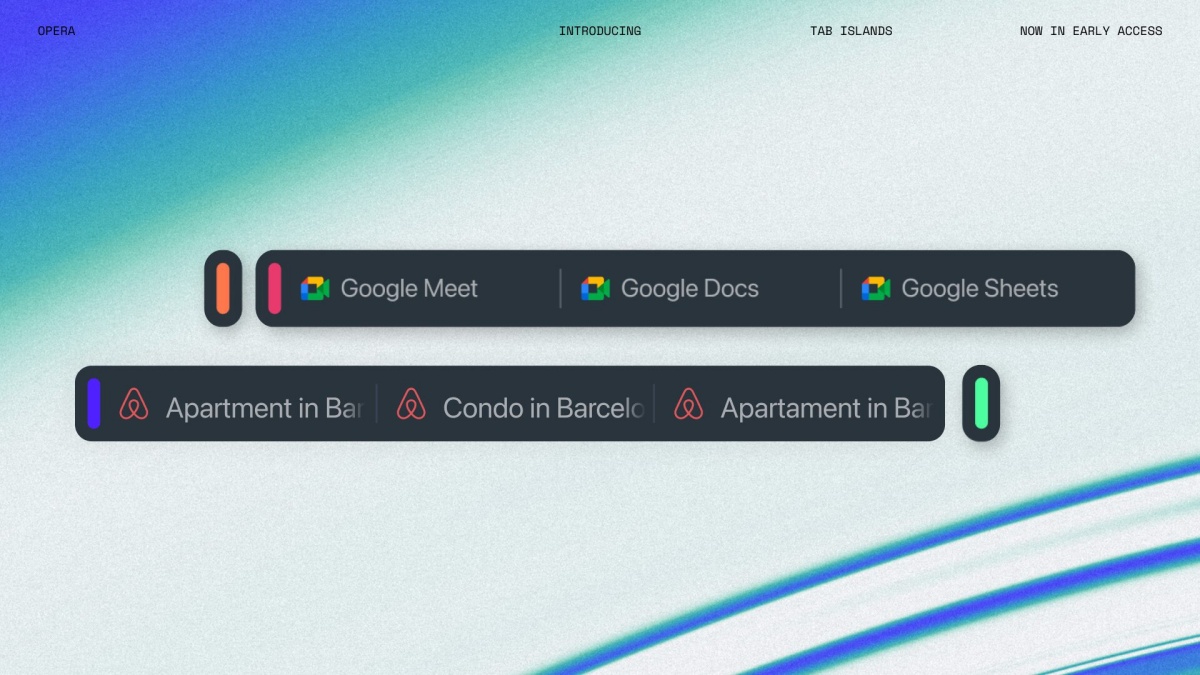
What Are Tab Islands in the Opera Browser and How to Use Them
What to know Tab Island is Opera’s way of organizing tabs into clean-cut, easy to manage groups. With Tab Island, Opera automatically groups related…
-

How to Use Tabs in Split Screen in Opera
What to know Split screen is a new feature on the Opera One browser that lets you place two tabs side by side. Drag…
-

Steam Has a Built-in Game Recording Function! Here’s How to Get and Use It
What to know You can now record your Steam games using the Steam Overlay on PC and Steam Deck. Opt into Steam Beta from…
-

How to Turn On Eye Tracking in iOS 18
What to know Eye Tracking is a new accessibility feature on iOS 18 that lets you use your iPhone with only your eyes. Enable…
-

How to Add Multiple Websites to a Single Login in iOS 18
What to know The Password app on iOS 18 lets users add multiple websites for the same password. The feature lets you pair several…
-

How to Delete Songs in Bulk in Apple Music With the iOS 18 Update
What to know Apple Music in iOS 18 allows bulk deletion of songs in playlists. To delete songs in bulk, open the playlist and…
-

How to Set Up Gemini Nano in Chrome
What to know Google is building Gemini Nano right into Chrome that will allow users to run the LLM locally. Currently, this feature is…
-

How to Disable ChatGPT Memory Completely or Delete Some or All Memories Manually
What to know ChatGPT’s Memory feature is enabled by default. Whenever ChatGPT saves a memory, its reply is accompanied by the message ‘Memory updated’. Disable…
-
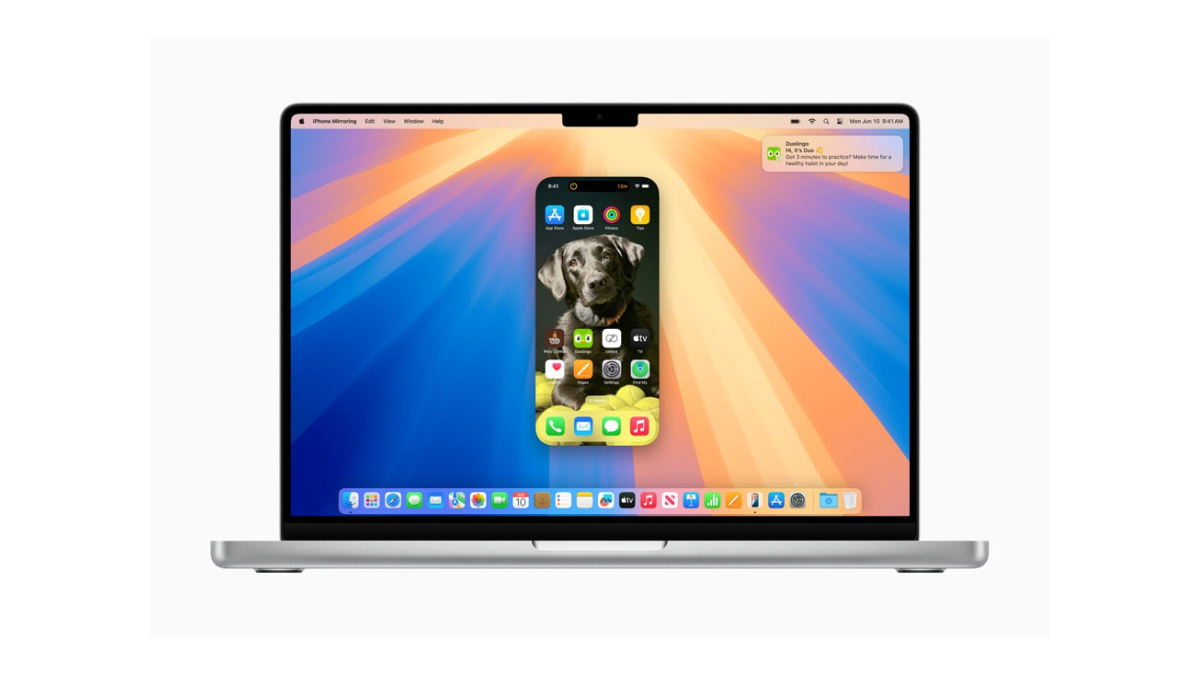
iPhone Was Used From Mac: What Does It Mean in iOS 18 and Why Am I Seeing It
What to know Your iPhone will show the “iPhone was used from Mac” message when it’s been used for mirroring on a Mac. The…
-
How to Switch Cellular Data Line in iOS 18
What to know From the ‘Control Center’, long press on the cellular data option to choose between two data lines. You can also set…
-
iOS 18 Lets You Use Your Personal Voice for VoiceOver and Spoken Content
What to know You can use your Personal Voice as one of the voices for VoiceOver and Spoken Content on iOS 18. Both accessibility…
-

iOS 18 (Finally!) Lets You Search Within an Area in Apple Maps
What to know Apple Maps in iOS 18 introduces a new “Search Here” button, allowing users to search for locations in specific areas outside…
-

How to Turn Off RCS on Your iPhone in iOS 18
What to know Apple has introduced RCS messaging with the iOS 18 update. You can turn off RCS from Settings > Apps > Messages…
-

How to Use ‘Sound Actions’ in iOS 18
What to know iOS 18 lets you make sounds and noises to trigger set actions on your iPhone. Choose from several different sounds, such…
-

Meta AI Comes to India, Chatbot Available on WhatsApp, Facebook, Messenger, Instagram, and meta.ai
What to know Meta AI is being rolled out to users in India on WhatsApp, Instagram, Facebook, Messenger, and meta.ai. Powered by Llama 3,…
-
Apple Watch Has a Hidden ‘Night Shift’ Mode, Enabled Only With Siri
What to know You can use Siri to turn on Night Shift on Apple Watch. There is no other way to enable Night Shift…
-

Windows Photos Gets Dynamic Zoom, Brings Slideshow, Share, and Metadata Info to the Front
What to know The Photos app on Windows is getting an update that will make it more convenient to access slideshow, share options, and…
-

Fable – A Social Media App for Book Lovers (And an Alternative to Goodreads)
What to know Fable is a social community app for readers with a heavy emphasis on book clubs and social interactions surrounding books. While…
-
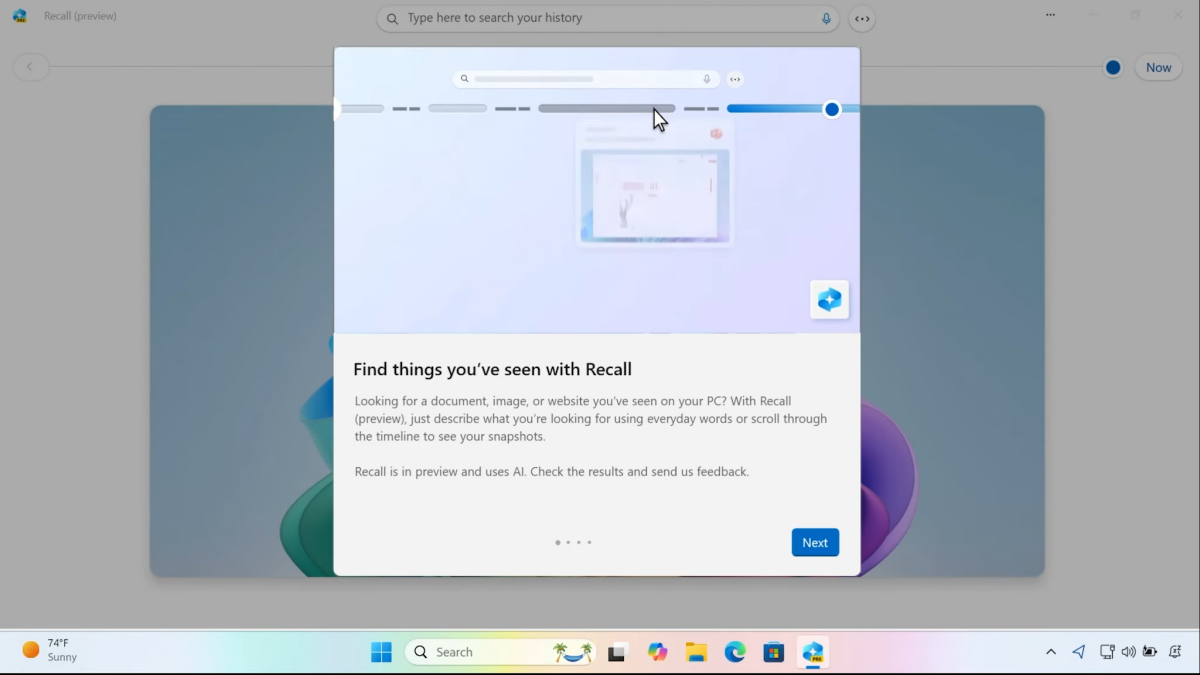
Do Copilot+ PCs still matter? Here’s why Microsoft recalled Recall
What to know Copilot+ PCs launch without Windows Recall, the controversial AI feature that snapshots your screen every five seconds to search through later.…