
Category
Tips
-

Google’s AI Overviews Is Available Globally
What to know Google’s AI Overviews, previously known as Search Generative Experience (SGE), is now available globally. The feature generates AI-generated summaries, along with…
-

Android Users Can Now Set up Passkey Logins on X. Here’s How
What to know Android users can now create and use passkeys on X (formerly Twitter). Go to your profile Settings & privacy > Security…
-

YouTube Is Getting a Sleep Timer, Finally! Experiments Begin for Premium Users
What to know YouTube will soon let users set a sleep timer to automatically pause video playback after a certain amount of time. The…
-

ChatGPT Free Users Can Generate Two Images With DALL-E 3 Everyday
What to know OpenAI now lets free ChatGPT users create images using its DALL-E 3 model. Free users can generate up to two images…
-

How to Hide Webpage Items in Safari in iOS 18
What to know iOS 18 has a new ‘Distraction Control’ feature on Safari that lets you select and hide unwanted and distracting items on…
-
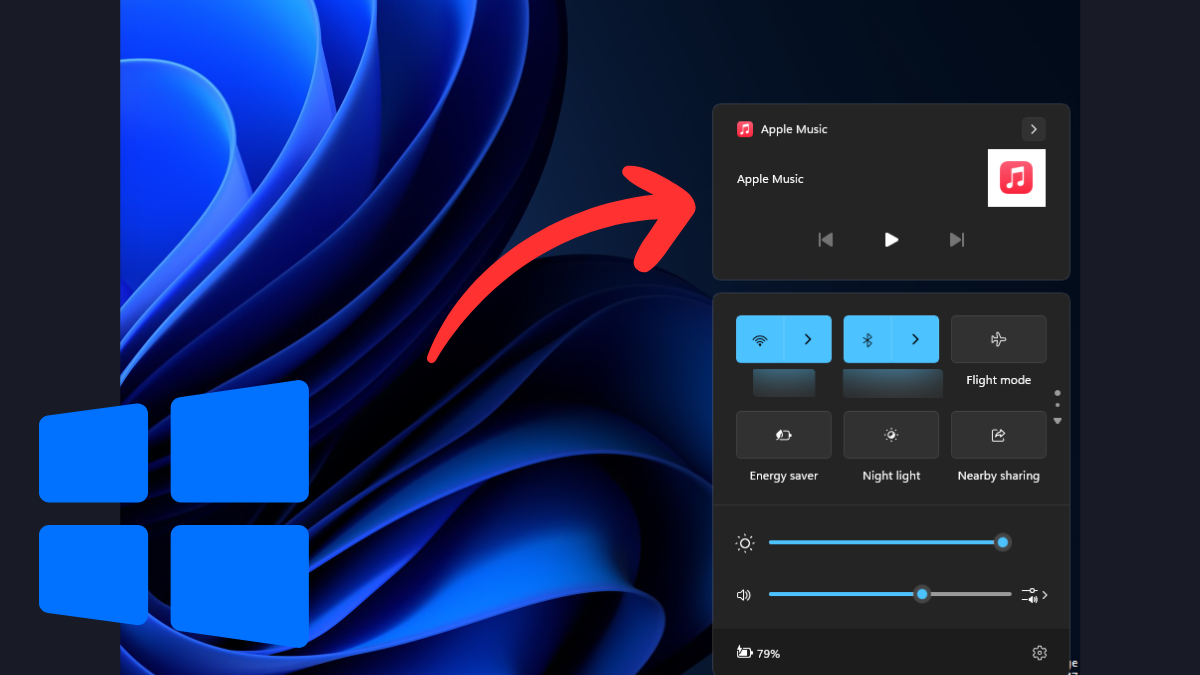
How to Disable Media Controls Overlay in Windows 11 Quick Settings
What to know Windows 11 doesn’t have a single option to disable the media controls overlay globally. You’ll have to disable it from each…
-

How to Enable and View Your Print History in Windows 11
What to know Print history needs to be enabled in Windows 11 before the print jobs can be logged and viewed later. Enable print…
-

How to Duplicate Tabs in File Explorer in Windows 11
What to know Right-click on a File Explorer tab and select Duplicate tab. Duplicating File Explorer tabs come in handy when you need to quickly…
-

How to Move Files and Folders Between Breadcrumbs in File Explorer in Windows 11
What to know Windows 11 File Explorer now lets you move files and folders between the breadcrumbs in the address bar. To move a…
-
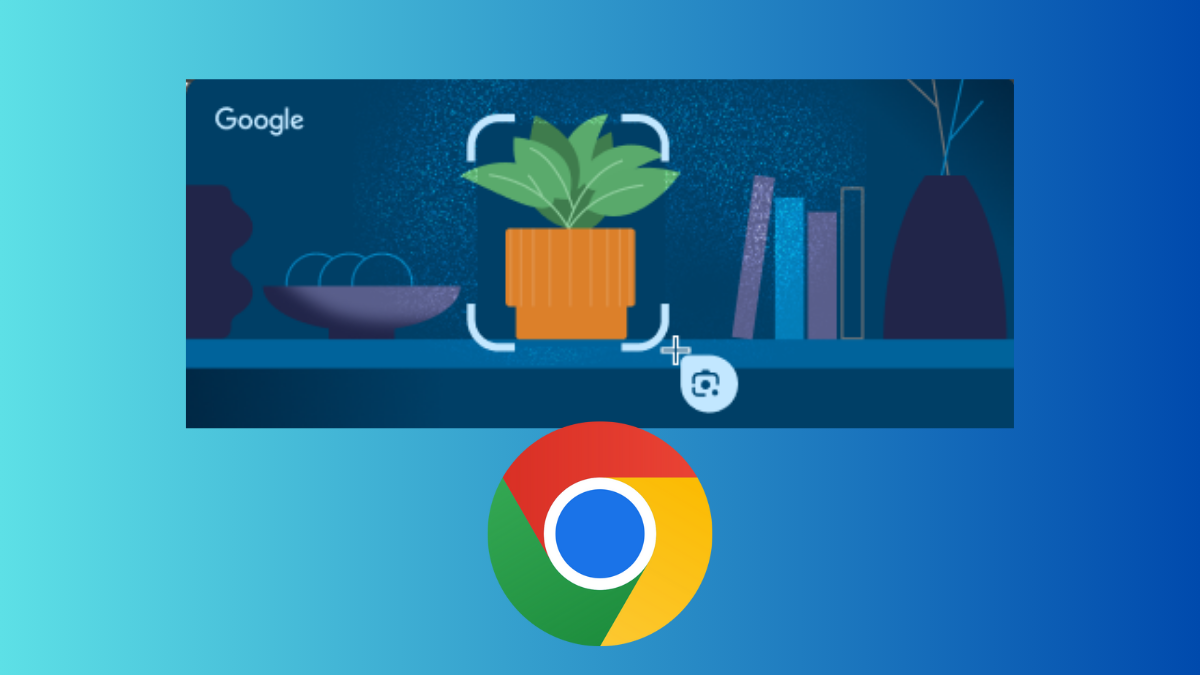
Android’s Circle to Search Is Available on Chrome Desktop as ‘Drag to Search’. Here’s How to Use It
What to know Android’s AI feature ‘Circle to Search’ is available on Chrome for desktop and Chromebooks as ‘Drag to Search’. Click on the…
-

Uber in India Lets Users Book Three Trips at Once
What to know Uber users in India can now book up to three trips at once. Once booked, the ride details can be shared…
-

How to Transfer Google Photos to iCloud
What to know Google and Apple have collaborated to finally let you transfer your Google photos and videos to iCloud. This comes three years…
-
How to Wirelessly Browse Your Android Phone in File Explorer in Windows 11
What to know You can now browse your Android’s file system in Windows 11’s File Explorer wirelessly. Go to Settings > Bluetooth & devices…
-

Reddit Blocks Bing and Other Search Engines From Scraping Its Data – But Not Google
What to know Reddit has updated its robots.txt file in an effort to prevent Bing and other search engines from crawling the site. Reddit…
-
3 Ways to Control How You Share Contacts With Apps in iOS 18
What to know In iOS 18, you can now limit an app’s access to your contacts and decide exactly which contacts an app has…
-

How to Use Journal in iOS 18
What to know Apple’s Journal app is the ideal app for creating journal entries and getting your thoughts down. Apart from adding photos, videos,…
-

How to Customize Control Centre on Your iPhone With iOS 18
What to know The Control Center in iOS 18 has been revamped to allow for greater customizations. There are now three control center screens…
-

How to Search Your Calls in iPhone in iOS 18
What to know The Phone app’s ‘Recents’ tab in iOS 18 now has a ‘search’ field that lets you search for contacts and look…
-

How to Use Passkeys in Apple’s Passwords App on Your iPhone
What to know Passkeys provide a safer, faster alternative to traditional means of signing into apps, websites, and services. The Passwords app in iOS…
-

How to Sync Passwords in Apple Passwords App
What to know To sync passwords in Apple’s Passwords app, make sure to enable iCloud Passwords and Keychains from Settings > (account name) >…