Category
iOS
-
Safari Lets You Quickly Trim Downloaded Videos in iOS 18 and iPadOS 18
What to know With the iOS 18 and iPadOS 18 updates, Safari lets you easily trim downloaded videos within the app itself. Open the downloaded…
-
How to Switch Cellular Data Line in iOS 18
What to know From the ‘Control Center’, long press on the cellular data option to choose between two data lines. You can also set…
-
iOS 18 Lets You Use Your Personal Voice for VoiceOver and Spoken Content
What to know You can use your Personal Voice as one of the voices for VoiceOver and Spoken Content on iOS 18. Both accessibility…
-

iOS 18 (Finally!) Lets You Search Within an Area in Apple Maps
What to know Apple Maps in iOS 18 introduces a new “Search Here” button, allowing users to search for locations in specific areas outside…
-

How to Turn Off RCS on Your iPhone in iOS 18
What to know Apple has introduced RCS messaging with the iOS 18 update. You can turn off RCS from Settings > Apps > Messages…
-

How to Use ‘Sound Actions’ in iOS 18
What to know iOS 18 lets you make sounds and noises to trigger set actions on your iPhone. Choose from several different sounds, such…
-

How to Collapse Headings in the Notes App in iOS 18
What to know The Notes app on iOS 18 now lets you collapse or expand sections within Headings and Subheadings. To collapse a section,…
-
Notes App Will Get Live Audio Transcripts Through the iOS 18 Update
What to know The Notes app will soon get the ability to record and transcribe audio instantly on the app. The feature is not…
-
Vocal Shortcuts on iOS 18 Lets You Set and Perform Any Action
What to know The ‘Vocal Shortcuts’ feature on iOS 18 lets you perform specific actions with custom words and phrases. Access and set up…
-
How to Automatically Solve Math Problems in Notes in iOS 18
What to know The Notes app in iOS 18 automatically solves math problems in your notes, from simple arithmetic to complex math operations. From…
-

Notes App in iOS 18 Lets You Highlight Text in 5 Colors! Here’s How
What to know On iOS 18, the Notes app now lets you highlight the text in your notes. You can highlight the text in…
-

What Happens When You Lock an App on iPhone in iOS 18
What to know Locking an app on iPhone ensures that no one except you can access its content. Locked apps require Face ID authentication…
-
What Happens When You Hide an App on iPhone in iOS 18
What to know Hiding an app removes it from your Home screen. The app is added inside a ‘Hidden’ folder at the bottom of…
-
Quickly Check Out All the New iOS 18 Home Screen Customization Features in Under 30 Seconds
iOS 18 comes with a slew of customization options for the iPhone’s Home Screen. These include rearranging apps and widgets, changing their size, and…
-

How to Change Lock Screen Toggles on Your iPhone With iOS 18
What to know iOS 18 lets you change the default flashlight and camera toggles on your iPhone’s lock screen. You can select from several…
-
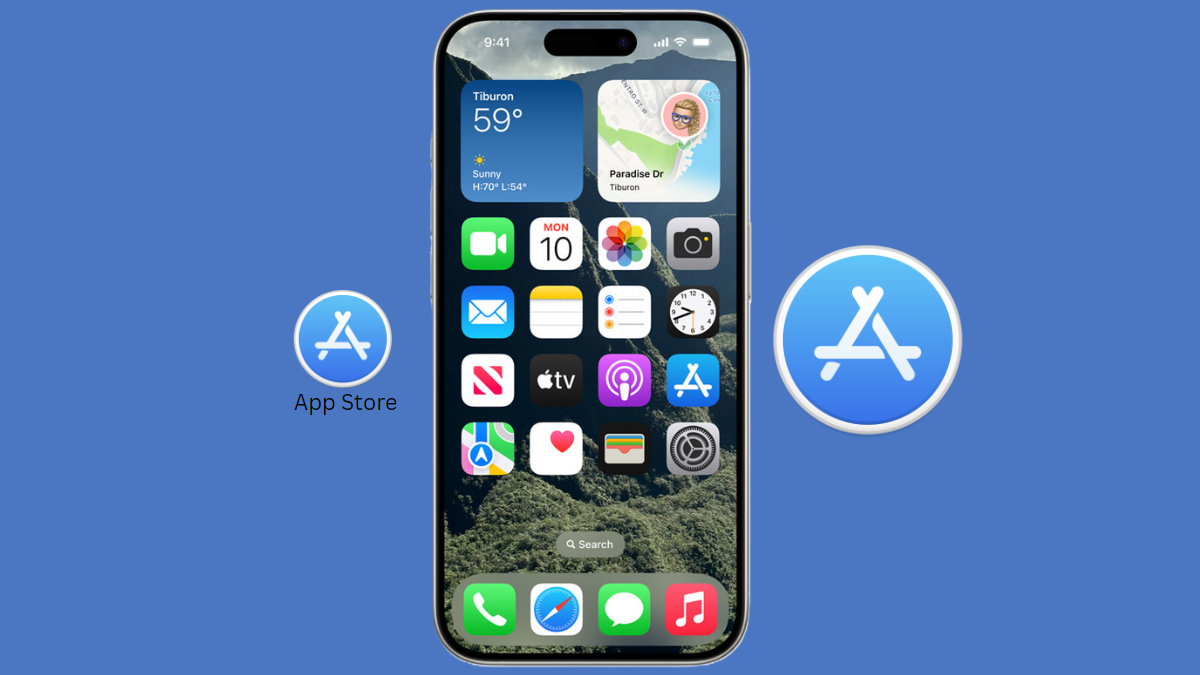
How to Make Home Screen Icons Large and Hide App Names in iOS 18
What to know On iOS 18, you can now enlarge app icons while simultaneously hiding app labels. Tap and hold on the Home Screen…
-
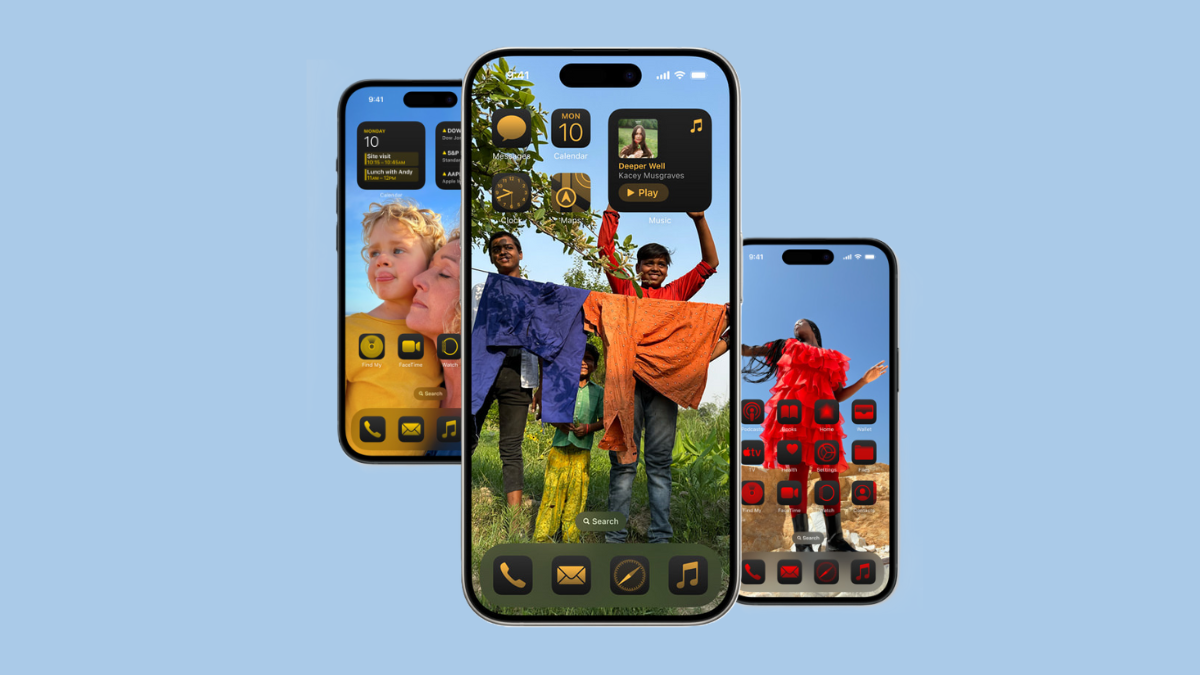
How to Rearrange Home Screen Icons and Widgets on Your iPhone With the iOS 18 Update
What to know With iOS 18, you can now customize your iPhone’s Home screen and change the position of your apps and widgets. To…
-
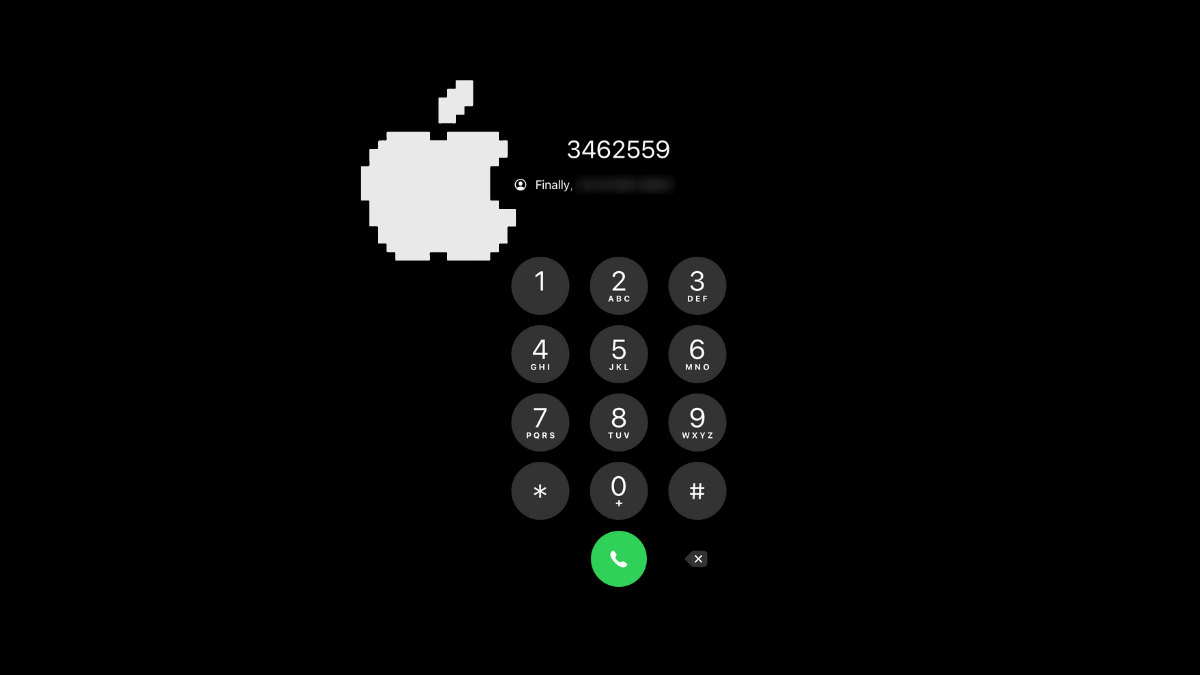
How to Use T9 Dialing on iPhone With iOS 18
What to know With iOS 18, iPhones can finally use T9 dialing. To use T9 dialing on your iPhone, open the Keypad on the…