
Category
iOS
-

3 Ways to Change language on iPhone
iPhones are known to be the most user-friendly of any electronic gadgets and one reason for that is how easy they are to personalize…
-

How to Change to Military Time on iPhone and Apple Watch
By default, the clock on your iPhone is automatically set to the 12-hour cycle. While this is the preferred option for many users, others…
-

6 Ways to Refresh Webpages on iPhone
When you load a webpage on your iPhone, the content that’s loaded remains there for a temporary duration or for as long as the…
-

How to Record ECG on Apple Watch
The ECG app on your Apple Watch can record your heart rhythm and look for any irregularities. To detect the electrical signals in your…
-

How to Share your Apple Watch Fitness Data
The most prominent reason why people buy an Apple Watch is to focus on their fitness and track their daily progress. As you move…
-
How to Measure Blood Oxygen on Apple Watch
Apple Watch can be used to determine your blood oxygen level throughout the day. This is made possible with the help of red and…
-
9 Ways to Fix Contacts Not Syncing to Apple Watch
Apple Watches can let you call and send messages to someone directly from your wrist but if there are missing contacts on your watch,…
-
Apple Watch Family Setup limitations explained
If you’re in the Apple ecosystem, one of the most useful accessories you may want you and your family to use is the Apple…
-

6 Ways to Turn Off Notifications on Apple Watch
The Apple Watch makes it easier to glance at notifications you wouldn’t want to unlock your iPhone for. Since it is always connected to…
-
4 Ways to Rename Albums on iPhone
Apple lets you create albums on your iPhone where you can add pictures, sort them, create slideshows, and share them with your friends and…
-
How to Download a Webpage as an HTML File on iPhone
The Safari app on iOS makes it easy for users to search and browse websites on the internet, browse privately, merge multiple websites inside…
-

How to Open HTML Files on iPhone
The Safari app on iOS lets you browse websites on the internet and save webpages as previews so that you can access them later.…
-

What is Advanced Data Protection on iPhone? How to enable it and why
Apple has been focusing a lot on privacy lately. The company has introduced numerous new features, including hiding your IP address, using a private…
-

How to Disable SOS on iPhone
What to know The SOS functionality on the iPhone can be activated by holding down the Side button and Volume buttons or by pressing…
-

3 Ways to Edit Time on iPhone
What to know You can edit the time on your iPhone by going to the Settings app > General > Date & Time >…
-

4 Ways to Put Two Pictures Side by Side on iPhone
What to know You can create a collage with two pictures side-by-side using the native Shortcuts app on your iPhone. Similar collages can also…
-

5 Ways to Clear Keyboard History on iPhone
The native keyboard on iOS learns what you type on your iPhone and then suggests words as you type them or corrects misspelled words…
-
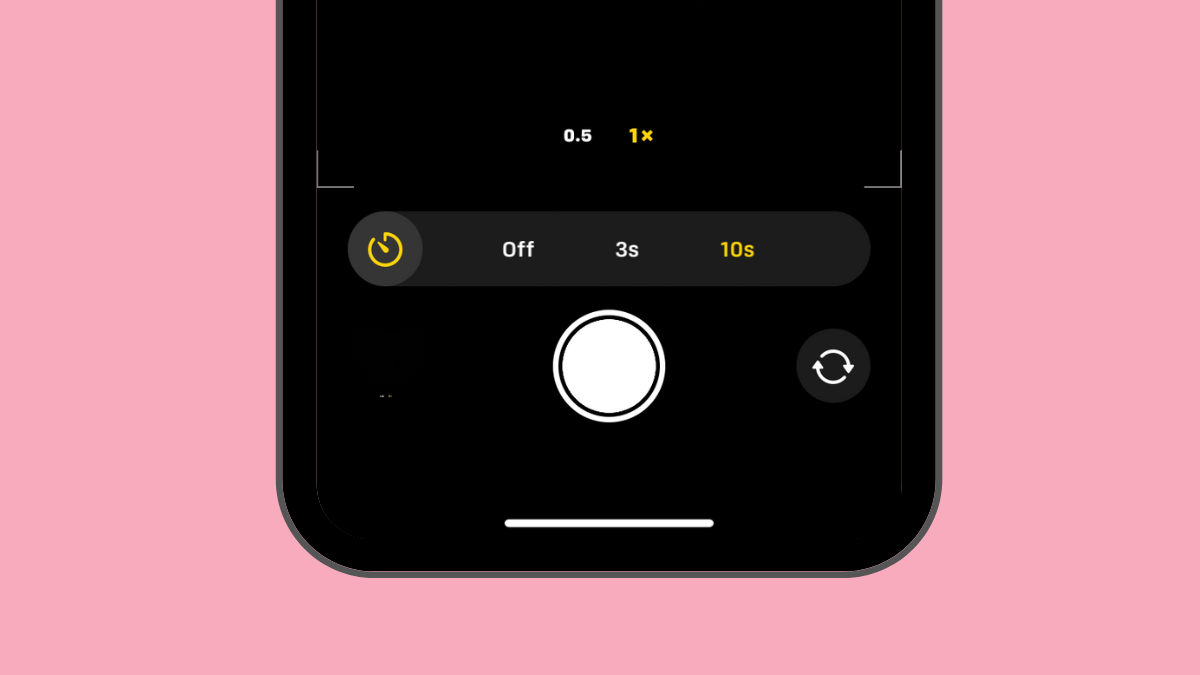
How to Set a Timer on iPhone Camera
Whether you’re an amateur or a pro at taking photos on your iPhone, one thing that can help you take better shots is the…
-

2 Ways to Put Someone On Hold on iPhone
What to know You can put someone on hold on outgoing calls by first dialing a number and long-pressing the Mute button when the…
-

3 Ways to Merge Duplicate Photos on iPhone
iPhones come with limited storage since the available memory cannot be expanded physically. While there are a lot of ways you can save space,…