
Category
iOS
-
2 Ways to Check If Your iPhone Is Fast Charging
If you upgraded to an iPhone that came out in the last couple of years, it won’t have a charging adapter included in the…
-

3 Ways to Move Photos from iCloud to Google Photos
File and content sharing between Apple devices like iPhones, iPads, and Macs have always been quite easy but it isn’t the same when you’re…
-

How to Turn Off Your iPhone Using Siri
What to know To turn off your phone, activate Siri by saying “Hey Siri” or by holding down the Side button > say “Power…
-

How to Choose a Different Apple ID for iOS Beta Updates
What to know You can now choose a different Apple ID on your iPhone to receive public or developer beta updates. To select the…
-

How to Change a Shortcut’s Icon to Original on Shortcut on iPhone
App’s Shortcuts app is home to a bunch of shortcuts and automation designed to help your productivity and help you ease your day-to-day tasks.…
-

How to Change Number Format on iPhone
When it comes to representing numbers, different regions prefer using different symbols as separators to group digits in a number. These separators come into…
-

How to Dim Flashing Lights on iPhone
What to know With the ‘Dim Flashing Lights’ feature, your iPhone can dim the display when it senses flashing or strobing effects on the…
-

How to Use Intel Unison App on Windows 11 to Connect and Sync Your iPhone
Intel Unison is a fantastic app that allows you to connect your iPhone to a Windows 11 computer. With it, you can access your…
-

2 Ways to Remove Slow Motion From a Video on iPhone
What to know To remove slow motion from a captured video, go to the Photos app > select a video > Edit > drag…
-
8 Ways to Delete All Photos on an iPhone
Apple’s Photos app shows you the pictures and videos you capture on your iPhone and the media that you save through screenshots and other…
-

How to Unmerge Cells in Google Docs on Mac, Windows, Android, and iOS
Like Google Sheets, you can create and add multiple tables inside your document on Google Docs and customize it with your style and size.…
-
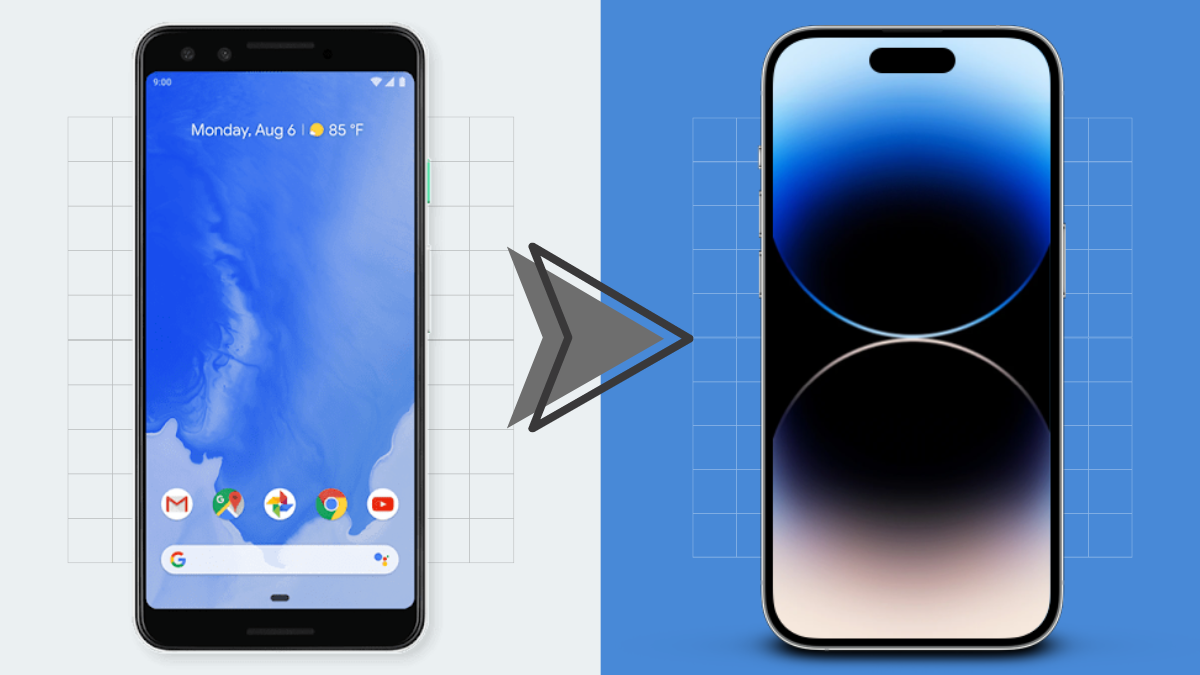
9 Ways to Transfer Data From Android To iPhone
If you’re reading this article right now, you’re probably ditching your old Android device for a brand-new iPhone. Although iPhones are easy to interact…
-

3 Ways to Make FaceTime Full Screen on iPhone
What to know To make sure your incoming calls on FaceTime show in fullscreen view, go to the Settings app > Phone > Incoming…
-

How to Share Location Indefinitely From iPhone To Android
Sometimes you may want your friends and family to know where exactly you’ve reached to let them know how long it will take for…
-

8 Ways to Delete Cookies on iPhone
The longer you browse the web on your iPhone, the larger the amount of data that gets downloaded and stored on your device. Some…
-
11 Ways to Transfer Data From iPhone to Android
So you ditched your old iPhone and got yourself a brand-new Android phone. While using an Android device is pretty easy, if you’re using…
-

You can’t turn off “You might like” in Twitter. Here’s how to tune it
Twitter has been introducing new and improved features lately in an attempt to revamp and improve the platform. Among these new changes is the…
-

2 Ways to Make a Recap Video on Canva
What to know Canva’s built-in video editor offers the ability to create recap videos with tons of templates and tools to modify effects, animations,…
-

7 Ways to Unhide Apps on iPhone
When you can’t find an app on your iPhone or can no longer access the app from its previous location, it may have been…
-

3 Tips to See Missed Calls From Blocked Numbers on iPhone
Your iPhone can alert you whenever you receive a phone call. You can avoid getting unwanted calls from someone by blocking the concerned number.…