Category
iOS
-
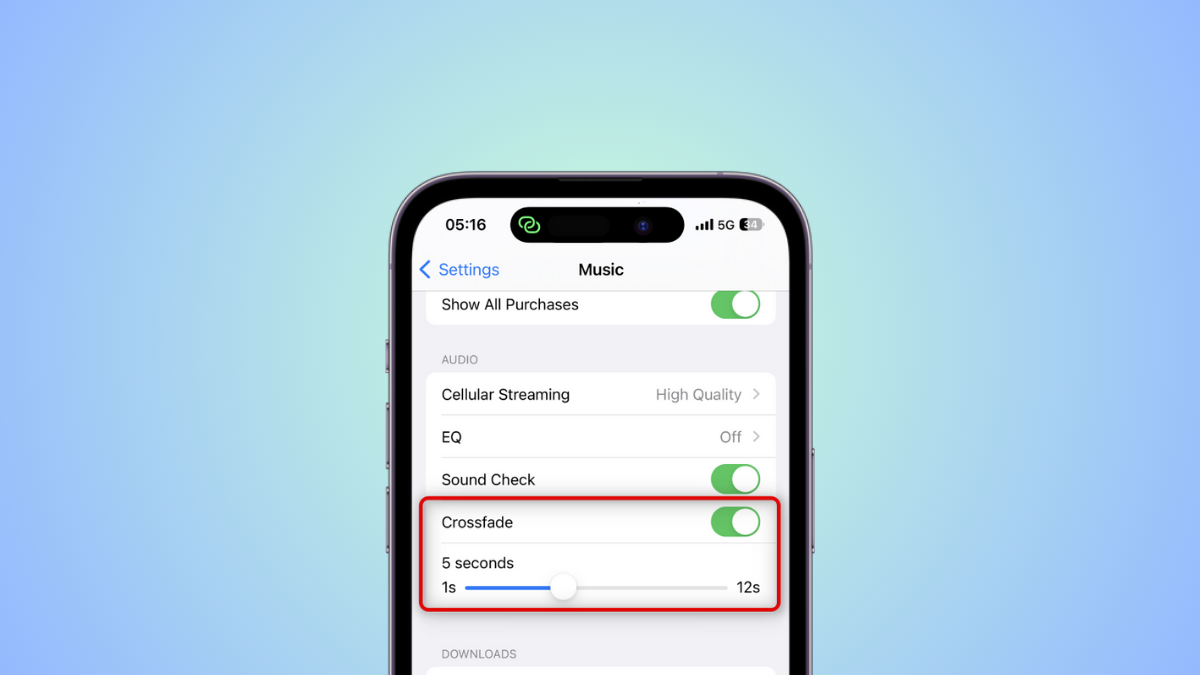
How to Enable and Customize Crossfade for Apple Music on iPhone
What to know Crossfade on Apple Music is designed to smoothen the transition when switching from one track to another so the next track…
-

How to Zoom and Crop Photos in iPhone with iOS 17
What to know One tap Crop is a new feature in the Photos app that allows you to instantly crop a portion of a…
-

How to Enable or Disable Notifications in Standby Mode on iPhone With iOS 17
What to know You can now toggle whether notifications are displayed or not when your device is in Standby mode. This can help you…
-
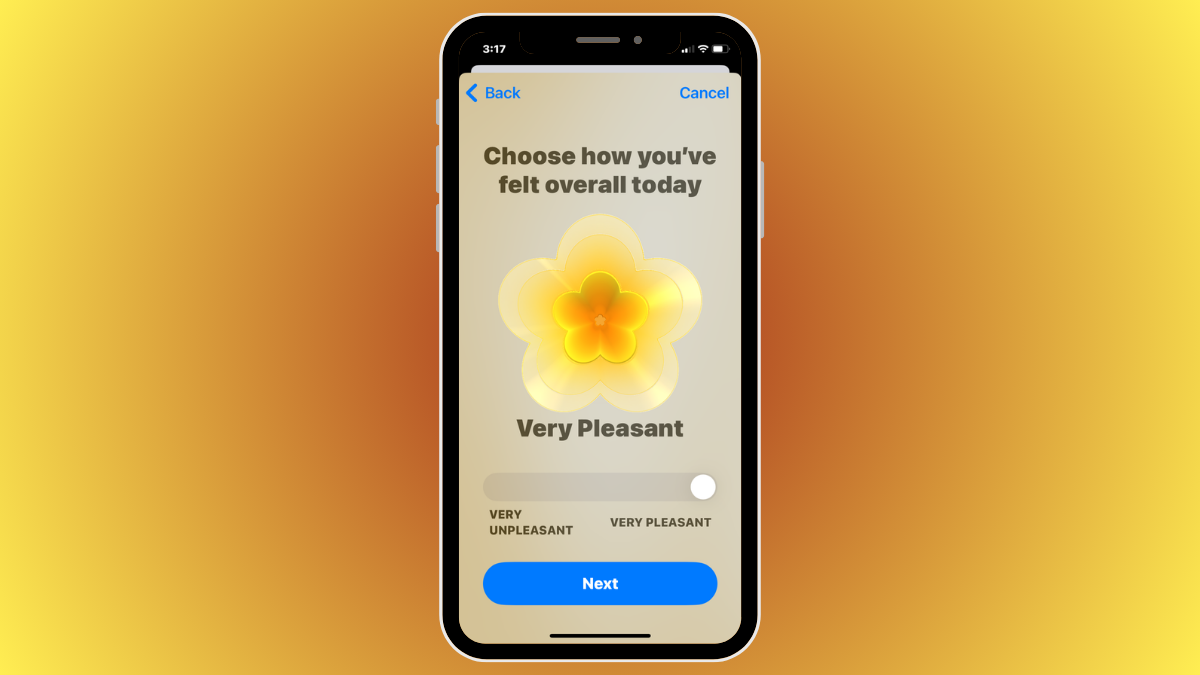
iOS 17: How To Log Your State of Mind on Health App on iPhone
What to know State of Mind is a new feature available on the Health app on iOS 17 — it allows users to reflect…
-

How to Make Safari Read Text on iPhone With iOS 17
What to know Listen to Page is a new Safari feature in iOS 17 that allows you to listen to the content of a…
-

How to Set Up ‘Check In’ in iOS 17 on iPhone
What to know ”Check In” is a new way to notify your friends and family when you arrive at a location. This feature enhances…
-
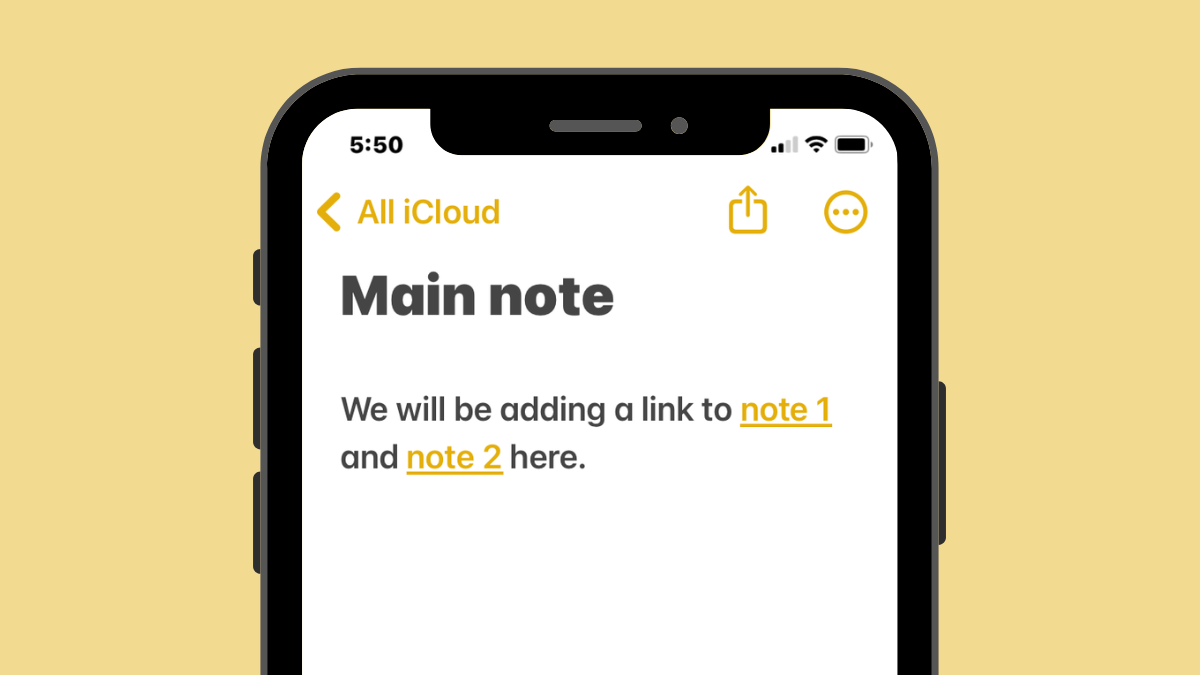
iOS 17: How to Link Other Notes Inside a Note on iPhone
What to know You can hyperlink texts within a note with links to older notes you created on the Apple Notes app on iOS…
-
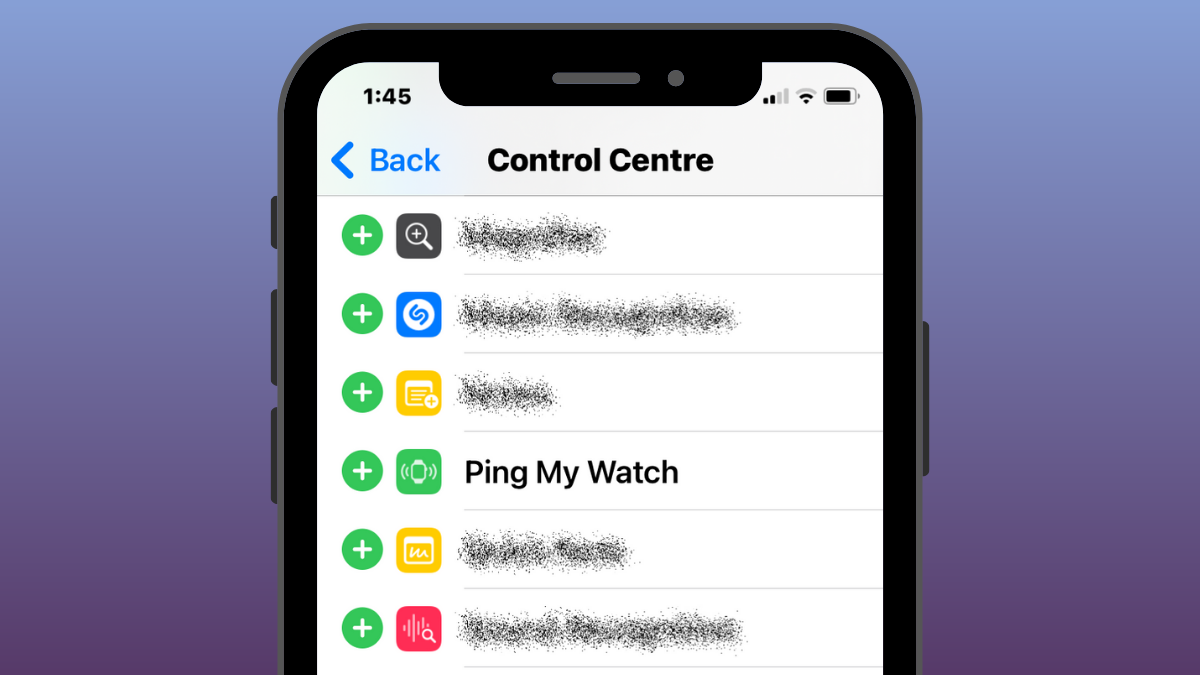
iOS 17: How to Ping Your Apple Watch From iPhone’s Control Center
What to know Apple offers an easy way to locate your Apple Watch from an iPhone using the Ping My Watch feature that’s available…
-
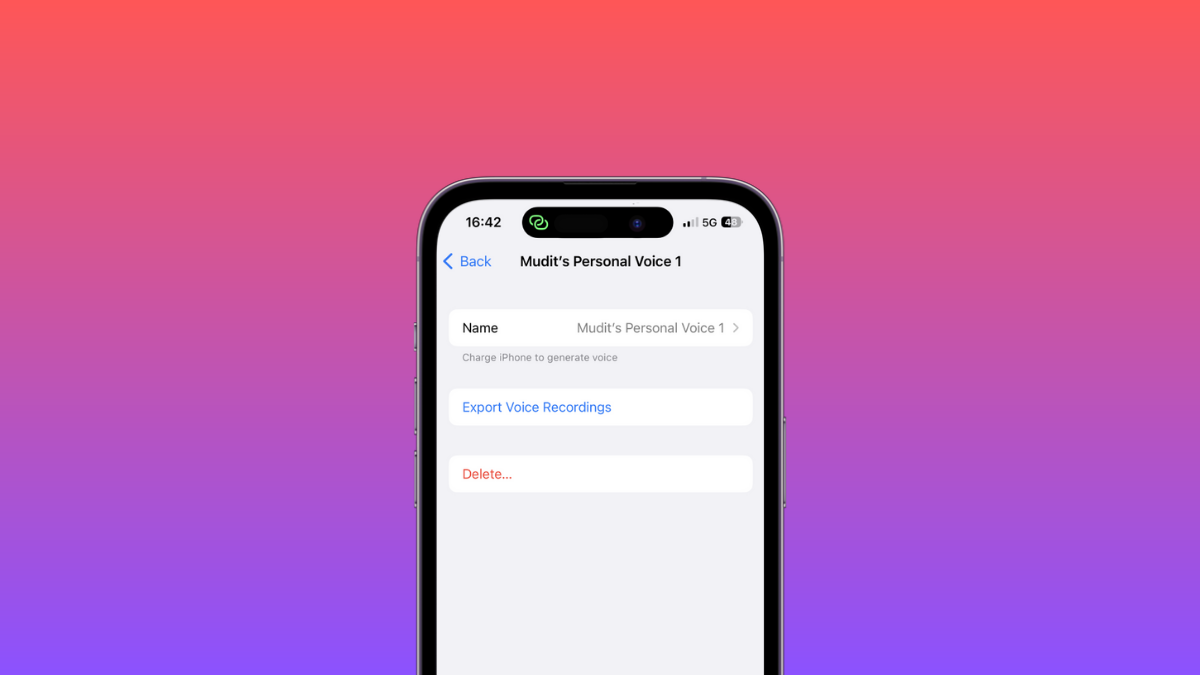
Is It Safe to Use Personal Voice on iOS 17? Where Is Your Voice Stored?
What to know Personal Voice is encrypted and stored locally on your iPhone. It is never shared with anyone, including Apple. Only you can…
-

How to Set a Different Ringtone for Two Different Phone Numbers on iOS 17
What to know You can now set individual ringtones for different phone numbers on your iPhone. This helps you identify incoming calls and messages…
-
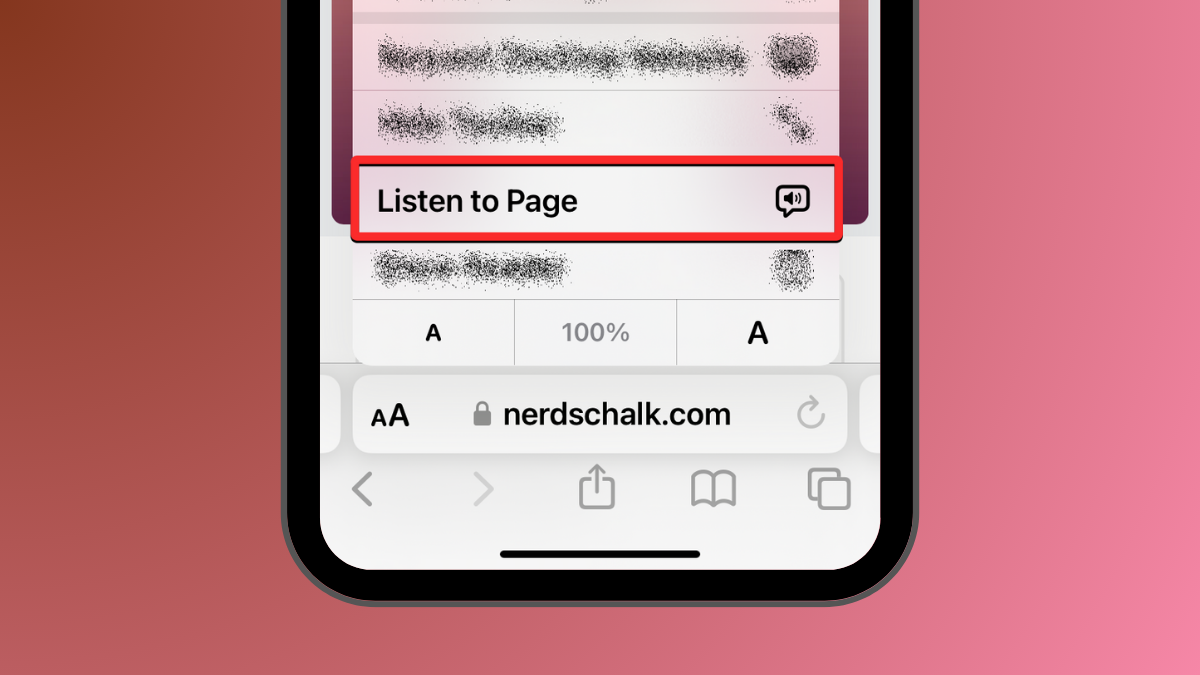
iOS 17: How To Listen to A Page on iPhone and What Is It
What to know The Safari app in iOS 17 has a Listen to Page option that can read out the text-rich content from a…
-

What Are Predictions Inline on iPhone and How Do You Use It?
What to know Predictions Inline feature suggests portions of a word or sentence before you type them on your iPhone. The feature uses machine…
-
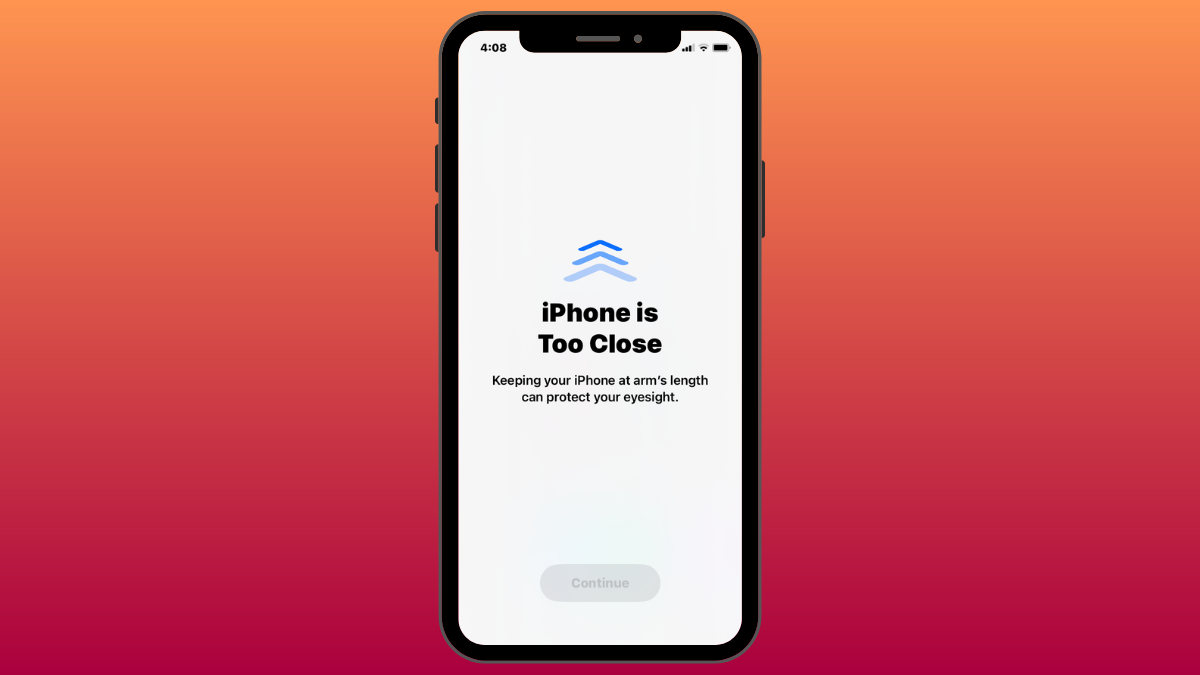
iOS 17: iPhone Is Too Close Issue: 4 Ways to Fix
What to know To completely disable the “iPhone Is Too Close” warning, go to Settings > Screen Time > Screen Distance and turn off…
-

iOS 17: How to Customize the Privacy of Your Contact Photo and Poster on iPhone
What to know When you change your name or photo of your contact card on your iPhone, the updated information is shared with all…
-

iOS 17 Audio Message Transcription Feature: What to Know
What to know In iOS 17, the Messages app transcribes your audio messages automatically. Audio Message Transcription is enabled by default and can vary…
-
![14 Ways to iOS 17 StandBy Not Working [Updated]](https://cdn.nerdschalk.com/wp-content/uploads/2023/06/ios-17-fix-standby-mode-fi.png)
14 Ways to iOS 17 StandBy Not Working [Updated]
What to know There could be several reasons why StandBy mode it not working for you. We have shared 14 possible fixes with guides…
-

How to Reset Hidden Siri Suggestions on iPhone
What to know To reset Siri suggestions you hid in the past, go to Settings > Siri & Search > Before Searching and tap…