
Category
Android
-
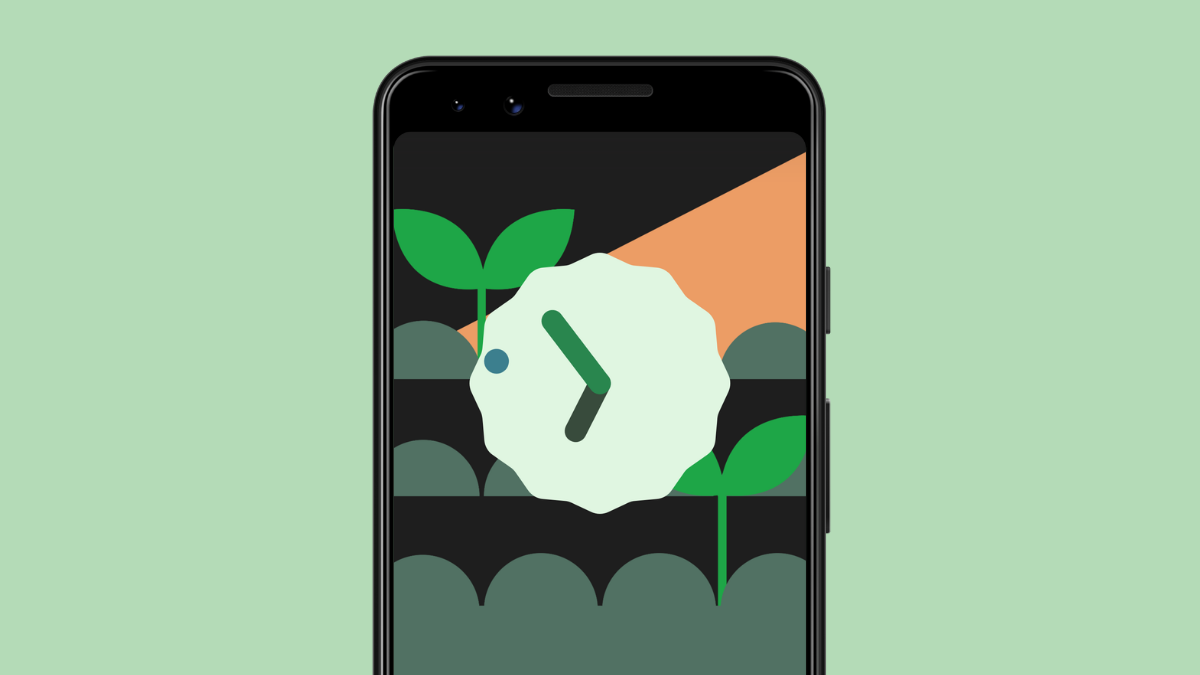
How to Add Material You Clock Widget to Your Home Screen on Android 12
In case you didn’t know, “Material You” is the way to go for this year’s Android release and with Android 12 nearing its stable…
-

How to Set up and Use ‘Device Search’ on Android 12 to Search Like a Pro
With Android 12, the Pixel Launcher is getting a significant update that adds a new “Device Search” functionality which refines the way you search…
-

How to Use Google Chat in Gmail
Google Chat is the successor to the long-time preferred chatting app for the Google ecosystem: Hangouts. Google is gradually rolling out Google Chat to…
-
How to Control your Android Device Using Facial Gestures
What to know You can use your phone’s front camera to control your Android device when you set up the “Camera switches” accessibility feature. …
-
Android 12: How to Get ‘Material You’ Google Search logo on Pixel Launcher
It’s now established that “Material You” is the way to go for this year’s Android release and with Android 12 nearing its stable release…
-
How to Save and Share Images from Recents Screen on Android 12
Just before the release of the final build, Google has fine-tuned most operations on Android 12 with its Beta 4 rollout to such a…
-

How to Set Your Gboard Theme to Match With Your Wallpapers
Google is making the ability to customize your Android’s UI easier than ever with the ‘Material You’ design that’s going to debut with Android…
-
How to Allow Explicit Content in Apple Music on Android
With over 75 million songs and growing, Apple Music offers one of the richest and most diverse music catalogs around. From trending pop songs…
-

How to Turn Off Auto Crossfading in Apple Music on Android
The Apple Music app on Android recently received a pretty sizable update, packing a lot of features that can enhance the audio quality as…
-
How to Get the Best Audio Quality Out of Apple Music on Android
Apple Music is one of the leading music streaming services in the world. As you may already know, the service comes baked into iPhones,…
-

How to Pick Wallpaper Accent Colors on Android 12 Theme
As we get closer to the final release of Android 12, Google is unleashing its visual redesign in its full glory. The ‘Material You’…
-

How to Delete Last 15 Minutes of Search History on Google
Google has a privacy feature called “Delete last 15 mins” that lets you delete whatever you recently looked up using its search tool. This…
-
How to Auto Rotate Screen with Face Detection on Android
What to know Face Detection for auto-rotate uses your phone’s front-facing camera to detect your face and analyze its orientation to decide when the…
-
How to Disable Google Assistant Swipe Gesture on Android 12
When Android 10 was released a couple of years ago, Google expanded ways to trigger Google Assistant by bringing support for swiping your finger…
-

How to Copy URLs from Recents Apps on Android
What to know To copy URLs, swipe up from the bottom to open the Recent Apps screen, tap on the Link button at the…
-
How to Customize Material You Theme on Android
What to know You can change the Material You theme automatically by long-pressing on the home screen and going to Wallpaper & style >…
-
How to Take a Scrolling Screenshot on Android 12
With Android 12, Google has introduced the ability to take full-page scrolling screenshots on your Android device. We’re sure this is going to be…
-
3 Ways To Copy iCloud Contacts to Gmail
Before cell phones became smartphones, the only way to move your contacts from one phone to another was by manually writing down the phone…
-
How To Keep Running an App in Background on Samsung With ‘Lock This App’
The Samsung Galaxy series is the most popular smartphone lineup in the world. From $200 value-for-money devices to $1400 ultra-premium flagships — the Galaxy…
-
![Samsung App Lock: How To Use Secure Folder [Step-by-Step Guide]](https://cdn.nerdschalk.com/wp-content/uploads/2021/06/lock.png)
Samsung App Lock: How To Use Secure Folder [Step-by-Step Guide]
Millions of users exchange sensitive information through their smartphones every single day. We share photos, contacts, locations, and more. And most of it is…