

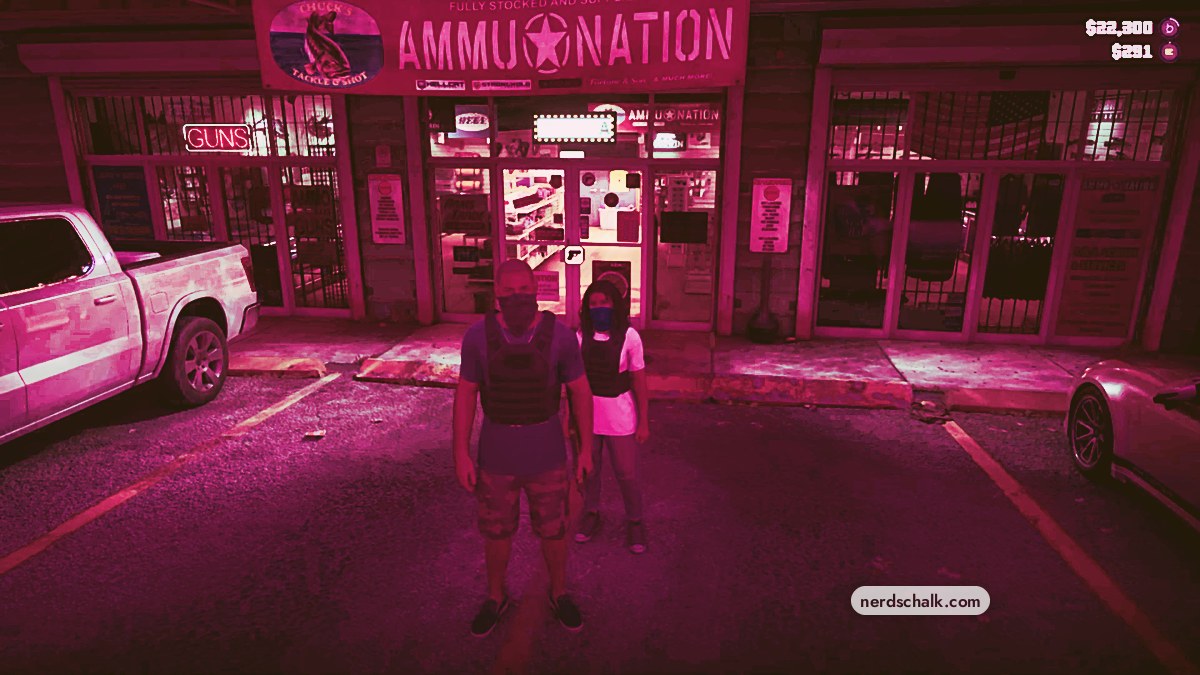
Buy body armor at Chuck’s Tackle & Shot for $250 per character, and the Items wheel lets you remove it.
Jason and Lucia have separate armor purchase options at the rack. Choose the character’s option to browse and buy a vest. The controls below cover both purchases and taking the visible armor off.
How to buy, equip, and remove body armor in Grand Theft Auto VI
Buy and equip a vest for either character, or use the Items wheel to remove equipped armor.
Part 1 – Buy and equip armor for Jason or Lucia
Choose the rack interaction for the character whose armor you want to buy.
Approach the armor rack
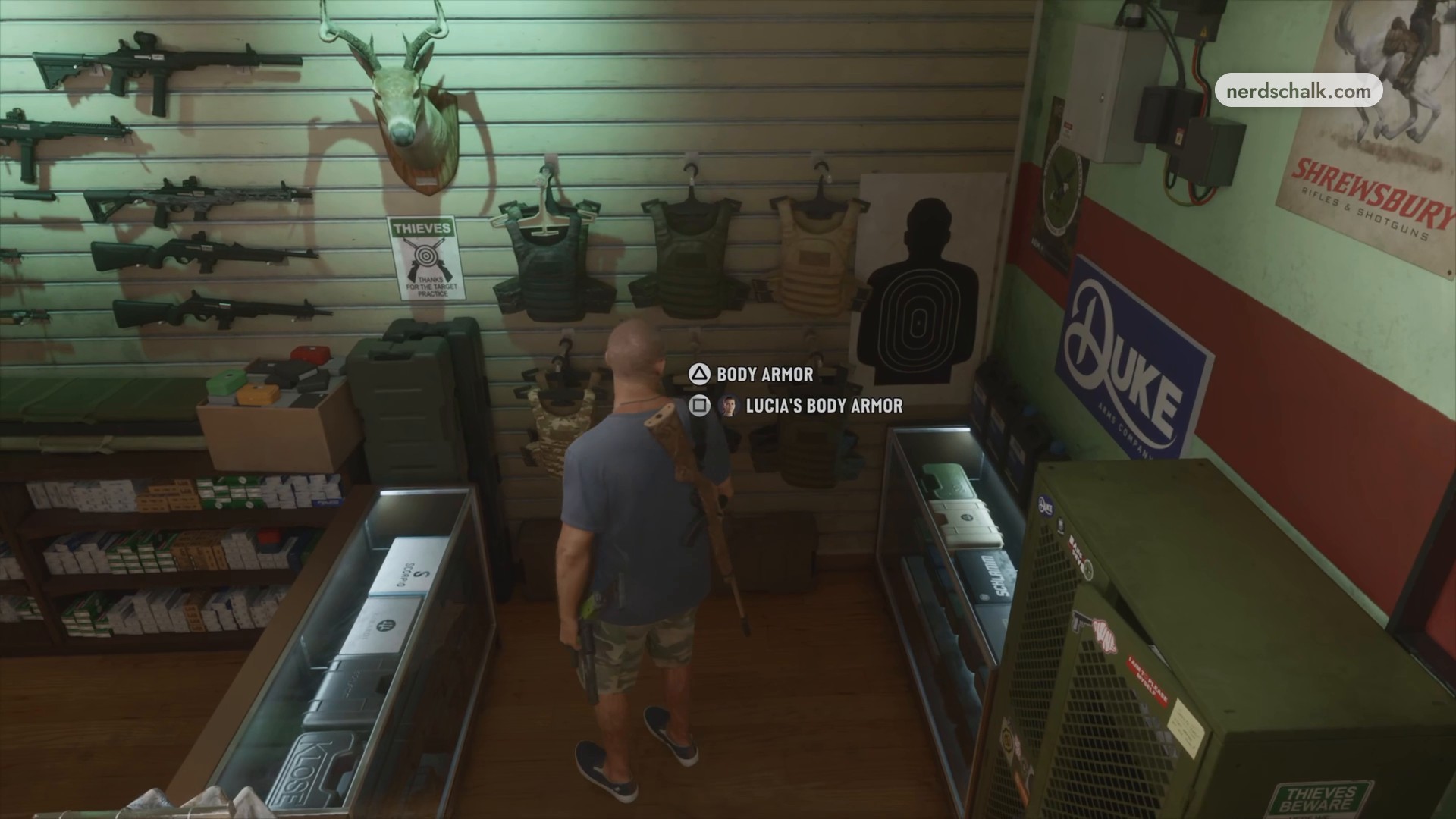
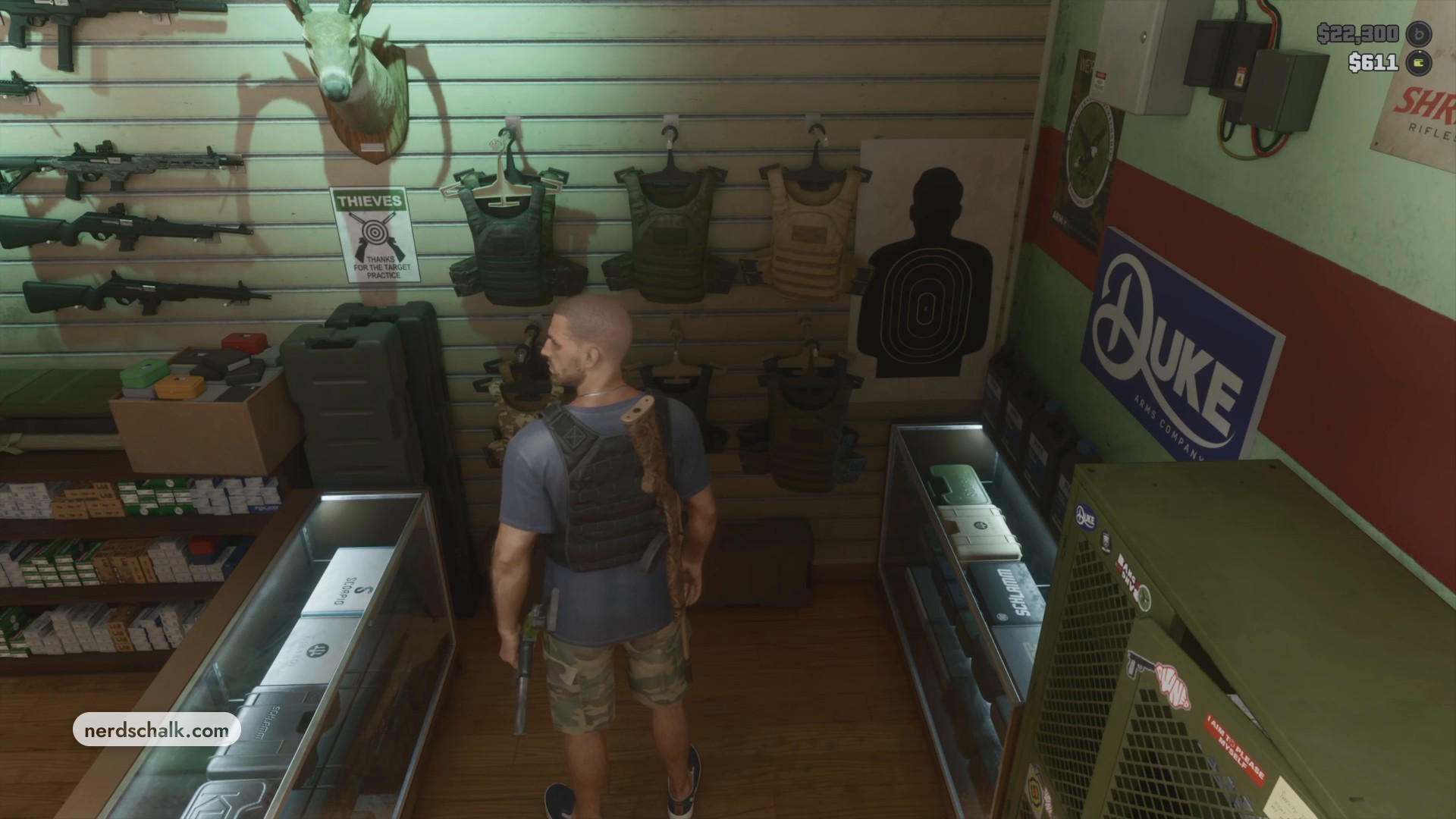
Inside Chuck’s Tackle & Shot, walk up to the wall display of hanging vests beside the target poster.
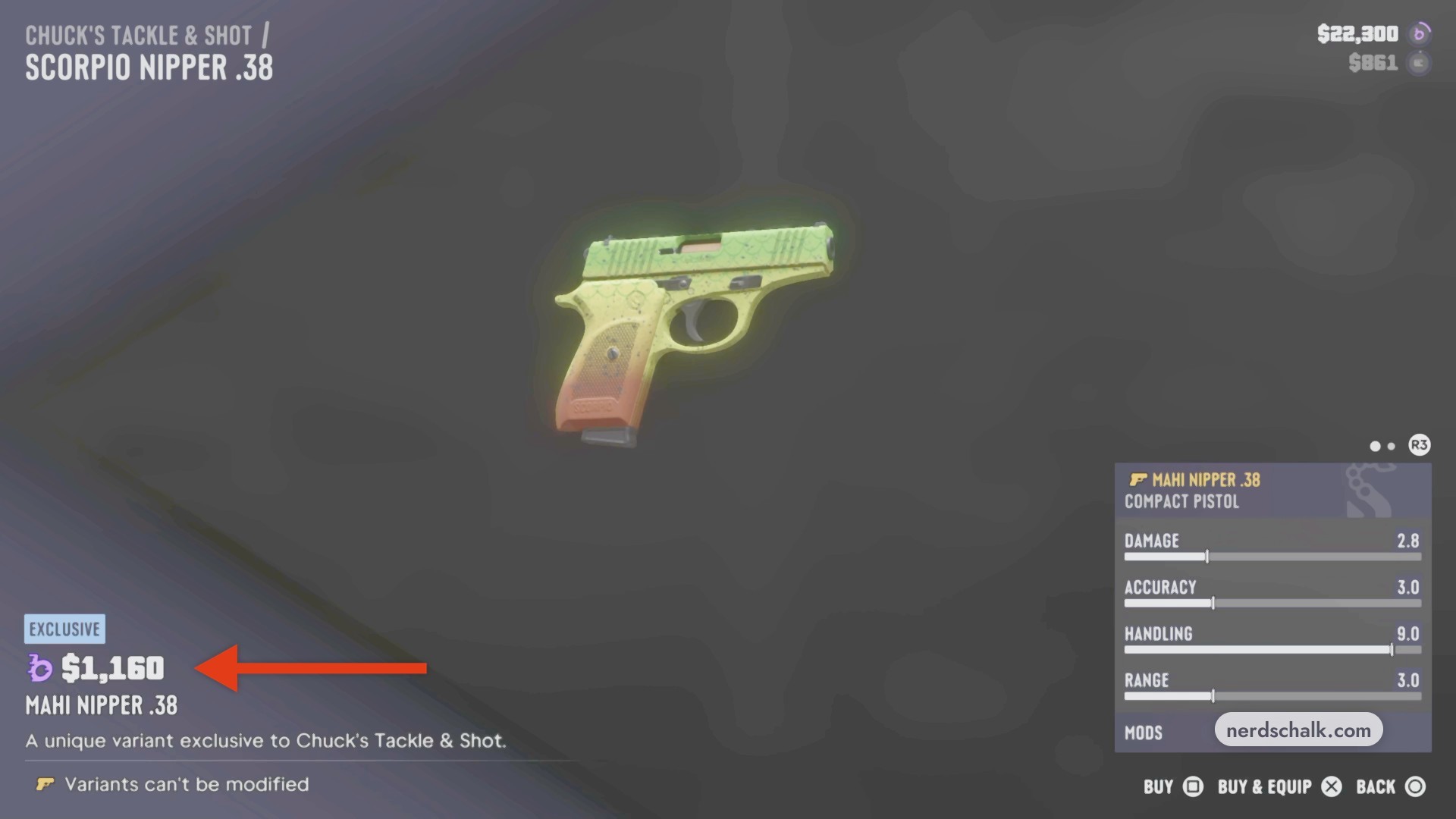
The hanging vests beside the target poster mark the armor display to approach.
Browse Jason’s armor
The rack’s general armor prompt reads BODY ARMOR. Press TriangleY to open Jason’s browsing menu and preview a vest on him.
Buy Jason’s selected vest
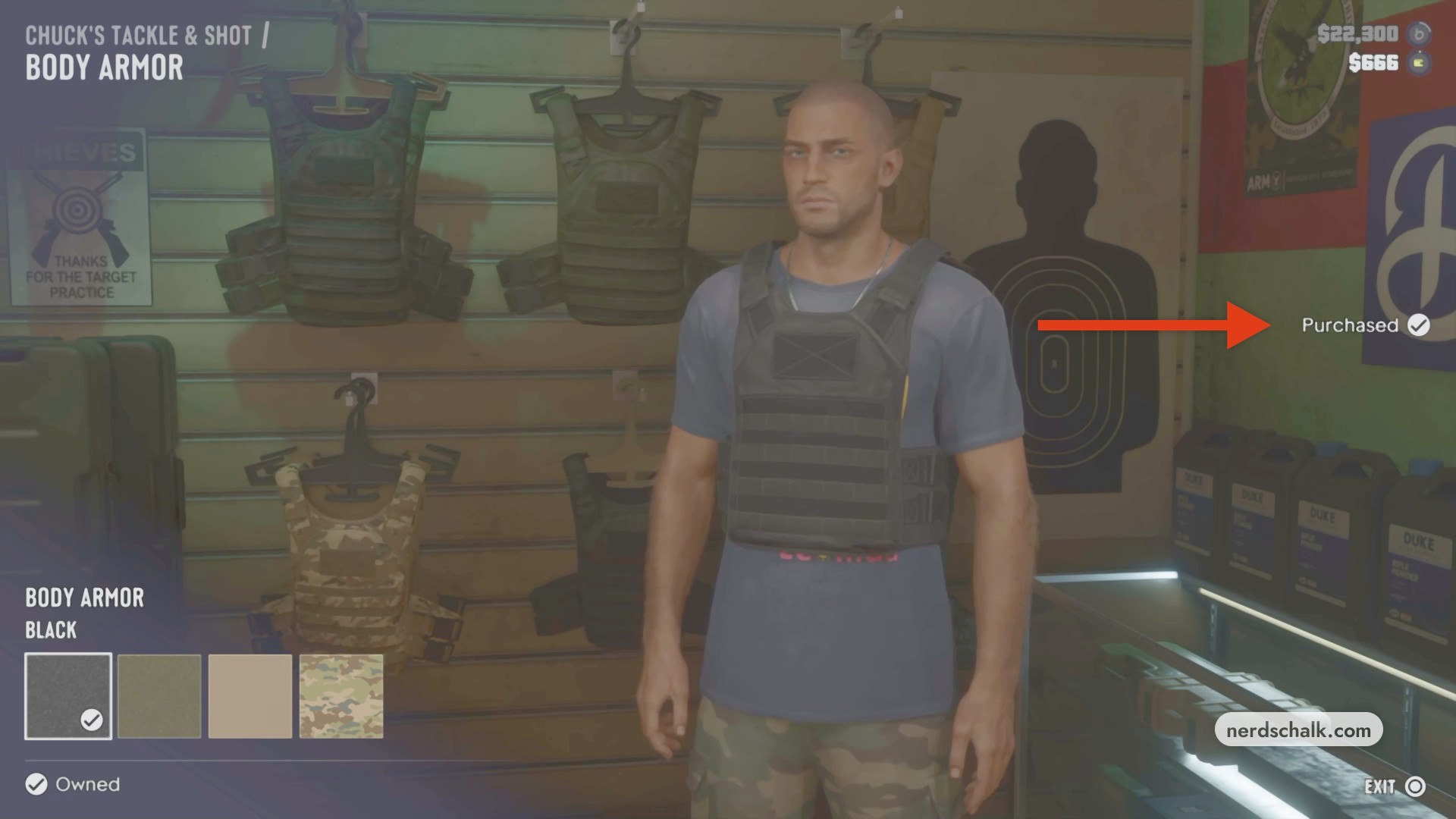
Choose your preferred color swatch and press CrossA to purchase. The Purchased notification confirms the transaction.
Find Lucia’s armor option
Use the rack interaction labeled LUCIA’S BODY ARMOR for Lucia’s purchase branch.
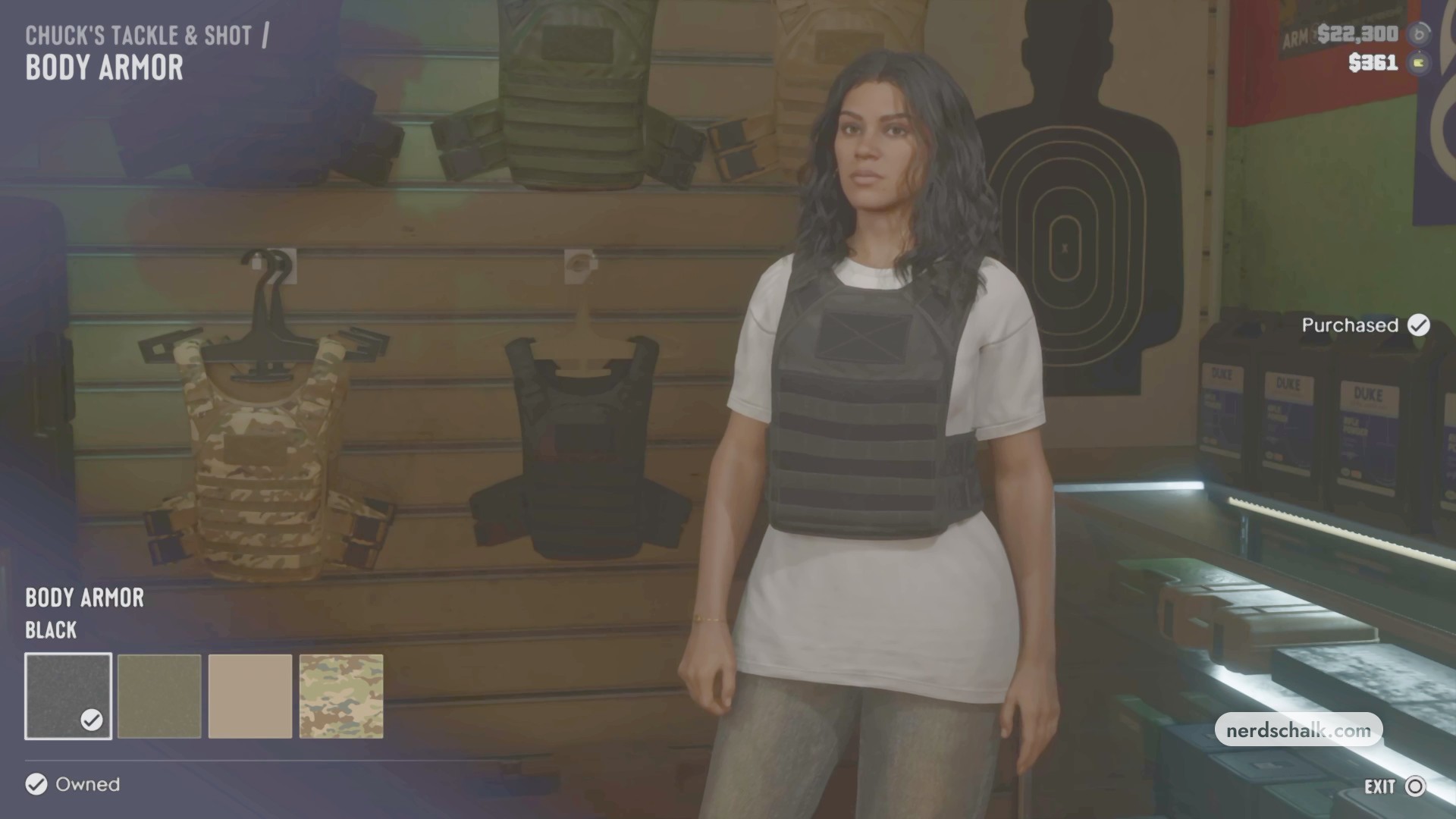
Buy Lucia’s selected vest
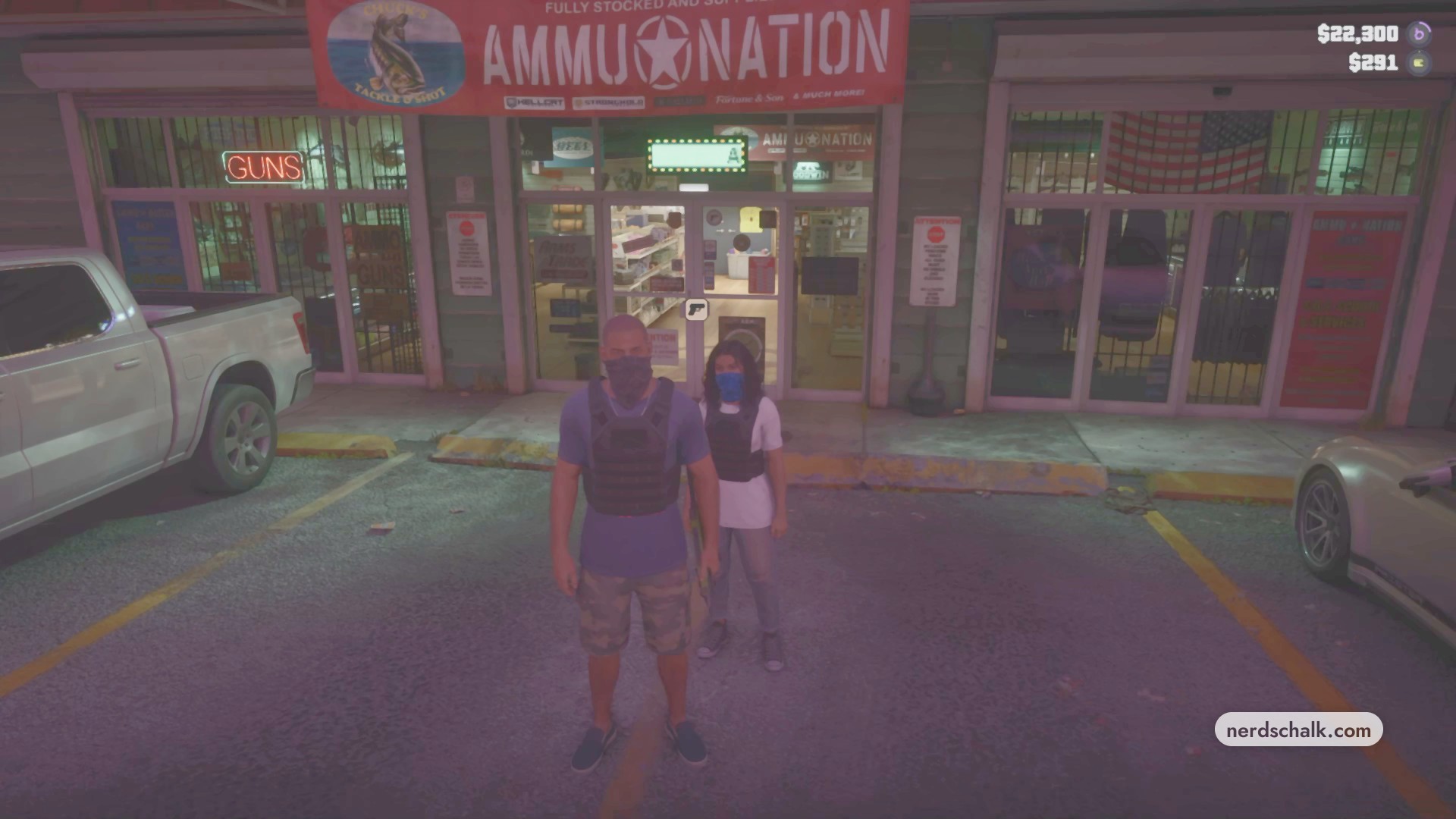
Choose a color variant and press CrossA to purchase it. Lucia’s Purchased checkmark confirms the purchase. Both characters wear their purchased vests when you step back from the rack.
Part 2 – Remove the equipped vest
Use the wheel’s gear options to take off visible body armor.
Open the weapon wheel
Bring up the weapon wheel to access its menu tabs.
Switch to the gear tab
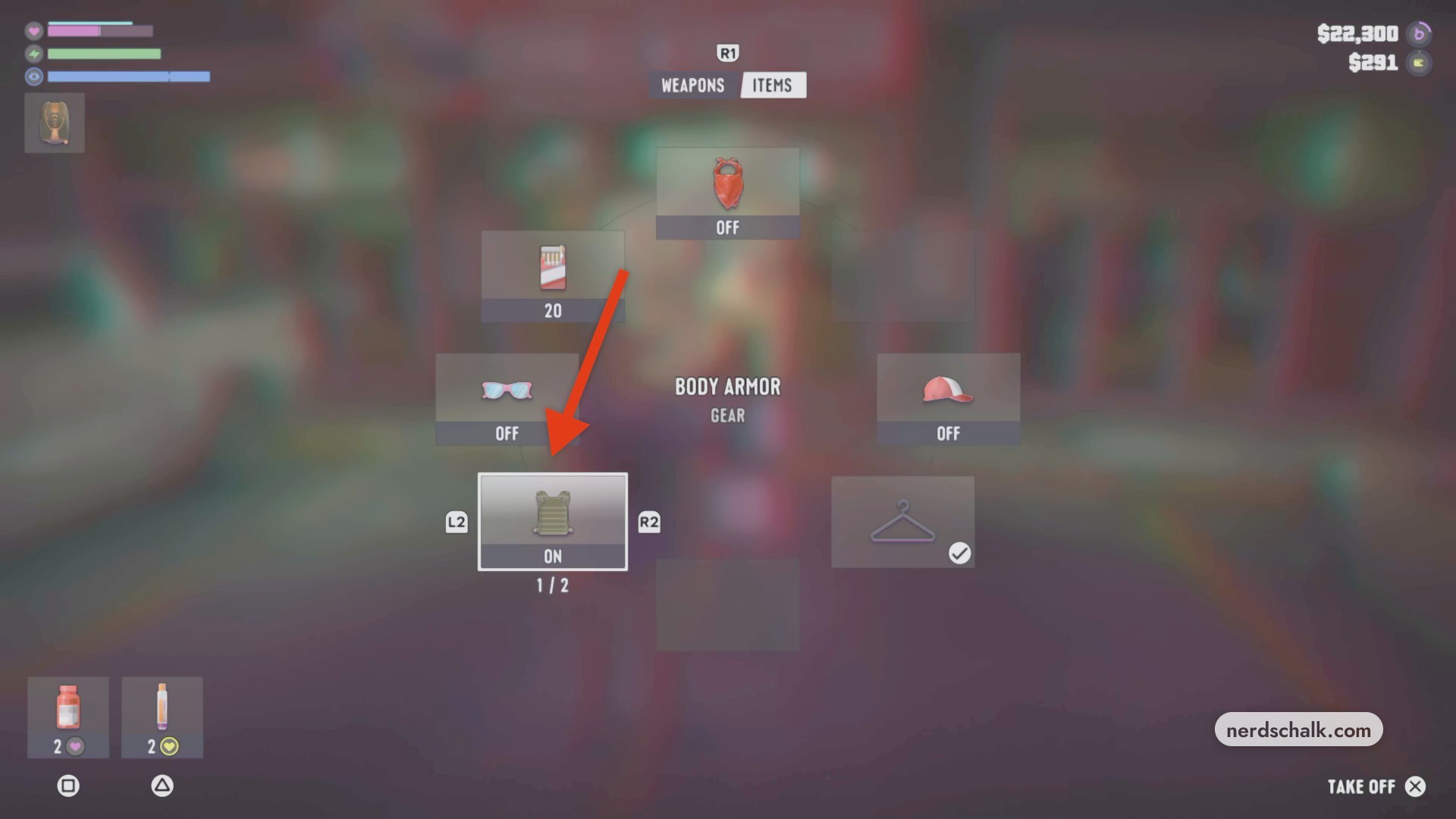
Select the tab labeled ITEMS.
Highlight the armor slot
Move the selection to BODY ARMOR at the bottom of the wheel.
Take off the vest
With that slot selected, press SquareX to switch the armor off. The item wheel also displays TAKE OFF. Close the wheel to see Jason without the visible vest.
Pick a color you want to wear: available choices include BLACK, EARTHY GREEN, and BROWN.
Related Grand Theft Auto VI guides


Leave a Reply