

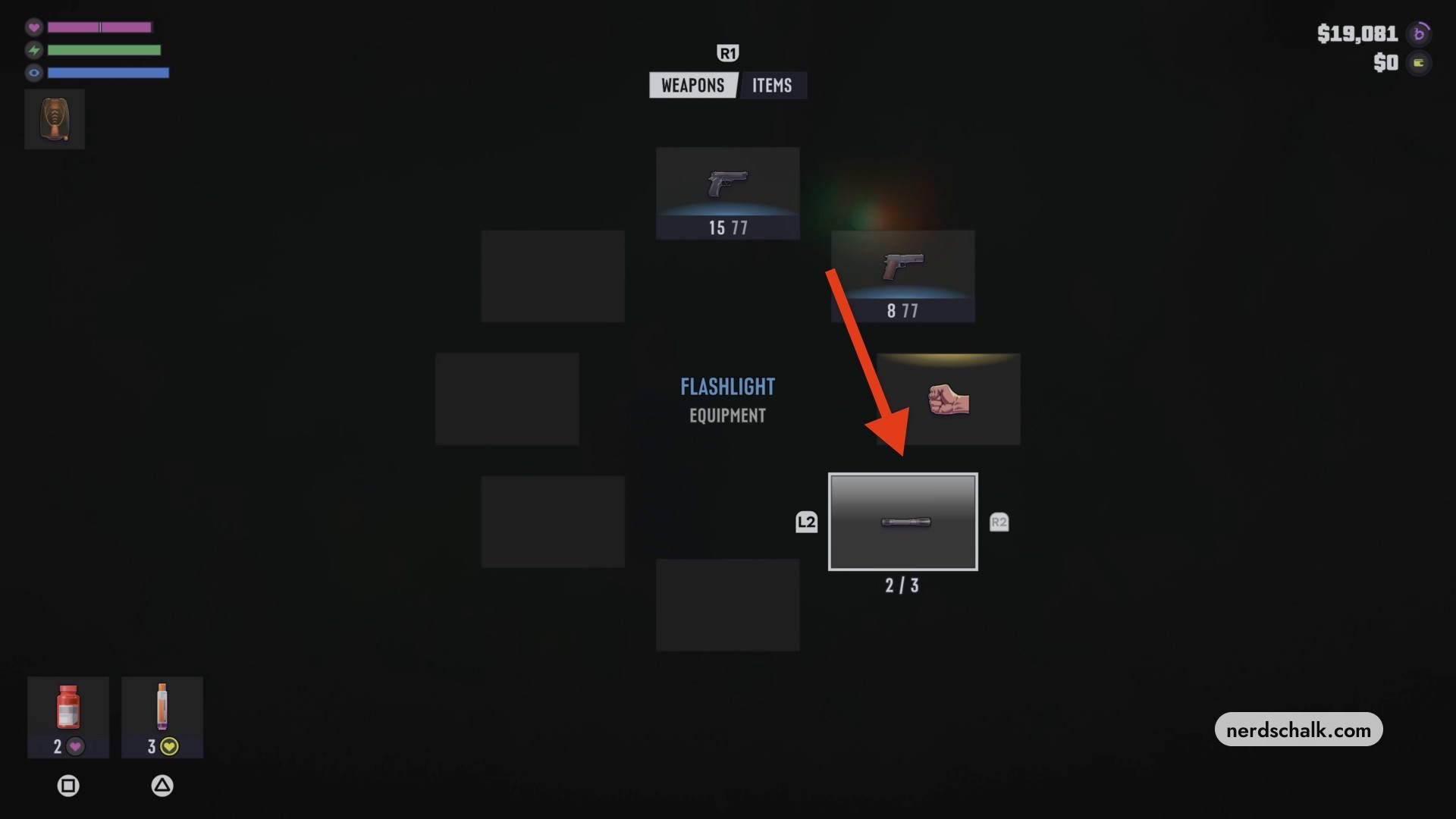
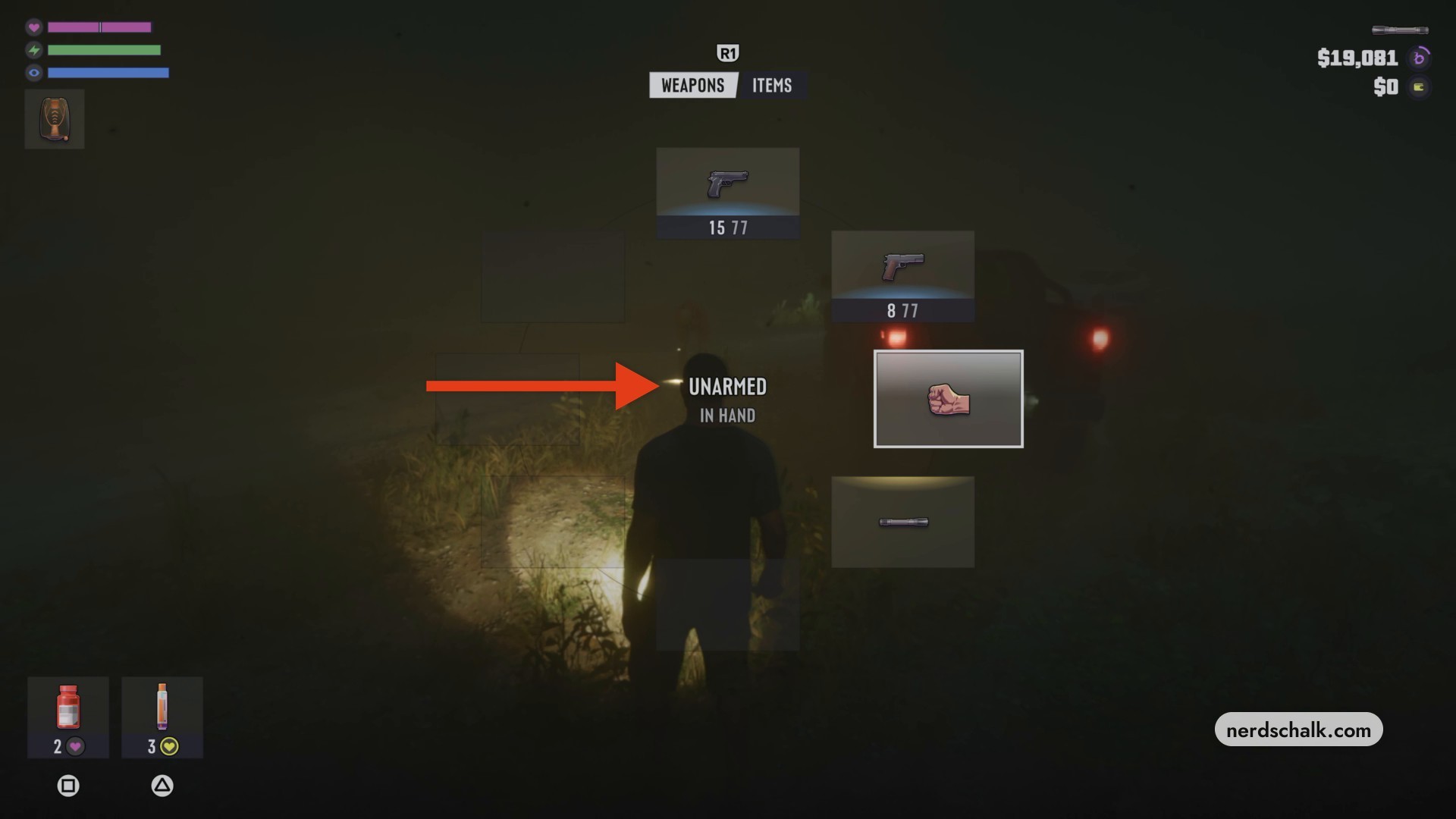
Select Flashlight from the weapon wheel’s equipment slot to equip it, then choose Unarmed to put it away.
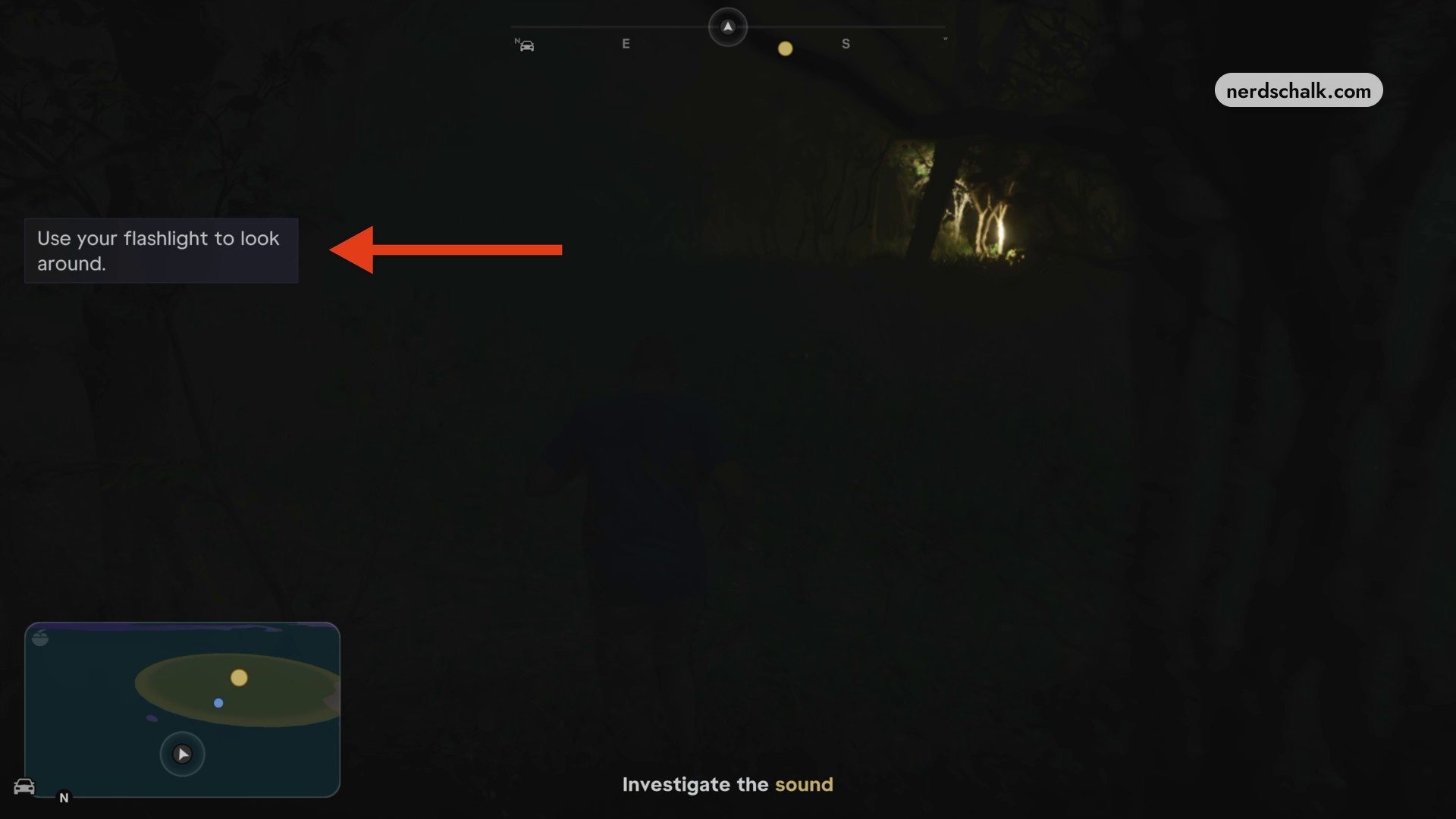
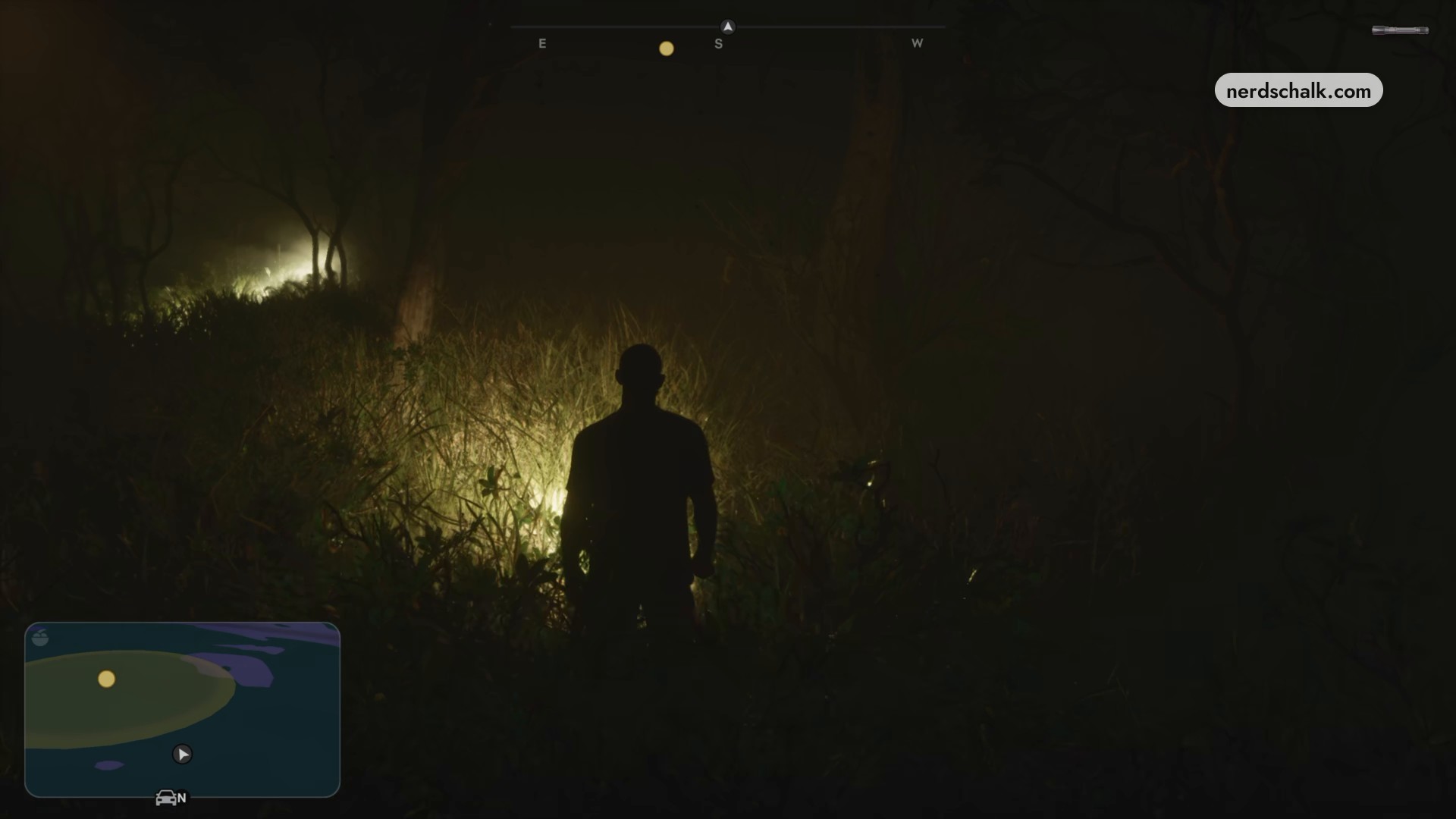
During Investigate the sound, the tutorial prompts you to use your flashlight to look around, and its beam lights the surrounding foliage.
How to equip and put away a flashlight in Grand Theft Auto VI
Open the weapon wheel
Bring the weapon wheel onto the screen to access your equipment.
The flashlight tutorial appears during Investigate the sound; open the wheel to select your light.
Highlight the equipment position
Move the selector to the bottom-right position reserved for equipment.
Cycle to equipment
With the wheel open, cycle through the options until you reach Equipment.
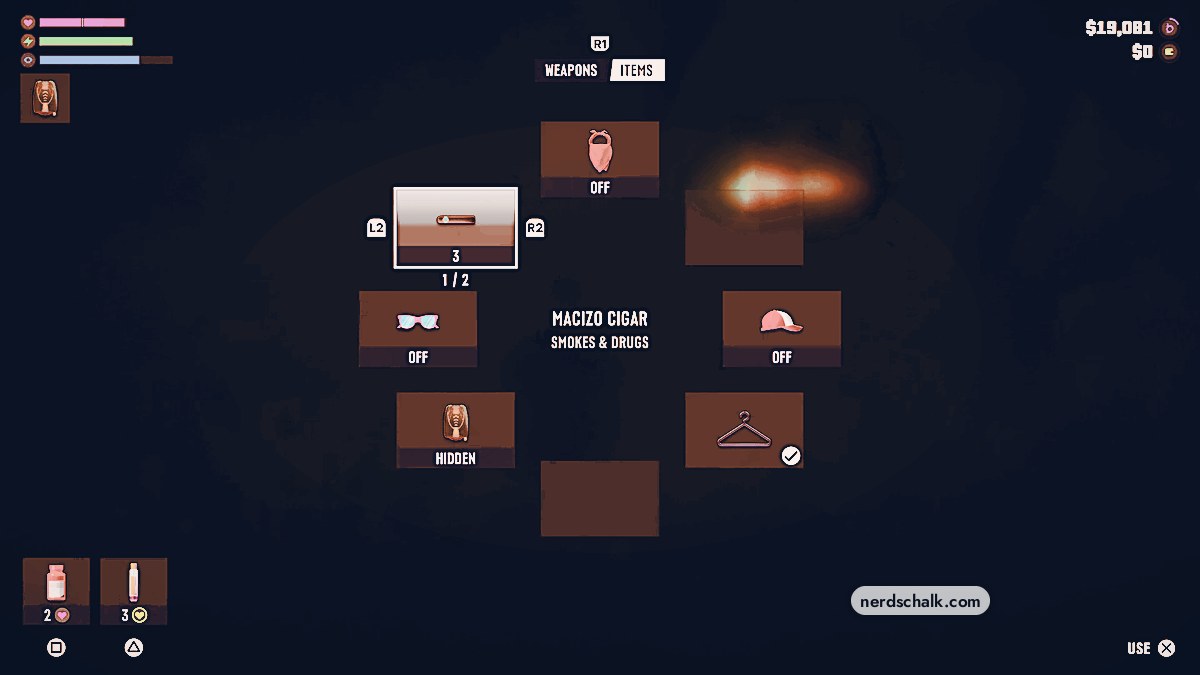
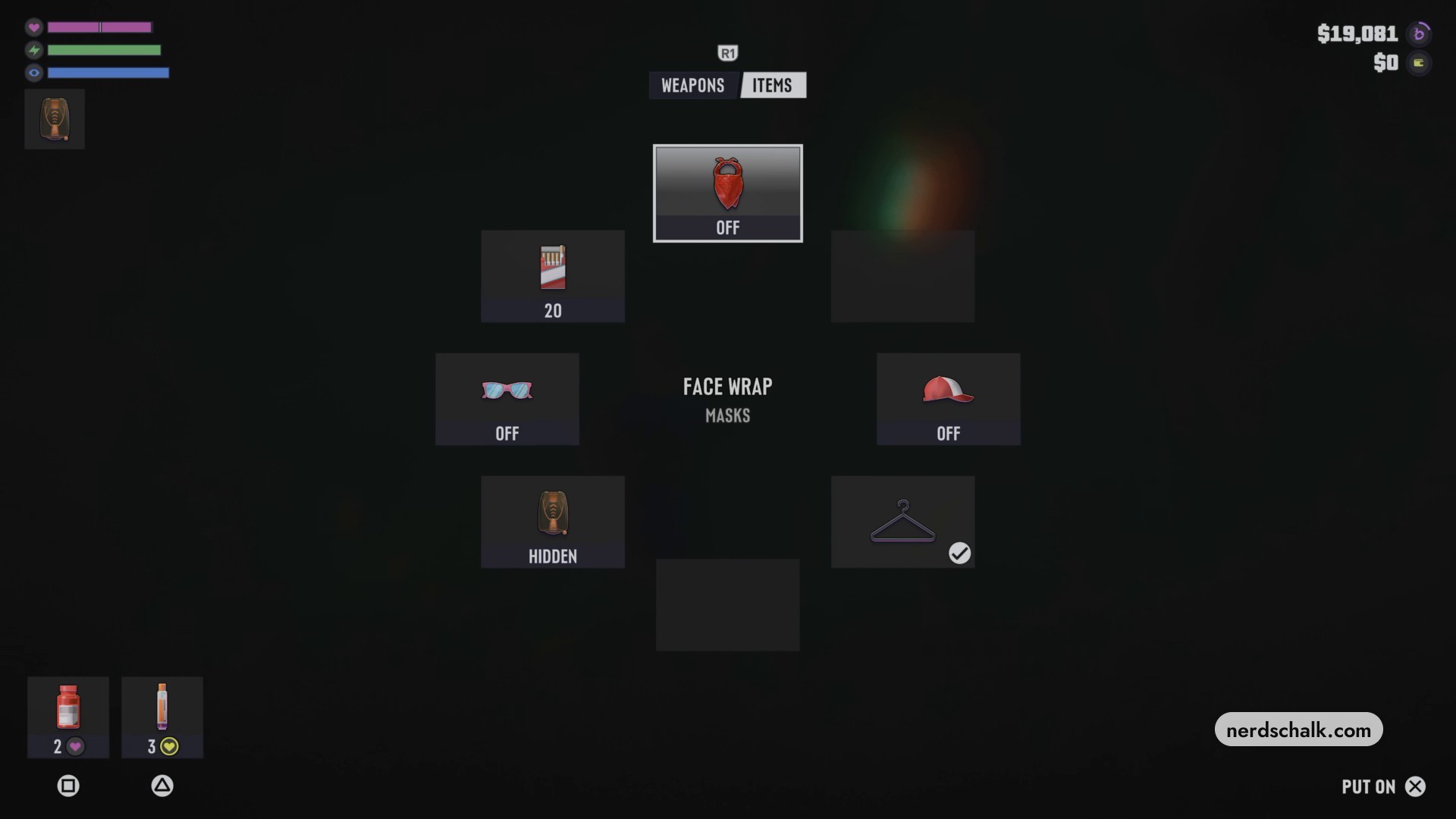
The items wheel displays Face Wrap under Masks with a Put On option.
Select Flashlight
Use L2LT/R2RT to choose and equip Flashlight, listed under Equipment.
The beam lights the surrounding foliage; use the illuminated area to look around.
Open the wheel again
While carrying the flashlight, hold down your weapon-wheel button to bring the selection wheel back up.
Highlight Unarmed
Move the selection onto the fist icon labeled Unarmed.
Your character moves with the flashlight put away; continue without it equipped.
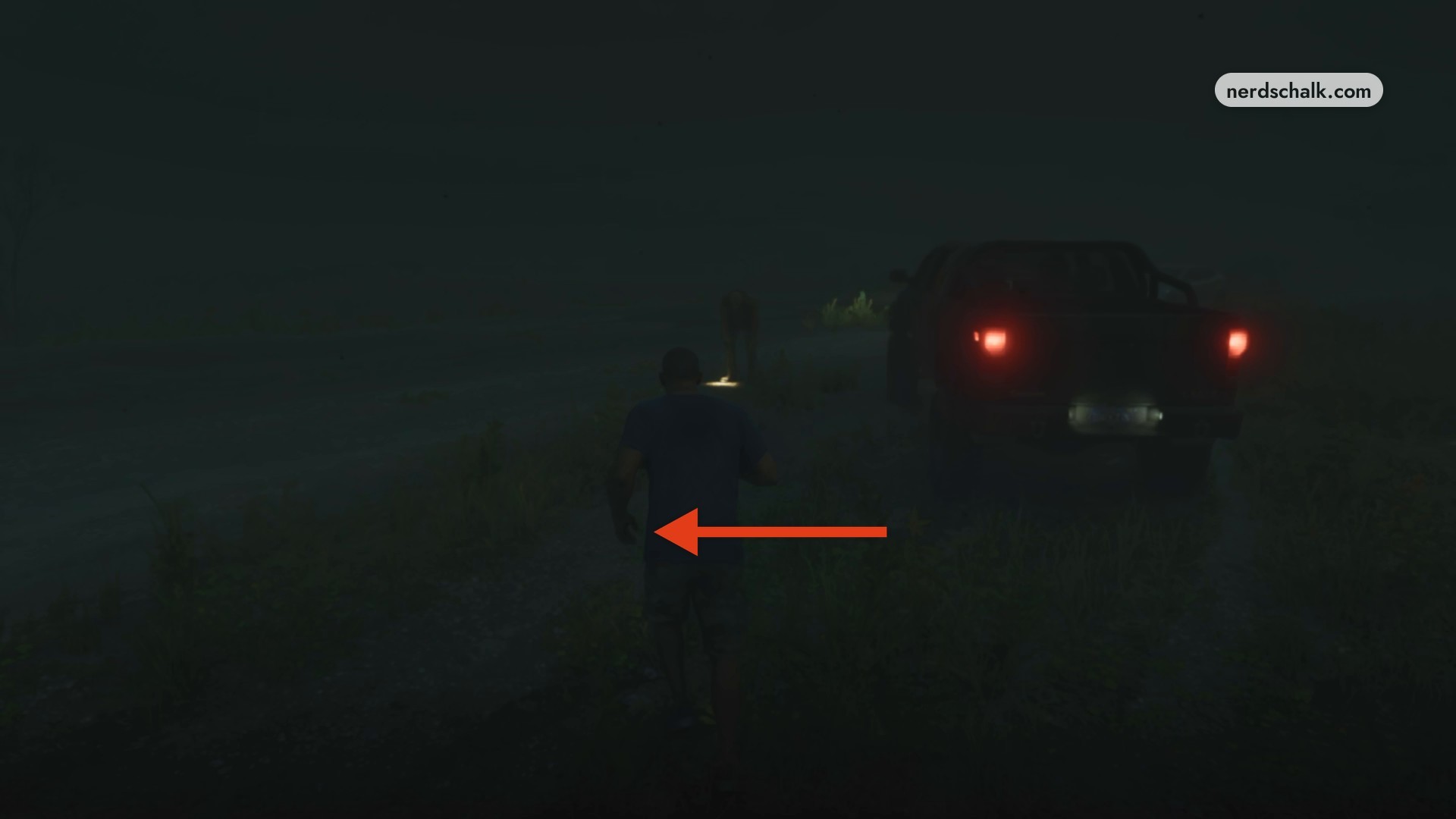
You can run with the flashlight on, keeping the light active while you move.
Related Grand Theft Auto VI guides
Leave a Reply