
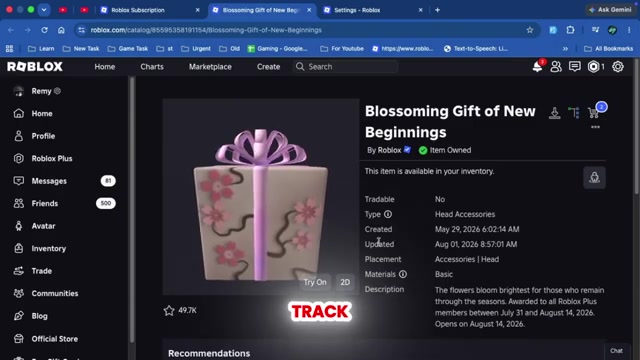
To claim the Blossoming Gift of New Beginnings, keep an active Roblox Plus subscription between July 31 and August 14, 2026 — Roblox sends the box automatically and it opens on its own on August 14, 2026.
To get the Blossoming Gift of New Beginnings, you need an active Roblox Plus subscription during the reward window. This is not something you claim for free from the catalog or unlock through a quest. Roblox places the sealed box in your account while you qualify, then opens it automatically on the scheduled date to reveal the collectible inside.
What the Blossoming Gift of New Beginnings is and who qualifies
| Detail | Answer |
|---|---|
| Item | Blossoming Gift of New Beginnings |
| Requirement | Active Roblox Plus subscription |
| Eligibility window | July 31 – August 14, 2026 |
| Opens on | August 14, 2026 |
| Extra tasks needed | None |
This is a collectible head accessory published by the official Roblox account, and the only requirement is your subscription. You do not buy it from the catalog, and there is no experience to play or task to finish. If Roblox Plus is active on your account during the eligibility window, you qualify for the gift. Everything you need is in the table below.
How to activate Roblox Plus and qualify for the gift in Roblox
Follow this path to start Roblox Plus and qualify for the gift.
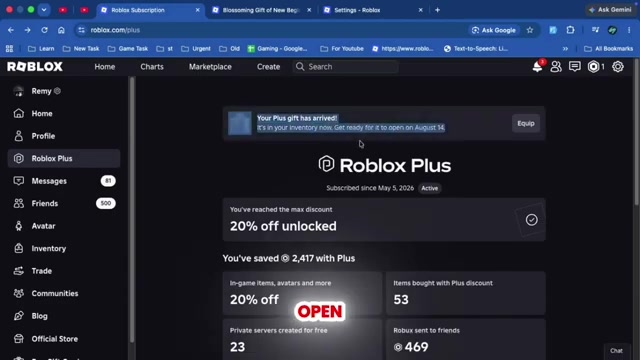
Keep an existing subscription active
If you already have Roblox Plus, keep it running through the full window so your account passes the eligibility check.
Open Roblox and head to the Robux section
From the main Roblox interface, open the Robux area to reach the purchase options.
Open the Buy Robux page
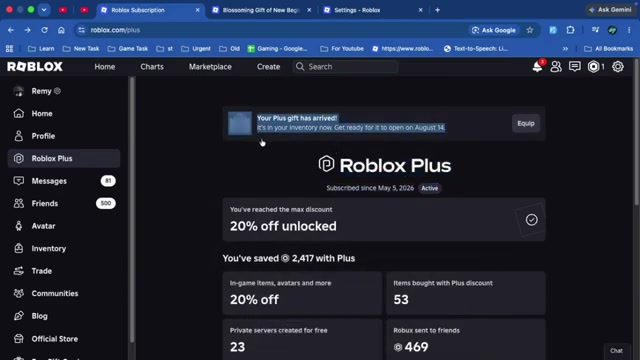
Click the Robux purchase option to open the page where Roblox lists subscriptions.
Select the Roblox Plus option
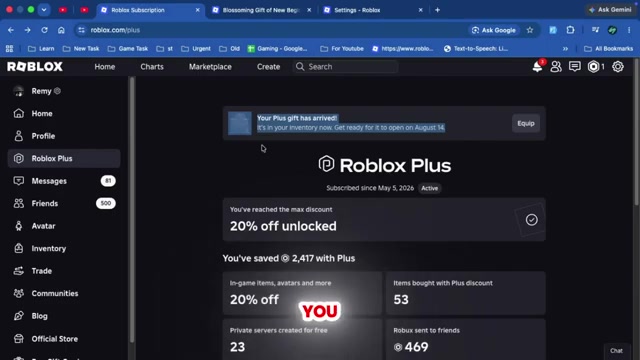
Choose Roblox Plus from the subscription options on the page.
Subscribe to activate Roblox Plus
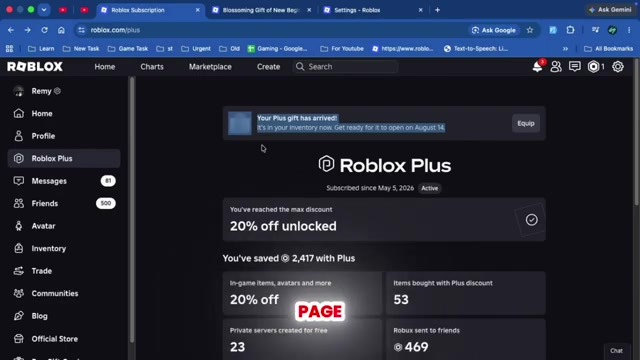
Once your subscription is active there are no quests, tasks, or challenges left to complete.
Keep Roblox Plus active all the way through August 14, 2026. Roblox checks your subscription at the eligibility deadline, so buying it early and canceling before that check still costs you the gift.
Video help
How the gift box opens on its own
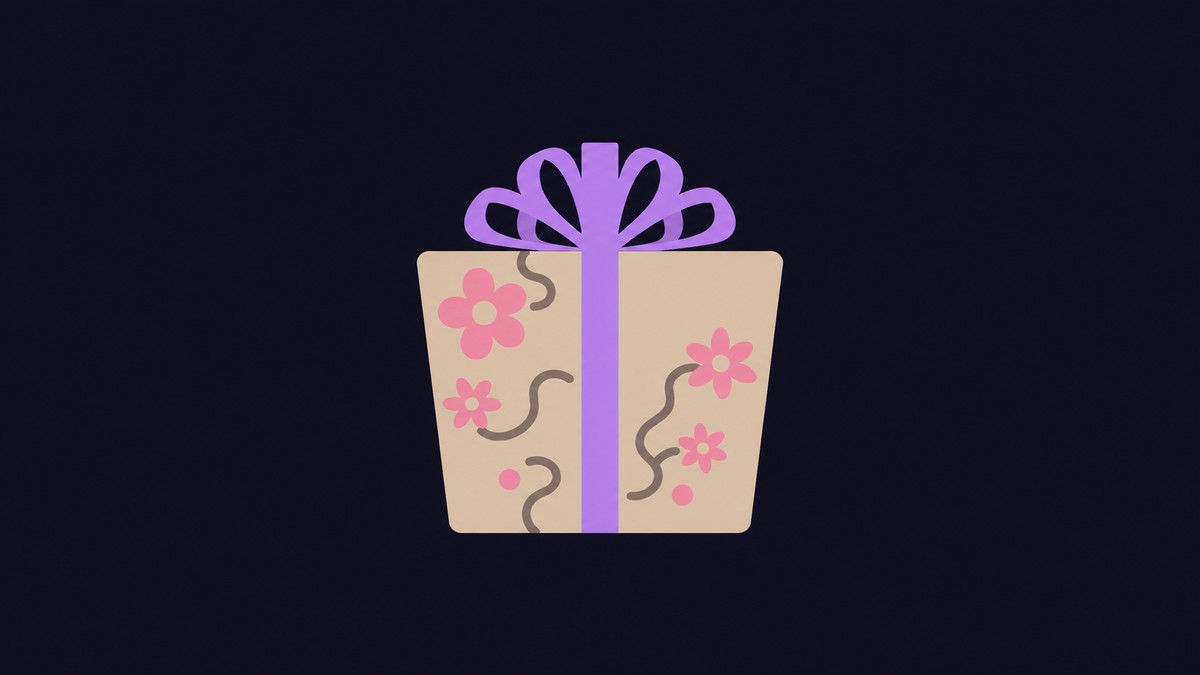
Common mistakes when claiming the gift
A few things trip people up. There is no in-game quest, experience, or minigame tied to this gift — the only requirement is an active Roblox Plus subscription, so hunting for a task to complete is wasted effort. Timing is the bigger trap: if your subscription lapses or you start it too late and Plus is not active when Roblox finalizes eligibility, you miss the gift entirely.
The last one is impatience. Because the box is time-locked, expecting to see its contents the instant it appears only leads to confusion — a sealed, unopened box before the unlock date is the normal, correct state, not a sign that something went wrong.
Related guides
Frequently Asked Questions
Can you get the gift without Roblox Plus?
No. The Blossoming Gift of New Beginnings is exclusive to Roblox Plus subscribers, and there is no way to buy, trade, or claim it separately. If you are not subscribed during the eligibility window, you cannot get it.
Does the gift open as soon as it appears in your inventory?
No. The box arriving and the box opening are two separate events. It stays sealed after it lands and only unlocks on August 14, 2026, so you can hold a wrapped box for days before it reveals what is inside.
Do free trials count toward the gift?
Yes. A Roblox Plus free trial counts, as long as the subscription is still active when Roblox checks eligibility. If the trial ends and you drop off before that check, you lose your place.
Where do you check whether Roblox Plus is active?
Open Settings on the Roblox website and go to the Subscriptions section. Your active Roblox Plus plan is listed there, and the Blossoming Gift of New Beginnings entry should show up once you qualify.
What should you do if the gift is not showing yet?
First confirm Roblox Plus is still active on your account, then wait for the reward rollout. The gift is sent automatically when it goes live, so watch your inventory or avatar items instead of waiting for a notification you need to tap.






Leave a Reply