

Mudit
-

iOS 17: How to Turn off StandBy Mode on iPhone
What to know StandBy is a new iPhone feature that shows widgets and different backgrounds when the device is charging in landscape mode. To…
-
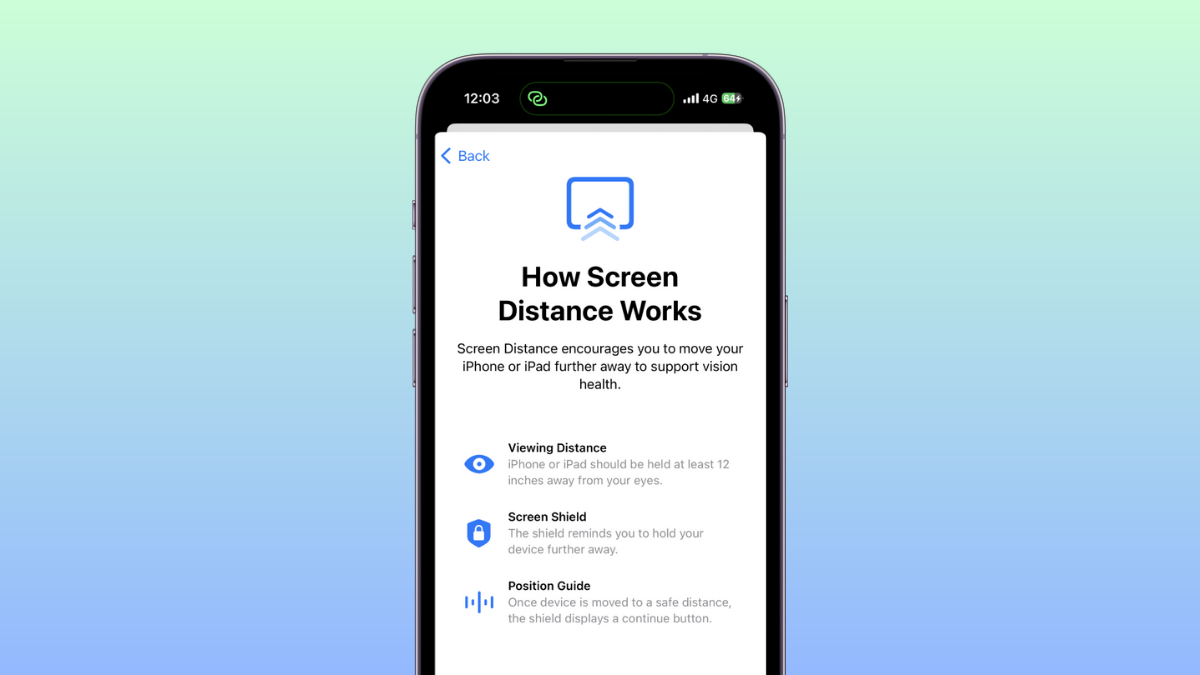
iOS 17: How to Turn Off Screen Distance on iPhone
What to know To disable Screen Distance, head to Settings > Screen Time > Screen Distance > Turn off Screen Distance. Screen Distance helps…
-

iOS 17: What Is Live Voicemail on iPhone and How to Enable and Use It
What to know You can enable Live Voicemail by going to Settings > Phone > Live Voicemail > enable Live Voicemail. Once enabled, all Voicemail messages…
-
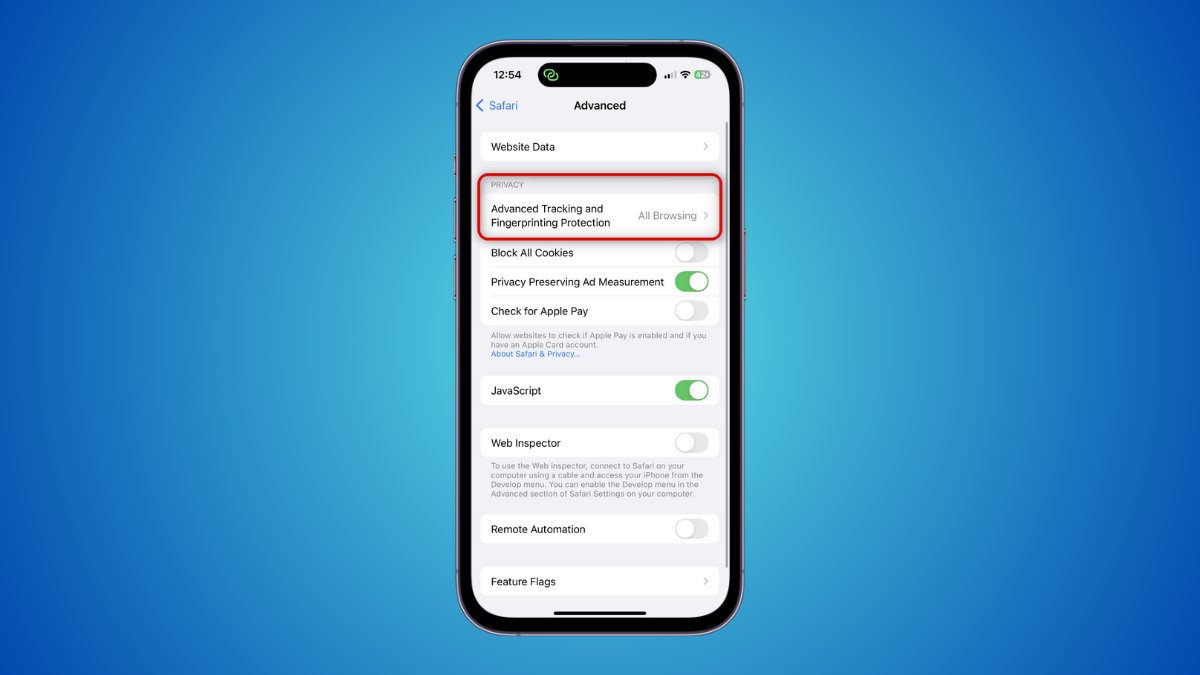
iOS 17: How to Enable Face ID for Regular Browsing Sessions Too on iPhone
What to know Advanced Tracking and Fingerprinting protection is a new privacy-focused feature enabled for all Private browsing sessions in Safari by default. To…
-

How to send a video message when someone is unavailable on Facetime on iOS 17
What to know You can now send a video message to someone unable to receive a FaceTime call. This can help you convey time-sensitive…
-

How to create and use Safari Profiles on iOS 17
What to know Safari Profiles help you create unique profiles based on your workflow, interests, niches, and more. History, Extensions, Cookies, Tab Groups, and…
-
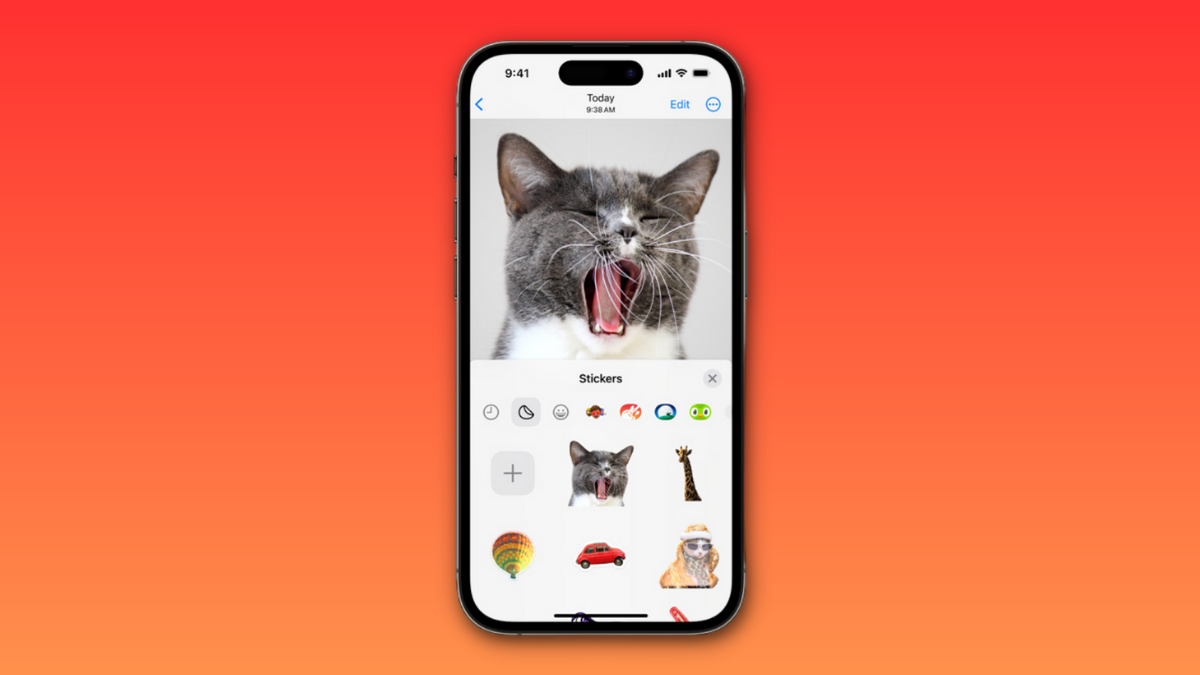
iOS 17: How to Create Live Stickers Using Your Photos on iPhone
What to know To create a sticker from a photo, tap and hold on a subject > Add Sticker > Choose a preferred effect >…
-

iOS 17: How to Get Call and Message Buttons for A Contact Widget on iPhone
What to know To enable the new Call and Message buttons, tap and hold on your home screen > Tap the contact widget > Turn on the toggle…
-

iOS 17: How to Turn On ‘Sensitive Content Warning’ on iPhone and What It Does
What to know You can turn on Sensitive Content Warnings by going to Settings > Privacy & Security > Sensitive Content Warning > Turn on…
-
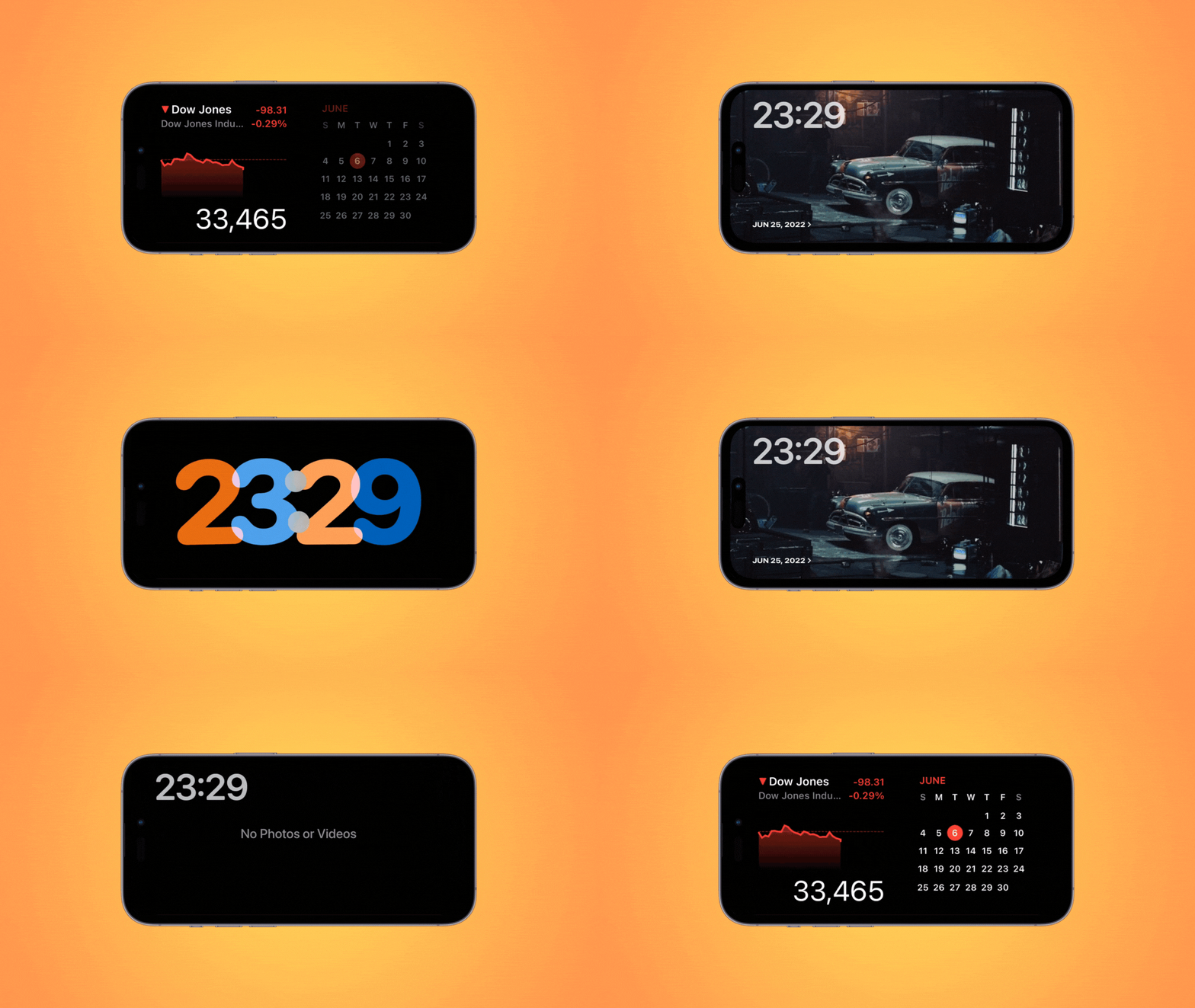
iOS 17: How to Edit and Customize the StandBy Mode on iPhone
What to know You can edit StandBy to remove existing widgets added by default. To enter the editing mode, tap and hold on to a…
-

iOS 17: How to Force Delete Your Previous Passcode Permanently on iPhone With the ‘Expire Previous Passcode Now’ Feature
What to know You can use the new Expire Previous Passcode Now feature by heading to Settings > Face ID & Passcode > Enter your…
-

iOS 17: How to Enable Standby on iPhone
What to know You can enable StandBy by going to Settings > StandBy > Turn on the toggle for StandBy. iPhone 14 Pro and iPhone…
-

iOS 17 Contact Poster: Step-By-Step Guide to Set Up a Contact Poster on iPhone
What to know To set a contact photo on your iPhone, head to Contacts > My Card > Contact Photo & Poster > Name…
-
![How To Use DAN in ChatGPT [2023]](https://cdn.nerdschalk.com/wp-content/uploads/2023/06/how-to-use-dan-with-chatgpt.png)
How To Use DAN in ChatGPT [2023]
DAN has been the go-to way to break ChatGPT since it was first released. DAN allows you to bypass ChatGPT’s restrictions and allow the…
-

2 Ways to Convert a Video to Document With ChatGPT Using Vlog
ChatGPT has come a long way since it was first released to the public and GPT-4 has now introduced support for third-party plug-ins which…
-

We Tested 5 AI Logo Makers, Here’s What We Found
The AI boom has seen the release of many tools, be it text generators or image generators. Developers are finding new and interesting ways…
-

Professional Headshot Generator: List of 10 Tools!
AI tools have gained immense popularity in 2023. They can assist with research papers, thesis writing, image creation, and even provide support for content…
-

How to Set Up and Use Auto GPT on Your PC
The world of AI technology has seen a huge rise in the past couple of months, with tons of companies jumping on the bandwagon,…
-

How to Unsync Google Photos
What to know You can unsync Google Photos by disabling photos backup; by going to the Google Photos app > your account picture >…
-

2 Ways to Delete a Device from Google Passkeys
What to know Google Passkeys can be removed from devices you no longer own to invalidate them from being used with your account. To…