

Ajaay
-

How to Do Outpainting in Midjourney 5.2
What to know Midjourney 5.2 offers the ability to outpaint an image using the Zoom Out tool. Zoom Out can be used on any…
-
![How to Describe an Image on Midjourney [Describe Prompt Explained]](https://cdn.nerdschalk.com/wp-content/uploads/2023/06/how-to-describe-an-existing-image-on-midjourney.png)
How to Describe an Image on Midjourney [Describe Prompt Explained]
What to know The Describe tool on Midjourney can convert an existing image to text-rich prompts. You can use this tool to recreate original…
-

How to shorten prompts in Midjourney 5.2
What to know Midjourney 5.2 can now suggest shortened versions of the prompt you want to use to create AI art. You can use…
-

How to Custom Zoom on Midjourney
What to know Custom Zoom is part of the new Zoom Out feature on Midjourney version 5.2. With Custom Zoom, you can zoom out…
-

How to Zoom Out an Image in Midjourney
What to know Midjourney 5.2 allows users to perform out-painting on an image, i.e., zooming out on a generated image. The Zoom Out tool…
-
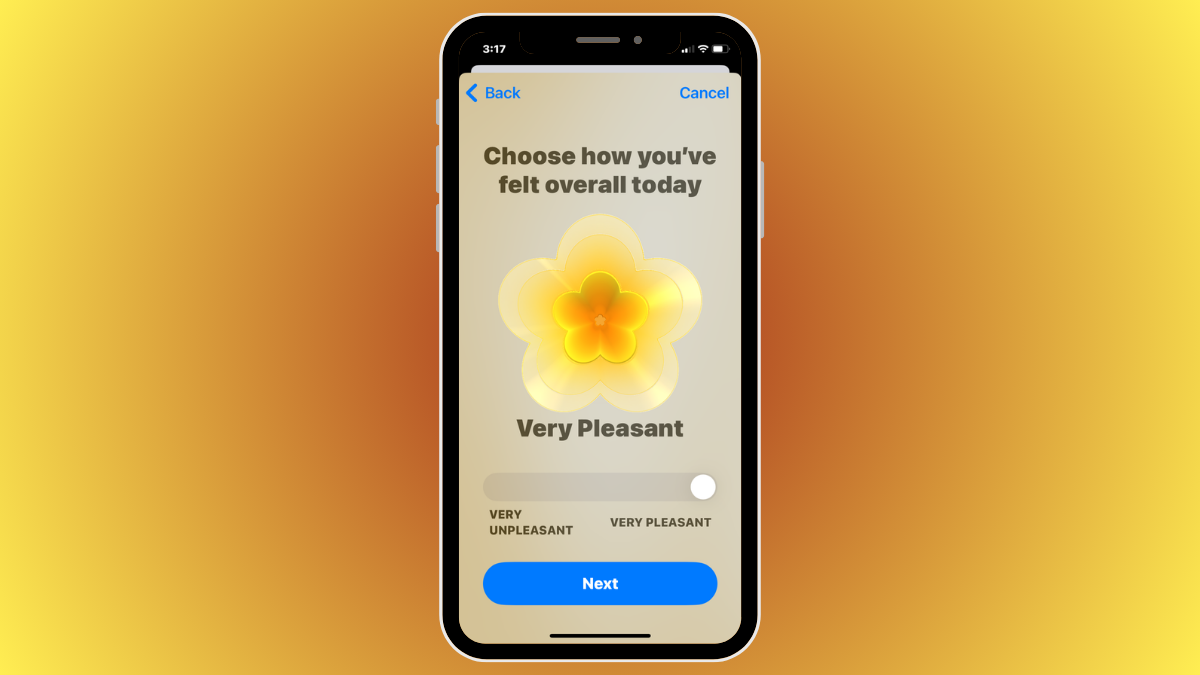
iOS 17: How To Log Your State of Mind on Health App on iPhone
What to know State of Mind is a new feature available on the Health app on iOS 17 — it allows users to reflect…
-
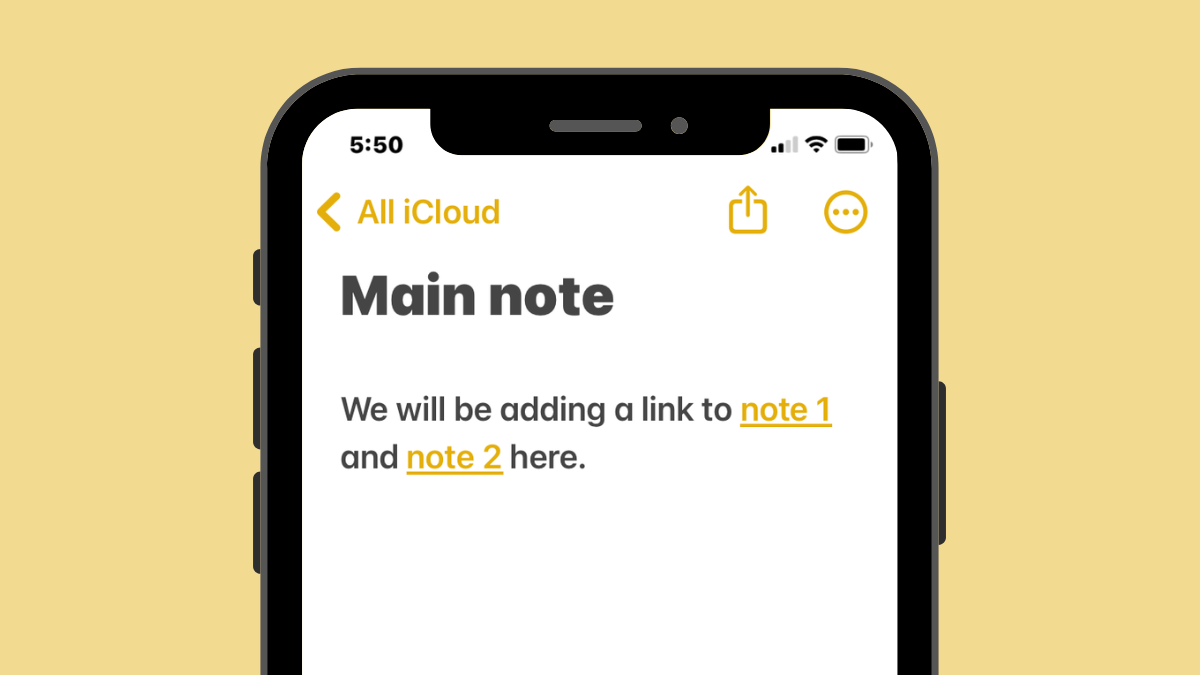
iOS 17: How to Link Other Notes Inside a Note on iPhone
What to know You can hyperlink texts within a note with links to older notes you created on the Apple Notes app on iOS…
-
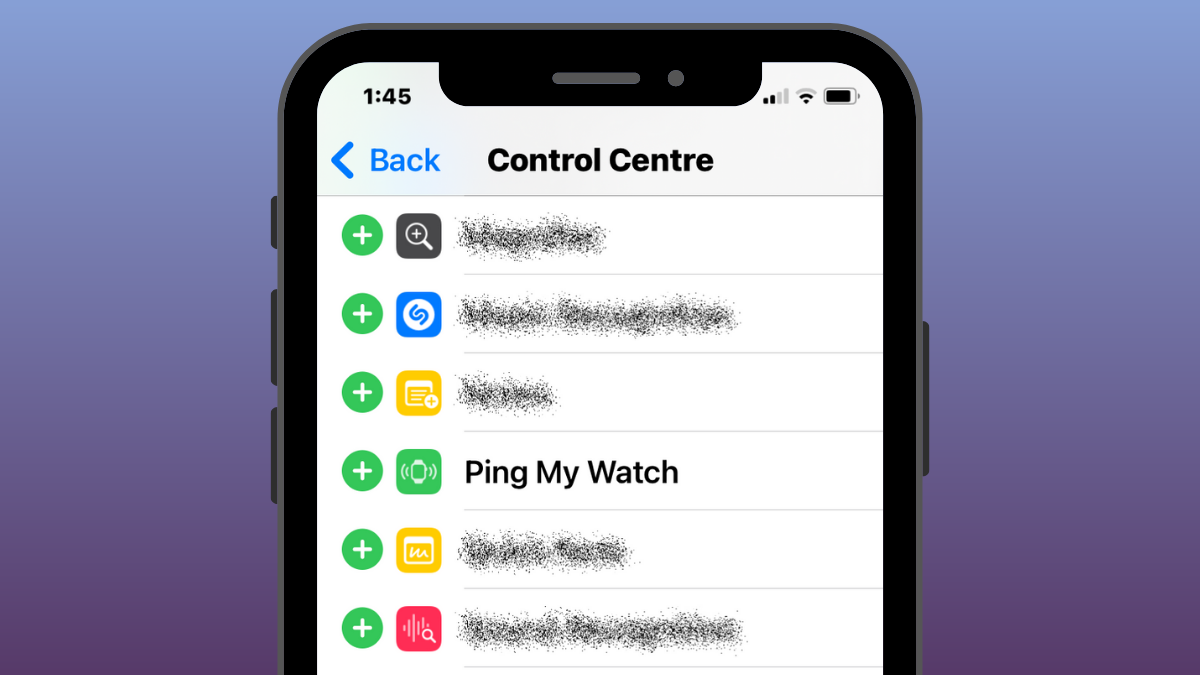
iOS 17: How to Ping Your Apple Watch From iPhone’s Control Center
What to know Apple offers an easy way to locate your Apple Watch from an iPhone using the Ping My Watch feature that’s available…
-
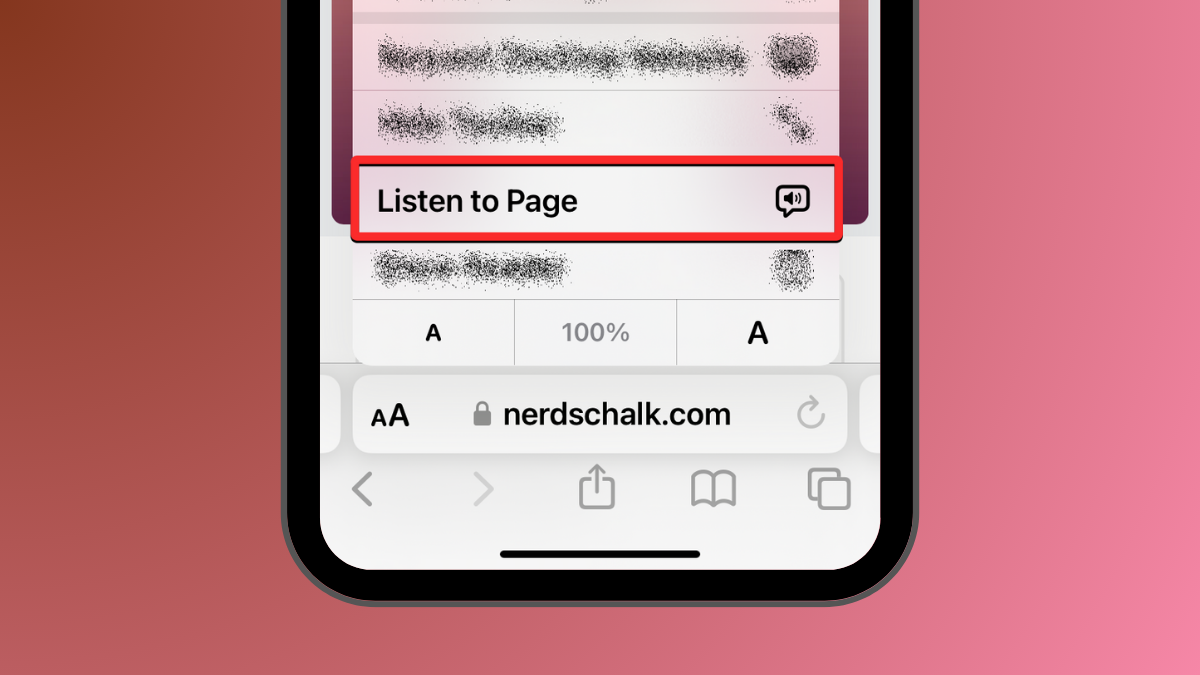
iOS 17: How To Listen to A Page on iPhone and What Is It
What to know The Safari app in iOS 17 has a Listen to Page option that can read out the text-rich content from a…
-

What Are Predictions Inline on iPhone and How Do You Use It?
What to know Predictions Inline feature suggests portions of a word or sentence before you type them on your iPhone. The feature uses machine…
-
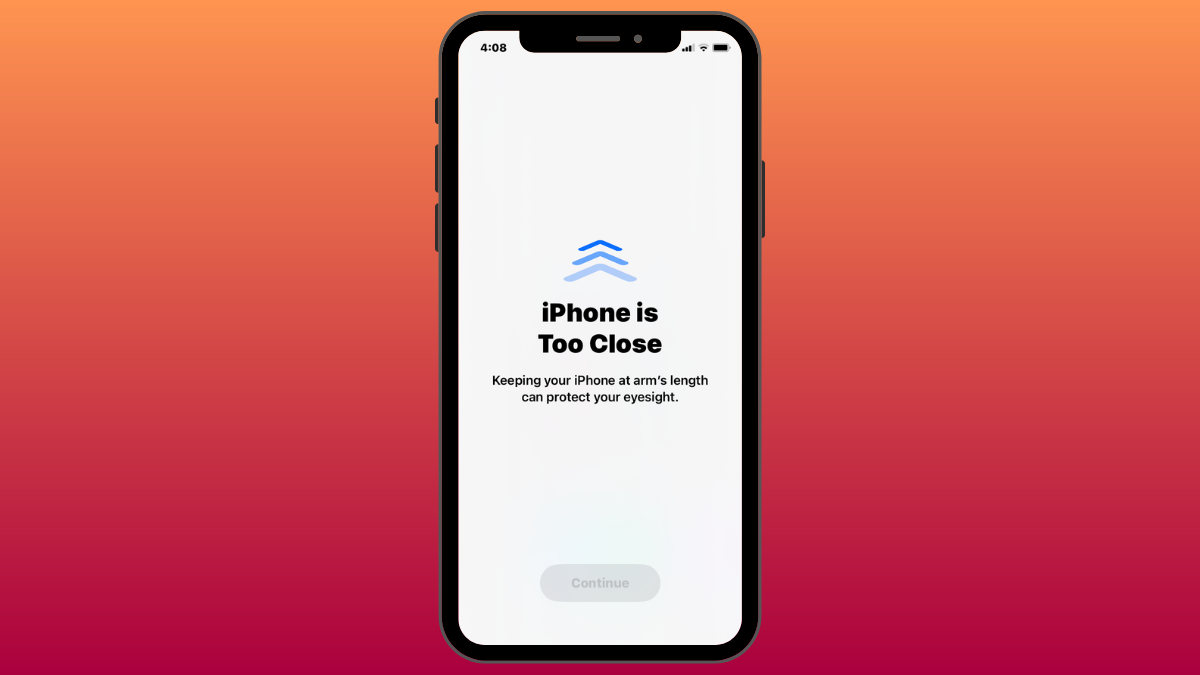
iOS 17: iPhone Is Too Close Issue: 4 Ways to Fix
What to know To completely disable the “iPhone Is Too Close” warning, go to Settings > Screen Time > Screen Distance and turn off…
-

iOS 17: How to Customize the Privacy of Your Contact Photo and Poster on iPhone
What to know When you change your name or photo of your contact card on your iPhone, the updated information is shared with all…
-

How to Reset Hidden Siri Suggestions on iPhone
What to know To reset Siri suggestions you hid in the past, go to Settings > Siri & Search > Before Searching and tap…
-
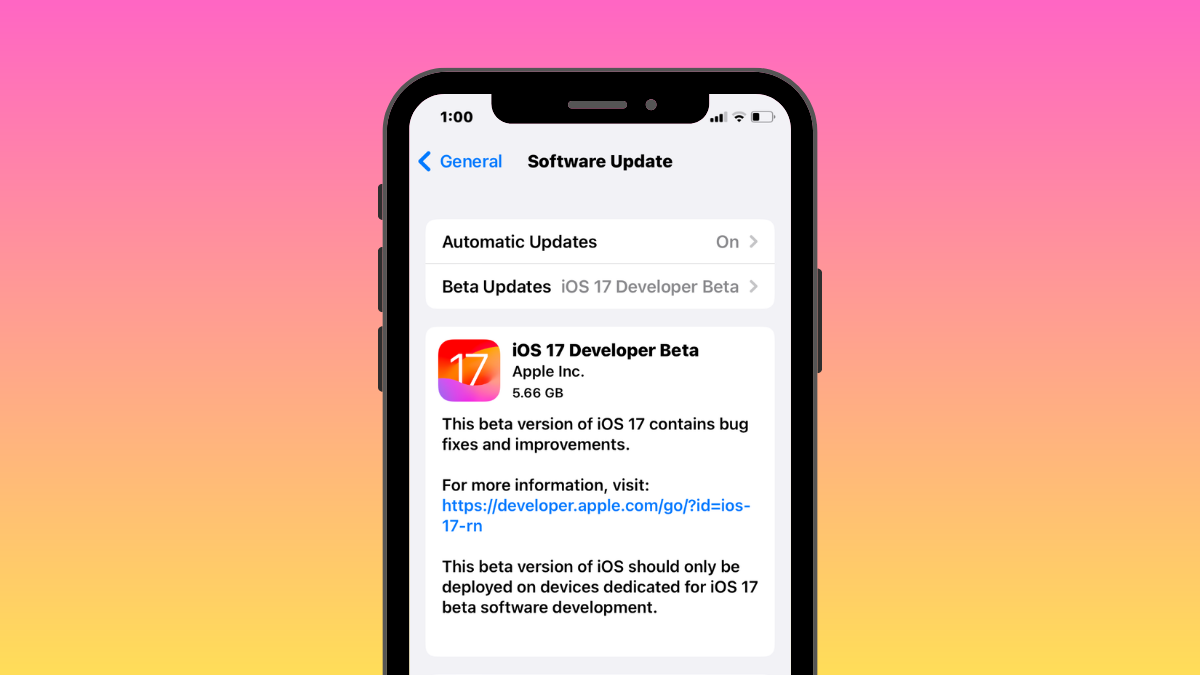
iOS 17 Phones: List of iOS 17 Update Eligible iPhones and More
What to know iOS 17 will be available on the iPhone XR, iPhone XS, or newer devices. You will be able to update to…
-

iOS 17: How to Use Multiple Timers on iPhone
What to know With the iOS 17 update, you can set more than one timer on your iPhone. To activate multiple timers, go to…
-

iOS 17: How to Lock White Balance in the Camera app on iPhone
What to know The ability to lock the white balance setting when shooting videos on the iPhone’s Camera app comes after you update your…
-

iOS 17: How to Check Moon Data on iPhone (Moonset, Moonrise, Moon Phase Calendar, Distance, Illumination, and more)
What to know You can view all kinds of moon data from within the Weather app on your iPhone after updating to iOS 17…
-

iOS 17: How to Recover Deleted Passwords on iPhone
What to know With the iOS 17 update, you can recover any password you recently deleted from your iPhone. To recover a password you…

