

During Day Release, press Cross to ride with Jason, then press R2 once you gain control of the jet ski to accelerate.
The jet ski outing in Grand Theft Auto VI puts a companion choice between you and getting out onto the water. The game’s platforms are Xbox Series X|S and PlayStation 5. This guide covers the opening ride during Day Release and stops once you’ve set off with Jason.
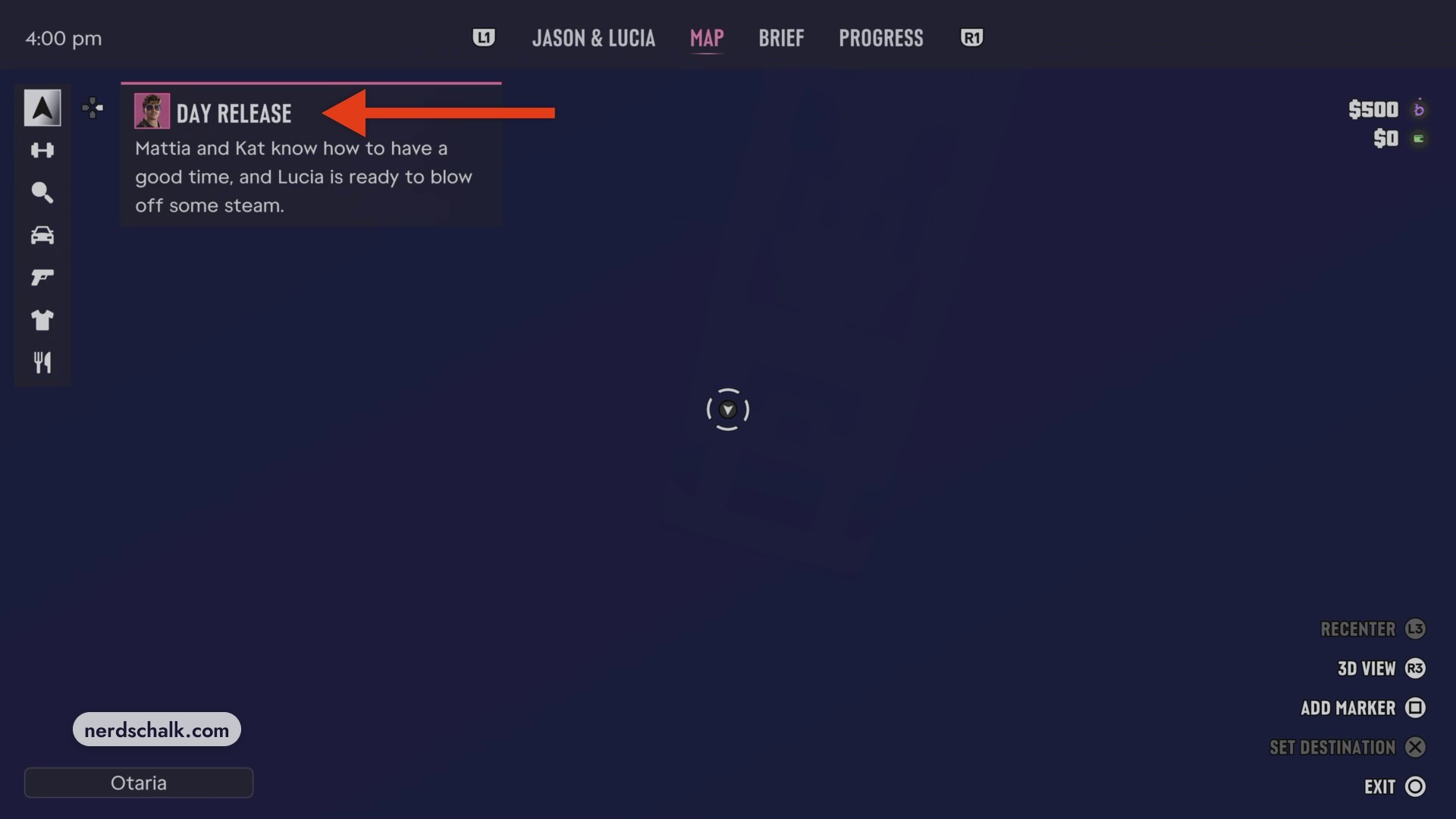
How to ride a jet ski with Jason during Day Release in Grand Theft Auto VI
Choose Jason for the Day Release ride
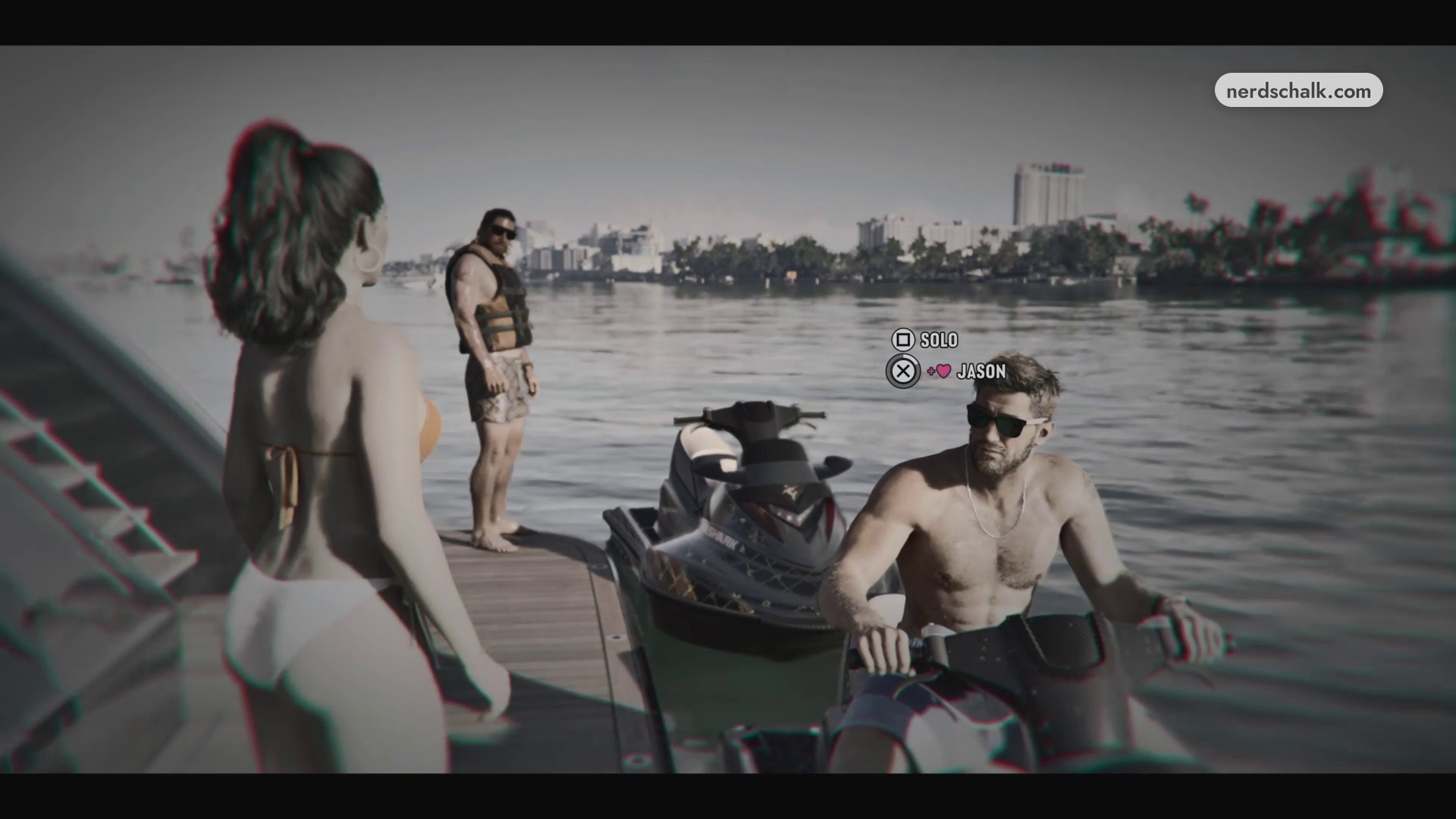
At the yacht’s swim platform, Mattia, Kat, Lucia and Jason gather to take the jet skis. When the game slows and the companion-selection prompt appears, press Cross on JASON to choose the shared ride. A cutscene plays.
Accelerate the jet ski during Day Release
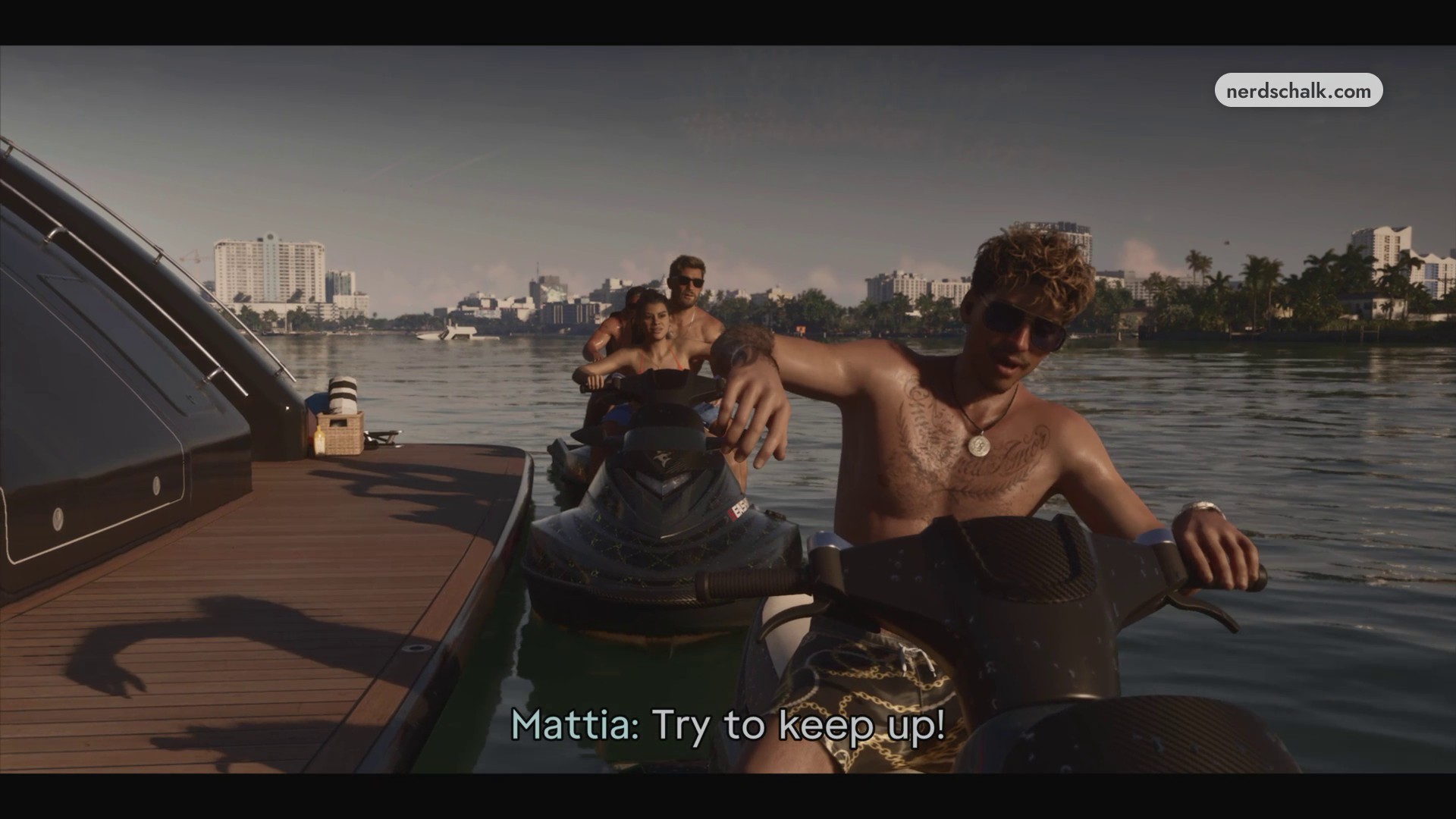
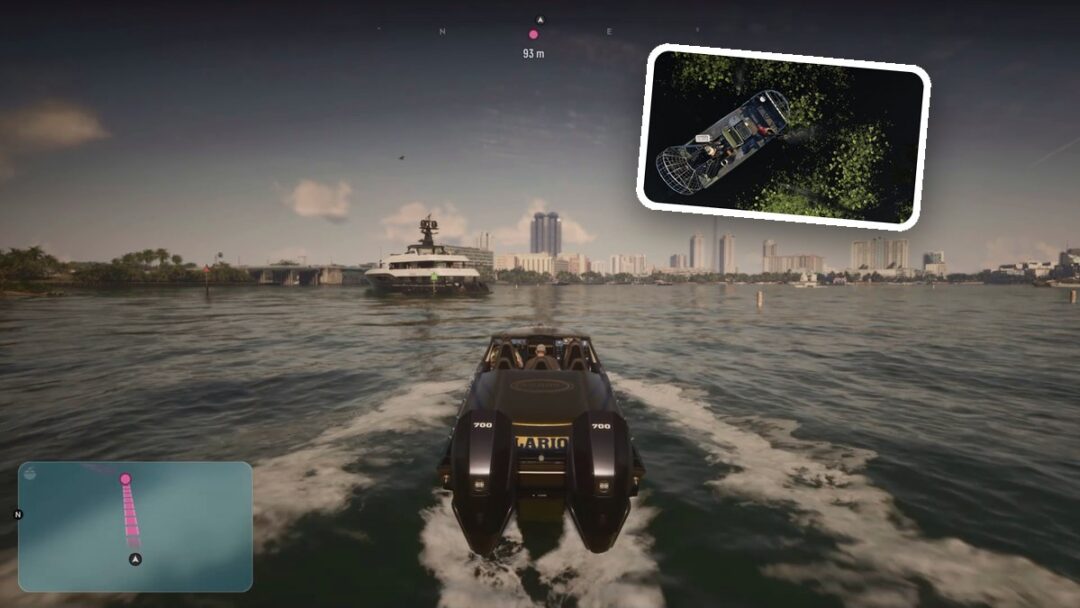
Once you’re seated behind Jason and gain control, the THROTTLE R2 prompt appears. Press R2 to accelerate into open water, following Mattia across the water with Jason.
› story detailsSpoilers for the story. Open to read.
Jason invites Lucia to share a jet ski ride for the outing.
Lucia accepts his offer, and they board the jet ski together during the cutscene.
Related Grand Theft Auto VI guides
Leave a Reply