

QUICK ANSWER
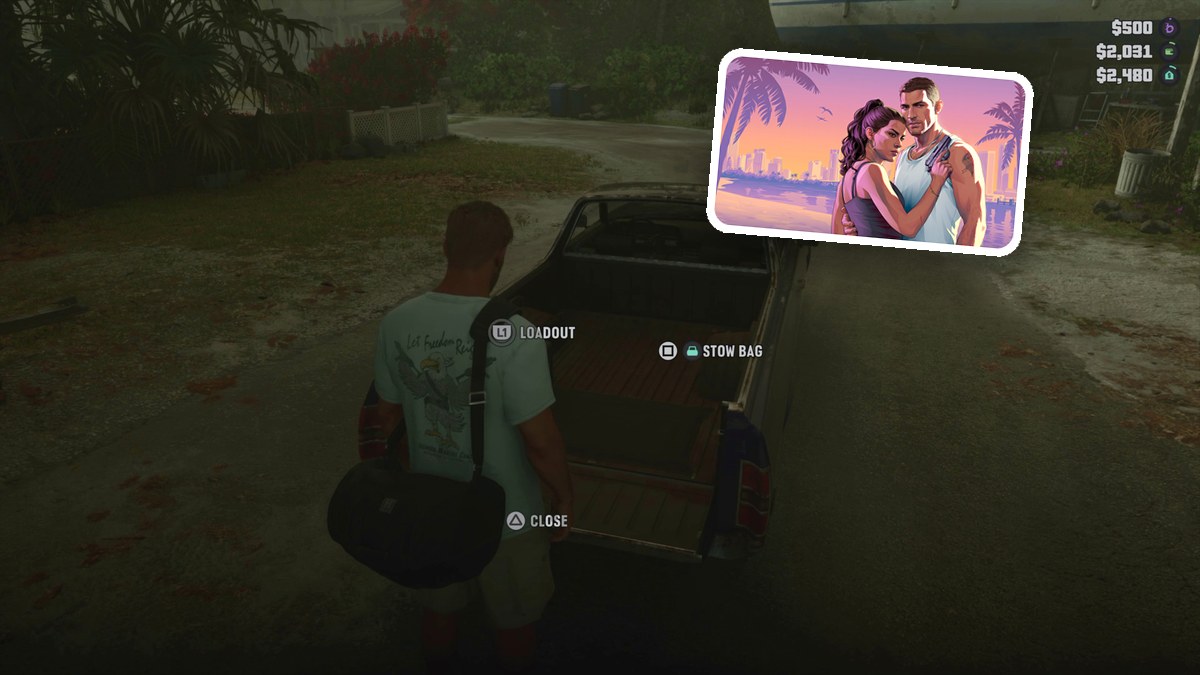
To stow a duffel bag in Grand Theft Auto VI, approach your truck’s open bed, press Square at the tailgate, then press Triangle to close it.
To stow a duffel bag in Grand Theft Auto VI, approach your truck’s open bed, press Square at the tailgate, then press Triangle to close it.
When you’re carrying a duffel bag, the pickup’s rear interaction prompts let you put it away. The game’s listed platforms are PlayStation 5 and Xbox Series X|S. This guide covers the bag-storage controls, the storage readout and closing the tailgate.
what to carryDuffel bagvehicle setupPickup truck with an open bedview loadoutL1
How to stow a duffel bag in your truck in Grand Theft Auto VI
STEP 1
Approach the truck’s rear
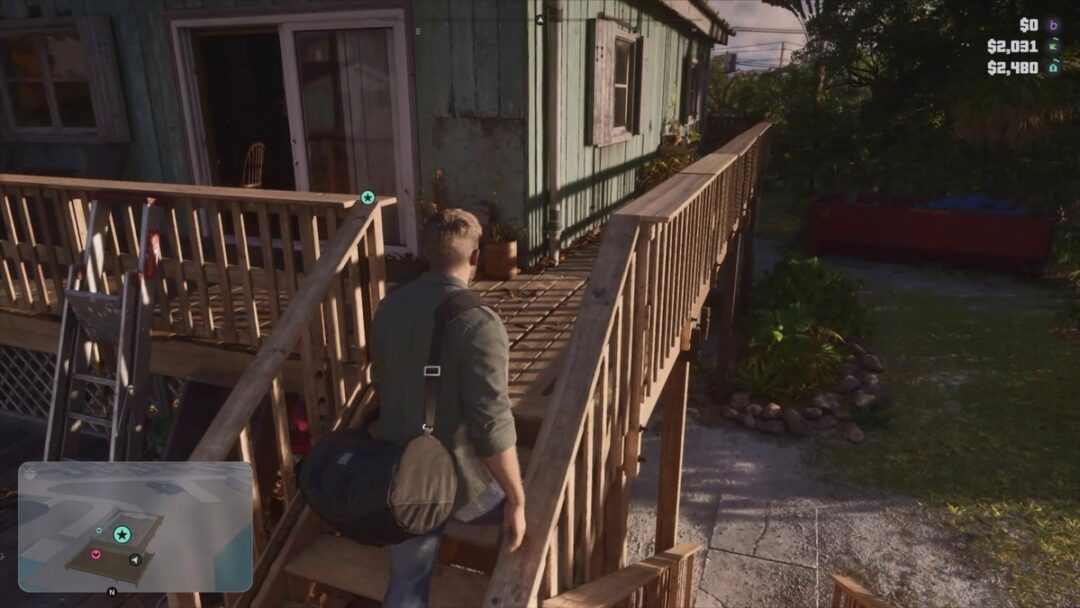
While carrying the duffel bag, walk directly behind your personal vehicle toward its open truck bed.
STEP 2
Stow the duffel bag
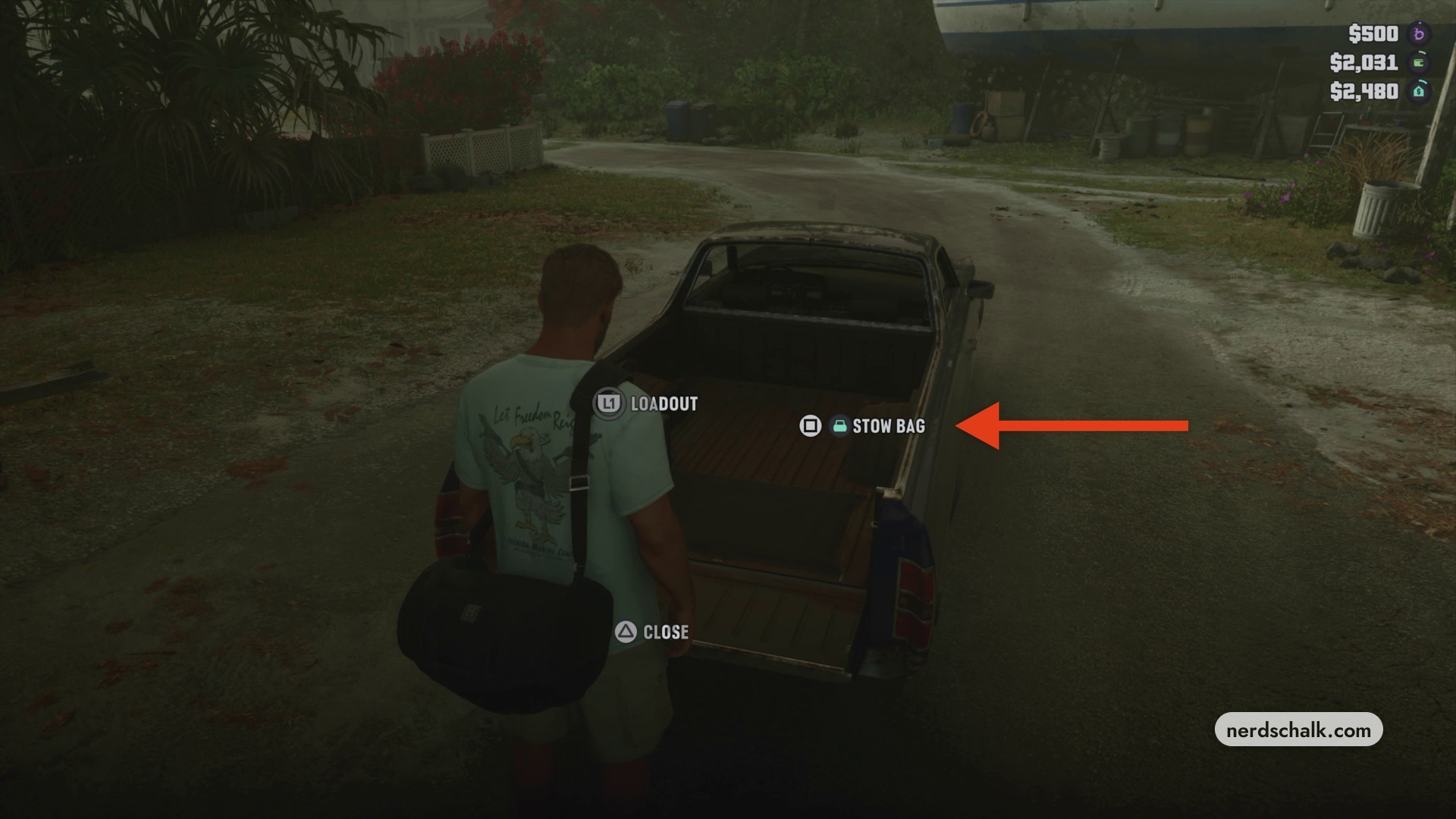
At the tailgate, press Square for STOW BAG to put the bag into vehicle storage. After loading, look for STORAGE (1/4) on the display. Square also stores a bag in a vehicle trunk.
STEP 3
Close the tailgate
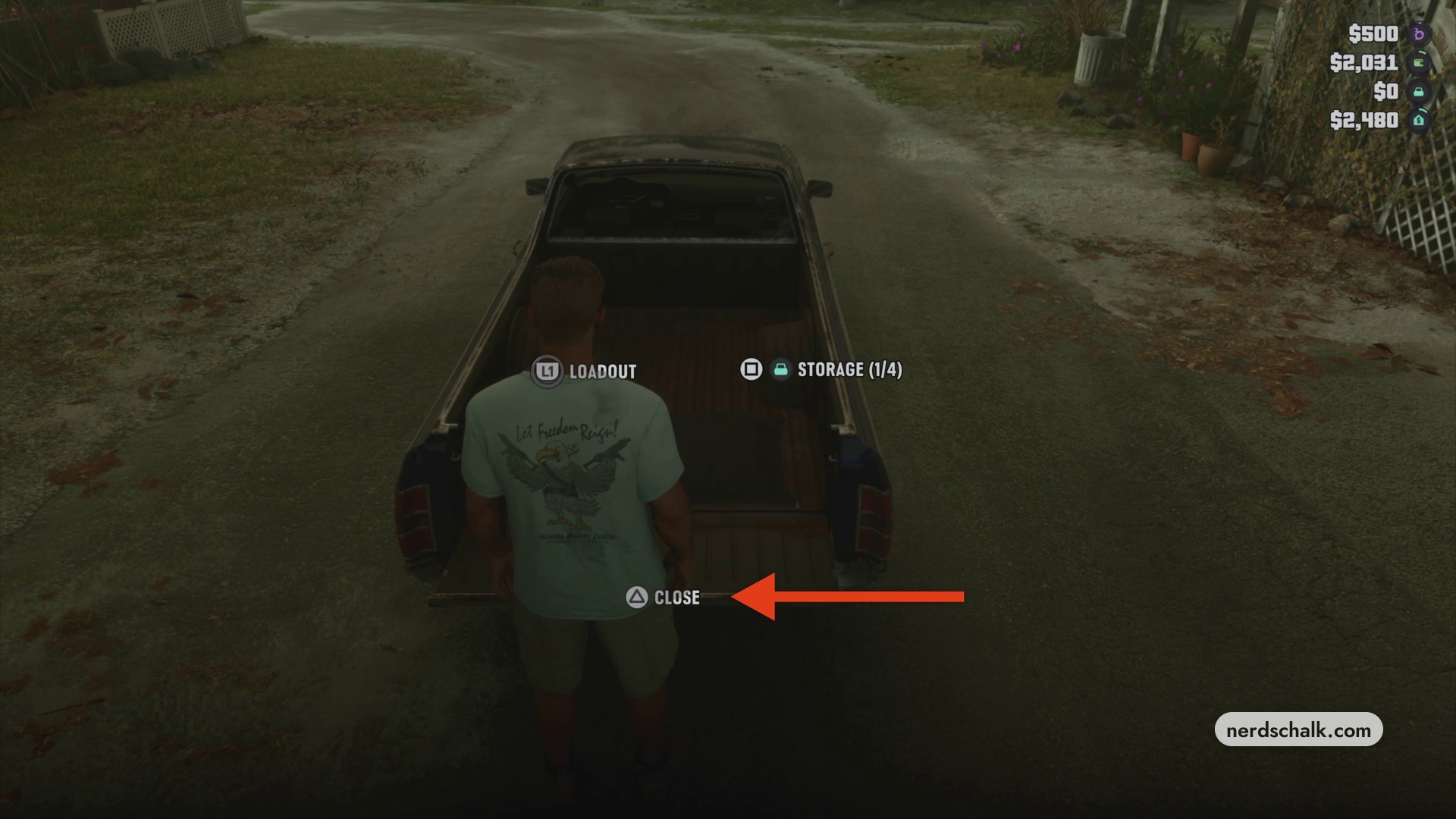
With the bag stored, press Triangle for CLOSE to shut the tailgate. The same button also closes a vehicle trunk.
Your next stop is the driver’s seat.
Related Grand Theft Auto VI guides

Leave a Reply