
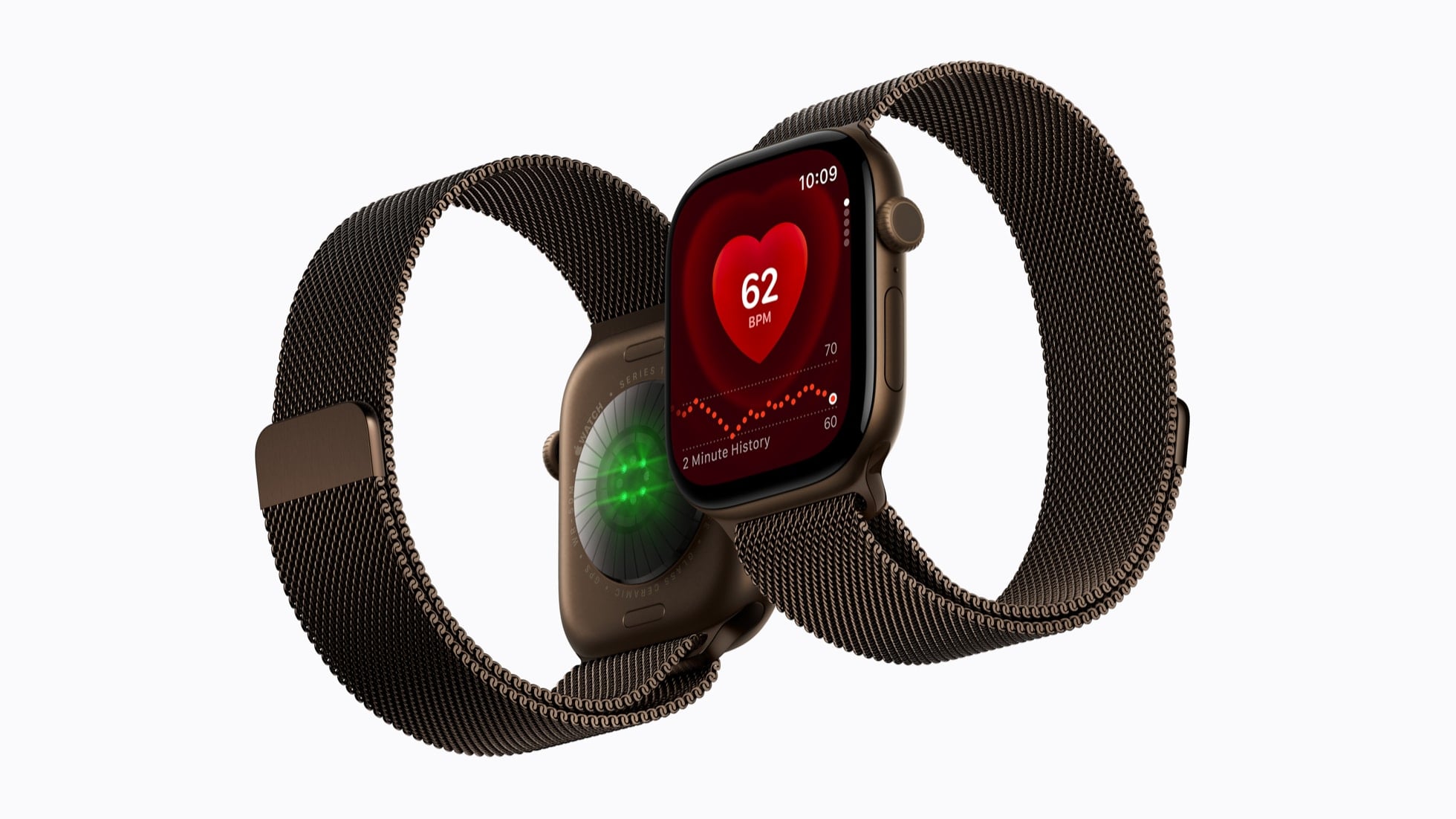
Apple Watch Series 12 and Apple Watch Ultra 4 run four features that listen through the watch’s microphones: Sound Recognition, automatic Music Recognition with Shazam, Live Rewind and Siri Recap. Apple groups them under one name, Audio Intelligence. A support document published on September 9, 2026 sets out what each feature hears, where that audio is handled, and what is kept.
The short version
- Audio Intelligence is four features on Apple Watch Series 12 and Apple Watch Ultra 4: Sound Recognition, automatic Music Recognition with Shazam, Live Rewind and Siri Recap.
- Apple says none of the four creates an audio recording, and that audio handled inside the S11 chip’s Secure Exclave is deleted as soon as it is processed.
- A Live Rewind snippet disappears from the watch about 30 seconds after the display dims. Siri Recap summaries auto-delete after 7 days unless you save or export them.
- Sound Recognition and Shazam work with an iPhone 11 or later on iOS 27. Live Rewind and Siri Recap need an iPhone 16 or later, except iPhone 16e.
The four features and what each one hears
Sound Recognition detects important sounds like sirens, alarms, doorbells, or a crying baby, then notifies you on the watch. Apple designed it for people who are Deaf or hard of hearing.
Music Recognition with Shazam automatically detects the song playing in the background and displays the title and artist name in the Smart Stack, “all without tapping the widget.”
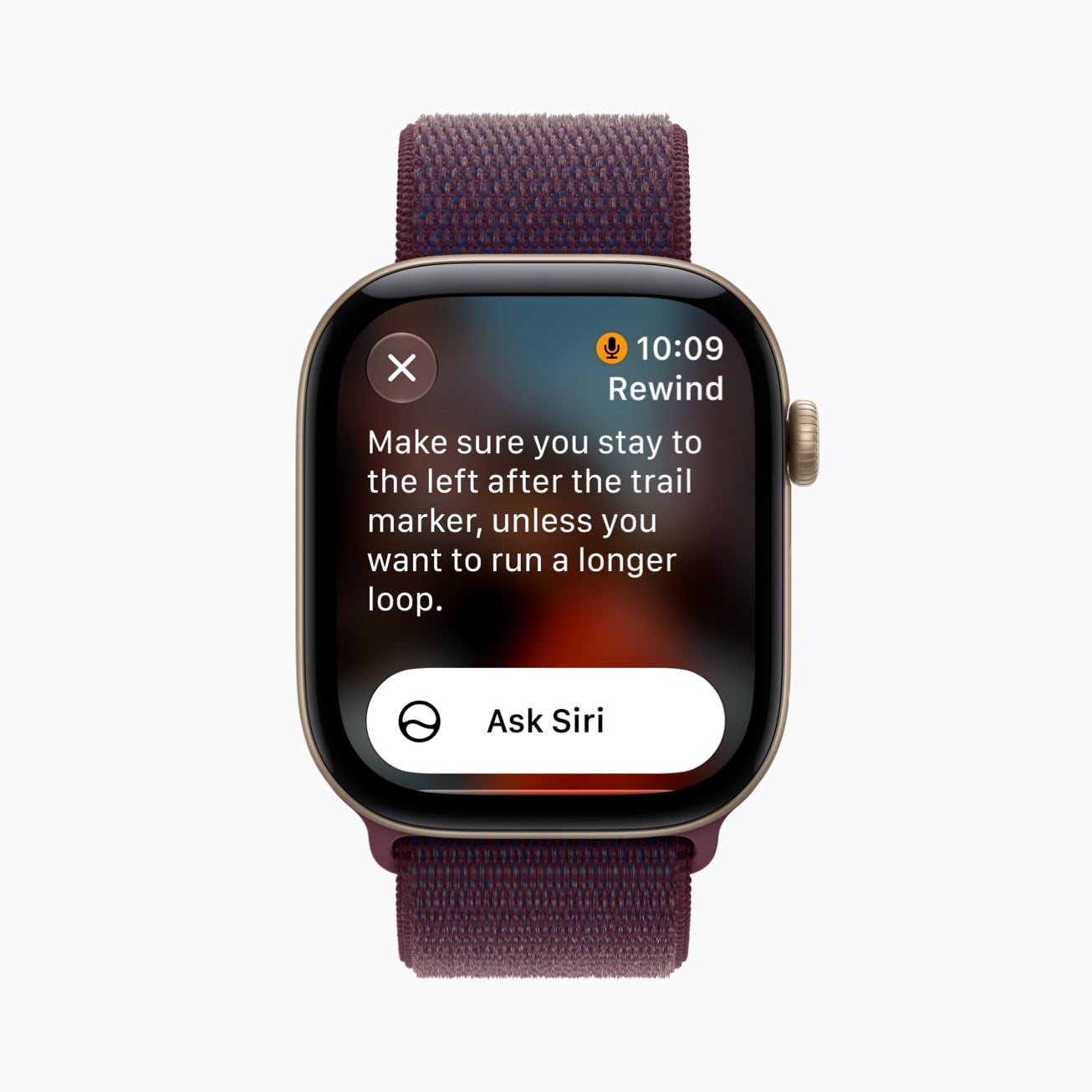
Live Rewind recalls what was just said in the last 15 seconds by showing a text snippet on your Apple Watch when you double-press the Digital Crown. You can ask Siri about the content of that snippet.
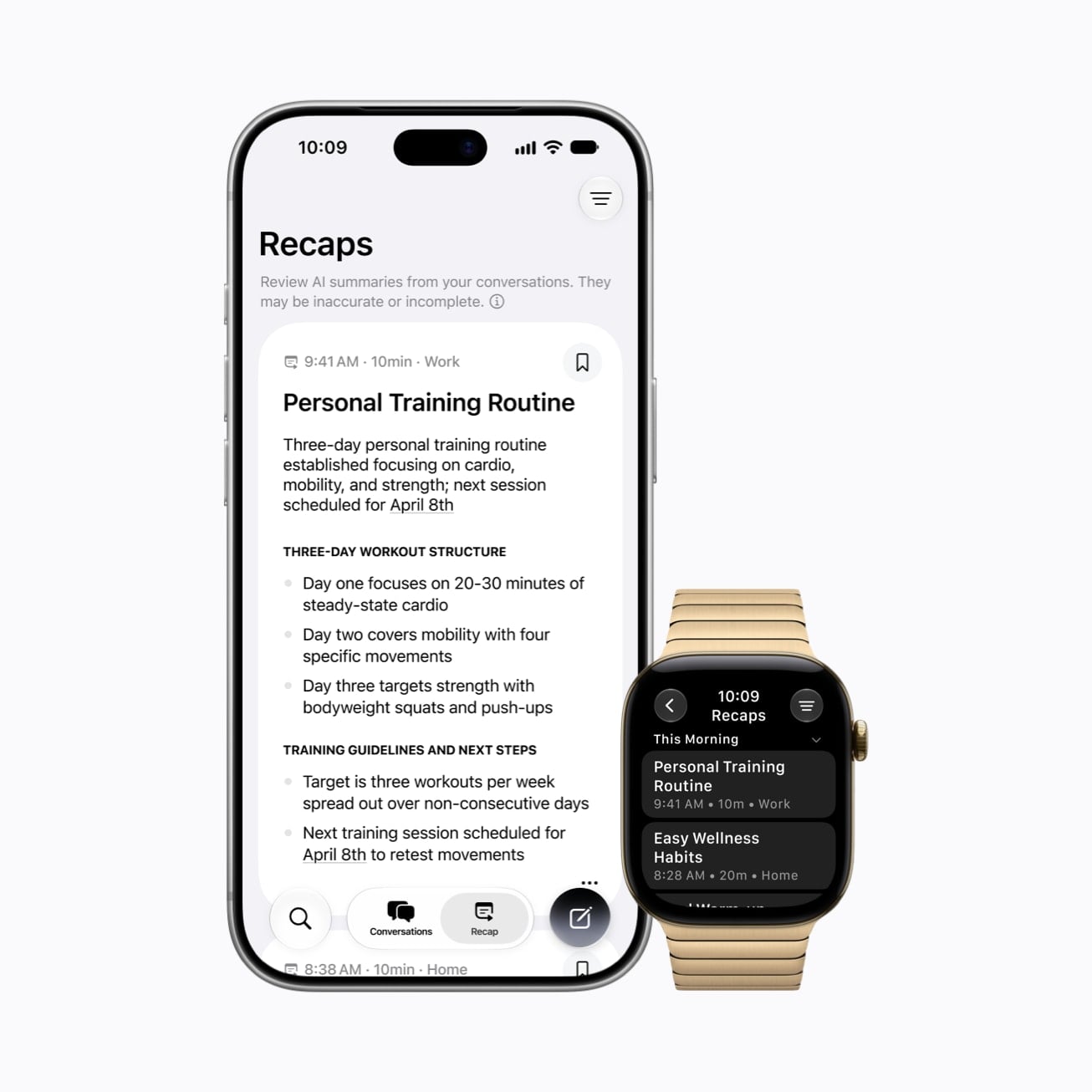
Siri Recap ambiently takes notes on your conversations throughout your day and creates high-level summaries generated by Apple Intelligence. Each one carries a title, a summary, and key points you can review in the Siri app on your Apple Watch or iPhone.
Where the audio goes
Audio flows into a protected buffer inside the S11 chip’s Secure Exclave, a hardware-isolated compartment that handles it in complete isolation from the rest of the system.
Music Recognition with Shazam works from an acoustic signature of the song, a compact representation that can’t be reversed into the original audio.
For Siri Recap, Apple Foundation Models running on Private Cloud Compute summarize and format the final output. Apple says data in PCC is never stored or accessible by Apple or anyone else.
Audio path: five numbered steps from the microphone to what is kept, each one expandable.
What Apple promises, line by line
Siri Recap produces a brief, high-level summary of a conversation, not a transcript. Apple says those summaries and Live Rewind text snippets are generated using Apple Intelligence and may be incomplete or inaccurate.
Apple’s exact wording on seven privacy points
| Promise | Apple’s wording |
|---|---|
| Nothing is recorded | “Audio Intelligence features don’t create audio recordings. No audio can be accessed by the operating system, apps, you, or even Apple.” |
| Raw audio is out of reach for everyone | “Data that is processed and analyzed in the Secure Exclave can’t be accessed by the operating system, apps, you, or even Apple. Once processed, this data is immediately deleted.” |
| Nobody is named as a speaker | “By design, Audio Intelligence features don’t identify and attribute speakers.” |
| Saved text is end-to-end encrypted | “Live Rewind text snippets and Siri Recap summaries are end-to-end encrypted in the Siri app with iCloud syncing, and are not accessible even by Apple.” |
| People nearby get a chime and a signal on screen | “An audible chime plays from the speaker on your Apple Watch, even if your Apple Watch is on silent or you have headphones connected. A full-display animation and microphone indicator appear on the display.” |
| Recaps leave out the dangerous and the sensitive | “Siri Recaps are designed to omit potentially harmful content, such as language that promotes self-harm or hateful speech, and sensitive information, such as financial data, government-assigned identifiers, authentication data, and certain personal identifiers.” |
| Shazam gets a signature, not sound | “That signature, not the raw audio, is then sent to Shazam servers.” |
How to turn each one on or off
Each of the four features is turned on separately.
Which app and menu hold each switch
| Feature | Where the switch is |
|---|---|
| Sound Recognition | On iPhone: Settings, Accessibility, Sound & Name Recognition, Sound Recognition, then turn on “Detect using Apple Watch.” |
| Music Recognition with Shazam | On Apple Watch: Settings, Smart Stack, then turn on “Music Detection.” You can also tap the “Enable Music Detection” widget when it surfaces in the Smart Stack. |
| Live Rewind | On iPhone: the Watch app, Siri, Live Rewind, then turn on “Double Click Digital Crown.” |
| Siri Recap | On iPhone: the Watch app, then set a schedule by time and/or location, such as only at work or never at night, or run it manually. Control Center switches it on or off at any moment. |
Keeping anything is a second step. A Live Rewind snippet has to be saved to the Siri app, and a Siri Recap has to be saved or exported.
Who can use it
Requirements come in two tiers, and the iPhone you pair with the watch decides which tier you get. Live Rewind and Siri Recap also require Apple Intelligence and Siri AI (Beta).
Requirement checker: pick your Apple Watch and iPhone to see which Audio Intelligence features you get.
Live Rewind and Siri Recap are not available for users under age 13. For users under 18 on a Child Account, a parent or guardian has to turn access on.
Both features will be available in beta later this year, starting with English, with more languages to follow. They will not initially be available in the EU.
FAQs
Can someone else read or hear my Siri Recap?
No. Siri Recap summaries and saved Live Rewind text snippets are end-to-end encrypted in the Siri app as they sync through iCloud.
Does any of this work when my iPhone is not nearby?
Sound Recognition does. Apple says it alerts you with a notification on your watch even when your iPhone is not with you.
Is there a cap on how often Live Rewind and Siri Recap can run?
Apple says certain Audio Intelligence features that rely on server-side models are subject to daily usage limits, including but not limited to Live Rewind and Siri Recap.
Does Live Rewind say who spoke?
No. Live Rewind may transcribe what someone said word-for-word, but it does not attribute quotes to speakers. A Siri Recap may contain names if they were mentioned in the conversation.
Related guides


Leave a Reply