
Anomaly Cafe’s alpha build includes suspicious customer faces, camera-only tells, behavior anomalies, Spore Fly, Buno, and Flam. Check each customer’s face, order, and CCTV appearance, reject anomalies with the counter lever, and use the correct kitchen tool for Spore Fly and Flam.
Key Anomaly Cafe is still an alpha build and changes on a regular update cycle. The list below covers the current known anomalies, while later patches can change their tells, counters, and names. Learn the visual and behavioral clues here, then check them again after each update — especially newer or renamed entities.
All Anomaly Cafe anomalies and how to remove them
| Anomaly | How to handle it |
|---|---|
| Meat Anomaly | Deny at the counter with the lever. |
| Eye Ghost | Spot it on the cameras, then deny entry. |
| One-Eye | Deny at the counter with the lever. |
| Hollow Eyes | Deny at the counter with the lever. |
| Creepy Smile | Deny at the counter with the lever. |
| Angry Face | Look twice — its status is unsettled. |
| Camera Looking | Catch it on the cameras, then deny entry. |
| Head-Banging | Watch the movement, then deny entry. |
| Anomalous customers / order irregularities | Cross-check CCTV and the order, then pull the lever. |
| Spore Fly | Hit it with a pan or a talisman. |
| Buno (Coffee Monster) | A teammate removes it, or wait a few seconds. |
| Flam | Put out the flames with a fire extinguisher. |
Scan this list before each shift. Your route has three jobs: reject bad customers at the counter, catch camera-only and movement anomalies on CCTV, and clear kitchen anomalies with the right item. The sections below show the exact tells for each group.
How to check a customer before you serve them
Look at the face first
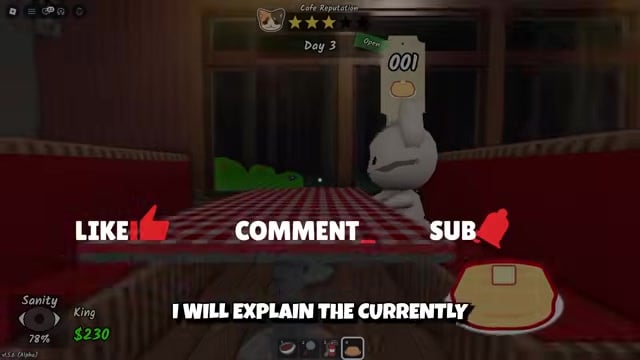
Check for wrong eyes, missing features, raw-meat skin, or an unnatural smile before inspecting anything else.
Scan the body and the order
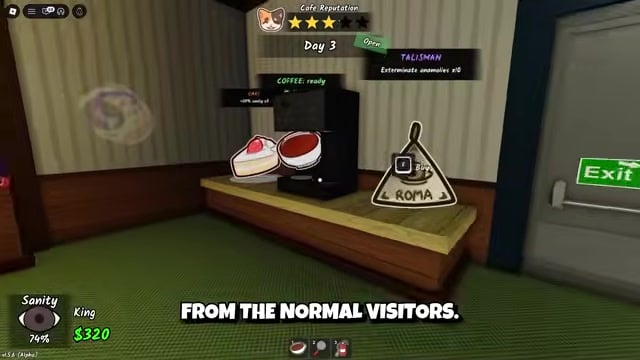
Check for order irregularities, including requests for a raw ingredient such as Flour, along with odd or unfamiliar dialogue.
Cross-check the CCTV laptop
Use the laptop on the right side of the counter to compare the CCTV appearance with the customer standing at the window.
Pull the lever if anything is off
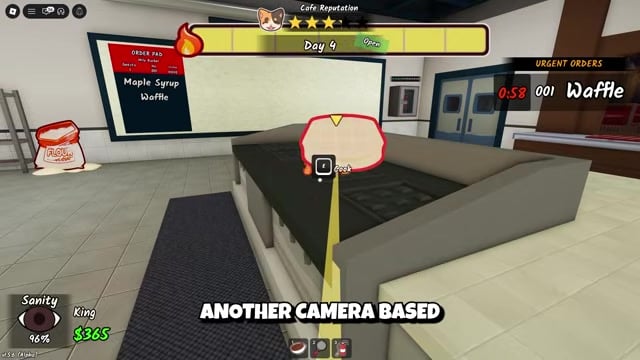
Pull the large lever to the left of the register to deny service and clear that customer from the encounter.
Face and appearance anomalies to scan for
| Anomaly | Main tell |
|---|---|
| Meat Anomaly | Body looks like raw meat or a skinned carcass. |
| One-Eye | A single large eye in the center of the face. |
| Hollow Eyes | Two large empty eyes, no nose or mouth. |
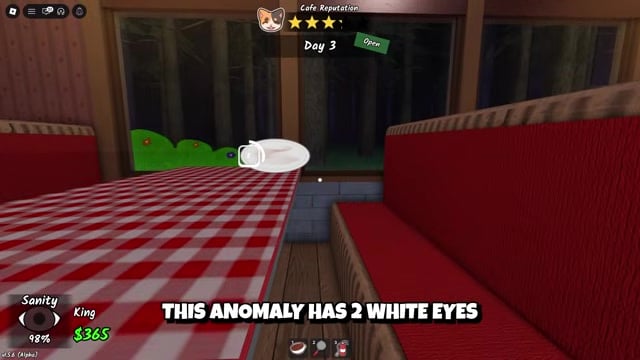
| Creepy Smile | Two white eyes and a wide, unnatural smile. |
| Angry Face | Black eyes in dark holes, open toothy mouth. |
Many anomalies change a character’s face, so inspect the whole face instead of stopping at the clothes or body. The Meat Anomaly, also called Meat Man, is the most obvious: the usual cute creature is replaced by something resembling raw meat or a skinned carcass. That completely out-of-place appearance is the tell.
The eye-based anomalies are subtler but easy to identify once you know their features. One-Eye replaces the normal face with a single large eye in the center, Hollow Eyes has two large empty eyes with no nose or mouth, and Creepy Smile combines two white eyes with a wide, unnatural grin. All three alter the face, so a body-only glance will miss them.
Angry Face requires an extra second before you act. It has black eyes set in dark holes and an open, toothy mouth, but the strange appearance alone is not enough to pull the lever. Check the order and CCTV instead of automatically denying it.
Camera and movement anomalies
| Anomaly | What to watch |
|---|---|
| Eye Ghost | On camera: a white ghost with one eye and a mouth on top of its body. |
| Camera Looking | A customer staring through the lens as you switch views. |
| CCTV mismatch | The feed shows a different appearance than the counter. |
| Head-Banging | A character repeatedly banging its head against objects. |
Some anomalies are easy to miss at the counter and reveal themselves through the cameras or their movement. The Eye Ghost appears on camera as a strange white ghost with a single eye and a mouth sitting on top of its body. Sweep every feed and reject it when you see that shape among the normal visitors.
Camera Looking is a behavior anomaly: as you switch camera views, it stares directly at you through the lens. Its ears can remain in their normal position because of visual bugs, so judge the overall behavior instead of relying on that one detail. Also watch for CCTV mismatches, where the customer looks different on the feed than at the window, and Head-Banging, where a character repeatedly bangs its head against objects.
Kitchen and minigame anomalies: Spore Fly, Buno, and Flam
| Anomaly | Removal method |
|---|---|
| Spore Fly | Pan or talisman. |
| Buno (Coffee Monster) | A teammate pulls it off, or it fades on its own after a few seconds. |
| Flam | Fire extinguisher on the flames (once it is active again). |
These three bypass the counter and appear in the kitchen or during a minigame, so the denial lever does nothing against them. Spore Fly spawns randomly during the day and spreads spores onto food being prepared. Grab a pan or a talisman, clear the fly immediately, and protect the food if your team is mid-cook.
Buno, the Coffee Monster, attacks the player completing the coffee-making minigame. It attaches to the coffee-maker’s face, blocks part of their vision, and drains their sanity. Another player can pull it off, or the affected player can wait a few seconds for it to disappear. Complete the coffee minigame cleanly to reduce its spawn chance, because poor performance gives Buno a chance to appear.
Flam is the kitchen’s fire anomaly. It is currently inactive while its AI and sound effects are being worked on, but its response route remains straightforward for its return. When Flam activates, the fire alarm rings and part of the kitchen catches fire; entering the burning area drains sanity. Use a fire extinguisher on the flames to put out the fire and remove Flam. Burning pancakes or waffles can trigger it, so watch both foods closely once Flam is active again.
Pull the lever to the left of the register only after you’ve matched the customer’s face, order, and CCTV feed — one clean check beats a rushed wrong call.
A faster shift routine for catching anomalies
Serve only after a full check
Match the face, order, and camera appearance before serving any customer.
Rescan the room between tasks
The scene changes during the shift, so scan it again between tasks instead of relying on what you saw a minute earlier.
Use the cameras often
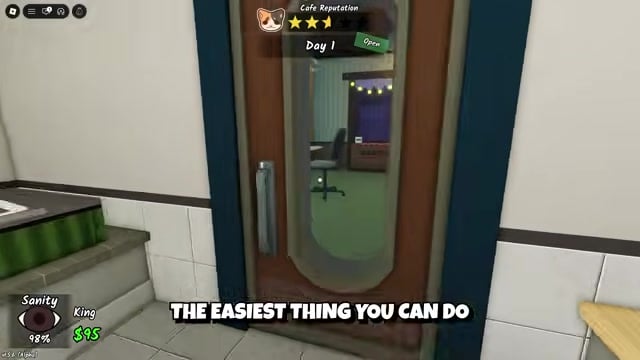
Use the feeds to catch Camera Looking and Head-Banging before they slip past your counter check.
Call out anything you see
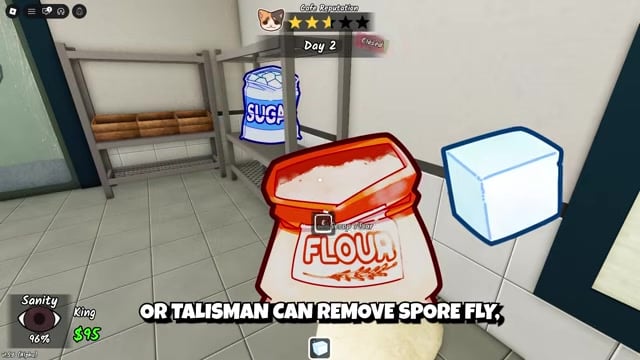
Alert your teammates immediately, especially when an anomaly disrupts cooking or drains another player’s sanity.
Stop cooking when an anomaly is active
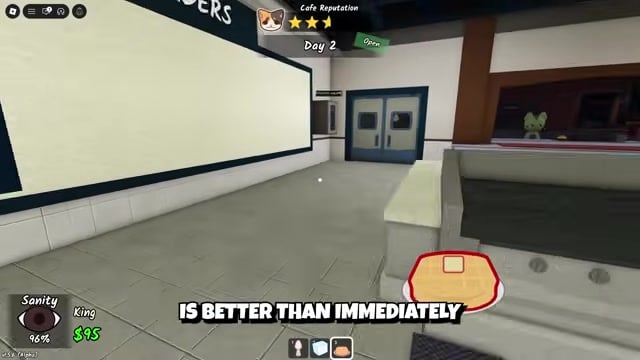
When Spore Fly or Flam threatens food or sanity, clear it before continuing food preparation.
Resume once the room is clear
Check the previous task again, then resume normal service.
Frequently Asked Questions
Can Anomaly Cafe anomalies change after updates?
Yes. The game receives bi-weekly drops, and named creatures, prop swaps, and audio cues can appear, receive new names, or disappear between updates. Several current names are unofficial, so check the list after every patch and relearn any changed appearances or labels.
Should you report every strange-looking customer?
No. Not every unusual face is an anomaly, and Angry Face is the main trap because its threatening appearance does not justify an automatic denial. Check the face, order, and CCTV before pulling the lever; one extra moment prevents a wrong call.
What should you do if an anomaly appears while someone is cooking?
Stop cooking and clear the threat before losing food or sanity: use a pan or talisman on Spore Fly, and a fire extinguisher on Flam once it is active. Buno only affects the coffee-maker and disappears on its own or with a teammate’s help, so the rest of the team can continue working.
Video help






Leave a Reply