

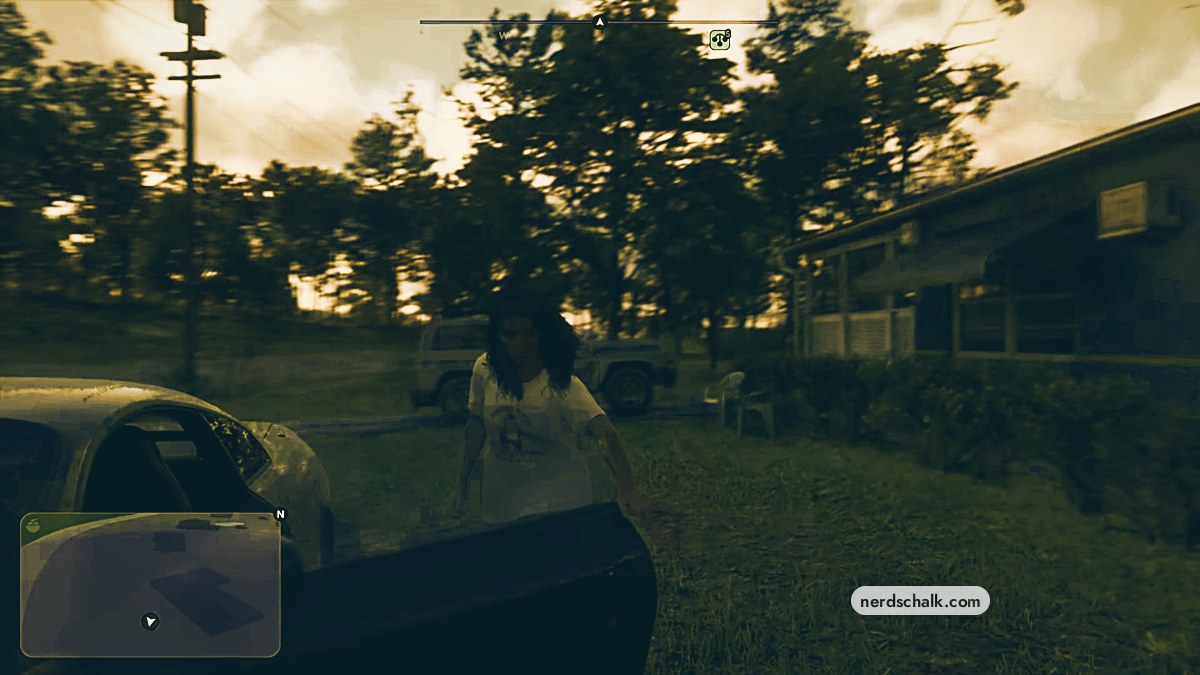
QUICK ANSWER
Approach the dog by the parked SUV, crouch to collect the mini football with L1, then hold L2 to aim and press R2 to throw.
The fetch interaction in Grand Theft Auto VI takes place in a front yard outside a house, where a dog waits near a parked SUV and a mini football lies on the ground. PlayStation 5 and Xbox Series X|S are among the game’s listed platforms. This guide covers picking up the football and using the aiming and throwing controls.
characterLuciasettingFront yard outside a housefetch toyMini football
How to play fetch with a dog in Grand Theft Auto VI
STEP 1
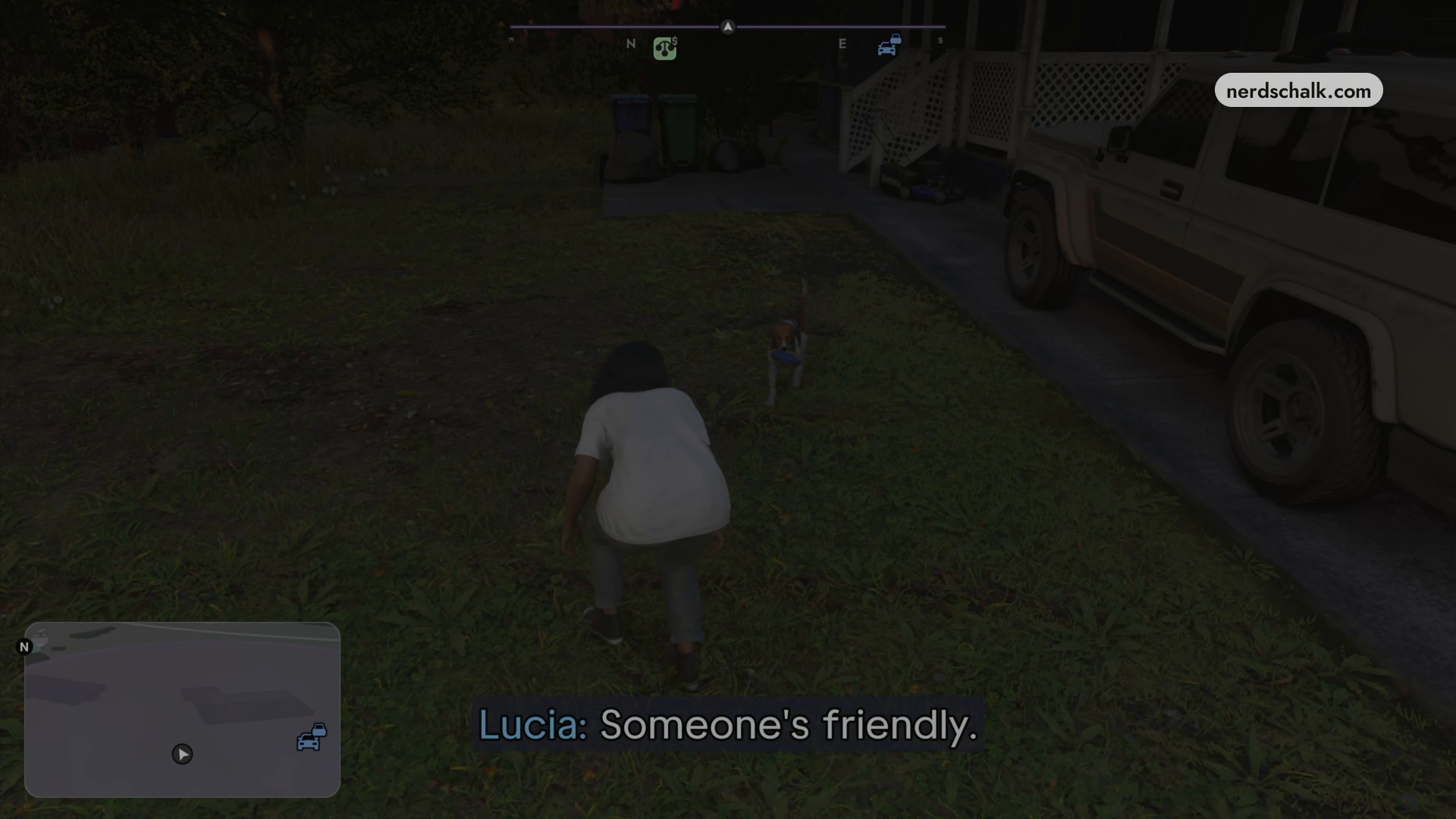
Approach the dog
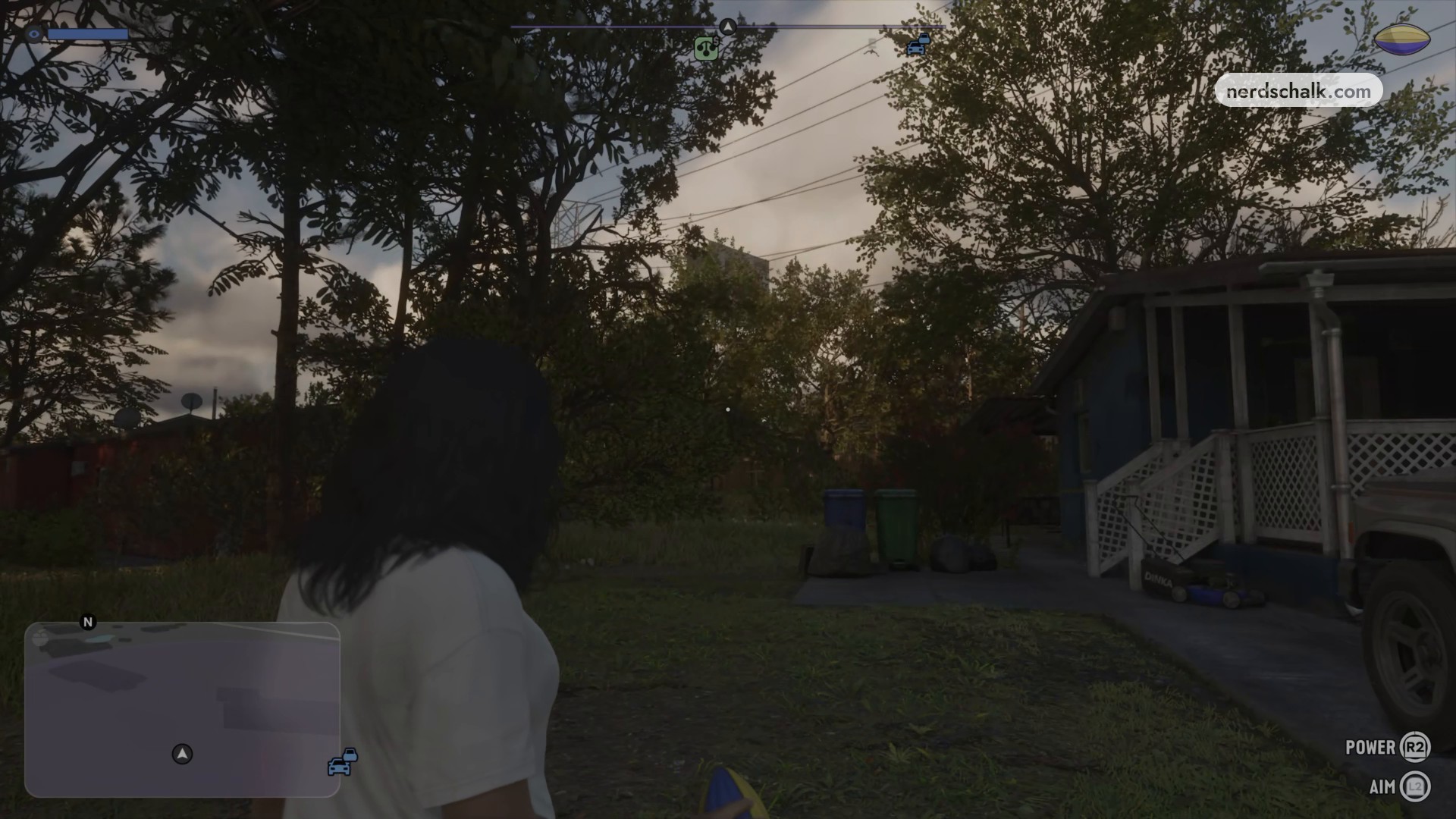
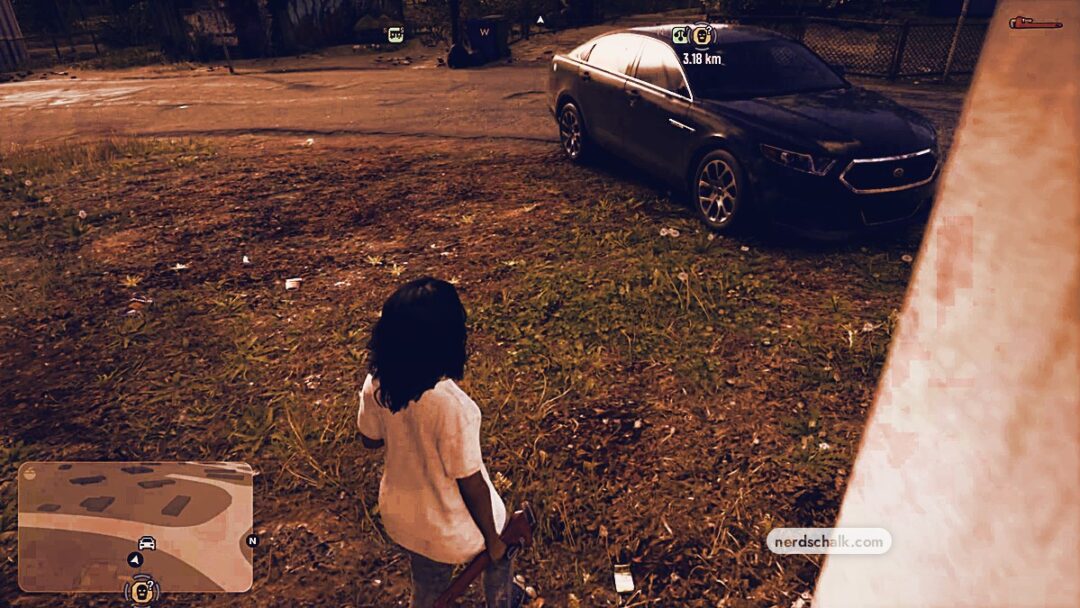
Walk over to the small dog in the front yard, passing the parked SUV beside the house.
STEP 2
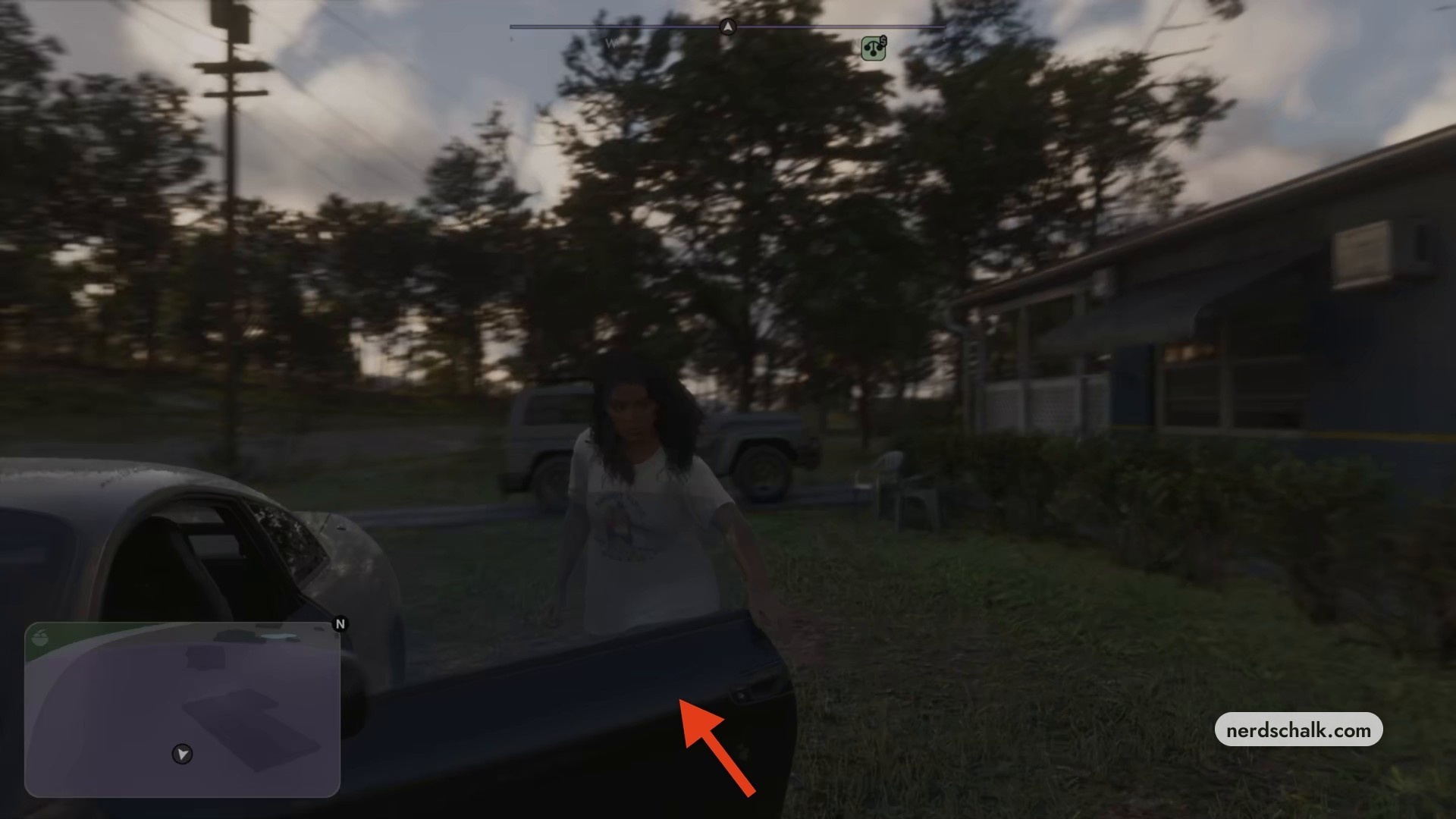
Pick up the mini football
Crouch in front of the dog and collect the mini football from the ground by pressing L1. The interaction prompt reads L1 MINI FOOTBALL.
STEP 3
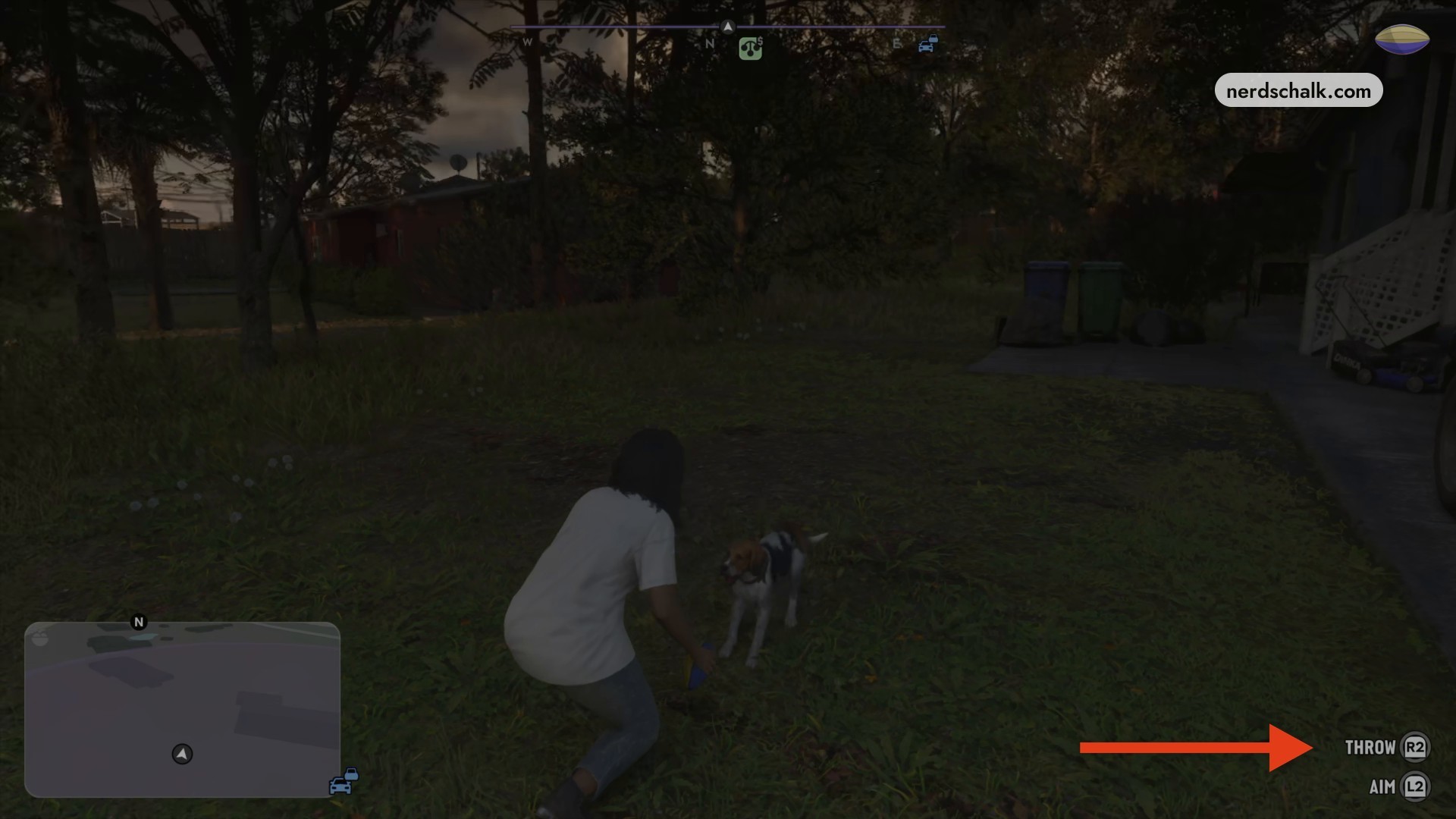
Aim and throw the football
Hold L2 to aim, following the AIM L2 prompt. Press R2 at the THROW R2 prompt to throw the football for the dog.
A female character stands outside near a house and lawn.
Related Grand Theft Auto VI guides
Leave a Reply