

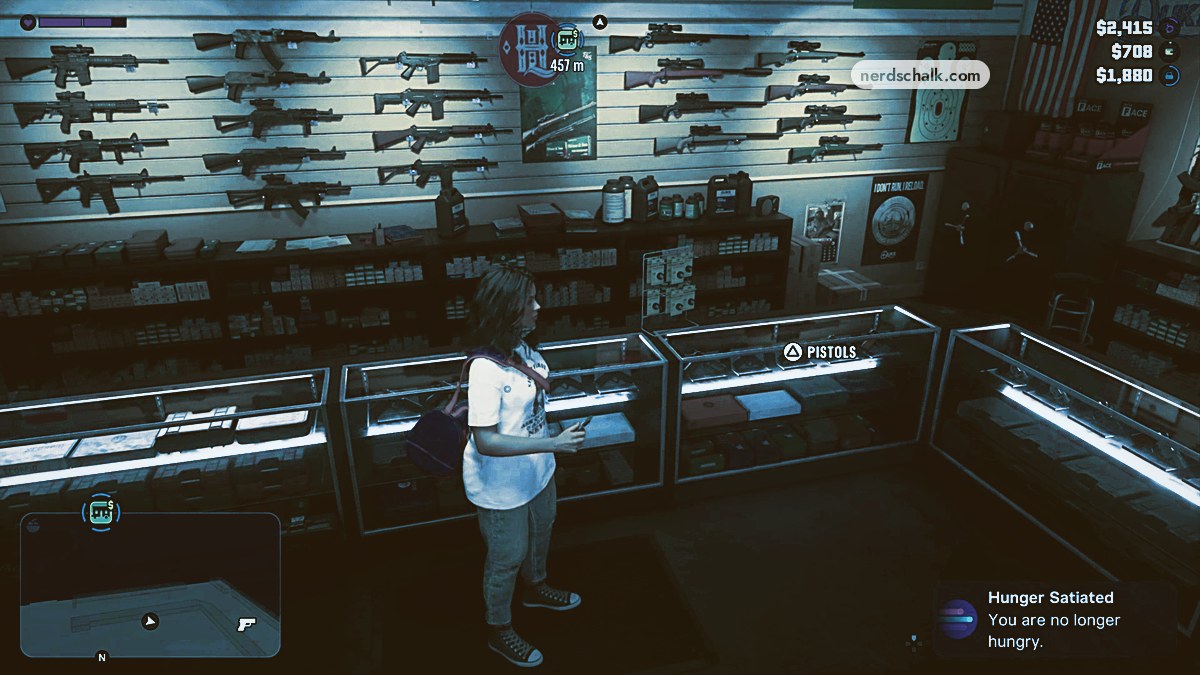
Buy Candybox Milk Chocolate for $1 at Gellhorn Outfitters’ blue candy stand, then press R1 to eat it and satisfy hunger.
Candybox Milk Chocolate is a snack you can purchase inside Gellhorn Outfitters in Grand Theft Auto VI. The game is listed for PlayStation 5 and Xbox Series X|S. This guide covers finding the display inside the shop, buying the chocolate, and eating it.
How to buy and eat Candybox Milk Chocolate in Grand Theft Auto VI
Find the snack rack
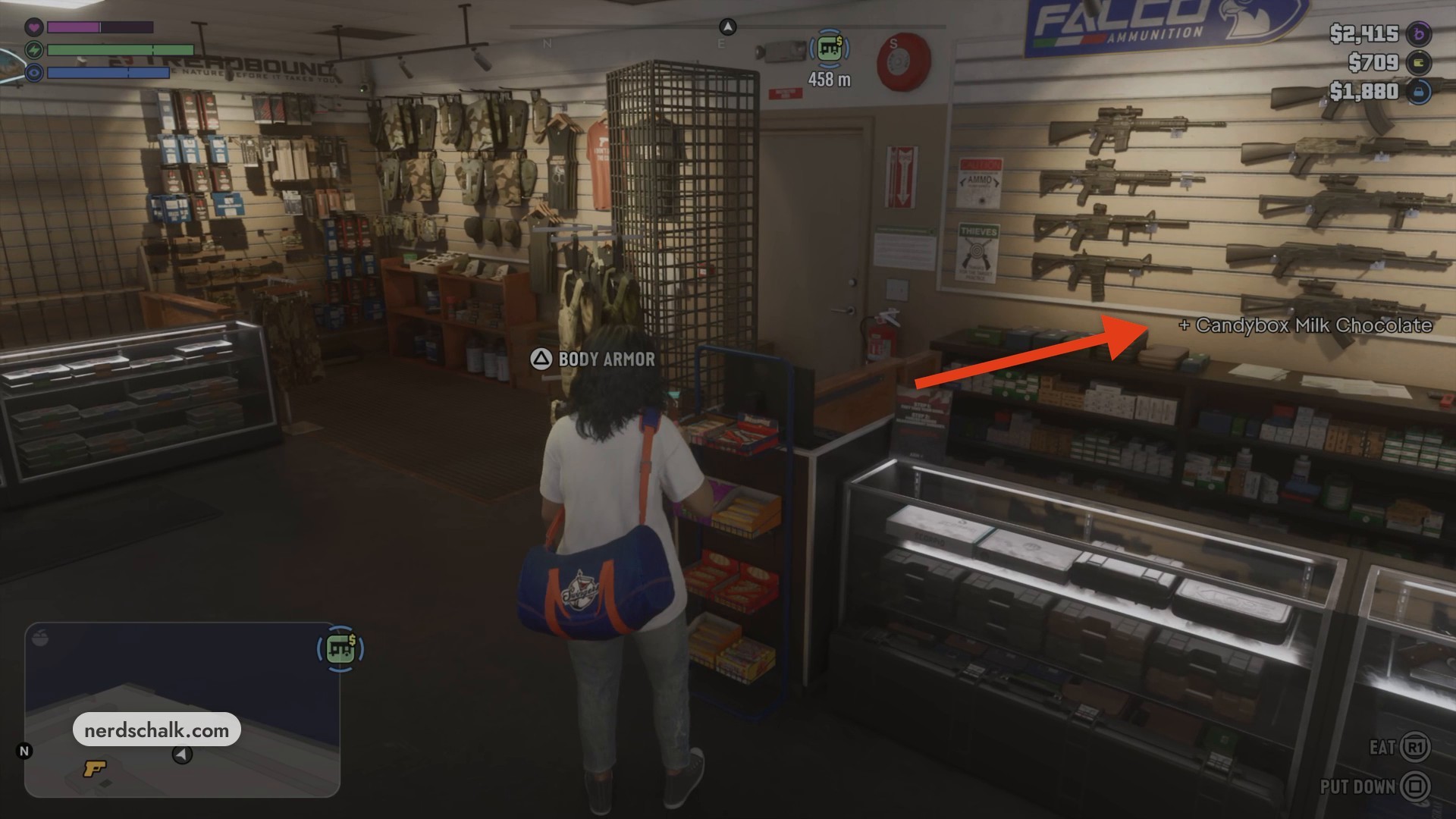
The shop’s displayed name is GELLHORN OUTFITTERS. Walk past the central display shelves and tactical gear displays toward the sales counter. Look for the blue candy stand beside the glass counter.
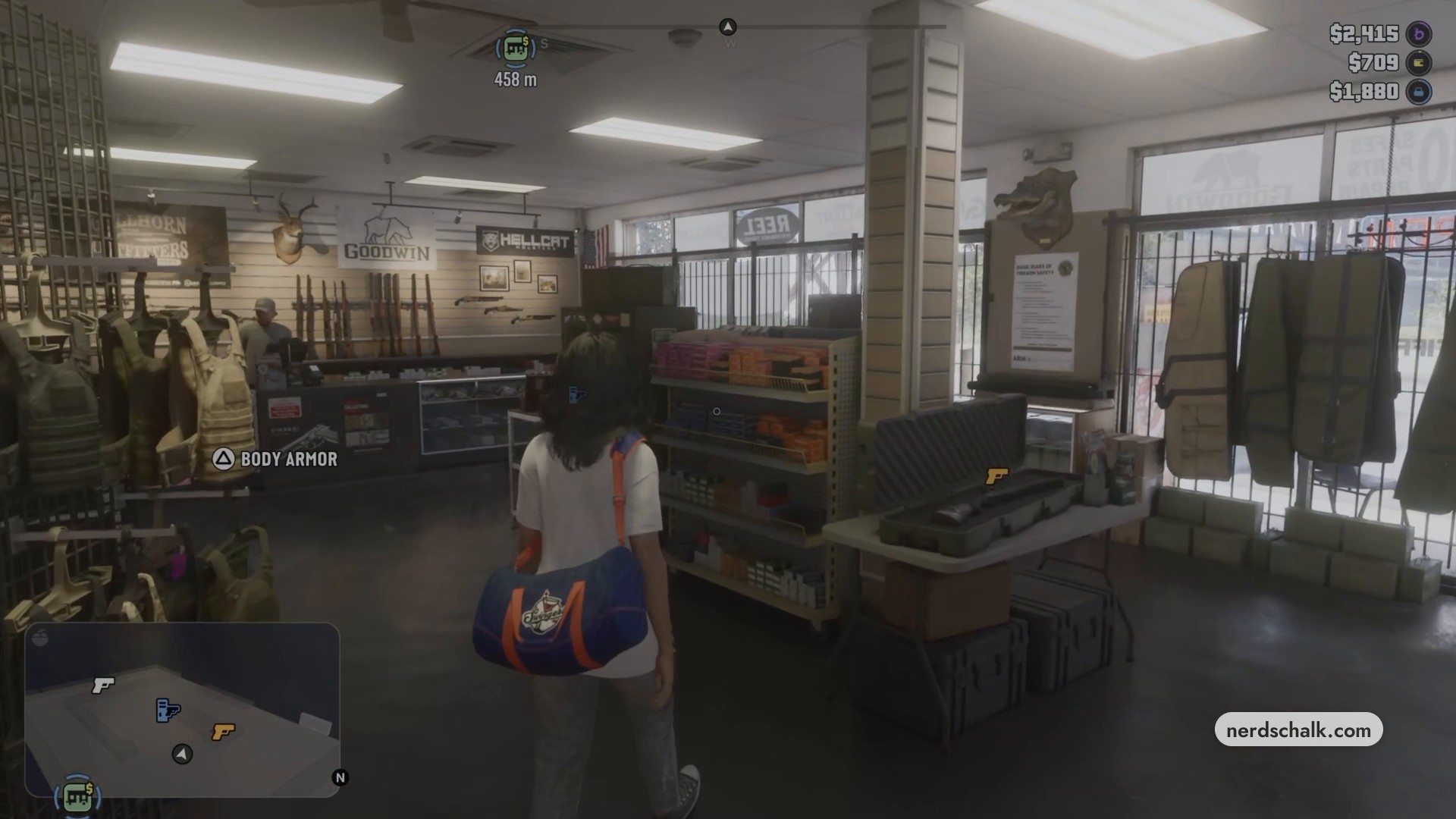
Open the candy menu
Stand beside the snack rack and press Triangle to open the menu of available candies.
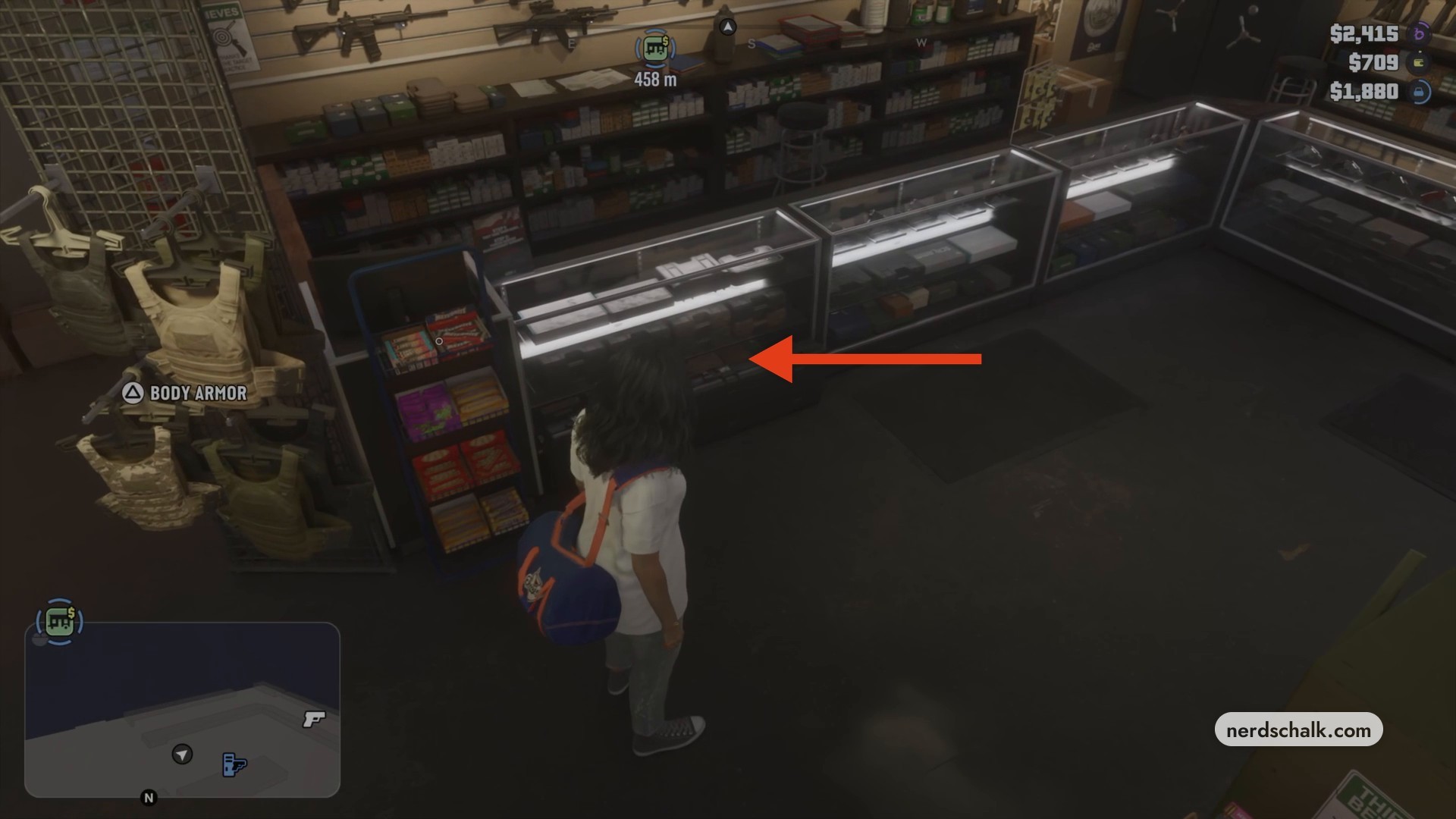
Buy Candybox Milk Chocolate
Select Candybox Milk Chocolate and press Cross to purchase it for $1.
Eat the chocolate
The + Candybox Milk Chocolate notice on the right marks receipt of the bar. Press R1 to unwrap and eat it, using the EAT R1 prompt at the bottom right.
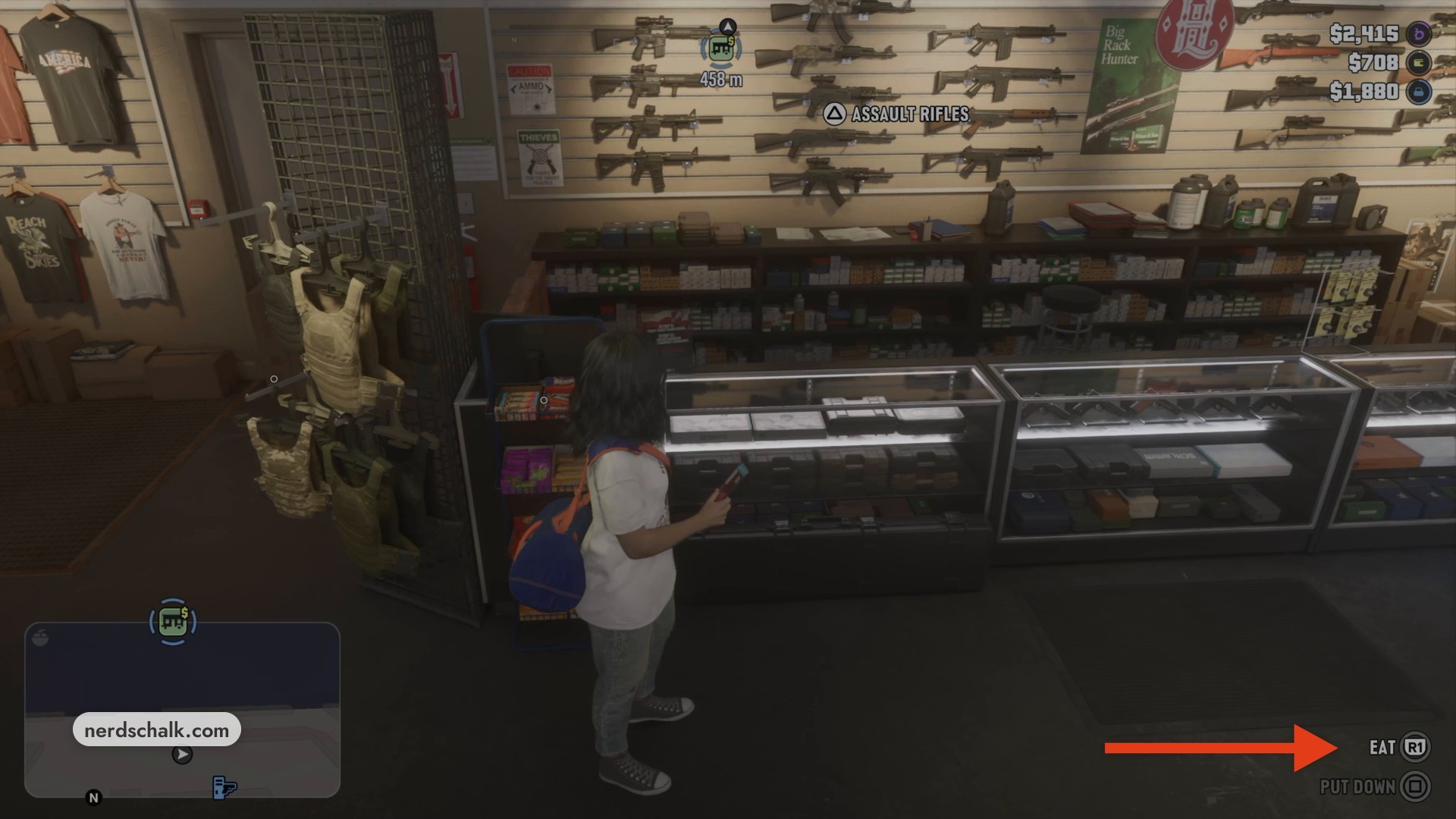
The acquisition notice shows the chocolate has been received before you eat it.
Watch for Hunger Satiated
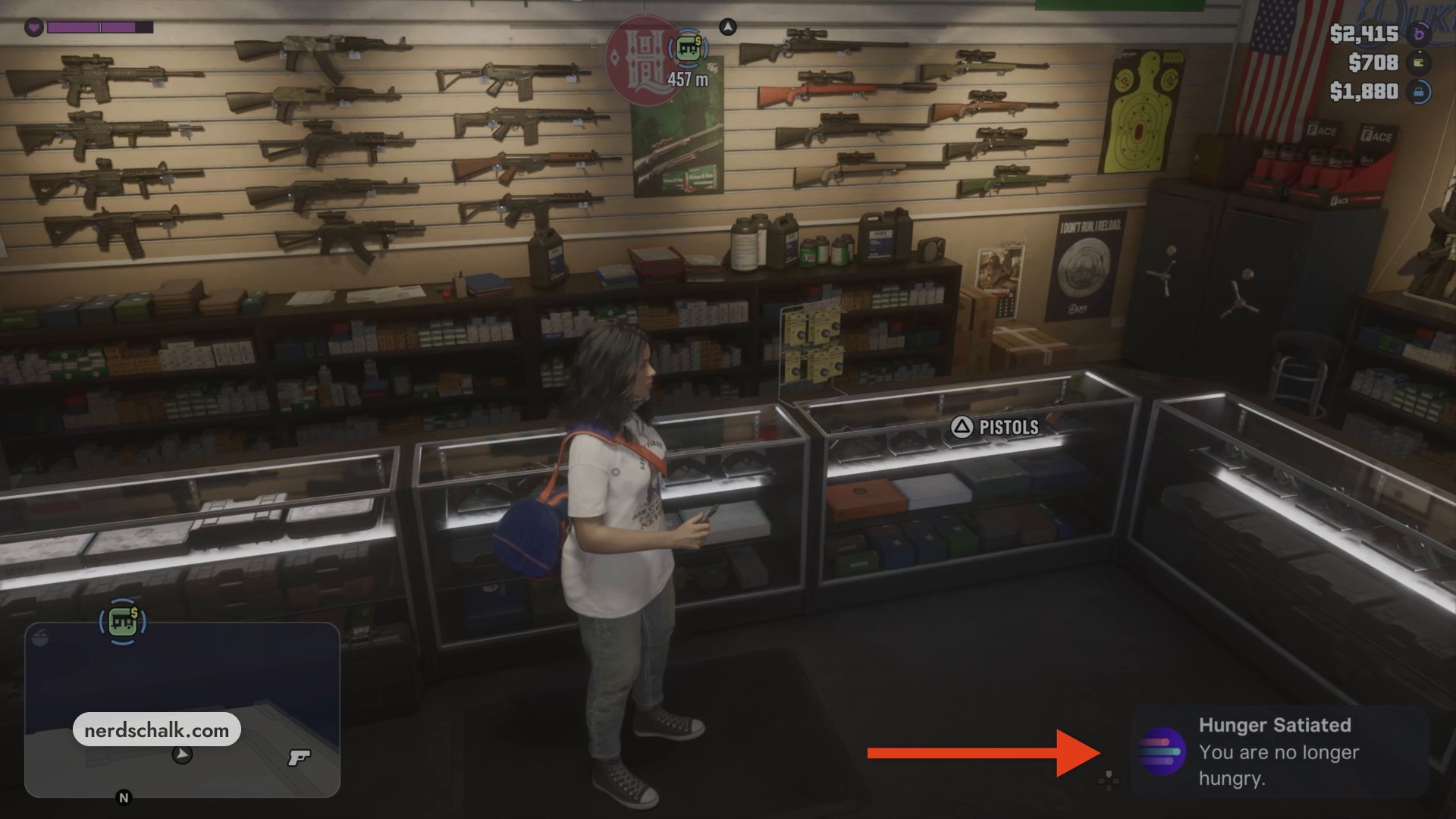
After eating, wait for Hunger Satiated to appear at the bottom right. Its description, “You are no longer hungry,” confirms that the chocolate has satisfied your hunger.
To put the chocolate down, press Circle.
Related Grand Theft Auto VI guides
Leave a Reply