

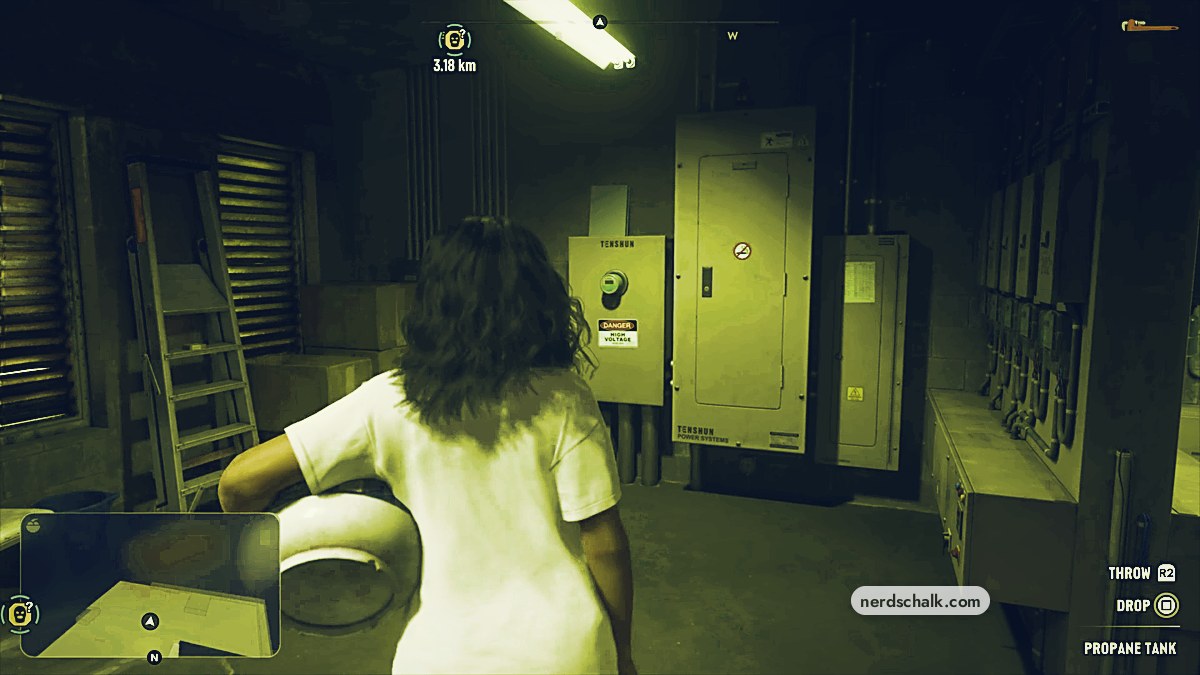
Approach the propane tank, press Triangle to pick it up, then press Circle at the PUT DOWN prompt to place it on the floor.
In Grand Theft Auto VI, the propane tank on the electrical utility room’s floor is an object you can lift and carry. Rockstar Games lists the game for PlayStation 5 and Xbox Series X|S. This guide covers its pickup and put-down controls.
How to pick up and put down a propane tank in Grand Theft Auto VI
Approach the propane tank
Walk up to the tank resting on the utility room floor until the PROPANE TANK interaction appears with the △ pickup symbol.
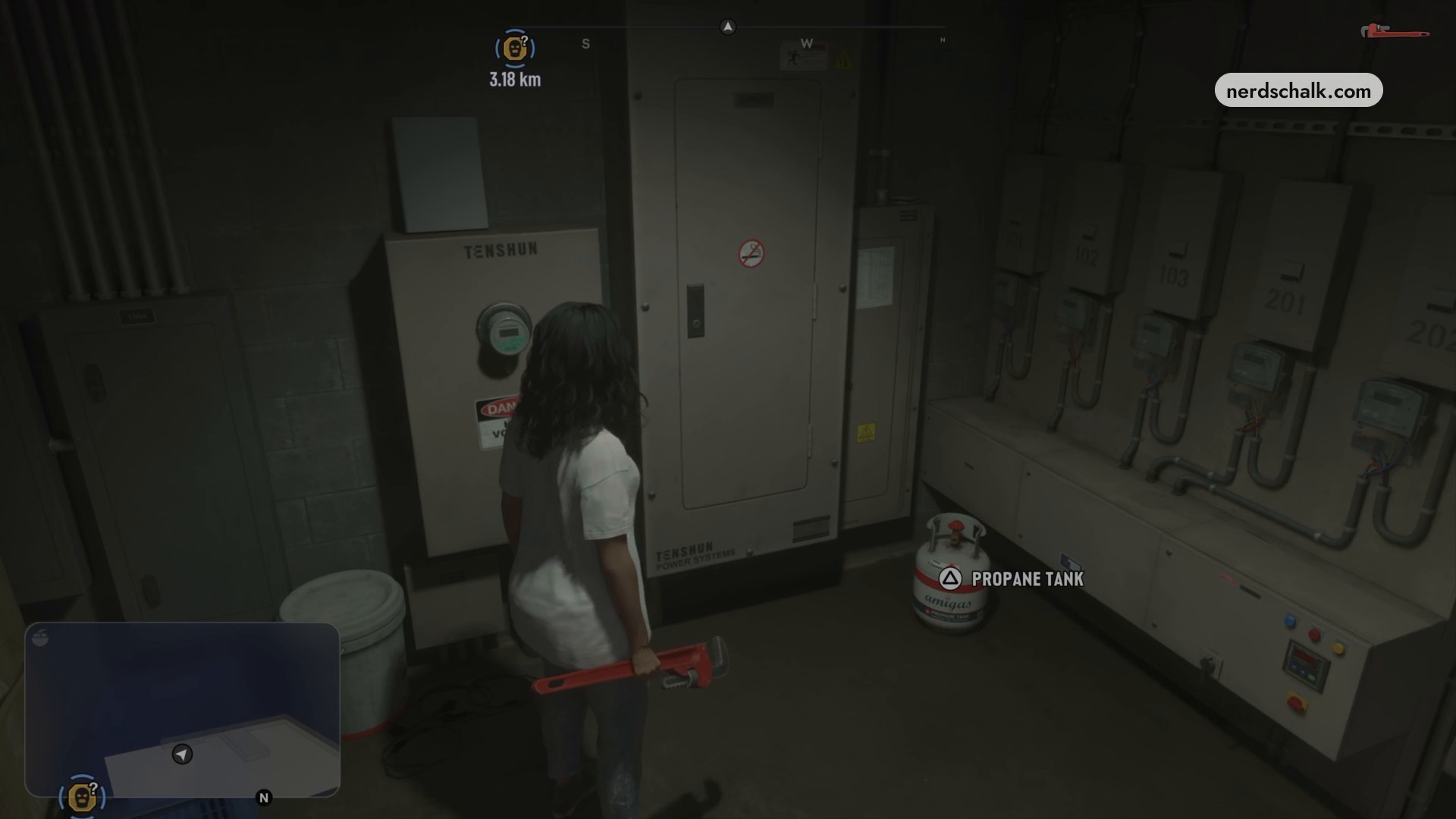
Pick up the propane tank
Press Triangle to lift the tank. While you’re holding it, the HUD identifies it as PROPANE TANK and also displays a separate DROP ▢ option.
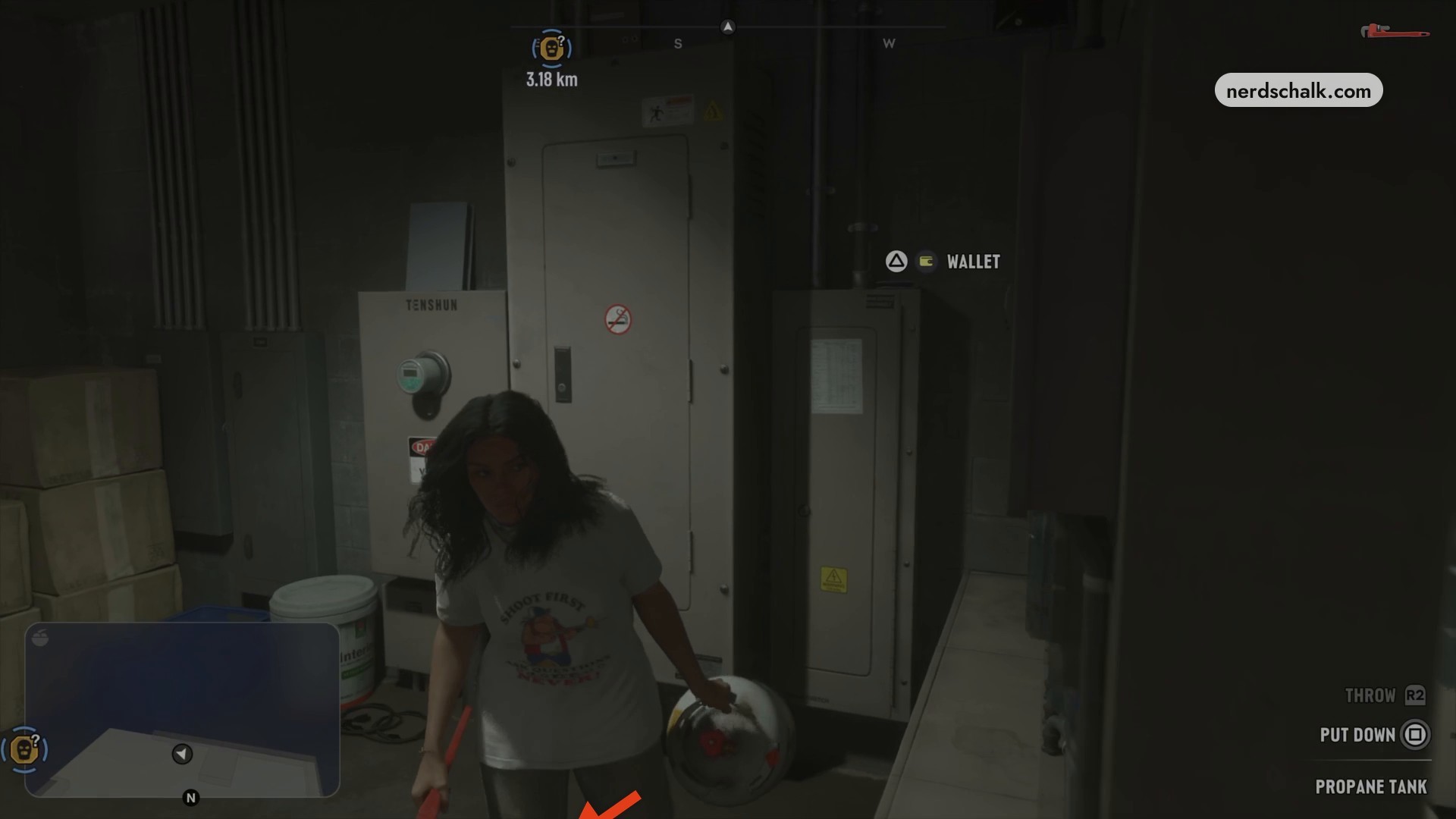
Put down the propane tank
Press Circle at the PUT DOWN ◯ prompt in the bottom-right corner to place the tank on the floor. The action is complete when the tank rests on the ground.
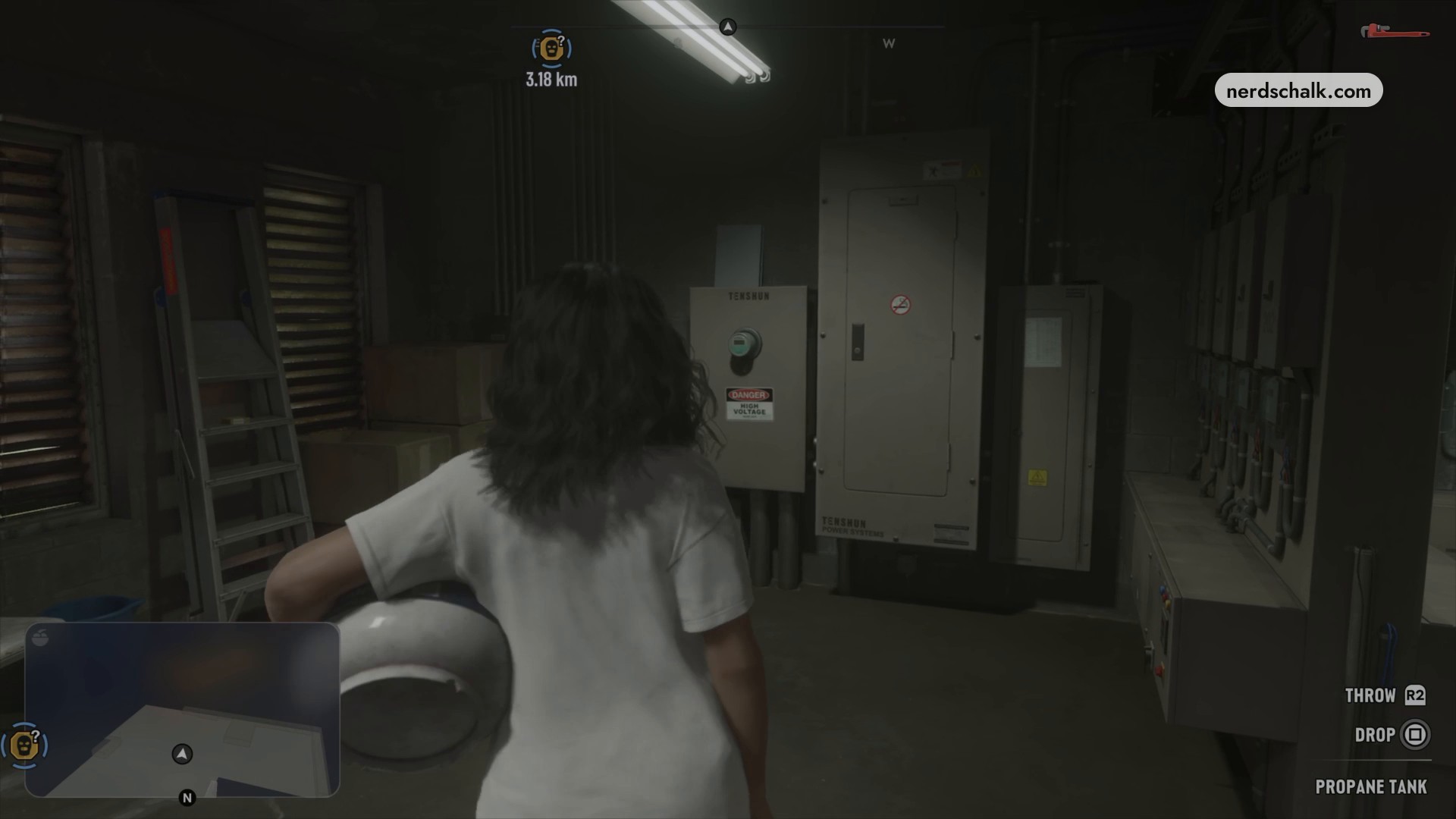
Once it’s on the ground, you can pick the tank up again by its handle and carry it away.
Related Grand Theft Auto VI guides
Leave a Reply