

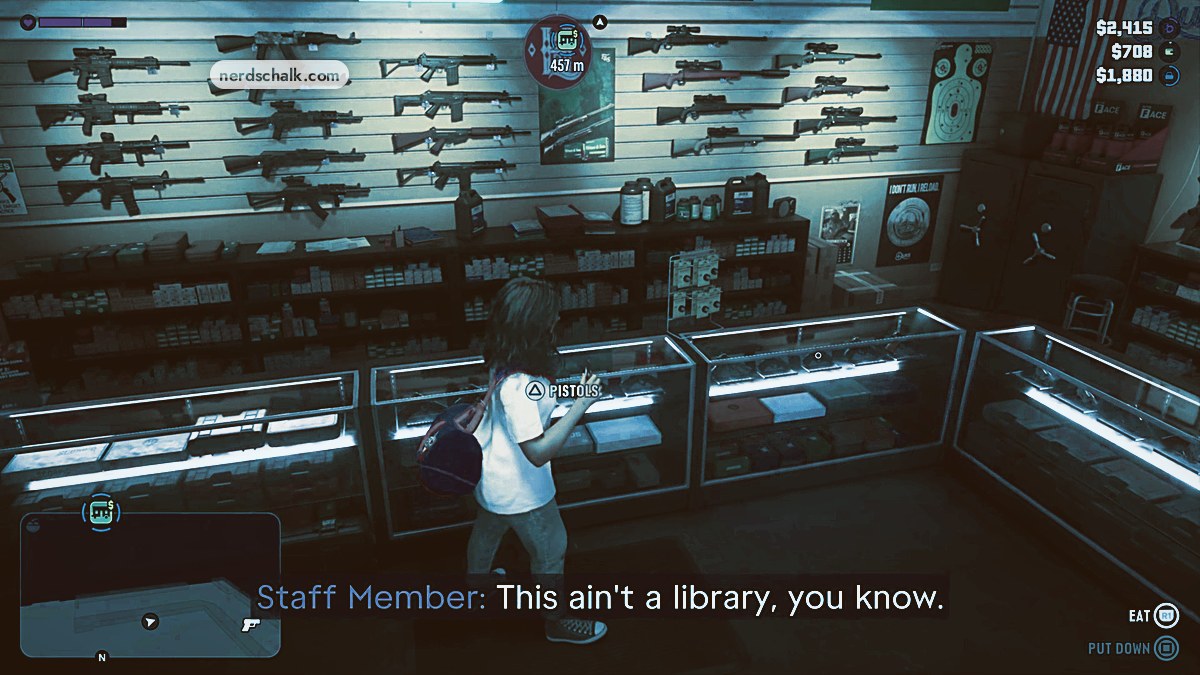
Buy the Duke 1922 Heavy Pistol from the Pistols selection at the display counter inside Gellhorn Outfitters.
The Duke 1922 is a Heavy Pistol in Grand Theft Auto VI. The game’s listed platforms are PlayStation 5 and Xbox Series X|S. This guide covers selecting it at the gun counter, completing the purchase, and opening its modification menu.
How to buy the Duke 1922 in Grand Theft Auto VI
Open the pistol counter
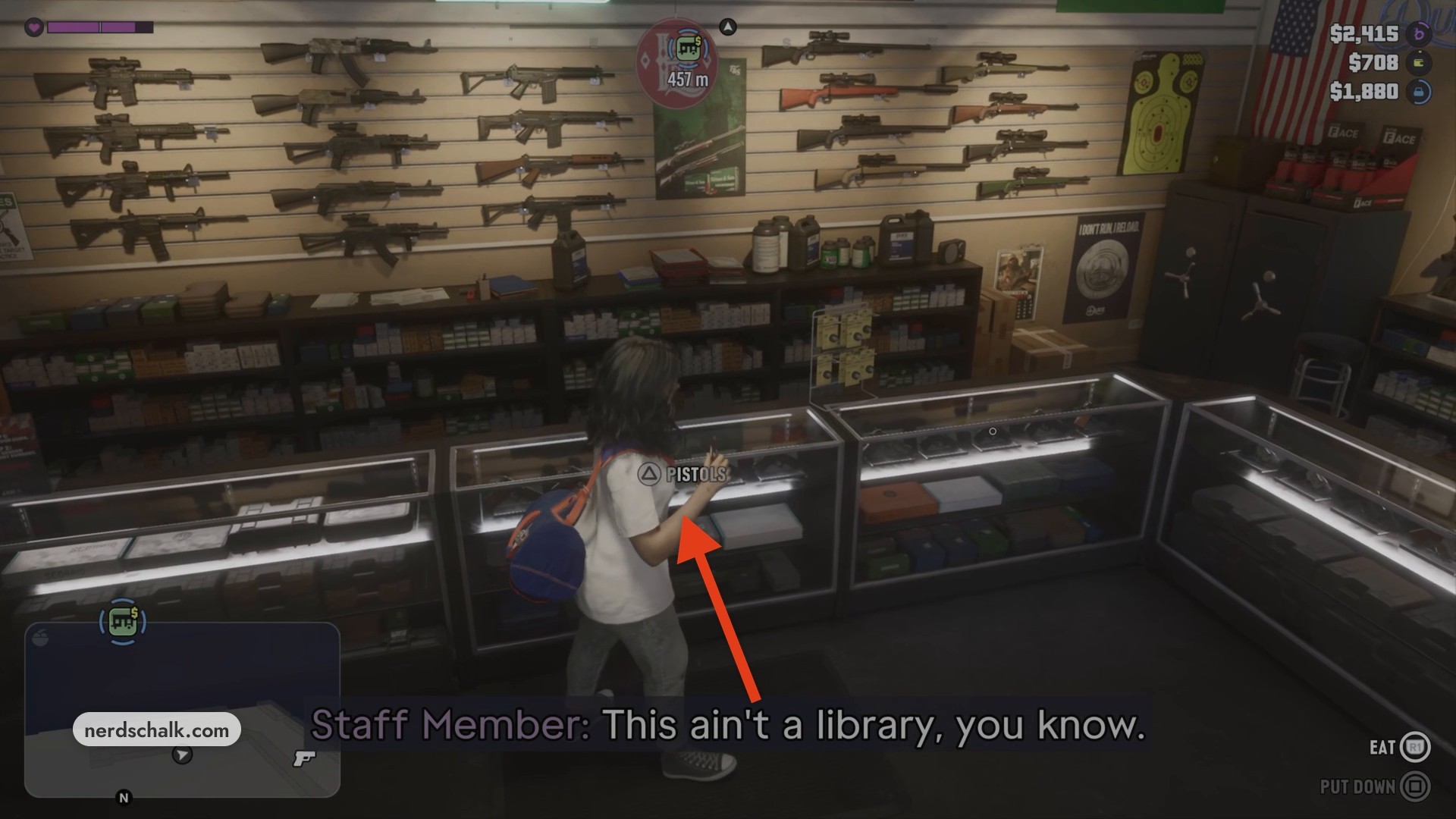
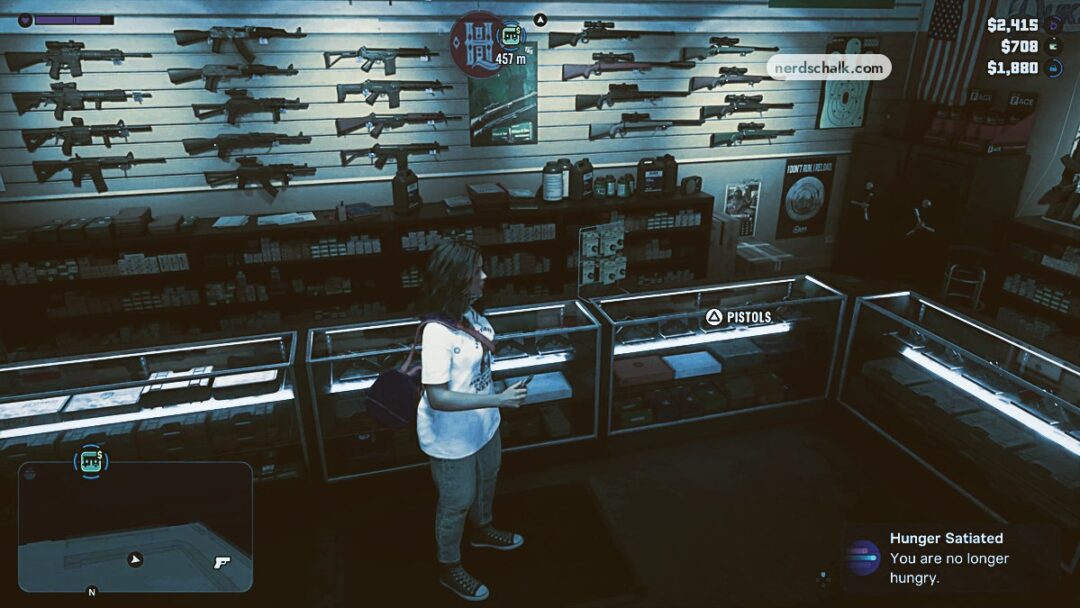
Approach the display case inside Gellhorn Outfitters and interact with the pistol-browsing prompt to open the pistol selection.
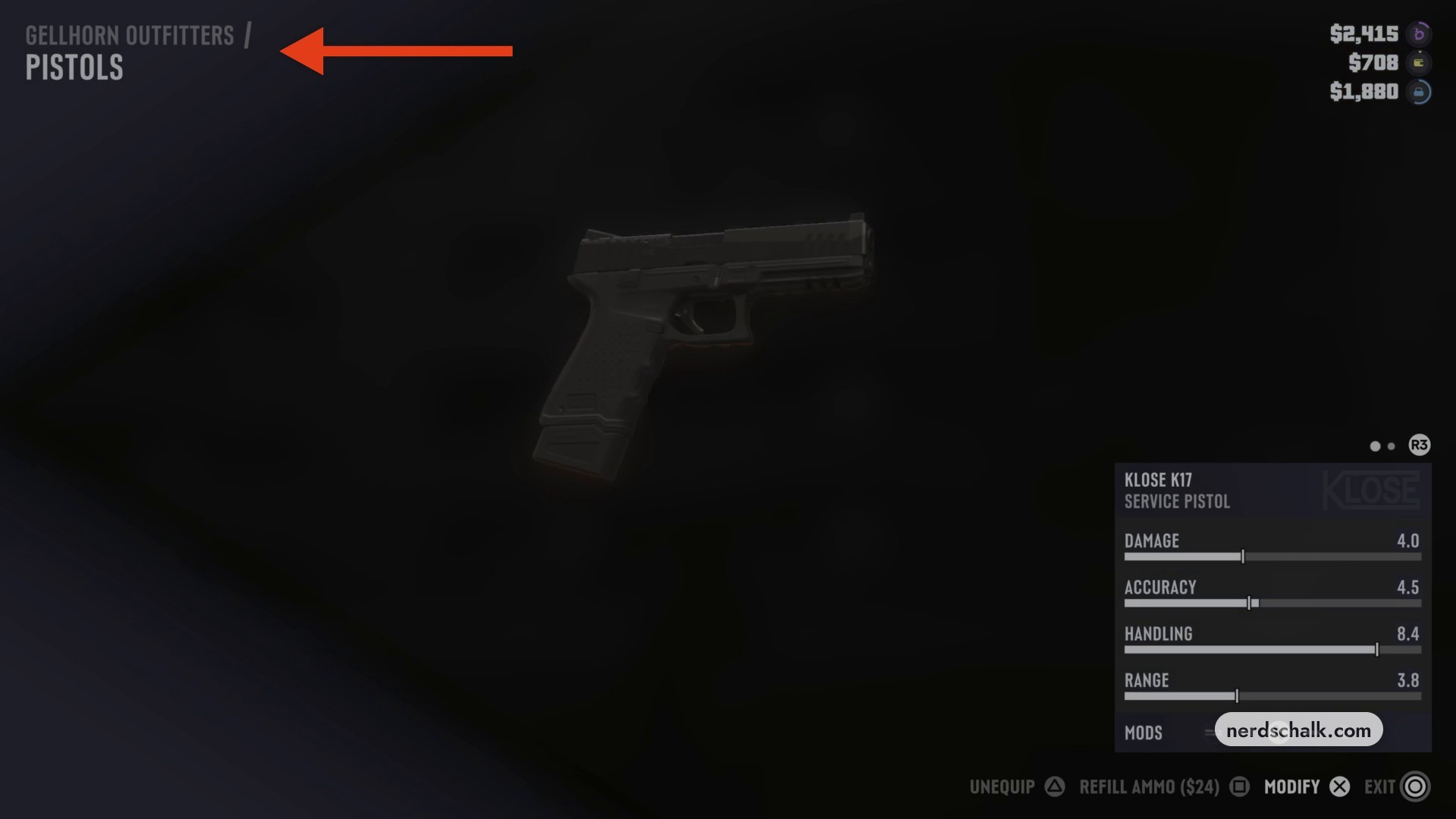
Browse the GELLHORN OUTFITTERS / PISTOLS menu, shown with KLOSE K17 selected.
Select the Duke 1922
Cycle through the available sidearms until you highlight DUKE 1922, labeled HEAVY PISTOL.
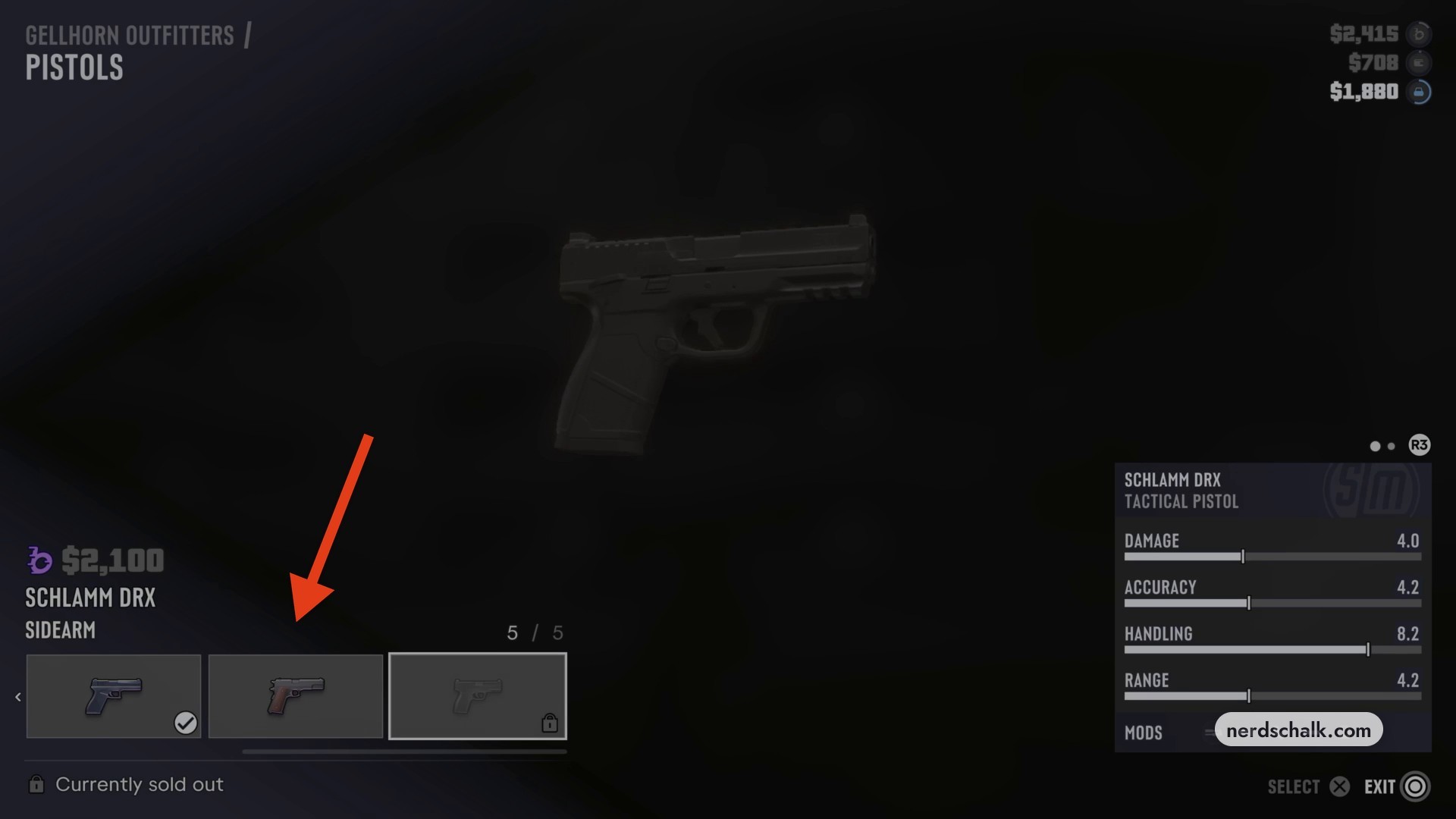
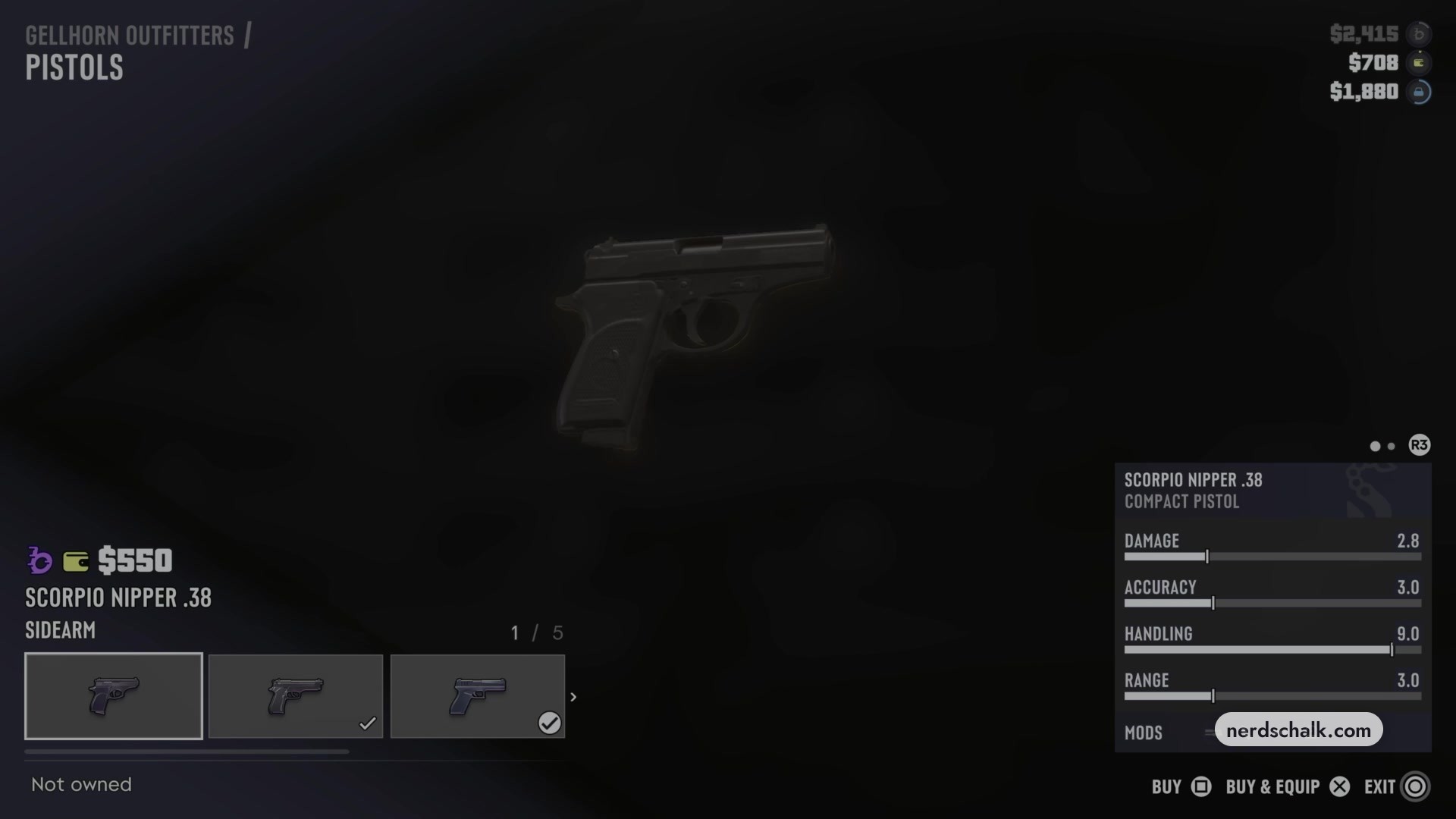
The SCORPIO NIPPER.38 is another entry in the pistol menu as you browse for the Duke 1922. Its menu offers MODS, BUY, BUY & EQUIP, and EXIT.
Purchase the Duke 1922
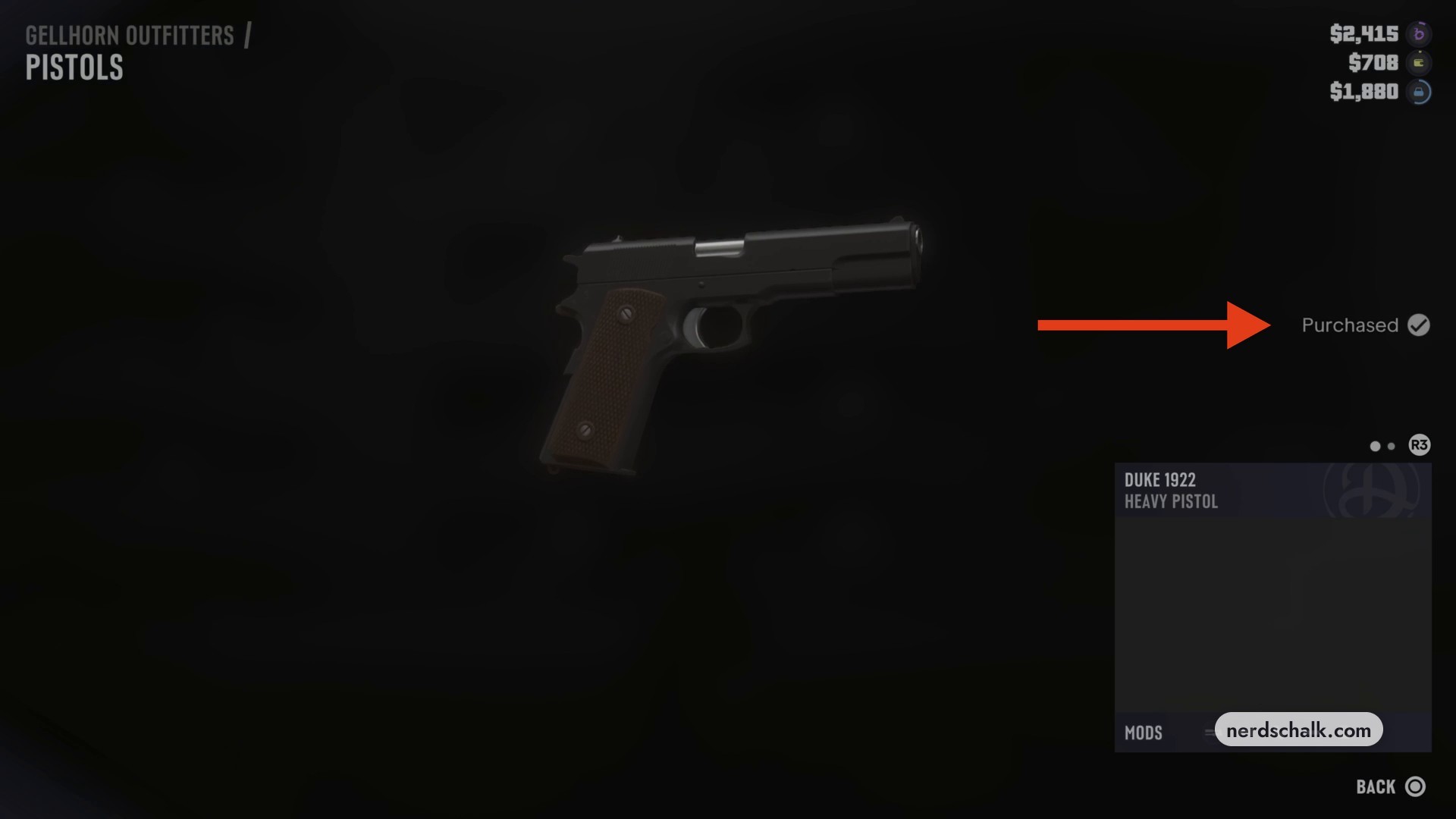
Buy the Duke 1922 and look for the Purchased checkmark to confirm completion.
Related Grand Theft Auto VI guides

Leave a Reply