
Beast of Reincarnation still does not have full native ultrawide support on PC, so the current fix is to install a community UE4SS ultrawide mod into the game’s Win64 folder and then adjust the mod’s FOV setting if the camera feels too tight.
Beast of Reincarnation still pillarboxes ultrawide displays on PC, so 21:9 and 32:9 players need an unofficial fix for now. The current community route uses UE4SS plus an ultrawide mod that removes the black bars, improves menu alignment, and exposes camera/FOV settings depending on the build you install.
- Current ultrawide status in Beast of Reincarnation
- Files to get before installing the ultrawide fix
- Install the Beast of Reincarnation ultrawide fix
- Change FOV in the ultrawide mod settings
- Fix ultrawide mod problems in Beast of Reincarnation
- Remove the ultrawide fix or wait for native support
- Frequently Asked Questions
Current ultrawide status in Beast of Reincarnation
| Issue | Current fix |
|---|---|
| Black bars on 21:9 and 32:9 displays | Install the UE4SS ultrawide fix in the game’s Win64 folder. |
| UI alignment | Use a build that recenters or expands the UI instead of leaving it letterboxed. |
| Skill tree or cursor behavior | Use the newer fix builds that address skill tree interaction and menu cursor alignment. |
| Camera feels too close | Edit the mod’s Lua settings file and change the FOV value. |
| Native ultrawide support | It is planned for a future update, but there is no dated patch for it yet. |
The PC version still renders around a 16:9 frame on ultrawide monitors, which is why you see black bars instead of a full-width image. Community ultrawide fixes target the rendering frame and the camera, but they are PC-only and unofficial, so keep a clean backup of any files you replace or add.
Files to get before installing the ultrawide fix
| File | Use |
|---|---|
| UE4SS | Loads the mod from BeastOfReincarnation\Binaries\Win64. |
| Ultrawide fix mod | Removes black bars, adjusts UI behavior, and adds FOV/camera settings. |
Key You need two things: UE4SS, which lets the Lua/C++ mod load, and the Beast of Reincarnation ultrawide fix itself.
Install into the inner Win64 folder, not the top-level game folder; most failed installs happen because the UE4SS files land one folder too high.
Install the Beast of Reincarnation ultrawide fix
Open the game folder from Steam
In Steam, right-click Beast of Reincarnation, choose Manage, then Browse local files.
Open the Win64 folder
Go into BeastOfReincarnation\Binaries\Win64; this is the folder that needs the UE4SS files.
Extract UE4SS
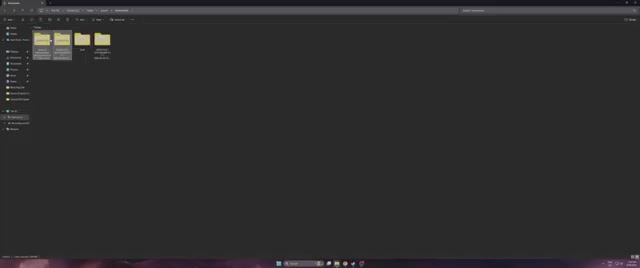
Open the extracted UE4SS folder, copy its contents, and paste them into Win64.
Copy the loose UE4SS file
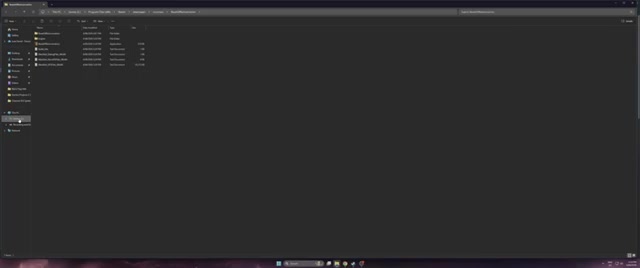
If the UE4SS download includes a required loose file outside its main folder, copy that into Win64 too.
Return to Binaries
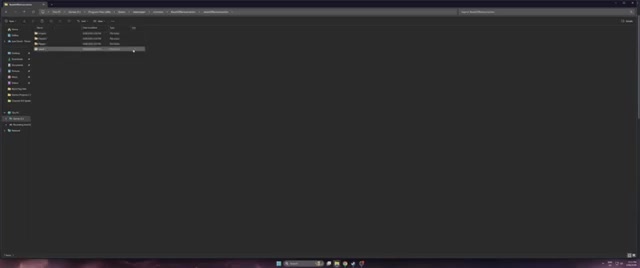
Go back until you are in the game’s Binaries folder.
Open the extracted ultrawide fix
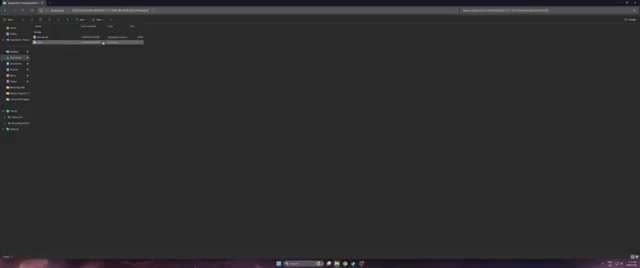
In the extracted mod folder, open its included BeastOfReincarnation folder.
Merge the mod’s Binaries folder
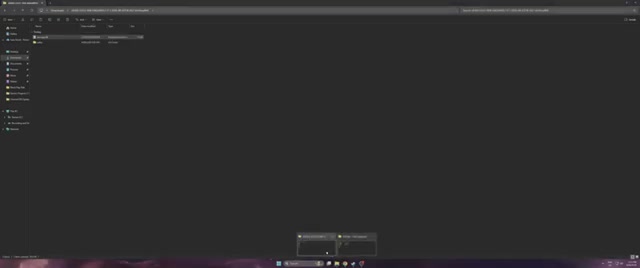
Drag the mod’s Binaries folder into the game’s Binaries folder and allow the folders to merge.
Check Mods.txt if your build uses it
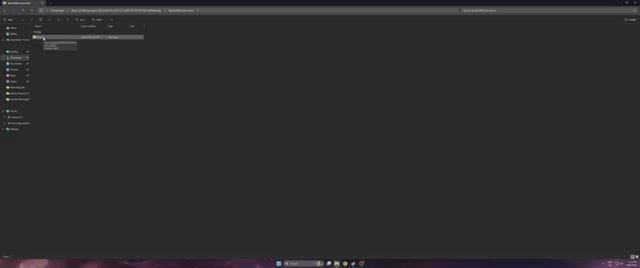
If the mod instructions include Mods.txt entries, make sure entries such as StableCameraCpp : 1 are enabled.
Launch the game
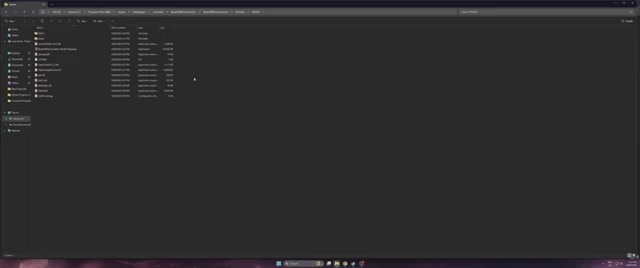
Start Beast of Reincarnation normally and wait if the first launch sits on a black screen while shaders compile.
Change FOV in the ultrawide mod settings
Open the mod settings folder
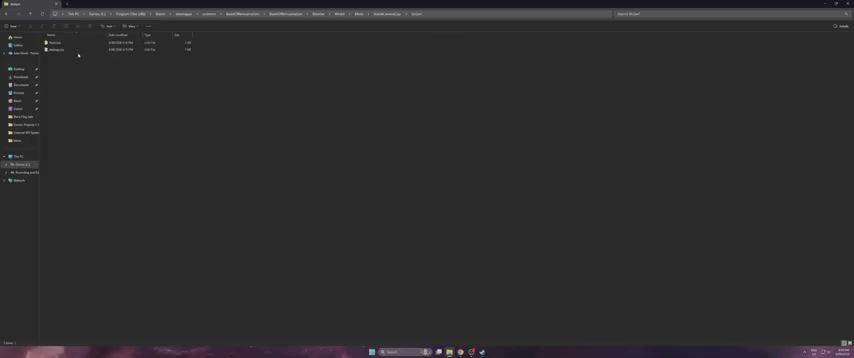
Go to BeastOfReincarnation\Binaries\Win64\Mods\StableCameraCpp\Scripts.
Edit Settings.lua
Open Settings.lua in Notepad.
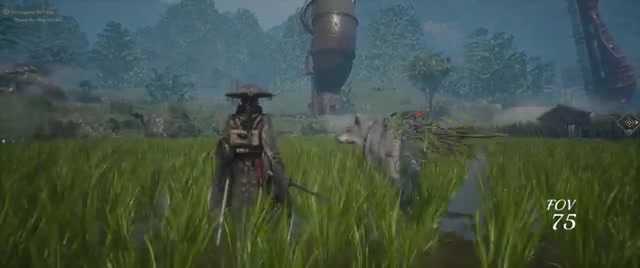
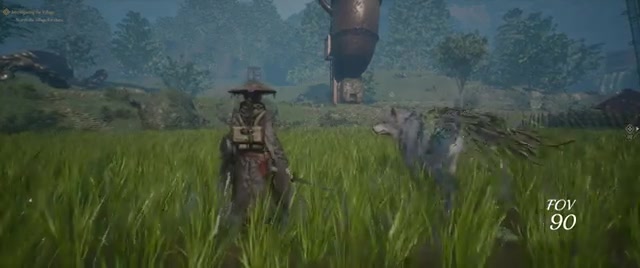
Change the FOV value
Set the FOV value you want; one common recommendation is 75, with builds exposing values from 50 to 120.
Save the file
Save Settings.lua and close the editor.
Restart the game
Relaunch Beast of Reincarnation so the mod can apply the changed FOV.
Fix ultrawide mod problems in Beast of Reincarnation
| Problem | Fix |
|---|---|
| Nothing changes after launch | Recheck that UE4SS is inside BeastOfReincarnation\Binaries\Win64, not the outer install folder. |
| The mod does not load | Make sure every UE4SS file was copied, including any loose file that sits outside the main extracted folder. |
| Mods.txt build stays inactive | Open Mods.txt and enable the required mod entries with : 1 where that build asks for it. |
| UI is still offset | Switch to a newer UI-centering build or check the mod’s Lua settings for aspect-ratio options. |
| Black bars still appear | Confirm you installed the matching aspect-ratio build, or set the Lua aspect-ratio override if auto-detection fails. |
| 32:9 does not detect correctly | Use the 32:9 build if available, or set the override value in the mod’s config instead of leaving auto-detect on. |
| Another mod breaks the fix | Test with only UE4SS and the ultrawide fix installed, then add other mods back one at a time. |
| First launch hangs on a black screen | Wait a minute or two on the first run; shader compilation can look like a freeze. |
Once the files are in the correct folder, most issues come down to the exact build you chose. Aspect-ratio-specific releases, auto-detect releases, and Settings.lua-driven releases do not all use the same setup, so match your troubleshooting to the files you actually installed.
Remove the ultrawide fix or wait for native support
To uninstall the fix, delete the mod folders you added under Binaries\Win64\Mods and remove any matching entries from Mods.txt if your build required them. If you only want to remove the ultrawide behavior, you can leave UE4SS installed, but a clean rollback means removing the UE4SS files from Win64 as well.
Official ultrawide support is on the future-update list, but there is no patch version or release date for it yet. Until that arrives, the community UE4SS fix is the working PC route for removing the bars and tuning the camera.
Related Beast of Reincarnation guides
Frequently Asked Questions
Does the Beast of Reincarnation ultrawide fix work on 32:9 monitors?
Yes, 32:9 support exists in community builds, including aspect-ratio-specific versions and builds with auto-detect or override settings. The most certain hands-on setup is still 21:9, so 32:9 players should use the 32:9 package or the aspect-ratio override if the image does not scale correctly.
Can I use the ultrawide fix on PS5 or Xbox?
No. This is a PC mod that depends on UE4SS and access to the game’s Windows files, so it is not available on PS5 or Xbox.
Did Patch v1.0.7 add native ultrawide support?
No. Patch v1.0.7, released on August 9, 2026, addressed other PC issues such as upscaler reset behavior, cutscene performance mode defaults, camera changes, and text-size adjustments, but it did not add native ultrawide rendering.
Video help






Leave a Reply