Gaming

GTA 6 Crop Dusting Mission: Takeoff Tips, Spraying Tips, and Landing Tips

Complete the GTA 6 Crop Dusting mission with tips for taking off from Kyle McKittrick’s airstrip, spraying the strawberry fields, and landing the crop duster safely before collecting your payment.

Complete the GTA 6 Crop Dusting mission with tips for taking off from Kyle McKittrick’s airstrip, spraying the strawberry fields, and landing the crop duster safely before collecting your payment.

0 Comments
QUICK ANSWER
Complete Crop Dusting by accepting Kyle McKittrick’s job at McKittrick Farm, flying the spraying runs, landing the crop duster, and speaking to him afterward.

Crop Dusting is a mission in Grand Theft Auto VI that puts you behind the controls of a farm aircraft to spray strawberry fields. Rockstar Games publishes the game on PS5. Kyle’s truck leads you through the fields before you return to the airstrip. This guide covers accepting the job, preparing the plane, completing the spraying runs, and finishing the mission.

missionCrop Dustingstarting pointKyle McKittrick at McKittrick Farm airstripaircraftLapwing — Kyle’s MallardpayoffPayment and Kyle’s contact details

How to complete Crop Dusting in Grand Theft Auto VI

STEP 1

Reach Kyle’s airstrip

Turn right off the paved main road toward the airfield marker, following the Turn Right navigation instruction. Drive across the dirt-and-grass airfield toward the red crop duster parked outside the open hangar, then leave your car and approach the aircraft. Its McKittrick Farm branding helps identify the destination.
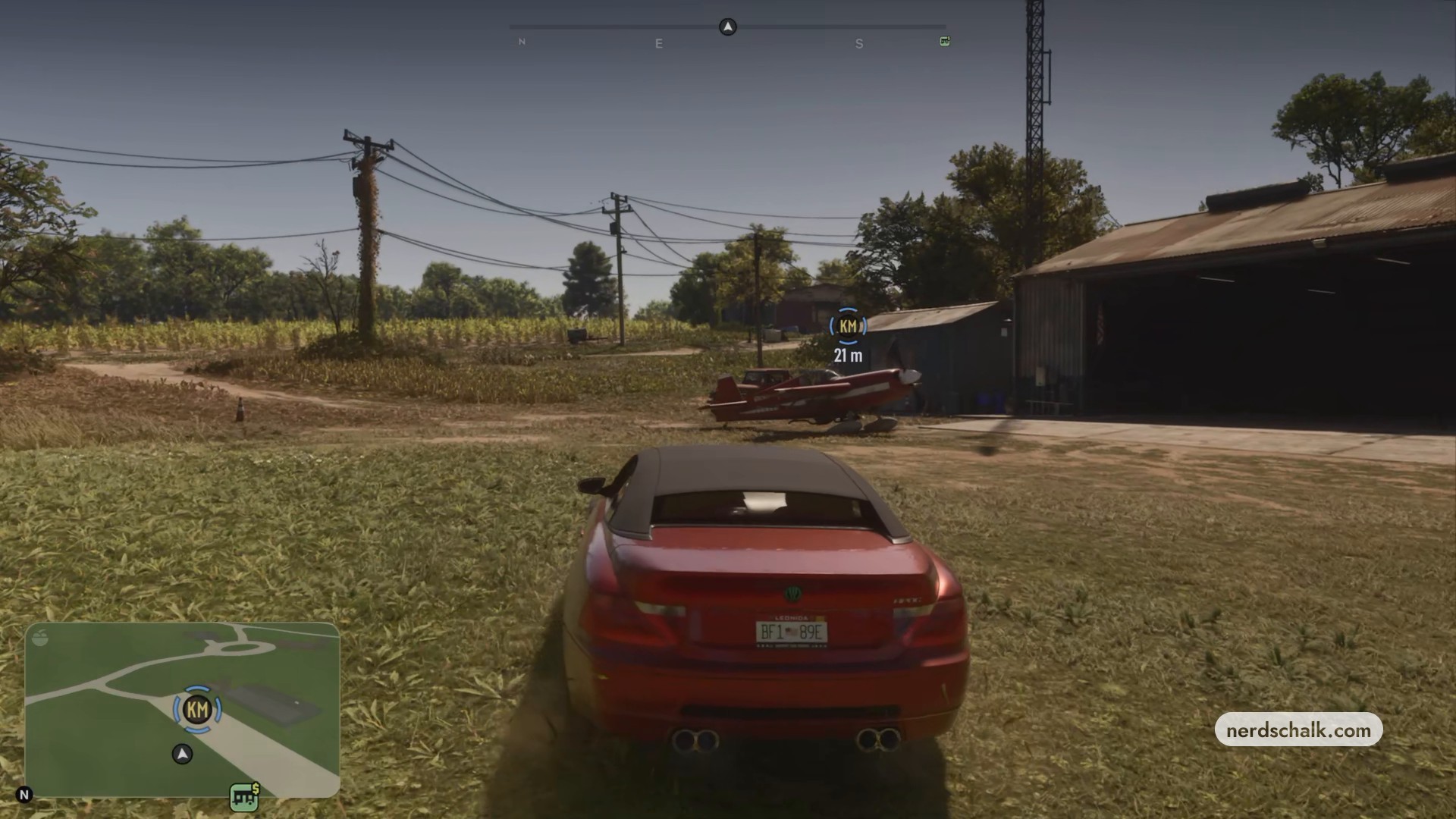
The red crop duster is parked outside the open hangar.
The red crop duster is parked outside the open hangar. · Screenshot by NerdsChalk

Take the right turn from the rural road toward the airfield marker.
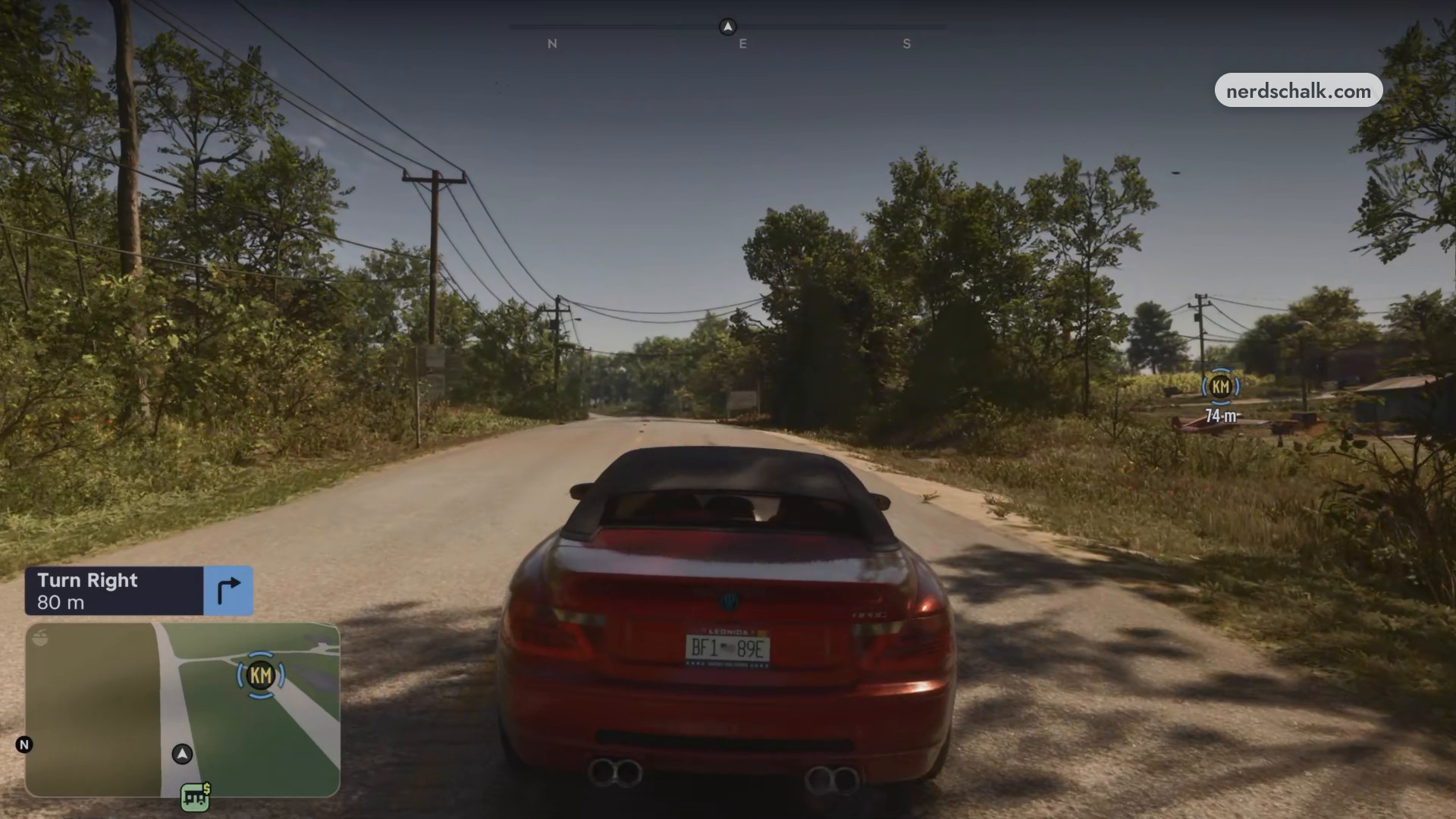
The approach road displays a Turn Right instruction.
The approach road displays a Turn Right instruction. · Screenshot by NerdsChalk
STEP 2

Approach Kyle and accept the job

Walk up to Kyle McKittrick, the injured man beside the aircraft at the mission’s starting point, where the conversation prompt reads TALK X. Agree to finish the field-dusting work by choosing ACCEPT with X; DECLINE uses O. After accepting, your objective becomes Get in the crop duster.
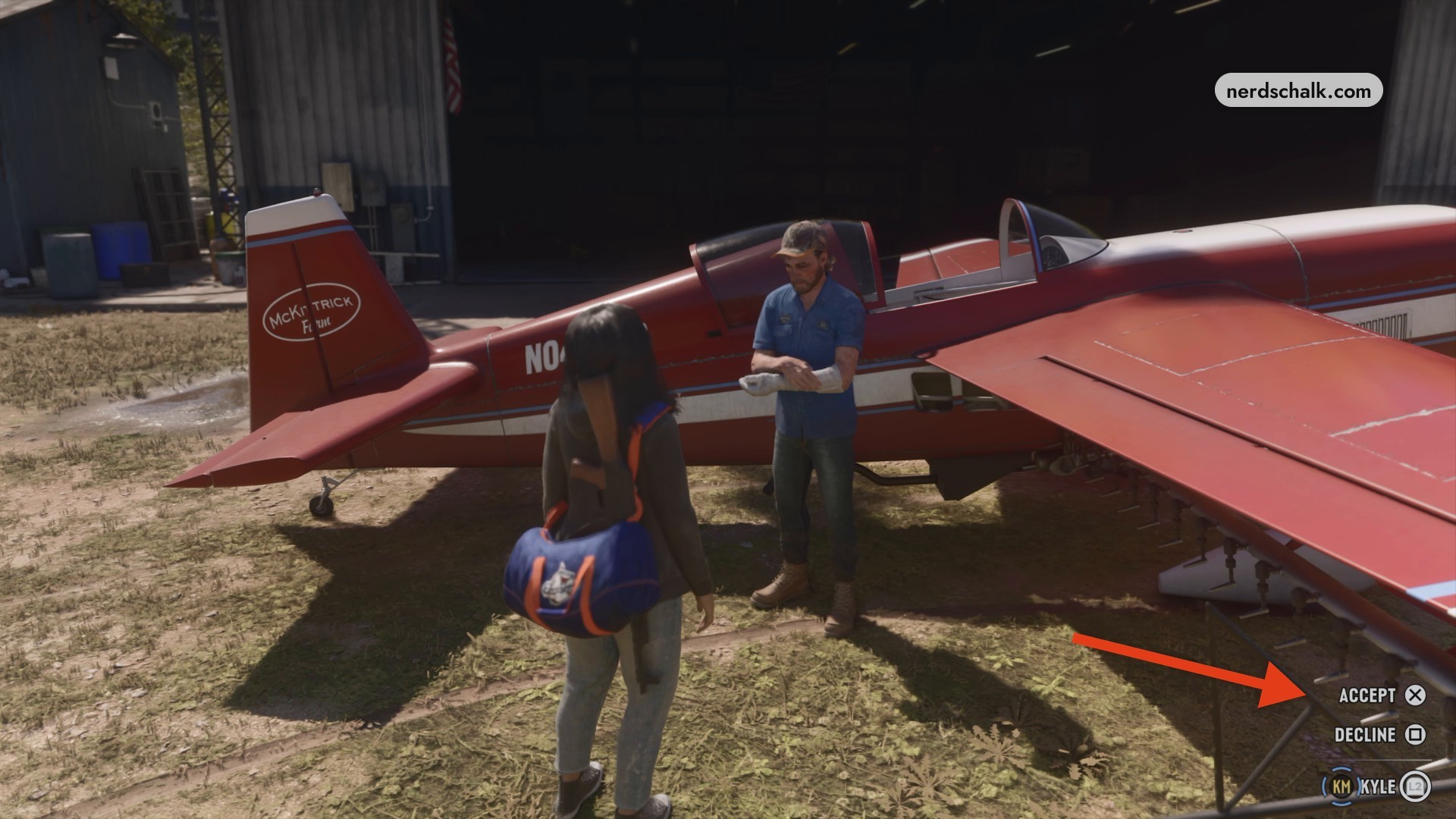
Kyle’s offer displays the accept and decline prompts beside the plane.
Kyle’s offer displays the accept and decline prompts beside the plane. · Screenshot by NerdsChalk

Approach Kyle beside the red aircraft to begin the conversation.
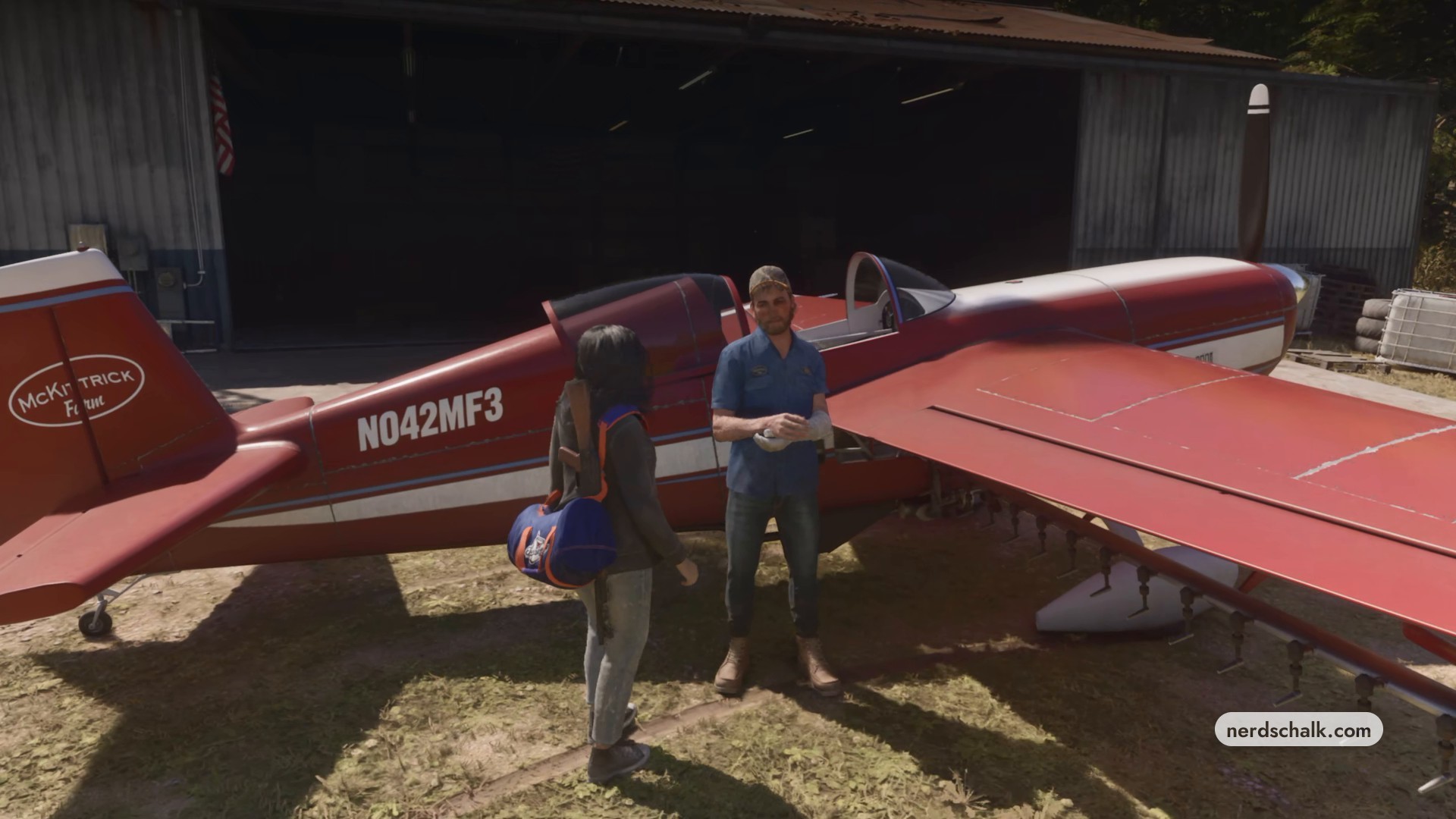
Kyle stands beside the McKittrick Farm crop duster.
Kyle stands beside the McKittrick Farm crop duster. · Screenshot by NerdsChalk

Follow the Get in the crop duster objective after accepting.
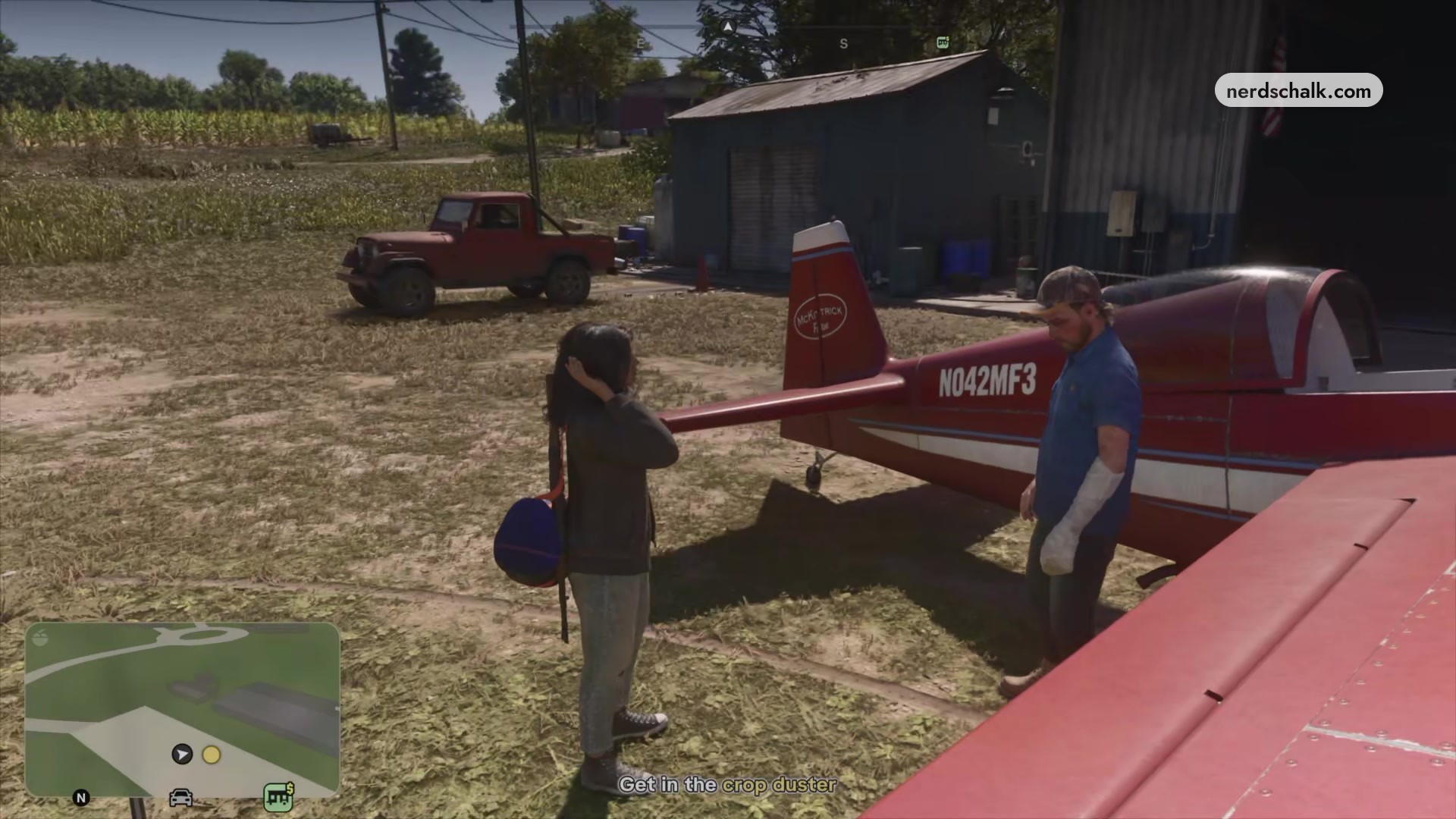
The aircraft-entry objective appears beside Kyle and the crop duster.
The aircraft-entry objective appears beside Kyle and the crop duster. · Screenshot by NerdsChalk
STEP 3

Stow your duffel bag

If you’ve already climbed into the cockpit, get back out before returning to the car. Return to the trunk of your red car and use OPEN to access it. Choose CLEAR & STOW BAG with O to put the duffel bag away before departure. The trunk also offers a separate CLEAR TRUNK option on Square.
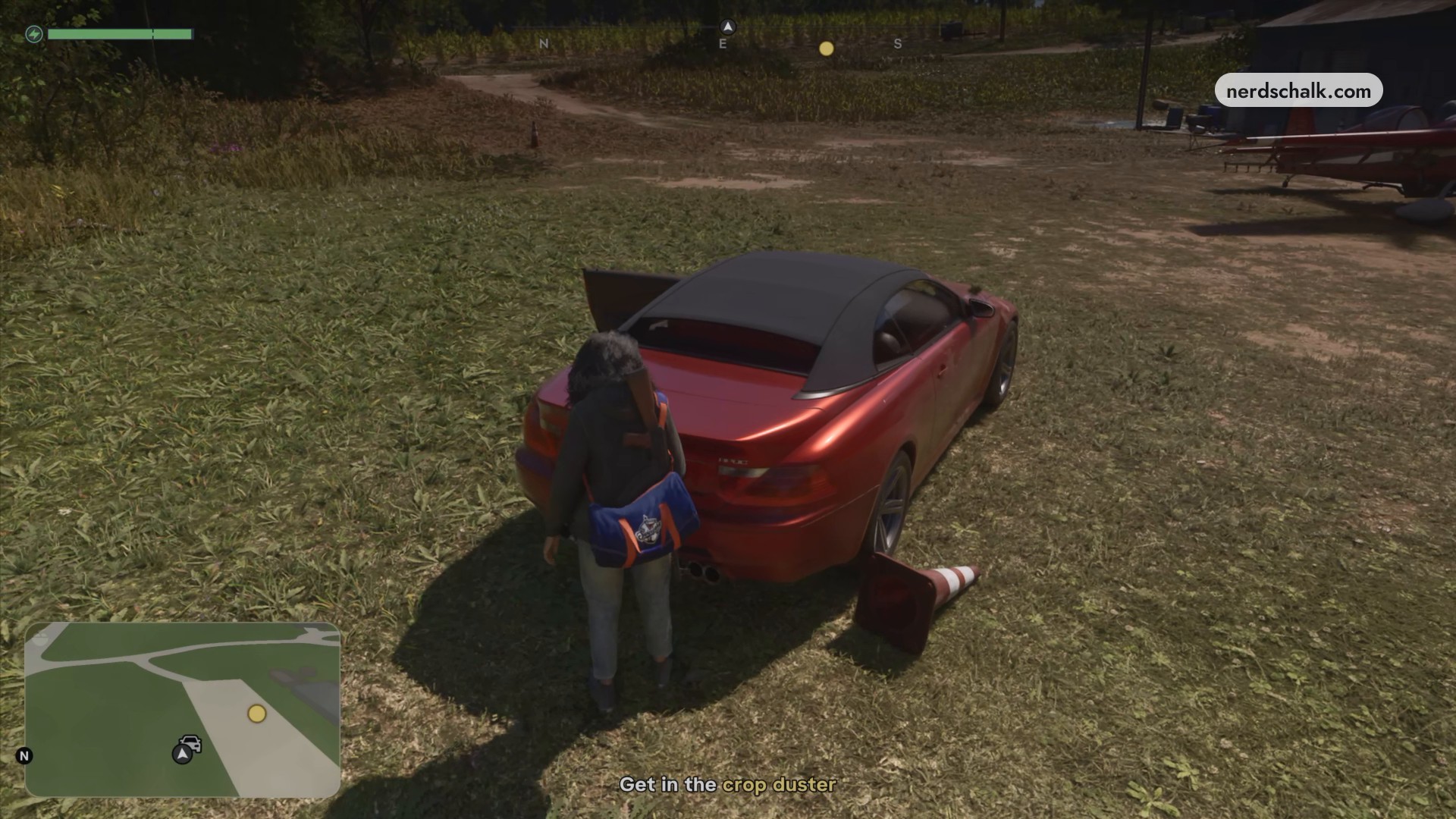
Lucia stands at the red car’s trunk beside the airfield.
Lucia stands at the red car’s trunk beside the airfield. · Screenshot by NerdsChalk

Head back toward the aircraft outside the open hangar.
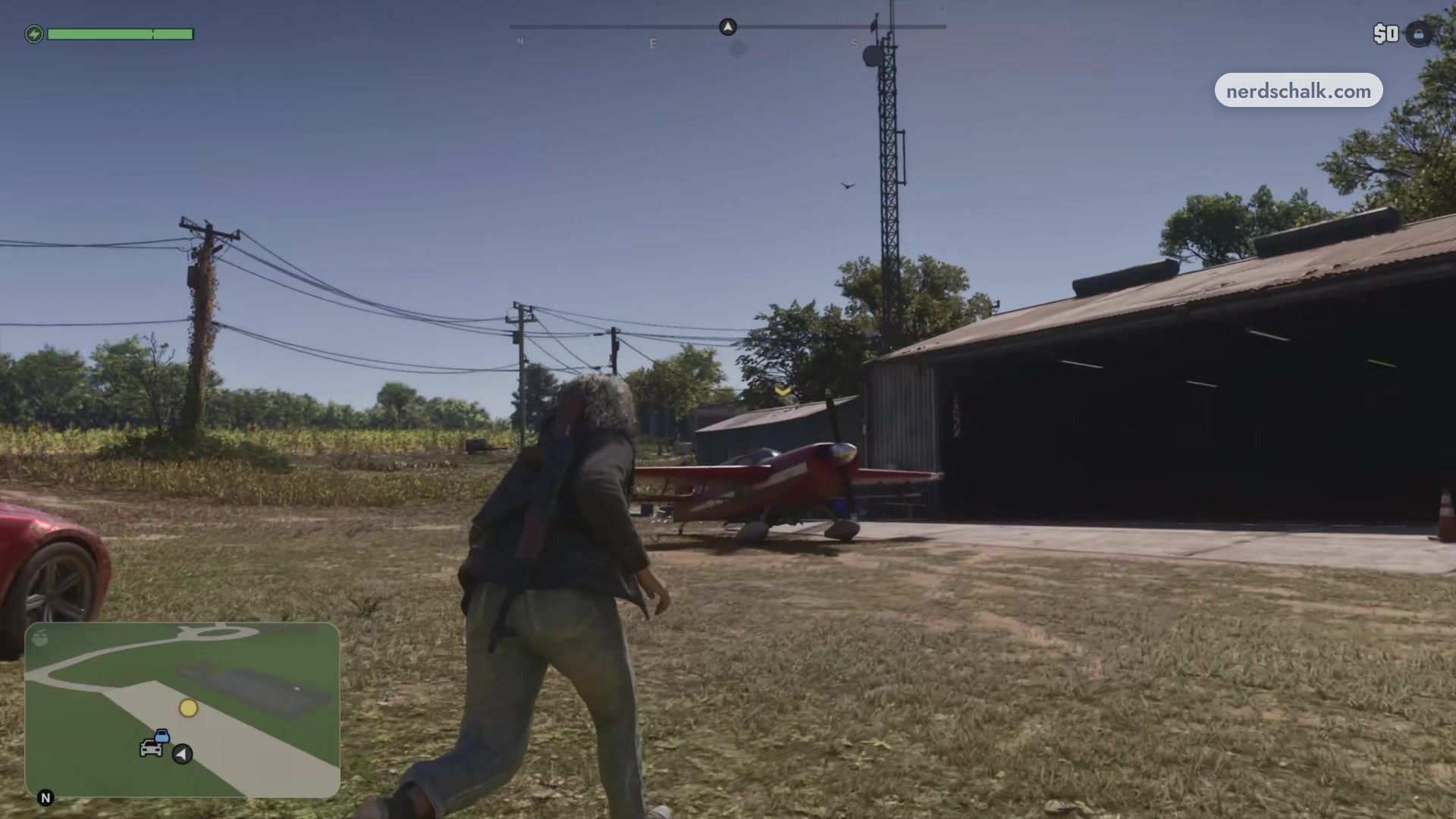
Lucia runs toward the red-and-white plane outside the hangar.
Lucia runs toward the red-and-white plane outside the hangar. · Screenshot by NerdsChalk
STEP 4

Board the Lapwing

Return to the red-and-white Lapwing, climb onto its wing, and enter the open cockpit. The vehicle label reads LAPWING KYLE’S MALLARD. A standout-vehicle notification warns that some parts may be unique and cannot be reapplied after modification.
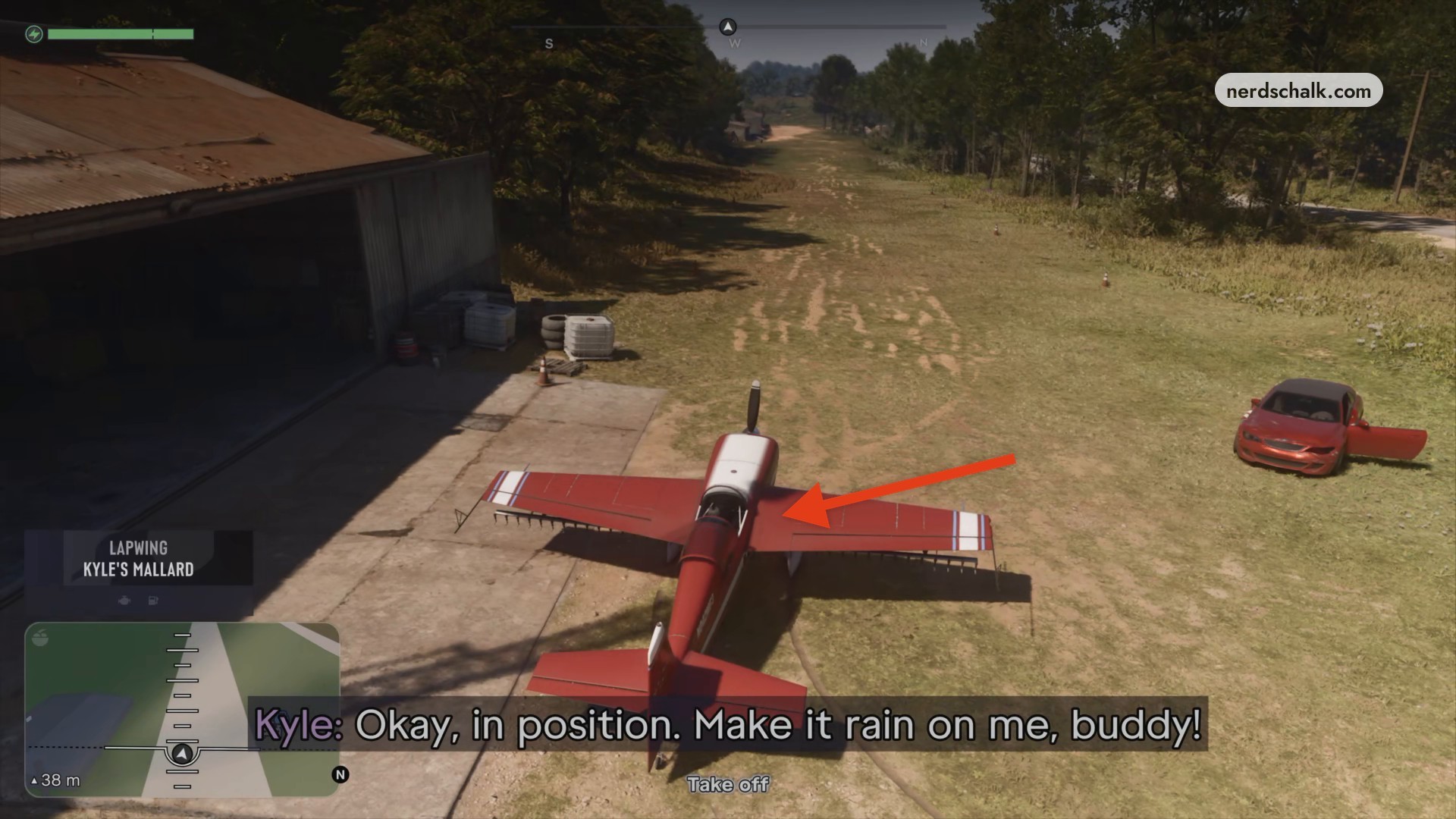
Kyle’s Mallard sits on the airstrip with the Take off objective active.
Kyle’s Mallard sits on the airstrip with the Take off objective active. · Screenshot by NerdsChalk
STEP 5

Take off from the runway

With Take off active, hold R2 to build speed along the grassy runway bordered by trees, then pull up to become airborne. The flight prompt identifies holding L1 or R1 as the rudder controls.

Build speed along the tree-lined airstrip.
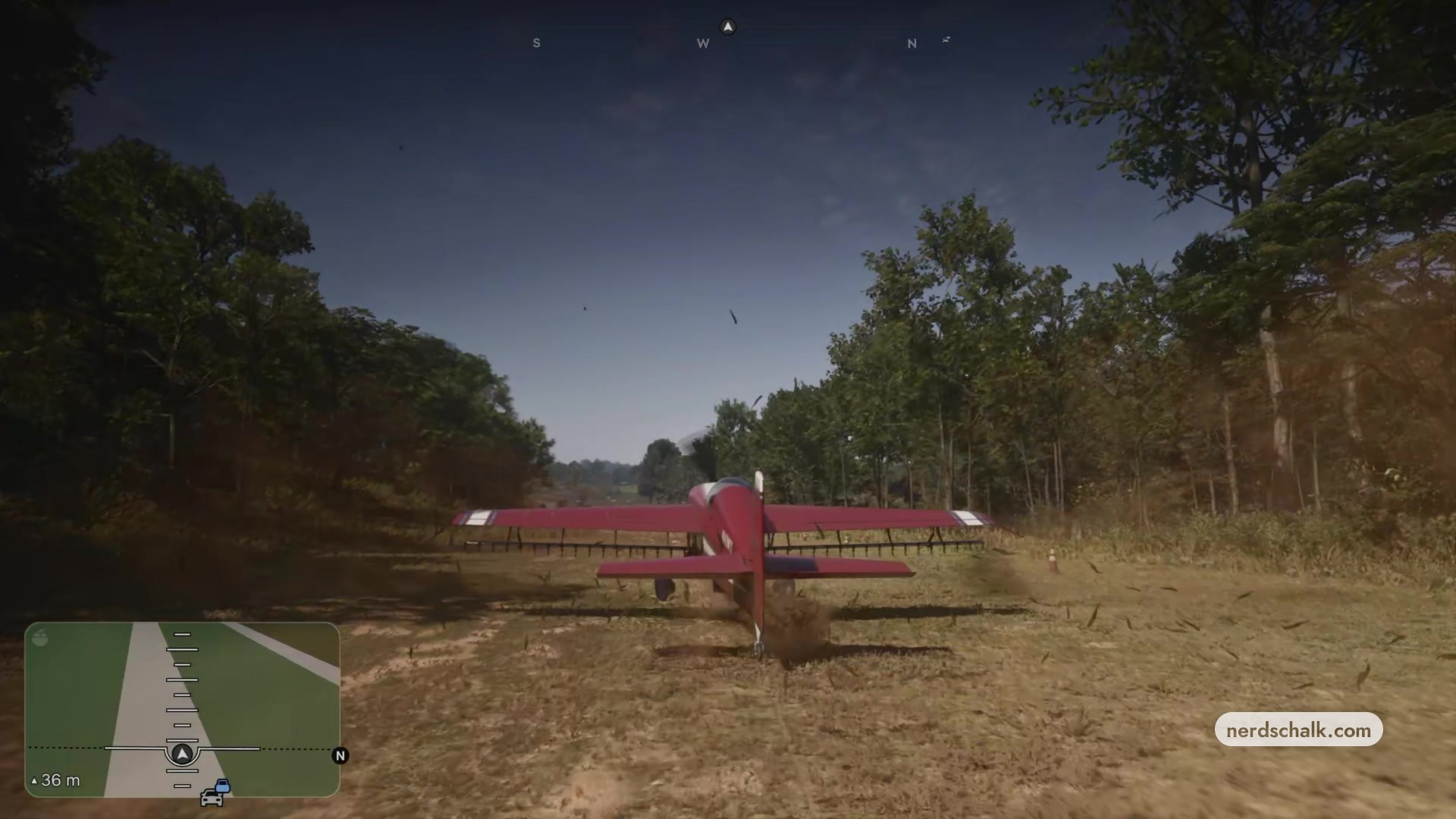
The red crop duster taxis along the grass-and-dirt runway.
The red crop duster taxis along the grass-and-dirt runway. · Screenshot by NerdsChalk
STEP 6

Complete the spraying runs

Bank toward the strawberry fields. SPRAY CHEMICALS appears as an item in the weapon wheel. Follow Crop dust over Kyle, descending low over the crop rows directly above his red pickup. The aircraft briefly makes contact with the ground during a spraying pass before climbing back into flight. Make the initial spraying pass, then circle while Kyle drives to the next section. Fly another low pass over him before banking higher around the farm while his truck reaches position again. Bring the third pass down low across the crops, directly over his truck in the field. Kyle signals your alignment with “You’re in position, let ’er rip!”
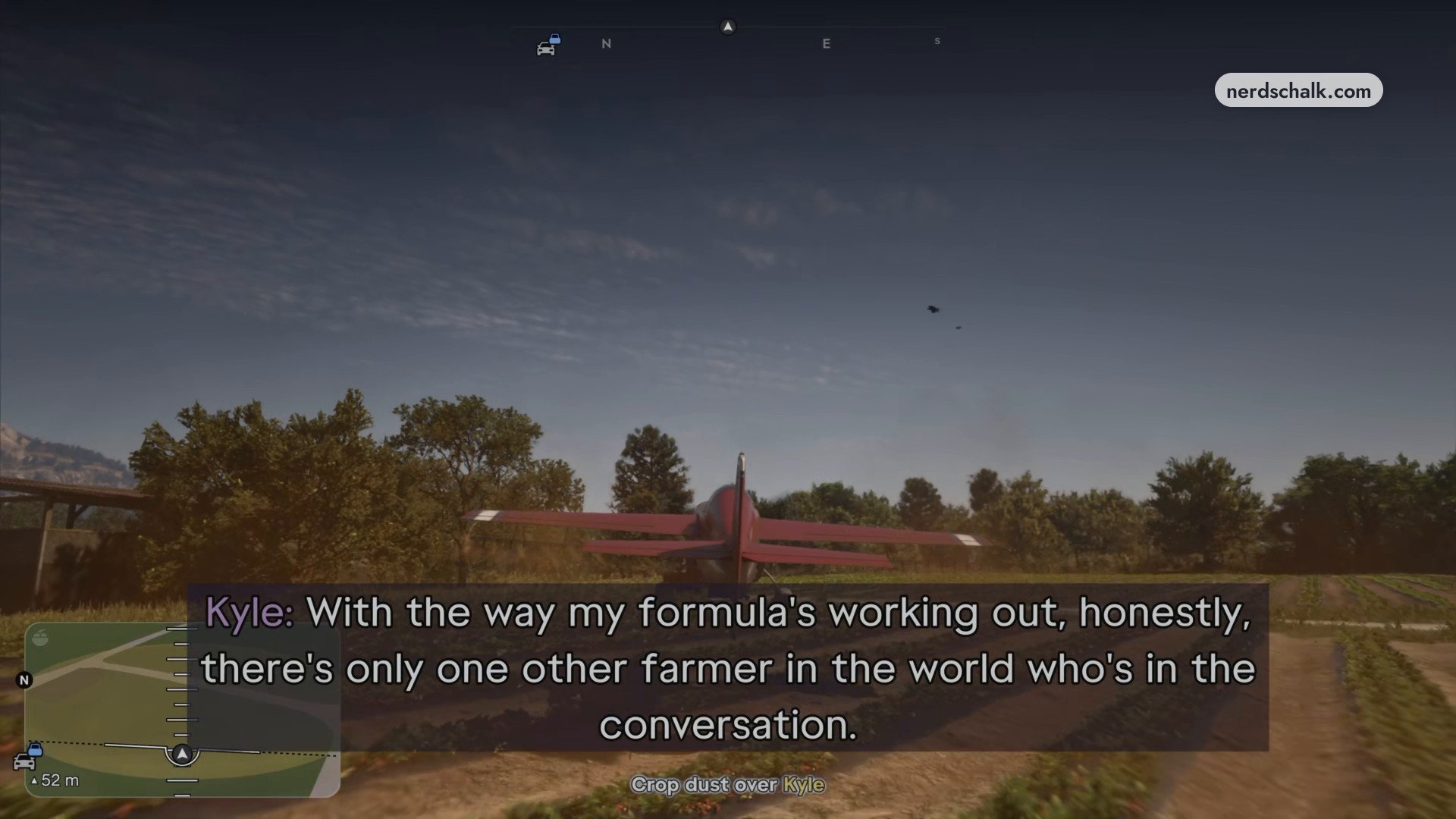
The crop duster flies low over the field with Crop dust over Kyle active.
The crop duster flies low over the field with Crop dust over Kyle active. · Screenshot by NerdsChalk

Bank over the farmland to line up with the fields.
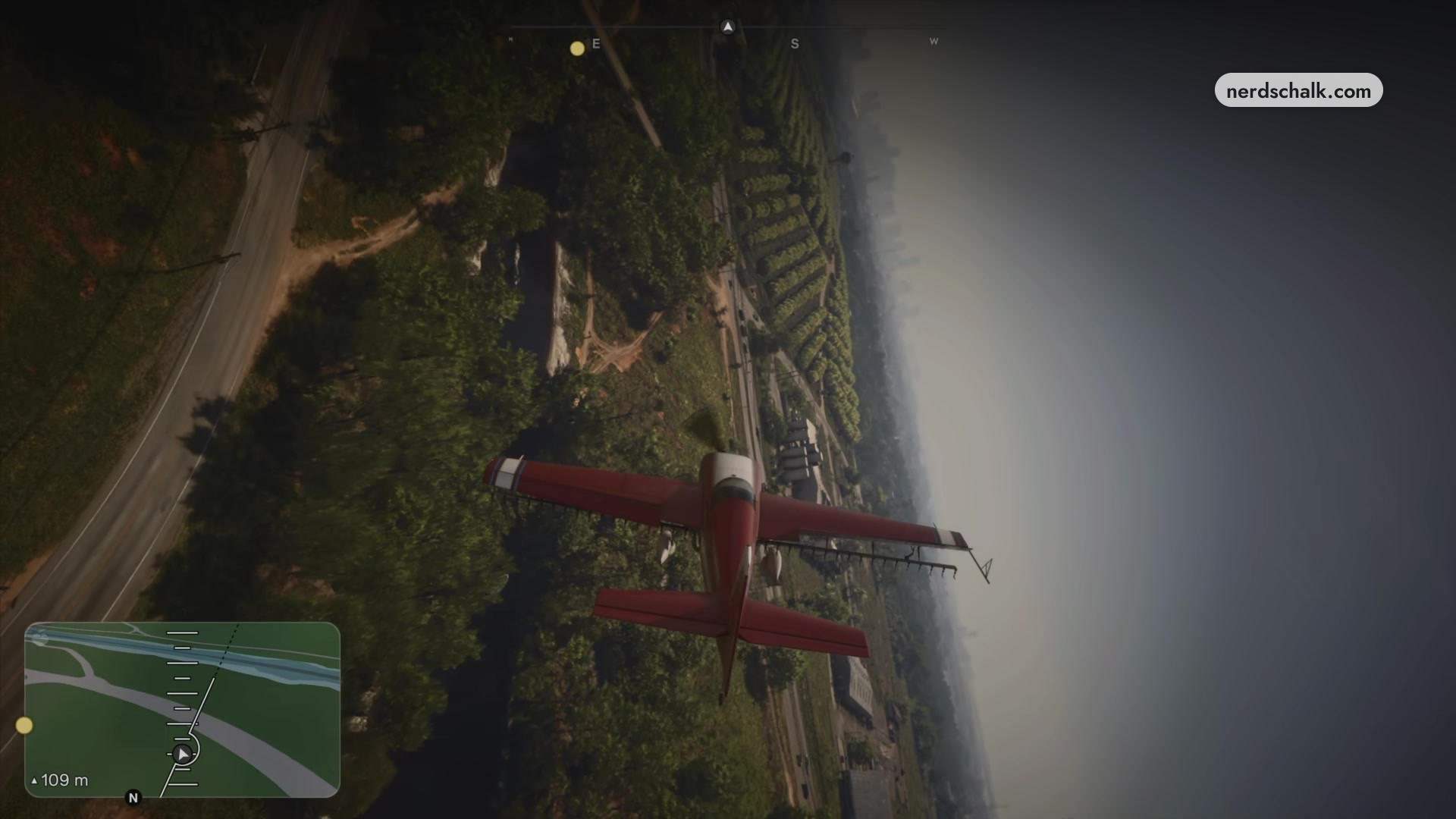
The crop duster banks sharply above farmland and trees.
The crop duster banks sharply above farmland and trees. · Screenshot by NerdsChalk

Read the crop-spraying control prompt as you approach the fields.
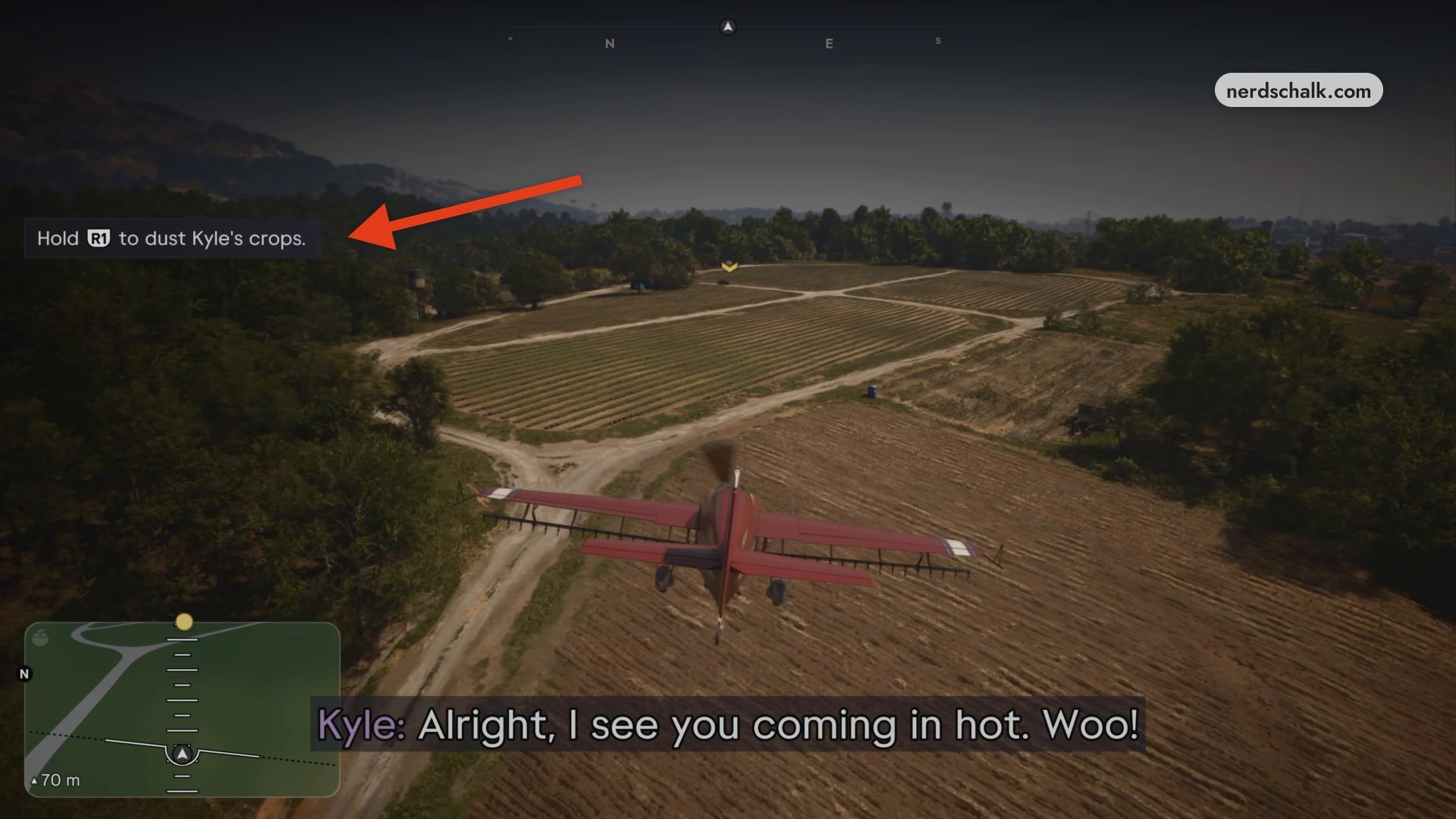
The crop-spraying control prompt appears on the flight HUD.
The crop-spraying control prompt appears on the flight HUD. · Screenshot by NerdsChalk

Locate Kyle’s red pickup beside the cultivated fields.
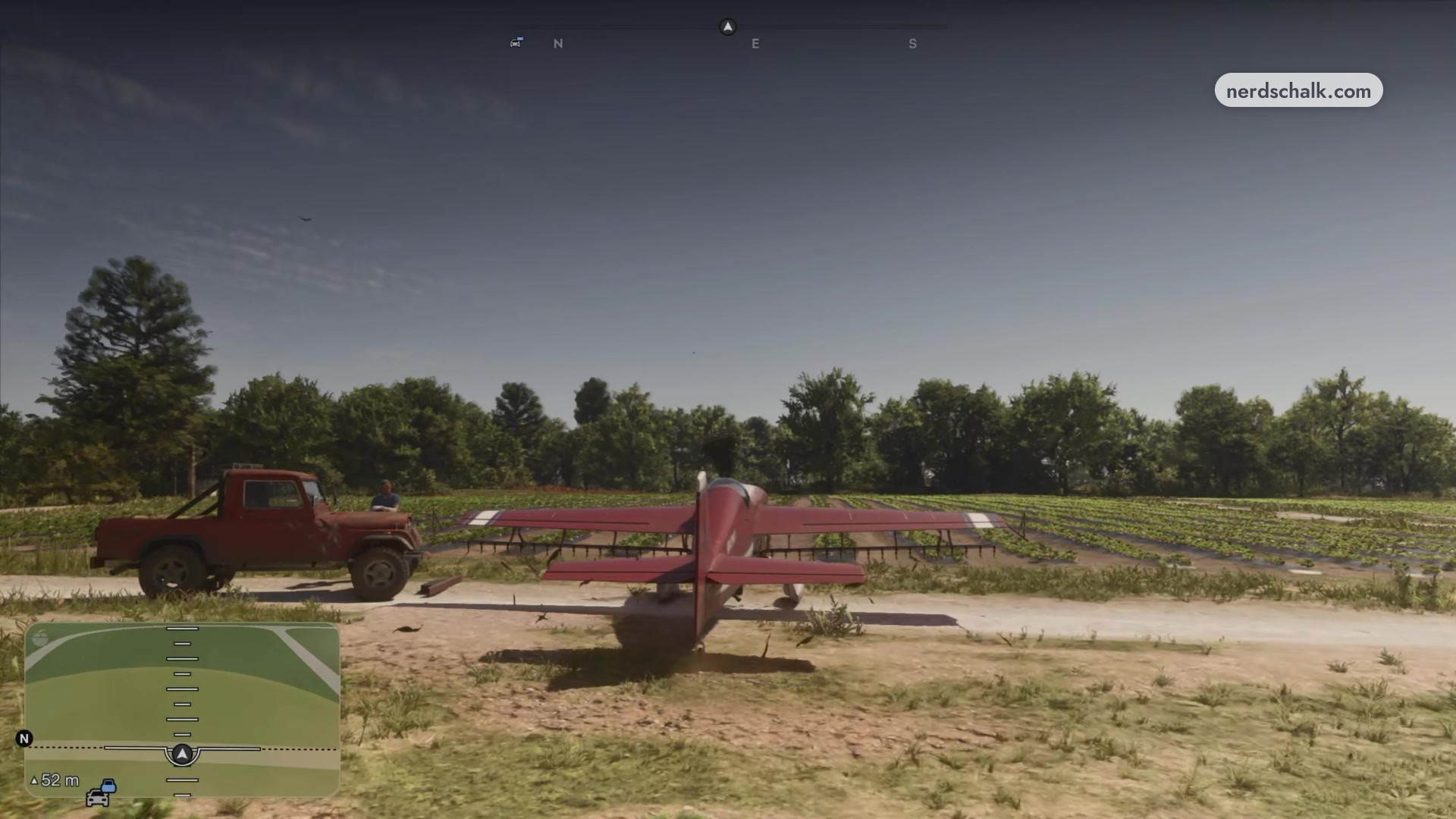
The crop duster sits beside Kyle’s red pickup near the fields.
The crop duster sits beside Kyle’s red pickup near the fields. · Screenshot by NerdsChalk

Circle the area while Kyle moves his truck onward.
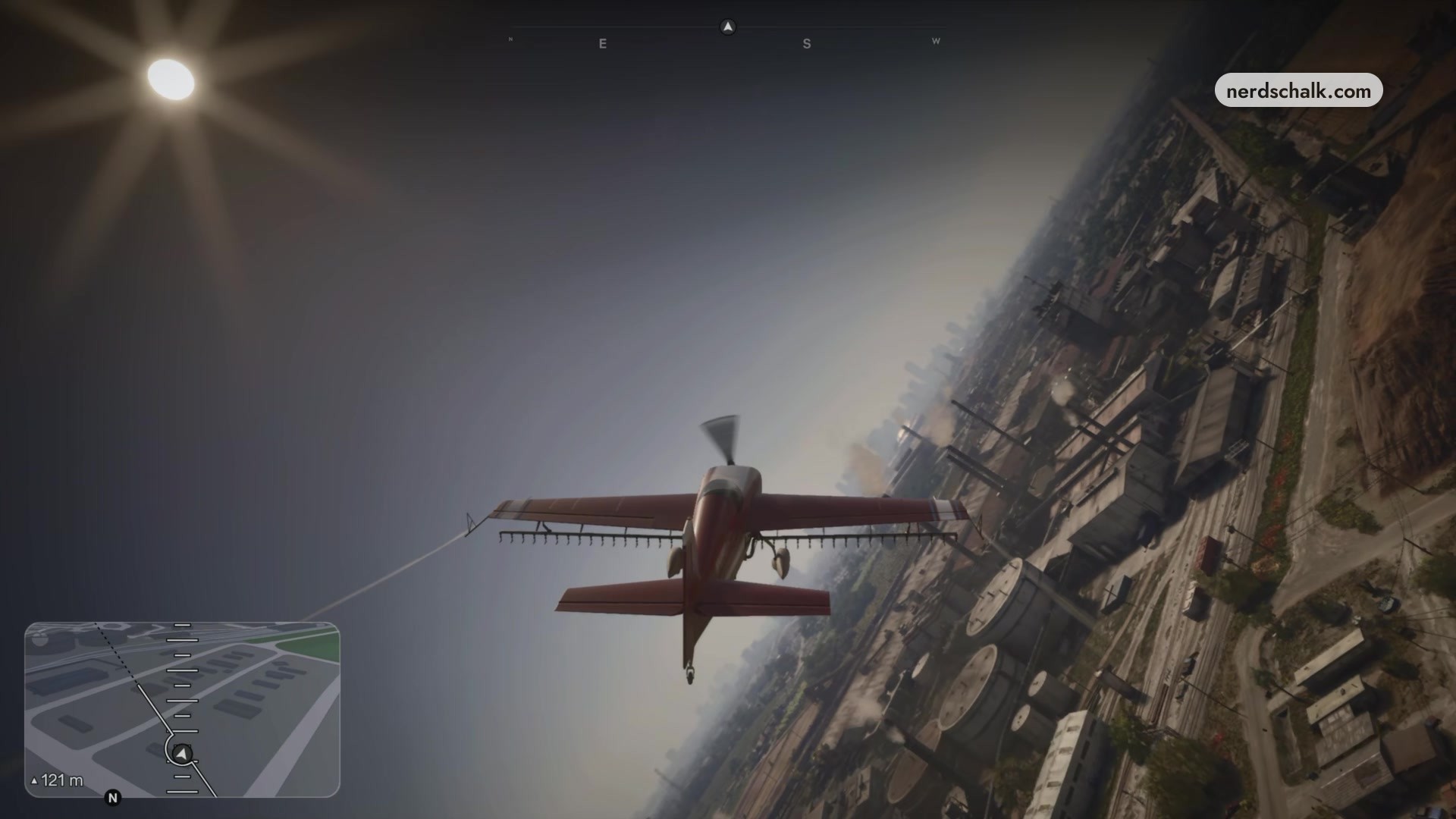
The crop duster banks above an industrial area and railway yard.
The crop duster banks above an industrial area and railway yard. · Screenshot by NerdsChalk

Bring the plane around over the fields for another low approach.
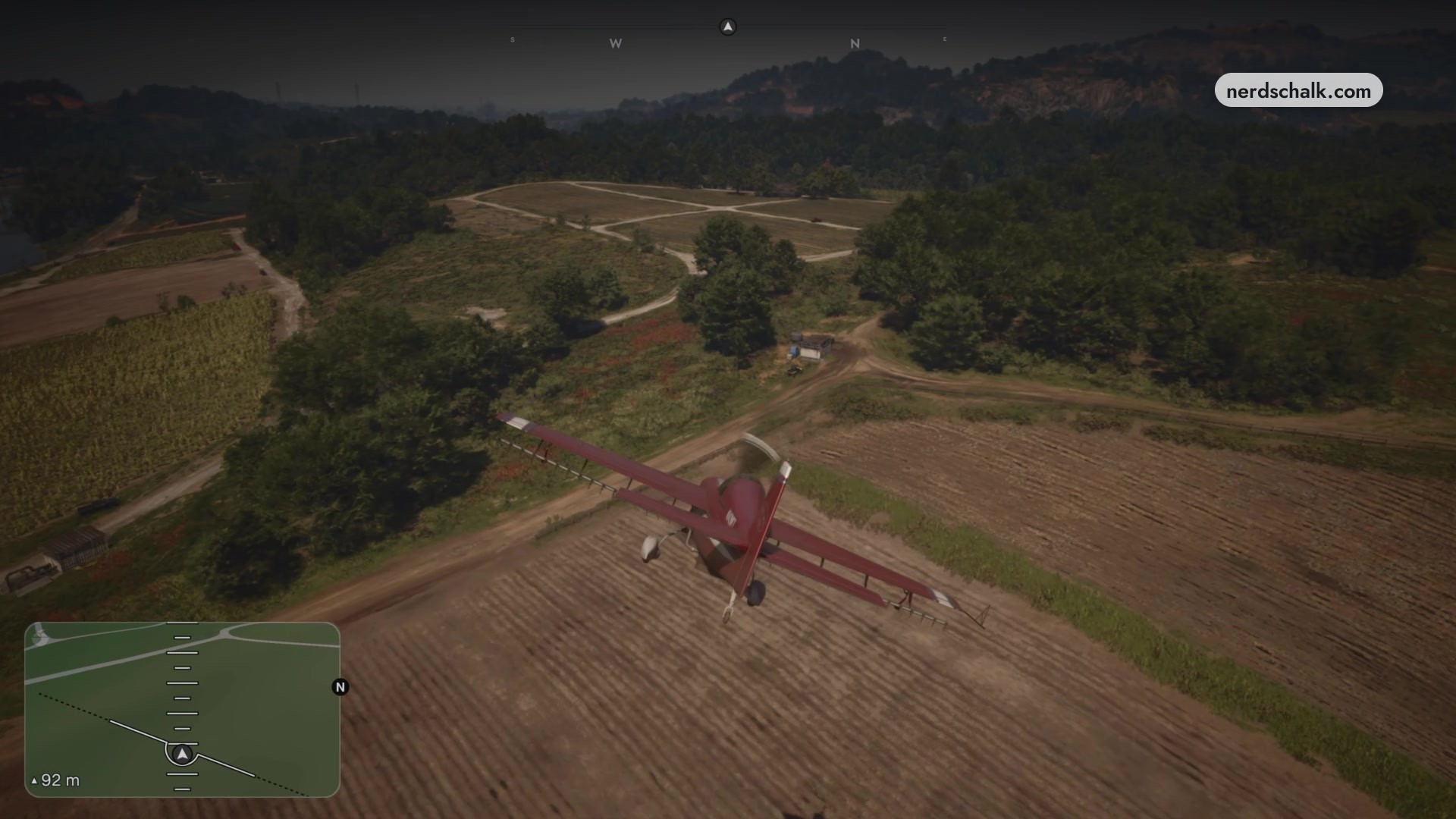
The crop duster banks low above fields, dirt tracks and trees.
The crop duster banks low above fields, dirt tracks and trees. · Screenshot by NerdsChalk

Climb above the trees between spraying approaches.
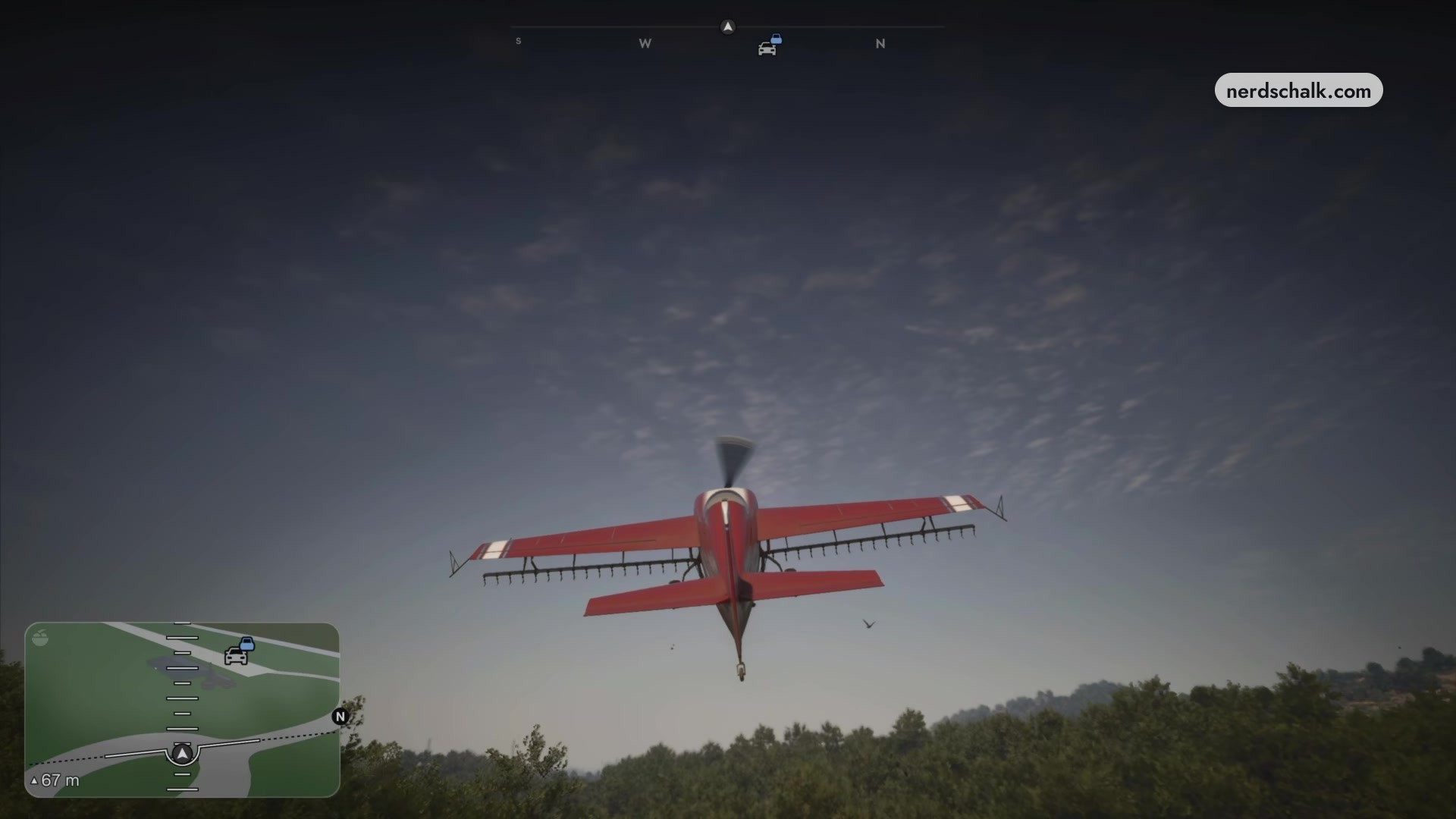
The crop duster raises its nose above a line of trees.
The crop duster raises its nose above a line of trees. · Screenshot by NerdsChalk

Bank higher while Kyle gets his truck into position.
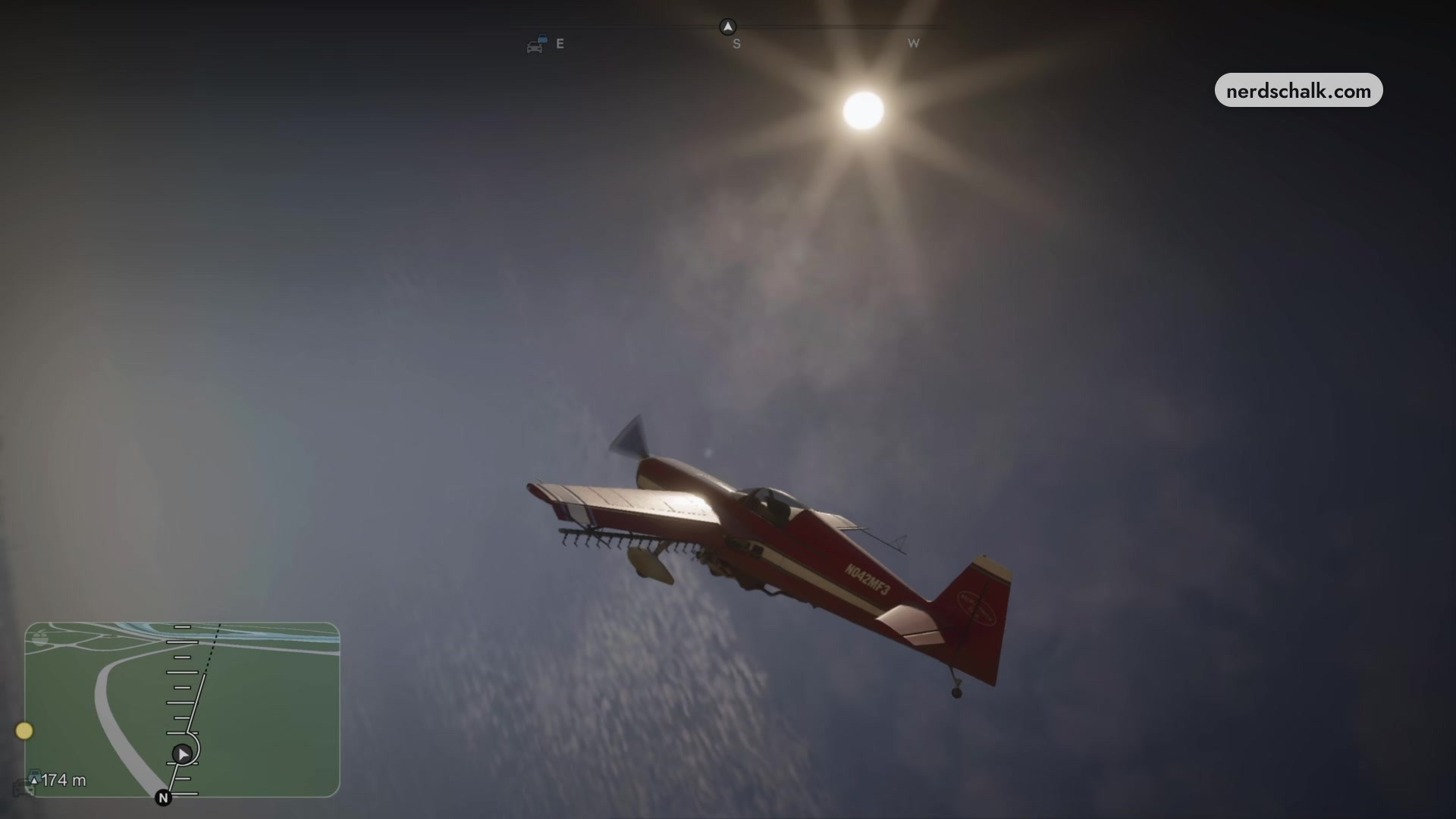
The crop duster banks upward beneath the sun.
The crop duster banks upward beneath the sun. · Screenshot by NerdsChalk

Descend over the farmland with the spraying objective still active.
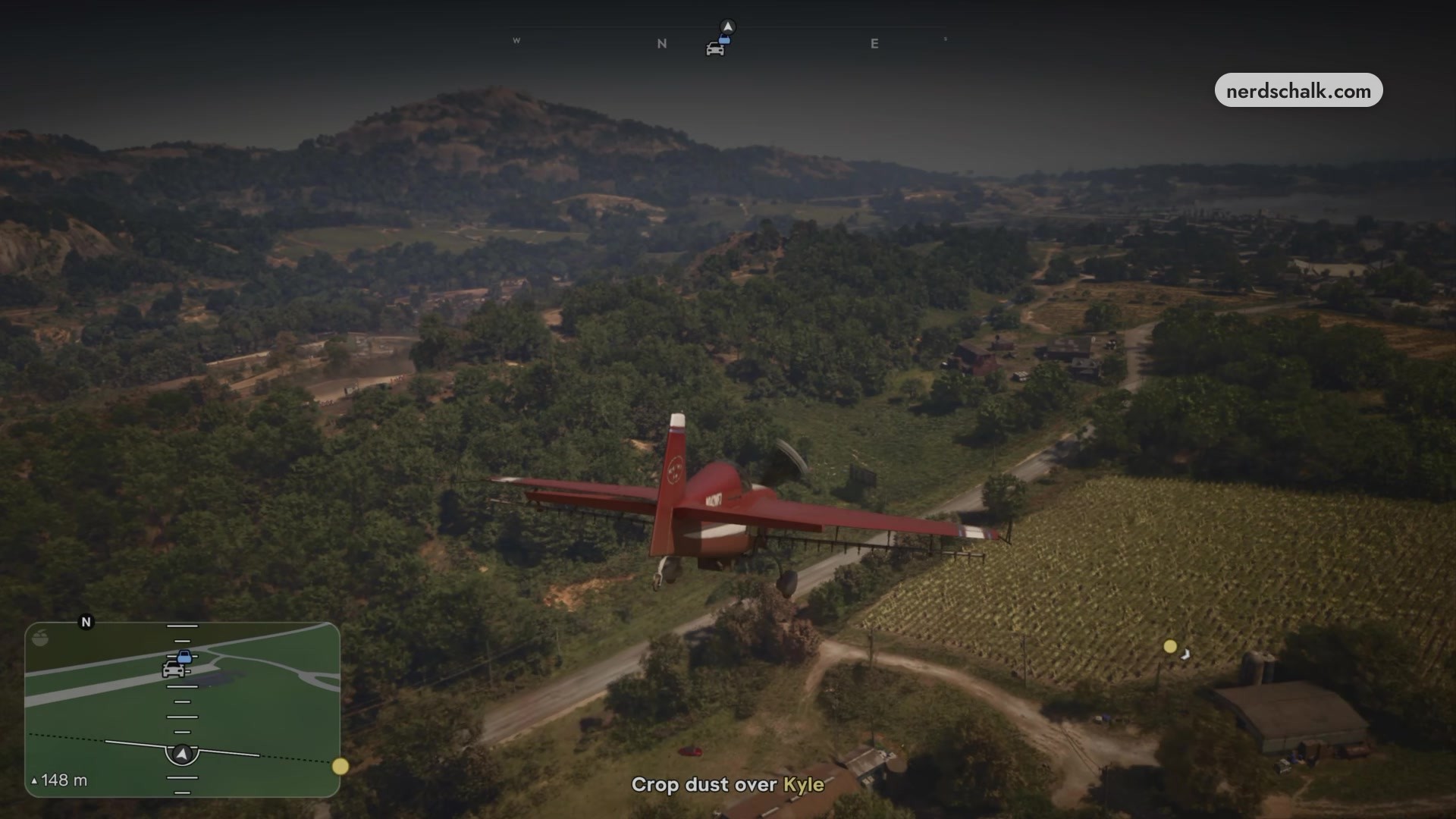
The plane flies low with Crop dust over Kyle displayed.
The plane flies low with Crop dust over Kyle displayed. · Screenshot by NerdsChalk

Line up the final low pass over Kyle’s truck in the field.
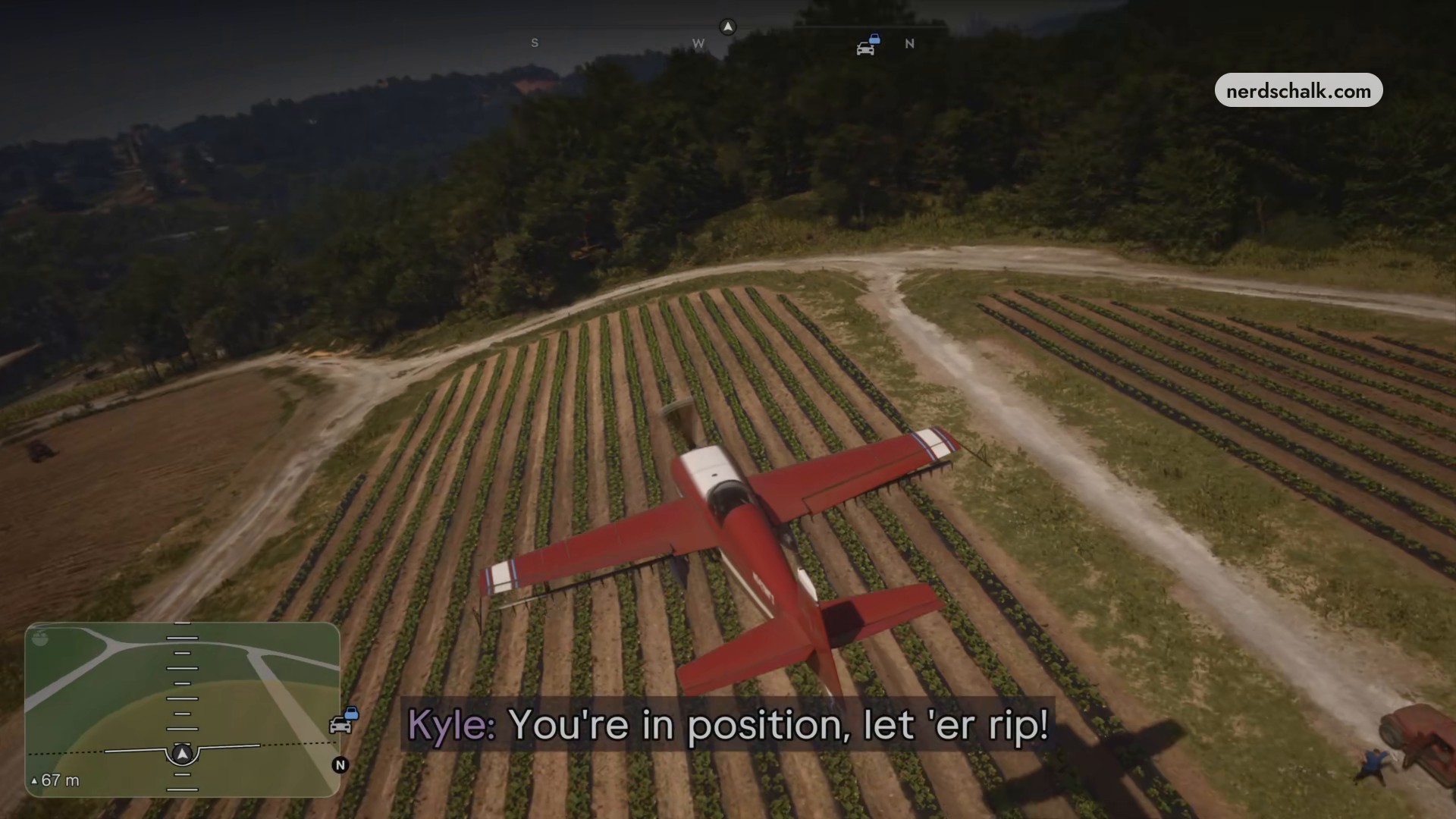
The crop duster crosses the crop rows as Kyle signals the alignment.
The crop duster crosses the crop rows as Kyle signals the alignment. · Screenshot by NerdsChalk

Continue around the farmland after the crop-line pass.
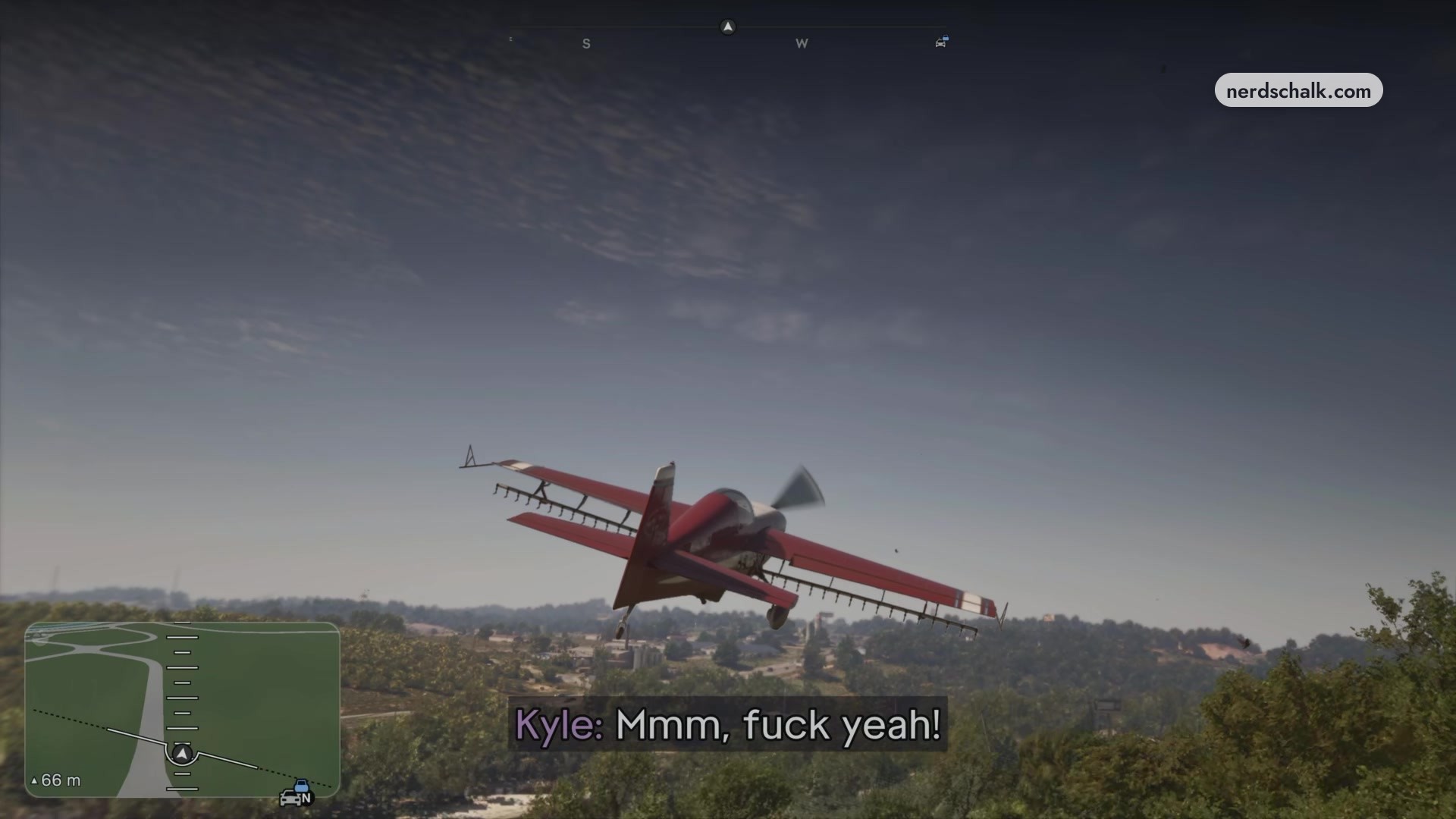
The crop duster flies above woodland while Kyle speaks.
The crop duster flies above woodland while Kyle speaks. · Screenshot by NerdsChalk
STEP 7

Land the crop duster

When the objective changes to Land the crop duster on the runway, return to the airstrip. Line up with the grass runway beside the shed and trees, passing over a dirt strip on the approach. Reduce throttle, touch down gently, and bring the aircraft to a complete stop.
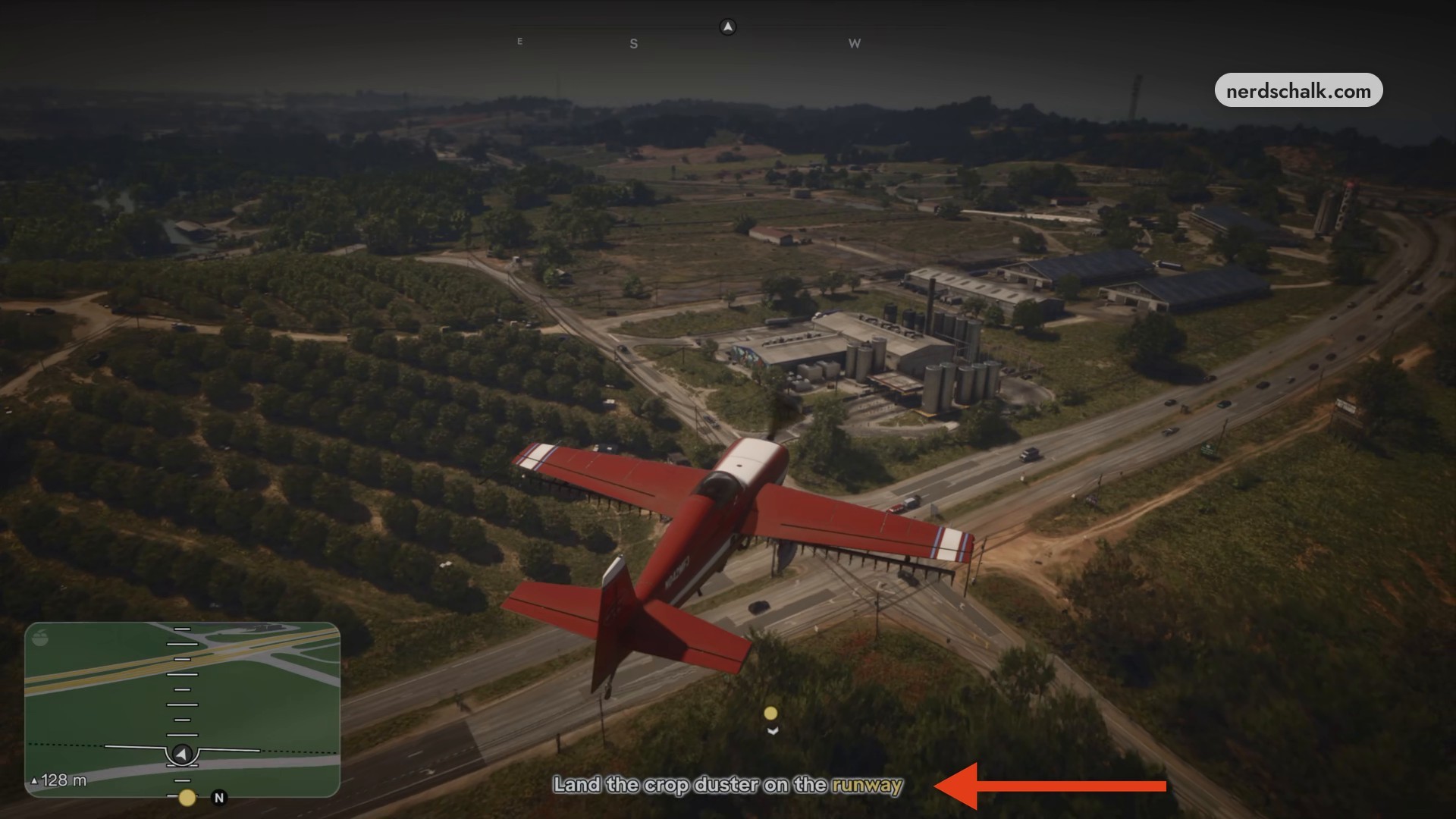
The landing objective appears as the plane flies over roads and buildings.
The landing objective appears as the plane flies over roads and buildings. · Screenshot by NerdsChalk

Bank back toward the airfield with the landing objective active.
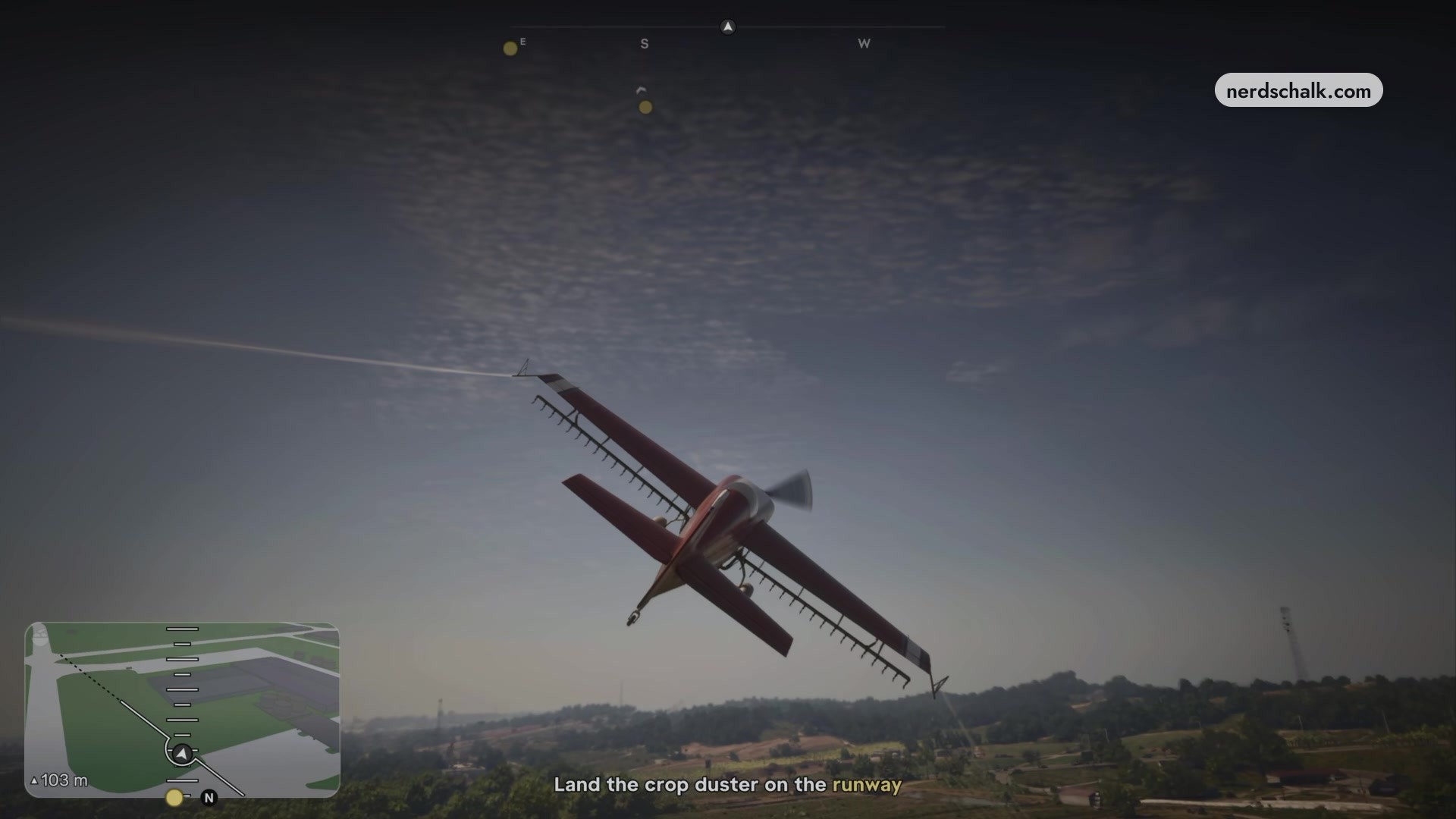
The crop duster banks over the countryside near the airfield.
The crop duster banks over the countryside near the airfield. · Screenshot by NerdsChalk

Bring the aircraft in low past the road beside the wooded hills.
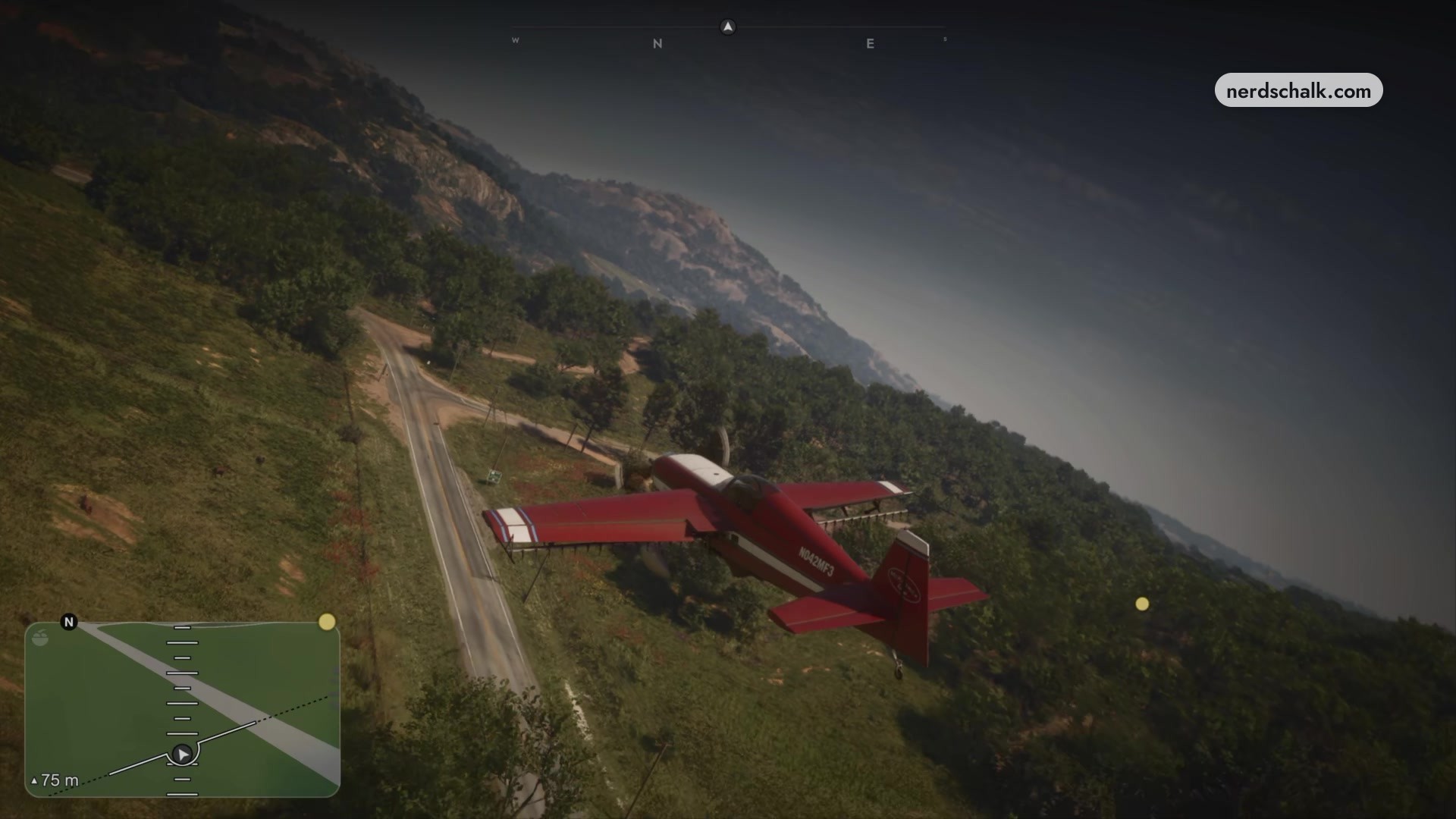
The crop duster flies low over a winding road beside forested hills.
The crop duster flies low over a winding road beside forested hills. · Screenshot by NerdsChalk

Align with the grass runway beyond the dirt approach strip.
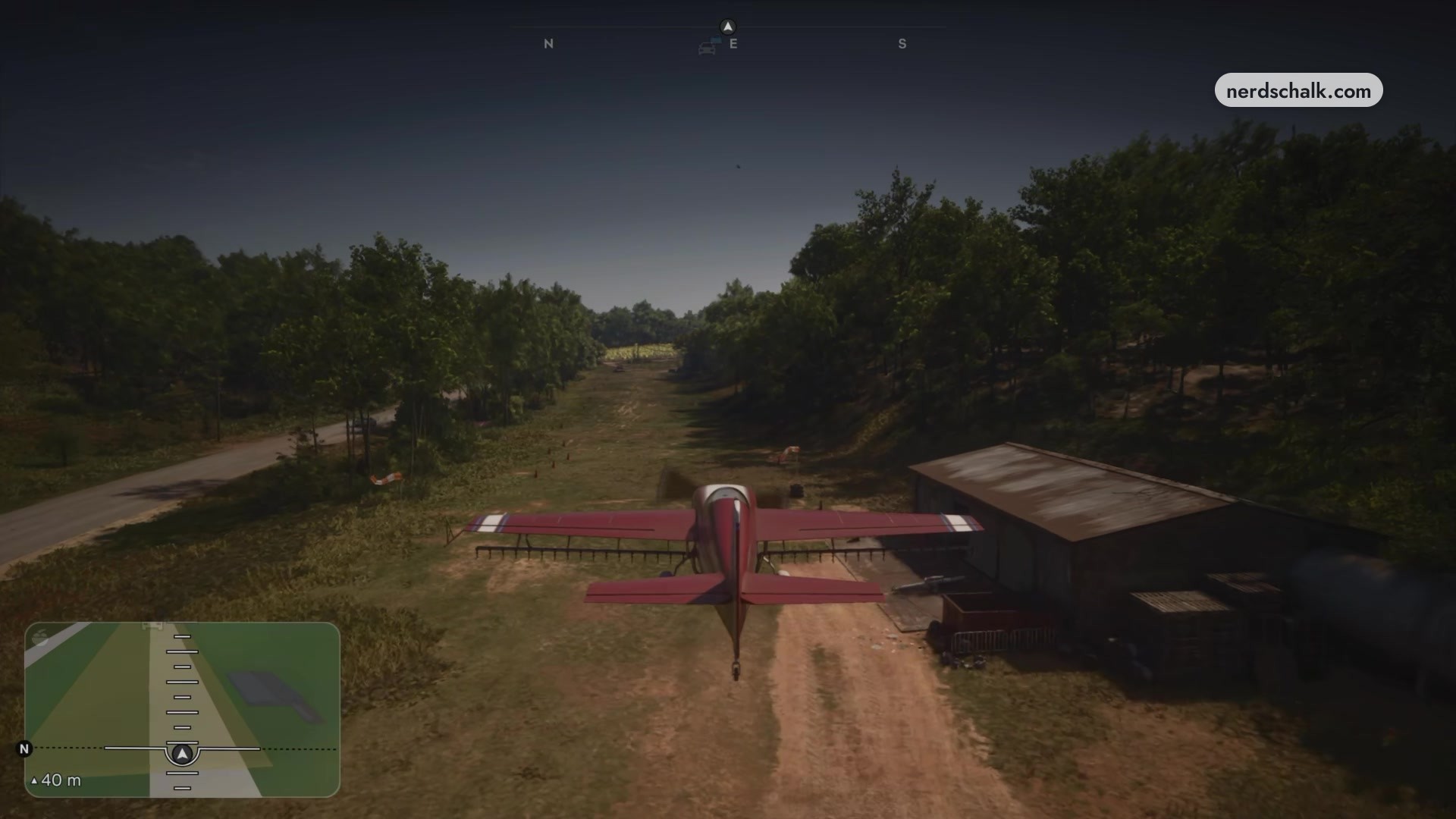
The plane approaches the grass runway beside a shed and trees.
The plane approaches the grass runway beside a shed and trees. · Screenshot by NerdsChalk

Finish the landing with the crop duster stopped on the airstrip.
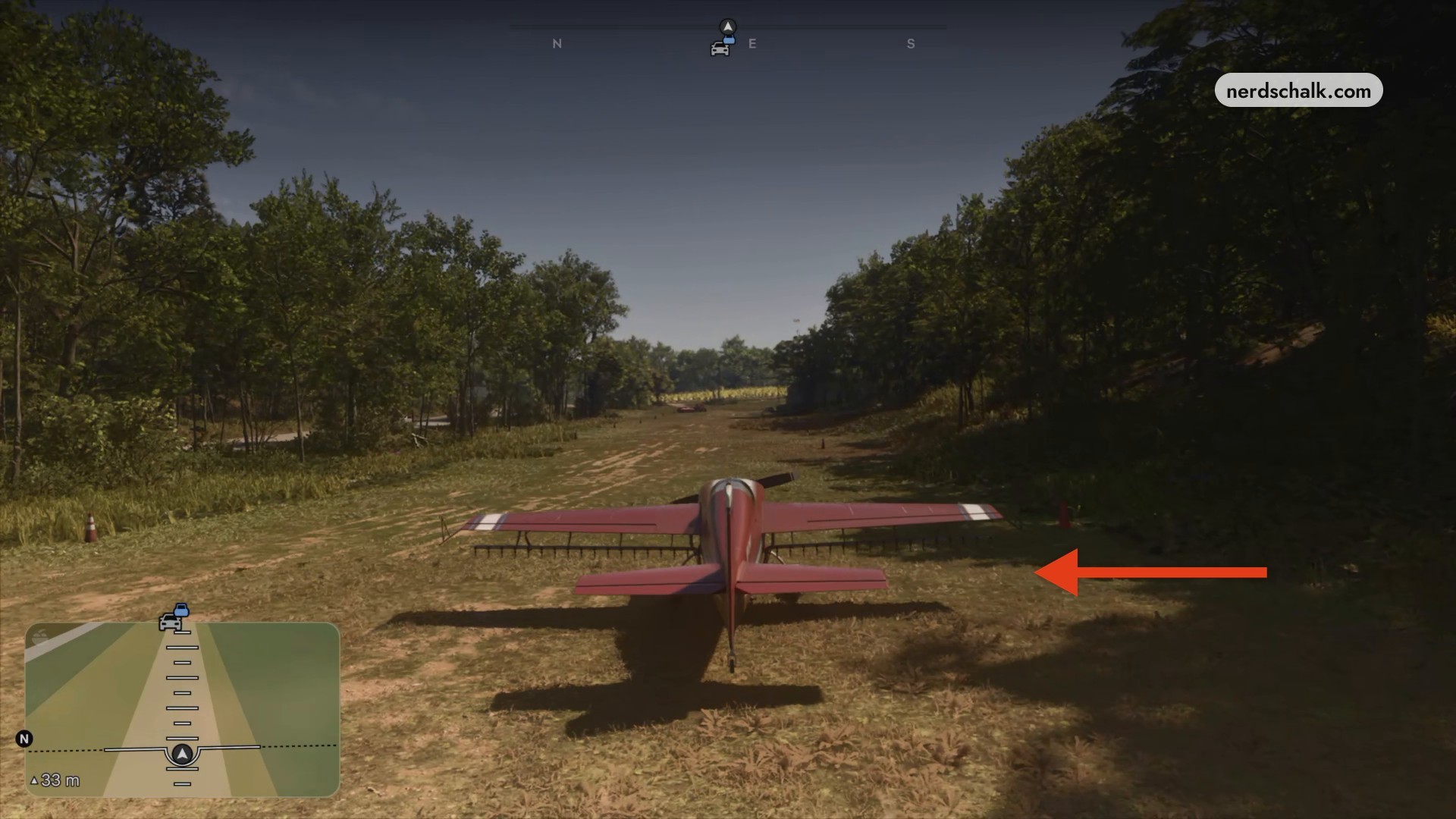
The crop duster has stopped on the grassy dirt airstrip.
The crop duster has stopped on the grassy dirt airstrip. · Screenshot by NerdsChalk
STEP 8

Exit and speak to Kyle

Leave the cockpit and follow Speak to Kyle. Meet him beside his red pickup on the dirt path in the grassy clearing and speak to him to finish the job. The closing conversation includes your payment and the Kyle New Contact Added confirmation.
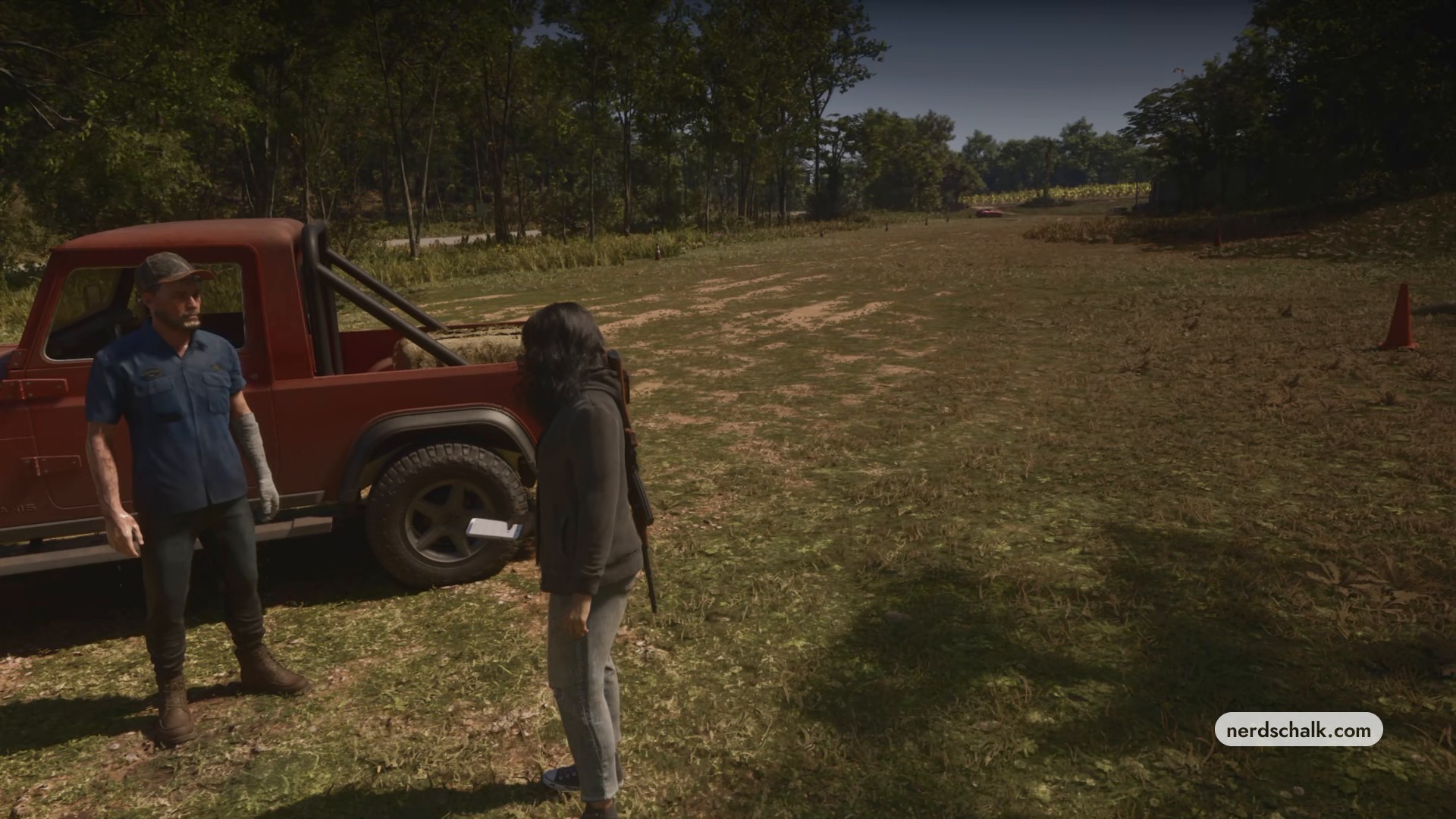
Lucia speaks to Kyle beside his red pickup in the grassy clearing.
Lucia speaks to Kyle beside his red pickup in the grassy clearing. · Screenshot by NerdsChalk

Climb out onto the wing when Speak to Kyle appears.
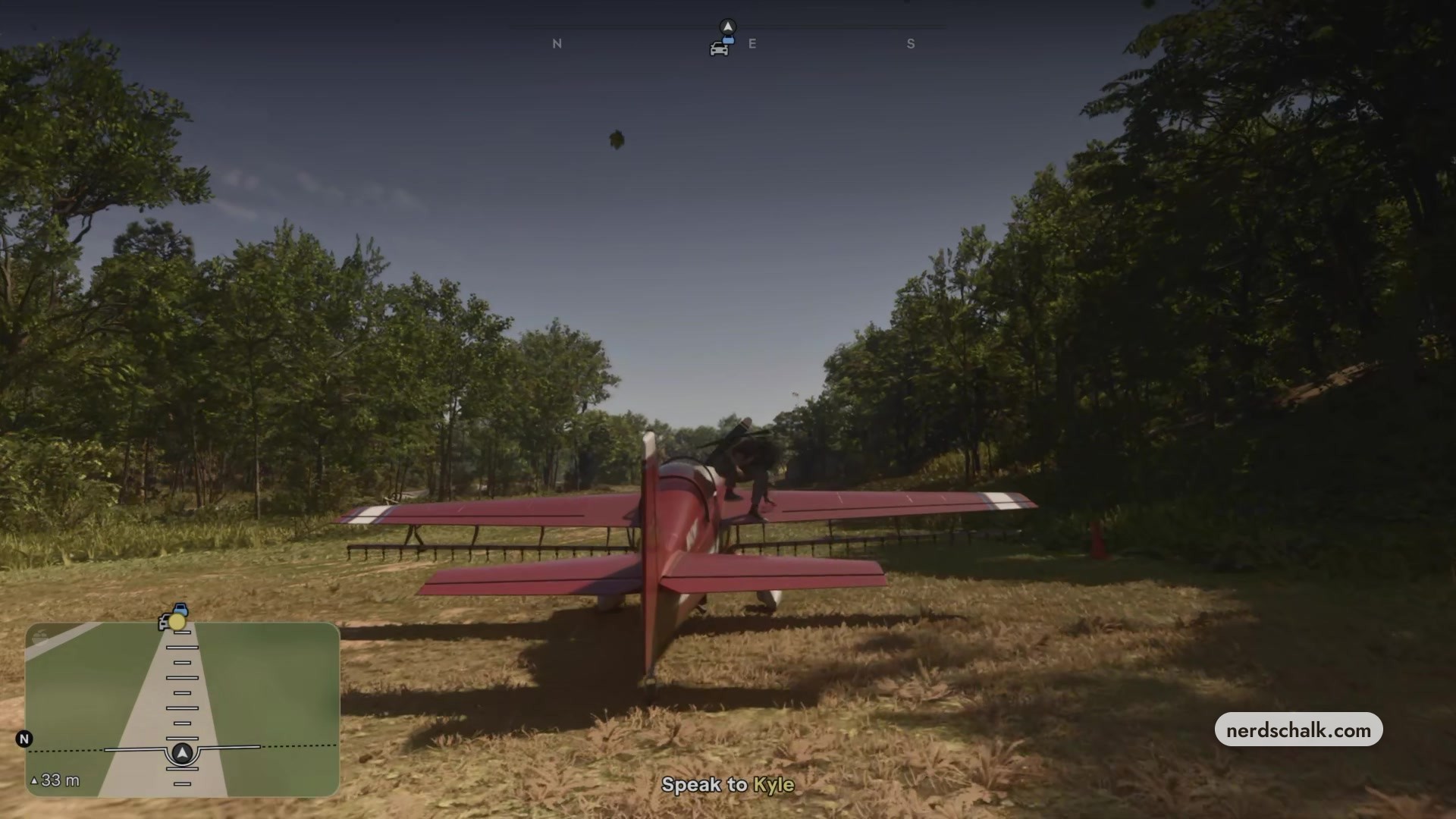
Lucia steps onto the plane’s wing on the tree-lined airstrip.
Lucia steps onto the plane’s wing on the tree-lined airstrip. · Screenshot by NerdsChalk

Walk over to Kyle beside the red pickup.
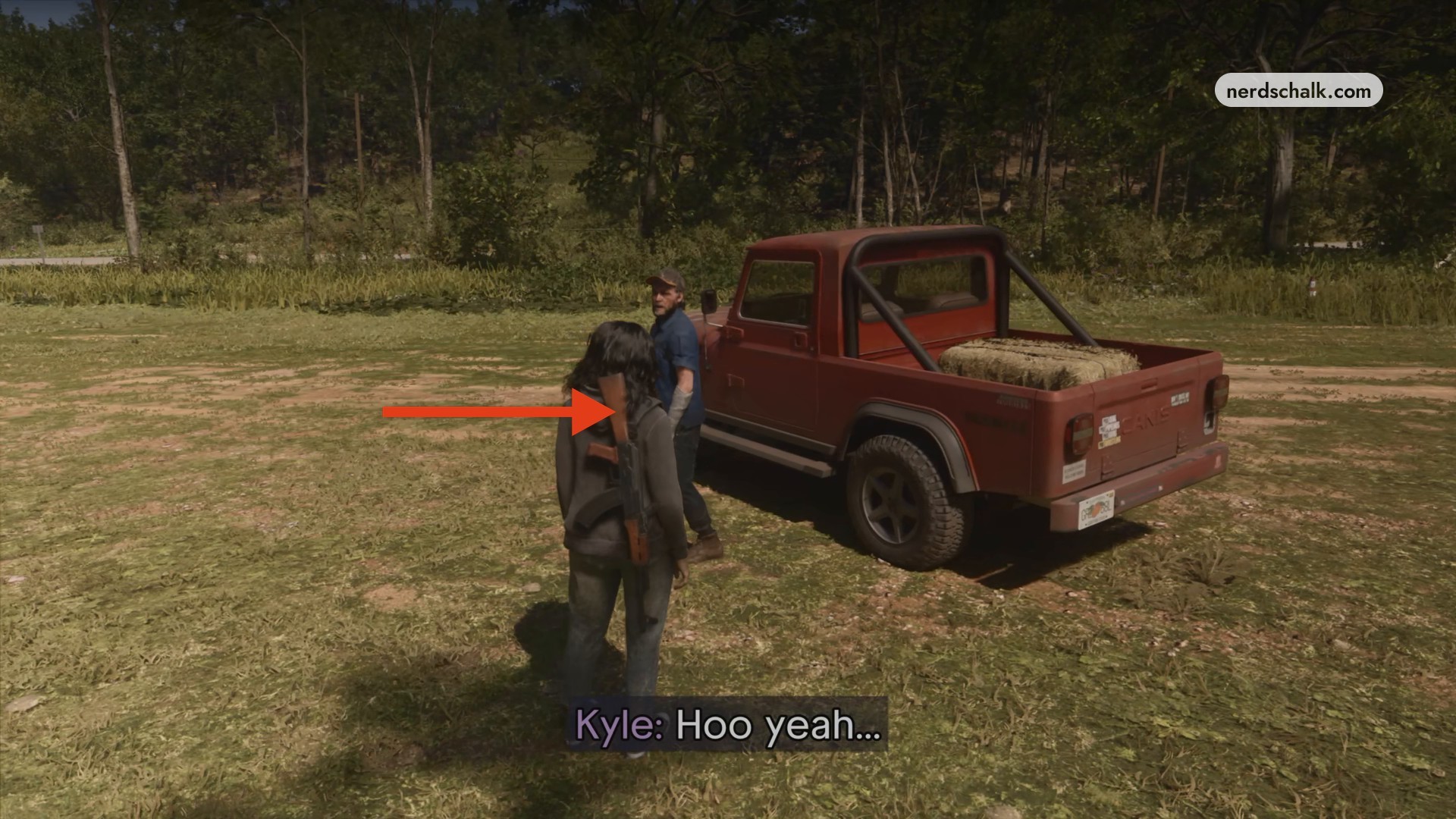
Kyle waits beside his red pickup in the grassy clearing.
Kyle waits beside his red pickup in the grassy clearing. · Screenshot by NerdsChalk
QUICK WIN

Soak the crops precisely where Kyle drives. His truck’s position determines where he wants the chemicals applied.

› story detailsSpoilers for the story. Open to read.

Kyle’s crop-dusting job

Kyle is injured and asks Lucia to finish the crop-dusting work.

The chemicals are his growth booster formula for the strawberry fields.

Kyle’s new phone contact gives you a way to reach him for future work.

Don’t miss thisR1Hold R1 to spray Kyle’s crops during the dusting runsKeep the button held as you pass over the crops to apply the chemicals.

Related Grand Theft Auto VI guides
Leave a Reply

Your email address will not be published. Required fields are marked *