

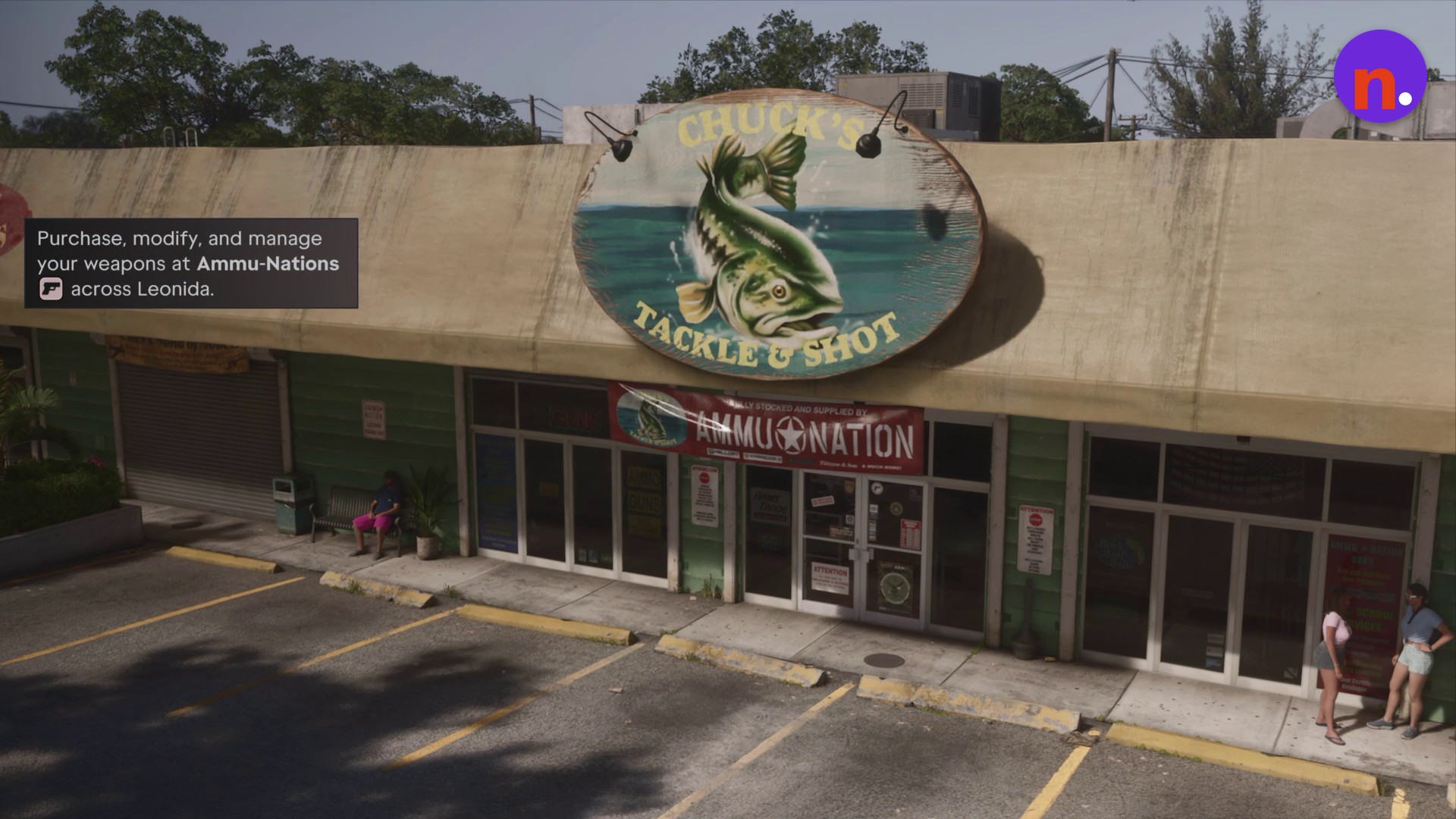
Buy and equip the Fortune & Son Moreland 850 at Chuck’s Tackle & Shot, where its listed discounted price is $350.
The Fortune & Son Moreland 850 is a pump action shotgun in Grand Theft Auto VI. Buying it equips it immediately. The game is listed for PlayStation 5 and Xbox Series X|S; the controls here use PlayStation buttons. This guide covers the shop interaction, catalogue purchase, loadout check, and the weapon’s stats and modification menus.
How to get the Fortune & Son Moreland 850 in Grand Theft Auto VI
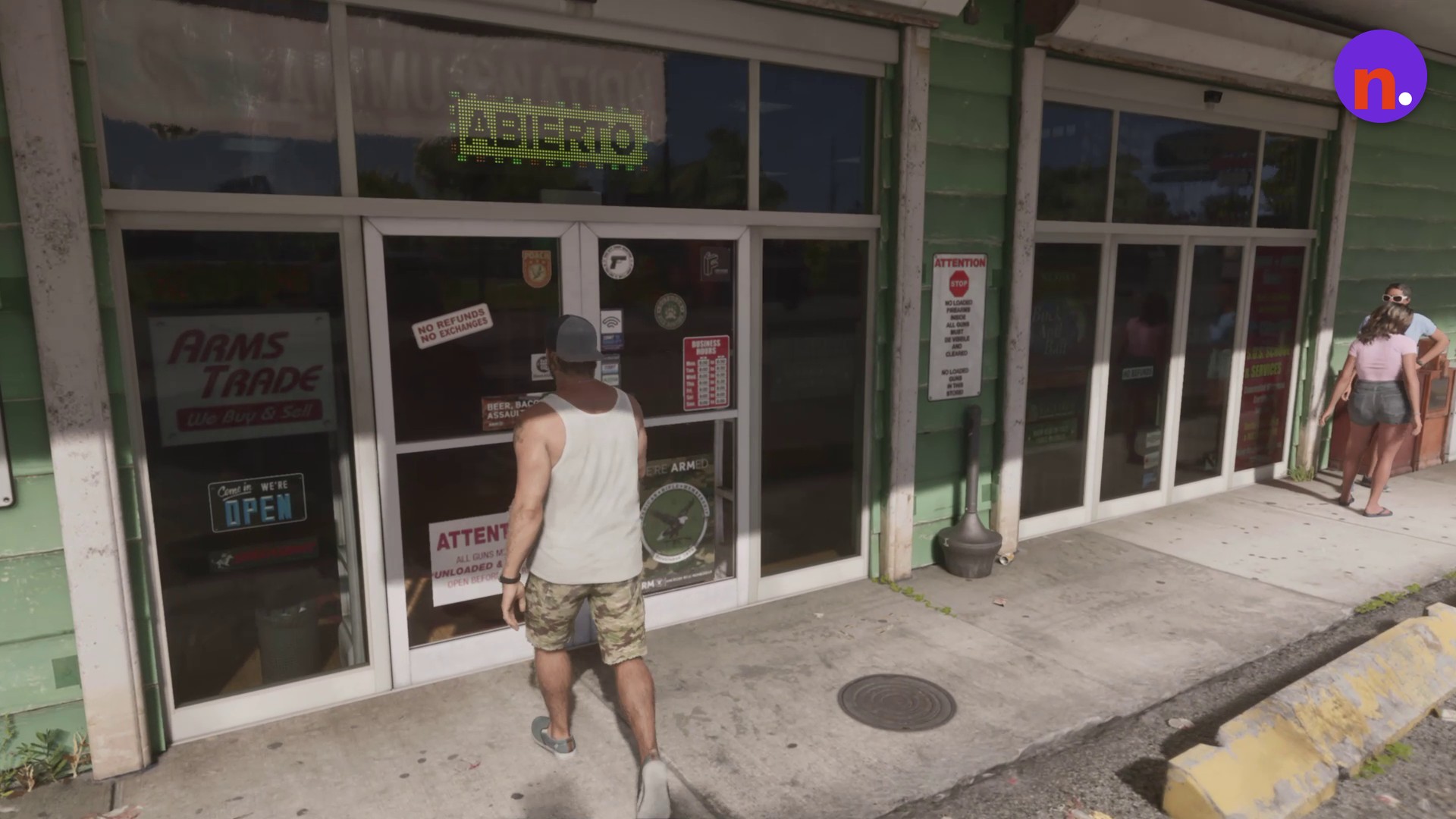
Enter Chuck’s Tackle & Shot
Walk through the shop’s entrance doors to reach the counter area.
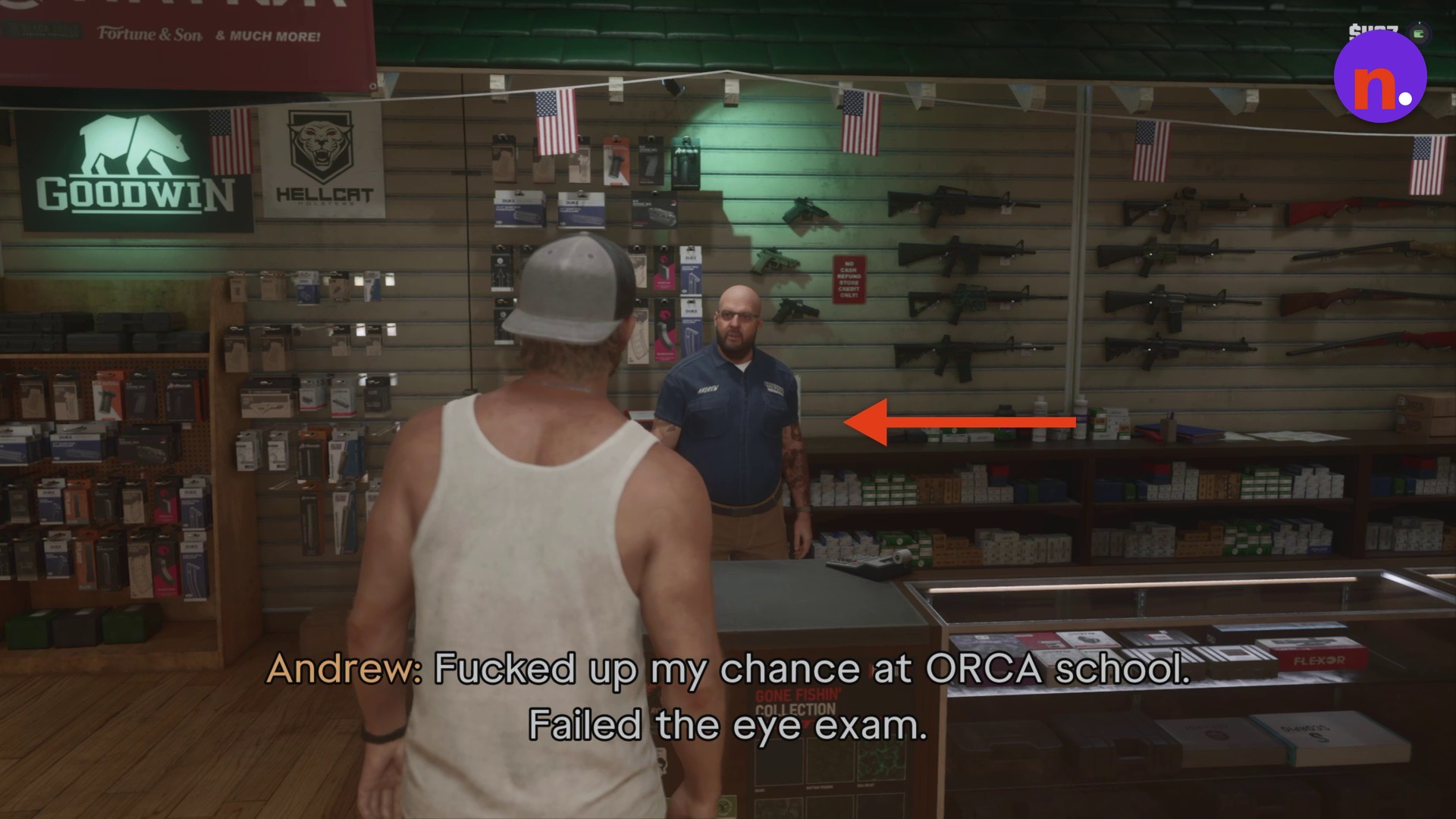
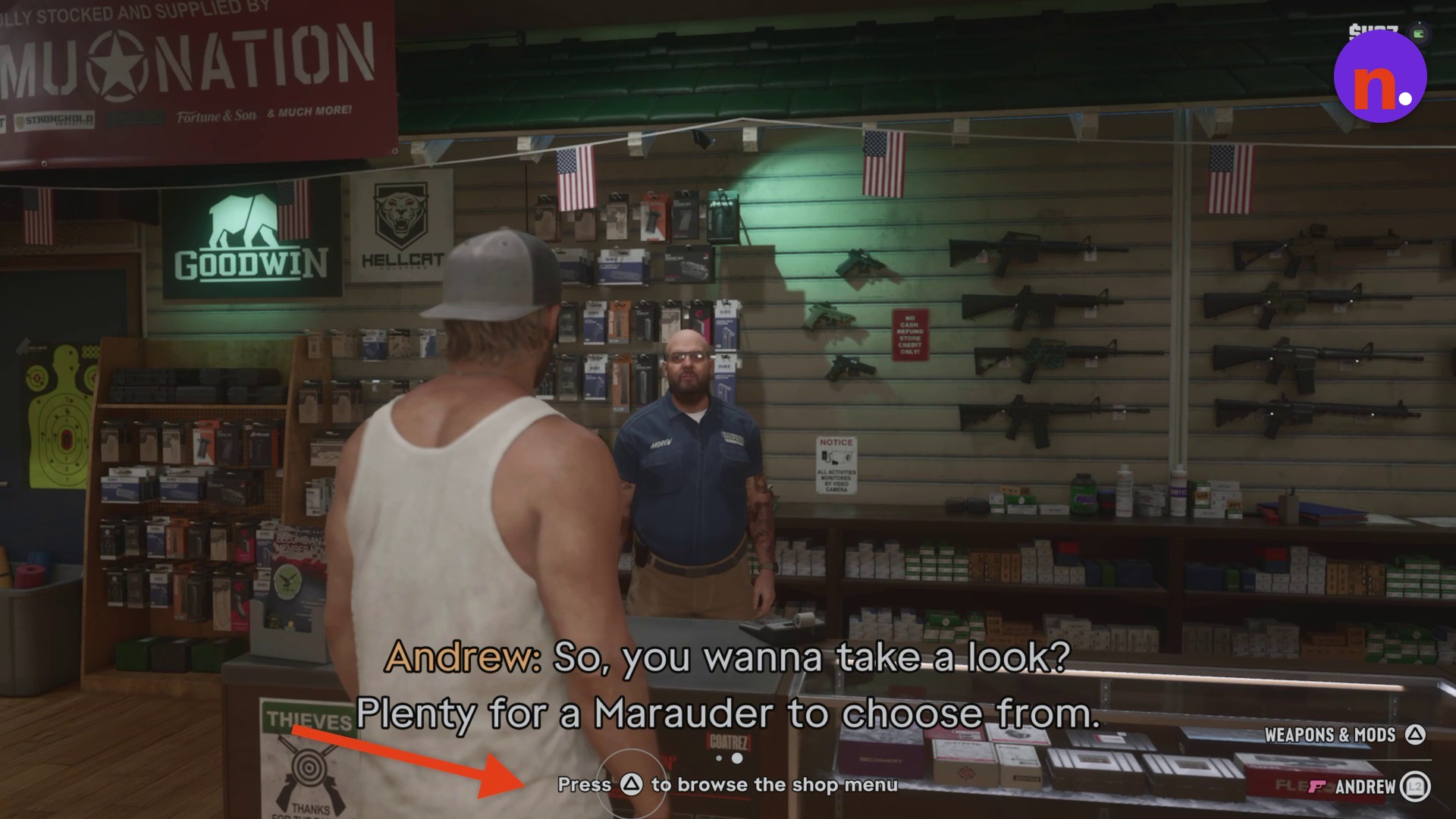
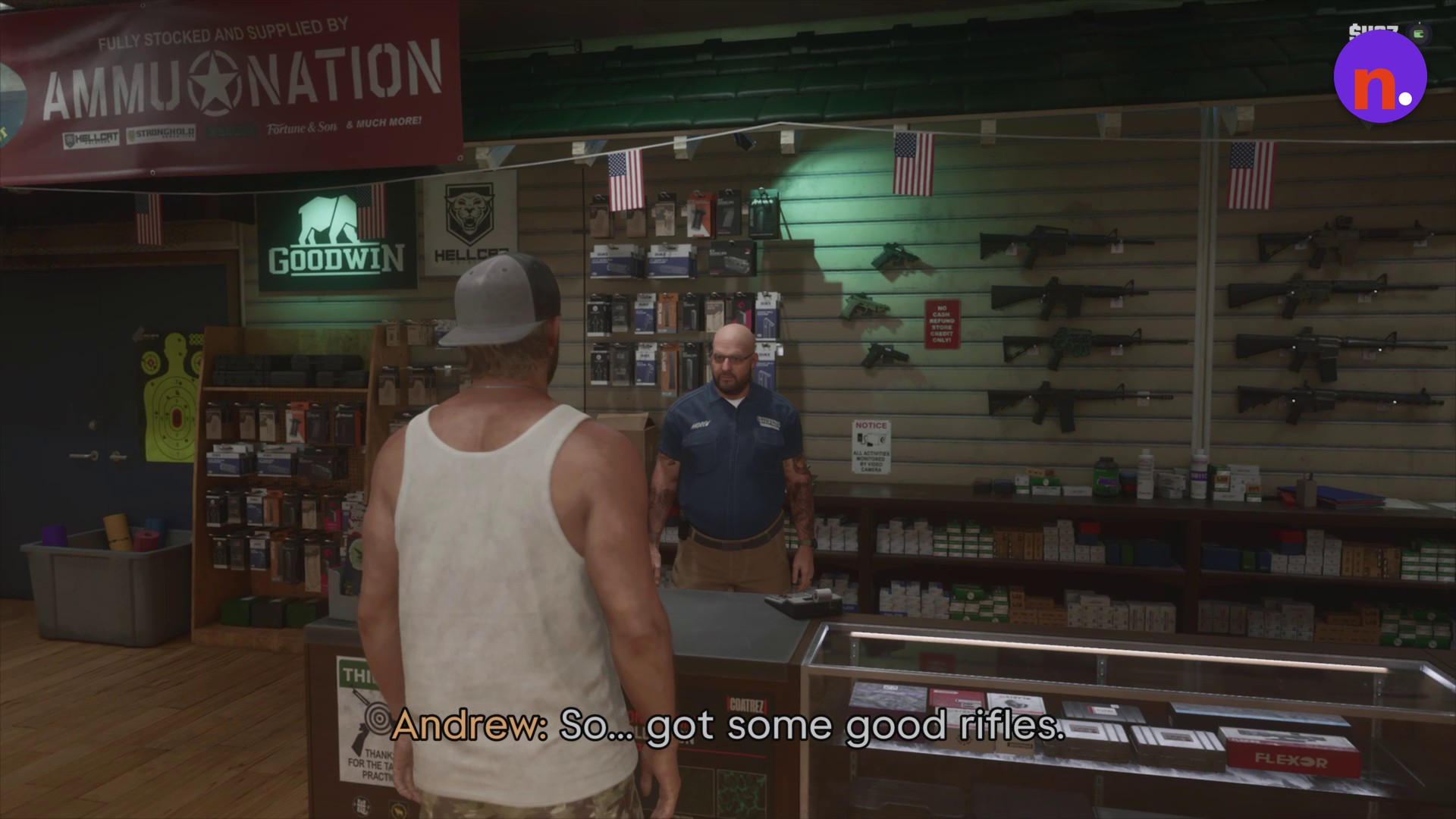
Approach Andrew
Walk up to Andrew, the gun clerk standing behind the counter.
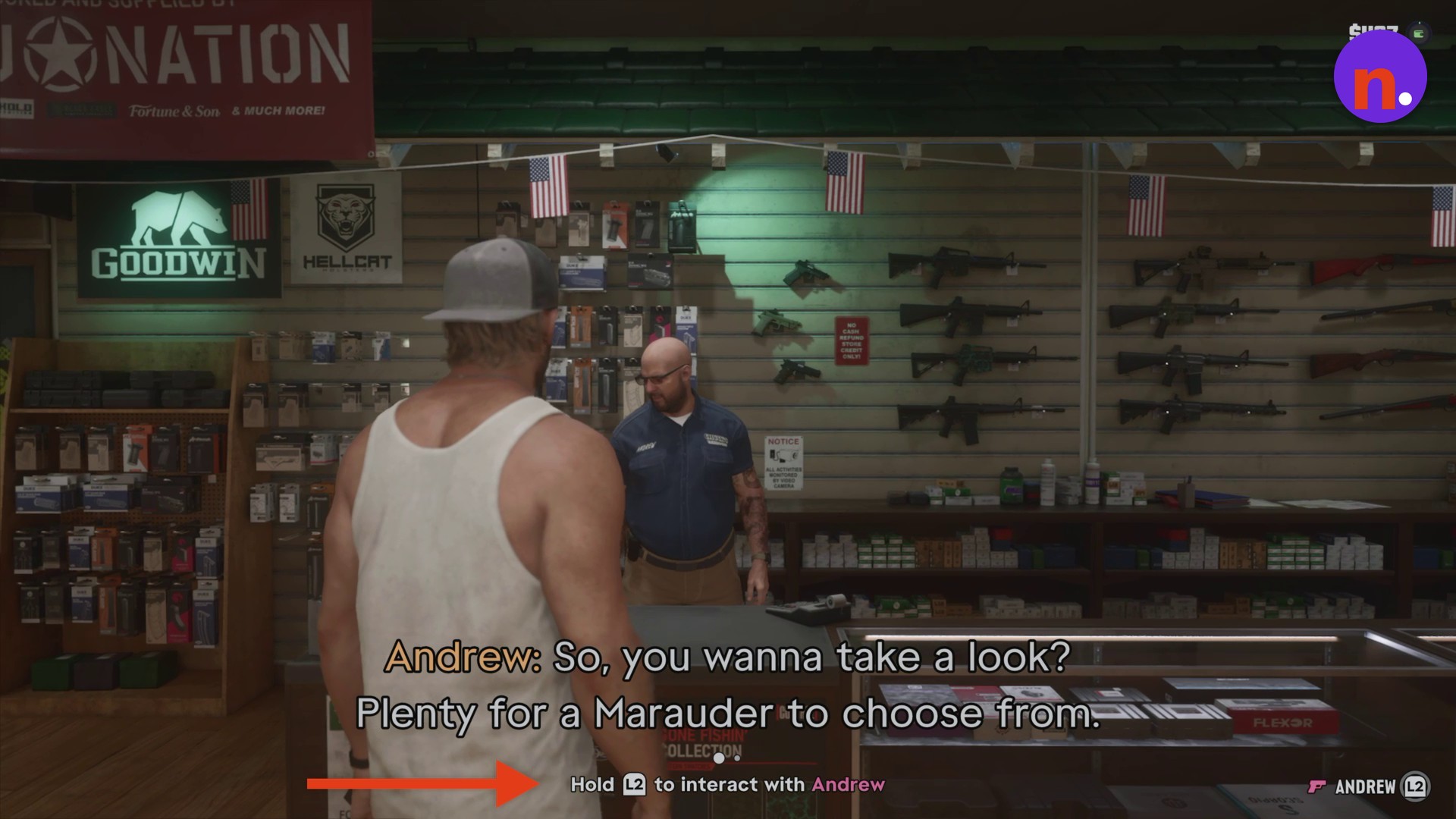
Interact with Andrew
Hold L2 to begin interacting with him.
Open the catalogue
Press Triangle to browse the shop’s weapons catalogue.
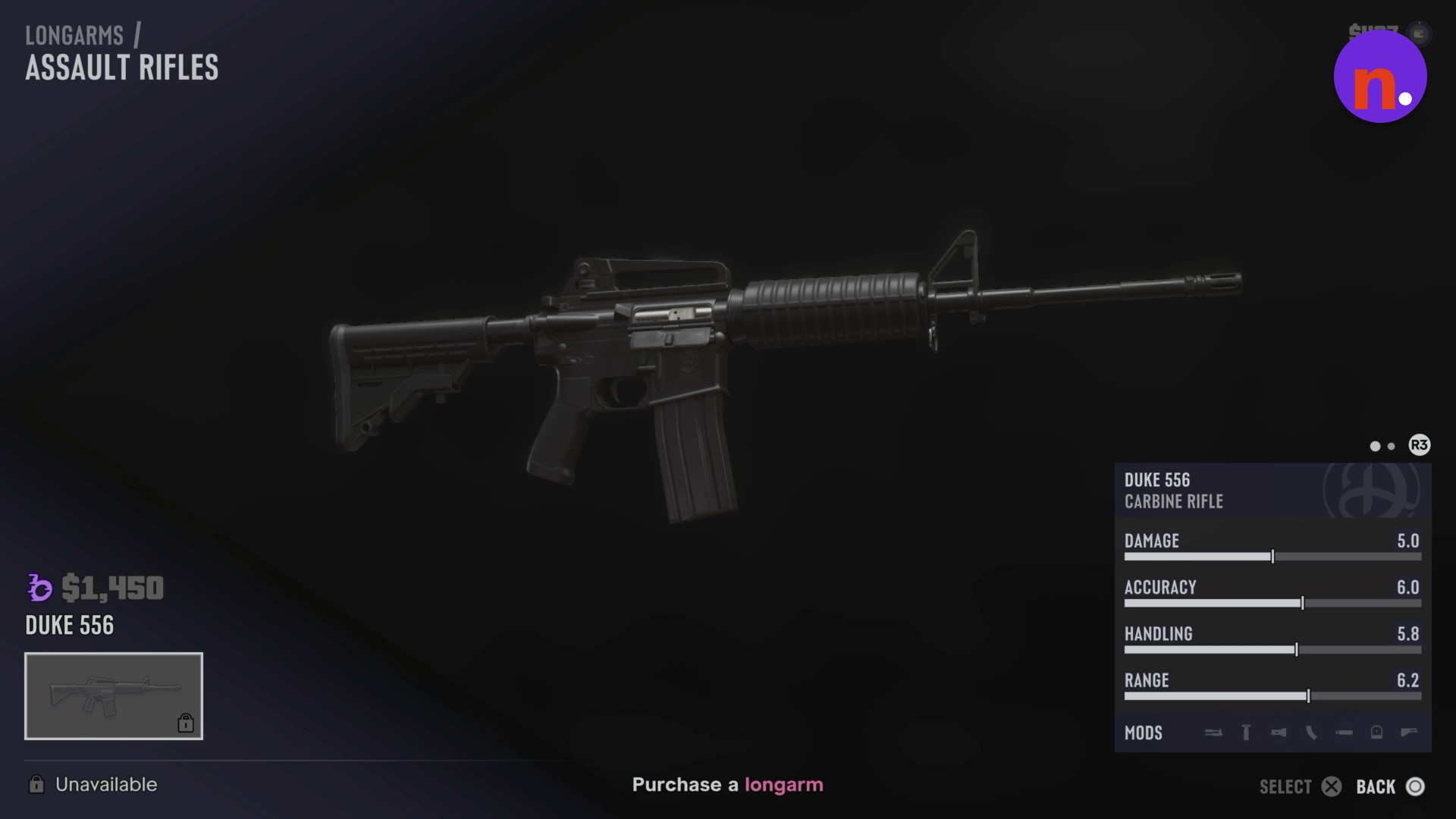
Switch to Longarms
The catalogue opens on Sidearms. Press R1 to move to Longarms.
Open Shotguns
Highlight Shotguns and press Cross to display the available shotgun entries.
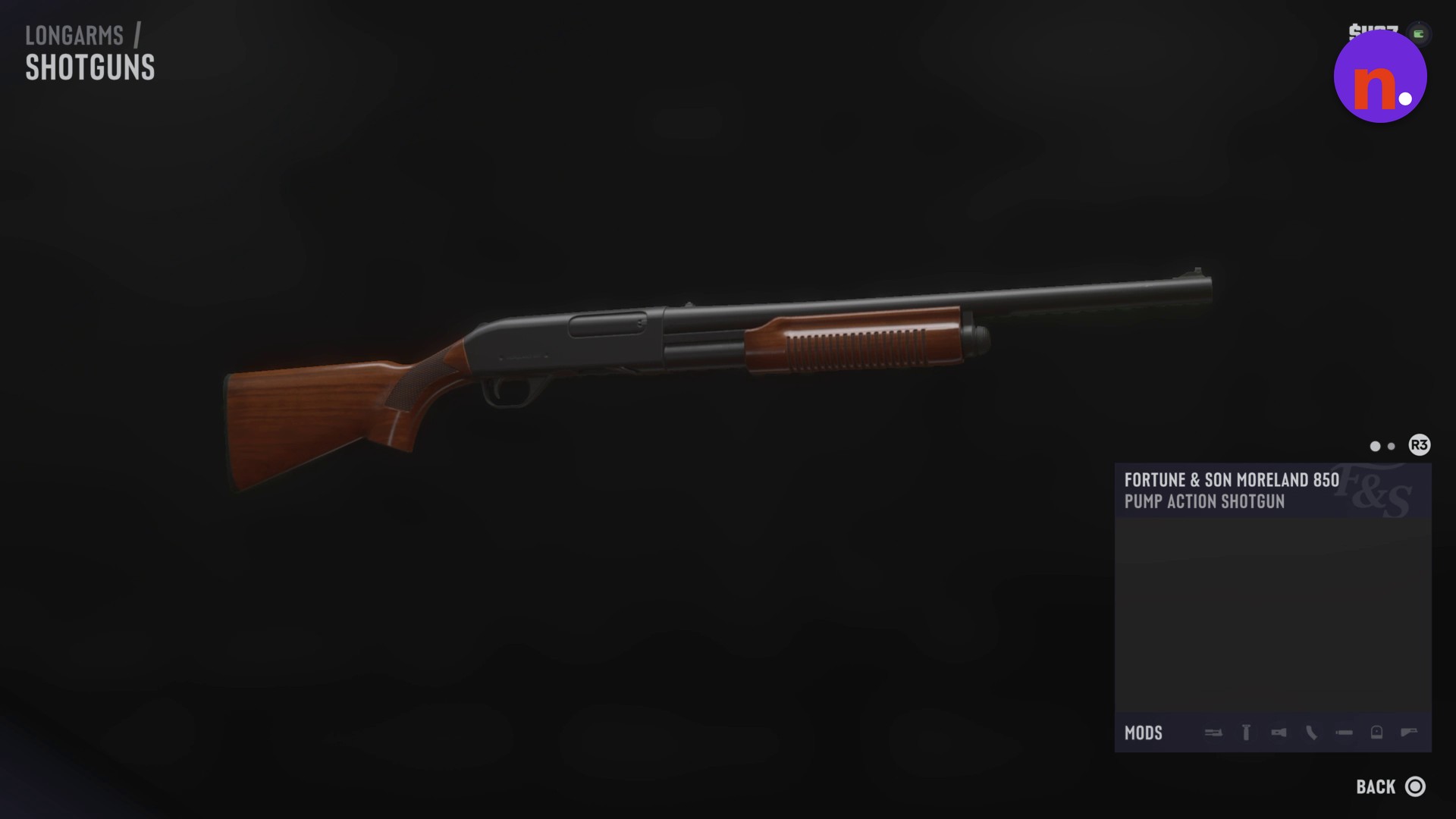
Select the Moreland 850
Highlight Fortune & Son Moreland 850. Its entry identifies it as a PUMP ACTION SHOTGUN and offers BUY & EQUIP.
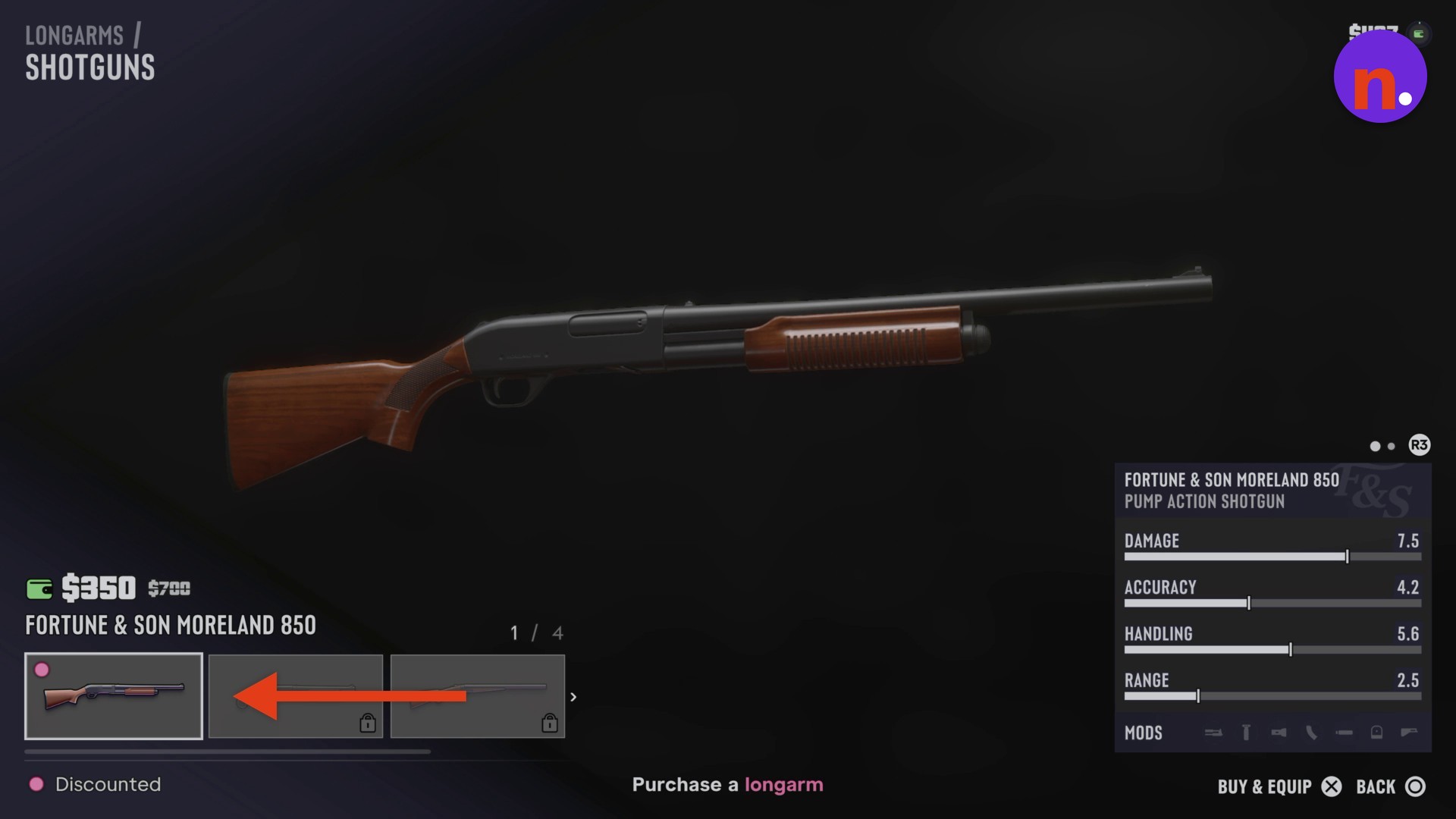
Buy and equip the shotgun
Activate the purchase action for the selected Moreland 850. You’ll enter its modification menu after buying it. With a starting cash balance of $407, this purchase leaves $57.
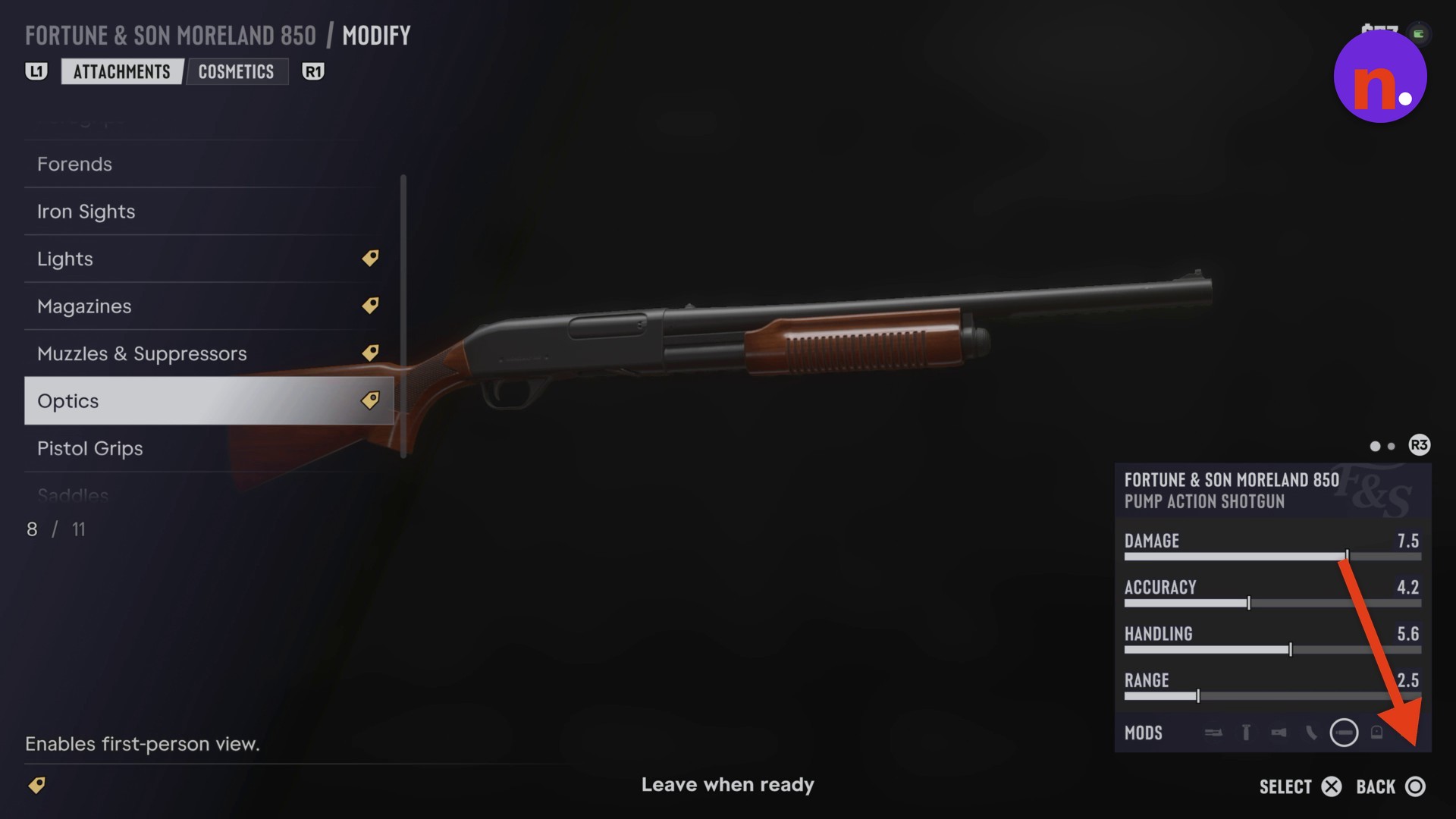
Leave the modification menu
Press Circle to leave the attachments screen and return to the Longarms list.
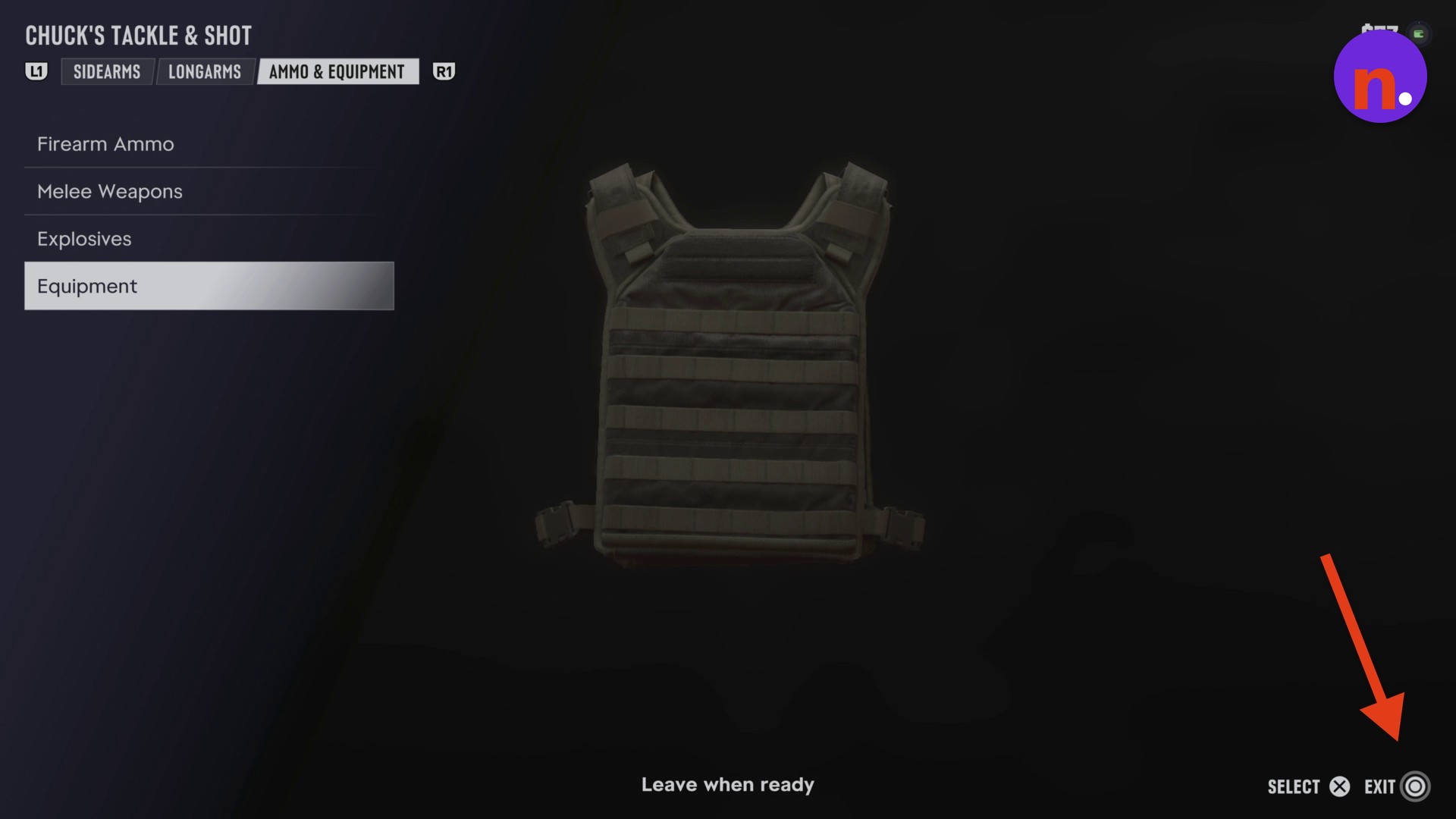
Close the catalogue
Press Touchpad or Circle to exit the Chuck’s Tackle & Shot menu.
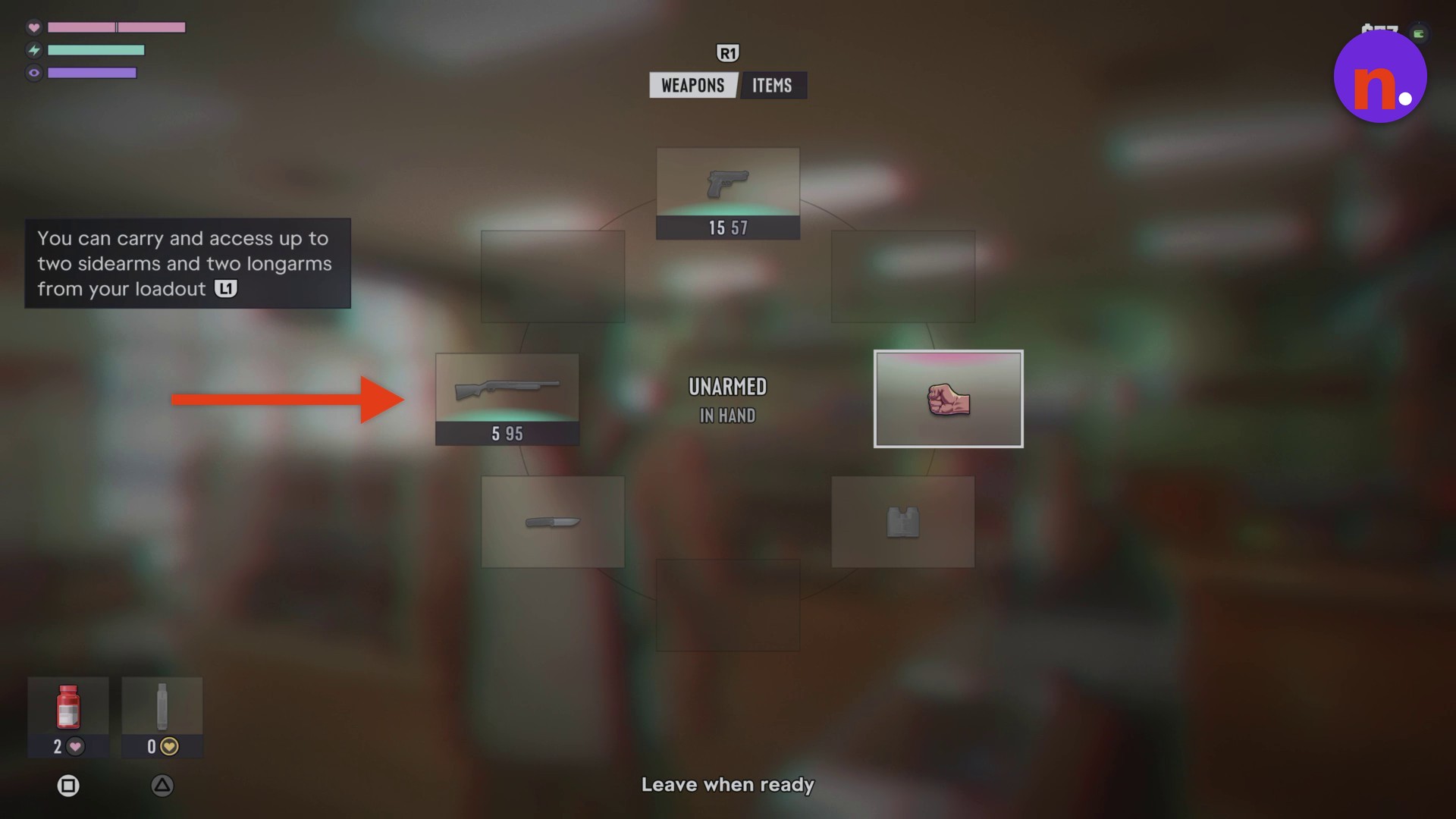
Check your equipped shotgun
Hold L1 to open the weapon wheel and check that the Moreland 850 occupies your active longarm slot. The shotgun’s ammunition display reads 5 95 when equipped.
What are the Fortune & Son Moreland 850’s stats and modification options?
| Stat | Rating |
|---|---|
| Damage | 7.5 |
| Accuracy | 4.2 |
| Handling | 5.6 |
| Range | 2.5 |
The Moreland 850’s catalogue entry displays four weapon ratings.
The modification interface has Attachments and Cosmetics tabs. Under Attachments, the visible categories are Forends, Iron Sights, Lights, Magazines, Muzzles & Suppressors, Optics, Pistol Grips, and Saddles.
With the purchase finished, the equipped pump action shotgun is accessible through your loadout.
Related Grand Theft Auto VI guides
Frequently Asked Questions
How many weapons can you carry in your GTA 6 loadout?
You can carry and access up to two sidearms and two longarms from your loadout.
What can you do at Ammu-Nations across Leonida?
Ammu-Nations across Leonida let you purchase, modify, and manage weapons. Chuck’s Tackle & Shot is affiliated with Ammu-Nation.
Leave a Reply